
Plenty of video editors and 3D artists still bet on a high-end gaming machine, yet professional post-production houses trust a proper workstation laptop. The difference comes down to stability during hours of continuous rendering, drivers certified for creative software, and tighter component tolerances. This article explains why a mobile workstation is worth the investment, then breaks down three options at different budget tiers so you can pick the right one for your needs in Ho Chi Minh City.
Why video editing and 3D graphics call for a workstation laptop
Video editing and 3D graphics workloads are nothing like gaming. A 4K project or a complex 3D scene forces the machine to run at full power for hours on end, rather than pushing hard for a few minutes per match. That sustained load is exactly where gaming laptops show their limits: heat builds up and clock speeds drop, renders stall midway, and the risk of losing data goes up. A workstation laptop is designed for precisely this kind of constant heavy load, so it holds steady performance instead of fluctuating unpredictably.
What defines a workstation laptop is not raw performance numbers but the certification layer. Components go through ISV verification, meaning software vendors such as Autodesk or Adobe confirm they run correctly and stably. The motherboard, cooling system, and power delivery are all engineered for far more demanding operation than a mainstream machine. For you, that means fewer software freezes in the middle of a long render session.
Reliability also comes from tight manufacturing tolerances and optional ECC memory on many high-end models. ECC memory detects and corrects bit errors on its own, and its practical value is preserving every frame in a long project. A workstation laptop therefore suits work where one small error can ruin an entire render. That is why mobile workstations still hold their own place alongside cheaper gaming laptops.
Where RTX Ada GPUs differ from gaming cards at their core
RTX Ada cards such as the RTX 2000 Ada and RTX 3000 Ada share an architecture with GeForce cards, but they are tuned differently. The focus of a workstation laptop is the NVIDIA Studio driver, which is certified for creative software rather than chasing game frame rates. This driver stays stable from release to release, reducing the risk of crashes while rendering in Blender, Premiere, or DaVinci Resolve. For professional work, a stable driver is worth more in practice than a few extra percentage points of performance.
| Criteria | RTX Ada cards | GeForce gaming cards |
|---|---|---|
| Optimized driver | NVIDIA Studio, software-certified | Game Ready, game-optimized |
| ECC memory | Available on many models | No |
| ISV certification | Yes | No |
| Focus | Stable rendering | Game frame rates |
The second difference is memory and accuracy. Many Ada cards support ECC memory and carry ISV certification, which pure gaming cards lack. You can check the list of certified applications on the NVIDIA professional RTX program page to match it against the tools you use. That makes a workstation laptop with RTX Ada more dependable when a client demands accurate render results.
On raw performance, a gaming card in the same tier sometimes posts slightly higher frame rates in games, but that is not how rendering work is measured. What you need is the ability to run long heavy loads without losing performance, plus enough graphics memory for 3D scenes and 4K timelines. A workstation laptop balances these factors for professional use, putting stability and software compatibility ahead of instantaneous speed.
Large RAM and a fast SSD for 4K projects
4K editing and 3D modeling consume memory much faster than most people expect. Nonlinear editing software loads multiple layers of high-resolution video along with effects caches, so 16 GB of RAM hits its ceiling very early. A sensible starting point for a video editing workstation laptop is 32 GB, while heavy projects with detailed 3D scenes should aim for 64 GB. With enough RAM, the software does not have to swap data out to disk, which keeps the timeline smooth with fewer stutters.
| Workload | Recommended RAM | Recommended SSD |
|---|---|---|
| Basic 4K video editing | 32 GB | 1 TB NVMe |
| 2D graphics and video | 32 GB | 1 TB NVMe |
| 3D modeling, simulation | 64 GB | 2 TB NVMe |
| Multi-layer 4K projects | 64 GB | 2 TB or more |
The SSD plays two roles: it holds the project and serves as the render cache. A fast NVMe PCIe drive shortens scene load times and export times, especially when working with large video files. 1 TB is a safe starting capacity, since a 4K project with raw footage can take up hundreds of GB. Many workstation laptop models also offer two SSD slots, letting you separate the system drive from project storage.
Upgradability is a major advantage of mobile workstations over ultrabooks with soldered components. Most workstation laptops let you remove the back panel to swap RAM modules or add another SSD later, so you can spread the cost over time. You can buy a configuration that fits your budget today and add more as your projects grow. That flexibility partly offsets the segment's higher starting prices.
Color-accurate displays and portability on the job
A single off-color frame can ruin an entire post-production session, so the display panel is a core consideration. Look for a screen that covers the full sRGB gamut and comes close to 100% DCI-P3, with a low Delta E color error so colors appear true to life. Many workstation laptop models ship factory-calibrated, an advantage for filmmakers and graphic artists. High resolution and enough brightness for use outside the editing room also give you a clearer preview of fine detail.
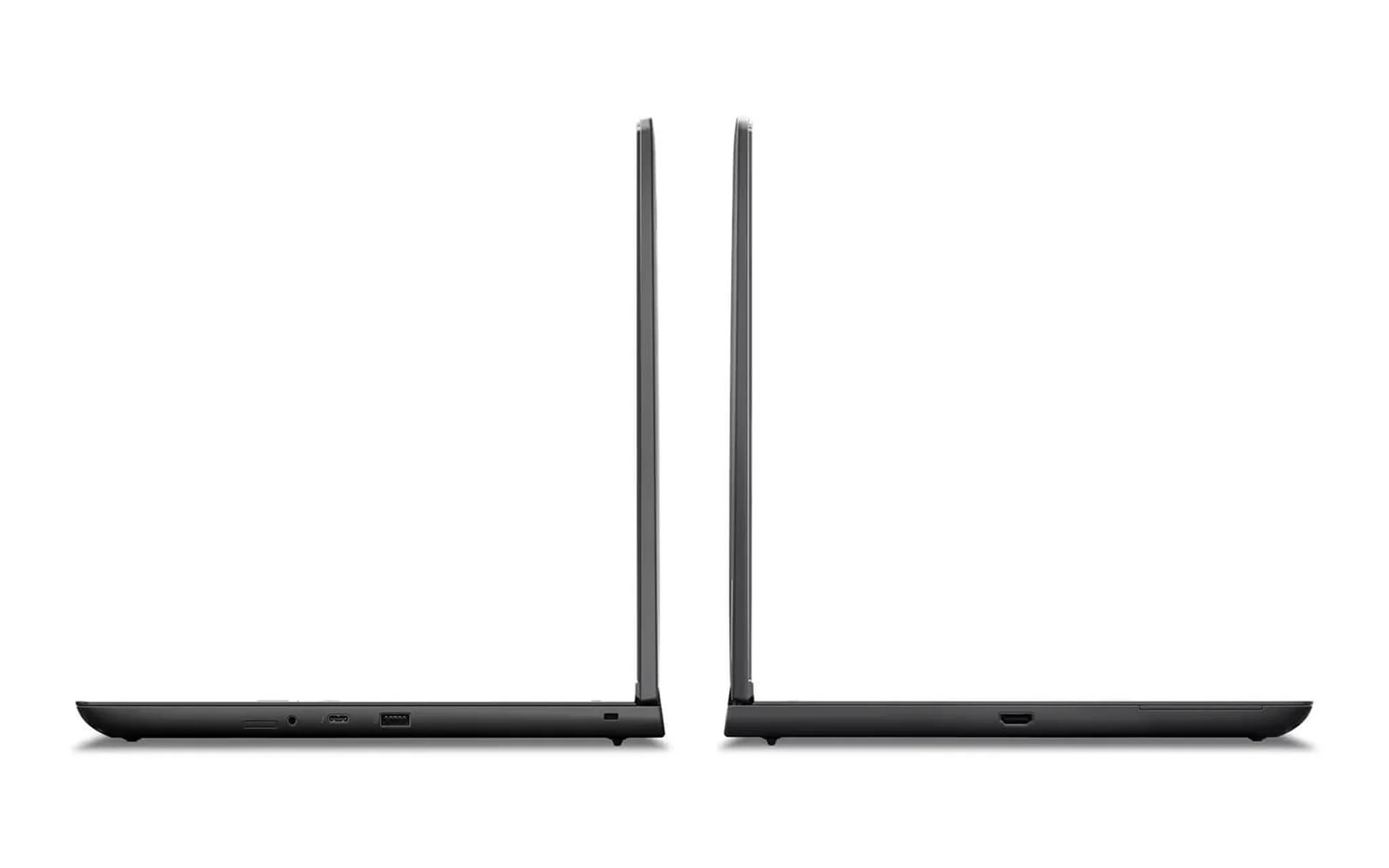
Portability is a trade-off worth weighing carefully. A 16-inch workstation with an Ada card typically weighs over two kilograms and needs a large power adapter, in exchange for rendering power you can carry around. If you often bring your machine to film shoots or client meetings, compare weight and battery life before you commit. A more compact workstation laptop is sometimes worth more than the most powerful configuration, which you may rarely use to its full potential.
Ports also reflect the professional nature of this segment. Mobile workstations usually keep a full set of Thunderbolt, HDMI, a memory card slot, and a network port, supporting the workflow of offloading footage from a camera. You avoid carrying a bag of adapters every time you work on location. That completeness is a quiet plus a workstation laptop brings to everyday work.
Three workstation laptops across realistic budget tiers
At the entry level, the HP ZBook Power 16 G11 is worth considering for freelance video editors. The configuration on sale includes a Core Ultra 7 165H, 32 GB of RAM, a 1 TB SSD, and an RTX 2000 Ada 8 GB card, with a WUXGA display, priced at about 39.9 million VND. This is a sensible entry point for a genuine workstation laptop, strong enough for mid-size 4K projects and 3D scenes that are not too heavy. You get the Studio driver and workstation durability without paying top-tier prices.
| Workstation laptop model | Configuration on sale | Reference price |
|---|---|---|
| HP ZBook Power 16 G11 | Core Ultra 7 165H, 32 GB, 1 TB, RTX 2000 Ada | 39.9 million VND |
| Lenovo ThinkPad P16v Gen 2 | Core Ultra 9 185H, 32 GB, 1 TB, RTX 3000 Ada | 49.5 million VND |
| Dell Precision 5690 | Core Ultra 9 185H, 64 GB, 2 TB, RTX 2000 Ada | 54.5 million VND |
One step up, the Lenovo ThinkPad P16v Gen 2 adds rendering power for busier studios. The best-selling configuration has a Core Ultra 9 185H, 32 GB of RAM, a 1 TB SSD, and an RTX 3000 Ada 8 GB card, with a WUXGA display, priced at about 49.5 million VND. The stronger RTX 3000 Ada cuts render times and handles heavier 3D scenes. The ThinkPad keyboard and military-grade durability make this workstation laptop a good pick for people who type a lot and travel often.
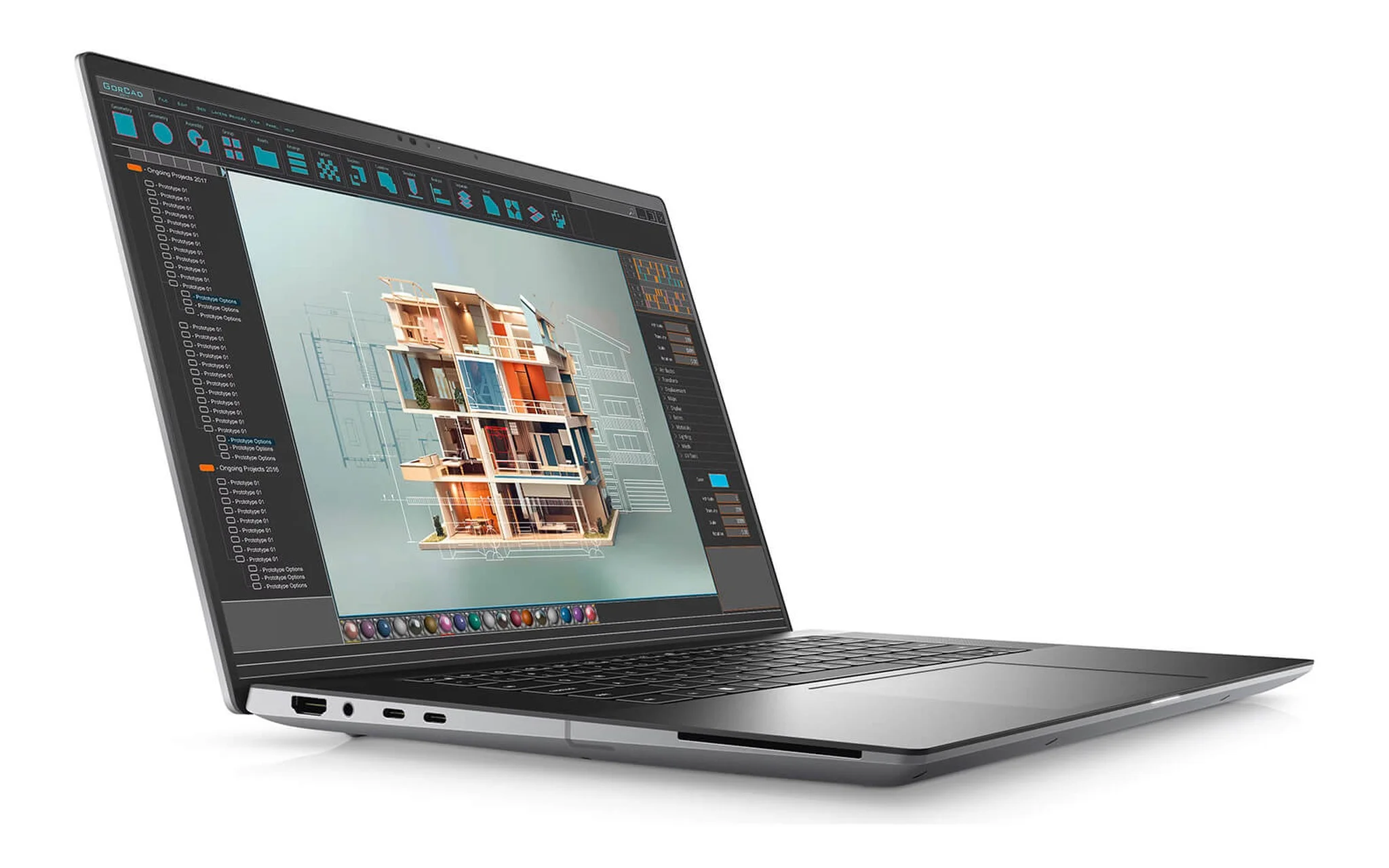
In the high-end group, the Dell Precision 5690 targets professional studios that need generous headroom. The version on sale is equipped with a Core Ultra 9 185H, 64 GB of RAM, a 2 TB SSD, and an RTX 2000 Ada 8 GB card, with an FHD+ display, priced at about 54.5 million VND. Its strength lies in the 64 GB of RAM and 2 TB SSD, which suit multi-layer 4K projects and large footage libraries. The slim design of the Precision 5000 line makes this workstation laptop easier to carry than many other 16-inch workstations.
Which workstation laptop to choose for a video editing studio in Ho Chi Minh City today
Choosing a machine should start with project weight and budget, rather than chasing the highest spec numbers. If you are just taking on mid-size 4K projects and want to keep costs lean, a 32 GB configuration with an RTX 2000 Ada already does the job well. When render volume grows and deadlines pile up, a workstation laptop with an RTX 3000 Ada card will noticeably cut waiting time. For multi-layer 4K projects and large 3D models, 64 GB of RAM is an investment that pays off.
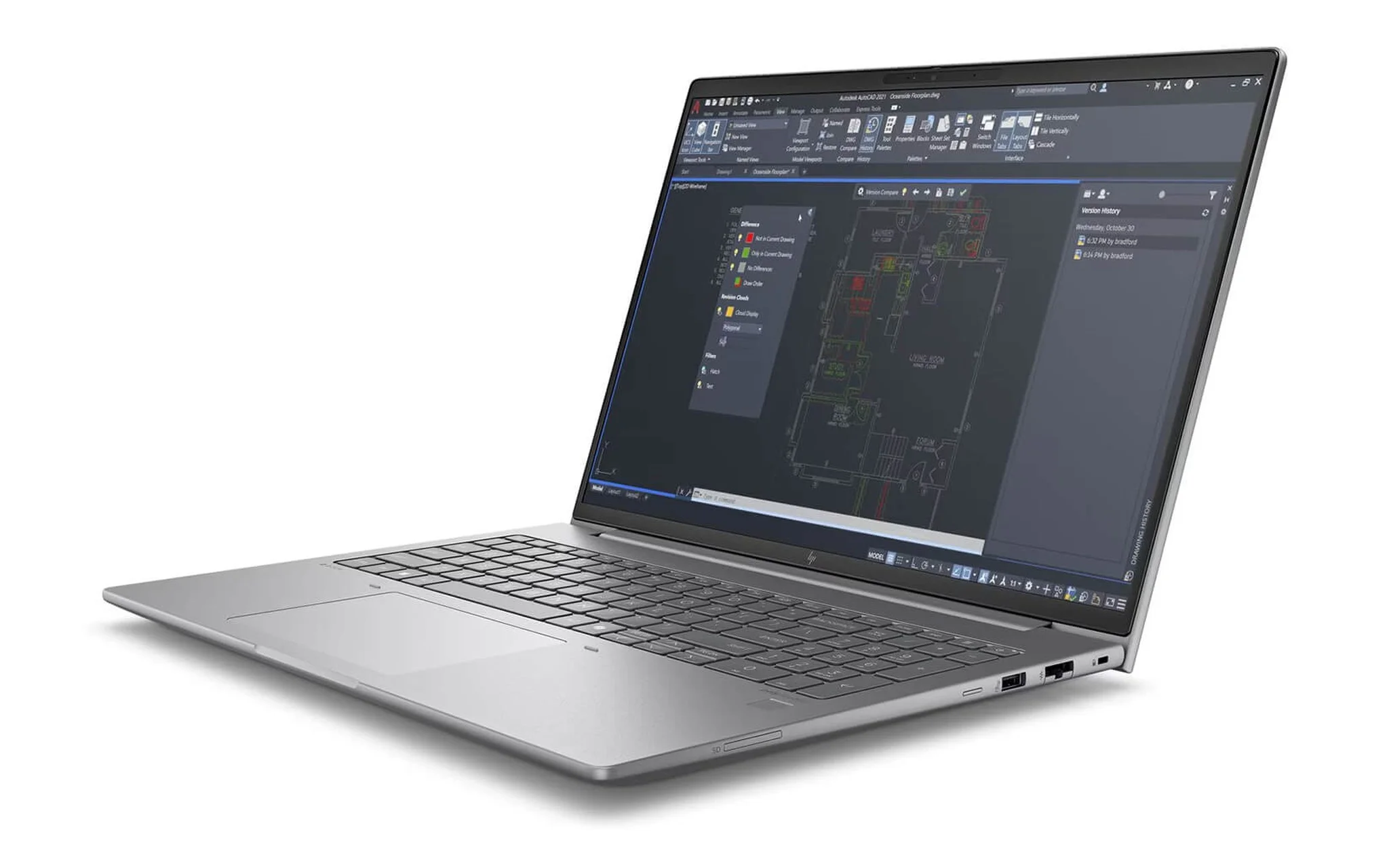
Balance the GPU, RAM, and SSD according to your real work, and avoid pouring money into one component while neglecting the rest. A powerful card with too little RAM still bottlenecks when you open many video layers, and large RAM paired with a slow SSD still means long load times. Only a workstation laptop that balances all three delivers a smooth experience from start to finish. List the software you use and your project resolution before you decide.
All three models above are in stock and are 2024 releases, so you can be confident about both components and support policy. If you want to see one in person before buying, you can visit the store to compare displays and get a feel for the actual weight. Hung Phat is ready to advise on a configuration that fits your video editing and graphics needs. A workstation laptop chosen correctly from the start saves both time and later upgrade costs.
Frequently asked questions about video editing workstation laptops
Can a workstation laptop play games?
Yes, RTX Ada cards still run most current games well. If gaming is your main goal, a gaming laptop in the same price range usually delivers slightly higher frame rates. A workstation laptop shows its practical value when you prioritize rendering and stability.
Is the RTX 2000 Ada enough for 4K video editing?
It is enough for most mid-size 4K projects, especially paired with 32 GB of RAM and a fast SSD. For complex 3D scenes or multi-layer timelines, consider an RTX 3000 Ada card or a workstation laptop with 64 GB of RAM to cut waiting time.
Should I choose 32 GB or 64 GB of RAM for a workstation laptop?
32 GB suits basic 4K video editing and 2D graphics on a workstation laptop. When you do heavy 3D modeling, simulation, or run several applications at once, 64 GB keeps the machine from running out of memory. Choose based on the heaviest project you regularly handle.
Is a 16-inch mobile workstation too heavy to carry around?
Most 16-inch workstations weigh over two kilograms and come with a large power adapter, noticeably heavier than an ultrabook. If you are constantly on the move, compare weight and battery life, or pick a workstation laptop configuration that balances power and portability.