
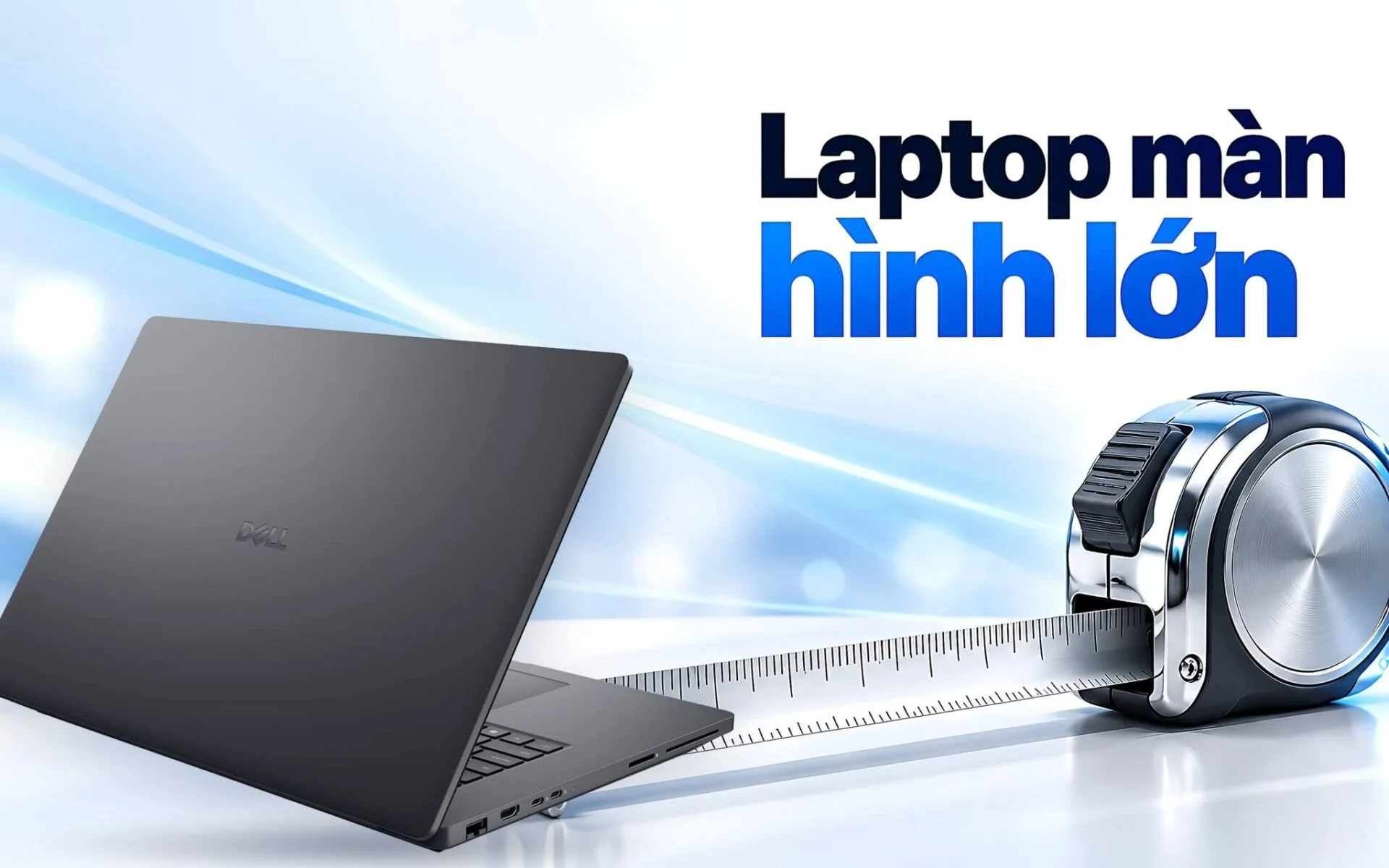
A large-screen laptop allows you to place two windows side by side, view entire spreadsheet columns, or see a full video editing timeline without constant scrolling, though it comes at the cost of a heavier and bulkier chassis. The 16-inch and 18-inch measurements refer to the diagonal screen length, while a 16:10 aspect ratio means the frame is 16 parts wide and 10 parts high, making it taller than the familiar 16:9 format. This article explains who needs these sizes, three display specifications you should study closely, and five 2025 and 2026 models ranging from 18.4 million to 109 million VND.
Who large-screen laptops are for and the trade-offs involved
The biggest beneficiaries of large-screen laptops are those working with multiple windows simultaneously: accountants comparing two spreadsheets, office workers drafting reports while keeping email open, or students reading PDF documents alongside a note-taking page. On a 16-inch 16:10 frame with a 1920 x 1200 resolution, splitting the screen in half still leaves 960 horizontal pixels for each window. Video editors, photo editors, and CAD designers also benefit, as toolbars, timelines, and preview areas can all fit on a single screen.
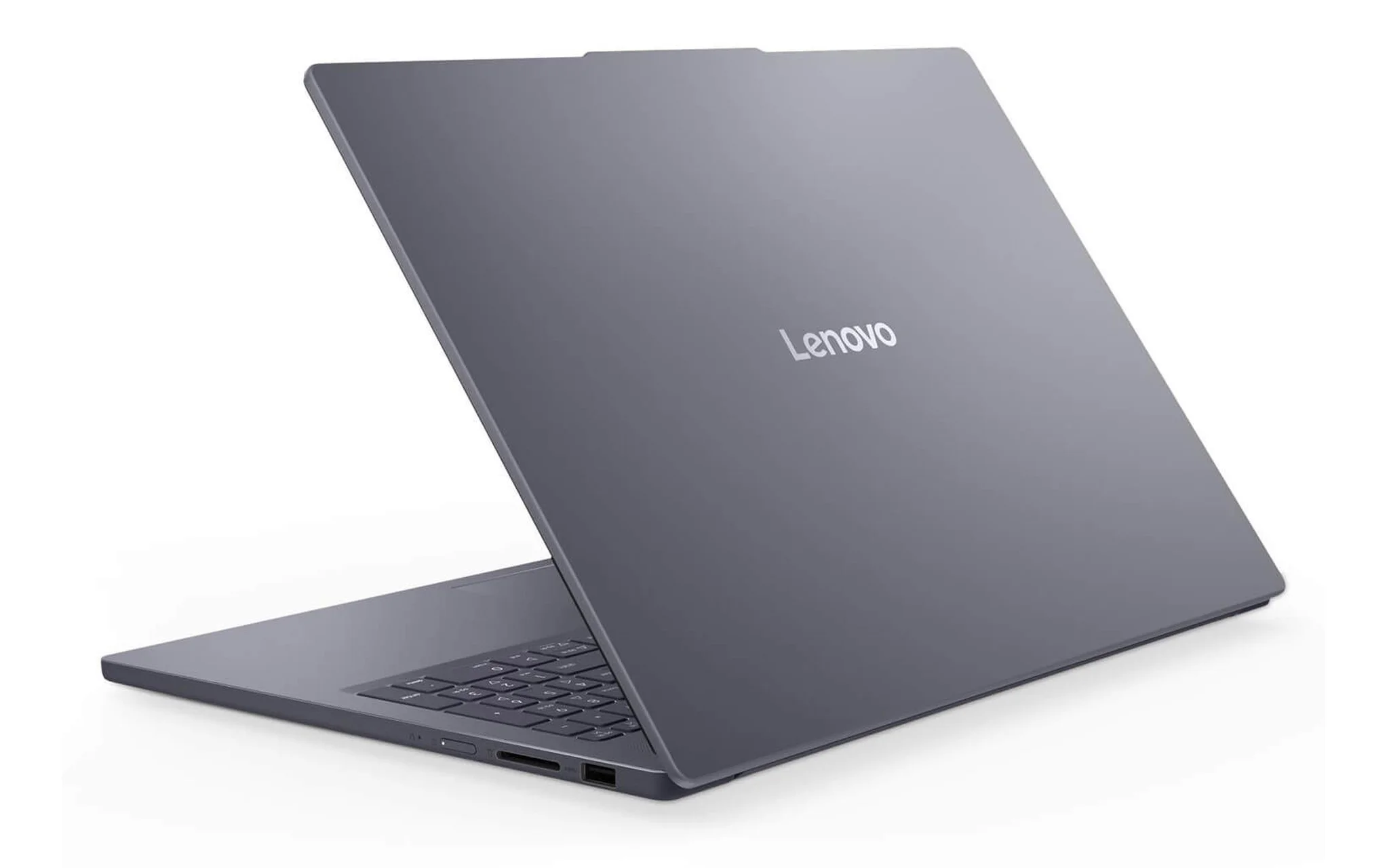
The first trade-off involves weight and bag size. According to Dell documentation, the Dell 16 DC16251 weighs between 1.90 kg and 2.14 kg depending on the configuration, while the Dell Pro Max 18 Plus MB18250 weighs 3.25 kg and is 402 mm wide. An 18-inch laptop like that is essentially a desktop replacement and requires a dedicated large backpack. The lightest 16-inch model in this article is the Galaxy Book6 Pro at 1.59 kg, which is still significantly heavier than the 13-inch laptop group that typically sits around 1 kg.
Larger display panels require more power to maintain the same brightness, so manufacturers often compensate with higher-capacity batteries: the IdeaPad Pro 5 16AKP10 uses an 84Wh battery, while the Galaxy Book6 Pro 16 inch uses a 78.07Wh battery. If you travel daily, sit in cafes, or attend meetings in various locations, portability may be more important than screen real estate. In those cases, the article Who 13-inch laptops are for - Portability trade-offs and 4 new models worth considering analyzes the opposite approach, helping you weigh the pros and cons before deciding on a screen size.
Choosing between 16 and 18 inch sizes and aspect ratios
With the same 1920 horizontal pixels, a 16:10 aspect ratio provides 1200 vertical pixel rows, whereas a 16:9 frame provides only 1080 rows, meaning you get 120 extra rows of vertical display. For spreadsheets on a large-screen laptop, that difference means seeing several extra rows of data without scrolling; for text, you can read more paragraphs on a single screen. All five models in this article use a 16:10 ratio, as 1920 x 1200, 2880 x 1800, and 2560 x 1600 all result in a ratio of exactly 1.6.
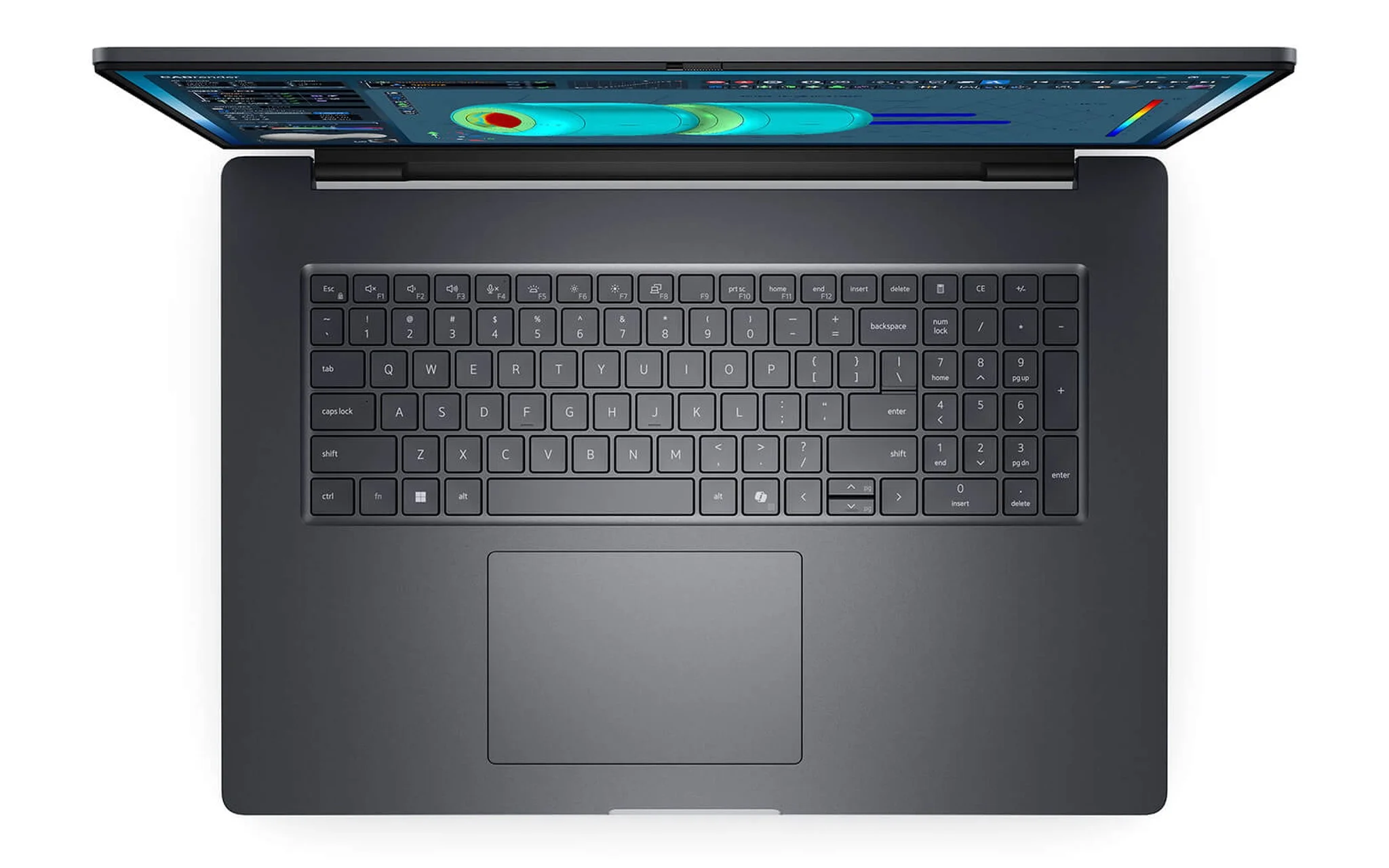
Moving from 16 to 18 inches changes much more than just a 2-inch difference. According to Dell documentation, the Pro Max 18 Plus display area is 387.76 mm wide and 242.35 mm high, while the entire Dell 16 DC16251 chassis is only 356.78 mm wide. In other words, the display panel of this 18-inch laptop alone is about 3 cm wider than the entire chassis of a 16-inch model. The larger frame allows for a dedicated numeric keypad as shown in the image above, but your desk and backpack must be correspondingly large.
An 18-inch laptop is suitable for those who rarely take their machine out of the office but need performance close to a desktop, such as engineers running simulations, 3D animators, or technical teams working on-site in shifts. Conversely, if you carry your laptop every day, a 16-inch size with a 16:10 ratio offers a better balance, as the four 16-inch models in this article have a starting weight ranging from 1.59 kg to 1.90 kg.
Three Screen Specs to Read Carefully Beyond the Screen Size
The first spec to consider is resolution, which determines whether text on a large-screen laptop looks crisp or pixelated. At the same 1920 x 1200 pixels, a 16-inch screen delivers only about 141 pixels per inch (PPI), lower than the roughly 162 PPI on a 14-inch model with the same resolution, because those pixels are stretched over a larger area. A 2880 x 1800 screen on a 16-inch panel reaches roughly 212 PPI, while the 2560 x 1600 panel on the 18-inch Dell Pro Max 18 Plus delivers 168 PPI, according to Dell. Higher pixel density makes fine lines in CAD drawings and small text appear noticeably sharper.
| Laptop Model | Resolution | Pixel Density (PPI) | Panel | Brightness (nits) | Refresh Rate |
|---|---|---|---|---|---|
| Dell 16 DC16251 | 1920 x 1200 | 141 | WVA | 300 | 60Hz |
| IdeaPad Slim 3 16 inch (IPS version) | 1920 x 1200 | 141 | Anti-glare IPS | 400 | 60Hz |
| IdeaPad Pro 5 16AKP10 | 2880 x 1800 | 212 | OLED | 500 (1100 peak HDR) | 120Hz |
| Galaxy Book6 Pro 16 inch | 2880 x 1800 | 212 | Dynamic AMOLED 2X touch | 500 (1000 HDR) | 30 to 120Hz |
| Dell Pro Max 18 Plus | 2560 x 1600 | 168 | Anti-glare WVA | 500 | 120Hz |
The second spec is the display panel. IPS and WVA (the name Dell uses for wide-viewing-angle panels) are common on budget configurations and typically include an anti-glare coating. OLED panels feature individually lit pixels that produce deep blacks; according to Lenovo, the IdeaPad Pro 5 16AKP10 covers 100% of the DCI-P3 color gamut, whereas the IPS versions of the Dell 16 and IdeaPad Slim 3 top out at 45% NTSC, which is fine for general office work but limiting for color grading. How to interpret these gamut metrics is covered in detail in Laptop Color Accuracy: From sRGB and DCI-P3 to Delta-E Metrics, a helpful resource if your workflow demands accurate color.
The third spec involves brightness and refresh rate. A 300-nit rating is adequate for indoor office environments, while 400 to 500 nits makes the screen substantially easier to read when sitting near windows or under strong overhead lighting. A 120Hz refresh rate delivers smoother scrolling through lengthy documents and window dragging compared to 60Hz, a difference that is especially noticeable on a large-screen laptop because content travels across greater physical distances. According to the Samsung Galaxy Book6 Pro spec sheet, this model automatically adjusts its refresh rate from 30Hz to 120Hz, dialing it down during static content display to reduce power consumption.
Dell 16 and IdeaPad Slim 3 for Office Use Under 25 Million VND
At the budget entry point, the DELL 16 DC16251 - Aluminum (2025) offers a Core 5 120U configuration with 8GB of RAM and a 512GB SSD starting at 18.4 million VND. According to Dell's documentation, the Core 5 120U processor features 10 cores, 12 threads, and a maximum clock speed of 5 GHz; its 16-inch 1920 x 1200 screen uses a WVA display panel with 300 nits of brightness and a 60Hz refresh rate. These specs are aimed at document drafting, spreadsheets, video meetings, and study. The 8GB of RAM is worth keeping in mind if you routinely keep multiple browser tabs open alongside heavy Excel workbooks.
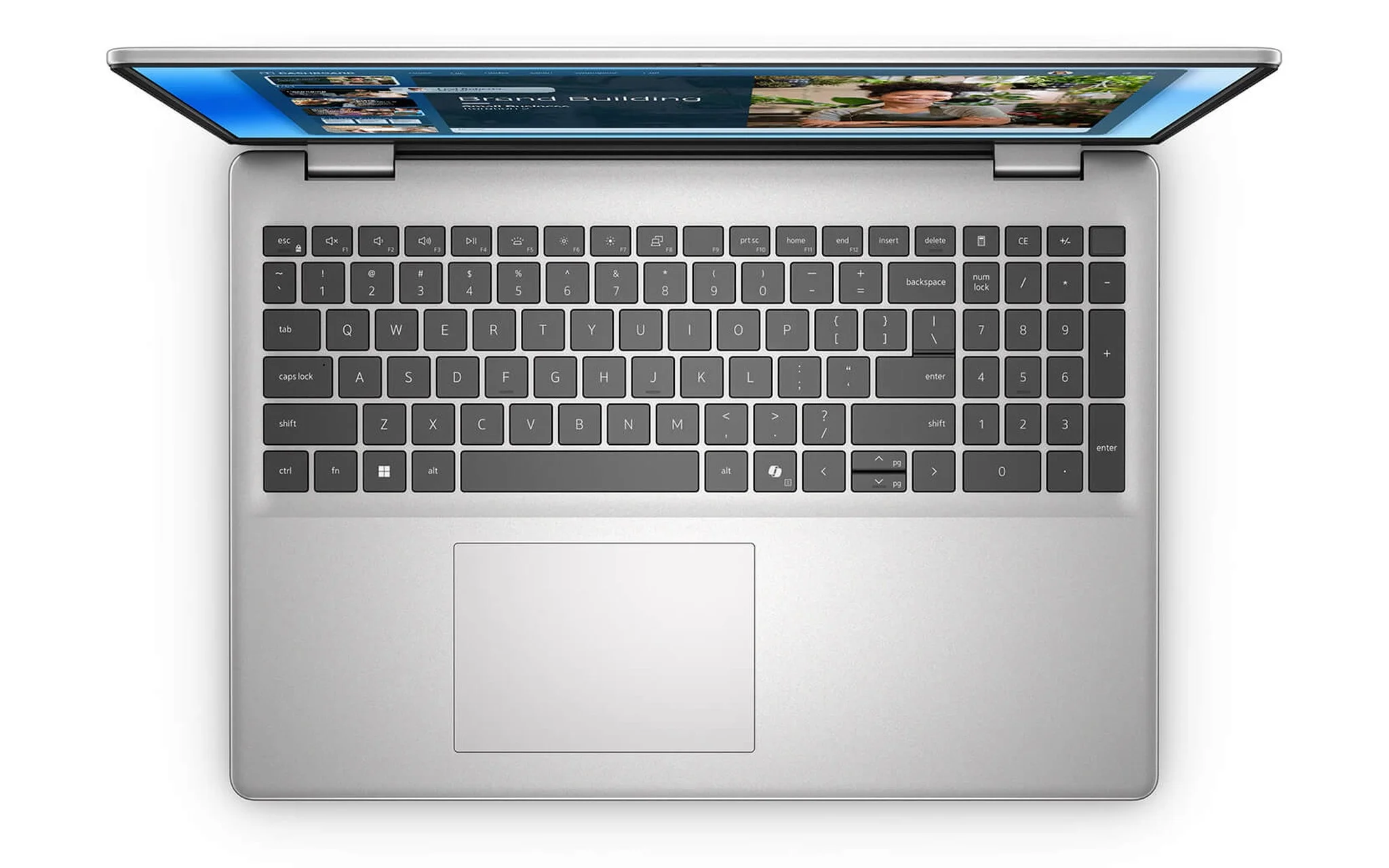
Stepping up by about 5 million VND, the Lenovo IdeaPad Slim 3 16 inch (2026) offers a Core 5 320 configuration with 16GB of RAM and a 512GB SSD starting at 23.69 million VND. According to Lenovo's PSREF documentation, the IPS screen version hits 400 nits with an anti-glare finish and a 16:10 aspect ratio, making it brighter than the 300-nit Dell 16. The Core 5 320 processor features 6 cores (2 performance cores, 4 efficiency cores) and a maximum clock speed of 4.6 GHz. The starting weight for the IPS version ranges from 1.68 kg to 1.73 kg, depending on whether it is configured with the 50Wh or 60Wh battery.
Between the two models, the Dell 16 fits buyers looking for the lowest price point who work primarily indoors, while the IdeaPad Slim 3 16 inch is better suited for working near windows thanks to an extra 100 nits of brightness and twice the RAM. According to the IdeaPad Slim 3 16IWC11 PSREF and Dell's documentation, both models stay at 60Hz and 45% NTSC color gamut, so neither is designed for professional photo editing. When shopping for a large-screen laptop in this price range, prioritizing 16GB of RAM and brightness of at least 400 nits will have the most direct impact on your day-to-day workflow.
IdeaPad Pro 5 and Galaxy Book6 Pro for Visual Creators
For video editors, photo retouchers, or graphic designers who need a color-accurate, large-screen laptop, the Lenovo IdeaPad Pro 5 16AKP10 (2025) offers a configuration with a Ryzen AI 7 350, 16GB RAM, a 1TB SSD, an 8GB RTX 5050 graphics card, and a 2.8K OLED display starting at 33.5 million VND. According to PSREF, the 16-inch 2880 x 1800 display panel reaches 500 nits typical brightness, 1100 nits HDR peak, a 120Hz refresh rate, and earns DisplayHDR True Black 1000 certification. The Ryzen AI 7 350 processor packs 8 cores and 16 threads, while the RTX 5050 graphics card pairs 8GB of GDDR7 memory with a 105W power budget, providing enough power to accelerate video exports in editing software.
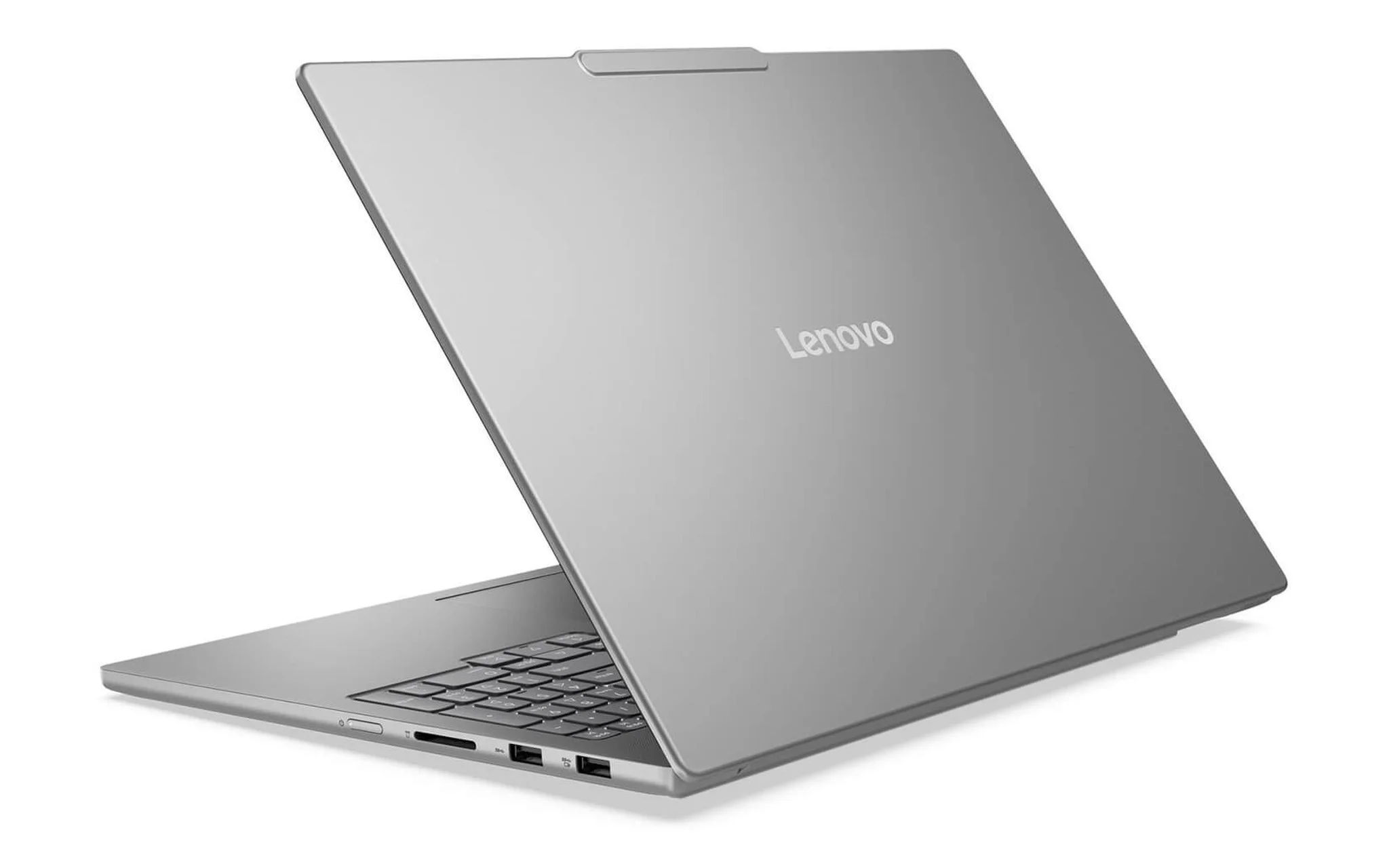
If portability comes first, the Samsung Galaxy Book6 Pro 16 inch (2026) comes in a Core Ultra 7 356H configuration with 16GB RAM and a 1TB SSD starting at 42.5 million VND. According to Samsung, the 16-inch Galaxy Book6 Pro weighs 1.59 kg, measures 11.9 mm thick, and features a 2880 x 1800 Dynamic AMOLED 2X touchscreen rated for 500 nits in standard content and up to 1000 nits in HDR. It is the lightest among the five laptops featured here, trimming roughly 200 g off the IdeaPad Pro 5, though it relies solely on integrated Intel graphics rather than a discrete card.
Both machines share a 2880 x 1800 resolution, a 16:10 aspect ratio, and a pixel density of 212 PPI, but they target different priorities: the IdeaPad Pro 5 leans into graphics performance with its RTX 5050, while the Galaxy Book6 Pro emphasizes portability and touchscreen utility. If your core workload involves heavy video effects or running 3D applications, the discrete GPU option cuts down export times. If you primarily edit photos, review design drafts, and present to clients, a 1.59 kg large-screen laptop is far easier to carry every day.
Dell Pro Max 18 Plus: When You Need an 18-Inch Laptop for Engineering
At the top of the price range, the DELL Pro Max 18 Plus MB18250 - Mobile Workstation (2025) offers a Core Ultra 9 285HX configuration with 64GB RAM, a 1TB SSD, and a 12GB RTX PRO 3000 graphics card starting at 109 million VND. According to Dell's documentation, the 285HX processor features 24 cores, 24 threads, and clock speeds up to 5.5 GHz; the Blackwell-based RTX PRO 3000 graphics card includes 12GB of GDDR7; and the 18-inch 2560 x 1600 display hits 500 nits, 120Hz, and 100% DCI-P3 coverage. This 18-inch laptop targets engineers, architects, and 3D creators who need a portable workstation.
| Laptop Model | Available Specs | Display | Starting Weight (kg) | Starting Price (Million VND) |
|---|---|---|---|---|
| Dell 16 DC16251 | Core 5 120U, 8GB, 512GB | 16-inch WVA 300 nits | 1.90 | 18.4 |
| IdeaPad Slim 3 16 inch | Core 5 320, 16GB, 512GB | 16-inch IPS 400 nits | 1.68 | 23.69 |
| IdeaPad Pro 5 16AKP10 | Ryzen AI 7 350, 16GB, 1TB, RTX 5050 8GB | 16-inch OLED 2.8K 120Hz | 1.79 | 33.5 |
| Galaxy Book6 Pro 16 inch | Core Ultra 7 356H, 16GB, 1TB | 16-inch AMOLED 120Hz touch | 1.59 | 42.5 |
| Dell Pro Max 18 Plus | Core Ultra 9 285HX, 64GB, 1TB, RTX PRO 3000 12GB | 18-inch WVA 120Hz | 3.25 | 109 |
The table above shows clear tier differences across large-screen laptop prices: moving from 18.4 million to 23.69 million VND gets you more RAM and higher brightness, 33.5 million VND introduces a 120Hz OLED screen, while 109 million VND sits firmly in mobile workstation territory. Weight scales alongside screen size: the four 16-inch models range from 1.59 kg to 1.90 kg at their manufacturer-rated starting specs, whereas the 18-inch machine tips the scales at 3.25 kg. Your core workload should dictate your choice first, before you settle on display size.
An 18-inch laptop only makes practical sense if your software requires a dedicated professional graphics card and you are fine leaving the system parked on a desk most of the time. If you simply need extra screen real estate for spreadsheets, a 16-inch large-screen laptop paired with an external office monitor handles the job well at a much lower cost. Before pulling the trigger, measure your backpack, check your desk space, and review your daily commuting routine to ensure your purchase fits your actual workflow.
Frequently Asked Questions About Large-Screen Laptops
Will a 16-inch laptop fit in a standard backpack?
The 16-inch models featured in this article are roughly 357 mm wide, so you will need a backpack with a padded compartment designed for 15.6 to 16-inch laptops. An 18-inch laptop, such as the Dell Pro Max 18 Plus, is 402 mm wide and weighs 3.25 kg, requiring a dedicated 17 to 18-inch backpack.
Will 16:10 aspect ratio screens show black bars when watching movies?
Standard 16:9 movies will show two thin black bars at the top and bottom when played in full screen on a 16:10 aspect ratio frame, because the screen is taller than the content. On an OLED panel, these two bars are deep black and less noticeable, while the 16:10 frame provides extra useful pixels for productivity.
Which model should I choose with a budget under 25 million VND?
Among the five models in this article, the Dell 16 DC16251 starts at 18.4 million VND and the IdeaPad Slim 3 16-inch starts at 23.69 million VND. If you typically work near a window or run many applications simultaneously, the IdeaPad Slim 3 with 16GB of RAM and a 400 nits display is a better fit.
Can large-screen laptops be used with external monitors?
A 16-inch large-screen laptop allows for comfortable work while mobile, but at a fixed desk, an external monitor still expands workspace more effectively. According to Lenovo, the IdeaPad Pro 5 16AKP10 can output to up to three external displays via HDMI and USB-C.