Câu hỏi nâng cấp Wi-Fi 7 có đáng tiền đang khiến nhiều người phân vân khi chọn laptop mới trong năm 2026. Thay vì sa đà vào thông số kỹ thuật, bài viết này giúp bạn nhìn thẳng vào giá trị thực tế của khoản đầu tư: khác biệt mà bạn cảm nhận được hằng ngày, khoản chi phí đội thêm khi chọn cấu hình cao hơn, và những tình huống mà chuẩn kết nối mới chưa mang lại lợi ích tương xứng với số tiền bỏ ra.
Wi-Fi 7 thay đổi trải nghiệm dùng máy hằng ngày ra sao
Điều mà phần lớn người mua quan tâm không phải là con số tốc độ trên giấy, mà là trải nghiệm khi mở máy ra dùng mỗi ngày. Với chuẩn kết nối thế hệ mới, khác biệt dễ cảm nhận nhất nằm ở độ ổn định chứ không hẳn ở tốc độ đỉnh. Nhà mạng và thiết bị phát cùng hỗ trợ thì đường truyền duy trì mức cao đều đặn hơn, ít rớt sóng khi nhiều thiết bị trong nhà cùng truy cập. Đây là giá trị thực tế mà việc nâng cấp Wi-Fi 7 mang lại trước khi bạn nghĩ tới các con số hàng nghìn Mbps.

Cơ chế tạo nên khác biệt này là MLO, công dụng cho phép laptop dùng đồng thời nhiều băng tần thay vì bám vào một dải duy nhất. Khi một băng tần bị nhiễu hoặc quá tải, phần cứng tự chuyển luồng dữ liệu sang băng tần rảnh, nhờ đó độ trễ được duy trì thấp. Đối tượng chơi game trực tuyến hay gọi video kéo dài sẽ nhạy cảm với độ trễ hơn là tốc độ tải, và đây chính là nơi phiên bản chuẩn mới bộc lộ ưu thế rõ rệt so với các thế hệ cũ.
Dù vậy, bạn cần hiểu bản chất: khác biệt chỉ khả dụng khi cả router lẫn gói mạng của bạn đủ sức đáp ứng. Nếu đường truyền internet chỉ ở ngưỡng vài trăm Mbps, tốc độ đỉnh của card sẽ không bao giờ được kích hoạt hết. Trải nghiệm cải thiện thật, nhưng biên độ cải thiện phụ thuộc vào toàn bộ hệ thống chứ không riêng chiếc laptop. Hiểu điều này giúp bạn tránh kỳ vọng sai và đánh giá đúng giá trị thực tế của khoản chi.
Những tình huống dùng máy chưa cần tới Wi-Fi 7
Không phải nhu cầu nào cũng đòi hỏi bạn nâng cấp Wi-Fi 7. Với các tác vụ nhẹ như lướt web, đọc email, soạn thảo văn bản hay xem phim trực tuyến độ phân giải phổ thông, một card Wi-Fi 6E hoặc thậm chí Wi-Fi 6 đã đáp ứng dư sức. Băng thông mà những công việc này tiêu thụ thấp hơn nhiều so với ngưỡng tối đa mà chuẩn cũ cung cấp, nên phần dư thừa của card đời mới gần như không được tận dụng trong thực tế.
| Tình huống sử dụng | Băng thông thực tế cần | Có cần nâng cấp không |
|---|---|---|
| Lướt web, email, văn phòng | Dưới 50 Mbps | Chưa cần |
| Xem phim trực tuyến 4K | Khoảng 25 đến 50 Mbps | Chưa cần |
| Họp video, học trực tuyến | Dưới 20 Mbps | Chưa cần |
| Chép file lớn trong mạng nội bộ | Trên 1000 Mbps | Nên cân nhắc |
Bảng trên cho thấy phần lớn hoạt động thường nhật nằm dưới ngưỡng mà một card Wi-Fi 6E đã thừa sức xử lý. Nếu bạn thuộc nhóm dùng máy văn phòng thuần tuý, lợi ích của việc nâng cấp Wi-Fi 7 gần như vô hình trong sinh hoạt. Chuẩn mới chỉ thể hiện giá trị khi khối lượng dữ liệu di chuyển thực sự lớn, chẳng hạn sao lưu vào ổ NAS tốc độ cao hay truyền dữ liệu nặng giữa các thiết bị trong cùng mạng nội bộ.
Một yếu tố cốt lõi thường bị bỏ qua là môi trường sử dụng. Trong không gian ít thiết bị, ít nhiễu sóng, chuẩn cũ vẫn duy trì kết nối mượt mà. Việc nâng cấp Wi-Fi 7 trong hoàn cảnh này khó tạo ra khác biệt mà bạn nhận ra được. Vì thế, trước khi quyết định, hãy xác nhận rõ nhu cầu của bạn có chạm tới ngưỡng mà công nghệ mới phát huy tác dụng hay không.
Hạ tầng router và mạng nhà quyết định giá trị nâng cấp
Laptop chỉ là một mắt xích trong chuỗi kết nối. Muốn khai thác hết năng lực của card đời mới, bạn cần một router cũng hỗ trợ chuẩn tương ứng, đặt ở vị trí hợp lý và một gói cước internet đủ băng thông. Thiếu bất kỳ mắt xích nào, phần cứng đắt tiền trong máy sẽ hoạt động ở mức tương đương thế hệ cũ. Đây là điểm mấu chốt mà nhiều người bỏ qua khi cân nhắc chi phí.

Router hỗ trợ chuẩn mới hiện có giá cao hơn đáng kể so với thiết bị phổ thông, và nhiều gia đình vẫn dùng router do nhà mạng cấp miễn phí vốn chỉ chạy chuẩn cũ. Nếu không có kế hoạch thay router, khoản đầu tư vào laptop cấu hình cao sẽ chỉ nằm chờ. Theo Wi-Fi Alliance, khả năng khai thác tối đa chỉ đạt được khi mọi thiết bị trong đường truyền cùng đạt chứng nhận của chuẩn mới.
Băng tần 6 GHz cũng là một biến số. Băng tần này cho tốc độ cao và ít nhiễu, song vùng phủ hẹp hơn và bị tường chắn làm suy giảm mạnh. Trong căn hộ nhiều vách ngăn, tín hiệu 6 GHz có thể yếu đi khi bạn di chuyển ra xa router. Nói cách khác, giá trị thực tế của việc nâng cấp Wi-Fi 7 còn phụ thuộc vào cả bố cục vật lý của không gian bạn sinh hoạt, không chỉ vào cấu hình phần cứng.
Chi phí đội thêm khi chọn máy trang bị Wi-Fi 7
Trên thị trường hiện nay, cùng một dòng laptop nhưng phiên bản trang bị card đời mới thường có mức giá nhỉnh hơn phiên bản dùng Wi-Fi 6E. Chênh lệch này đến từ chi phí linh kiện và định vị phân khúc của nhà sản xuất. Bạn cần cân nhắc khoản đội thêm đó có tương xứng với lợi ích bạn khai thác được hay không, thay vì mặc định chọn cấu hình cao nhất chỉ vì nó mới.
| Chuẩn kết nối | Card tiêu biểu trên laptop | Tốc độ tối đa card 2×2 |
|---|---|---|
| Wi-Fi 6E | Intel AX211 | Khoảng 2,4 Gbps |
| Wi-Fi 7 | Intel BE200 | Tối đa 5,8 Gbps |
| Ngưỡng lý thuyết chuẩn | Wi-Fi 6E so với Wi-Fi 7 | 9,6 Gbps so với 46 Gbps |
Bảng số liệu cho thấy khoảng cách giữa hai thế hệ ở cấp độ card thực tế là hơn gấp đôi tốc độ tối đa. Card Intel Wi-Fi 7 BE200 đạt ngưỡng 5,8 Gbps nhờ độ rộng kênh 320 MHz và điều chế 4096-QAM, trong khi card Wi-Fi 6E phổ biến dừng quanh 2,4 Gbps. Con số nghe hấp dẫn, song bạn chỉ chạm tới nó trong điều kiện lý tưởng hiếm gặp ở gia đình.
Điều đáng cân nhắc là chi phí nâng cấp Wi-Fi 7 không dừng lại ở chiếc laptop. Muốn phần cứng phát huy giá trị, bạn có thể phải đầu tư thêm router mới và nâng gói cước, khiến tổng chi phí phình to hơn con số ban đầu. Với người mua có ngân sách hữu hạn, số tiền chênh lệch đôi khi hữu ích hơn nếu dồn vào bộ nhớ RAM, dung lượng ổ cứng hay chất lượng màn hình, những hạng mục tác động trực tiếp tới trải nghiệm mỗi ngày.
Nhóm nên ưu tiên nâng cấp và nhóm nên bỏ qua
Việc chọn cấu hình phù hợp phụ thuộc vào chân dung sử dụng của từng người. Không có câu trả lời chung cho mọi đối tượng, mà chỉ có phương án tối ưu cho từng nhu cầu cụ thể. Phân định rõ bạn thuộc nhóm nào giúp việc nâng cấp Wi-Fi 7 bám sát nhu cầu và tránh chi tiền cho năng lực dư thừa, đồng thời không bỏ lỡ tiện ích mà bạn thực sự cần trong công việc và giải trí hằng ngày.
| Nhóm sử dụng | Đặc điểm nhu cầu | Khuyến nghị |
|---|---|---|
| Sáng tạo nội dung, truyền dữ liệu nặng | Chuyển file lớn thường xuyên qua mạng | Nên ưu tiên |
| Game thủ trực tuyến, nhà nhiều thiết bị | Nhạy cảm với độ trễ và nghẽn mạng | Nên cân nhắc |
| Văn phòng, học tập, giải trí phổ thông | Tác vụ nhẹ, băng thông thấp | Nên bỏ qua |
Nhóm sáng tạo nội dung, kỹ sư dữ liệu hay người thường sao lưu vào ổ mạng tốc độ cao là đối tượng hưởng lợi rõ nhất, vì công việc của họ chạm tới ngưỡng mà chuẩn cũ không đáp ứng nổi. Với nhóm này, khoản chi cho nâng cấp Wi-Fi 7 sinh ra giá trị thực tế và rút ngắn thời gian chờ đáng kể trong quy trình làm việc chuyên nghiệp.
Ngược lại, phần đông người mua phổ thông thuộc nhóm nên bỏ qua. Nếu bạn chủ yếu lướt web, xem phim và làm việc văn phòng, một máy trang bị Wi-Fi 6E vẫn phục vụ tốt trong nhiều năm tới mà không tạo cảm giác lỗi thời. Quyết định nâng cấp Wi-Fi 7 ở trường hợp này khó bù đắp được khoản tiền chênh lệch, bởi năng lực dư thừa của phần cứng gần như không có cơ hội bộc lộ trong sinh hoạt bình thường.
Các bước kiểm tra Wi-Fi 7 trước khi xuống tiền
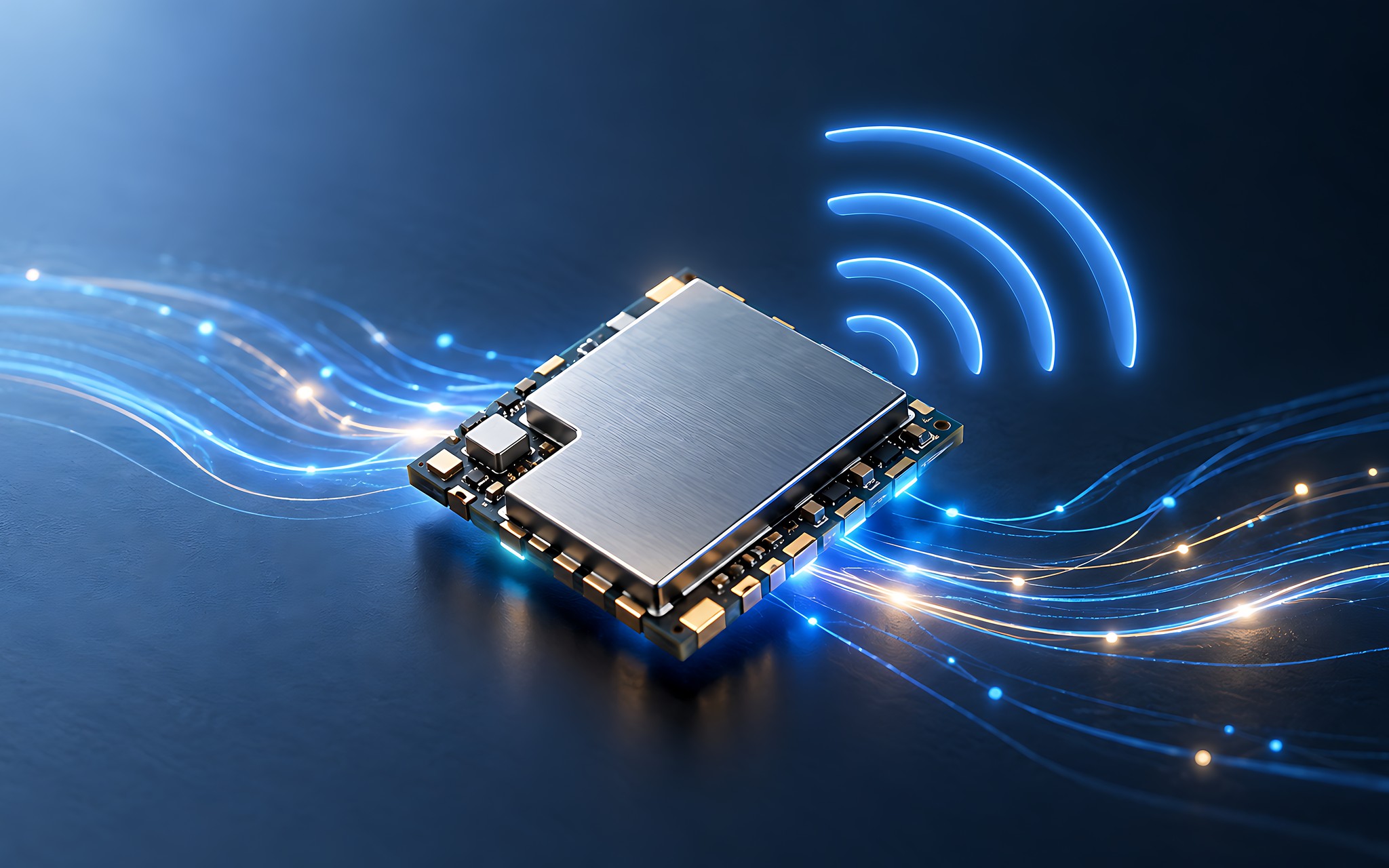
Trước khi nâng cấp Wi-Fi 7, bạn nên thực hiện vài bước xác minh đơn giản để chắc chắn khoản đầu tư không lãng phí. Đầu tiên, kiểm tra thông số card mạng trong bảng cấu hình của máy, xác nhận nó ghi đúng chuẩn mới chứ không phải danh xưng gây nhầm lẫn. Nhiều mô tả sản phẩm viết mập mờ, nên việc đối chiếu tên card cụ thể là bước quan trọng đầu tiên giúp bạn không mua nhầm phiên bản thấp hơn.
Bước tiếp theo là rà soát hạ tầng mạng tại nhà. Bạn cần xác định router hiện tại có hỗ trợ chuẩn mới không, gói cước internet đang ở mức bao nhiêu, và không gian sử dụng có nhiều vách ngăn cản sóng hay không. Nếu hạ tầng chưa sẵn sàng, bạn nên tính luôn chi phí thay router vào tổng ngân sách, hoặc tạm hoãn việc nâng cấp Wi-Fi 7 cho tới khi điều kiện chín muồi.
Bước cuối cùng là đối chiếu nhu cầu thực với năng lực phần cứng. Hãy tự hỏi khối lượng dữ liệu bạn di chuyển mỗi ngày có chạm ngưỡng mà chuẩn cũ chịu thua hay không. Nếu câu trả lời là không, khoản chênh lệch nên dành cho cấu hình khác thiết thực hơn. Cách tiếp cận tỉnh táo này giúp bạn ra quyết định nâng cấp Wi-Fi 7 dựa trên giá trị thực tế thay vì bị cuốn theo danh xưng công nghệ mới.
Câu hỏi thường gặp về nâng cấp Wi-Fi 7
Máy đang dùng Wi-Fi 6E có cần đổi sang Wi-Fi 7 ngay không
Phần lớn trường hợp là chưa cần. Card Wi-Fi 6E vẫn đáp ứng tốt các tác vụ phổ thông và tốc độ card thực tế đạt khoảng 2,4 Gbps, dư sức cho lướt web, xem phim và làm việc văn phòng. Bạn chỉ nên cân nhắc đổi khi công việc đòi hỏi truyền dữ liệu nặng liên tục qua mạng nội bộ tốc độ cao.
Không có router đời mới thì mua laptop Wi-Fi 7 có phí tiền không
Card đời mới vẫn tương thích ngược với router chuẩn cũ, nên máy chạy bình thường mà không hỏng hóc gì. Song bạn sẽ không khai thác được tốc độ đỉnh cho tới khi thay router hỗ trợ chuẩn tương ứng. Nếu chưa có kế hoạch nâng router, phần năng lực dư thừa của card sẽ tạm thời nằm chờ chứ chưa sinh ra giá trị.
Card Intel BE200 khác gì so với card Wi-Fi 6E phổ biến
Điểm khác biệt cốt lõi nằm ở độ rộng kênh 320 MHz, điều chế 4096-QAM và cơ chế MLO dùng đồng thời nhiều băng tần. Nhờ đó Intel BE200 đạt ngưỡng tối đa 5,8 Gbps, cao hơn đáng kể so với mức 2,4 Gbps của card Wi-Fi 6E, đồng thời duy trì độ trễ thấp và ổn định hơn khi mạng đông thiết bị.
Ngân sách hạn chế thì nên ưu tiên nâng cấp Wi-Fi 7 hay linh kiện khác
Với ngân sách hữu hạn, bạn nên ưu tiên RAM, dung lượng ổ cứng và chất lượng màn hình trước, vì các hạng mục này tác động trực tiếp tới trải nghiệm mỗi ngày. Việc nâng cấp Wi-Fi 7 chỉ nên đặt lên hàng đầu khi nhu cầu của bạn thực sự chạm tới ngưỡng băng thông mà thế hệ cũ không đáp ứng nổi.