


YouTube, the world's largest video-sharing platform, is a household name for users globally and throughout Vietnam. We have all encountered videos we love and want to save for offline viewing, but finding a way to do so isn't always straightforward. Follow the steps below to learn how to do it easily.
Note: The following steps are specifically designed for the Chrome browser. If you are using a different web browser, you can download Google Chrome here.
How to Add a YouTube Download Button Using Y2mate
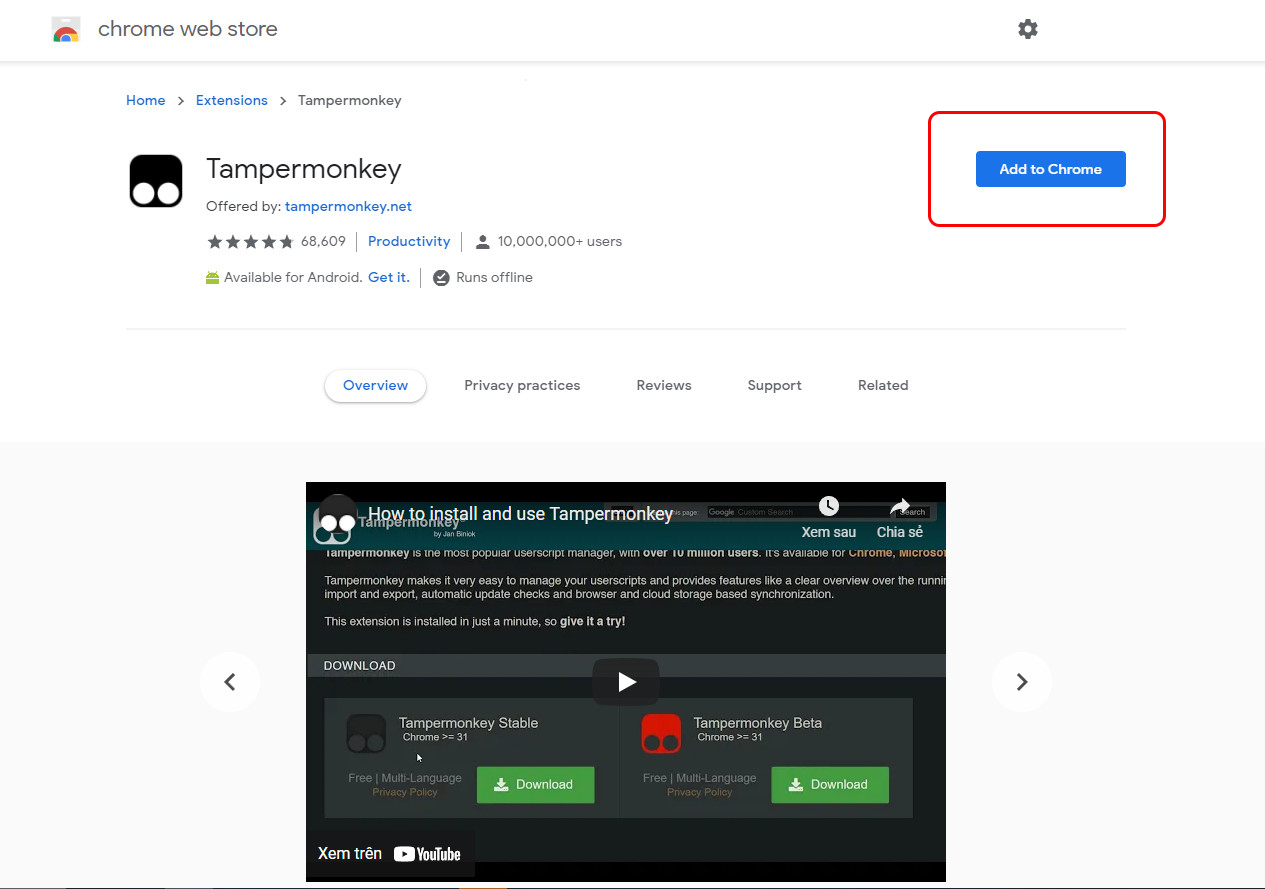
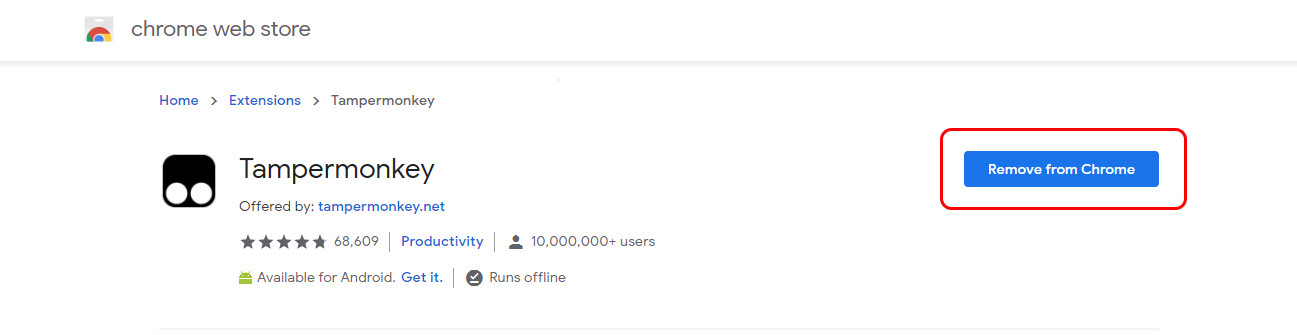
Step 1: First, visit this link and click Add to Chrome to install the Tampermonkey extension into your Chrome browser.
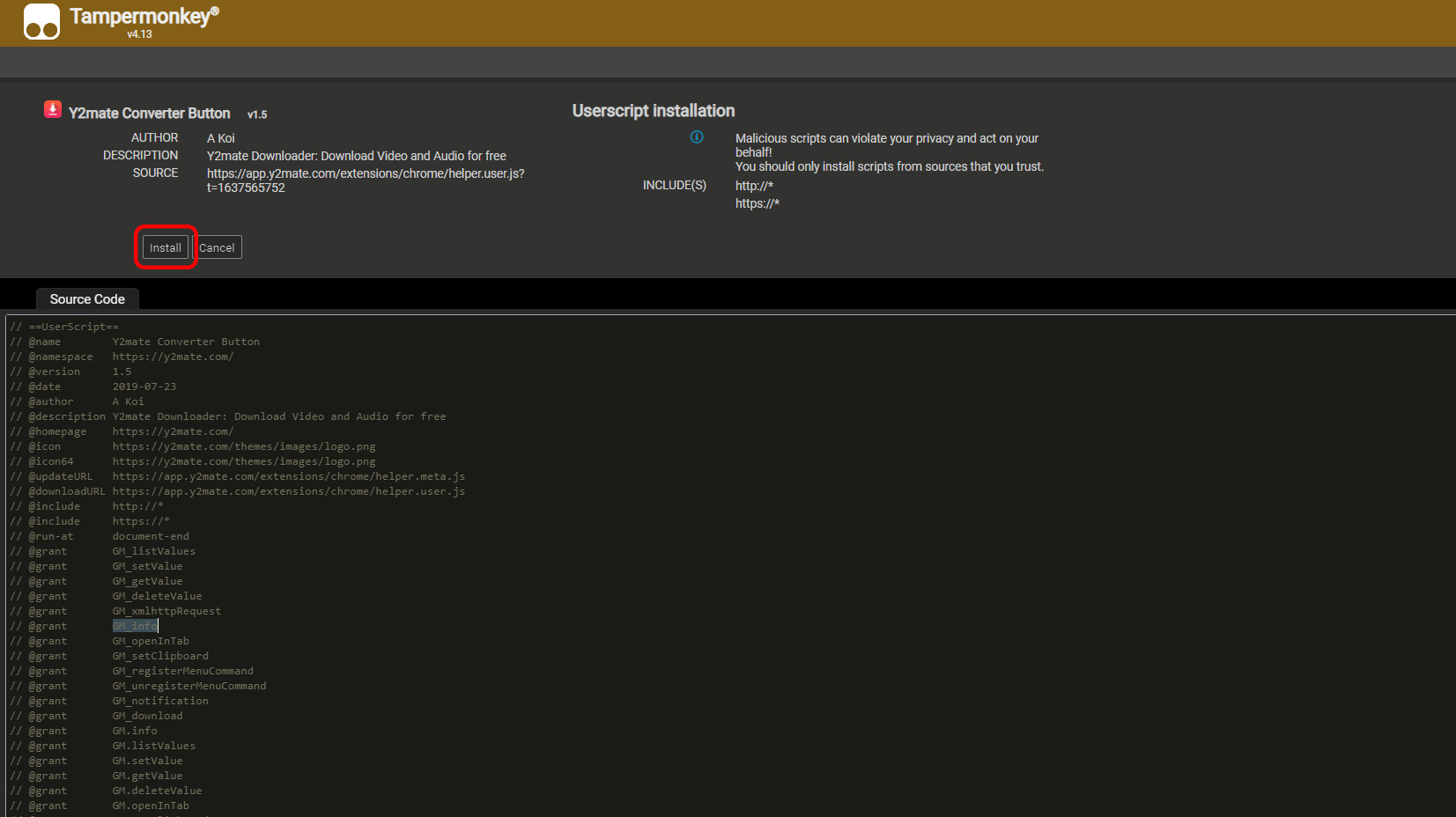
Step 2: Next, go to this link and select Install to add the Y2mate download button to YouTube.
Once the installation is complete, return to YouTube and open any video. You will now see a pink "Download" button appearing right next to the Like button.
Step 3: To save the video to your computer, simply click the Download button.

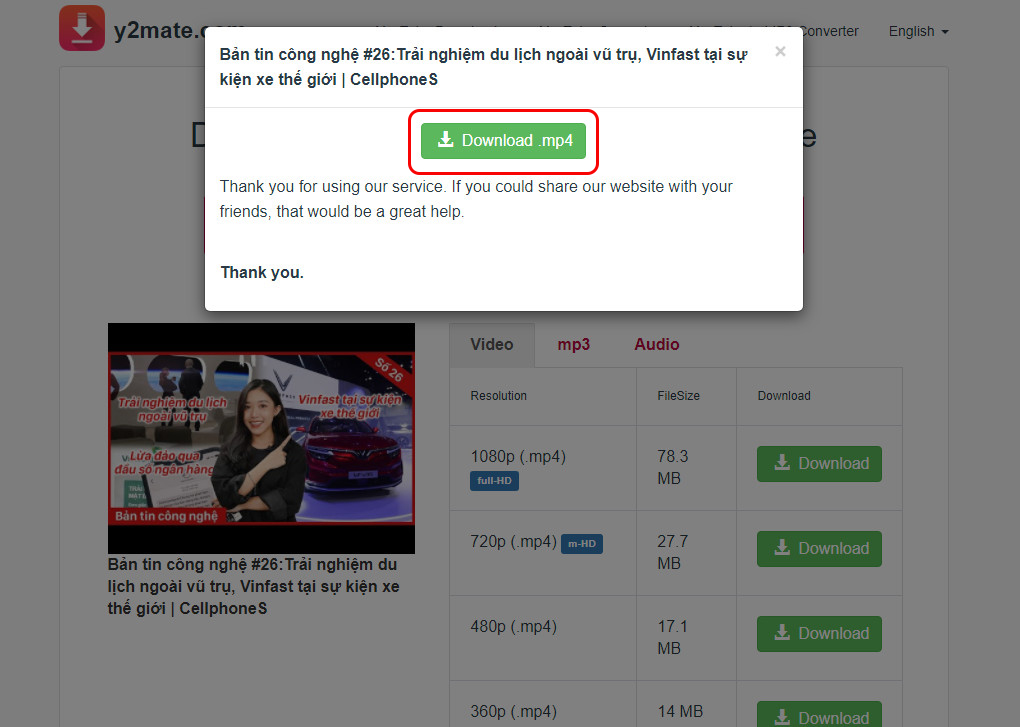
You will be immediately redirected to a download page offering various options, including MP4 video, MP3 audio, and multiple resolutions ranging from 144p to 1080p, depending on the original YouTube video quality and your specific needs.
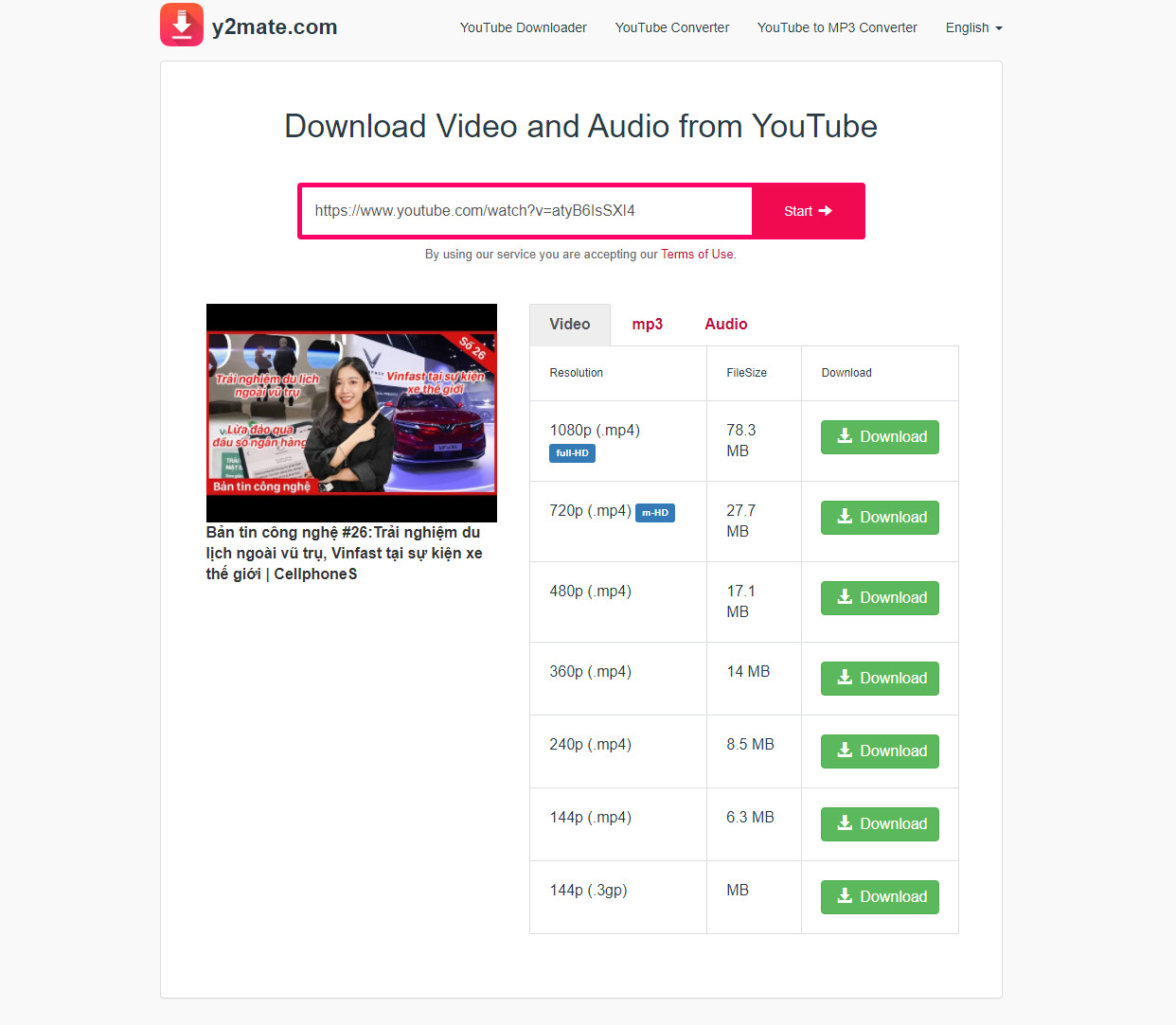
After selecting your preferred file format and quality, just click Download and wait for the file to save. And that's it!
Conclusion
This guide provides a step-by-step walkthrough on how to quickly and easily add a YouTube download button to your browser. Happy downloading!











