


An Introduction to MATLAB
MATLAB is widely recognized as a powerhouse for numerical computing, matrix manipulations, function plotting, data visualization, and executing highly advanced algorithms. Furthermore, the software offers seamless integration with programs written in various other programming languages.
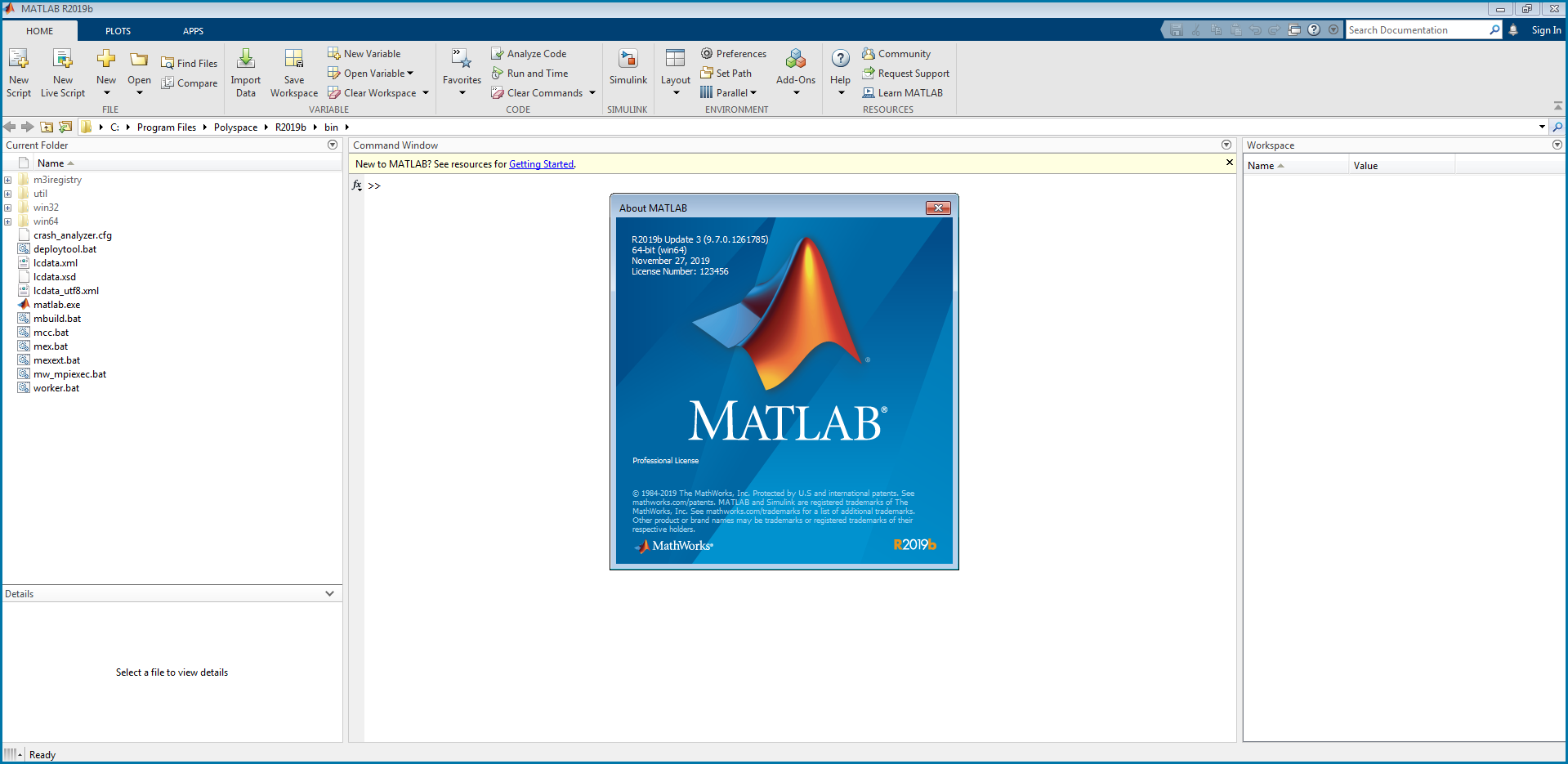
MATLAB stands for Matrix Laboratory and is released by MathWorks-one of the most prominent companies in the field of programming software and intelligent computing.
Boasting a wide array of superior computational features, MATLAB has been applied across numerous industries throughout its 41 years of innovation and development.
Key Features and Applications of MATLAB
Features
Beyond its high-level mathematical capabilities, MATLAB is equipped with various other useful features, including data analysis, web and desktop application development, and advanced algorithm development for application design and large-scale computations.
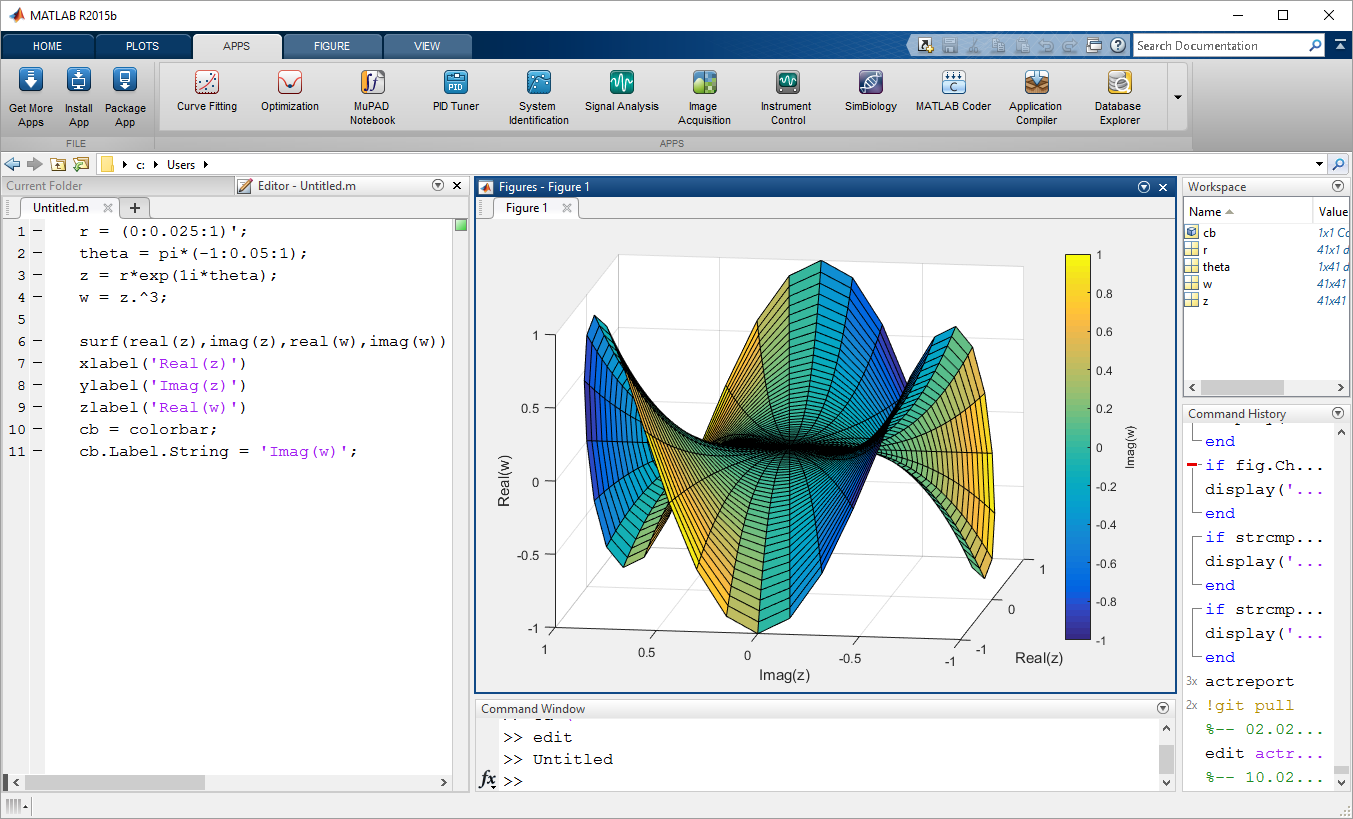
Additionally, the application can interface with other programming languages such as Python, C/C++, Fortran, and Java. MATLAB files can also be easily shared via various cloud storage services.
Applications
Thanks to its diverse feature set, MATLAB can be applied in a wide range of scenarios. Examples include:
- Designing, simulating, and testing autonomous driving systems.
- Analyzing and modeling biological data and systems.
- Designing, testing, and deploying control systems.
- Data mining and predictive analysis for machine learning applications.
- Developing and deploying predictive maintenance and monitoring software.
These are just a few of the many applications possible with MATLAB. Consequently, the software is utilized in almost every major tech sector, including aerospace, automotive, biotechnology, pharmaceuticals, electronics manufacturing, and various other scientific fields.
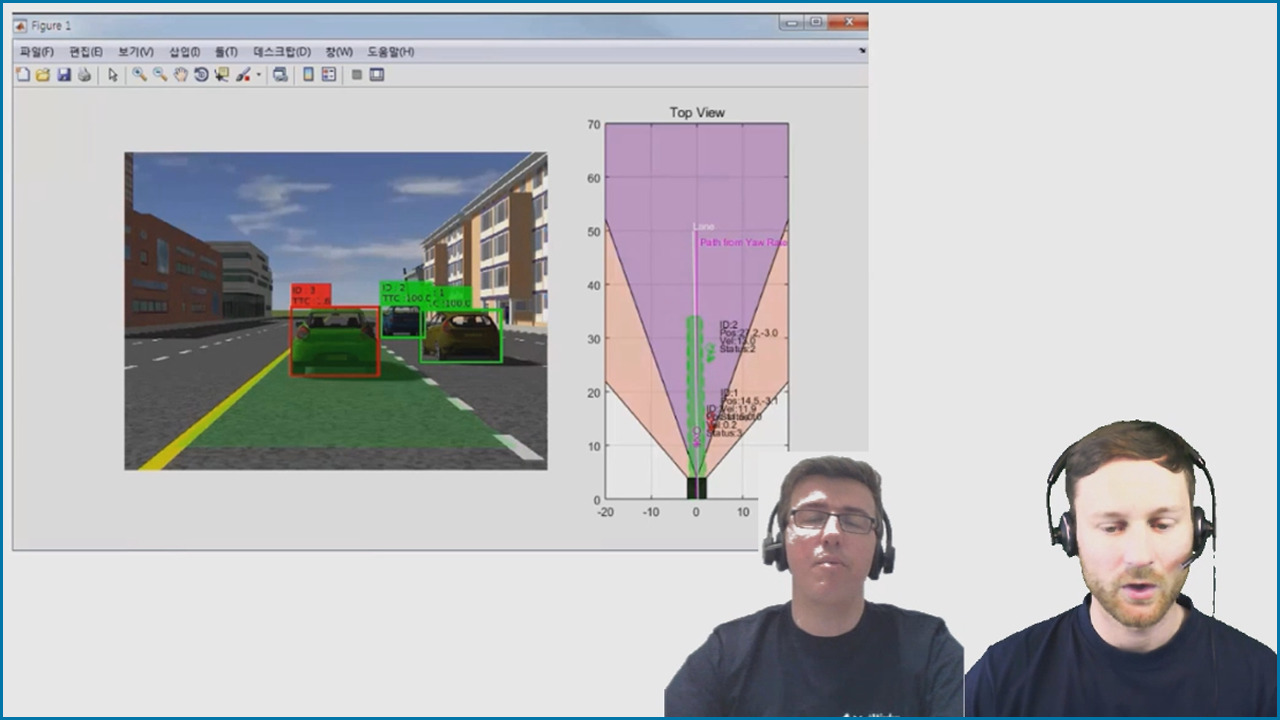
Furthermore, MATLAB is applied in several advanced academic disciplines, such as biology, Earth sciences, neuroscience, and physics.
The Cost of Owning MATLAB
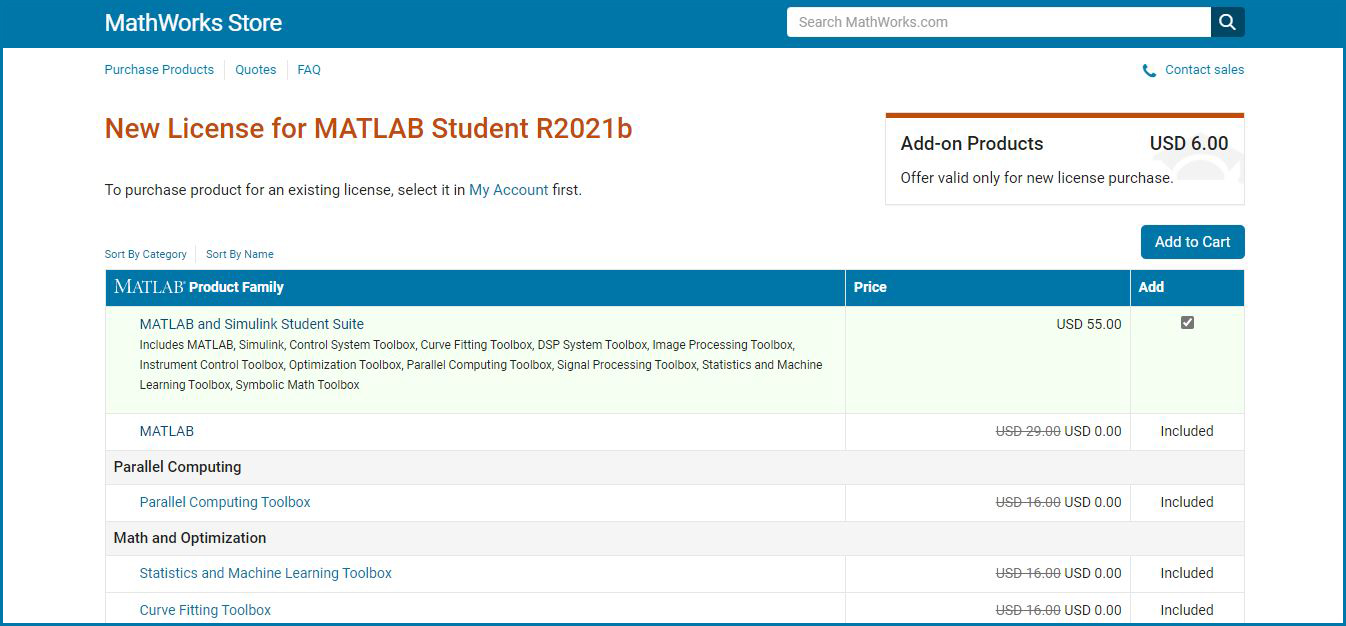
To use MATLAB, users must purchase the software through the manufacturer's official website. Pricing varies from $55 USD to several hundred dollars, depending on the customer's specific needs.
The software is divided into two main versions: the Student version and the more advanced Home version. For each version, users have the option to purchase additional advanced toolboxes beyond the standard features.
Specifically, the MATLAB Student version has a base price of $55 USD, with additional advanced features costing $6 USD each. You can purchase or learn more by visiting here.
Meanwhile, the MATLAB Home version has a base price of $95 USD, with advanced features costing $29 USD each. You can purchase or learn more by visiting here.

Before deciding to purchase the software, you can also download a 30-day trial version by visiting the official homepage here. After clicking the “Download a free trial” button, you will need to provide your email address to begin the download.


Conclusion
With its truly advanced features, MATLAB is likely a familiar name to many programmers. If you have a passion for mathematics and programming, this is undoubtedly one of the best choices available.











