


Introduction to XMind
What is XMind?
XMind is a software tool designed to help you outline ideas, analyze complex issues, and develop solutions through mind mapping-all without the need for pen and paper. XMind is compatible with most modern operating systems, including Windows, macOS, and Linux.
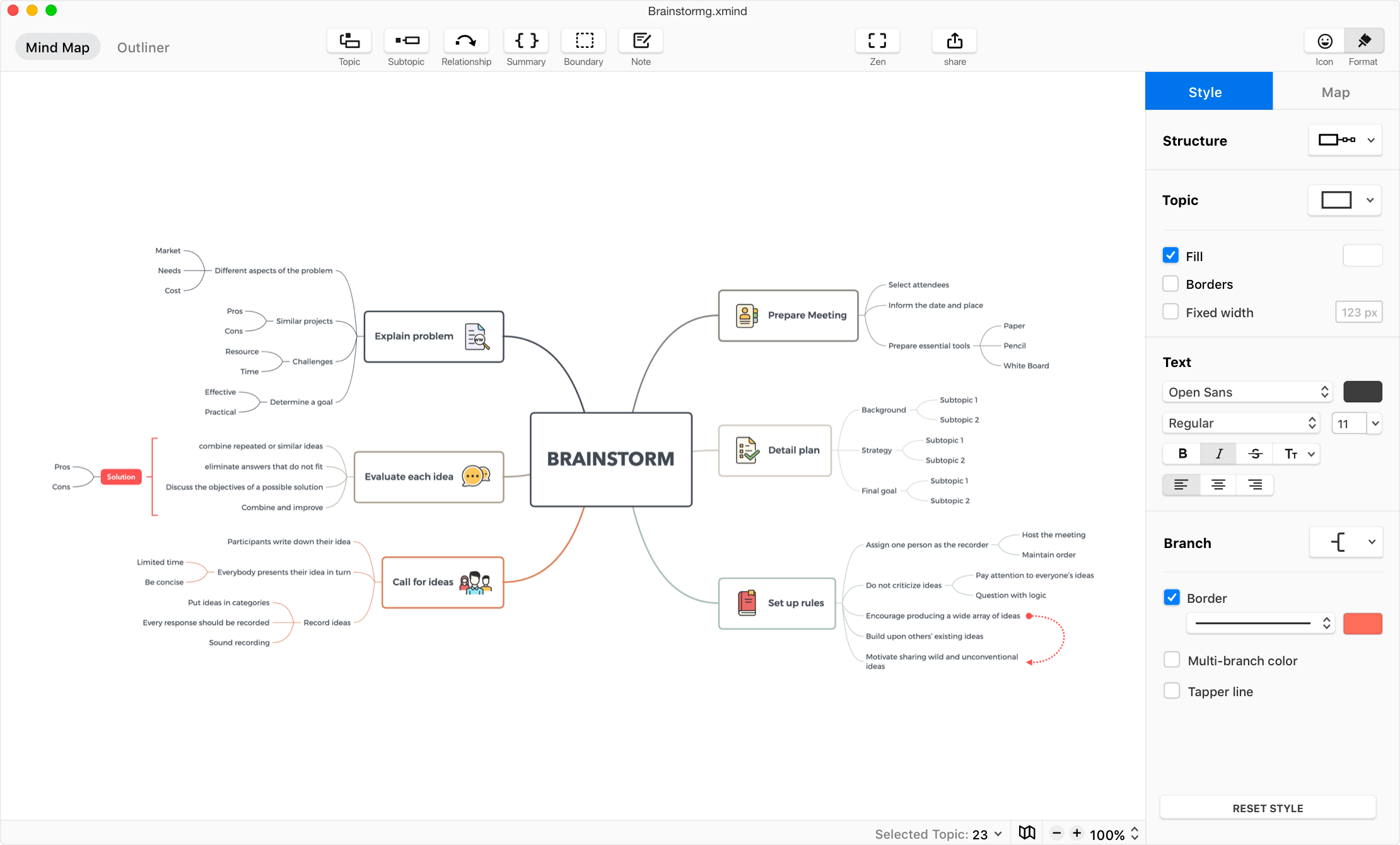
As an open-source software available for free download, XMind allows you to share your mind maps with others. Recipients can view, comment on, and download your diagrams for study or reference purposes.
Key Features of XMind
Here are some of the standout features of XMind:
- Offline functionality: You can create mind maps anywhere, even without an internet connection.
- Global language support: Available in several popular languages, including English, Japanese, German, Dutch, Spanish, and Chinese.
- Versatile diagram structures: Create custom diagrams using various formats, such as Mind Maps, Fishbone diagrams, Matrices, Org Charts, Tree Charts, Logic Charts, and more.

- Rich media support: Insert images and annotations to explain concepts and content more clearly and specifically.
- Flexible export options: Export your mind maps in HTML, text, or image formats.
- User-friendly interface: Features a clean, visually appealing, and intuitive design.
How to Download and Install XMind on Your Computer
Step 1: Visit the XMind download page.
Step 2: Select the version compatible with your operating system to download the installation file.
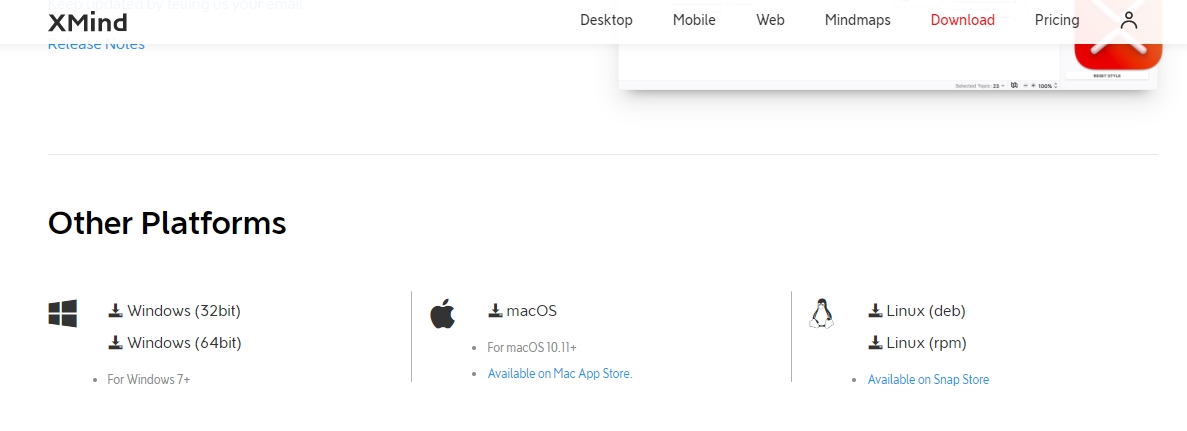
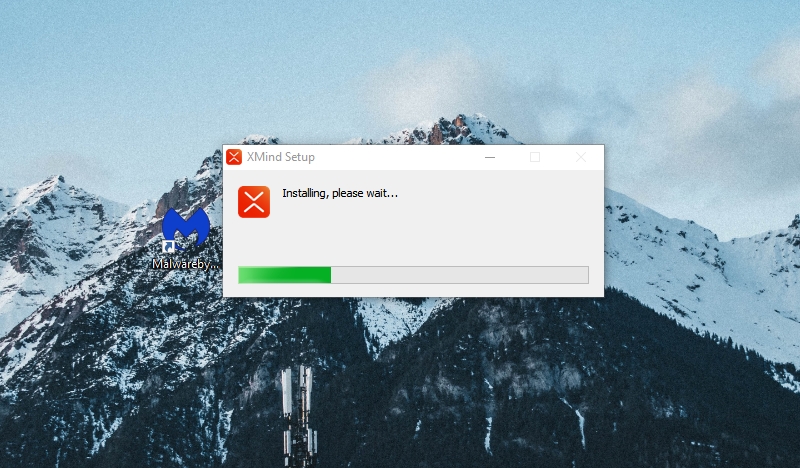
Step 3: Open the downloaded installation file to begin the setup process on your computer.
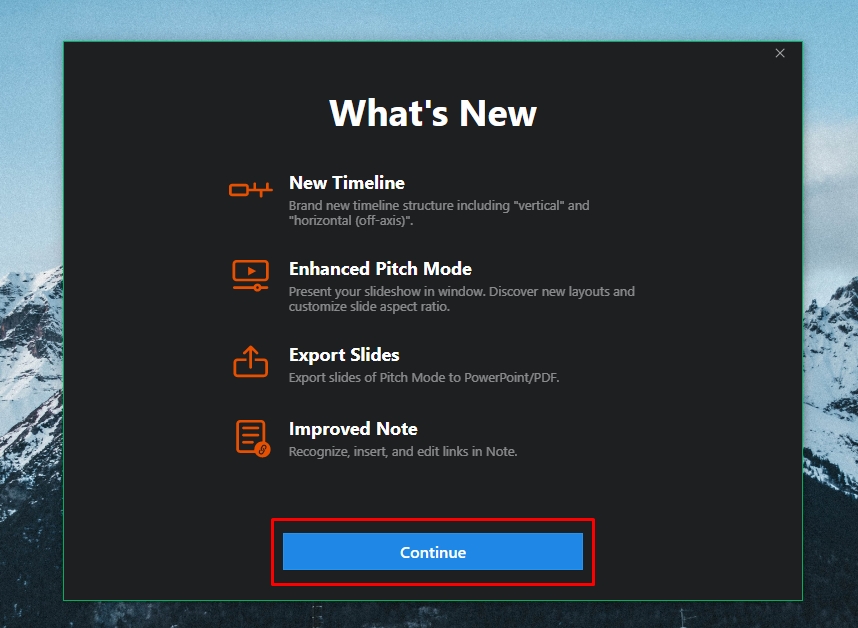
Next, click Continue.
Click Agree to accept the XMind software license agreement.
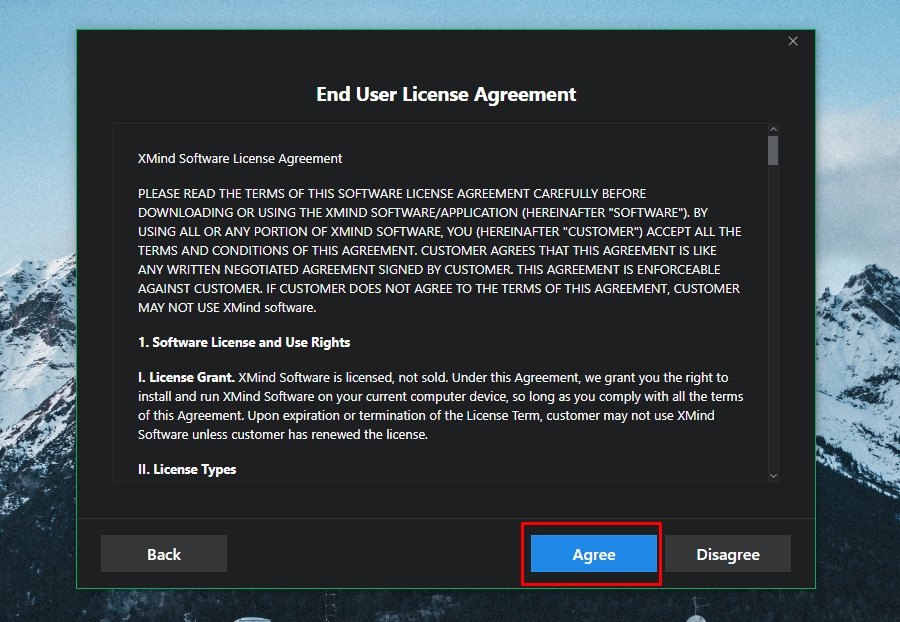
Step 4: At this stage, you will be prompted to log in if you wish to share your mind maps. If you do not have an account, click Create an account below. If you prefer to skip this step, you can simply click Skip.
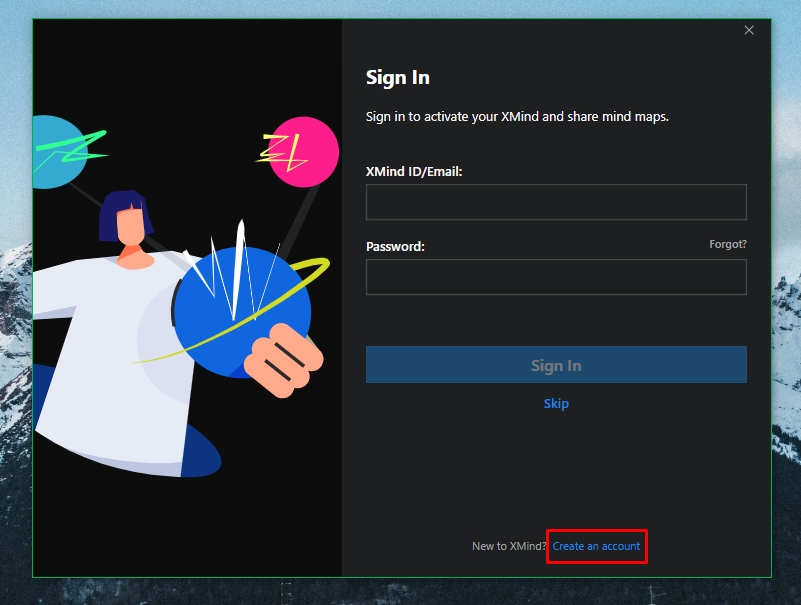
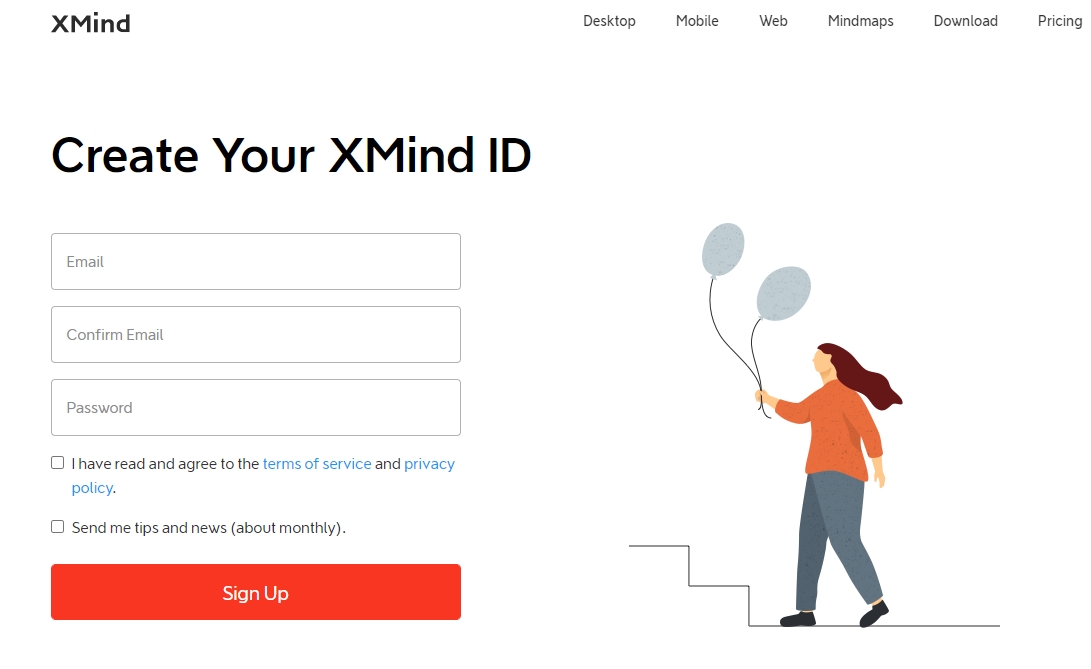
After clicking Create an account, you will be redirected to the XMind registration page. Enter your email and password, then click Sign in to complete your account creation.
Step 5: Once your account is created, return to the XMind software to log in. Below is the XMind interface after logging in.
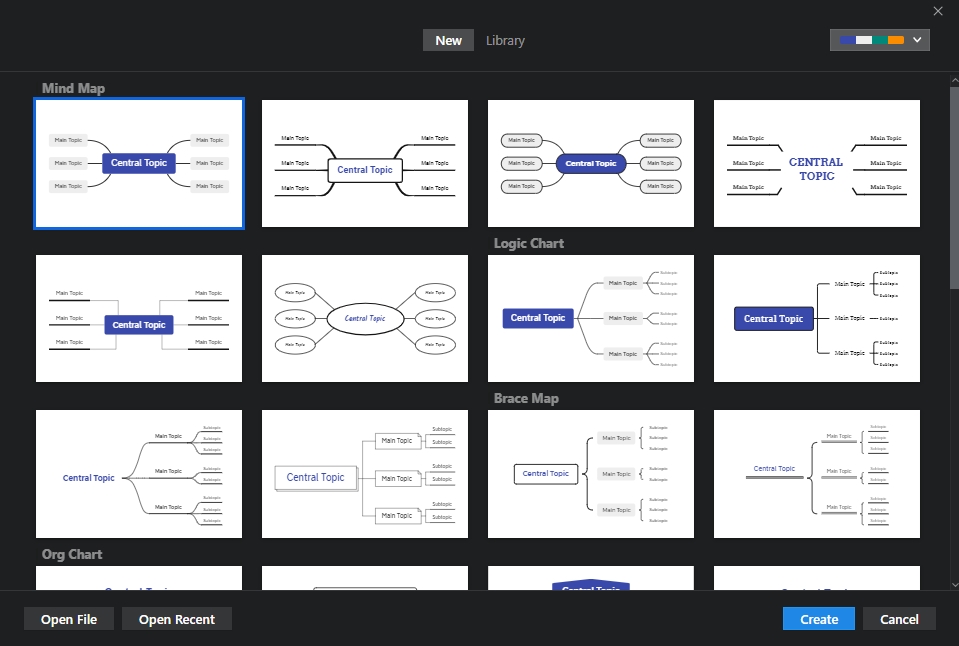
How to Create Mind Maps in XMind
Step 1: In the main interface, you will see various diagram structures, including: Mind Map, Org Chart, Tree Chart, Timeline, Matrix, and Fishbone. Select the diagram type you wish to use and click the Create button below.
Step 2: At the top of the editor, you will find a toolbar with the following features:
- Topic: Add a new category (topic).
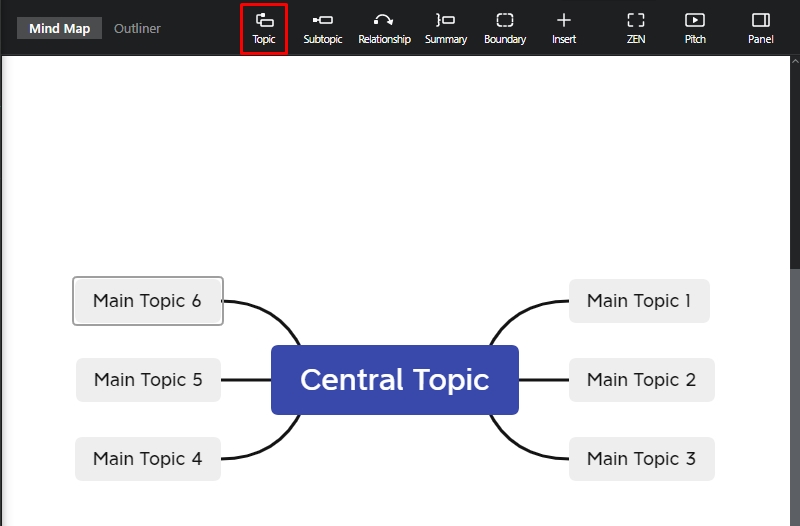
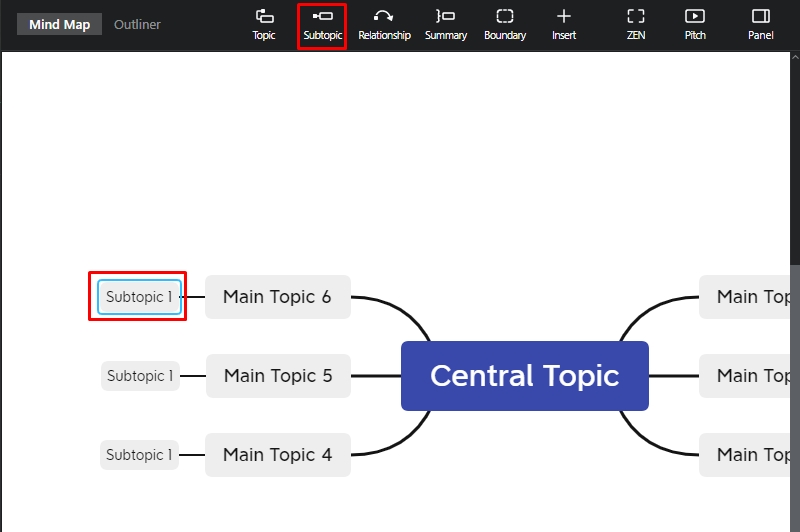
- Subtopic: Add a subcategory.
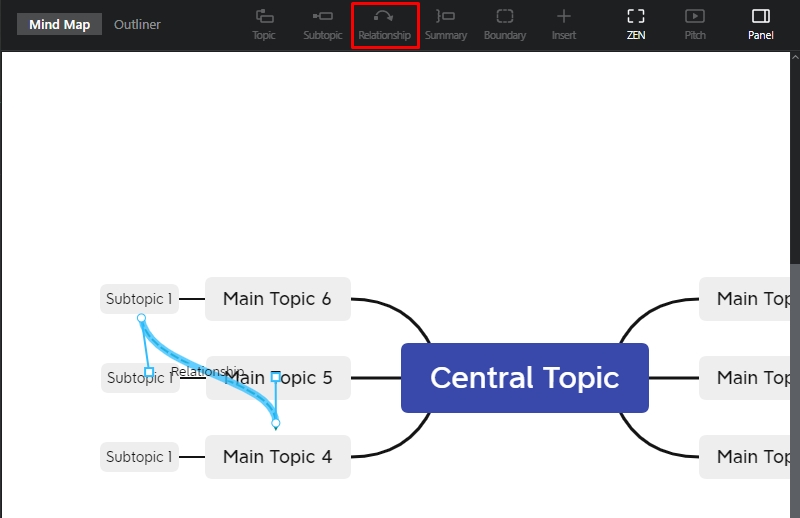
- Relationship: Display connections between categories.
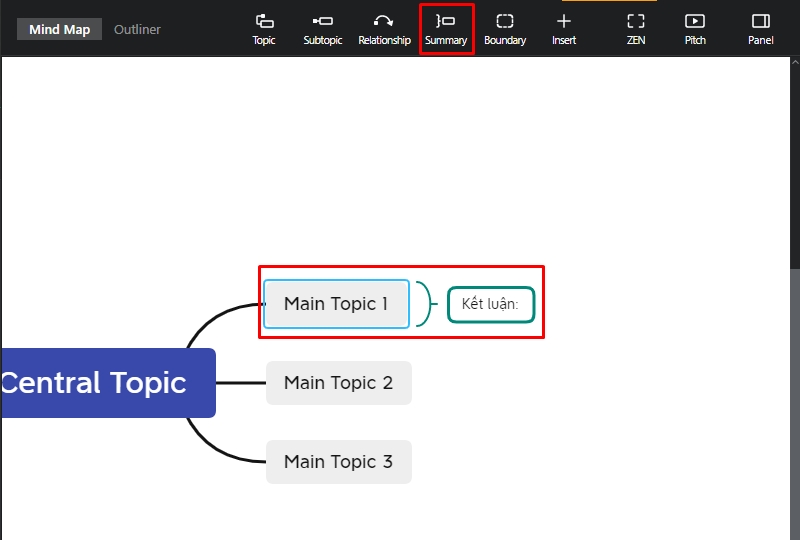
- Summary: Add a summary note to the selected category.
- Boundary: Add a boundary line to the selected category.
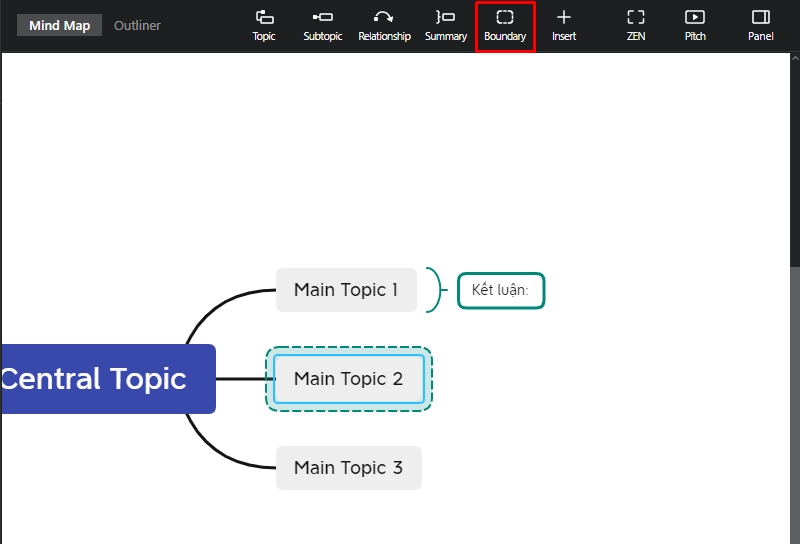
- Insert: Insert notes, shapes, links, attachments, images, and audio.
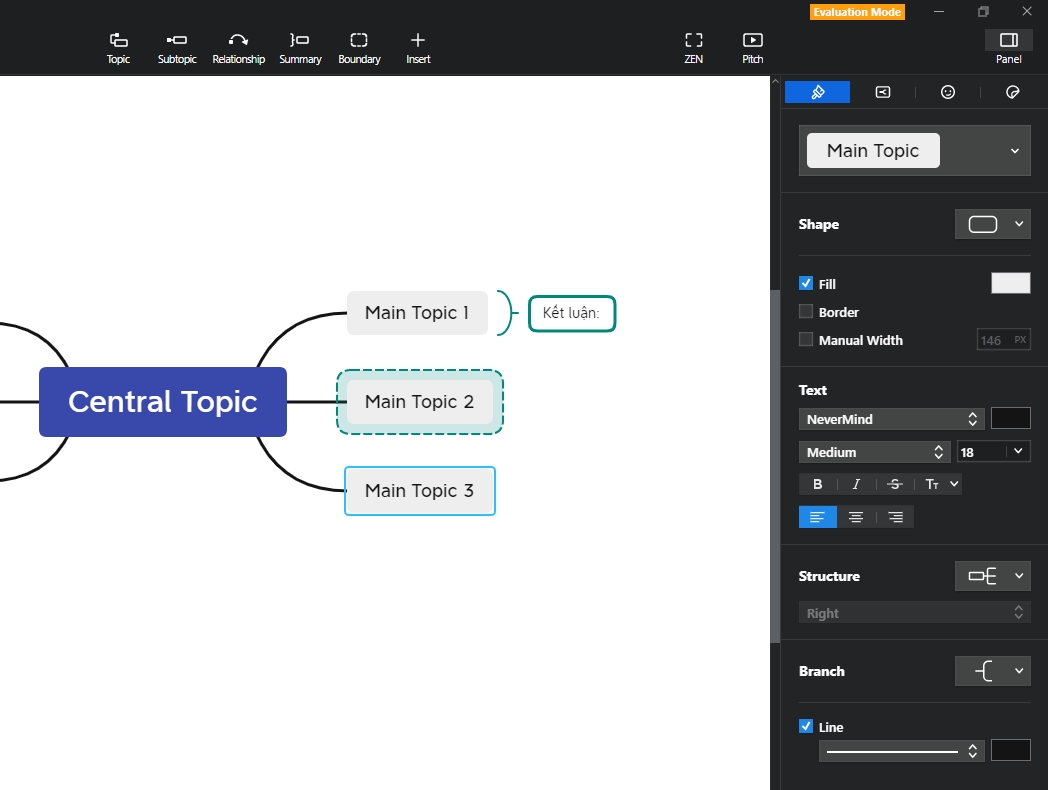
Step 3: Additionally, by clicking the Panel icon in the top right corner, you can customize the appearance of the selected category, such as changing the shape, color, adding borders, or reformatting fonts and structures.
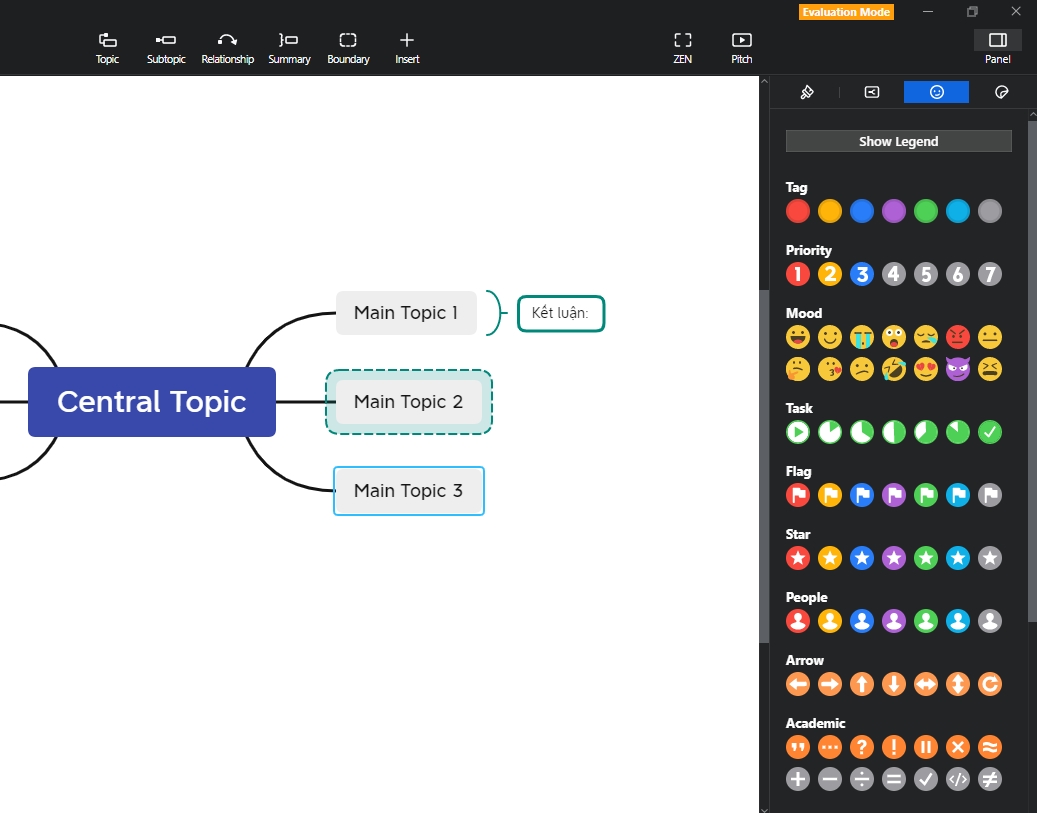
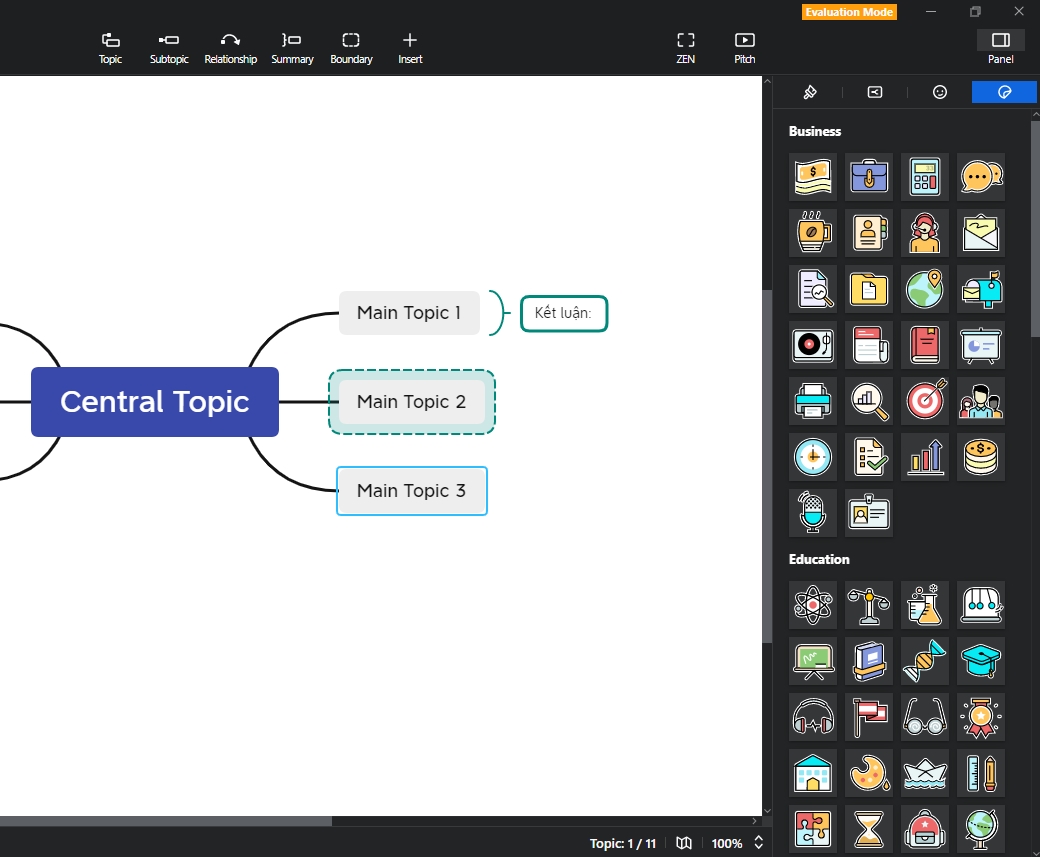
Step 4: Furthermore, you can insert icons relevant to the diagram you are designing.
Conclusion
In this article, we have introduced XMind, a software that makes creating mind maps simple, easy, and convenient. We hope this information is helpful, and we look forward to seeing you in our upcoming articles.











