


In this guide, Hưng Phát will show you how to tag every member of a Messenger group with just a single tap. Let's dive in and walk through the process together.
Update Messenger to the latest version
First, ensure you are running the latest version of Messenger provided by the developer via the links below.
- Update Messenger to the latest version on iOS here.
- Update Messenger to the latest version on Android
How to tag all Messenger group members
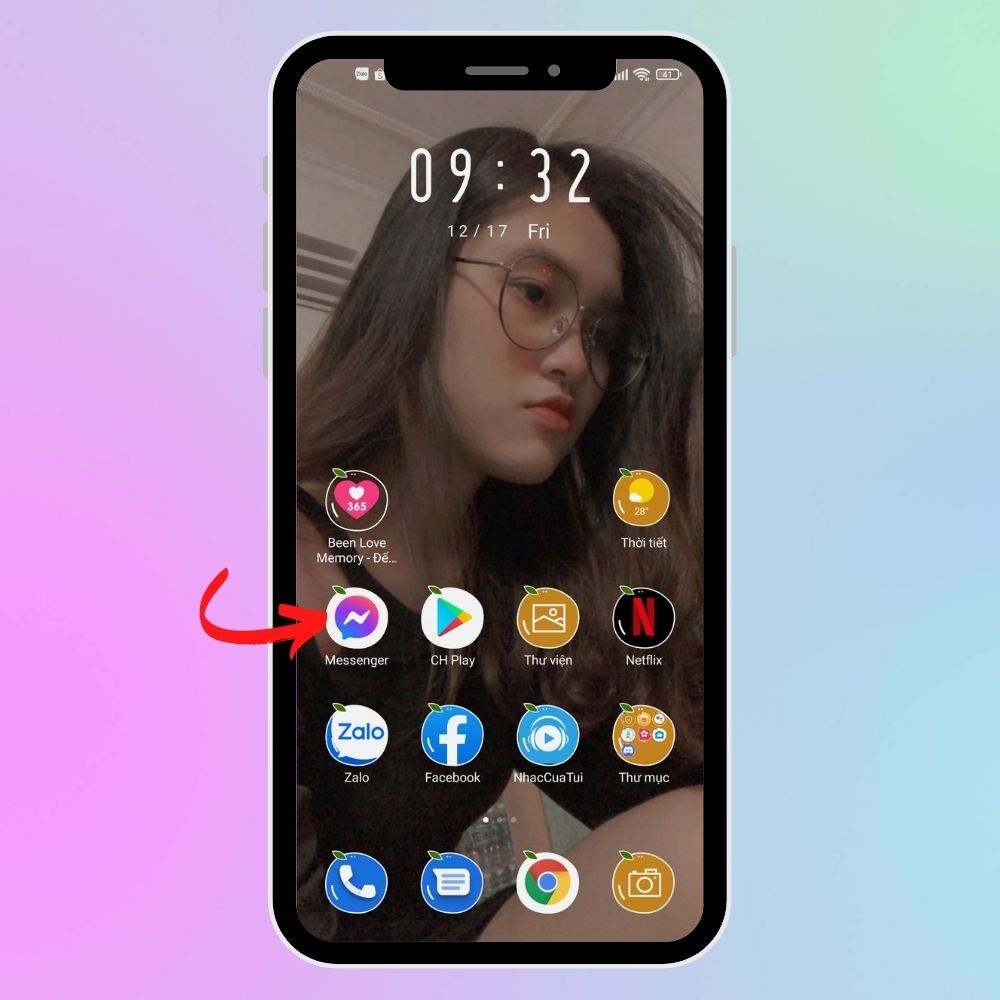
Step 1: Open the Messenger app once you have updated to the latest version on your device. From the main interface, tap on the group chat you wish to use.
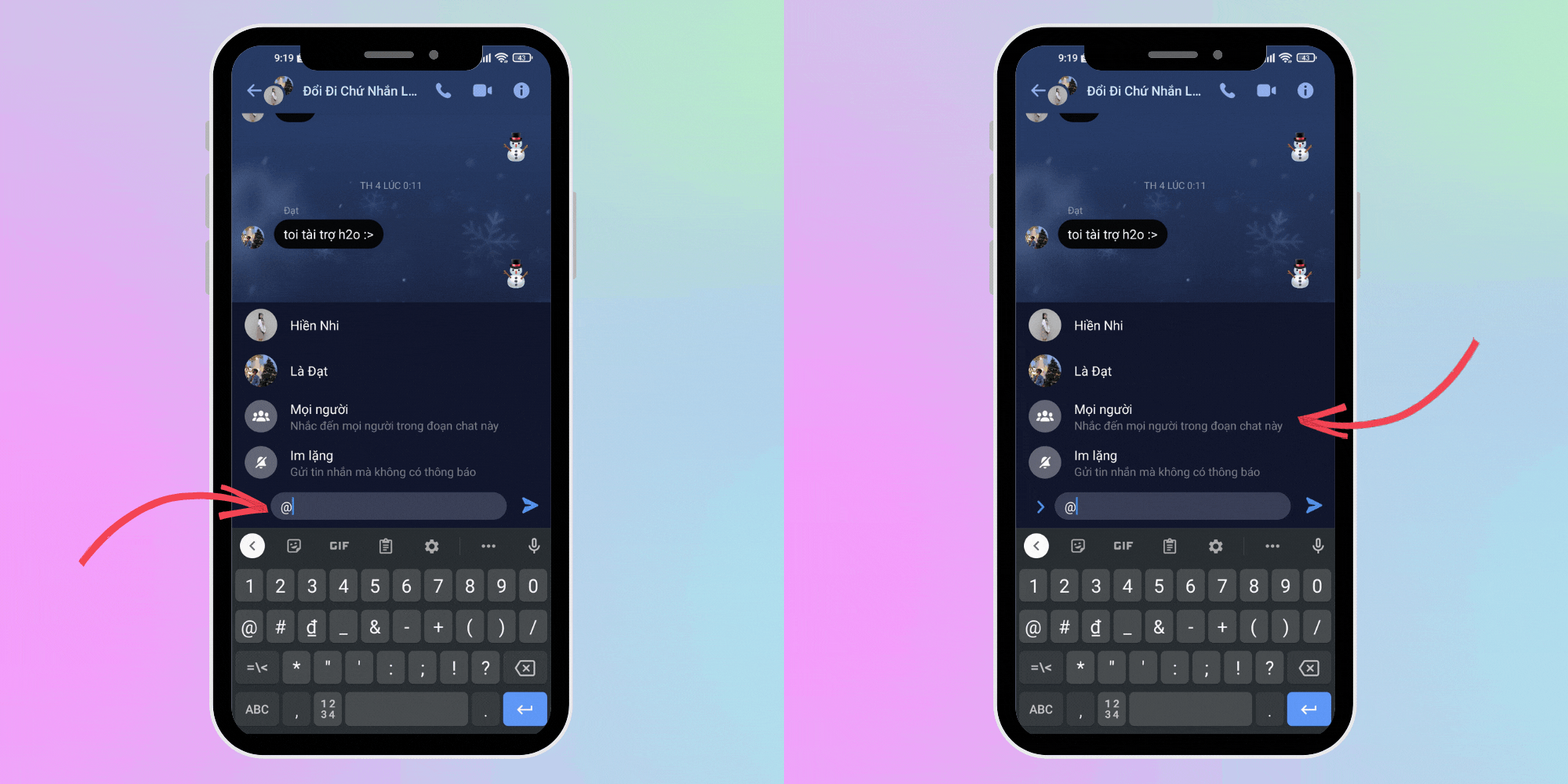
Step 2: Inside the group chat, go to the message input field and type the “@” symbol. A tagging suggestion menu will appear; simply select Everyone to tag the entire group.
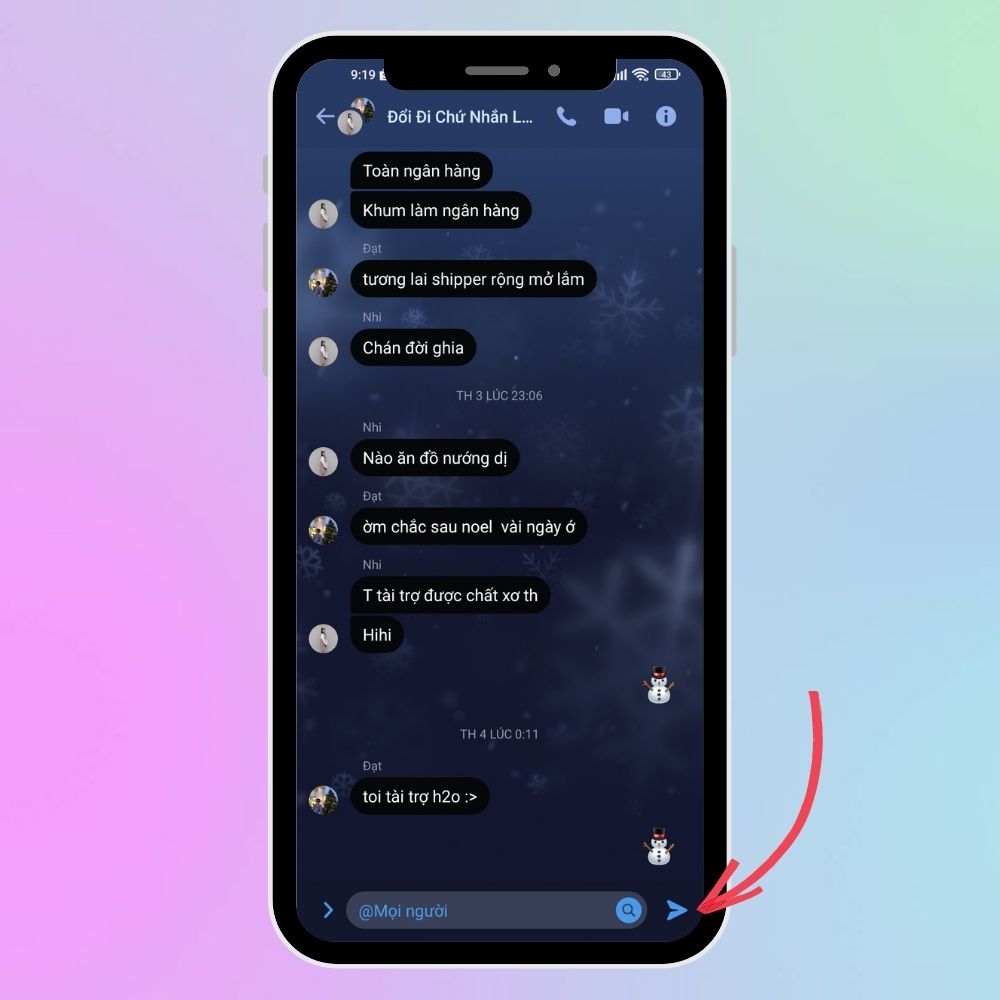
Step 3: Hit send to complete the process and tag everyone in the Messenger group.
Conclusion:
With just these few simple steps, you can now tag every member of your Messenger group instantly. We hope this guide proves useful to you. Happy chatting!











