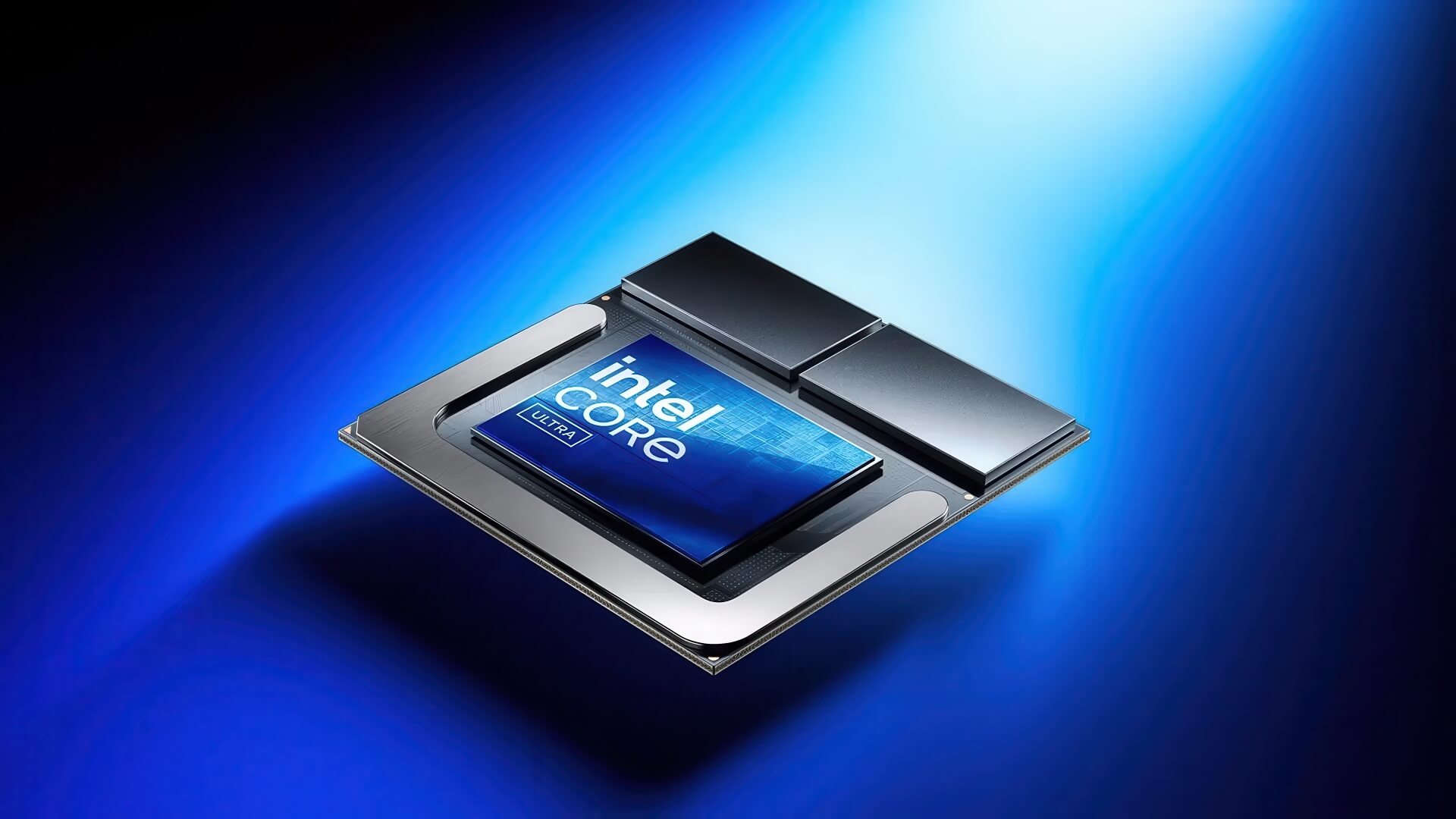
Intel has just released a new graphics driver update, integrating the Shared GPU Memory Override feature. This is an option that allows users to proactively adjust the amount of system RAM shared with the integrated GPU. By default, the system allocates 57% of the RAM to the GPU, but now, users can push this figure up to 87% - promising to improve gaming performance and graphics processing in certain specific scenarios.
Widespread support for many new CPU and GPU generations
The Shared GPU Memory Override feature currently supports the Intel Core Ultra Series 1 and 2 using Intel Arc integrated GPUs on Windows 10 and Windows 11 platforms. Notably, this update also brings power management optimizations for the Core Ultra 200H (Arrow Lake-H) series, helping to increase performance and reduce stuttering when in battery saver mode.
Additionally, the driver adds "Game On Driver" support for titles such as Battlefield 6 (Open Beta) and Mafia: The Old Country, while improving average FPS (up to 6% increase) for DOOM: The Dark Ages at 1080p resolution with path tracing enabled.

Supported platforms include:
- Intel Core Gen 11 to Gen 14 (Tiger Lake to Raptor Lake Refresh)
- Intel Core Ultra (Meteor Lake, Lunar Lake, Arrow Lake)
- Intel Iris Xe and Intel Arc (DG1, Alchemist, Battlemage)
Many bugs fixed and optimized, but limitations remain
Intel has also fixed several common bugs, such as system freezes in Naraka Bladepoint when enabling Intel XeSS or stuttering issues when playing DOOM: The Dark Ages. However, some issues have not yet been fully resolved:
- Fortnite may crash when selecting the "Performance - Lower Graphical Fidelity" graphics mode. A temporary workaround is to use the default DX12 mode.
- Some games like Broken Arrow, Call of Duty: Black Ops 6, and Warzone 2.0 may experience visual glitches in water areas.
- Davinci Resolve Studio and Adobe Premiere Pro may encounter errors when running benchmarks or using audio enhancement features.
- Display issues with the "Enhanced Power Savings" option on some machines using integrated GPUs.
Additionally, Intel is testing the "Performance Tuning" tool within the graphics driver. Although it is currently in the Beta stage and has some minor bugs, this tool promises to allow users to better customize GPU performance in future versions.
An important note: if you install the generic Intel graphics driver (instead of the customized version from your OEM manufacturer), some system-specific features may not function fully. Enterprise users are encouraged to use OEM drivers to ensure the best stability and compatibility.
In summary, the new update from Intel is a significant step forward, especially for users looking to maximize the potential of integrated GPUs to improve graphics and gaming performance. While limitations still need to be addressed, this is a positive sign that Intel is increasingly focusing on both individual and professional user experiences.