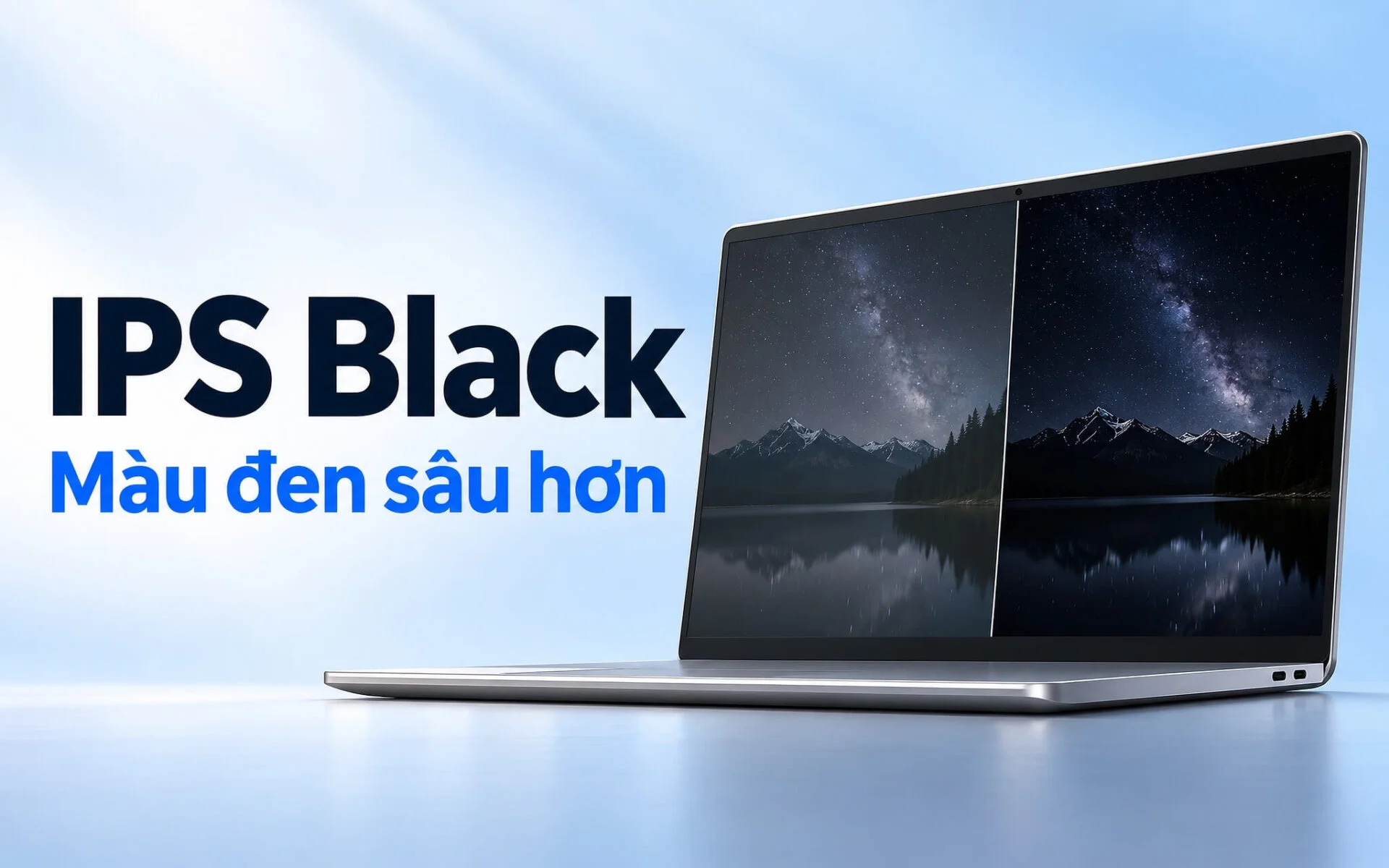
IPS Black is an LCD panel technology developed by LG Display that retains the wide viewing angles of IPS while lowering the brightness of black pixels so blacks appear less grayish. Simply put, contrast ratio indicates how many times brighter white pixels are than black pixels: a standard Dell IPS display is rated at 1000:1, the first generation of this technology is rated at 2000:1, and generation 2.0 is rated at 3000:1. This article explains what those numbers mean, which products use these panels, and how to read black-level specifications when shopping for a laptop.
What IPS Black Is and How It Differs From Traditional IPS Panels
LG Display introduced a 27-inch panel under this name at CES 2022, according to the company's newsroom. In principle, it remains an IPS (In-Plane Switching) LCD: an LED backlight illuminates from behind, and a layer of liquid crystals rotates to block or transmit light. The improvement targets the dark areas, where pixels displaying black need to leak as little light as possible. Less light leakage makes blacks appear deeper and separates bright text more distinctly against dark backgrounds.
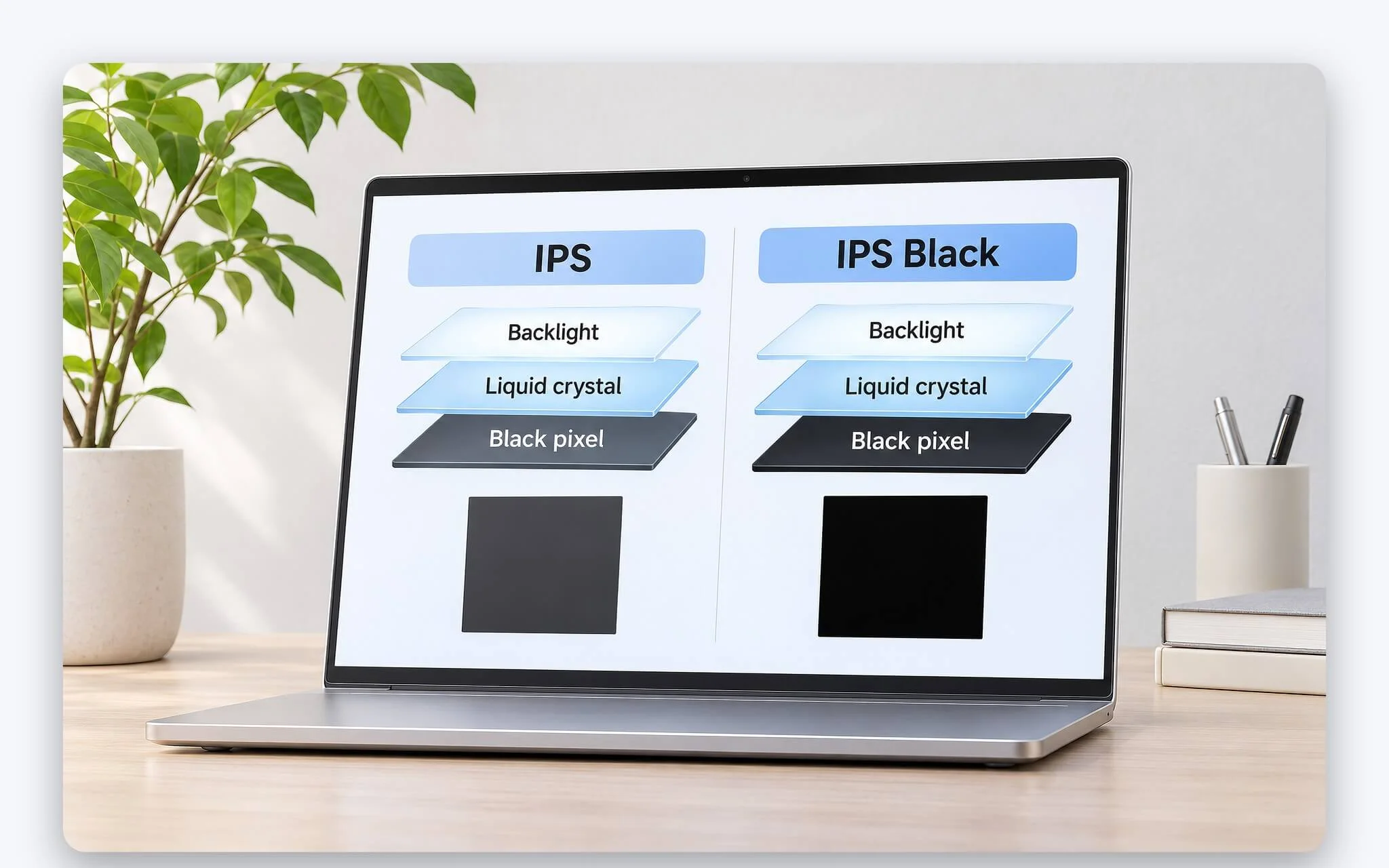
What carries over from traditional IPS is the viewing angle. The spec sheet for the Dell UltraSharp U2723QE lists the panel type as IPS Black Technology with 178° vertical and 178° horizontal viewing angles, right in line with the familiar IPS standard. As a result, when you sit off-center or two people view a design together, colors remain stable within the manufacturer's stated viewing angles. This advantage comes in handy during presentations or when reviewing designs with colleagues.
One point warrants clarification: this technology does not turn an LCD into a self-emissive display. The backlight stays on even during a fully black frame, so black pixels are merely darker rather than completely turned off as they are on an OLED. Compared to a standard IPS screen, the benefit therefore comes down to the difference in black depth under identical viewing conditions. The gap between it and OLED in a dark room remains substantial, and that reality sets a reasonable baseline of expectations for this refined panel type.
IPS Black Contrast Ratio Compared to Standard IPS Displays
Contrast ratio is the quotient between white luminance and black luminance, measured on the same display. The Dell UltraSharp U2722D, a standard 27-inch IPS monitor, lists a contrast ratio of 1000:1 (typical) in the manufacturer's documentation. The 4K U2723QE in the same UltraSharp lineup switched to the updated panel and lists 2000:1 (typical). With the UltraSharp U2725QE launched in 2025, Dell announced a rating of 3000:1.
| Panel (Reference Model) | Typical Contrast Ratio | Black Luminance With White at 400 cd/m² |
|---|---|---|
| Standard IPS (Dell U2722D) | 1000:1 | 0.40 cd/m² |
| First-gen 2000:1 (Dell U2723QE) | 2000:1 | 0.20 cd/m² |
| Enhanced 3000:1 (Dell U2725QE) | 3000:1 | 0.13 cd/m² |
The third column is a straightforward division to help you visualize the difference. At the same 400 cd/m² white level, black luminance on a 2000:1 panel is cut in half compared to a 1000:1 panel, while a 3000:1 panel drops it to roughly one-third. That difference becomes obvious in a dark room, where black backgrounds in movies or dark-mode interfaces no longer cast a gray sheen. In well-lit environments, ambient reflections on the screen surface add to the black point, narrowing the gap between panel types.
The figures listed on a spec sheet are typical values, not guaranteed minimums for every single unit. LG explicitly lists two ratings for its UltraFine 32UQ850V-W monitor: a typical contrast ratio of 2000:1 and a minimum of 1400:1. That means two monitors of the same model may still vary within an allowable tolerance, and only hands-on measurement can confirm an individual unit's performance. When comparing two products, you should compare like with like - typical against typical - rather than setting one model's minimum alongside another's typical rating.
Generations of IPS Black and Manufacturer Specifications
According to the Dell UltraSharp U2723QE and U3223QE datasheet, this 27-inch and 31.5-inch pair were the first monitors to use LG Display's technology, based on Dell's publicly available data analysis from August 2021. Both feature 4K resolution, typical brightness of 400 cd/m², 98% DCI-P3 coverage, and DisplayHDR 400 certification. LG also integrated this panel into its 31.5-inch 32HQ713D medical diagnostic monitor with a 2000:1 contrast ratio, announced on May 30, 2023.
| Generation and Products | Size, Resolution | Contrast Ratio | Manufacturer-Stated Differences |
|---|---|---|---|
| First gen: Dell U2723QE, U3223QE | 27- and 31.5-inch, 4K | 2000:1 | 98% DCI-P3, DisplayHDR 400 |
| Nano version: LG UltraFine 32UQ850-W | 31.5-inch, 4K | 2000:1 | 98% DCI-P3 |
| LG Display Version 2.0 | 32-inch, 4K, 120Hz | 3000:1 | 30% deeper blacks than previous generation, 99% DCI-P3 |
| Dell U2725QE, U3225QE (available from February 25, 2025) | 27- and 32-inch, 4K | 3000:1 | 47% deeper blacks than standard IPS |
Version 2.0 is detailed on LG Display's IPS Black 2.0 product page with a 3000:1 contrast ratio, 450 nits of brightness, a 120Hz refresh rate, and 99% DCI-P3 coverage. The manufacturer reports that blacks are 30% deeper compared to the previous panel generation. LG Display also notes that contrast in an office environment with 300 lux illuminance increases by 1.8 times thanks to reflection reduction technology. The Nano IPS Black variant appears on the LG UltraFine 32UQ850-W monitor with that same 2000:1 level.
Dell identifies the U2725QE and U3225QE as the first monitor pair to use the upgraded version reaching 3000:1. In a blog post published January 6, 2025, the company stated that blacks are 47% deeper and contrast in typical office lighting improves by 89% compared to standard IPS monitors, citing third-party research from November 2024. Because LG Display and Dell use different baselines - one comparing against earlier IPS Black and the other against standard IPS - these two sets of figures cannot be directly combined.
How Deeper Blacks Help with Dark Images and Bright Offices
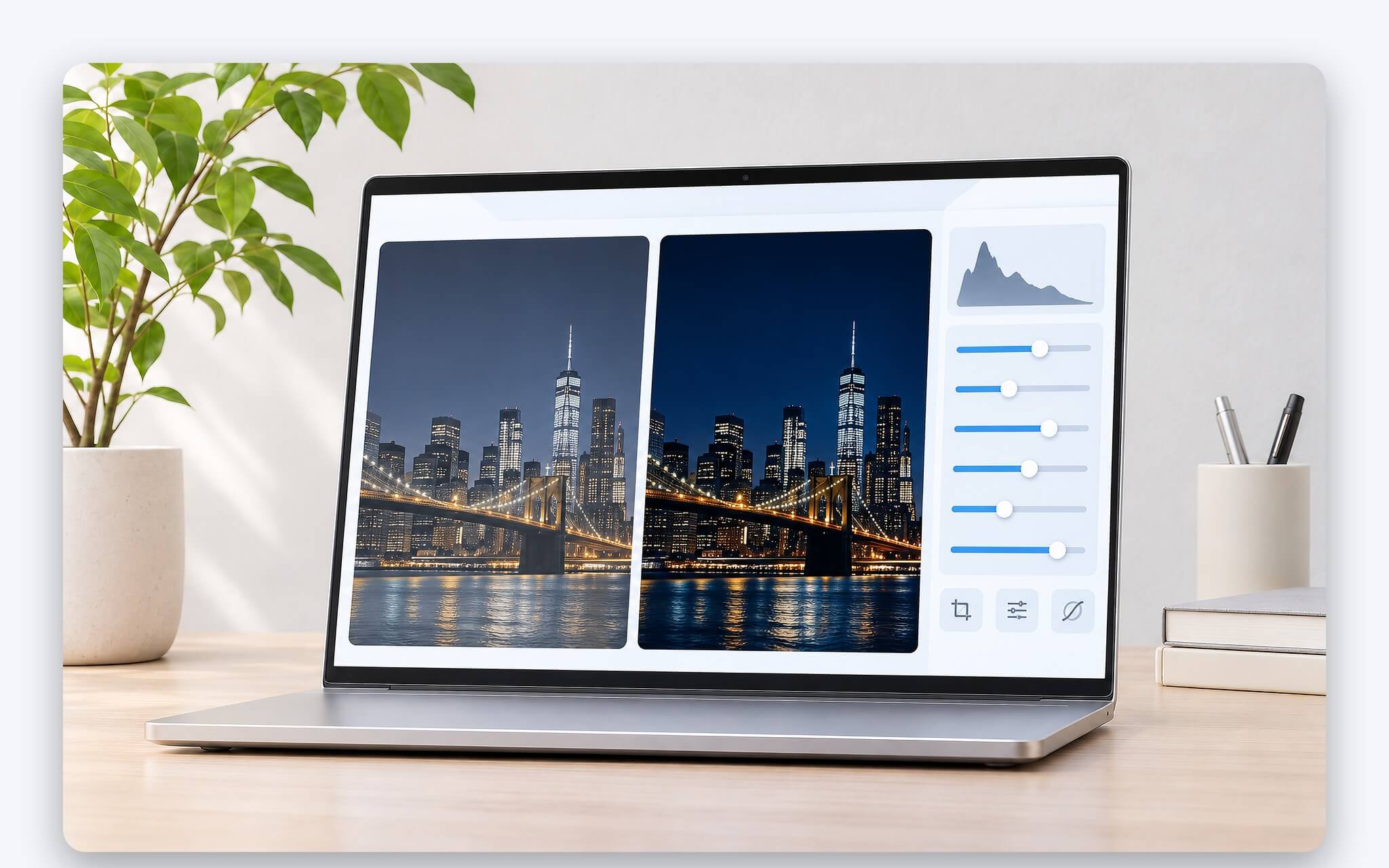
The most evident benefit shows up in dark content. When editing night shots, shadow areas on a 2000:1 or 3000:1 display separate more cleanly from the black background, making it easier to spot crushed details or shadow noise. In video editing and playback, nighttime scenes and letterbox bars look less washed out with gray. For programmers and office workers who favor dark mode, light text against a black background has cleaner edges, reducing glare and easing eye fatigue during late-night work.
IPS glow, the visible luminescence at the screen corners when viewing a dark background from an angle, is an inherent trait of IPS technology. The LG Display and Dell documentation cited here does not confirm that the revised panel completely eliminates this effect. For that reason, you should still check black backgrounds from your actual seated posture. Backlight uniformity can also vary from unit to unit, even within the same model and production run.
In brightly lit offices, ambient light reflecting off the panel surface raises black levels, pulling real-world contrast down well below numbers recorded in a dark room. That is why both LG Display and Dell report separate office-environment contrast figures alongside their static specs. For laptops built around mobility and frequently taken to coffee shops or conference rooms, anti-glare coatings and maximum brightness deserve just as much priority as the display panel type itself.
What Display Panel Options Are Available for Deeper Blacks on a Laptop?
On LG Display's website, IPS Black 2.0 falls under the Monitor category, while the Laptop section lists Tandem ATO (OLED) and Neo:LED. Every product using this panel mentioned in the article, from Dell to LG, is a 27- to 32-inch standalone monitor. Therefore, when a laptop's spec sheet does not explicitly specify IPS Black, you should not assume its IPS display panel reaches 2000:1. The practical approach is to select the right display panel type based on how deep of a black level your workload requires.
| Panel Type | How It Produces Black | What to Check on the Spec Sheet |
|---|---|---|
| Standard IPS | Backlight is always on; liquid crystals block light | Manufacturer's stated contrast ratio, anti-glare coating |
| OLED | Each pixel is self-lit and shuts off entirely for black | DisplayHDR True Black certification, full-screen brightness |
| Mini LED | Backlight divided into multiple zones; dark zones are dimmed | Number of local dimming zones, blooming around bright objects |
| Enhanced IPS (external monitor) | IPS structure with better light-blocking in dark areas | USB-C or Thunderbolt port for laptop connectivity |
If you need deep blacks directly on a laptop, OLED is a common choice because pixels showing black shut off completely. VESA certification tiers help differentiate black levels among OLED panels, and DisplayHDR True Black 500 - Khác biệt bản 400 và chuẩn VESA trên OLED explains the black-level measurement criteria for each tier. When comparing two OLED configurations side by side, certification tiers give you a clearer benchmark than generic descriptions.
Mini LED retains an LCD structure but divides the backlight into multiple zones, dimming the areas that display dark scenes independently to achieve deeper blacks than standard IPS displays when local dimming is enabled. In return, a halo effect (blooming) may appear around bright objects on a black background. If you still choose an IPS laptop for price and battery life, you should prioritize models where the manufacturer explicitly states the contrast ratio, since not every spec sheet includes this metric.
How to Read Contrast Specs Before Choosing a Laptop or External Monitor
The first step is checking the panel type line. Dell lists IPS Black Technology on the panel line and 2000 to 1 (typical) on the contrast line for the U2723QE, meaning both pieces of information appear together in one table. Terms like IPS-level or IPS-type on certain laptops essentially describe a display panel similar to IPS; they are not the name of a specific technology and do not indicate a contrast ratio. When a product page omits this, you should ask for the panel model number before drawing a conclusion.
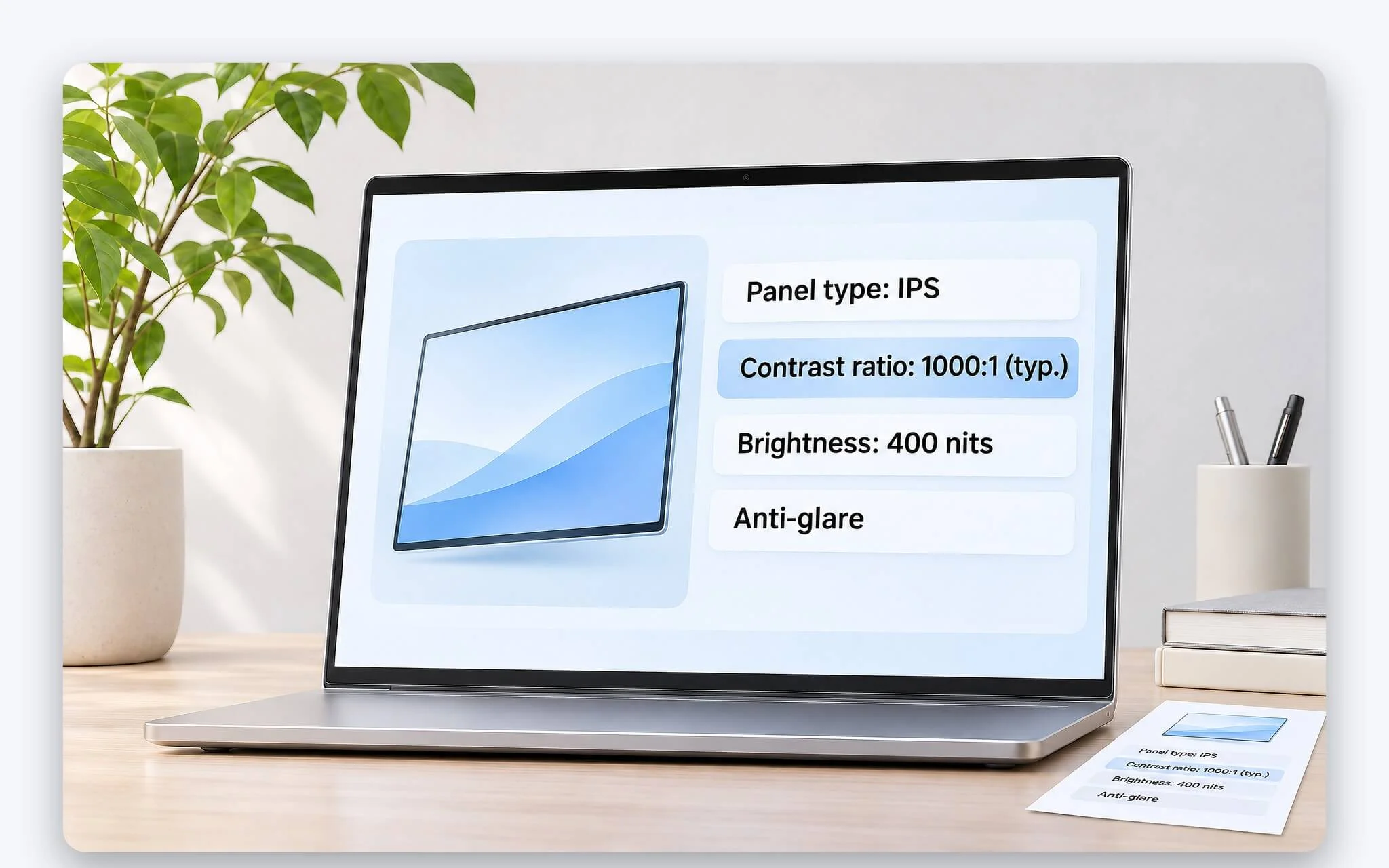
The second step is distinguishing static contrast from dynamic contrast. Dynamic contrast is measured as the monitor adjusts backlight brightness across frames, resulting in a much larger number that does not reflect the display panel's actual light-blocking capability. Typical and minimum values also need to be compared in matching pairs, as noted earlier. Finally, check brightness and screen coating, as both factors determine black levels when there is significant ambient room light.
The last step is matching your needs to your usage scenario. If you primarily work at a desk and require deep blacks for photo editing, an IPS Black external monitor is a sensible choice. The U2723QE features a USB-C port supporting DisplayPort 1.4 output along with up to 90W charging, allowing a single cable to handle video and power for laptops that support the standard. If you need deep blacks on the go, consider an OLED or Mini LED laptop. For typical office work, a standard IPS display with an anti-glare coating and suitable brightness remains well-suited to the job.
Frequently Asked Questions (FAQ)
Is LG's black-enhancing panel an OLED?
No. It remains an LCD panel using LED backlighting, meaning black pixels are simply darker rather than completely shut off. OLED features self-lit pixels that turn off entirely when displaying black. Because it belongs to the IPS family, Dell's announced models retain the traditional 178° viewing angles of IPS while increasing contrast to 2000:1 or 3000:1.
Are there any laptops currently using an IPS Black display?
The Dell and LG products mentioned in this article are all 27- to 32-inch standalone monitors, and LG Display categorizes version 2.0 under Monitors on its product page. On laptops, you should only rely on the laptop manufacturer's official spec sheet explicitly stating the technology name and contrast ratio, rather than assuming it from a generic IPS label.
Is a standard 1000:1 IPS display sufficient for office work?
Documents, spreadsheets, and video conferencing software typically run on white backgrounds where black levels have little impact on the experience. Under those conditions, a 1000:1 display with adequate brightness and an anti-glare coating is sufficient. Contrast ratios of 2000:1 or higher offer more value when you frequently edit dark images, watch movies in dimly lit rooms, or use dark mode interfaces.
What should you keep in mind when connecting a laptop to a high-contrast external monitor?
The laptop needs a USB-C port with DisplayPort output support or Thunderbolt to connect with a single cable; otherwise, you must use an HDMI port. According to its datasheet, the U2723QE includes HDMI 2.0, DisplayPort 1.4, and USB-C with up to 90W charging. You should check the charging power your laptop requires, as high-performance machines may require a larger power adapter than this output provides.