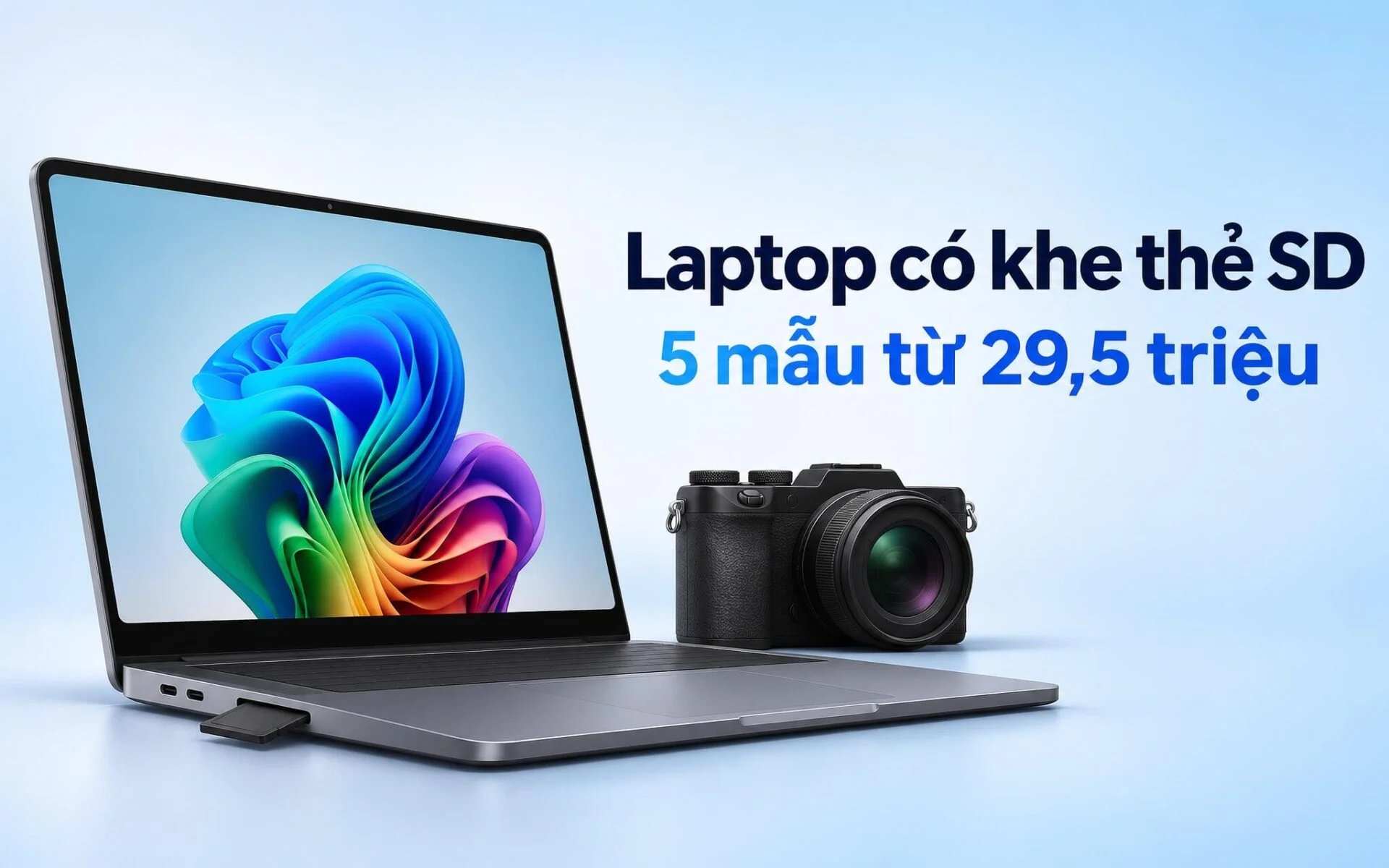
Offloading several hundred RAW photos after a shoot is much simpler when a laptop has a built-in SD card slot, eliminating the need to carry an external card reader or camera cable. This guide explains how to identify the card format your camera uses, read the speed markings printed on the card, and choose the right slot for your workflow. Put simply, UHS-II adds a second row of contact pins to transfer data up to three times faster than mainstream UHS-I cards. At the end of the article are 5 2025 and 2026 laptop models equipped with card slots, priced from 29.5 to 87 million VND.
Identify the Card Type Your Camera Uses Before Choosing an SD Card Slot
The first step is checking which type of memory card your recording gear uses. Mirrorless cameras, DSLRs, and many camcorders take full-size SD cards. Drones, action cameras, and Android phones, by contrast, typically rely on fingernail-sized microSD cards. If your primary gear takes full-size media, a laptop with a full-size SD card slot lets you plug the card directly in without an adapter. If you only offload footage from a drone, a microSD slot will cover your needs. A quick way to check is to open the card door on your device or look up the storage section in the manufacturer manual.
Form factor and speed ratings are two separate matters. Both full-size SD and microSD cards come in UHS-I and UHS-II variants, so physical appearance alone will not tell you whether a card is fast or slow. A microSD card inserted into an adapter still fits into a full-size SD card slot, with transfer rates determined by the card's own speed standard. The reverse is not possible, since a full-size card cannot fit into the microSD slot found on a thin and light laptop.
Capacity also plays a role in your choice. According to the SD Association, SDHC cards range from over 2GB to 32GB formatted in FAT32, SDXC covers over 32GB to 2TB, and SDUC spans over 2TB to 128TB, with the latter two using exFAT. Typical 64GB or 256GB camera cards fall into the SDXC category, and because Windows 11 natively supports exFAT, you do not need to install any extra software. Some professional cameras use CFexpress cards instead, which a laptop SD card slot cannot read, requiring a dedicated external CFexpress reader.
Read V60 and UHS-II Markings on Cards to Match Slot Speeds
Card labels usually feature Roman numerals I or II, indicating the bus interface standard. According to the SD Association's bus speed table, UHS-I tops out at 104 MB/s over a single row of pins, while UHS-II uses two rows of pins to reach 312 MB/s in half-duplex mode. SD Express switches entirely to a PCIe interface running the NVMe protocol like an SSD, scaling bus bandwidth from 985 MB/s in revision 7.0 to 3940 MB/s in revision 8.0.
| Bus Standard | Specification Version | Maximum Bus Speed (MB/s) | Transmission Method |
|---|---|---|---|
| Default Speed | 1.01 | 12.5 | 1 row of pins |
| High Speed | 1.10 | 25 | 1 row of pins |
| UHS-I | 3.01 | 104 | 1 row of pins |
| UHS-II | 4.00 | 312 | 2 rows of pins, half-duplex |
| UHS-III | 6.00 | 624 | 2 rows of pins, full-duplex |
| SD Express | 7.0 and 7.1 | 985 | PCIe Gen3 x1 |
| SD Express | 8.0 | 3940 | PCIe Gen4 x2 |
The second key marking is the minimum sequential write speed class, which is critical when recording video. According to the SD Association's Speed Class documentation, the number alongside the letter V indicates the minimum write speed in MB/s, spanning V6, V10, V30, V60, and V90. The V60 and V90 ratings apply only to cards operating in UHS-II mode or higher, whereas V30 is also found on UHS-I media. This spec reflects the card's sustained write performance inside a camera, not its transfer speed to a laptop.
During file transfers, real-world speeds are capped by whichever is slower: the card or the slot. A UHS-II card inserted into a UHS-I slot still reads normally thanks to backward compatibility, but it will be limited to UHS-I bus speeds. The SD Association also points out that a card's maximum rated speed differs from bus bandwidth and depends on individual card performance. That is why, when shopping for a laptop, you should verify whether the manufacturer rates the slot as UHS-I, UHS-II, or SD Express. Once files are transferred, cutting 4K footage comes down to the GPU, RAM, and SSD, as detailed in the article 4K Video Editing Laptops: Choosing the GPU, RAM, and SSD for Premiere Pro, DaVinci Resolve.
Galaxy Book6 14-Inch Features a MicroSD Card Slot, Priced Under 30 Million VND
If you primarily offload footage from drones or action cameras, paying extra for a full-size slot is unnecessary. According to the Galaxy Book6 lineup comparison chart on Samsung's support site, both the 14-inch and 16-inch Galaxy Book6 include a microSD card slot, an RJ45 port, two USB-C ports, two USB-A ports, and HDMI. That port selection allows an office laptop to ingest drone footage, hook into a wired network, and output to a projector without an external hub. This model lacks a full-size SD card slot, so camera cards must be transferred using an adapter or a dedicated external reader.
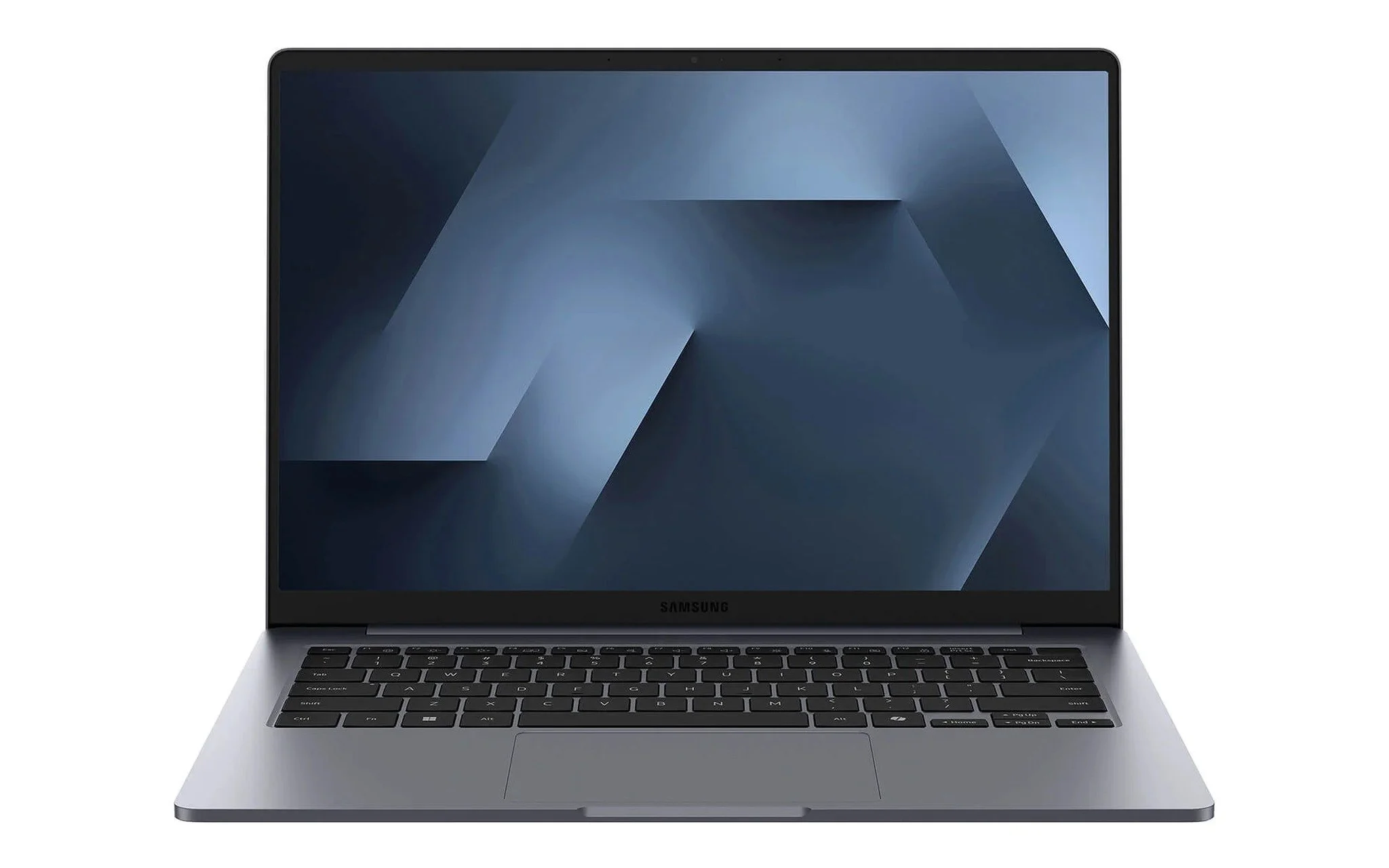
The currently sold configuration of the Samsung Galaxy Book6 14 inch (2026) includes a Core Ultra 5 325, RAM 16GB, SSD 512GB, and a WUXGA screen, priced at 29.5 million VND. Samsung lists the 14-inch model with a 350-nit 60 Hz IPS display panel, a 61.2 Wh battery, a 45W charger, and Wi-Fi 6E. For basic workflows focused on offloading drone footage and assembling rough cuts, this configuration handles file ingestion and staging storage well before you archive to an external drive.
One factor to weigh is that Samsung's spec sheet does not specify the bus rating for the microSD slot, leaving it unclear whether it runs at UHS-I or UHS-II speeds. The 350-nit IPS display panel works well for reviewing and culling shots, but falls short for meticulous color work. Samsung advertises up to 24 hours of video playback for the Galaxy Book6 line, a figure measured during continuous playback; video editing will drain the battery much faster. If your primary workload involves editing RAW stills from cameras that use full-size cards, the higher-end laptops discussed in the next section are a more practical fit, even at twice the price.
Galaxy Book6 Ultra and Zephyrus G16 for RAW Photo and Video Editors
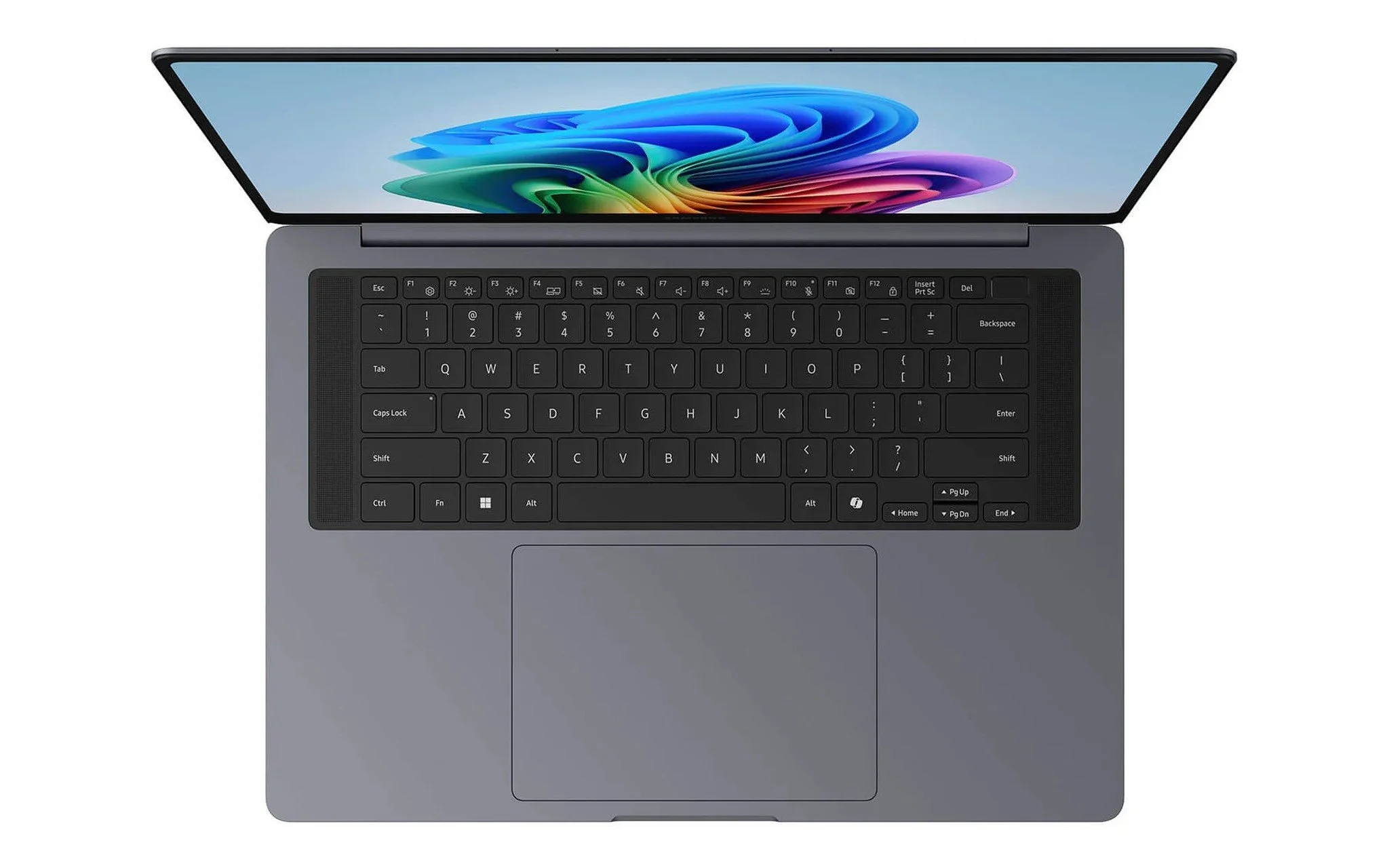
According to Samsung's comparison chart, the Samsung Galaxy Book6 Ultra 16 inch (2026) features a full-size SDXC card reader that takes cards directly from mirrorless cameras. The configuration currently on sale comes with a Core Ultra 7 356H, 32GB of RAM, a 1TB SSD, an 8GB RTX 5060 GPU, and a 120Hz 3K AMOLED touchscreen, priced at 62 million VND. Samsung lists the chassis at 15.4 mm thick, with an 80.20 Wh battery and a panel that hits 1,000 nits of peak brightness when displaying HDR content.
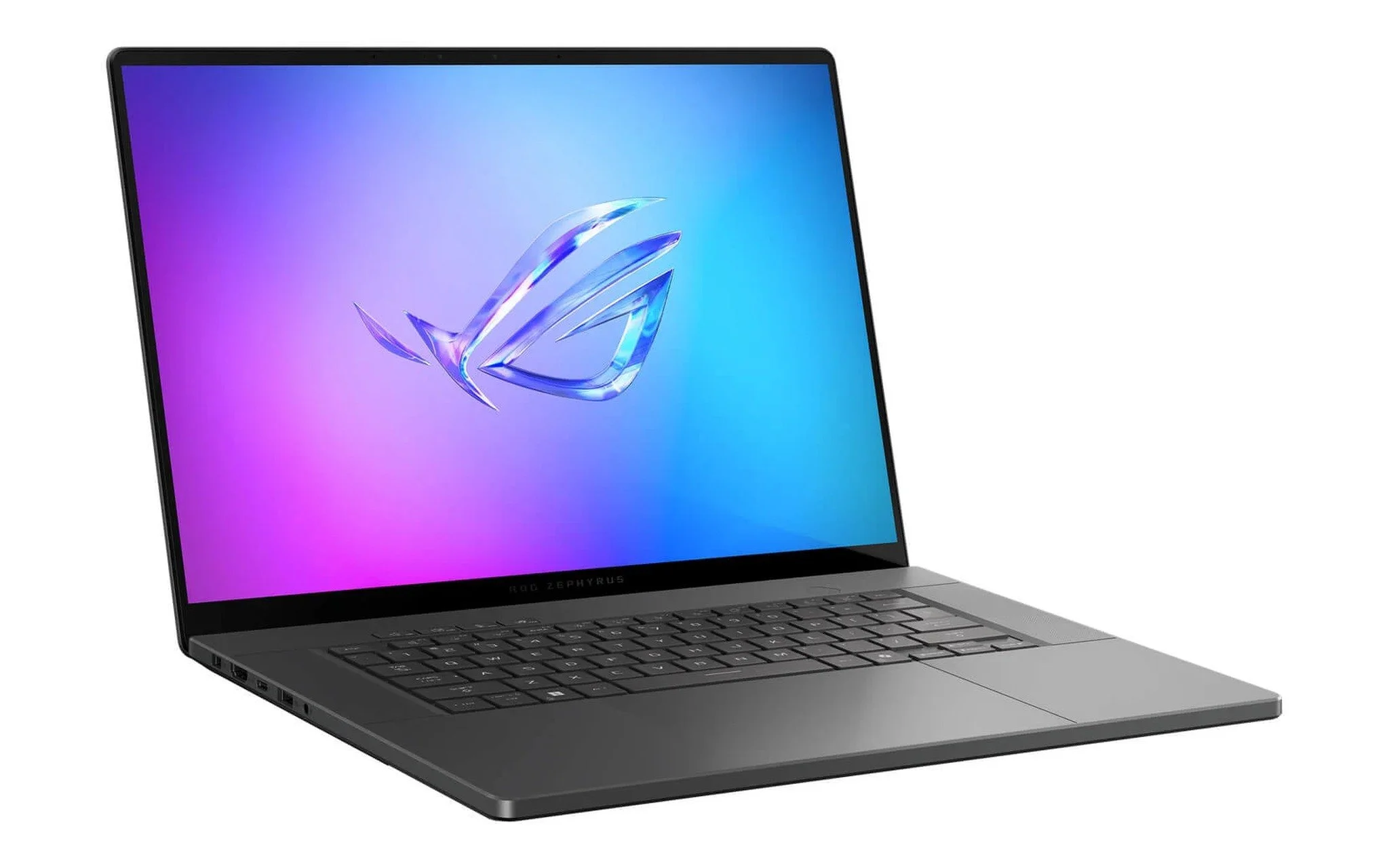
Asus explicitly specifies the slot standard on its ROG spec page: the Asus ROG Zephyrus G16 GU605 (2025) features an SD UHS-II card slot rated at 312 MB/s. The retail configuration includes a Core Ultra 7 255H, 32GB of RAM, a 512GB SSD, an 8GB RTX 5070, and a 240Hz WQXGA OLED display, priced at 78.99 million VND. The 2560 x 1600 panel covers 100% of the DCI-P3 color gamut, is Pantone Validated, and includes a 40Gbps Thunderbolt 4 port to hook up an external SSD once your cards fill up.
Both laptops feature RTX GPUs and OLED panels, but they target different priorities. The Book6 Ultra leans into a slim chassis and a generous battery, while the Zephyrus G16 packs an RTX 5070 alongside a confirmed SD UHS-II slot, making it well-suited for anyone shooting video on V60 or V90 cards. The 512GB SSD on the Zephyrus is fairly tight for RAW photo libraries, so you will want to supplement it with an external drive or a second internal SSD. If you are still deciding between a color-accurate display and memory capacity for post-production, the guide Laptops for Photographers: Should You Prioritize a Color-Accurate Display or RAM Capacity? examines both factors in detail.
ThinkPad P1 Gen 8 and P16 Gen 3 Feature SD Express Slots
These two ThinkPad workstations swap conventional SD card slots for SD Express, a standard that routes memory cards over PCIe lanes. According to Lenovo's PSREF, the Lenovo ThinkPad P1 Gen 8 - Mobile WorkStation (2025) features an SD Express 7.0 slot, corresponding to a 985 MB/s bus speed under SD Association specifications. The retail configuration includes a Core Ultra 7 255H, 32GB of RAM, a 1TB SSD, an 8GB RTX PRO 2000 GPU, and a 3840 x 2400 WQUXGA display, priced at 79 million VND, with a starting weight of 1.84 kg.
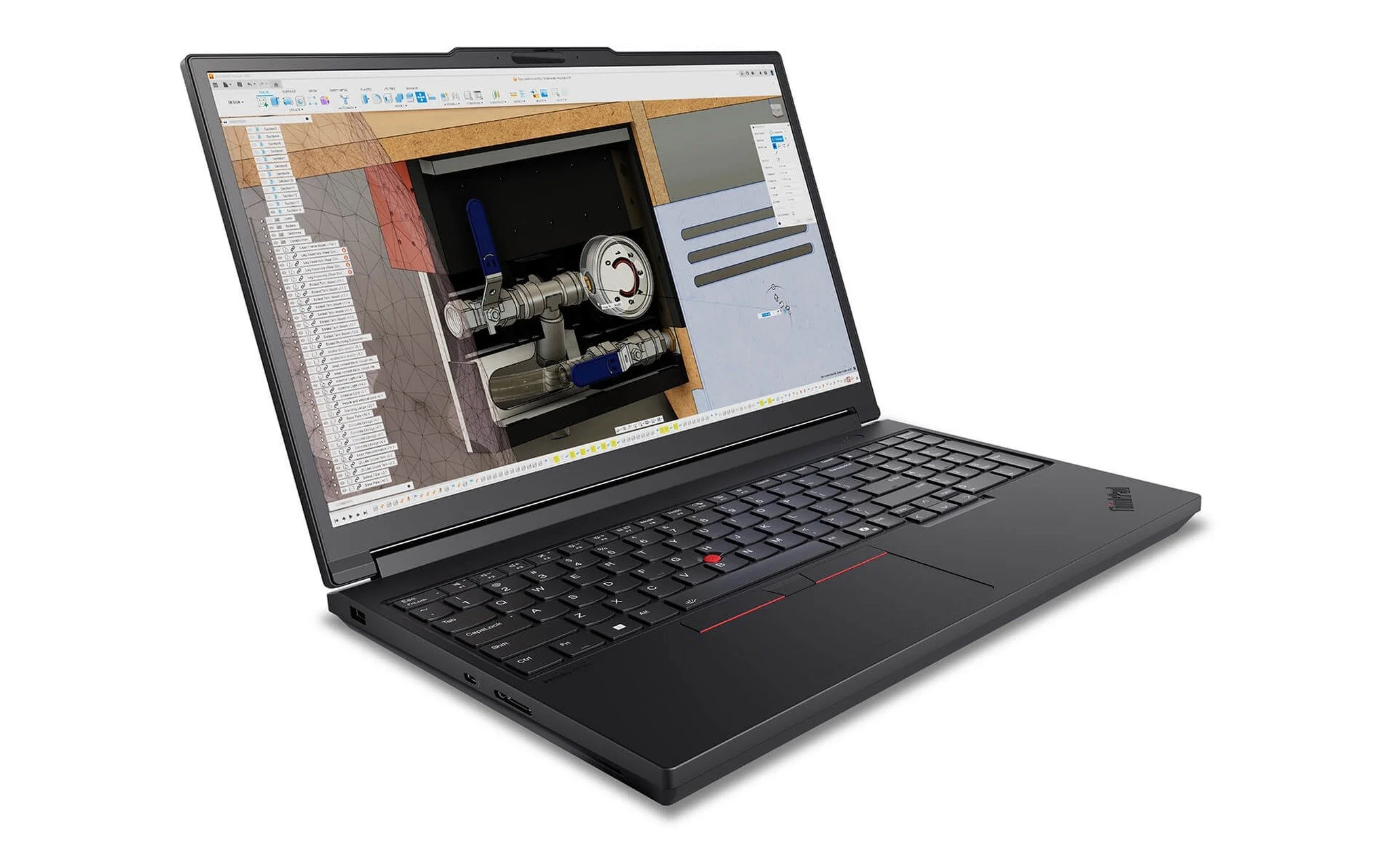
The Lenovo ThinkPad P16 Gen 3 - Mobile WorkStation (2025) steps up to an SD Express 8.0 slot. This specification supports bus speeds of 1970 MB/s over PCIe Gen4 x1 and 3940 MB/s over PCIe Gen4 x2, though Lenovo does not specify which lane configuration the laptop uses. The configuration currently on sale includes a Core Ultra 7 255HX, 32GB of RAM, a 1TB SSD, an 8GB RTX PRO 2000, and a WQUXGA display, priced at 87 million VND. Lenovo's PSREF also lists a 2.5GbE Ethernet port, two Thunderbolt 5 ports, and a starting weight of 2.54 kg.
To reach PCIe speeds, you need an SD Express card, which carries speed classes from E150 to E600. Existing UHS-I and UHS-II cards still work in an SD Express slot thanks to backward compatibility, so you do not have to replace your current card collection all at once. Design studios, video editing crews, and field survey teams ingesting multiple cards daily will get the most out of these two workstations. Between the two, the roughly 0.7 kg weight difference favors the P1 Gen 8 when traveling, whereas the P16 Gen 3 provides a built-in wired Ethernet port and a higher-core-count HX processor.
Quick Comparison Table of the Five Models and External Card Reader Options
The table below brings together the slot types, specs, and pricing for the five 2025 and 2026 laptops with SD or microSD slots analyzed above. The slot type column lists the exact standard confirmed by each brand in its official spec sheets; entries marked "unannounced" mean the manufacturer only identifies the card form factor without specifying a bus speed standard. Prices reflect currently available configurations and may change over time.
| Laptop Model | Manufacturer-Stated Slot Type | CPU | RAM | Display | Price (Million VND) |
|---|---|---|---|---|---|
| Galaxy Book6 14 inch (2026) | microSD, unannounced standard | Core Ultra 5 325 | 16GB | WUXGA | 29.5 |
| Galaxy Book6 Ultra 16 inch (2026) | Full-size SDXC, unannounced standard | Core Ultra 7 356H | 32GB | 3K AMOLED 120Hz | 62 |
| ROG Zephyrus G16 GU605 (2025) | SD UHS-II, 312 MB/s | Core Ultra 7 255H | 32GB | WQXGA OLED 240Hz | 78.99 |
| ThinkPad P1 Gen 8 (2025) | SD Express 7.0 | Core Ultra 7 255H | 32GB | WQUXGA | 79 |
| ThinkPad P16 Gen 3 (2025) | SD Express 8.0 | Core Ultra 7 255HX | 32GB | WQUXGA | 87 |
For laptops without an SD card slot, an external USB-C card reader is the practical alternative. Choose an external reader clearly labeled UHS-II and plug it into a 5Gbps USB port or faster, since nominal 5 Gbps bandwidth equates to roughly 625 MB/s, well above the 312 MB/s ceiling of the UHS-II bus. A reader that provides both full-size SD and microSD slots is especially convenient if you shoot with a camera and fly a drone on the same outing.
Whether you offload footage through a built-in slot or a card reader, the safest workflow remains the same: copy files to the laptop instead of cutting them, verify matching file counts on both sides, and create a second backup on an external drive. Only format the card in-camera after you have two verified copies, and always click Eject in Windows before pulling the card to avoid write errors. For critical assignments, keep the original data on the card until you have opened sample files on your laptop and confirmed they are intact.
Frequently Asked Questions
Can I insert a small drone card into a full-size SD slot? Yes, as long as you use the adapter that comes with the microSD card. Transfer speeds will still be dictated by the card's standard; a UHS-I card caps out at 104 MB/s under SD Association specifications, even if the laptop slot supports higher tiers.
Will plugging a UHS-II card into a UHS-I slot damage it? No. Cards and slots are backward compatible; the card reads and writes normally, but runs at the UHS-I bus speed, reaching a maximum of 104 MB/s instead of the 312 MB/s possible in a UHS-II slot.
Do I need to buy an SD Express card for the ThinkPad P1 Gen 8 or P16 Gen 3? Only if you want to tap into PCIe speeds. Existing UHS-I and UHS-II cards work normally in an SD Express slot, but bus speeds of 985 MB/s and above are only reachable with an SD Express card.
Why are transfers to my laptop still slow if my card is rated V90? The V90 speed class only guarantees a sustained minimum write speed of 90 MB/s during video capture; it says nothing about read speeds. Offload performance also depends on your laptop's slot standard, the card reader's port bandwidth, and whether you are copying many small files or a few large video files.
If my laptop already has a built-in slot, should I still buy an external reader? Keeping a spare card reader on hand is advisable if you juggle both microSD and full-size cards, since most laptops only include one slot type. On laptops that already feature a confirmed UHS-II or SD Express slot, an external reader is primarily useful when you need to offload two cards at the same time.