An interior design project in SketchUp typically contains hundreds of individual assets, wood, stone, and fabric materials, alongside multiple light sources, meaning an underpowered machine will stutter the moment you orbit your model. Picking the right laptop for running SketchUp comes down to balancing three core components: a discrete graphics card with enough VRAM, sufficient RAM to load large scenes, and a display sharp enough to verify perspective colors accurately. VRAM is dedicated video memory on the graphics card that stores textures and viewport assets. Below is a breakdown of the official hardware requirements for SketchUp and V-Ray, along with recommendations for five 2025 and 2026 models currently available.
What Hardware Requirements Must a Laptop Meet to Run SketchUp 2026
SketchUp's official hardware requirements page currently applies to the 2025, 2026, and 2027 releases, while versions 2024 and older are no longer supported. On Windows, the recommended minimum spec includes a 2 GHz or faster processor, a discrete graphics card separate from the CPU, at least 8 GB of RAM, and 6 GB of free disk space. Scenes utilizing PBR materials, Ambient Occlusion, or Image Based Lighting call for a modern GPU with at least 8 GB of VRAM. The SketchUp Hardware and Software Requirements page details the full specifications for both Windows and macOS, making it a handy reference before you shop for a laptop for running SketchUp.
That 8 GB VRAM figure is a critical benchmark for 3D visualizers choosing a laptop for running SketchUp. PBR (Physically Based Rendering) materials simulate surface roughness, reflectivity, and depth, which are commonplace when designing interiors with wood flooring, marble slabs, or upholstered seating. Ambient Occlusion creates soft contact shadows along wall intersections and cabinet reveals, while Image Based Lighting illuminates scenes using HDRI maps. Graphics cards equipped with less than 8 GB of VRAM fall short of SketchUp's recommendations whenever models employ these three rendering features.
On the rendering front, SketchUp operates on two graphics pipelines. The classic engine relies on OpenGL 3.1, whereas the modern graphics engine requires DirectX 12 with feature level 11.0; systems lacking this capability will automatically revert to the legacy engine. Starting with version 2027.0, Windows 11 becomes a strict requirement, alongside .NET Framework 4.6.2 or newer and an active internet connection for software setup and subscription activation. Anyone investing in a laptop for running SketchUp this year should prioritize Windows 11 and a current-generation RTX GPU to stay ahead of upcoming version requirements.
How Graphics Cards and VRAM Impact Interior Modeling
When working on a laptop for running SketchUp, every time you orbit, zoom, or walk through a room, the graphics card must redraw every edge, polygon face, shadow, and texture across the viewport. This continuous workload is why SketchUp specifies a discrete graphics card rather than integrated graphics, explicitly noting that Intel HD Graphics 4x00 series chips are unsupported on the modern engine. To help you evaluate hardware for interior design workflows, the table below breaks down the technical baselines for SketchUp and the V-Ray rendering plugin across key categories.
| Category | SketchUp 2025, 2026, 2027 (Windows) | V-Ray for SketchUp |
|---|---|---|
| Processor | 2 GHz or faster | Intel 64 or AMD64 with AVX2 support |
| RAM | At least 8 GB | 8 GB minimum, 16 GB recommended |
| Free disk space | At least 6 GB | 2 GB minimum, 12 GB recommended |
| Graphics card | Discrete GPU, separate from the CPU | NVIDIA Maxwell generation or newer, CUDA or RTX |
| VRAM | 8 GB for PBR, Ambient Occlusion, Image Based Lighting | Not specified |
| Graphics standard | OpenGL 3.1 (classic engine), DirectX 12 feature level 11.0 (new engine) | DirectX 11 or 12, Shader Model 5.0 (V-Ray Vision) |
| Operating system | Windows 11 mandatory starting with version 2027.0 | Windows 10, Windows 11 (64-bit) |
According to the Installing V-Ray for SketchUp documentation, the plugin handles GPU rendering on NVIDIA cards dating back to the Maxwell generation, across both CUDA and RTX compute modes. All five laptops highlighted in this guide utilize Blackwell-generation NVIDIA GPUs, encompassing the RTX 50 series and RTX PRO families, placing them comfortably within the supported ecosystem. The main spec to watch when sizing up a machine for rendering is VRAM capacity, as scenes loaded with high-resolution textures will fill video memory much faster than minimalist projects.
Regarding CPUs, SketchUp simply sets a baseline of 2 GHz, while V-Ray demands an Intel 64 or AMD64 processor equipped with AVX2 instruction support. The SketchUp community has long recommended favoring single-core clock speeds, since geometry modeling tasks cannot be distributed across multiple processor cores as cleanly as rendering calculations. The CPUs featured in this article, such as the Ryzen 7 250 (8 cores, 16 threads, up to 5.1 GHz) and the Core Ultra 7 265H (16 cores, max P-core clock up to 5.3 GHz), comfortably exceed these minimum thresholds. When building out an interior modeling setup, your primary focus should remain on the GPU and system memory.
How Much RAM and SSD Storage Is Enough for a SketchUp Configuration
SketchUp requires at least 8GB of RAM, while V-Ray sets an 8GB minimum and recommends 16GB. An interior design file packed with components downloaded from 3D Warehouse, running alongside a browser, Photoshop, and messaging apps, easily exceeds 8GB. For a professional interior modeling SketchUp setup, 16GB is the baseline, while 32GB gives you more headroom to run your model, render plugins, and post-production software simultaneously.
RAM upgradeability varies significantly between models. According to Lenovo's PSREF, the Legion 5 15AHP11 features two DDR5 SODIMM slots, supporting up to 32GB of DDR5-5600, so the 16GB version can be upgraded later. The ThinkPad T1g Gen 8 and ThinkPad P1 Gen 8 use a single LPCAMM2 slot with 16GB, 32GB, and 64GB modules available, maxing out at 64GB of LPDDR5X-7467. In contrast, the ROG Zephyrus G16 uses soldered LPDDR5X RAM, and Samsung confirms that memory on the Galaxy Book6 Ultra cannot be upgraded after purchase. A SketchUp configuration on either of these two models therefore requires choosing enough RAM right from the start.
In a SketchUp configuration, an SSD creates fewer bottlenecks than RAM, but material libraries, 4K textures, and SketchUp auto-save files gradually accumulate with every project. The SketchUp installer requires 6GB of free space, while V-Ray needs 2GB and recommends 12GB if downloading additional bundled content. If you are also studying architecture and need to run BIM software, the article Laptops for Architecture Students Running Revit and Lumion - Which Machine Should You Choose? breaks down the requirements for Revit and Lumion separately so you can calculate storage needs for both software suites.
Resolution and Color Gamut for Interior Renderings
SketchUp's requirements page does not specify a display standard, so the choice comes down to how you work. A 16:10 aspect ratio provides extra vertical space to dock the Default Tray, Materials panel, and toolbars while keeping the viewport spacious. All four Lenovo and ASUS models featured here use 16:10 displays according to manufacturer specs, ranging from WUXGA 1920 x 1200 on the ThinkPad T1g Gen 8 to WQUXGA 3840 x 2400 on the ThinkPad P1 Gen 8. High resolutions let you see linework clearly when modeling interiors at close zoom levels.
Color gamut indicates how much of a standard color space a display can reproduce, affecting whether wood tones and wall paint colors on screen match the version delivered to clients. The WUXGA ThinkPad T1g Gen 8 covers 100% sRGB, reaches 500 nits of brightness, and comes factory calibrated with X-Rite, making it suitable for renderings exported for web or email. The Legion 5 15AHP11 uses a 15.3-inch WQXGA 165Hz OLED panel with 100% DCI-P3 coverage, also featuring X-Rite calibration. The ROG Zephyrus G16 offers a 2560 x 1600 OLED panel with 100% DCI-P3 coverage, a 240Hz refresh rate, and Pantone Validated certification.
High-resolution displays warrant extra caution when connecting external monitors. SketchUp's compatibility guidelines advise against using more than two displays, running more than one 4K monitor simultaneously, or using 5K displays. Monitors should share the same resolution and a 100% scaling factor, as scaling above 150% is unsupported. A laptop already equipped with a 3840 x 2400 display, such as the ThinkPad P1 Gen 8, should therefore not be paired with an additional 4K monitor. SketchUp automatically adjusts icon sizes based on DPI at startup, so you must restart the application after changing display scaling.
Three Laptops from 52 to 65 Million VND for Interior Modeling
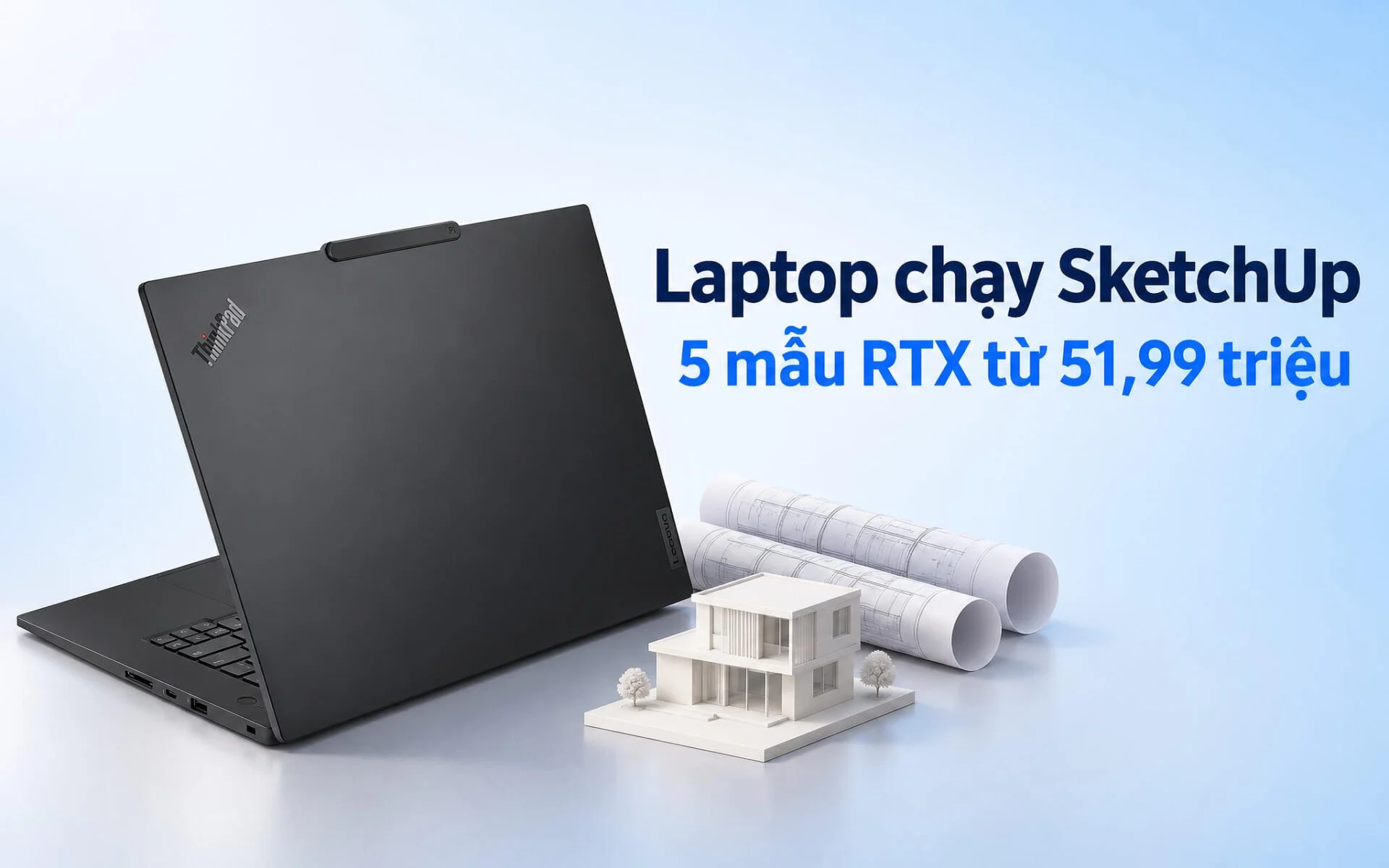
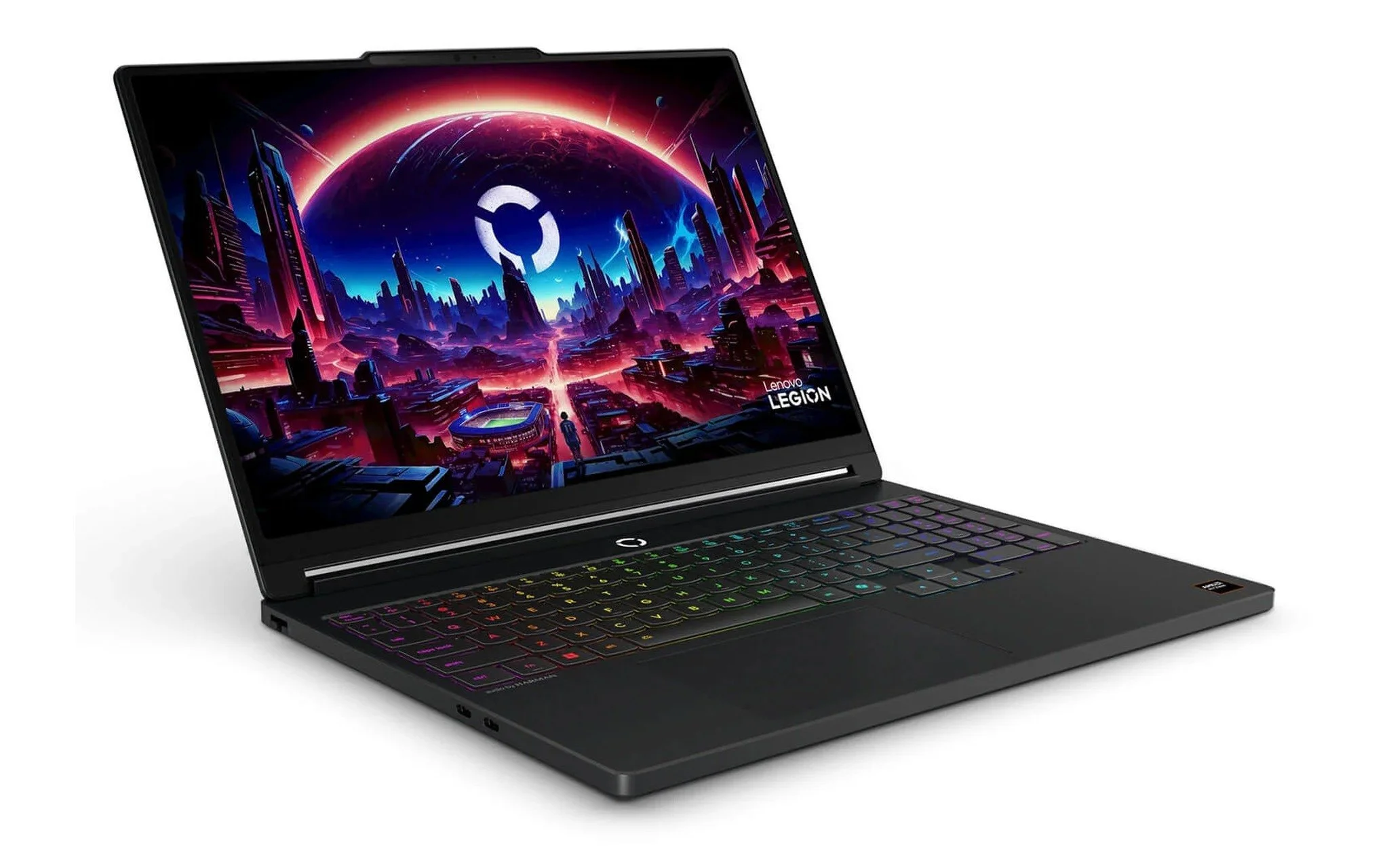
Lenovo Legion 5 15AHP11 (AMD) (2026) comes in a configuration with a Ryzen 7 250, 16GB of RAM, a 512GB SSD, and an RTX 5050 8GB for 51.99 million VND, alongside an RTX 5060 8GB version priced at 54.99 million VND. PSREF lists the GPU running at up to 115W, paired with a 15.3-inch WQXGA 100% DCI-P3 OLED display, with the laptop starting at 1.87 kg. Both configurations meet the 8GB of VRAM that SketchUp recommends for PBR materials, while still retaining RAM slots for upgrading to 32GB. This is a sensible option for final-year students or freelance designers who need a laptop to run SketchUp and handle moderate V-Ray rendering.
Samsung Galaxy Book6 Ultra 16 inch (2026) with a Core Ultra 7 356H, 32GB of RAM, a 1TB SSD, an RTX 5060 8GB, and a 120Hz touchscreen 3K AMOLED display is priced at 62 million VND, while the RTX 5070 8GB configuration costs 67.9 million VND. Samsung lists a 16-inch Dynamic AMOLED 2X panel with a 30 to 120Hz adaptive refresh rate and up to 1000 nits of HDR brightness; the model with an RTX GPU weighs 4.17 pounds, or about 1.89 kg. This is a laptop for running SketchUp that suits architects who frequently meet clients on site and need to showcase renderings on a stunning screen, with 32GB of RAM providing sufficient long-term capacity for interior modeling since the memory cannot be upgraded later.
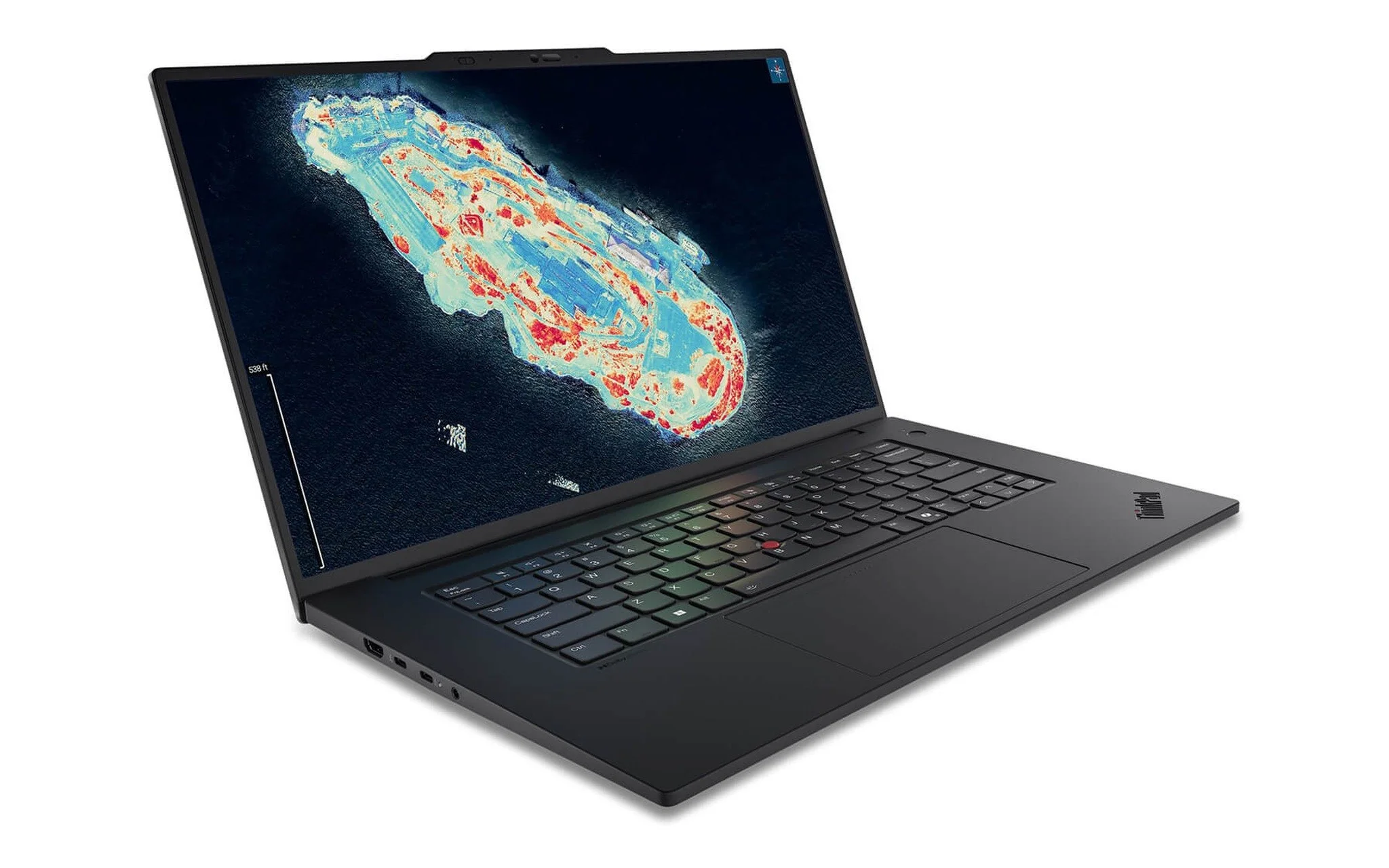
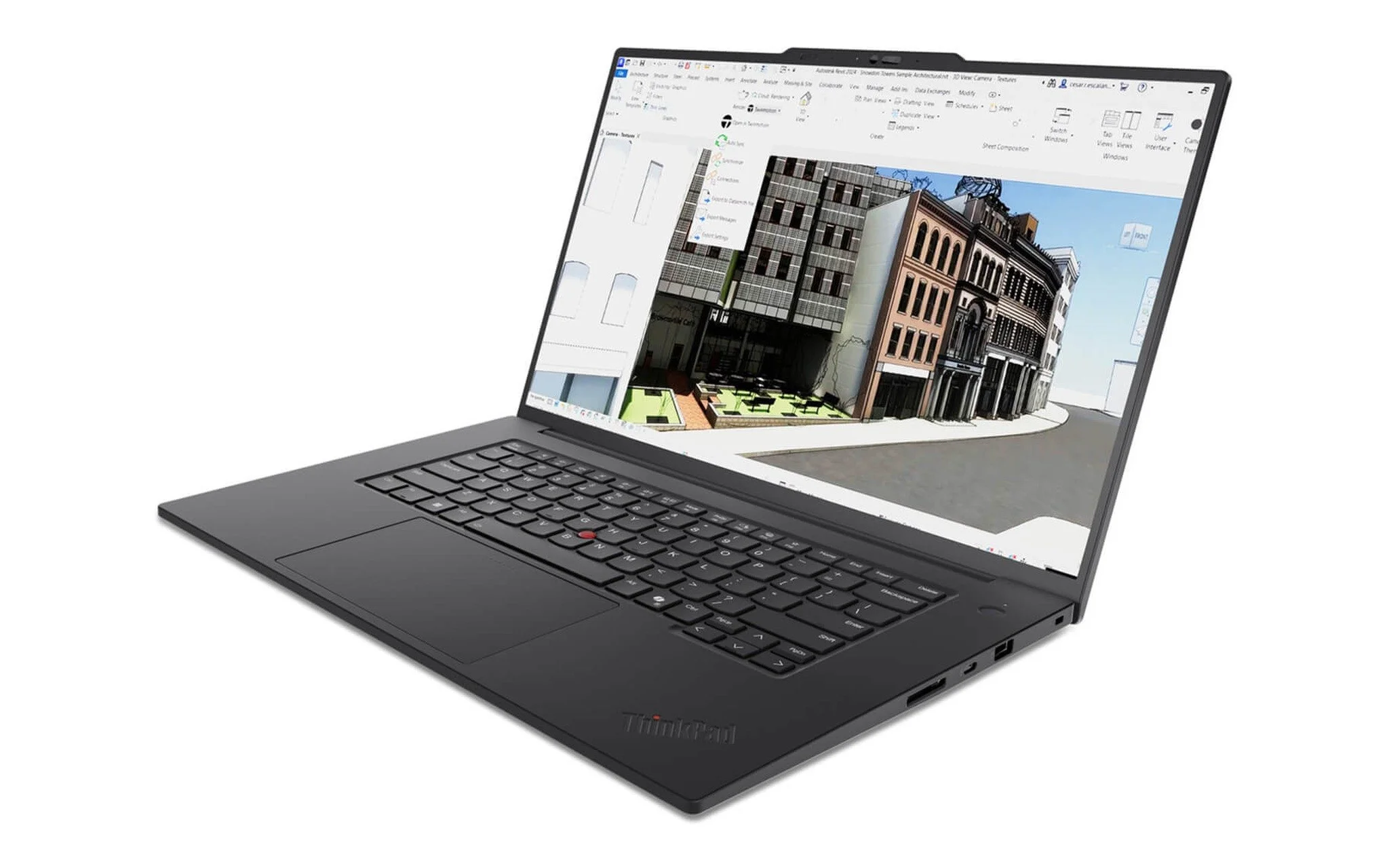
Lenovo ThinkPad T1G Gen 8 (2026) featuring a Core Ultra 7 265H, 32GB of RAM, a 512GB SSD, an RTX 5060 8GB, and a WUXGA display is priced at 65 million VND. The 16-inch ThinkPad chassis starts at 1.84 kg and includes a 90Wh battery alongside the X-Rite factory-calibrated 100% sRGB display mentioned above. This is a laptop for running SketchUp well-suited for design firms looking for classic ThinkPad styling, a full keyboard, and the ability to upgrade LPCAMM2 RAM up to 64GB as interior modeling projects expand over the years.
Laptops Around 80 Million VND for Interior Design Studios Frequently Rendering with V-Ray
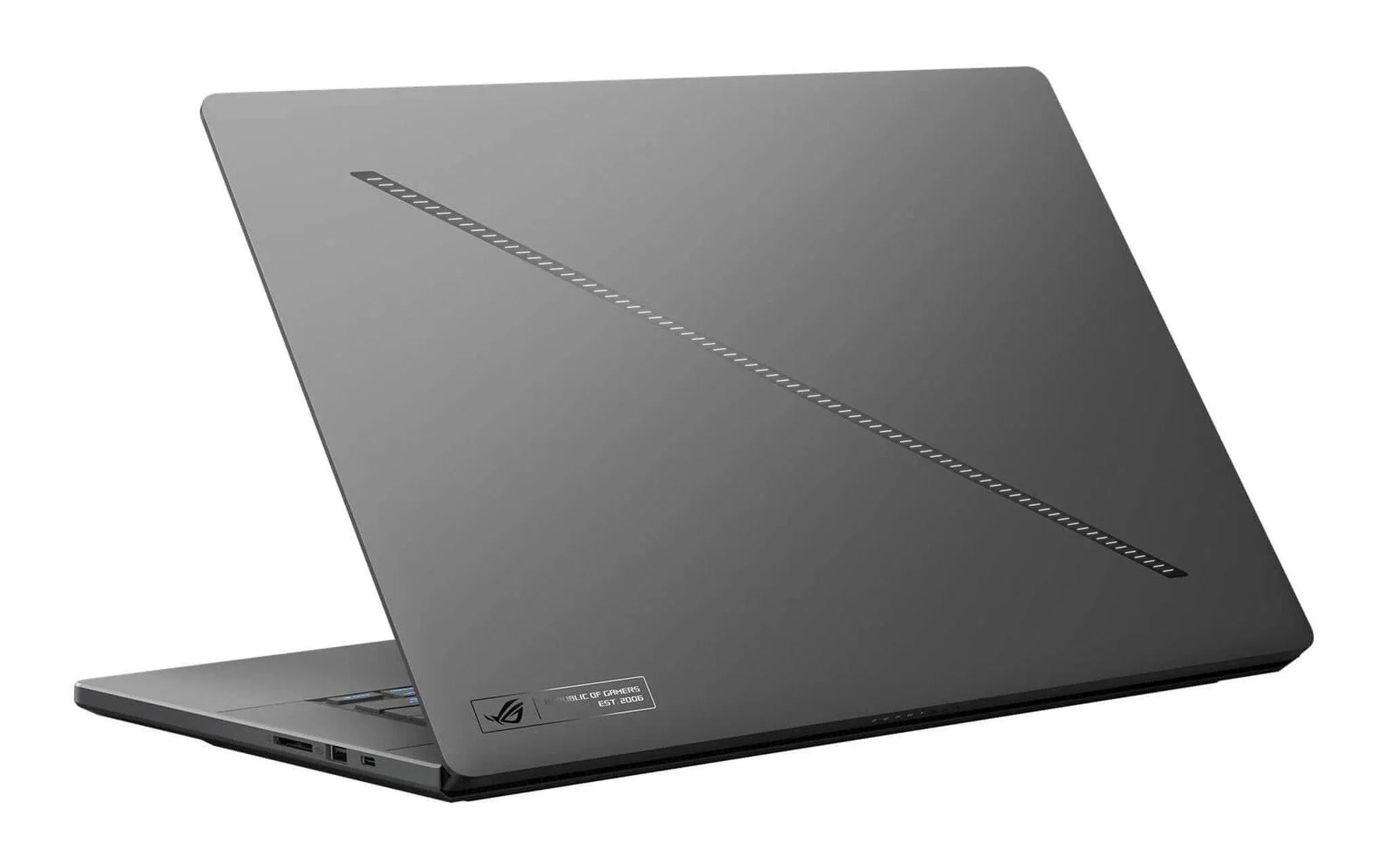
The Asus ROG Zephyrus G16 GU605 (2025) configuration with a Core Ultra 7 255H, 32GB RAM, a 512GB SSD, an 8GB RTX 5070, and a 240Hz WQXGA OLED display is priced at 78.99 million VND. According to ASUS's spec sheet, the RTX 5070 in this line features 8GB of GDDR7 memory, a 90W power rating plus 15W Dynamic Boost, a 90Wh battery, and a chassis starting at 1.85 kg. This makes it a compact SketchUp laptop with an RTX 5070 GPU, ideal for designers who build models and review visuals on a 100% DCI-P3 OLED panel, provided you keep in mind that the 32GB RAM is soldered in place.
| Laptop | CPU | GPU | RAM | Display | Starting Price (Million VND) |
|---|---|---|---|---|---|
| Legion 5 15AHP11 (2026) | Ryzen 7 250 | RTX 5050 8GB or RTX 5060 8GB | 16GB | 15.3-inch WQXGA OLED 165Hz | 51.99 |
| Galaxy Book6 Ultra 16 inch (2026) | Core Ultra 7 356H | RTX 5060 8GB or RTX 5070 8GB | 32GB | 16-inch 3K AMOLED Touchscreen 120Hz | 62 |
| ThinkPad T1G Gen 8 (2026) | Core Ultra 7 265H | RTX 5060 8GB | 32GB | 16-inch WUXGA 100% sRGB | 65 |
| ROG Zephyrus G16 GU605 (2025) | Core Ultra 7 255H | RTX 5070 8GB | 32GB | 16-inch WQXGA OLED 240Hz | 78.99 |
| ThinkPad P1 Gen 8 (2025) | Core Ultra 7 255H | RTX PRO 2000 8GB | 32GB | 16-inch WQUXGA 100% DCI-P3 | 79 |
The Lenovo ThinkPad P1 Gen 8 - Mobile WorkStation (2025) configuration with a Core Ultra 7 255H, 32GB RAM, a 1TB SSD, an 8GB RTX PRO 2000, and a WQUXGA display retails for 79 million VND. According to PSREF, this GPU is based on the RTX PRO Blackwell architecture with 8GB of GDDR7 memory, paired with a 3840 x 2400 IPS panel covering 100% DCI-P3, delivering 800 nits of brightness, and factory-calibrated by X-Rite. The ThinkPad P series maintains an ISV certification catalog on Lenovo's site, which is worth verifying if your studio relies on certified industry software. This laptop is built for studios that require certified workstation drivers and high display clarity for inspecting details.
If your budget allows, prioritize spending on the GPU and RAM first before looking at the display and SSD, since laptop GPUs cannot be upgraded and RAM is soldered onto the board in many models. Studios producing architectural video presentations can read Workstation Laptops for Video Editing and 3D Graphics: Choosing by Budget to see how to split hardware spending when video editing suites also require GPU acceleration. For pure SketchUp tasks, all five models comfortably surpass the minimum requirements for SketchUp and V-Ray.
Frequently Asked Questions (FAQ)
Do laptops for SketchUp require a discrete graphics card?
Yes. SketchUp's official system requirements explicitly mandate a graphics card separate from the CPU, and scenes utilizing PBR materials, Ambient Occlusion, or Image Based Lighting require a modern GPU with at least 8GB of VRAM. Integrated graphics do not meet these recommendations and will struggle when modeling texture-heavy interior environments.
What are the minimum SketchUp specs for interior design students?
The official minimum baseline calls for a 2 GHz or faster processor, 8GB of RAM, 6GB of free storage space, and a discrete graphics card. For an interior design student, aim for 16GB of RAM and an 8GB VRAM graphics card - such as the Legion 5 15AHP11 with an RTX 5050 at 51.99 million VND, which leaves an open RAM slot for an upgrade to 32GB later.
Does SketchUp run on ARM-based laptops?
SketchUp's compatibility documentation indicates that ARM64 processors can emulate x64 instructions on Windows 11, but this configuration is not officially supported. If you need a stable setup for professional work, choose an Intel or AMD laptop paired with an NVIDIA GPU, such as the five models covered in this guide.
Should you use an external graphics card (eGPU) to run SketchUp?
SketchUp states that the application has not been tested and is not supported on eGPU setups, even though some configurations may work. For regular interior modeling, choosing a laptop with an integrated RTX GPU featuring 8GB of VRAM provides far more dependable stability than pairing a laptop with an eGPU enclosure.