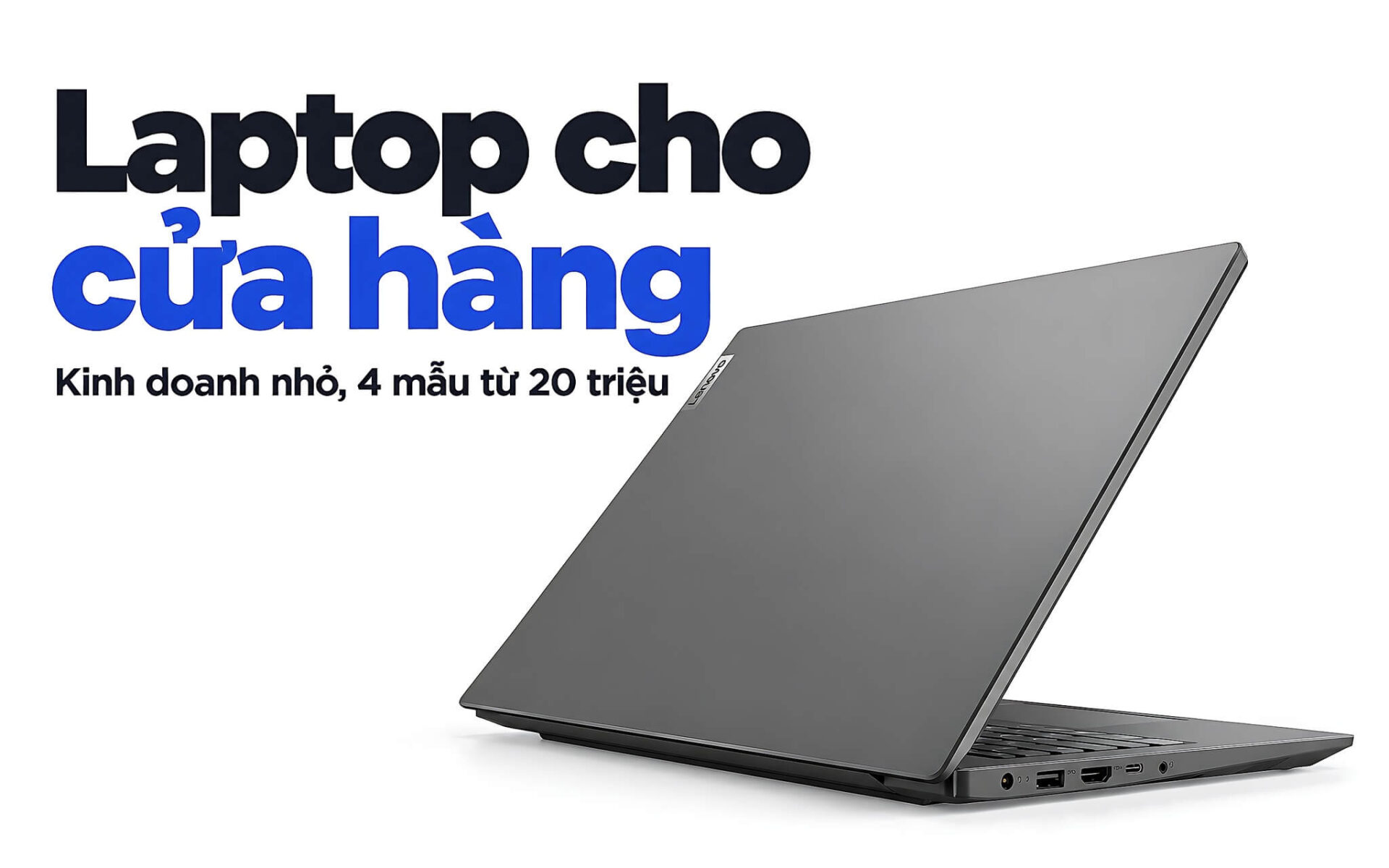
A laptop placed at the checkout counter of a shop, small business, or household enterprise must be able to connect barcode scanners, receipt printers, and cash drawers, while running point-of-sale (POS) software - which manages both billing and inventory - from opening until closing. This article helps small businesses choose a laptop based on those three specific requirements: having enough USB-A, LAN, and HDMI ports, durability for continuous all-day use, and keeping customer data secure, featuring four 2025 and 2026 models priced from 19.99 to 29.5 million VND.
What tasks do retail or small business laptops handle at the counter
In retail stores or family businesses, laptops for small business are typically kept at a fixed position at the checkout counter and operate throughout the sales shift. The screen often simultaneously displays POS software like KiotViet or Sapo for billing, order management pages from e-commerce platforms, Zalo windows for replying to customers, and inventory spreadsheets. Many of these software types have browser-based versions, so the pressure on a sales laptop is not about having a powerful processor, but rather the ability to maintain stability for many consecutive hours without freezing while customers are waiting to pay.
The biggest difference compared to those who only sell online lies in the peripherals. A typical checkout counter includes a barcode scanner, a thermal receipt printer, a cash drawer, and sometimes an additional secondary monitor facing the customer. Each device occupies a port or a network line, so a sales laptop needs enough ports built directly into the chassis to limit reliance on USB hubs, which can easily become loose when staff move cables around during peak hours.
Long operating hours make durability a top criterion when choosing a laptop for a shop or small business. Water-resistant keyboards, sturdy hinges, and chassis that meet MIL-STD-810H testing help reduce risks when the counter serves as both a checkout station and a place for drinks or shopping bags. Shop owners hosting short live streams to introduce new products can utilize the integrated webcam and microphone, which are sufficient for light broadcasting. Since broadcasts can last several hours, it is best to use a separate device so that the checkout process is not interrupted.
USB-A, LAN, and HDMI ports determine counter device connectivity
Most wired barcode scanners communicate like a USB keyboard, meaning they are recognized by Windows immediately upon being plugged in without needing driver installation. Therefore, USB-A ports, including low-speed USB 2.0, remain a major advantage for a small business laptop. 80 mm or 58 mm thermal receipt printers often come with USB or LAN connection options, while cash drawers plug into the printer via an RJ11 cable and open automatically when a print command is sent.
An RJ45 LAN port should be prioritized if the receipt printer is located in a prep area or kitchen and shares the local network, or if the store Wi-Fi becomes unstable during busy periods. The reason a wired connection is more stable than wireless signals was analyzed in the article Laptops with RJ45 LAN ports: who still needs a wired connection and 4 models worth considering. At the counter, you only need to remember one thing: a sales laptop with a built-in RJ45 port eliminates the need for a USB-C to LAN adapter and frees up an extra port.
An HDMI port allows for connecting a secondary monitor facing the customer to display item lists and totals, which can be activated using Extend mode by pressing Windows + P. If you replace a printer and Windows retains the old driver, causing printing errors, the process in the article How to delete printer drivers on Windows 10/11 when uninstallation fails helps the checkout counter print normally without needing to reinstall the operating system.
Lenovo V15 Gen 4 and V14 Gen 4 for retail counters
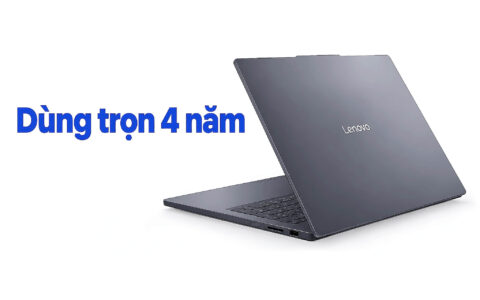
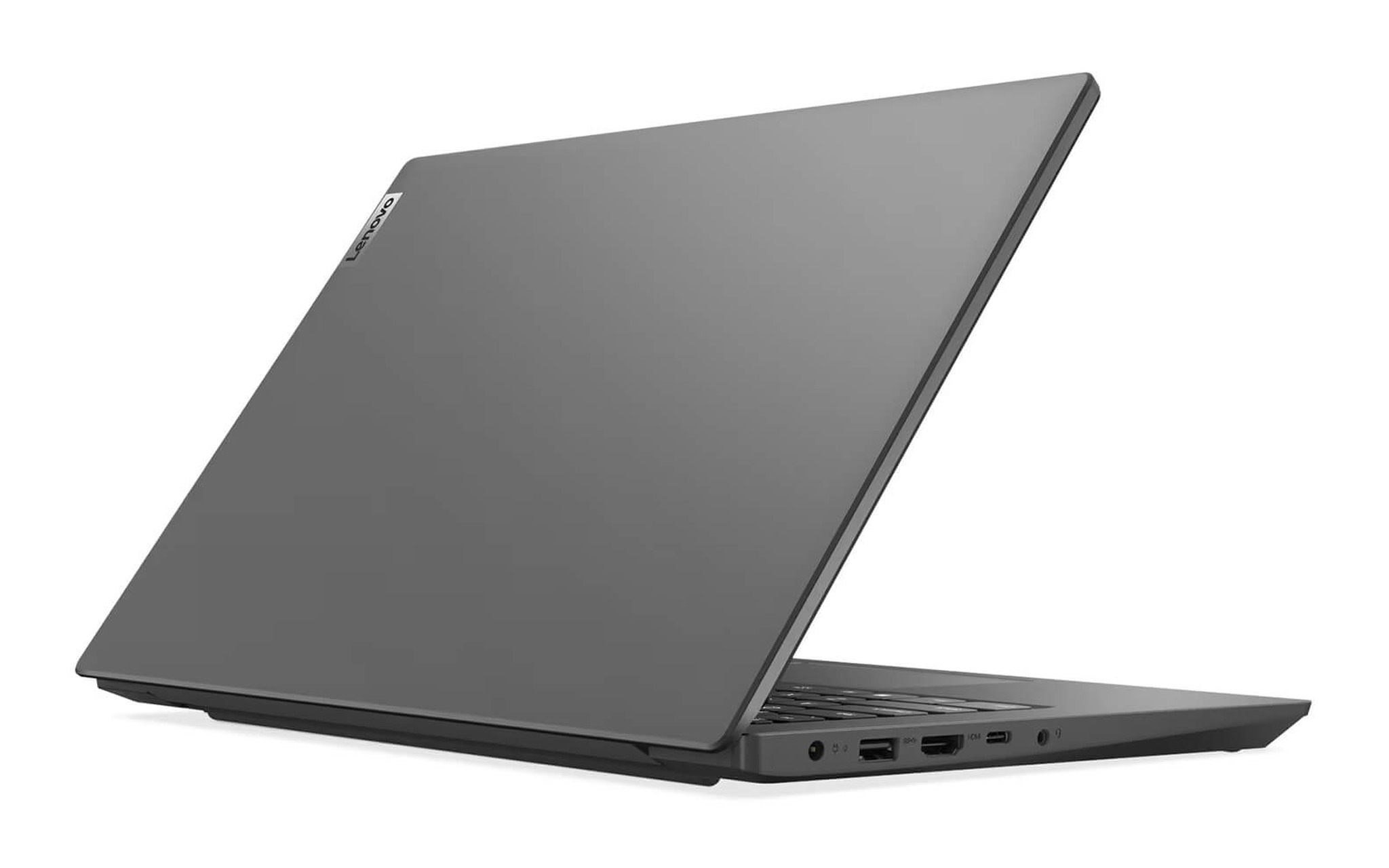
Within the group of affordable laptops for shops and small businesses that require heavy data entry, check out Lenovo V15 Gen 4 (2025) first: a 15.6-inch Full HD screen and a keyboard with a dedicated numeric keypad for quickly typing prices and quantities, starting at 19.99 million VND for the Core i5 13420H version with 8GB RAM and a 512GB SSD (no operating system installed). According to Lenovo's PSREF, the V15 G4 series features one USB-A 2.0 port, one USB-A 3.2 Gen 1 port, one USB-C port supporting charging and video output, HDMI 1.4b, and a Gigabit RJ45 LAN port, allowing a scanner, printer, and customer monitor to be connected simultaneously.
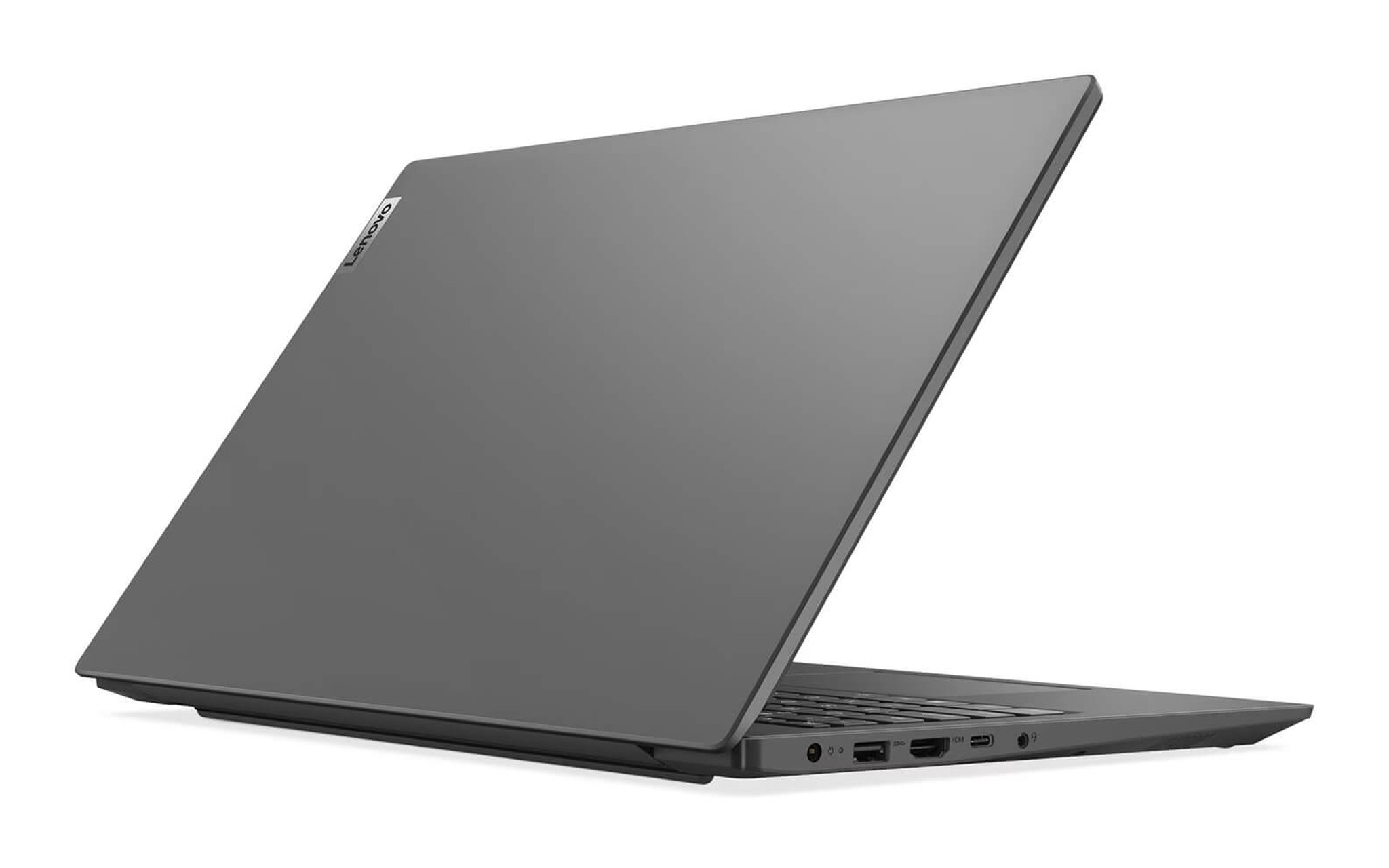
The 8GB version should be upgraded with more RAM because small business laptops often keep POS software and browsers open side-by-side all day; PSREF notes this model has one DDR4 SODIMM slot for adding more memory. A Core i7 13620H configuration with 16GB RAM and Windows 11 pre-installed is a better fit if you do not want to handle the operating system license yourself, priced at 23.99 million VND. At a starting weight of 1.65 kg, the 38Wh battery is rated for 6.4 hours by Lenovo according to MobileMark 2018 testing.
Narrow counters in fashion boutiques or cosmetics shops are better suited for the Lenovo V14 Gen 4 (2025): a 14-inch chassis weighing from 1.43 kg, currently sold with a Core i5 13420H, 16GB RAM, and a 512GB SSD for 22.59 million VND. The port selection matches the V15 G4 according to PSREF, except it lacks the numeric keypad. Both Lenovo sales laptop models feature water-resistant keyboards and a 720p HD webcam with a privacy shutter, meet MIL-STD-810H testing according to the manufacturer, and come with a 24-month genuine warranty according to the product page.
Dell Pro 14 and HP ProBook 4 for Security-Conscious Shops
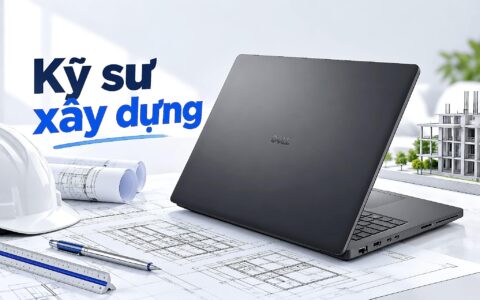
If you need a compact yet highly connected laptop for a small business, the DELL Pro 14 PC14250 (2025) is an option, featuring a Core Ultra 5 225U, 16GB RAM, 256GB SSD, and an FHD+ display for 21.99 million VND. According to the Dell Owner's Manual, the device includes two USB-A 5 Gbps ports, an RJ45 1 Gbps port, HDMI 2.1, one Thunderbolt 4 port, and one USB-C 10 Gbps port, with a starting weight of 1.35 kg. A discrete TPM 2.0 security chip and a physical webcam shutter are standard on this model.
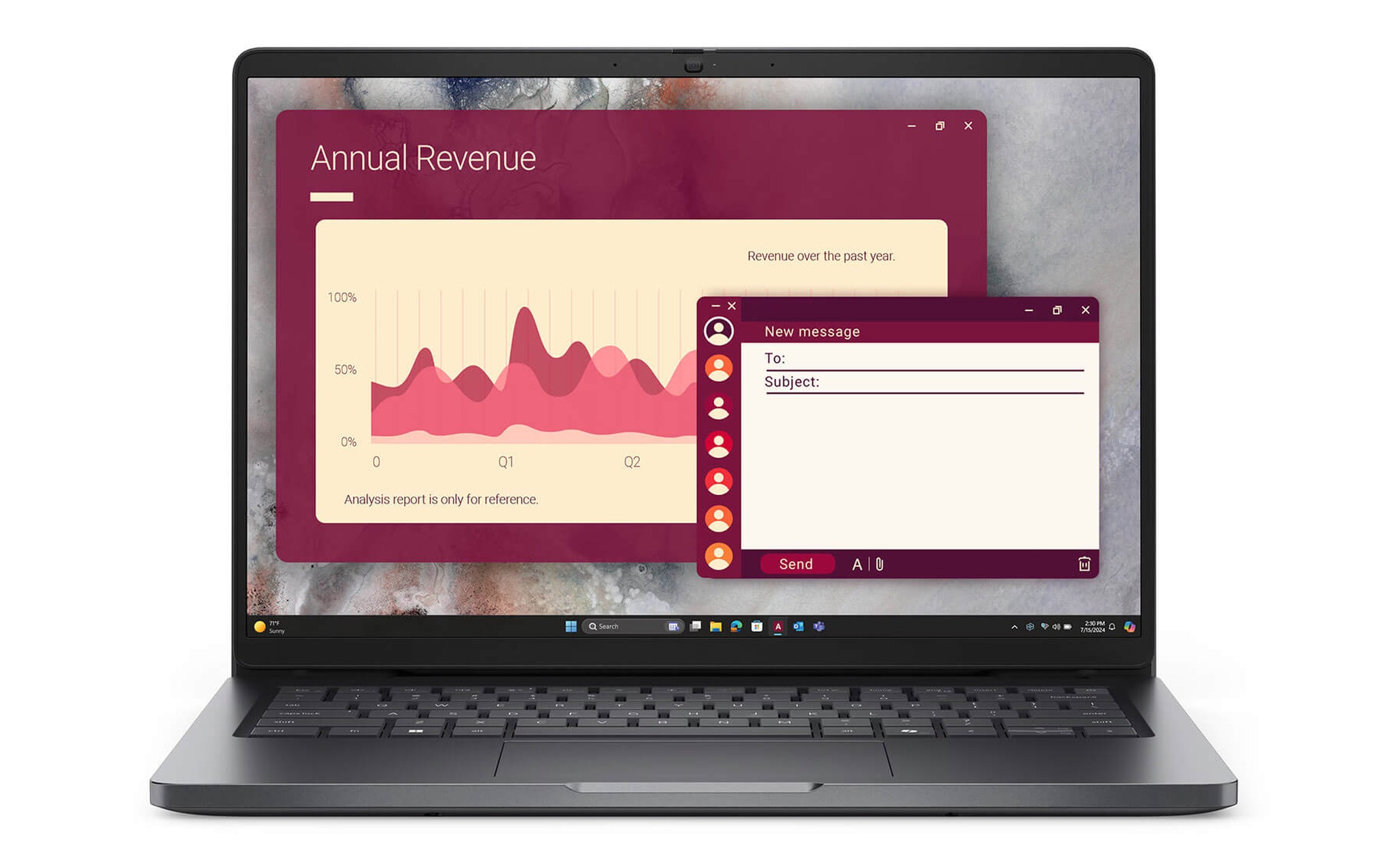
The 256GB SSD capacity is something to consider if you store many product images locally, though it remains sufficient if your sales data is hosted in the cloud via POS software. A significant advantage for a sales laptop that stays plugged in all day is the Battery Configuration setting in the BIOS, which allows you to set Custom Charge Start and Custom Charge Stop thresholds to prevent the battery from being constantly fully charged. Hung Phat Laptop provides a 12-month warranty for new machines as specified on the product page.
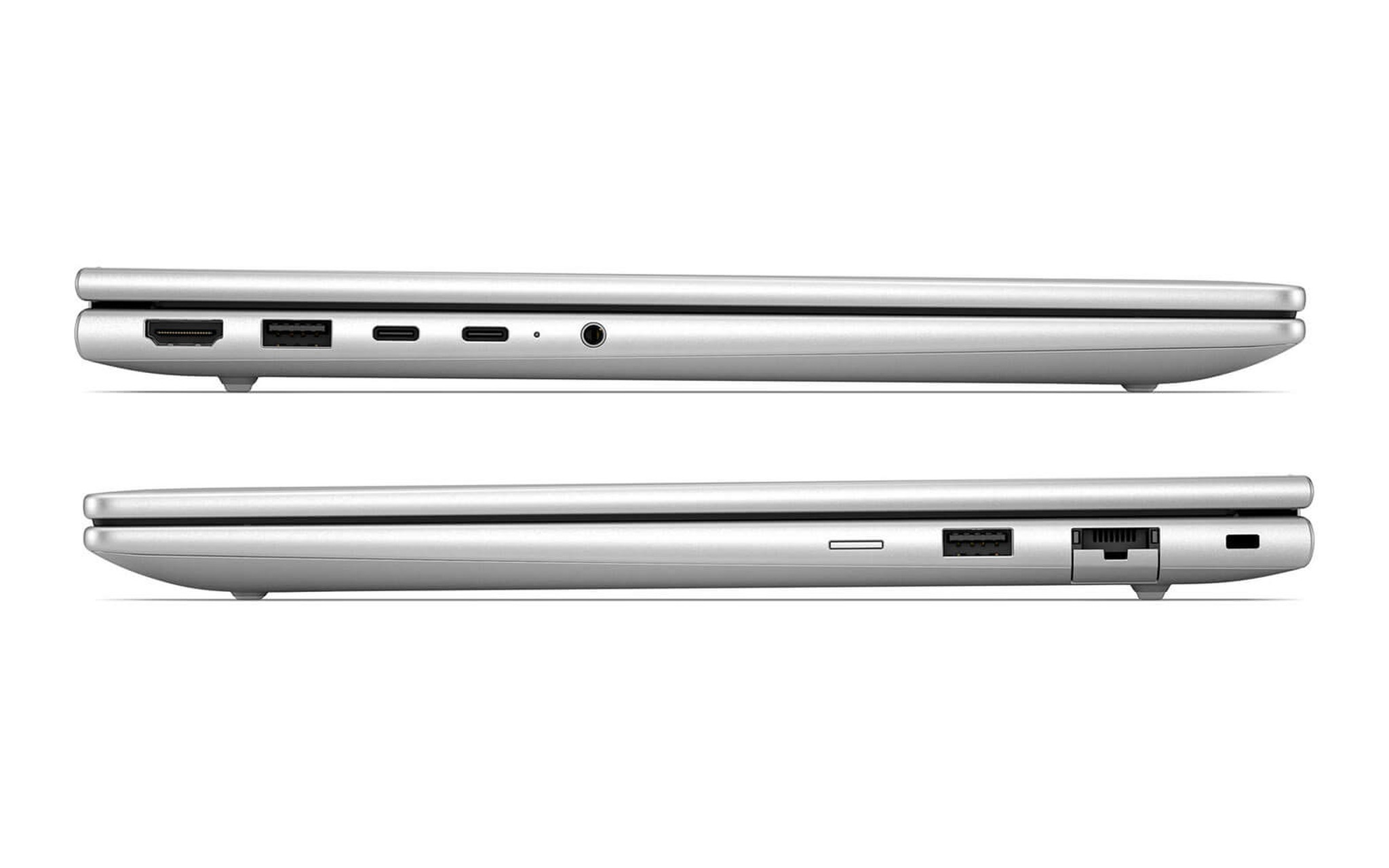
In a higher price bracket for small business laptops, the HP ProBook 4 G2i 14 AI (2026) is priced at 29.5 million VND for the Core Ultra 5 325 version, which includes 16GB RAM, a 512GB SSD, and an FHD+ touchscreen. HP's specification page for the ProBook 4 G2i 14 AI lists an RJ45 port, two USB-A 5 Gbps ports, HDMI 2.1, two USB-C 20 Gbps ports, a 5MP camera with an infrared camera for facial login, a fingerprint sensor, and a 3-cell 56Wh battery. The touchscreen allows staff to quickly tap and select items on the POS interface.
Battery, Weight, and Port Comparison for Four Sales Laptops
The table below aggregates manufacturer-provided specifications for the four small business laptop models mentioned above; Lenovo data is sourced from PSREF Lenovo V15 G4 IRU, with prices based on configurations available on October 7, 2026. Battery capacity is measured in Wh, the unit for energy capacity, making this a direct way to compare sales laptops. Actual battery life will vary depending on screen brightness, the number of open applications, and devices connected to USB ports.
| Laptop Model | Starting Price (million VND) | Battery (Wh) | Starting Weight (kg) | Countertop Ports |
|---|---|---|---|---|
| Lenovo V15 Gen 4 (2025) | 19.99 | 38 | 1.65 | 2 USB-A, 1 USB-C, HDMI 1.4b, RJ45 |
| Lenovo V14 Gen 4 (2025) | 22.59 | 38 | 1.43 | 2 USB-A, 1 USB-C, HDMI 1.4b, RJ45 |
| DELL Pro 14 PC14250 (2025) | 21.99 | 55 | 1.35 | 2 USB-A, 2 USB-C, HDMI 2.1, RJ45 |
| HP ProBook 4 G2i 14 AI (2026) | 29.5 | 56 | 1.52 | 2 USB-A, 2 USB-C, HDMI 2.1, RJ45 |
The two Lenovo models feature 38Wh batteries, roughly one-third smaller than the 55Wh capacity of the Dell and the 56Wh capacity listed in the HP ProBook 4 G2i 14 AI spec table. To compensate, the Lenovo models are more affordable, and the V15 includes a numeric keypad, which is very useful for manually typing product codes when a scanner cannot read a smudged label. The Dell is the lightest in the group, offering good portability for shop owners who need to manage the checkout counter while also moving around to pick up stock or meet with suppliers.
At a checkout counter, sales laptops are plugged in almost all day, so the battery primarily serves as a backup during sudden power outages. A large battery helps you finish pending invoices and save data safely, but thermal printers and Wi-Fi routers will still shut down without a UPS. For shops prone to power cuts, a small UPS for the router and printer provides a benefit similar to upgrading to a model with a larger battery.
Protecting customer data and managing warranties during continuous operation
Laptops used at small business counters often hold phone numbers, delivery addresses, and purchase histories - sensitive information that competitors or bad actors may want to access. Each employee should have their own login account, and the screen should be locked using the Windows + L shortcut whenever they leave the counter; only the business owner should hold the rights to export reports. Enabling biometric login via Windows Hello, such as fingerprint or facial recognition, allows for faster unlocking than typing a password, giving employees less reason to skip the locking step.
| Laptop model | Biometric login | TPM 2.0 chip | Webcam shutter | Warranty per product page |
|---|---|---|---|---|
| Lenovo V15 Gen 4 and V14 Gen 4 | No fingerprint reader | Integrated into the processor | Physical shutter | 24-month genuine warranty |
| DELL Pro 14 PC14250 | Fingerprint on power button (depending on configuration) | Discrete chip | Physical shutter | 12 months for new machines |
| HP ProBook 4 G2i 14 AI | Fingerprint and infrared camera | Yes | Sliding shutter | Genuine, 30-day replacement for manufacturer defects |
Hard drives should be encrypted so customer data cannot be read if the laptop is lost. Windows 11 Pro includes BitLocker, while the Home version on compatible hardware supports Device Encryption. The Lenovo V15 version without an operating system will require an additional Windows license before it can be deployed at a checkout counter. Product photos, Excel inventory files, and incoming invoices should be synced to cloud storage for quick recovery if a machine needs to be replaced.
Laptops running continuously for sales require well-ventilated cooling systems; do not place them right next to thermal printers or rest the bottom against a fabric-covered counter. For small businesses using a single laptop at the counter, warranty duration and troubleshooting speed are just as important as performance, as every day the counter cannot process payments is a day of lost revenue. The two Lenovo models in this article offer a 24-month warranty, the longest in this group, while Dell and HP compensate with more comprehensive security features.
Frequently asked questions about choosing a laptop for a checkout counter
Is a discrete graphics card necessary for a checkout counter? No. POS software, marketplace management sites, and spreadsheets run well on the integrated graphics found in standard sales laptops. A discrete card is only useful when you are editing long promotional videos or livestreaming for many hours; at a counter, it only increases the price, heat, and power consumption for the entire shift.
Is it okay to use a laptop instead of a dedicated POS machine? It is fine for small shops and businesses, as a small business laptop comes with a built-in screen, keyboard, backup battery, and the ability to run various software beyond just POS. Dedicated POS machines are better suited for very busy counters that require large, fixed touchscreen displays. Laptops with touchscreens, like the HP ProBook 4 G2i 14 AI, serve as a middle-ground option.
How do I connect a receipt printer if the laptop lacks a wired network port? You can use a USB printer that plugs directly into the laptop, or a printer that supports Wi-Fi on the same network as the checkout counter. If the printer only has a LAN port, a USB-C to Gigabit RJ45 adapter is a viable option, though it will occupy one of the USB-C ports on the laptop chassis.
Should I choose a version with Windows pre-installed or one without an operating system? If the laptop is for business and you need clear licensing invoices, a version with Windows 11 pre-installed optimizes setup time. A version without an operating system is cheaper, but you must purchase the license, install drivers, and run updates yourself before connecting printers or scanners at the checkout counter.