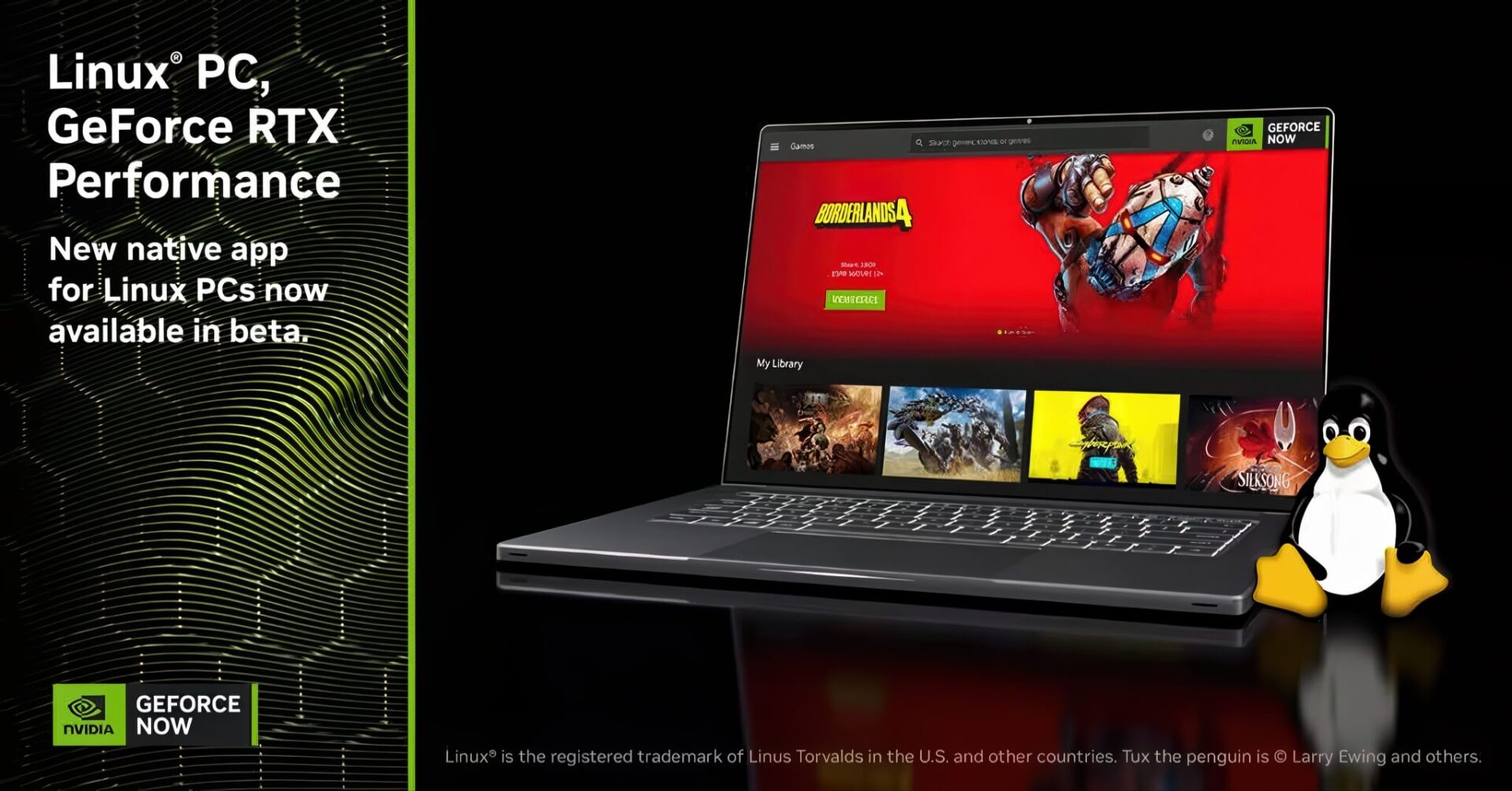
Nvidia has officially released the GeForce Now (beta) application specifically for Linux, providing a massive "boost" for the low-spec PC user community. If you own a thin and light office Laptop or an aging PC that you've chosen to run Linux on to keep it running smoothly but worry about the lack of games, then this is the best news of the day. The prejudice that "Linux has no games to play" is about to be completely erased, as you can now smoothly play heavy AAA titles on your modest machine without the need for expensive hardware upgrades.
The "Cloud-based" Solution for Linux Laptops: Easy Installation, No Hardware Restrictions
Previously, the Linux user community was often considered the "stepchild" of the gaming world, forced to use complex emulation solutions or play via web browsers with high latency. But with Nvidia's latest move, the door has swung wide open. The official GeForce Now Native Client app now directly supports popular Linux distributions like Ubuntu (from version 24.04 LTS). The clever part is that Nvidia has packaged the application as a Flatpak. This is extremely useful for Laptop users because regardless of which operating system you are using (Fedora, Arch, or Mint), compatibility is almost absolute.
Regarding hardware requirements, this is the best news for the "low-spec" crowd. You don't need an expensive discrete GPU or the latest CPU. Nvidia only requires a Laptop or PC capable of H.264 or H.265 video decoding (Vulkan support). This means even Laptops using Intel or AMD integrated graphics (iGPU) from several years ago can run it smoothly. If you are using the Wayland display protocol (commonly found on modern Laptops for better battery life and smoothness), ensure you have Mesa drivers version 24.2 or higher for the optimal experience.
https://www.youtube.com/watch?v=PJmDKVwL_zU
However, a small note for those using ultra-mobile Laptops with ARM chips (such as new Snapdragon machines): currently, the application only supports the traditional x86_64 architecture. ARM chip users will need to wait a bit longer for official support.
Nvidia Turns Office Laptops into Gaming Supercomputers with RTX 5080 Power
The core value that GeForce Now brings to low-spec Laptop users is not just "being able to play," but "playing beautifully." Through cloud computing technology, your computer only acts as a display, while the entire heavy graphics processing load is handled by Nvidia's supercomputers located in Data Centers.
With the Ultimate subscription plan, your old Laptop will be "transplanted" with the power of the most powerful RTX 5080 graphics card currently available via the cloud. Imagine turning on Max Settings for hardware-intensive games like Warhammer 40,000: Space Marine 2, Battlefield 6, or Borderlands 4 right on a paper-thin laptop. You will experience stunning Ray Tracing technology, DLSS 4 for increased frame rates, and resolutions that can reach up to 5K at 120 FPS or 1080p at a blistering 360 FPS.
The dual benefit for Laptop users is regarding temperature and battery life. Since the machine doesn't have to "struggle" to process graphics locally, the computer will run much cooler, the cooling fans won't roar like a windmill, and battery life is better preserved compared to native gaming.
In short, the arrival of GeForce Now on Linux is a true lifesaver. It allows users to repurpose old PCs and Laptops by installing a lightweight, free Linux operating system and turning them into high-end entertainment stations. If you have a computer that is "too good to throw away but too slow to use," try installing Linux and download GeForce Now from Nvidia's official site right away to experience this technological magic.