

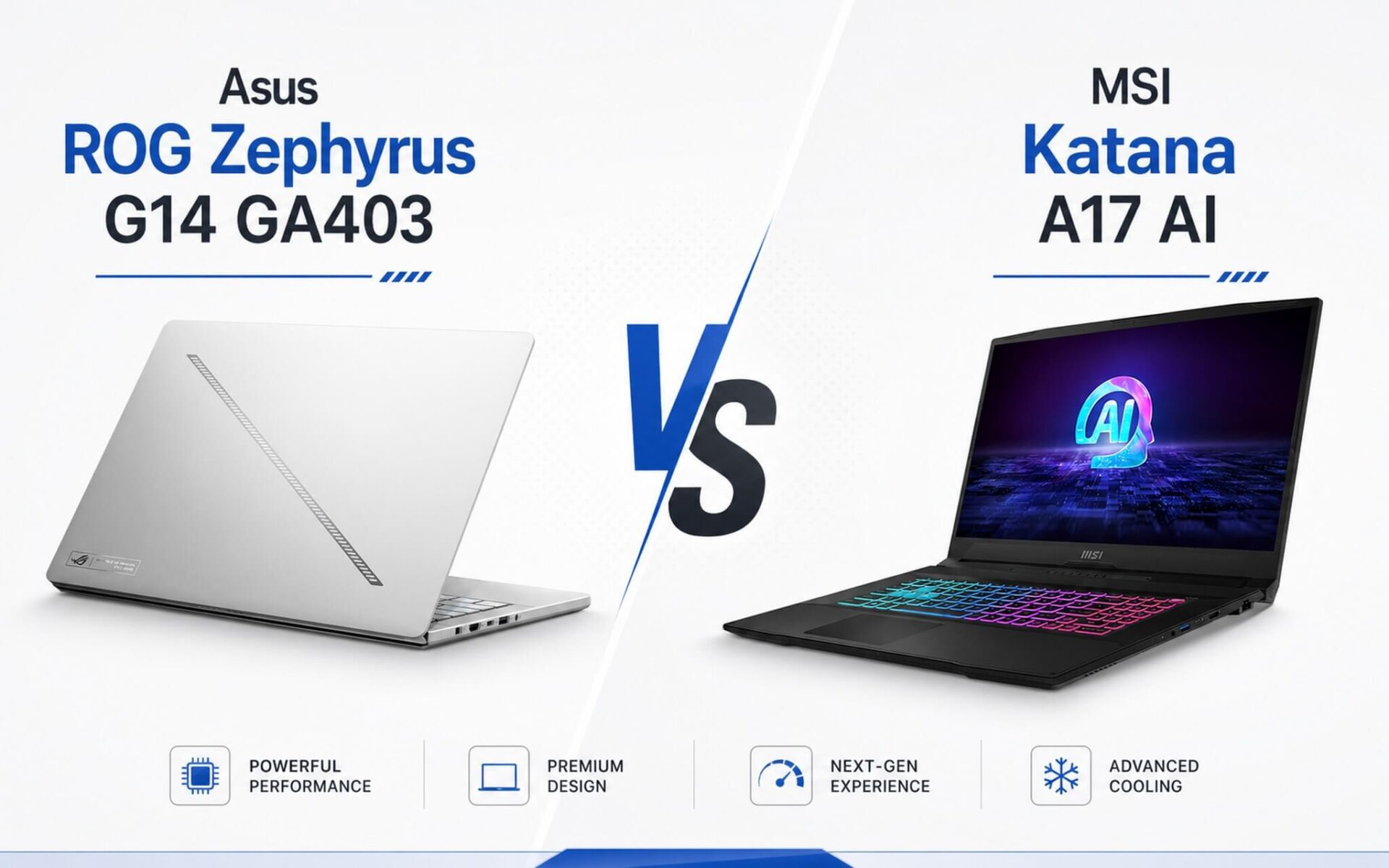
Equipped with the same AMD Ryzen 9 8945HS and RTX 4070 Laptop GPU, the ROG Zephyrus G14 GA403 and MSI Katana A17 AI look like "twins" on a spec sheet, but in reality, they differ completely in design philosophy. The G14 packs a 14-inch 3K OLED screen into a 1.5 kg chassis, while the Katana A17 AI sacrifices portability for a 17.3-inch 240Hz display, 64 GB RAM, and a GPU TGP of up to 105W-significantly higher than the G14's approximately 90W. Both machines fall within the 35 to 45 million VND price range but serve two very different types of users.
Quick Overview: G14 GA403 leans towards portable OLED, Katana A17 AI leans towards high-end specs
Asus ROG Zephyrus G14 GA403 is the choice for those who need a premium gaming laptop that can still be carried to work or school daily without causing back pain. Weighing only about 1.5 kg with a 2880x1800 OLED screen covering 100% DCI-P3, Pantone validated, and VESA DisplayHDR True Black 500 certified, this display quality is among the highest in the current gaming laptop segment. The 73Wh battery provides about 7 to 9 hours of light use, a figure that few 14-inch gaming laptops can achieve.
| Specifications | Asus ROG Zephyrus G14 GA403 | MSI Katana A17 AI |
|---|---|---|
| Product | Asus ROG Zephyrus G14 GA403 | MSI Katana A17 AI |
| CPU | AMD Ryzen 9 8945HS (8C/16T, boost 5.2 GHz) | AMD Ryzen 9 8945HS (8C/16T, boost 5.2 GHz) |
| GPU | RTX 4070 Laptop 8 GB GDDR6, TGP ~90W | RTX 4070 Laptop 8 GB GDDR6, TGP 105W Dynamic Boost |
| RAM | 32 GB LPDDR5X 6400 (onboard, non-upgradable) | 64 GB DDR5 5600 (2x SO-DIMM slots, upgradable) |
| SSD | 1 TB NVMe PCIe 4.0 (1x M.2 slot) | 2 TB NVMe PCIe 4.0 (2x M.2 slots) |
| Display | 14" 2880x1800 OLED 120Hz, G-Sync, 100% DCI-P3, HDR True Black 500 | 17.3" 2560x1440 IPS-Level 240Hz, 100% DCI-P3 |
| Battery | 73Wh, ~7-9 hours light use | 53.5Wh, ~3-5 hours light use |
| Weight | ~1.5 kg | ~2.7 kg |
| Ports | 2x USB-A 3.2, USB-C 3.2, USB4 Type-C, HDMI 2.1, 3.5mm | USB-C 3.2 Gen1, 2x USB-A 3.2, USB-A 2.0, HDMI 2.1, RJ45, 3.5mm |
MSI Katana A17 AI takes the opposite approach: a 17.3-inch QHD 240Hz screen, upgradable 64 GB DDR5 RAM via 2x SO-DIMM slots, a 2 TB SSD with 2x M.2 PCIe Gen4 slots, and an RTX 4070 running at 105W Dynamic Boost TGP. Weighing approximately 2.7 kg, it is not intended for daily commuting, but if you need a desktop-replacement "battle station" at a laptop price, the Katana A17 AI is worth serious consideration.
The key takeaway when comparing these two machines: do not look at the GPU name and assume performance is identical. Despite both having an RTX 4070 Laptop, the G14's 90W TGP and the Katana A17 AI's 105W TGP result in different real-world graphics performance, especially during heavy rendering tasks or long gaming sessions. Additionally, the G14's 32 GB RAM is soldered and non-upgradable, whereas the Katana A17 AI comes with 64 GB and is expandable.
Asus ROG Zephyrus G14 GA403 vs MSI Katana A17 AI Configuration Comparison
ROG Zephyrus G14 and Katana A17 AI share the same AMD Ryzen 9 8945HS platform, achieving approximately 1,805 single-core and 16,795 multi-core points in Cinebench R23, and a PassMark score of 30,465. Overall CPU performance is essentially equivalent; the differences lie in the GPU, display, memory, and battery.
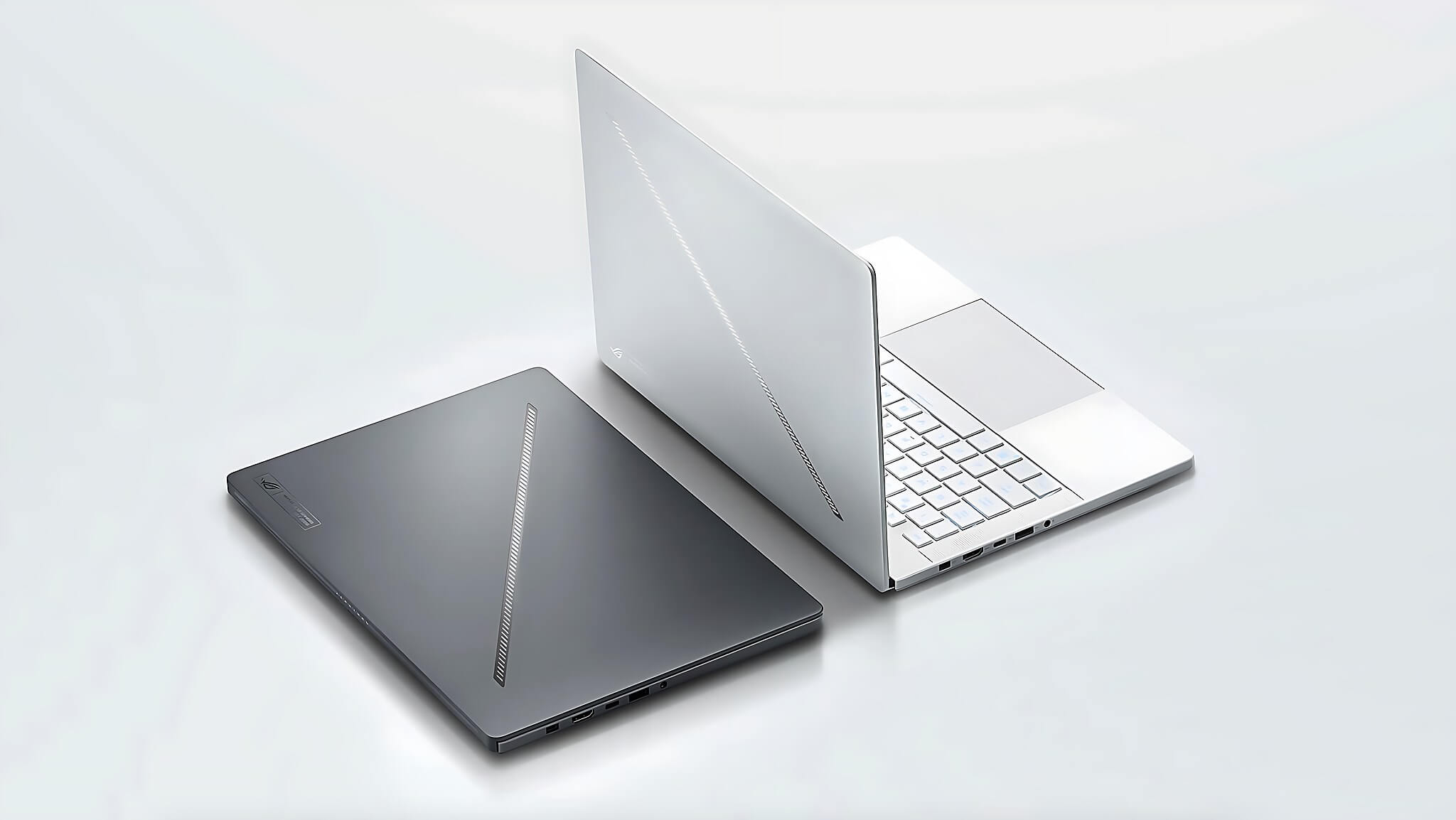
The difference in GPU TGP is something Hung Phat often mentions to customers when they ask, "Since both have an RTX 4070, which one is better value?". The RTX 4070 Laptop on the G14 runs at about 90W, while the Katana A17 AI pushes it to 105W thanks to its larger chassis and more spacious cooling system. For reference, the RTX 4070 Laptop achieves 30,051 in Fire Strike and 11,959 in Time Spy, but real-world numbers will vary depending on the specific thermal profile and TGP of each machine.
Regarding the display, this is where the G14 GA403 truly leaves the competition behind. The OLED panel offers absolute blacks, infinite contrast, and a 0.2ms pixel response time that no IPS can match. The Katana A17 AI compensates with a larger screen area and a 240Hz refresh rate, making it better suited for competitive gaming that requires low latency and a wider field of view. Both cover 100% DCI-P3, making them both suitable for graphic design work, but for color-critical work or watching movies, the G14 is far superior.
Should you choose the Asus ROG Zephyrus G14 GA403 or the MSI Katana A17 AI?
Hung Phat encounters many customers torn between these two machines because they are in the same price bracket. The answer is actually quite clear once you know how you intend to use the device.
Choose the G14 GA403 if: you carry your laptop to work, cafes, travel frequently, and need a beautiful screen for both work and entertainment. A 1.5 kg mobile workstation with a 3K OLED is a rare strength in this price range. The 73Wh battery is enough to last through a workday without needing a charger. This machine is ideal for designers, video editors, streamers who need color accuracy, or gamers who want to carry their gaming rig everywhere without shoulder pain. A direct downside: the 32 GB RAM is soldered and cannot be upgraded, and the lower GPU TGP means graphics performance during long gaming sessions will be slightly lower than the Katana.
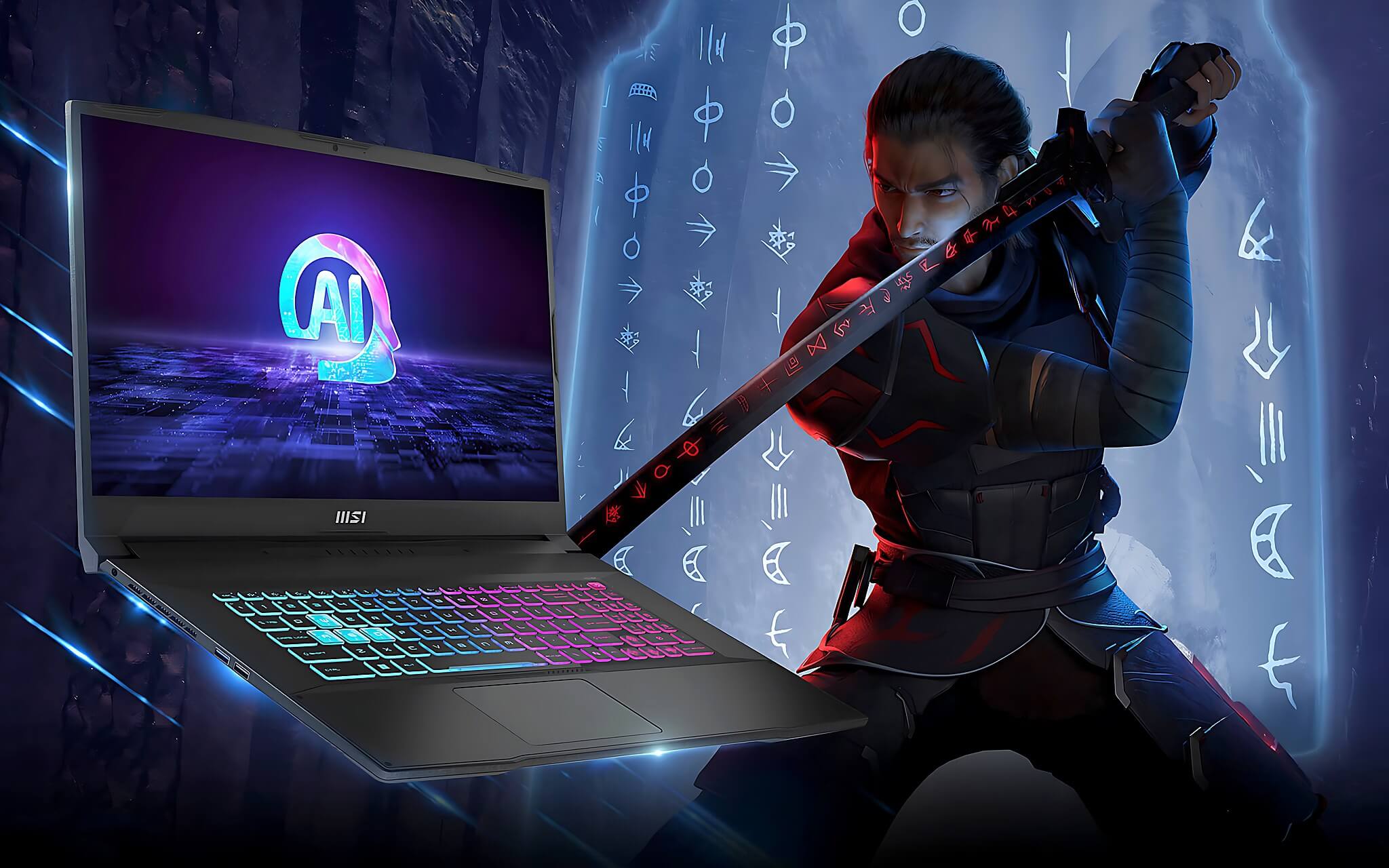
Choose the Katana A17 AI if: the laptop will mostly stay on your desk, you need a large 17.3-inch 240Hz screen for competitive gaming, or you need 64 GB of RAM for heavy multitasking like running VMs, 4K video editing combined with rendering, or engineering simulation software. The dual SSD slots allow for future storage expansion without replacing the drive. The RTX 4070 at 105W also provides better GPU headroom for heavy games. A direct downside: the 53.5Wh battery only lasts about 3 to 5 hours of light use, and under heavy load, it lasts nearly only 1 hour, meaning you will almost always need to be plugged in. The 2.7 kg weight also makes it difficult to carry daily.
In summary: the ROG Zephyrus G14 is a premium, highly portable gaming laptop that can last all day, while the Katana A17 AI is a desktop-replacement station-cheaper than a true workstation but still packed with hardware. If you want to learn more about the latest generation of thin and light gaming laptops, you can check out the Asus TUF Gaming A14 2026, another option in the compact gaming segment. Both machines in this article are available at Hung Phat Laptop; you can visit us to see them in person or message us for further consultation.
Frequently Asked Questions (FAQ)
How much difference does the RTX 4070 on the G14 and Katana A17 AI actually make in real-world use?
While they share the same GPU name, the TGP difference is significant: the G14 is around 90W, while the Katana A17 AI reaches 105W with Dynamic Boost. According to reference benchmarks, the RTX 4070 Laptop achieves 30,051 in Fire Strike and 11,959 in Time Spy under ideal conditions, but real-world figures will vary depending on the specific thermal system and clock profiles of each machine. For short rendering tasks or games under 30 minutes, the difference is not massive. However, during long gaming sessions or continuous heavy rendering, the Katana A17 AI maintains higher GPU clock speeds thanks to its higher TGP and larger thermal headroom. If you only play casual games for 1 to 2 hours a day, the G14 is more than sufficient.
Battery and heat: which machine lasts longer and stays cooler under heavy load?
The G14 GA403 is clearly superior in battery life: the 73Wh capacity provides about 7 to 9 hours of light office work according to various international reviews, whereas the Katana A17 AI with 53.5Wh only achieves 3 to 5 hours under similar conditions. Under heavy load or gaming, both drop to about 1 to 2 hours. Regarding heat, the Katana A17 AI has an advantage due to its larger thermal space from the bigger chassis, helping the GPU maintain higher clocks for longer. The G14 is compact, so its cooling system must work more aggressively under high loads, making the fan noise more noticeable. If you use your laptop in a place with a stable power connection, the Katana A17 AI's battery life is not a major disadvantage.
Both are in the same price range; what is the actual difference and is it worth considering carefully?
Both are in the 35 to 45 million VND range, so neither is clearly "cheaper." The difference lies in the value you receive: the G14 offers a 3K OLED, a 1.5 kg chassis, and a 73Wh battery, while the Katana A17 AI offers a 17.3-inch 240Hz screen, 64 GB RAM, a 2 TB SSD, and a higher GPU TGP. If you primarily use your laptop on a desk and need more RAM or a larger screen, the Katana A17 AI offers more hardware per million VND. Conversely, if you move around frequently and need color-accurate screen quality, the G14 is more worthwhile even if it looks "lesser" on paper. Hung Phat recommends deciding whether you need a desktop replacement or a portable machine first, then making your decision.
Who is better suited for the G14 and who is better suited for the Katana A17 AI?
The G14 GA403 is ideal for designers, video editors, photographers who need color accuracy, gamers who want a thin and light machine to carry daily, or anyone who wants a high-quality OLED display experience. It is also suitable for mobile workstation users due to its good battery life and low weight. The Katana A17 AI is better suited for desktop gamers who prefer a large 17.3-inch screen and need a GPU that runs stably at high loads, users who need 64 GB of RAM for heavy multitasking or complex technical tasks, and those who want to upgrade their hardware in the future without buying a new machine. If you are still undecided, message Hung Phat, state clearly what you typically do with your laptop and your specific budget, and you will receive direct, no-nonsense advice.











