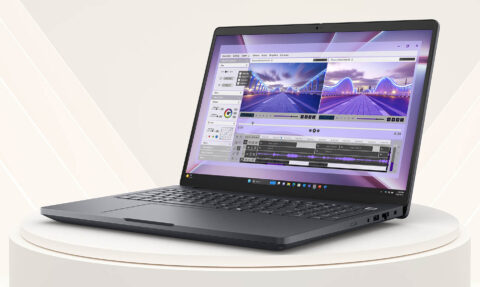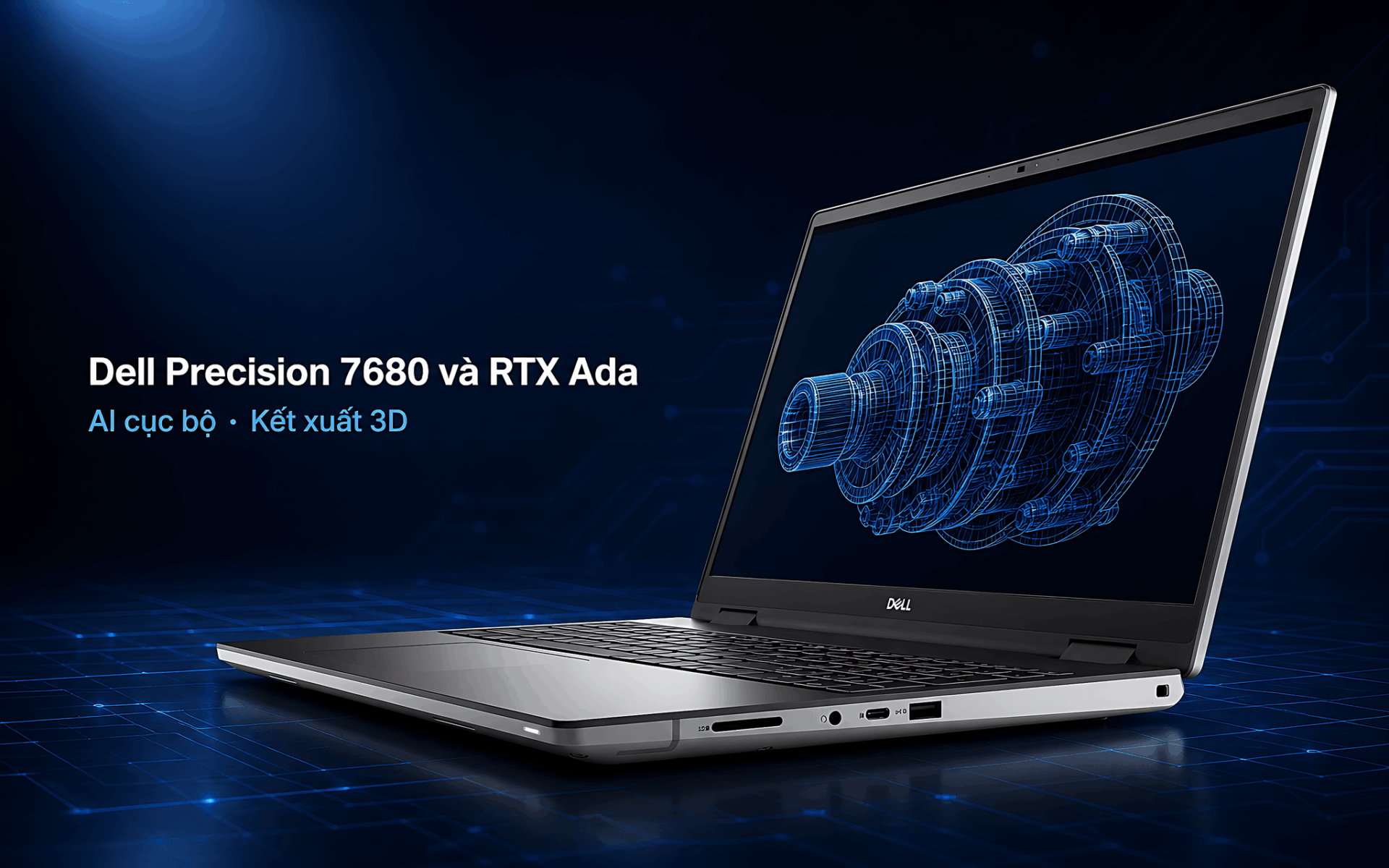
Many creators and engineers still believe a high-performance gaming laptop is enough for all heavy tasks, until a local AI project freezes midway or a 3D render shows incorrect colors because the memory cannot self-correct errors. That is the boundary between a gaming machine and a dedicated workstation. The Dell Precision 7680 is the answer: a 16-inch mobile workstation with 13th Gen Intel HX chips, NVIDIA RTX Ada GPUs, and ECC memory-features that entertainment laptops lack. So, when should you choose a workstation over a gaming laptop, and what are the options in this segment at Hung Phat?
What is the core difference between a mobile workstation and a gaming laptop
The first distinguishing factor lies in the memory. Gaming laptops use standard RAM, whereas mobile workstations like the Dell Precision 7680 support ECC RAM, which can detect and correct bit errors during prolonged computational processes. For a CAD simulation running for many hours or a local AI inference task loading large models into memory, a single random bit error is enough to ruin the entire result. This platform supports up to 128GB DDR5 according to Dell, providing ample capacity for large datasets and heavy 3D scenes.
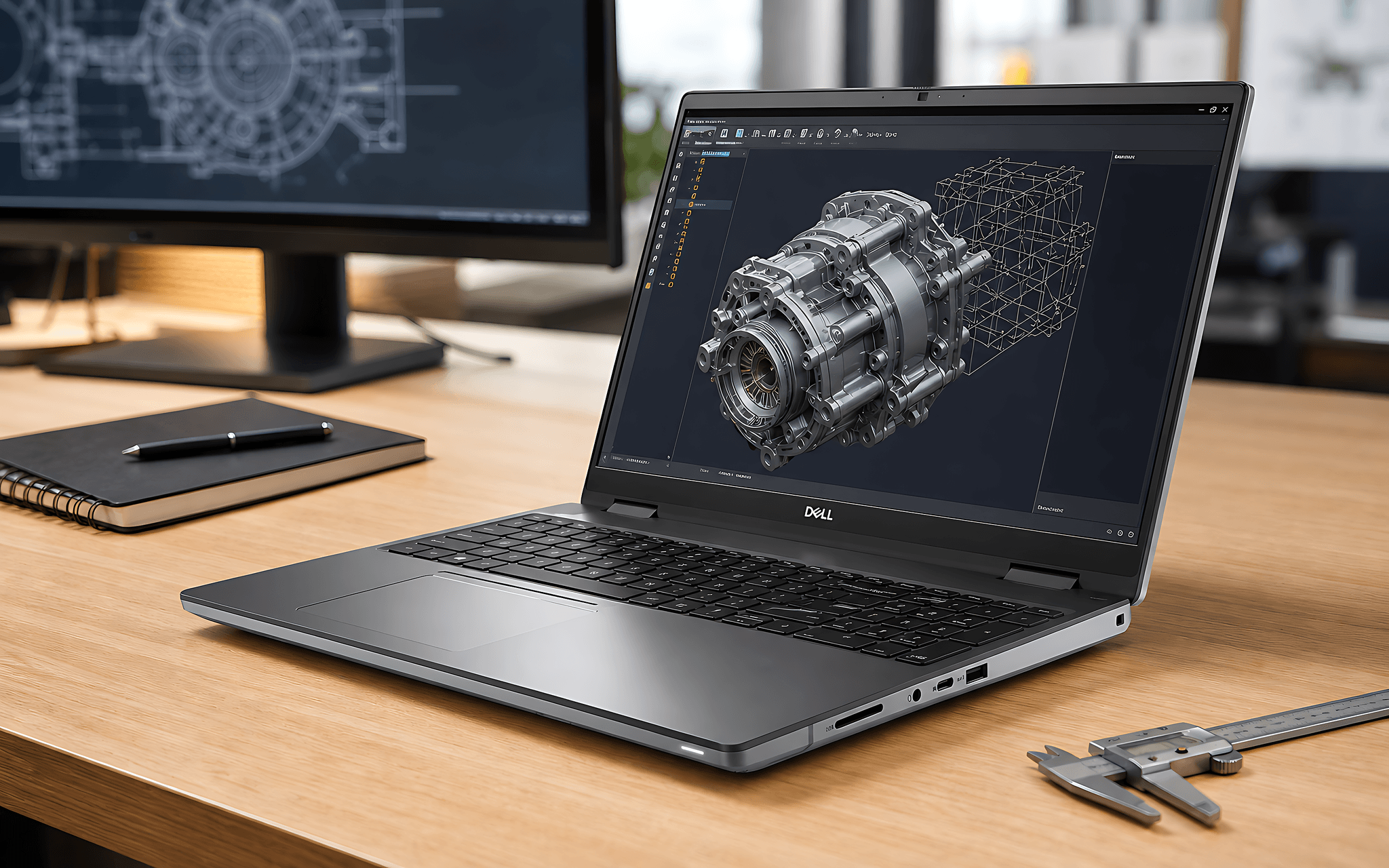
The second difference is the GPU. Instead of pure GeForce gaming cards, the Precision line prioritizes professional-grade NVIDIA RTX Ada generation with drivers certified for graphics software, simulation, and video editing. This is also a line of machines that Dell certifies for compatibility with engineering applications, a commitment that entertainment laptops do not make. Those considering a smaller version can refer to the article Dell Precision 3581: When do you need RTX A500 instead of Iris Xe to understand the GPU tiering philosophy of the entire line.
How far can RTX Ada handle local AI and 3D rendering
The graphics power of the Precision 7680 is spread across multiple tiers, and the difference between these tiers is significant. The entry-level RTX 2000 Ada 8GB achieves approximately 8,094 Time Spy graphics points with 232 TOPS INT8 for AI inference, sufficient for medium-scale real-time rendering. Moving up to the RTX 4000 Ada 12GB, the Time Spy score jumps to 16,308 with 538 TOPS, while the RTX 4090 16GB version reaches 21,251 points and 686 TOPS. The increase in VRAM capacity per tier is the decisive factor when loading local large language models or 8K rendering scenes.
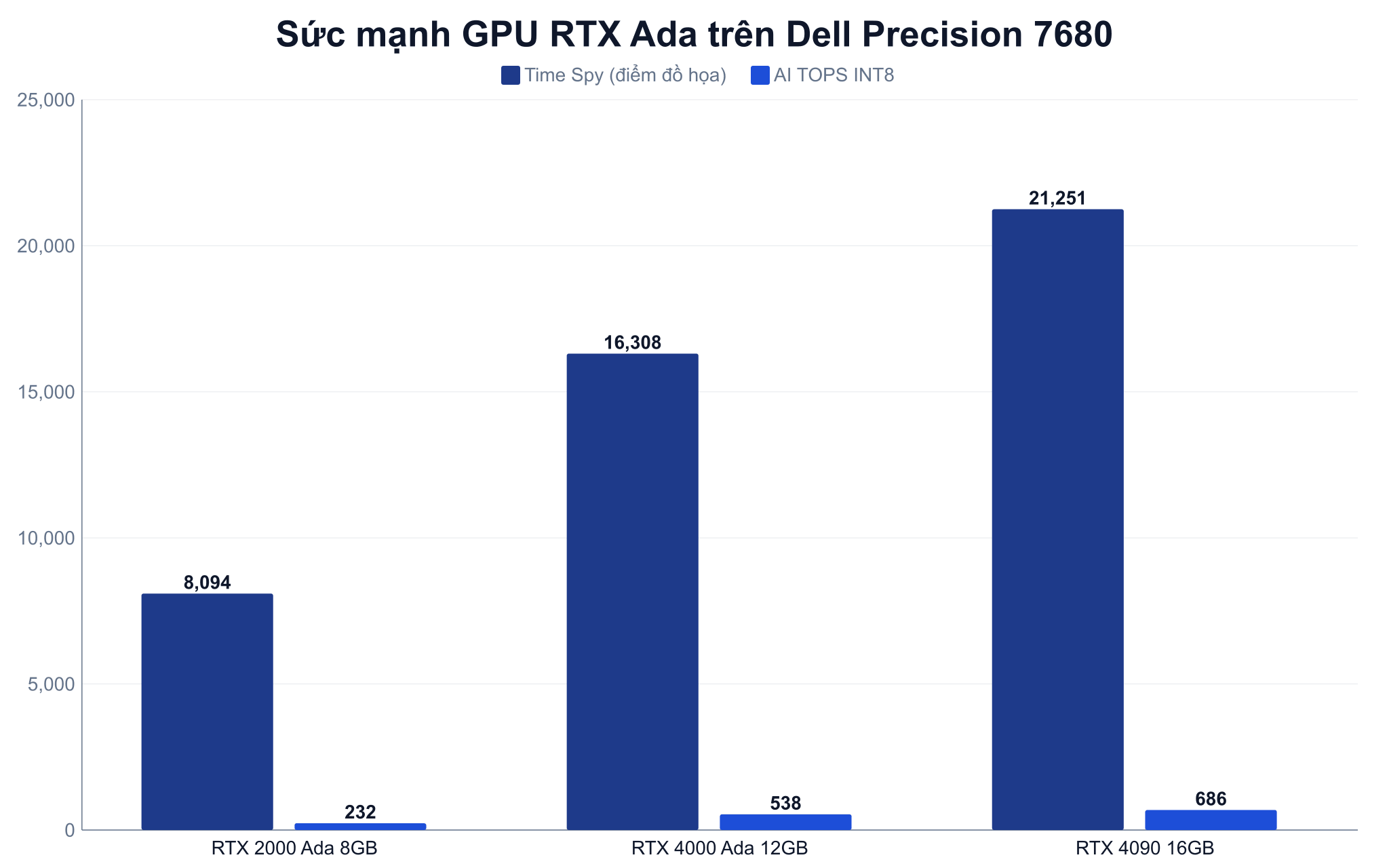
For local AI, large VRAM allows for loading entire models without splitting the workload, resulting in more stable inference speeds. For 3D rendering and video editing, the Tensor cores on RTX Ada accelerate denoising and video encoding, shortening export times. The full technical specifications for this card series are published by NVIDIA on the NVIDIA RTX professional laptops page, which clearly lists the differences compared to gaming cards.
13th Gen Intel HX chips for simulation and 8K video editing
Rendering and simulation rely heavily on the number of processing cores, and this is where the HX platform inside the Dell Precision 7680 excels. The Core i7-13850HX version has 20 cores and 28 threads, while the Core i9-13950HX steps up to 24 cores and 32 threads, achieving approximately 28,681 multi-core Cinebench R23 points according to Notebookcheck data. This figure shows the massive headroom when processing multi-layered 8K timelines or solving large-scale finite element problems.
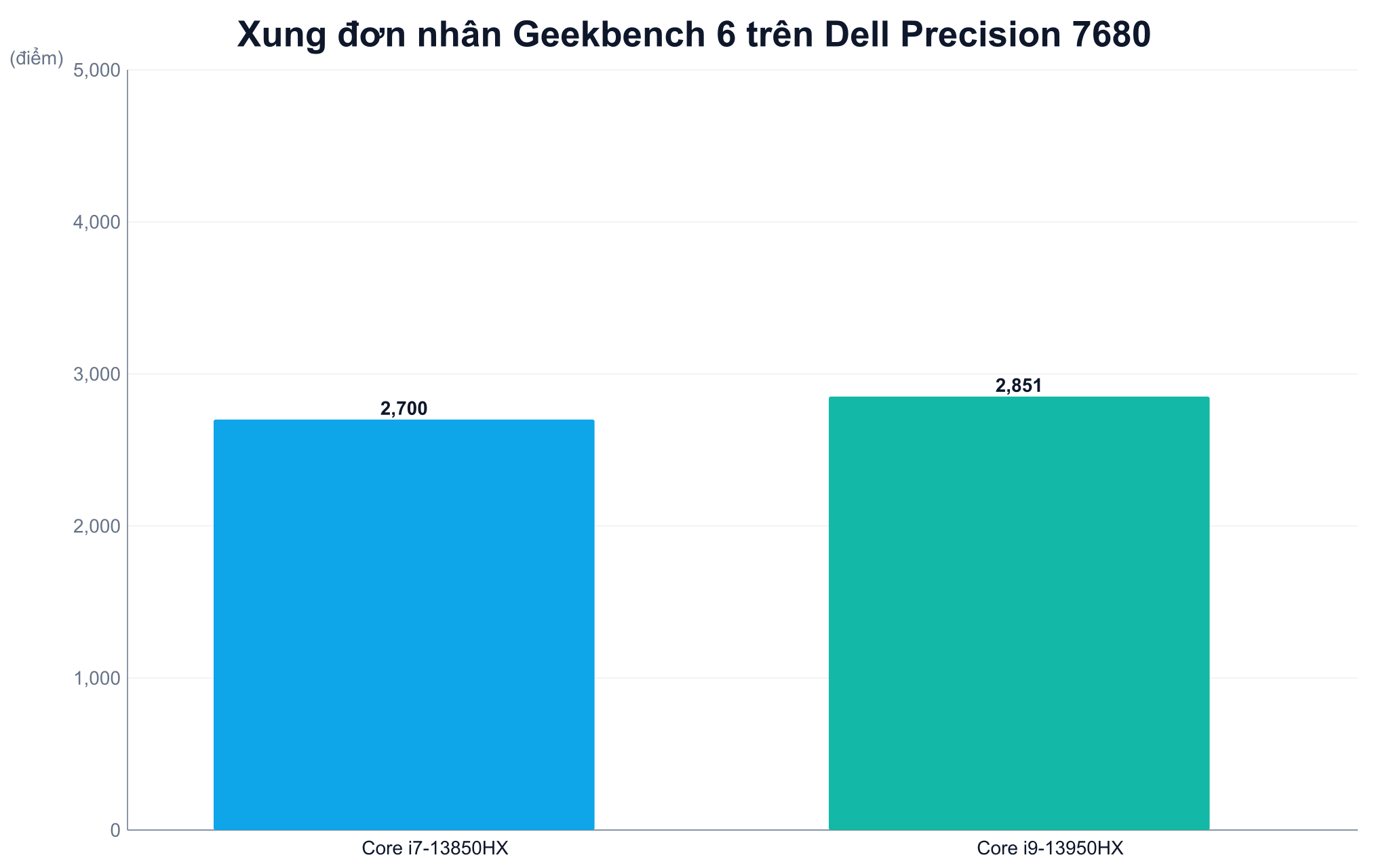
The single-core clock speed of the i9-13950HX, around 2,851 Geekbench 6 points, also ensures fast responsiveness when working on single-threaded heavy CAD software. The machine uses a dual-cooling system and a 93Wh battery, allowing it to maintain clock speeds longer under sustained loads rather than suffering early performance throttling like many thin laptops. For image post-production professionals, the correlation between processing cores and color-accurate screens is analyzed further in the article Why 4K DCI-P3 screens are not enough for content creators.
Dell Precision 7680 configurations and actual price ranges
Hung Phat distributes the Precision 7680 with a price range from 31 to 52.9 million VND, covering all needs. The 31 million VND base version uses an i7-13850HX, 32GB RAM, 512GB SSD, and an RTX A1000 6GB card for light engineering work. The 39 million VND version pairs the RTX 2000 Ada 8GB with an OLED UHD+ 3840x2400 touchscreen covering 100% DCI-P3, ideal for colorists. The most complete configuration at 52.9 million VND includes an i9-13950HX, 64GB RAM, 2TB SSD, and an RTX 4090 16GB. All variants of the Dell Precision 7680 are in stock at Hung Phat.
| Typical Configuration | GPU | RAM / SSD | Price Range |
|---|---|---|---|
| i7-13850HX / FHD+ | RTX A1000 6GB | 32GB / 512GB | 31 million |
| i7-13850HX / OLED UHD+ | RTX 2000 Ada 8GB | 32GB / 1TB | 39 million |
| i7-13850HX / FHD+ | RTX 4000 Ada 12GB | 64GB / 512GB | 47 million |
| i9-13950HX / FHD+ | RTX 4090 16GB | 64GB / 2TB | 52.9 million |
Who is the Precision 7680 for and when should you choose it
The best candidates for this workstation are CAD engineers, simulation specialists, video editors, and AI developers who want to run models directly on their machine. For these workflows, ECC RAM, certified RTX Ada, and stable thermal performance provide practical value that a gaming laptop in the same segment can hardly match, even if a gaming machine's GeForce card sometimes offers higher frame rates when optimized for entertainment. Detailed platform and display options are described by Dell on the Dell Precision 7680 official page.
Conversely, if your work is primarily focused on gaming or light video editing, an entertainment laptop will be more cost-effective and does not require the workstation-grade certification. The key is to correctly identify the nature of your tasks before investing. When your workload demands stability for many consecutive hours, the Precision 7680 truly reveals the full advantages of a genuine mobile workstation.