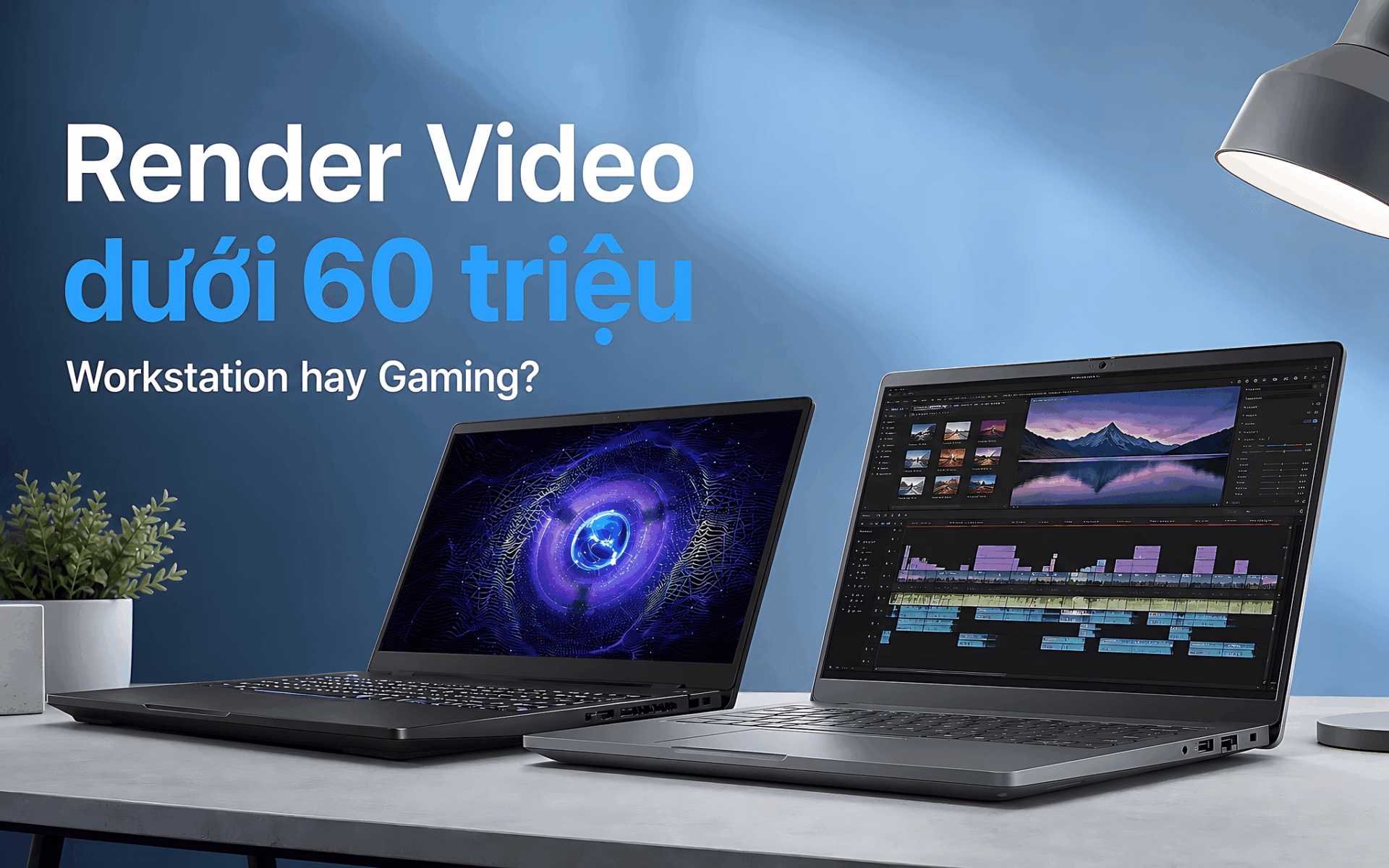
You use a laptop for video rendering in 4K, After Effects work, or 3D model rendering, but you need to keep your budget under 60 million VND. Design students can aim for an RTX 3050, while architects and professional editors should look at an RTX Pro or RTX 5060 GPU. 32GB of RAM, SSD upgradability, and display quality make a clear difference as project sizes grow. This list helps you pin down the right video rendering setup under 60 million VND without paying extra for specs you will rarely use.
What to look for in a video rendering laptop under 60 million VND
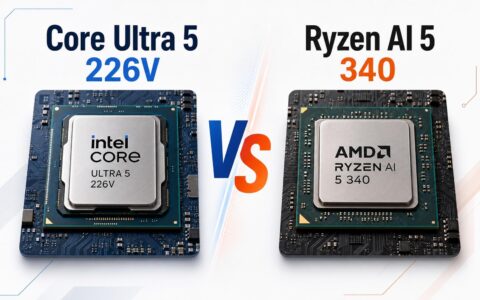
The CPU determines how responsive the timeline feels, how fast effects process, and how quickly video exports. For Premiere Pro or DaVinci Resolve, look for an H-series or HX-series processor. The Core i5-12500H has 12 cores and 16 threads and scores 13,461 in multi-core Cinebench R23. The newer Core Ultra 5 235H scores 14,451 in multi-core Geekbench 6, which suits professional workloads.
The GPU matters most when you render video with heavy effects, noise reduction, or 3D scenes in Blender. The NVIDIA T600 4GB handles CAD and basic video work. The RTX 3050 6GB offers a better balance of cost and performance, while the RTX 5060 Laptop 8GB reaches 11,755 in Time Spy. You can read up on what NVIDIA technology does to see why so many creative applications favor NVIDIA GPUs.
16GB of RAM is enough to get started, but 32GB is a better fit when Premiere Pro, After Effects, and a browser are open at the same time. A 256GB SSD fills up fast after a few 4K projects, so a machine with two M.2 slots makes upgrading easy. If your work involves color, the display should cover 100% of sRGB; a 45% NTSC panel only suits rough cuts or setups with an external monitor. The RTX 3050 6GB is the minimum GPU to aim for if you run effects and light 3D work.
5 video rendering laptops for editors under 60 million VND
The five picks are grouped by video rendering performance, portability, and upgradability within the 60 million VND range. Mobile workstations suit CAD, BIM, and business environments thanks to their professional GPUs. Gaming laptops offer better rendering performance for the money, but battery life is usually shorter.
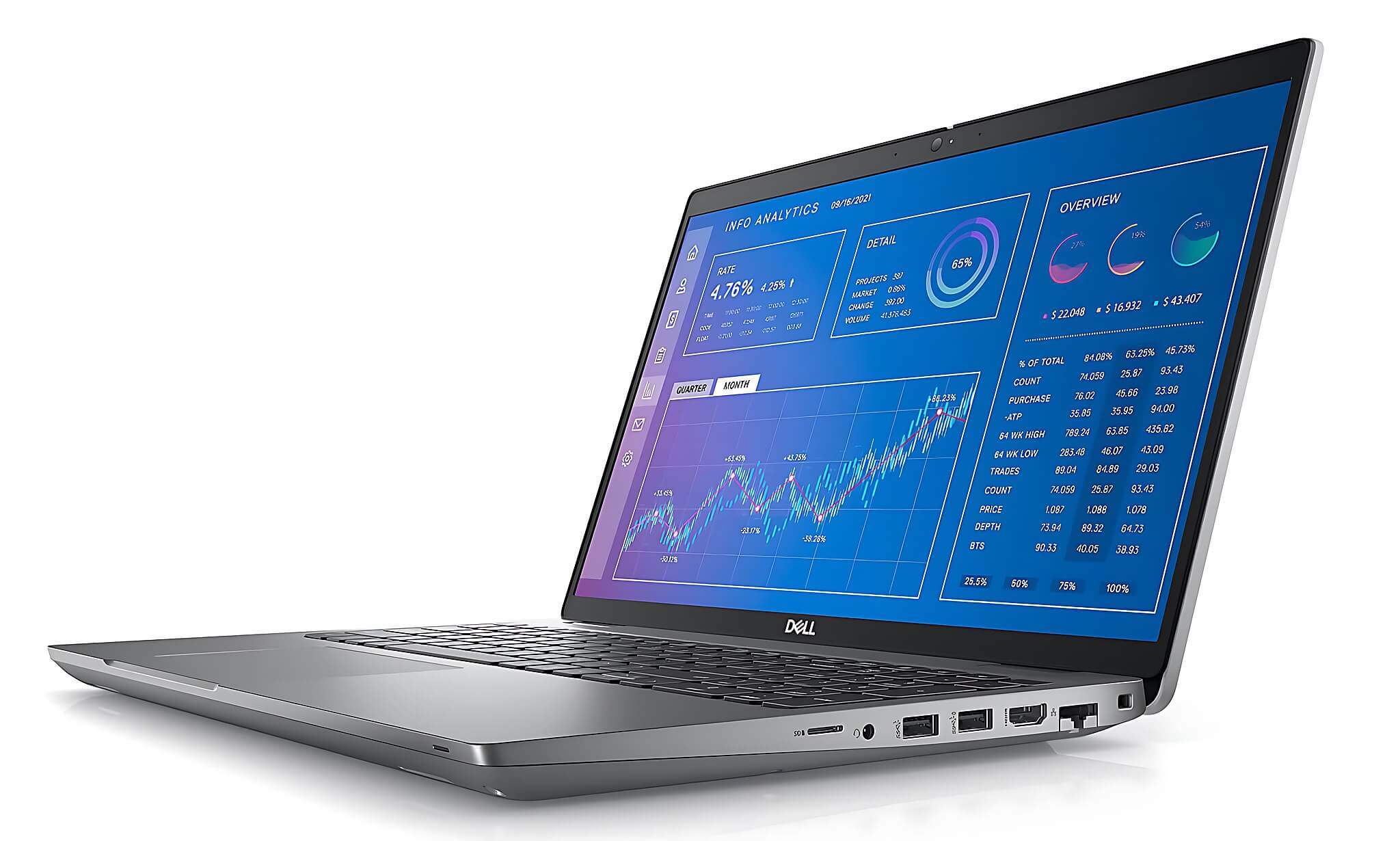
DELL Precision 3571 Mobile Workstation (2022): Priced at about 16.5 million VND. The Core i5-12500H, 32GB of DDR5-4800 RAM, and two M.2 slots suit large Premiere or After Effects projects. The NVIDIA T600 4GB supports professional drivers and handles basic 4K editing and light CAD. The laptop weighs 1.79kg and has a 64Wh battery. The downsides are the 45% NTSC display and a GPU that struggles with complex Blender scenes.
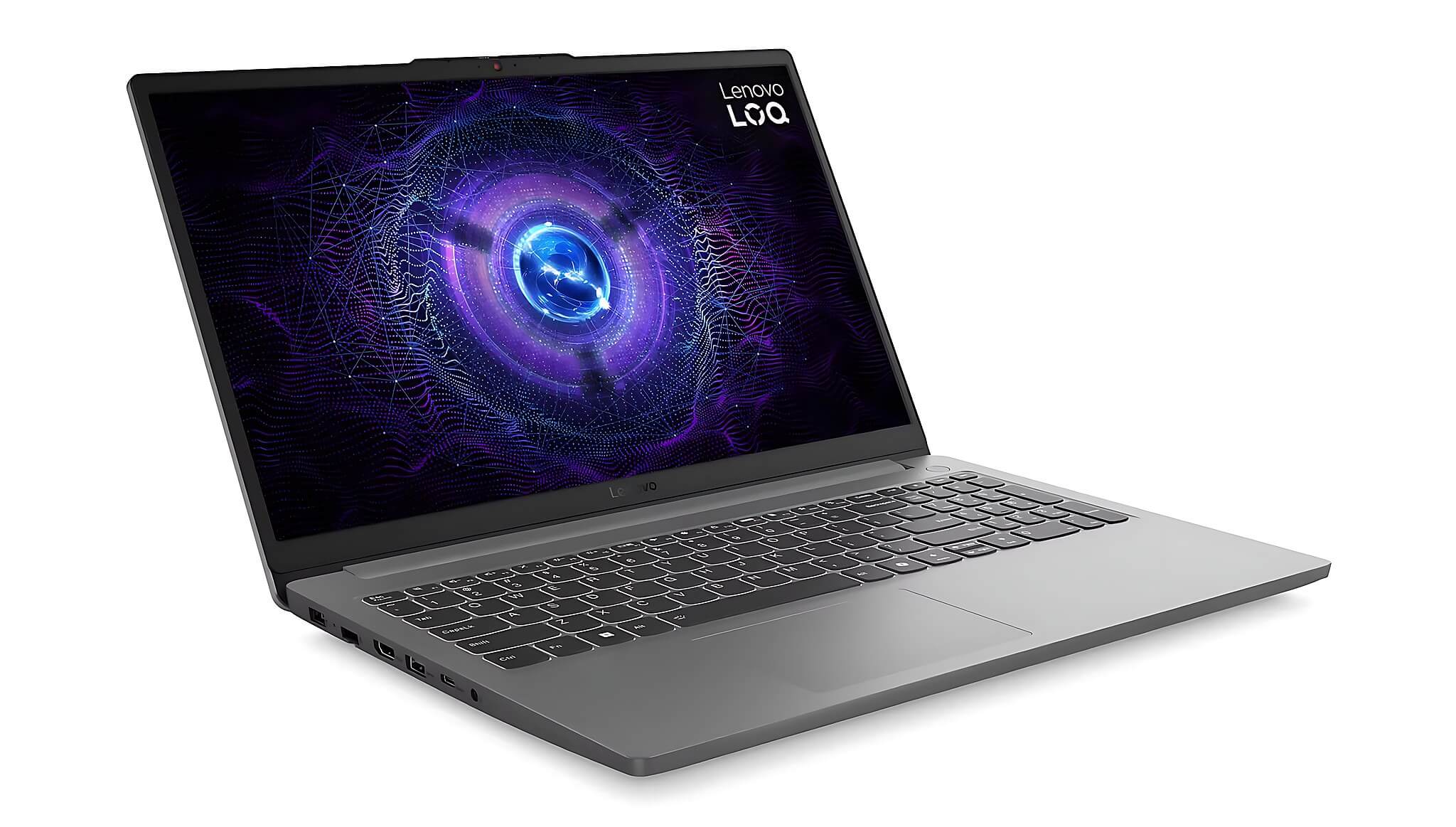
Lenovo LOQ Essential 15IAX9E (2024): Priced at about 24 million VND. The Core i5-12450HX paired with an RTX 3050 6GB delivers better GPU performance than the Precision 3571. The 15.6-inch FHD, 144Hz, 100% sRGB display suits YouTubers, 3D students, and editors who need color grading. Two M.2 slots make storage expansion easy, but the laptop has only one RAM slot, its USB-C port is data-only, and the battery is short, so you will want to plug in while rendering.
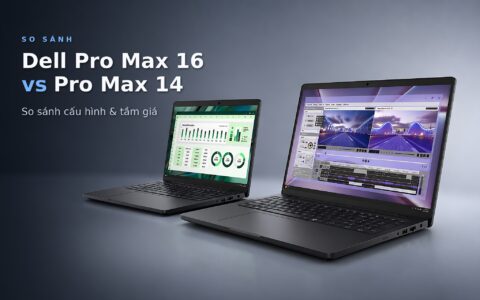
DELL Pro Max 16 MC16250 - Mobile Workstation (2025): Priced at about 27-56 million VND depending on configuration. It has a Core Ultra 5 235H and two DDR5-5600 RAM slots. The standard model uses Intel Arc 140T integrated graphics, while the higher-end model comes with an RTX Pro 2000 8GB GDDR7, suited to CAD, BIM, or business video editing. The battery is 64Wh. The weight, starting at 2.10kg, and the optional 45% NTSC display are points to consider.
DELL Pro Max 14 MC14250 - Mobile Workstation (2025): Priced at about 29-46 million VND depending on configuration. It uses a Core Ultra 7 255H and replaceable LPCAMM2 RAM; the model with the RTX Pro 500 6GB runs a Core Ultra 7 265H. Starting at 1.79kg, it suits architects, designers, and project managers who travel often. The battery is 72Wh, but the laptop has only one SSD slot and a display with roughly 51% sRGB coverage.
Lenovo Legion 5 15IPH11 (2026): Priced at around 57 million VND, aimed at editors, 3D artists, and content creators who need shorter render times. The Core Ultra 7 356H has 16 cores and 16 threads and scores 19,522.5 in multi-core Cinebench R23. The RTX 5060 Laptop GPU has 8GB of GDDR7, 448 GB/s of bandwidth, and scores 11,755 in Time Spy. The laptop comes with 16GB of RAM and a WQXGA OLED 165Hz display, making it a strong choice when GPU rendering is the priority.
On a lower budget, the Precision 3571 suits rough cuts, 4K trimming, and mid-sized projects. The LOQ Essential offers an accessible GPU performance-to-cost ratio thanks to the RTX 3050 6GB. The Dell Pro Max targets professional software, while the Legion 5 suits heavy video rendering and CUDA-based effects. All four categories fit comfortably under 60 million VND.
Hung Phat recommends deciding which software you use most before you buy. Premiere Pro and After Effects need a balance of CPU, RAM, and GPU; Blender clearly benefits from an RTX 3050 6GB or RTX 5060. For color-critical video rendering on a budget under 60 million VND, favor the LOQ with its 100% sRGB display, or plan on an external monitor for workstations with a basic panel.
Real-world performance shows each configuration suits different work
The Core i5-12500H scores 1,685.5 in single-core Cinebench R23 and 13,461 in multi-core, enough for basic 4K editing, proxies, and moderately layered compositions. The Core i5-12450HX scores 11,390 in multi-core. It is weaker on the CPU side, but the LOQ makes up for it with the RTX 3050 6GB, which suits GPU-accelerated tasks and 3D modeling.
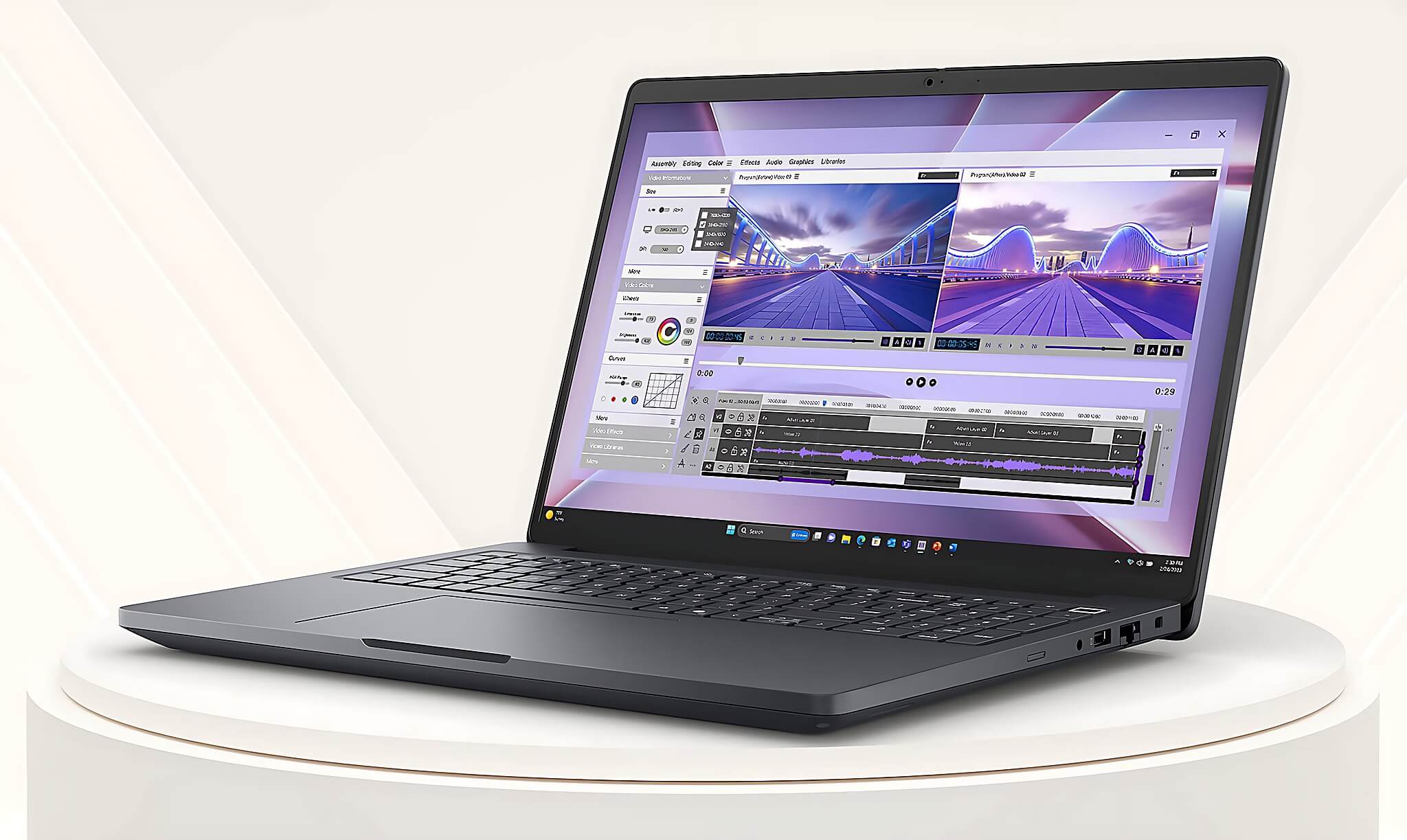
The Core Ultra 5 235H scores 2,743 in single-core and 14,451 in multi-core on Geekbench 6. The Core Ultra 7 255H scores 2,061 in single-core Cinebench R23 and 17,845 in multi-core, and it has a 13 TOPS NPU. Both processors suit mobile workstations that need stable performance, power efficiency, and basic AI support.
The Core Ultra 7 356H scores 33,855 in PassMark and 16,587 in multi-core Geekbench 6. Paired with the RTX 5060 Laptop and its 3,328 CUDA cores, this configuration opens a clear gap over the RTX 3050 6GB, which scores 4,571 in Time Spy. Still, benchmarks are only a rough guide; temperatures, power mode, RAM, and the actual GPU all affect render times.
Workstation or gaming laptop: which suits your video rendering needs?
Gaming laptops like the LOQ Essential and Legion 5 suit freelance editors, YouTubers, design students, and 3D artists who put GPU performance first. The RTX 3050 6GB and RTX 5060 support hardware decoding, accelerated video rendering, and CUDA rendering. The usual downsides are shorter battery life and the need for a charger during intensive work.
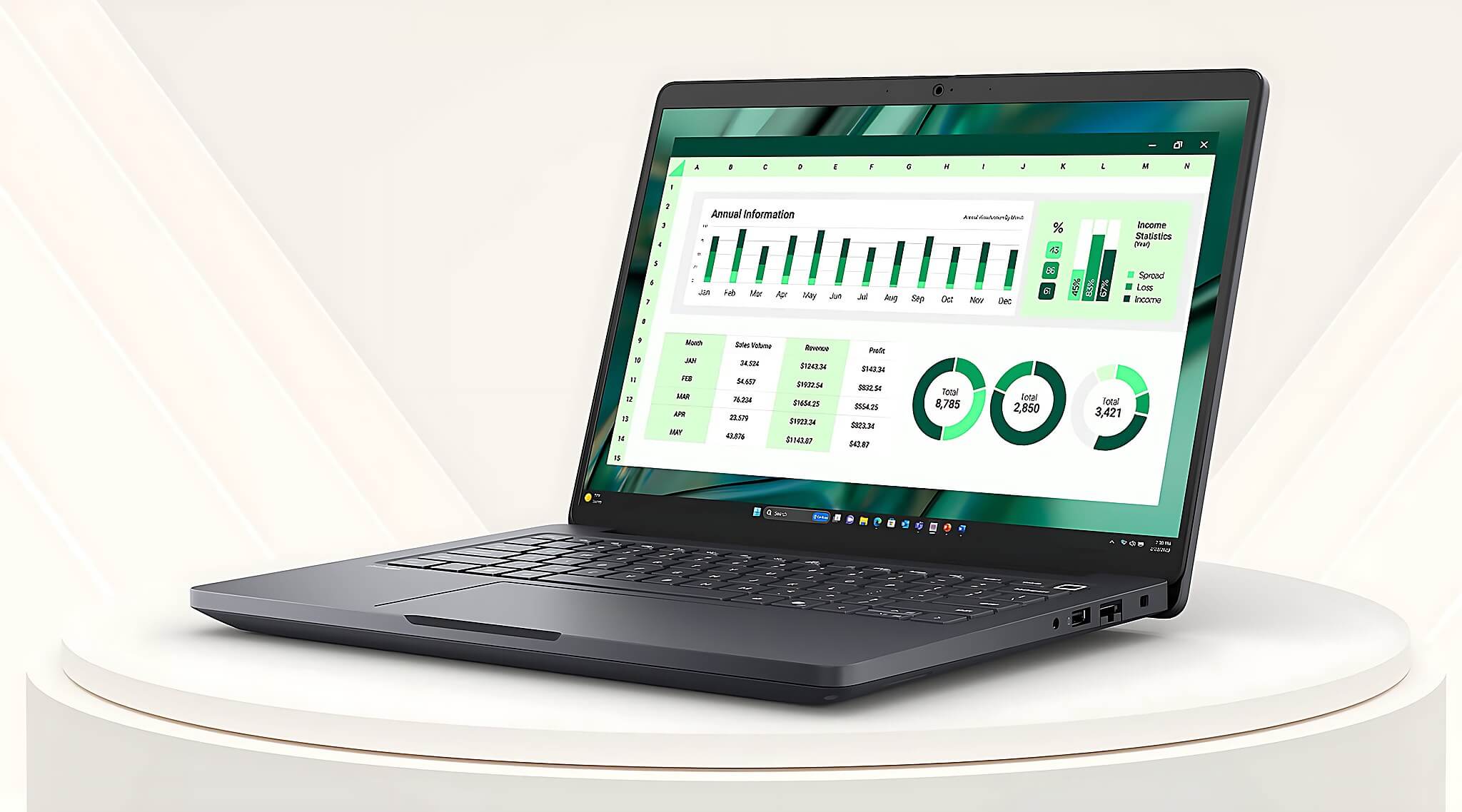
Mobile workstations like the Precision 3571 or Dell Pro Max suit architects, CAD technicians, BIM specialists, and businesses that need a professional GPU. The RTX Pro 500 6GB or RTX Pro 2000 8GB versions have an advantage in memory capacity and professional drivers over the T600 4GB. However, the 45% NTSC version still needs an external monitor if you do commercial color work.
Plugins or effect packs from unknown sources can cause errors, eat up resources, and degrade performance when you render video. Install GPU drivers from the manufacturer's official site, keep your editing software on the correct version, and turn off unneeded background effects to keep the timeline stable.
Buying advice and configuration checks in Ho Chi Minh City
Ask to have the exact CPU, discrete GPU, RAM capacity, and number of SSD slots verified before you pay. With the Dell Pro Max, confirming the GPU configuration is especially important, because a version with integrated graphics only will render video very differently from an RTX Pro model. The display's color coverage should also be checked, so you do not confuse a 45% NTSC panel with a version suited to design work.
| Model | Reference price | CPU | RAM | Display | Why choose it |
|---|---|---|---|---|---|
| Dell Precision 3571 | about 16.5 million VND | Core i5-12500H | 32GB DDR5-4800 | 15.6-inch FHD, 45% NTSC | Low cost, large RAM, two M.2 slots |
| Lenovo LOQ Essential 15IAX9E | about 24 million VND | Core i5-12450HX | 16GB DDR5-4800 | 15.6-inch FHD, 144Hz, 100% sRGB | RTX 3050 6GB, display suited to video rendering |
| Dell Pro Max 16 MC16250 | about 27-56 million VND | Core Ultra 5 235H | 16GB DDR5-5600 | 16-inch FHD+ | Higher-end model has RTX Pro 2000 8GB, RAM and SSD upgrades |
| Dell Pro Max 14 MC14250 | about 29-46 million VND | Core Ultra 7 255H | 16GB LPCAMM2 | 14-inch FHD+ | Compact, replaceable RAM, optional RTX Pro 500 |
| Lenovo Legion 5 15IPH11 | about 57 million VND | Core Ultra 7 356H | 16GB | WQXGA OLED 165Hz | RTX 5060 8GB for high-intensity 3D rendering |
New editors can pick the Precision 3571 if they prioritize 32GB of RAM and a low price. YouTubers and 3D students should consider the LOQ Essential for its RTX 3050 6GB and 100% sRGB display. CAD and BIM work suits the Dell Pro Max, while the Legion 5 handles Blender video rendering and high-intensity GPU effects.
Hung Phat invites you to open each product link to check the stock configuration, machine condition, price, warranty period, and offers. Prices can vary with RAM, SSD, GPU, and cosmetic condition. Within the 60 million VND range, simply choose based on your software and project workload; there is no need to pay extra for a configuration that goes far beyond what you need.
Frequently asked questions (FAQ)
What budget suits 4K video rendering and 3D work?
About 16-20 million VND suits basic video editing, light CAD, and projects that use proxies. The range around 24 million VND gets you an RTX 3050 6GB, which suits YouTube work and learning 3D. A budget around 57 million VND suits Blender, GPU effects, or commercial projects that need shorter render times.
Should I choose Windows or macOS for creative work?
Windows is the better fit if you use CUDA, Blender, CAD, or BIM, or need to upgrade RAM and SSD. macOS has an edge within the Apple ecosystem and for some video editing workflows optimized for it. This list focuses on Windows because all five laptops in the 60 million VND range offer a dedicated GPU or upgradability.
Which laptop is compact but still delivers professional performance?
The Dell Pro Max 14 MC14250 weighs from 1.79kg and offers an optional RTX Pro 500 6GB. The 72Wh battery suits a mobile work schedule. The downsides are the single SSD slot and a display with roughly 51% sRGB coverage, so color-focused editors should add an external monitor.
Which model is the quick pick for each need?
The Dell Precision 3571 suits a low budget and a need for 32GB of RAM. The Lenovo LOQ Essential fits YouTubers and 3D students thanks to its RTX 3050 6GB and 100% sRGB display, while the Dell Pro Max serves CAD and BIM under 60 million VND. The Lenovo Legion 5 suits heavy rendering projects thanks to its Core Ultra 7 356H and RTX 5060 Laptop 8GB.