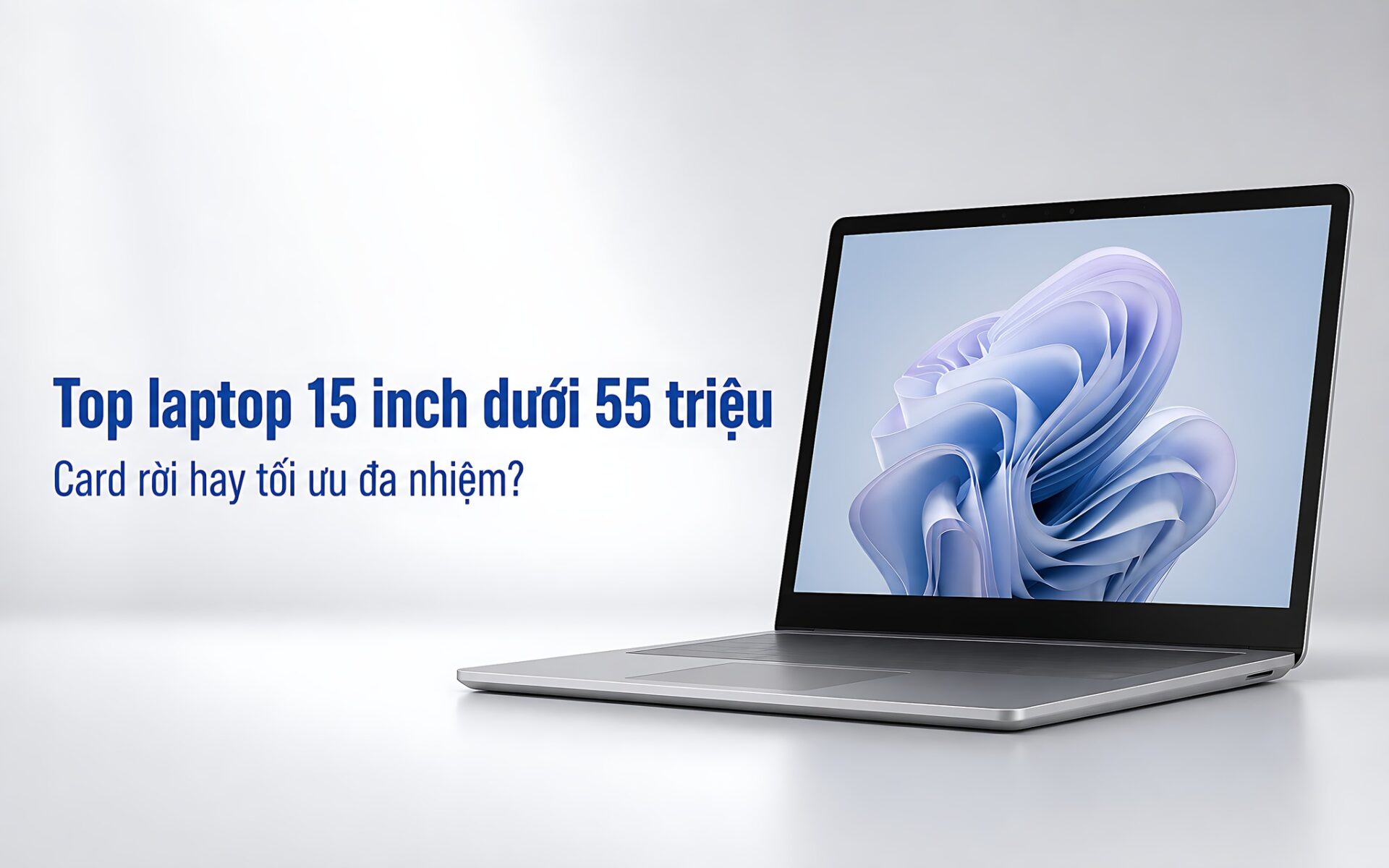
You need a 15-inch laptop for design, programming, heavy multitasking, and the occasional light game. With a budget stretching from roughly 18 to 55 million VND, the gap in specs is huge. The three options are an HP with a GeForce MX450 version, the display-focused Surface Laptop 5, and the Surface Laptop 6 with 64GB of RAM, but none of them is a dedicated gaming laptop. This article compares specs, prices, and real-world needs so you can pick the right one before you order.
Surface Laptop 6 for 2D designers who need heavy-duty multitasking
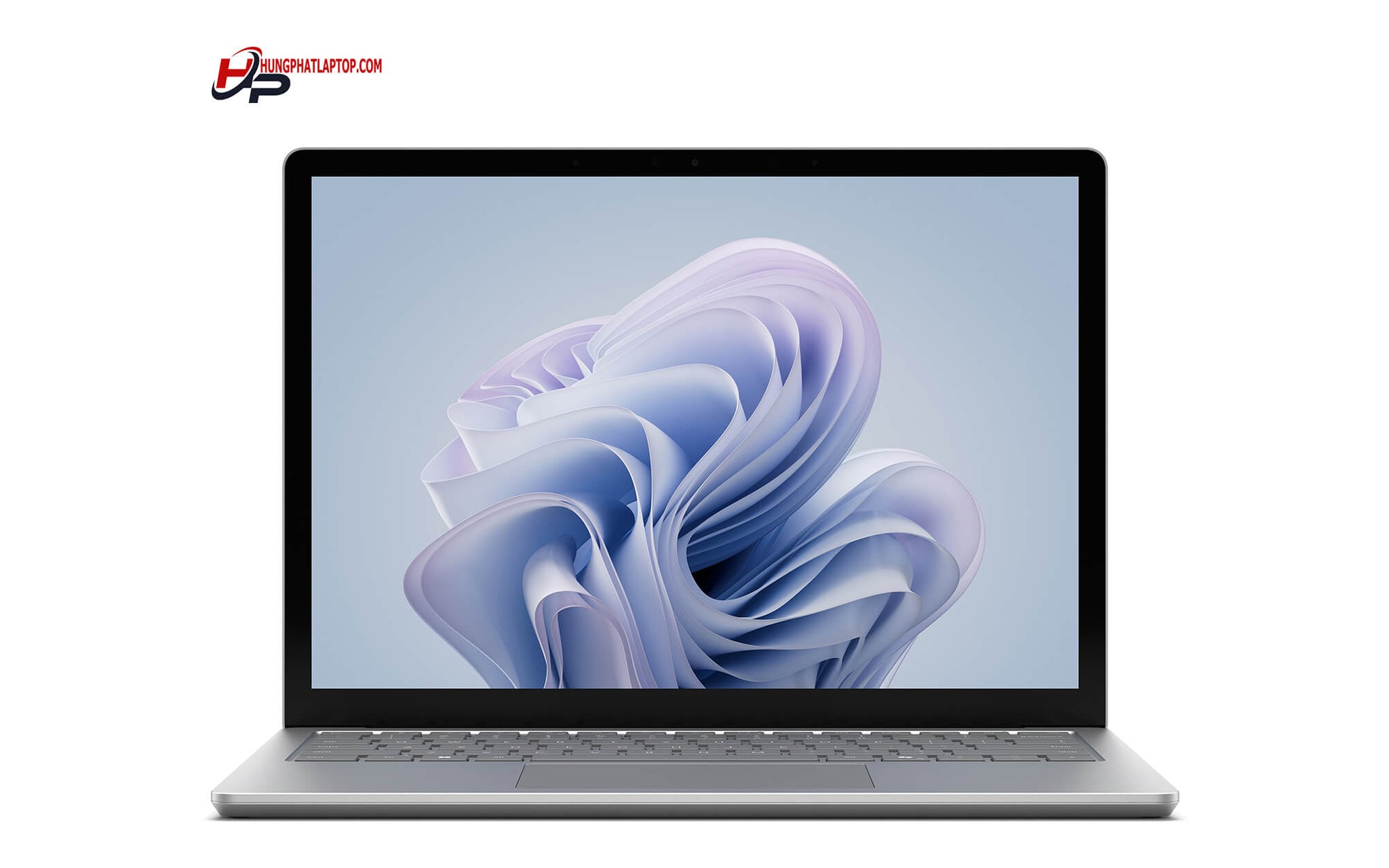
The Microsoft Surface Laptop 6 has a reference price of about 49 million VND. Its standout specs include an Intel Core Ultra 7 165H, 64GB of soldered LPDDR5x RAM, and a removable 1TB PCIe Gen 4 SSD. It suits 2D designers working with large Photoshop and Illustrator projects, developers running virtual machines, and businesses that need a lot of memory. Compared with a gaming laptop, it favors portability and multitasking over gaming performance.
The Core Ultra 7 165H uses the Meteor Lake-H architecture, with 16 cores, 22 threads, and a base power of 28W. In Cinebench R23 it scores 1.759 points single-core and 14.551 points multi-core; in Geekbench 6 it scores 2.421,5 single-core and 12.230,5 multi-core. An 11 TOPS NPU supports some AI tasks, while the Intel Core Ultra chip's integrated Intel Arc graphics deliver higher graphics performance than the two older processors on the list.
The 15-inch PixelSense display has a resolution of 2496 × 1664, supports touch, and reaches 400 nits of brightness, but it is limited to 60Hz. The integrated Intel Arc is not suited to AAA games, Blender, CUDA, or heavy 3D rendering. The laptop weighs 1,68kg, has a 47Wh battery and two Thunderbolt 4 ports, and its RAM cannot be upgraded. Hung Phat recommends checking stock status, warranty terms, and current promotions on the product page before you pay.
Surface Laptop 5 for people who put sRGB display accuracy first
The Microsoft Surface Laptop 5 15″ currently has a reference price of about 55 million VND. It uses a 15W Intel Core i7-1255U and 8GB, 16GB, or 32GB of LPDDR5x RAM soldered to the board. The NVMe SSD ranges from 256GB to 1TB and is removable, which makes swapping the drive easier. It is a more balanced pick than a gaming laptop if the display and mobility matter most.
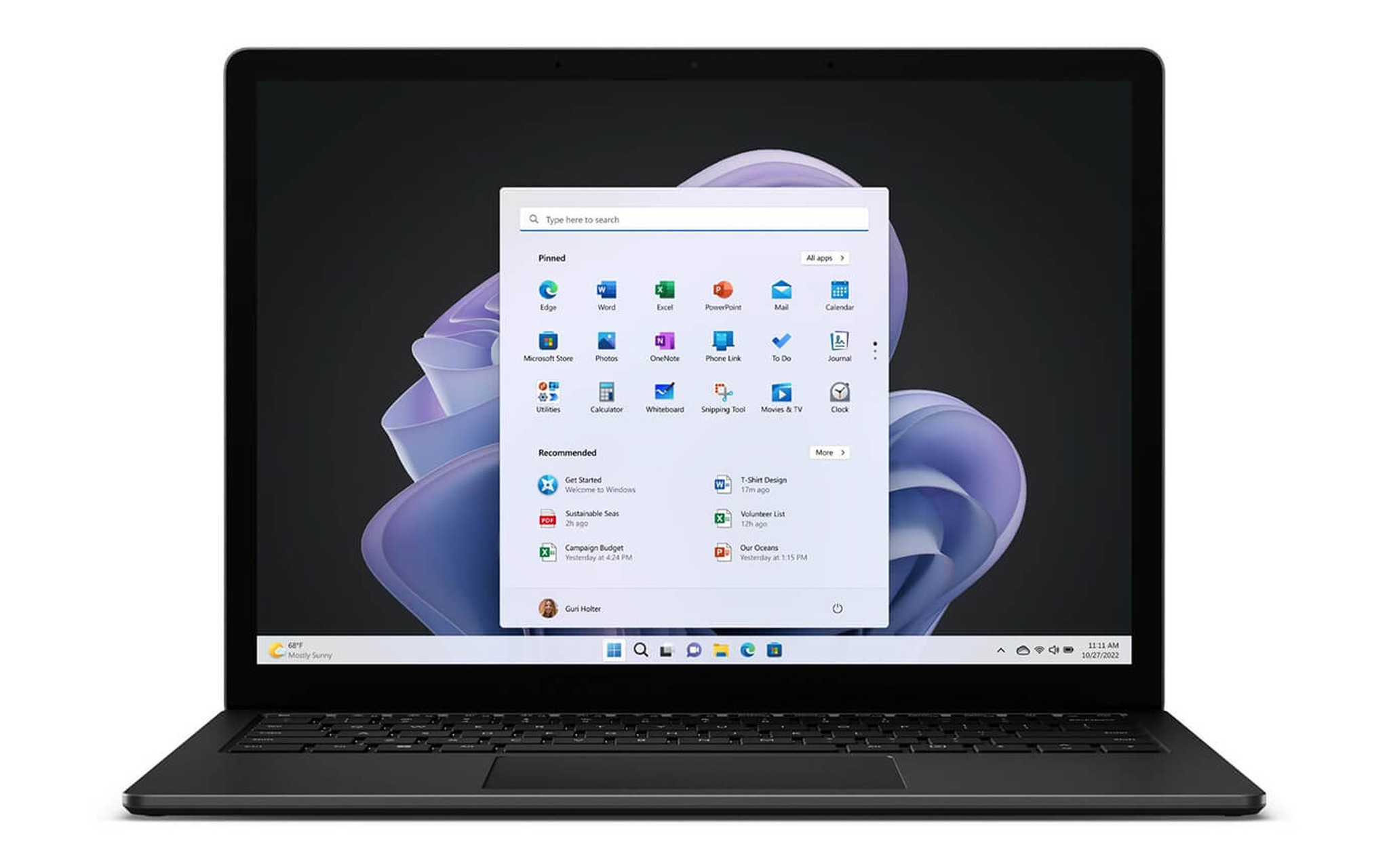
This model's strength is its 15-inch, 3:2 touch display with a 2496 × 1664 resolution. It covers 97,3% of sRGB, with a color error of DeltaE 0,8 and measured brightness of about 399 nits. The 3:2 aspect ratio adds vertical space when you edit photos, write code, or work with documents. At 1,55-1,58kg, it is also lighter than the Surface Laptop 6.
On the downside, the display is only 60Hz with a 52,4ms response time, and the Iris Xe graphics are not suited to heavy games or effects-heavy video editing. The 47,4Wh battery lasted about 8 hours 37 minutes in a Wi-Fi test, enough for a moderate workday, though it depends on brightness and apps. At a reference price of about 55 million VND, this is the premium option, so its value depends heavily on how much you need the display; confirm the exact RAM, SSD, condition, and warranty policy before you buy. This topic is covered in more depth in the article Using a Laptop for OBS Livestreaming.
HP Pavilion 15 for people who want budget-friendly light gaming
The HP Pavilion Laptop fits a budget of about 17,8 million VND, provided it is the Intel Core i7-1165G7 and GeForce MX450 version. The configuration that was reviewed has 16GB of DDR4-3200 RAM with two SODIMM slots and a 1TB PCIe NVMe SSD. It is the only one of the three with a discrete graphics option, which gives it an edge for light gaming or accelerating some graphics software.
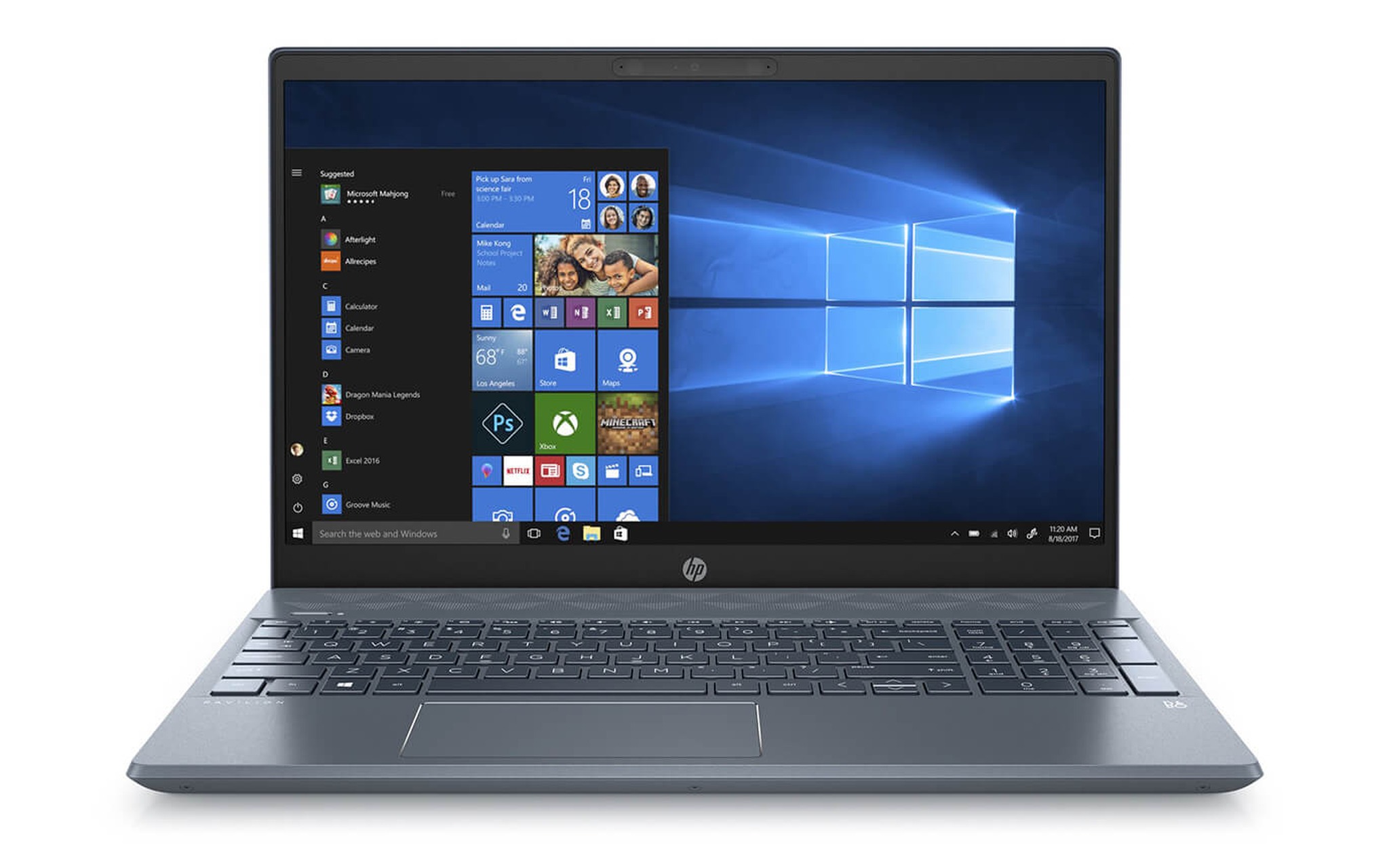
The 15,6-inch screen is a Full HD IPS touch panel running at 60Hz with brightness of about 251 nits. That brightness suits a room better than the outdoors. The laptop weighs 1,75kg and has a 41Wh battery that lasts about 6 hours 36 minutes on Wi-Fi. The Core i7-1165G7 runs at 28W, which handles office work, photo editing, and everyday multimedia tasks.
The thing to check is the exact version code, because the product page may include several different GPU, RAM, and SSD options. A version with integrated graphics only will not match the gaming performance of the MX450 model. Hung Phat can help you compare the configuration, condition, accessories, warranty, and promotions before you commit. If your needs include long livestreams, you may also want to look at the criteria for cooling systems.
Choosing a 15-inch laptop in 2026: put real-world performance first
With a 15-inch laptop, a high-end processor name alone does not tell you how well it can game, because real-world performance also depends on the GPU, cooling, and display refresh rate. The GPU, cooling, refresh rate, and ability to sustain performance are what clearly affect the experience. The Surface Laptop 6 has a stronger CPU and more RAM than the other two, but its integrated Intel Arc still cannot replace an RTX GPU in AAA games, 3D rendering, or software that needs CUDA.
If your main work is Photoshop, Illustrator, programming, and running virtual machines, the Surface Laptop 6's 64GB of RAM brings a concrete benefit. If you prioritize an sRGB display, measured battery life, and low weight, the Surface Laptop 5 makes more sense. If your budget is limited and you want a discrete GPU for light gaming, the HP Pavilion 15 with the MX450 is the practical choice, as long as you confirm the exact configuration.
All three 15-inch laptops use 60Hz displays, so motion is not as smooth as on the 120Hz or 144Hz gaming models on the market. You also should not pick a Surface if your main goal is Blender, 3D rendering, or heavy gaming. For that, a dedicated model with a discrete GPU and a larger cooling system is a better fit. The differences between two popular gaming laptops are laid out in the article Asus TUF Gaming.
Do these three models work for someone who needs a 14-inch laptop
All three 15-inch laptops on the list have 15 to 15,6-inch screens, so they do not meet a 14-inch body requirement. In return, the larger display makes it easier to see timelines, spreadsheets, and multiple windows. The Surface Laptop 5 weighs about 1,55-1,58kg, the Surface Laptop 6 weighs 1,68kg, and the HP Pavilion 15 weighs 1,75kg.
If you travel often, the Surface Laptop 5 strikes a sensible balance between screen size and weight. The Surface Laptop 6 is the better fit when 64GB of RAM is a hard requirement. The HP Pavilion 15 has the advantage of a discrete GPU in the MX450 version, but its body is heavier, its screen is dimmer, and its battery life is shorter than either Surface.
Among the three 15-inch laptops, the Surface Laptop 6 is the one to favor for 2D design and heavy multitasking. The Surface Laptop 5 suits office work, sRGB photo editing, and coding. The HP Pavilion 15 suits a lower budget, easy RAM upgrades, and light gaming. None of the models on the list should be chosen for AAA games or professional GPU rendering.
Buying a used laptop in Ho Chi Minh City: judge by actual condition
When shopping for a used 15-inch laptop, you need to confirm the exterior condition, battery wear, dead pixels on the screen, the keyboard, the ports, and the GPU configuration. With the HP Pavilion 15, the key question is whether it has a GeForce MX450 or only integrated graphics. With a Surface, the soldered RAM cannot be upgraded, so the capacity has to meet your needs from the day you buy.
| Model | Reference price | CPU | RAM | Display | Highlights |
|---|---|---|---|---|---|
| Surface Laptop 6 15 inch | 49 million VND | Core Ultra 7 165H | 64GB LPDDR5x | 15 inch, 2496 × 1664, touch, 60Hz | Multitasking, 2D design, virtual machines |
| Surface Laptop 5 15 inch | 55 million VND | Core i7-1255U | 8GB, 16GB, or 32GB | 15 inch, 2496 × 1664, touch, 60Hz | 97,3% sRGB display, low weight |
| HP Pavilion Laptop 15 | 17,8 million VND | Core i7-1165G7 | 16GB DDR4-3200 | 15,6 inch, Full HD, touch, 60Hz | MX450 version available, two RAM slots |
A low price on a 15-inch laptop only means something when the configuration, warranty, and condition are disclosed openly. You should ask to have the serial number, charger, SSD, touch function, and warranty period checked before you put down a deposit. In Ho Chi Minh City, Hung Phat helps you cross-check the information on each product page; stock and promotions can change from time to time, so confirm them before you come to see the machine. The article Gaming Laptops 2026 goes deeper into this with concrete figures.
Frequently Asked Questions (FAQ)
Is an Asus gaming laptop a better fit than the three models on the list?
Asus's dedicated gaming lines usually have a discrete GPU and a high-refresh-rate display, so they are a better fit if gaming is your main need. The three 15-inch laptops on the list lean toward office work, multimedia, and 2D design. The Surface models have an edge in display, RAM, or portability, while the HP with the MX450 only handles light gaming.
What kind of work suits a Lenovo gaming laptop?
Lenovo's dedicated models suit people who need to game, edit video, or render with a discrete GPU. If you only handle documents, sRGB photo editing, and coding, the Surface Laptop 5 can save you some weight. When you need 64GB of RAM for virtual machines, the Surface Laptop 6 still has a clear advantage on this list.
Do you need an MSI gaming laptop for 2D graphic design?
2D design does not always require a high-power discrete GPU. The Surface Laptop 6, with its Core Ultra 7 165H and 64GB of RAM, handles large Photoshop or Illustrator projects, but its display is only 60Hz. If your work shifts to 3D modeling, heavy effects, or CUDA rendering, an MSI machine with an RTX GPU is a better fit.
What advantages does an Acer gaming laptop have over a Surface?
Dedicated Acer gaming laptops usually have a larger cooling system, a discrete GPU, and a display with a refresh rate above 60Hz. Surface models prioritize a compact design, a 3:2 touch display, and an office work environment. You should choose based on your main tasks rather than just comparing processor names.