

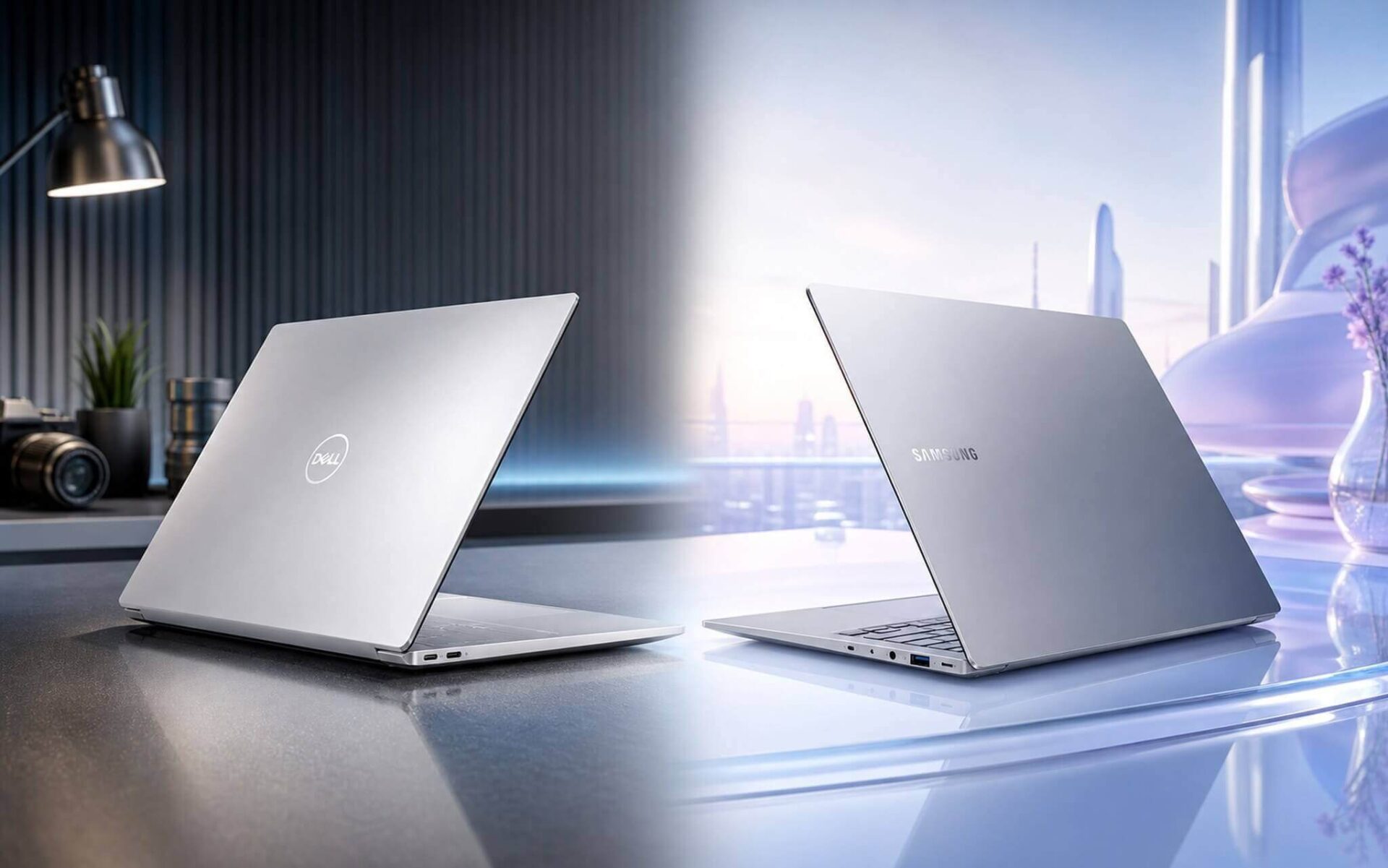
Dell XPS 14 9440 and Samsung Galaxy Book4 Edge 14 inch are in the same 30-40 million VND segment but represent two completely different philosophies: one chooses the RTX 4050 to handle rendering and light gaming, while the other opts for the ARM chip Snapdragon X Elite to optimize battery life and features a default AMOLED screen. The Galaxy Book4 Edge weighs only 1.16 kg, while the XPS 14 is nearly 1.5 times heavier, and the SSD on the Galaxy is eUFS, which is almost impossible to upgrade.
Comparing the configurations of Dell XPS 14 9440 and Galaxy Book4 Edge 14
The Dell XPS 14 9440 and Galaxy Book4 Edge 14 target the same group: dynamic office workers, creative freelancers, or anyone needing a thin and light machine that still provides enough performance for real work. Starting prices are similar, but the configurations reveal two different directions.
| Specifications | Dell XPS 14 9440 | Galaxy Book4 Edge 14 |
|---|---|---|
| CPU | Core Ultra 7 155H (16C/22T, boost 4.8 GHz) | Snapdragon X Elite X1E (12C, boost 4.0 GHz) |
| GPU | Intel Arc iGPU or RTX 4050 6GB (TGP ~30W) | Qualcomm Adreno X1 (iGPU) |
| RAM | 16/32/64GB LPDDR5x onboard | 16GB LPDDR5x 8448MHz onboard, max 16GB |
| SSD | 512GB-4TB PCIe Gen4 NVMe, 1x replaceable M.2 slot | 512GB eUFS, almost non-upgradable |
| Display | 14.5" IPS FHD+ 120Hz or OLED 3200x2000 | 14" AMOLED 2X 2880x1800 120Hz, touch |
| Battery / Weight | 69.5Wh, 7-10h mixed use / ~1.68-1.8 kg | 55.9Wh, 10-15h native ARM office use / ~1.16 kg |
| Ports | 3× Thunderbolt 4, microSD, 3.5mm jack | 2× USB4, HDMI 2.1, 3.5mm jack |
The XPS 14 uses the Intel Core Ultra 7 155H with 16 cores; depending on the configuration, it includes an RTX 4050 6GB with a TGP of approximately 30W. RAM ranges from 16GB to 64GB LPDDR5x, and the PCIe Gen4 NVMe SSD features one replaceable M.2 slot after purchase. The entry-level version uses an IPS FHD+ 120Hz display, while the higher-end version features a 3200x2000 touch OLED screen.
The Galaxy Book4 Edge features the 12-core Snapdragon X Elite ARM chip, with a fixed 16GB LPDDR5x onboard and a non-upgradable 512GB eUFS SSD. In return, the Dynamic AMOLED 2X 2880x1800 120Hz screen is standard even on the cheapest version. A key point to note: due to the ARM architecture, some Windows software runs through an emulation layer, which may lead to compatibility issues with older apps or specific drivers. The XPS 14 uses Intel x86, so all Windows software runs natively.
RTX 4050 vs Adreno X1: Who needs a dedicated GPU and who doesn't?
In terms of pure CPU performance, the Snapdragon X Elite is competitive with the Core Ultra 7 155H in native ARM tasks, especially regarding performance per watt. However, many specialized software programs like Adobe Premiere with certain plugins, some DAWs, or engineering software still run via emulation on ARM. The Dell XPS 14 9440 with the Core Ultra 7 155H runs all Windows x86 software natively, eliminating this risk.
The GPU is where the winner is most clearly decided. Despite a TGP of only 30W, the RTX 4050 6GB allows for much faster rendering in Blender, Premiere, and DaVinci via CUDA compared to the ARM iGPU. According to NotebookCheck, Cyberpunk 2077 at 1080p Low achieves about 40-50fps, while Shadow of the Tomb Raider exceeds 80fps. There is no definitive data for heavy Windows gaming on the Galaxy's Adreno X1 yet, as it depends on ARM compatibility.
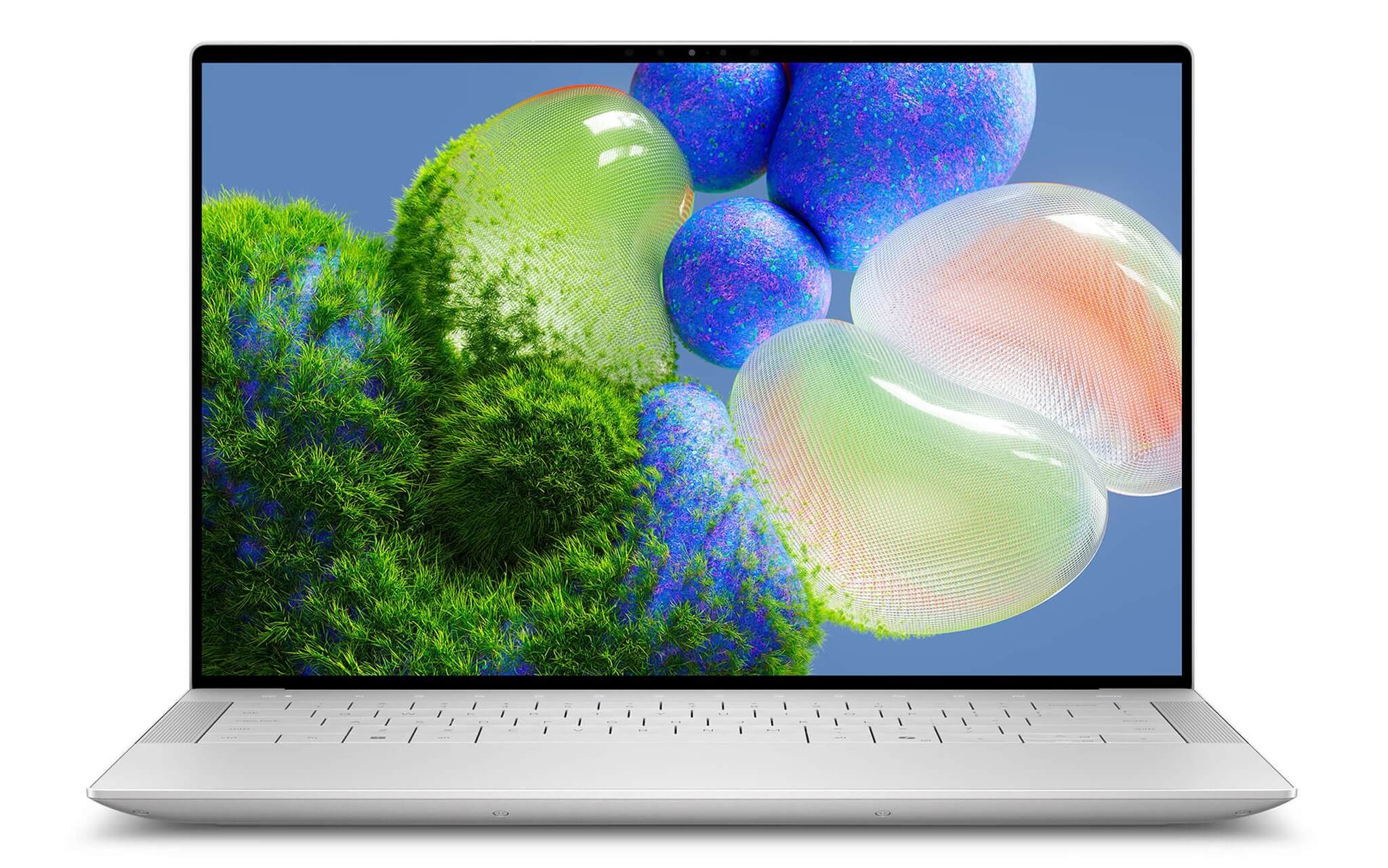
The Galaxy Book4 Edge compensates with a 45 TOPS Hexagon NPU, making light AI tasks like Copilot+ PC features, noise cancellation, and background blur very smooth and power-efficient. If your workflow revolves around Microsoft 365, Teams, Zoom, and popular ARM-native apps, the Galaxy runs cooler and saves significant battery. However, if you require heavy Lightroom usage or frequent video rendering, an Intel machine is still the better choice.
A real downside for the XPS 14: with a 69.5Wh battery and the RTX 4050 dGPU enabled, actual usage is about 5-7 hours of mixed work. The Galaxy Book4 Edge has a smaller 55.9Wh battery, but ARM efficiency allows it to reach 10-15 hours of native office work. If you often work away from a power outlet, this figure cannot be ignored. For more information on the evolution of the XPS line, refer to the article Dell XPS 16 2026 laptop flagship Dell returns.
Display, storage, and which one should you choose?
The display is a clear win for the Galaxy in its base version: the Dynamic AMOLED 2X 2880x1800 with 120% DCI-P3 and anti-reflection is standard. The entry-level XPS 14 uses a decent IPS FHD+ screen but cannot compete in color depth. To get an OLED on the XPS 14, you must opt for a higher configuration with a 3200x2000 screen, which increases the price.
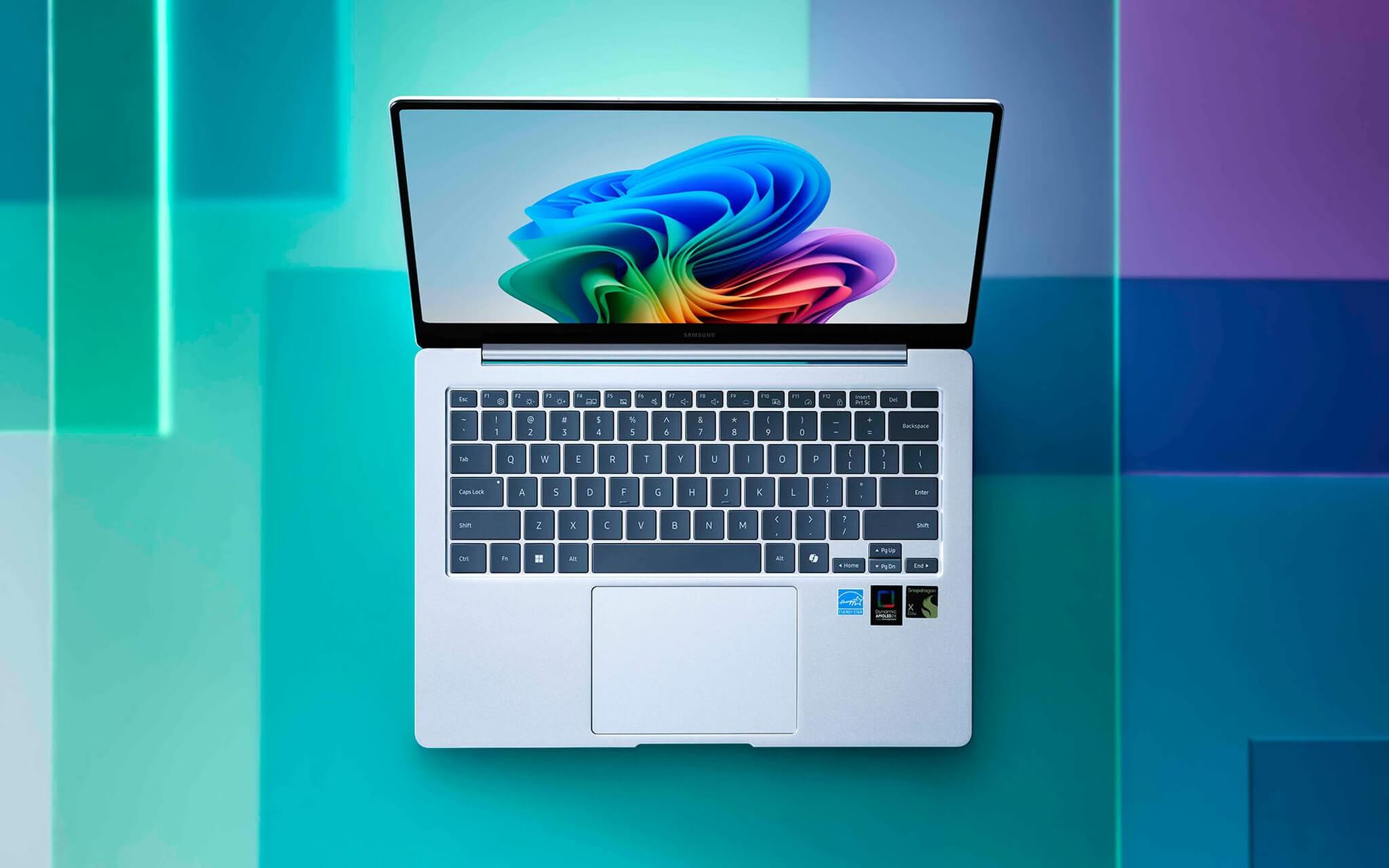
Regarding storage, the PCIe Gen4 NVMe SSD on the XPS 14 is a long-term advantage: you can replace the SSD after a few years if you need more capacity or if the old drive fails. The Galaxy Book4 Edge uses a 512GB eUFS which is almost fixed. Those who store large amounts of data or plan to use the machine for many years should consider this carefully before choosing the Galaxy.
Who should choose the Dell XPS 14 9440 2024 premium Ultrabook laptop: those needing an RTX 4050 for rendering, CUDA, or light gaming; those using many specialized Windows software programs that do not yet support ARM; those wanting to upgrade RAM to 32/64GB or change the SSD later; and those willing to accept a weight increase of about 600g in exchange for a dedicated GPU. Who should choose the Samsung Galaxy Book4 Edge 14 inch 2024 Ultrabook AMOLED: those prioritizing portability (1.16 kg), those needing a beautiful OLED screen as standard, those with a workflow primarily consisting of office/web/media with popular apps, and those needing all-day battery life.
Frequently Asked Questions (FAQ)
Is the 30W RTX 4050 on the Dell XPS 14 9440 powerful enough for rendering and design?
The RTX 4050 with 30W TGP is not an ideal figure, but it is sufficient for DaVinci Resolve, Premiere Pro, and Blender at standard resolutions. CUDA acceleration provides a noticeable speedup in exporting compared to a pure iGPU. For daily intensive graphics work, the RTX 4050 30W remains a practical advantage over having no dGPU.
How long does the battery actually last on each machine?
The Galaxy Book4 Edge 14 with the Snapdragon X Elite reaches 10-15 hours in light office mode, but drops to 2-3 hours under continuous heavy load. The Dell XPS 14 9440 with the RTX 4050 active will have audible fan noise during rendering or gaming, with an actual battery life of 5-7 hours of mixed use. The version using only the Intel Arc iGPU is cooler and quieter, with battery life increasing to 7-10 hours.
What is the price difference and is upgrading RAM/SSD worth it?
Both are in the 30-40 million VND range. The Galaxy Book4 Edge 14 only comes with a fixed 16GB/512GB configuration. The Dell XPS 14 9440 offers more options, from a 16GB iGPU version to a 32GB RTX 4050 version, with a price difference of about 5-8 million VND depending on the time. The SSD on the XPS 14 is replaceable after purchase, while the Galaxy's is not.
Which software will have issues on the Galaxy Book4 Edge ARM?
Popular apps (Office, Chrome, Teams, Zoom, Spotify) already have native ARM versions and run well. The issue lies with specialized software that hasn't been compiled for ARM: certain Adobe Premiere plugins, older versions of DAWs like FL Studio, and specific CAD/ERP engineering software. If your workflow depends on specific software, you should check ARM compatibility before making a purchase.











