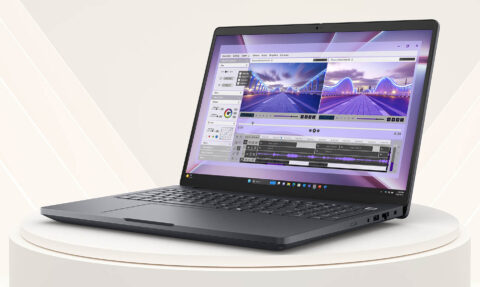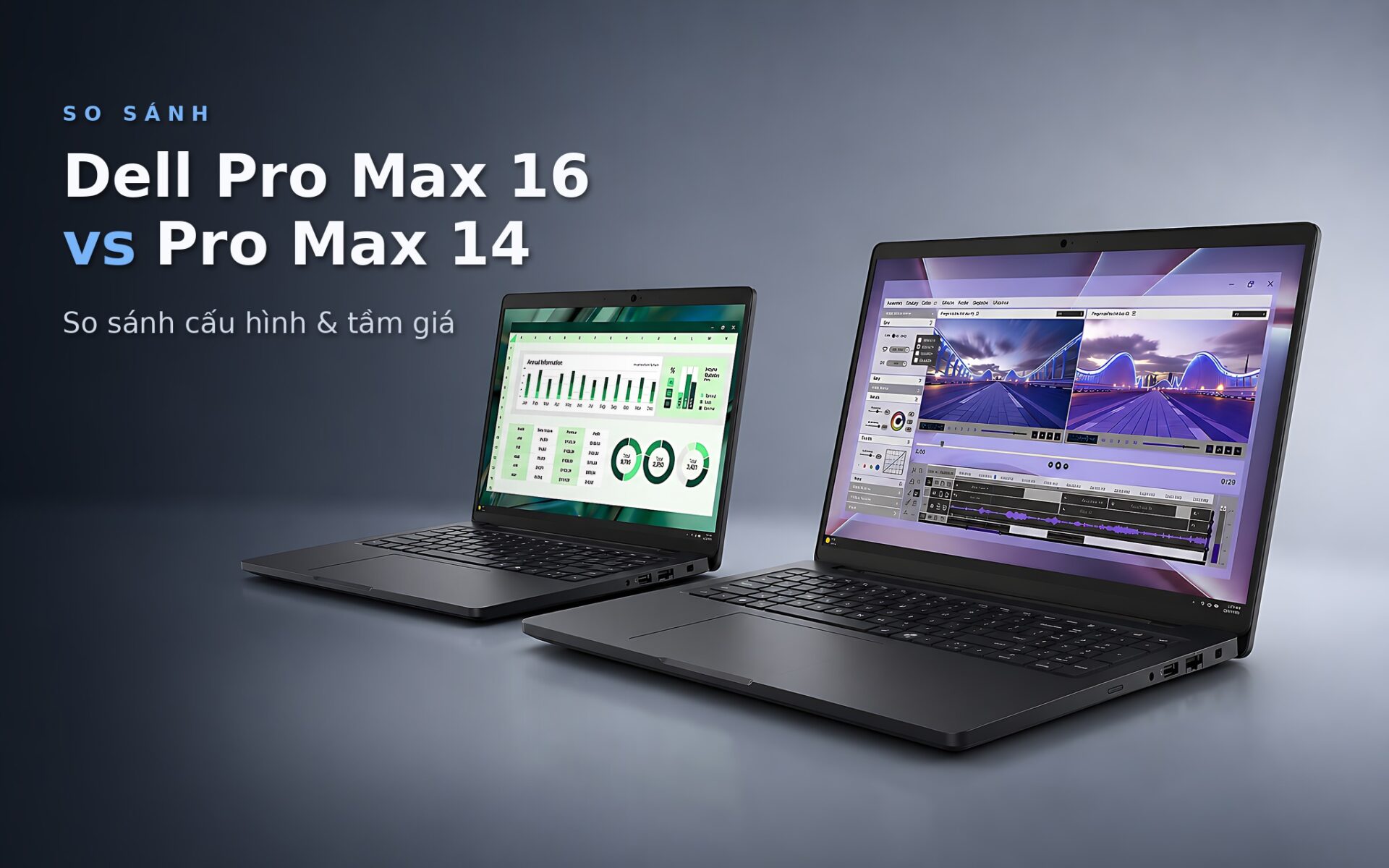
Both the Dell Pro Max 16 and the Pro Max 14 are mobile workstations built on Intel Core Ultra H-series processors, upgradeable RAM and 16:10 displays. The 16-inch model has stronger integrated graphics, two SSD slots and a more powerful RTX PRO GPU option. The 14-inch model is more compact and uses high-speed LPCAMM2 RAM, but it has only one SSD slot. The deciding factor is whether you value performance, expandability or portability most.
Dell Pro Max 16 MC16250 vs. Pro Max 14 at a glance
Hung Phat currently lists the DELL Pro Max 16 MC16250 - Mobile Workstation (2025) in the 27-56 million range. The Dell Pro Max 14 MC14250 falls in the 29-46 million range. For a fair comparison, this article uses the base configuration: Core Ultra 5, 16GB of RAM, a 256GB SSD and integrated graphics.
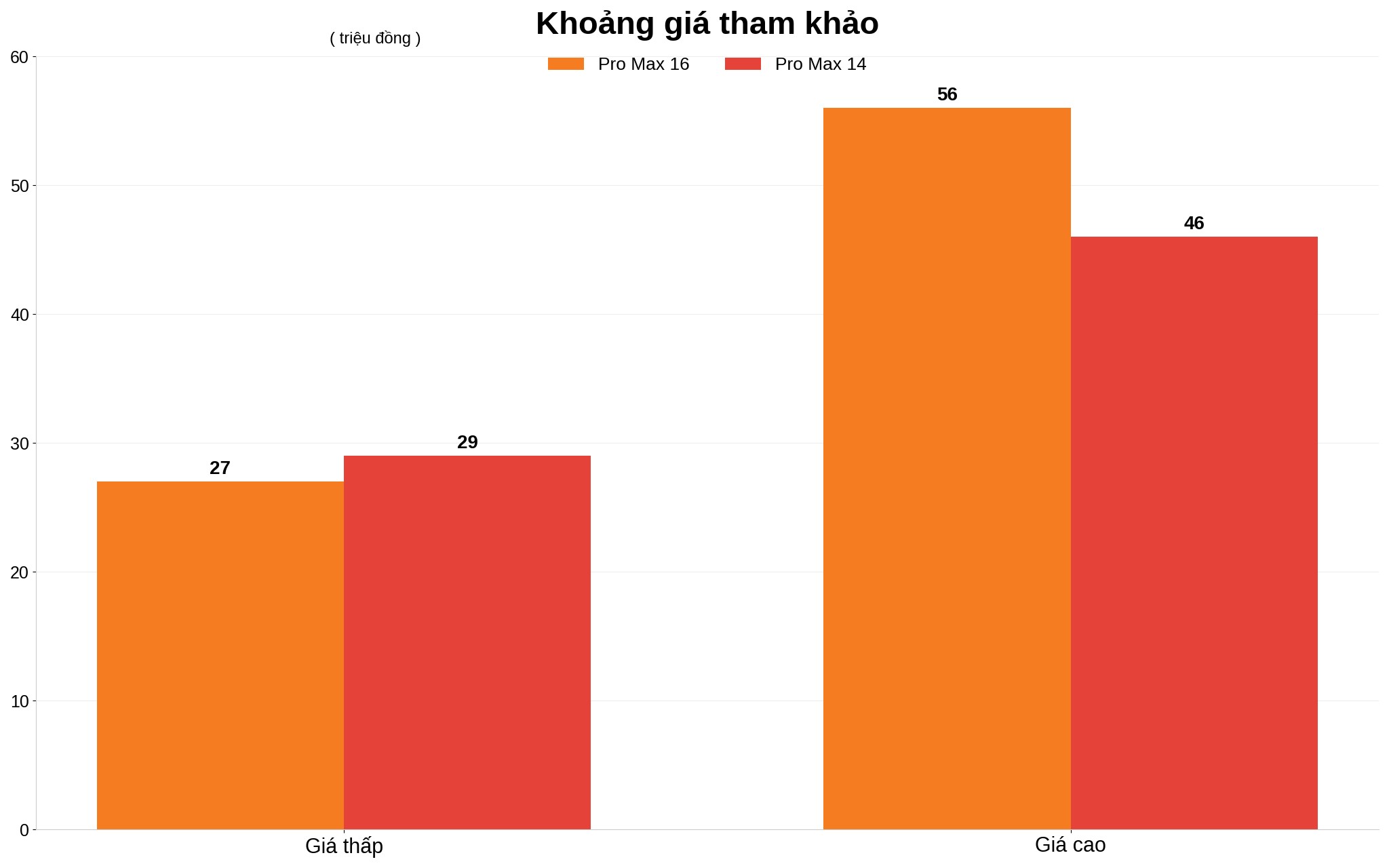
The price ranges of the Dell Pro Max 16 and the MC14250 overlap because both machines offer many RAM, SSD, display and GPU options. The 16-inch model starts lower but climbs considerably once you choose an RTX PRO GPU and a QHD+ screen. That is why you should compare CPU, GPU, battery capacity and display standard rather than just screen size.
The MC16250's strengths are its large display area, two SSD slots and a port selection that includes USB-A, Thunderbolt 4, HDMI 2.1, RJ45, microSD and a 3.5 mm audio jack. The downside is a weight starting at 2.10 kg. The DELL Pro Max 14 MC14250 - Mobile Workstation (2025) suits a schedule that changes locations often, though its storage expansion is limited.
Dell Pro Max 16 Ultra 7 265H performance needs a separate comparison
The budget Dell Pro Max 16 configuration in this comparison uses an Intel Core Ultra processor with the Arrow Lake-H architecture, 14 cores/14 threads and a 13 TOPS NPU. The processor scores about 2,743 in Geekbench 6 single-core, 14,451 multi-core and 30,046 in PassMark. The Core Ultra 5 225H in the 14-inch model scores 2,733, 12,099 and 28,281, respectively.
| Item | Pro Max 16 MC16250 | Pro Max 14 MC14250 |
|---|---|---|
| Reference price | 27-56 million | 29-46 million |
| Base CPU | Core Ultra 5 235H vPro, 14 cores/14 threads, up to 5.0 GHz | Core Ultra 5 225H, 14 cores/14 threads, up to 4.9 GHz |
| Base GPU | Intel Arc 140T | Intel Arc 130T |
| Base RAM | 16GB DDR5-5600, two slots, up to 64GB | 16GB LPDDR5X-7467 LPCAMM2, one module, up to 64GB |
| Base SSD | 256GB PCIe 4.0, two M.2 slots | 256GB PCIe 4.0, one M.2 slot |
| Display | 16-inch 16:10, FHD+ 60Hz or QHD+ 120Hz | 14-inch 16:10, FHD+ 60Hz or QHD+ 90Hz |
| Battery | 64Wh or 96Wh | 72Wh |
| Weight | From 2.10 kg | No verified figure in the reference configuration |
The single-core gap is very small, so office work, programming, data administration and basic photo editing should feel equally responsive on both. The multi-core difference favors the 16-inch machine, which suits compiling large projects or running many processes at once. Intel lists the same 28W base power for both processors, but the 16-inch chassis has more room for cooling; there are no long-load measurements of the two exact base configurations yet to confirm sustained clock speeds.
The Ultra 7 265H search term belongs to a different configuration and does not represent the Core Ultra 5 version being compared. Ultra 7 results should not be used to infer the performance of the 235H. If your work is mostly 2D AutoCAD, system administration, coding and office multitasking, the Core Ultra 5 is a better fit for the budget. This topic is covered in more depth in Dell XPS 13: DX13260 (2026) vs. 9350 (2025) - Is the Generational Gap Really Worth the Money?
Dell Pro Max 16 Plus specs need to be verified by model code
On the base Dell Pro Max 16, the Intel Arc 140T scores 8,663.5 in Fire Strike and 3,843 in Time Spy. The Arc 130T in the 14-inch machine scores 5,299.5 and 2,378, respectively. The Plus name belongs to a different configuration, while the product being compared carries the model code MC16250. The gap above is clear enough to matter for graphics acceleration and light 3D tasks.
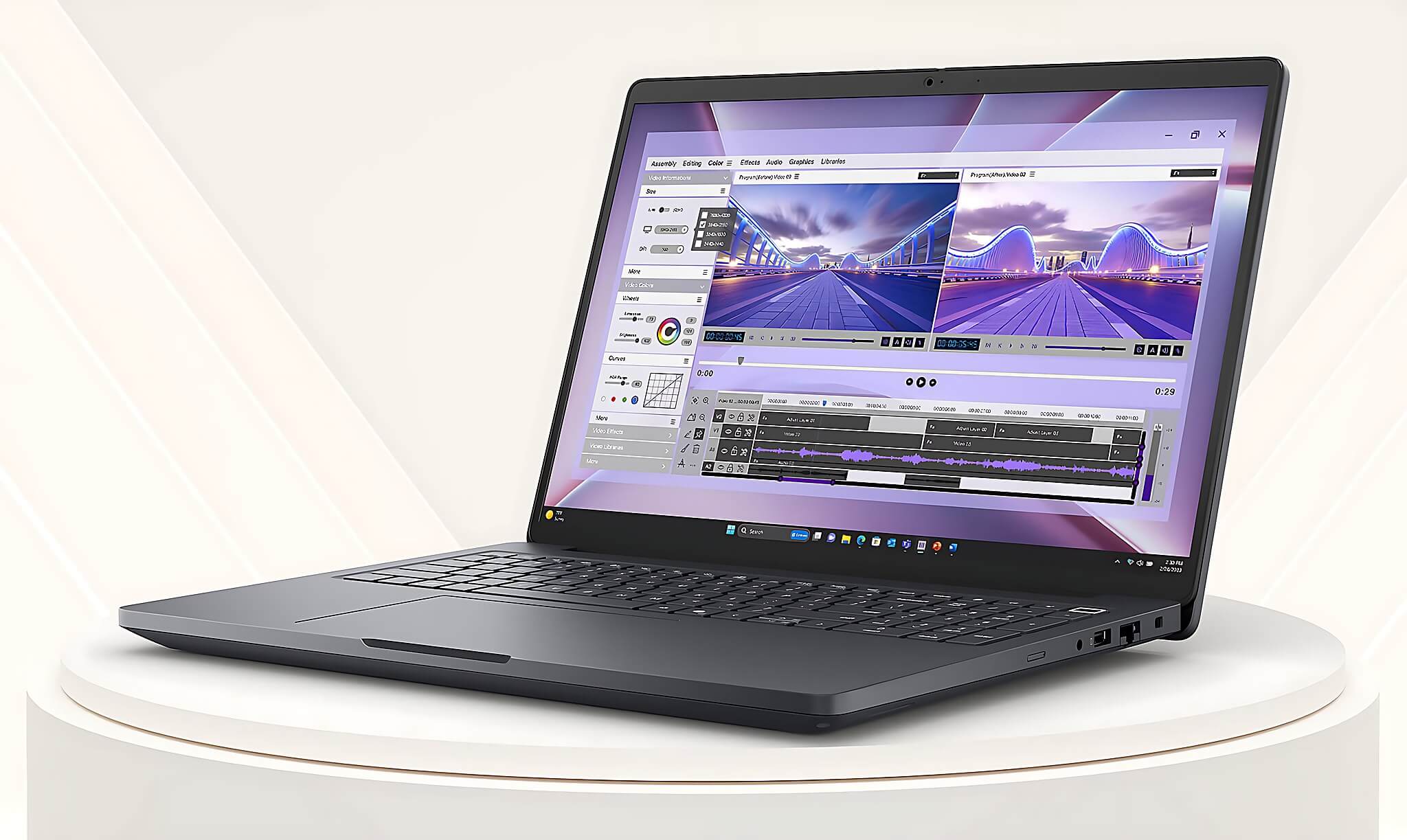
In practice, the Arc 140T iGPU can handle only light gaming and graphics work, and results also depend on each machine's settings. The MC14250 has no verified fps figures for the exact Core Ultra 5 225H version. If you regularly render 3D, build models or process effects, integrated graphics are only suitable for light projects.
The Dell Pro Max 16 offers RTX PRO 500 6GB, RTX PRO 1000 8GB or RTX PRO 2000 8GB GDDR7 options. The 14-inch model tops out at the RTX PRO 500 6GB GDDR7. Power levels for the RTX PRO GPUs depend on each machine's configuration, and there is no independent source for these two lines yet. You can also read Dell Precision 3581: When You Need an RTX A500 Instead of Iris Xe.
The Dell Pro Max 16 Premium name should be kept separate from the MC16250
Premium is not an alternate name for the Dell Pro Max 16 MC16250. When choosing a machine, rely on the product code and the configuration on the order. The MC16250 has an FHD+ 60Hz display with 300 or 400 nits of brightness, plus a QHD+ 120Hz option that covers 100% of sRGB. Some FHD+ panels reach only 45% NTSC, a drawback for color design and post-production.
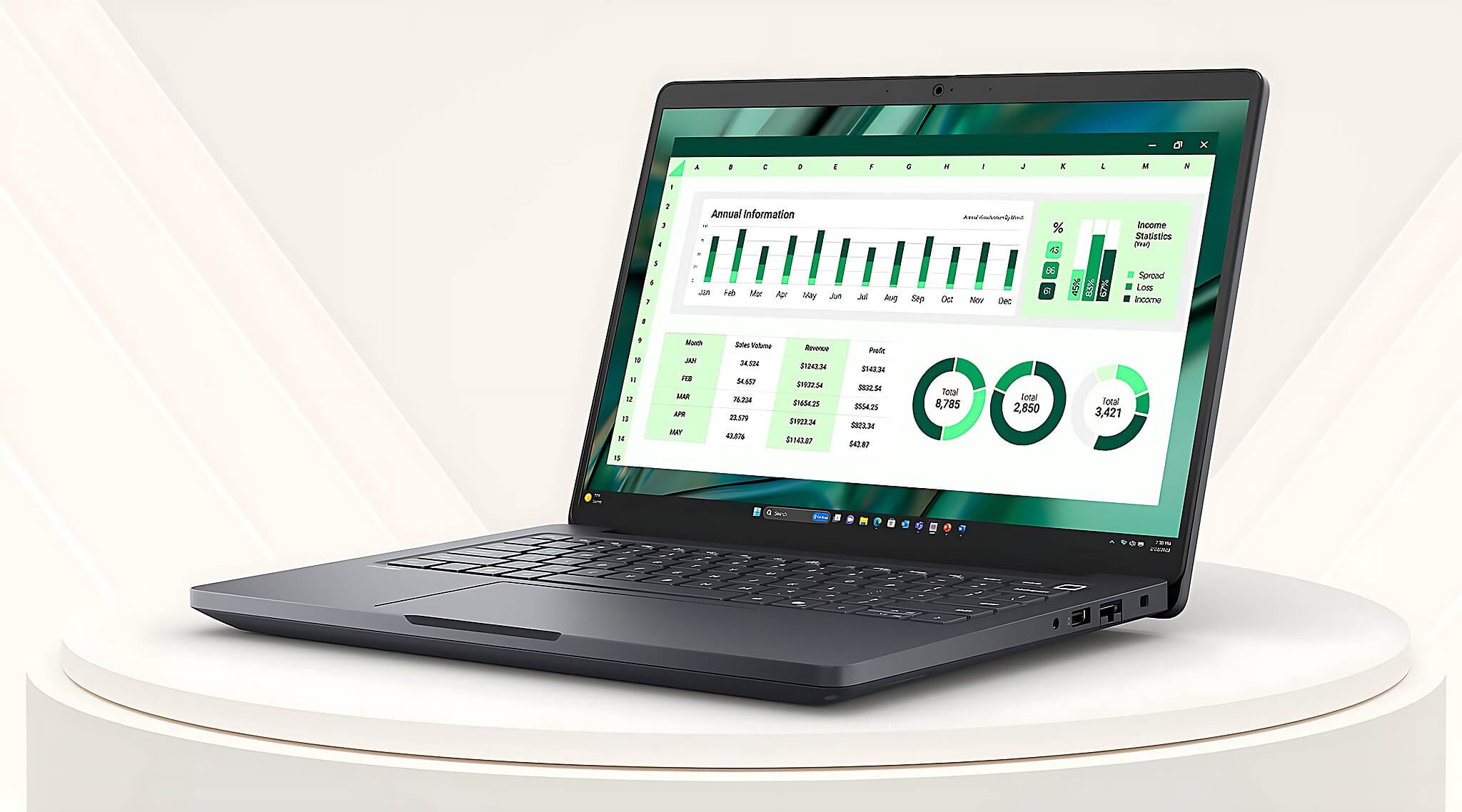
The MC14250 offers an FHD+ 60Hz or QHD+ 90Hz display, a 16:10 aspect ratio and an option that covers 100% of sRGB. The 14-inch screen is convenient to carry, while the 16-inch one shows more lines of code, spreadsheet rows and toolbars. Both offer touch options, but the 14-inch model does not use a 360-degree folding hinge.
As for battery life, light-use runtime on the iGPU configuration depends on the display type, the 64Wh or 96Wh battery and actual brightness. The 14-inch machine has a 72Wh battery but no verified web-office measurement, so it cannot be said to last longer. Focus on the specific battery capacity of each unit in stock.
Who should consider the Dell Pro Max 16 Ultra 9 for heavy workloads
The Ultra 9 makes sense when the CPU workload is heavy and finishing projects sooner brings clear value. However, this configuration is not among the two base versions, so Core Ultra 5 figures should not be used to predict its performance. For 3D rendering, simulation or long video editing, prioritizing an RTX PRO GPU and RAM is usually more practical than simply moving up the CPU name.
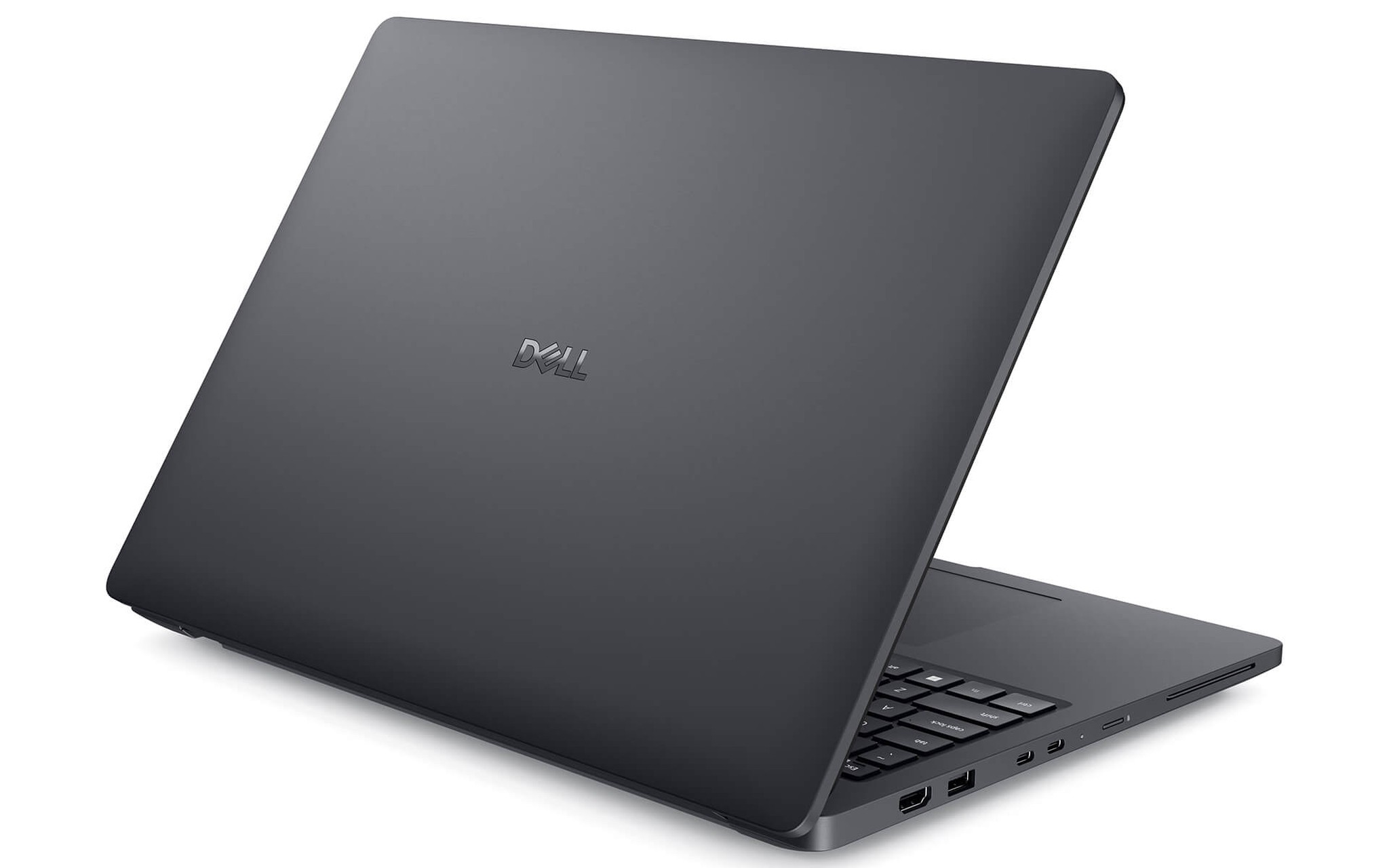
Choose the Dell Pro Max 16 MC16250 if you need a mobile workstation to replace a desktop, often open large projects, or want to add an SSD without replacing the old drive. Two RAM slots and two M.2 slots make upgrading easy. The large display suits architecture, engineering design, data work and content editing, at the cost of a heavier body.
The MC14250 suits project management, technical consulting, programming and work that involves frequent travel. The LPCAMM2-7467 RAM is fast, removable and upgradeable, and supports up to 64GB. The drawbacks are a single SSD slot and a GPU that stops at the RTX PRO 500.
What to check on the Dell Pro Max 16 Plus MB16250 in Ho Chi Minh City
The MB16250 and MC16250 are different codes, so check the machine label, configuration code and invoice before paying. The product in this article is the MC16250. Hung Phat publicly lists the 16-inch machine at 27-56 million and the 14-inch machine at 29-46 million. The final price depends on the CPU, GPU, RAM, SSD, display and battery capacity.
When you pick up the machine in Ho Chi Minh City, confirm whether the RAM is running as one or two modules, whether the display is FHD+ or QHD+, the battery capacity and the actual GPU. On the MC16250, single-channel RAM can affect integrated graphics performance. On the MC14250, keep in mind that it has only one SSD slot. Stock condition, warranty and promotions should be clearly written on the order.
If you need graphics performance, upgradeability and a large display, the 16-inch model is the more sensible choice. If you often carry the machine to client meetings and do not need two SSDs, the 14-inch model is easier to live with. You can send Hung Phat your needs, software and budget to settle on the right configuration and avoid unnecessary upgrades.
Frequently asked questions (FAQ)
Is the Dell Pro Max 16 MC16250 Ultra 7 much faster than the Core Ultra 5 version?
This article has verified benchmarks only for the Core Ultra 5 235H, which scores about 2,743 single-core and 14,451 multi-core in Geekbench 6. There are no measurements for the exact Ultra 7 configuration to determine the difference. For 3D work, check both the RTX PRO GPU and the RAM, since these two components directly affect render times.
Is the Premium MA16250 just a renamed MC16250?
The two codes should not be treated as one product. The MA16250 and MC16250 need to be compared separately using the machine label, configuration and the manufacturer's documentation. The product being compared carries the code MC16250, uses the Core Ultra 5 235H in its base configuration and supports two SSD slots. Confirm the exact code before ordering.
Does the Plus version have better battery life and temperatures?
There is no verified data to draw a conclusion for the Plus line. For the MC16250 with integrated graphics, light-use runtime depends on the 64Wh or 96Wh battery and the display type, and long-load temperatures for the exact 235H version have not been published. The MC14250 has a 72Wh battery but also lacks a matching web-office test. RTX PRO GPUs typically draw more power and run hotter than the iGPU during graphics work.
Is the price gap between the two machines justified for mobility needs?
The 16-inch machine sits in the 27-56 million range, while the 14-inch machine is at 29-46 million. The ranges overlap, so compare them with the same RAM, SSD, display and GPU. Choose the 14-inch model if compact size and fast LPCAMM2 RAM are priorities. The 16-inch model is the better fit if you need two SSD slots, a stronger GPU and a large display area.