

After a long testing period, Windows 11 has finally arrived on millions of computers worldwide. This is the first significant Windows version in 6 years from Microsoft. In particular, the gaming community is also a target audience that Microsoft wants to attract through Windows 11. But while some gamers are certainly looking forward to the update, others may be hesitant or not entirely convinced. This is understandable, as no one wants to mess up their gaming rig.
So, is Windows 11 suitable for gaming? Is it an operating system that gamers should look forward to?
Is Windows 11 better than Windows 10 for gaming?
Microsoft has made significant efforts to improve the gaming experience on Windows 11. The software giant even claims that "if you are a gamer, Windows 11 was built for you." But how accurate is this claim? As it turns out, it is not mere hype.
Windows 11 introduces various improvements for PC gaming, including performance enhancements and additional features - some of which have been ported from Xbox consoles. While it is true that earlier versions of Windows 11 encountered various issues, such as glitches with NVIDIA graphics cards and AMD computers, developers have effectively addressed most of these concerns so far.
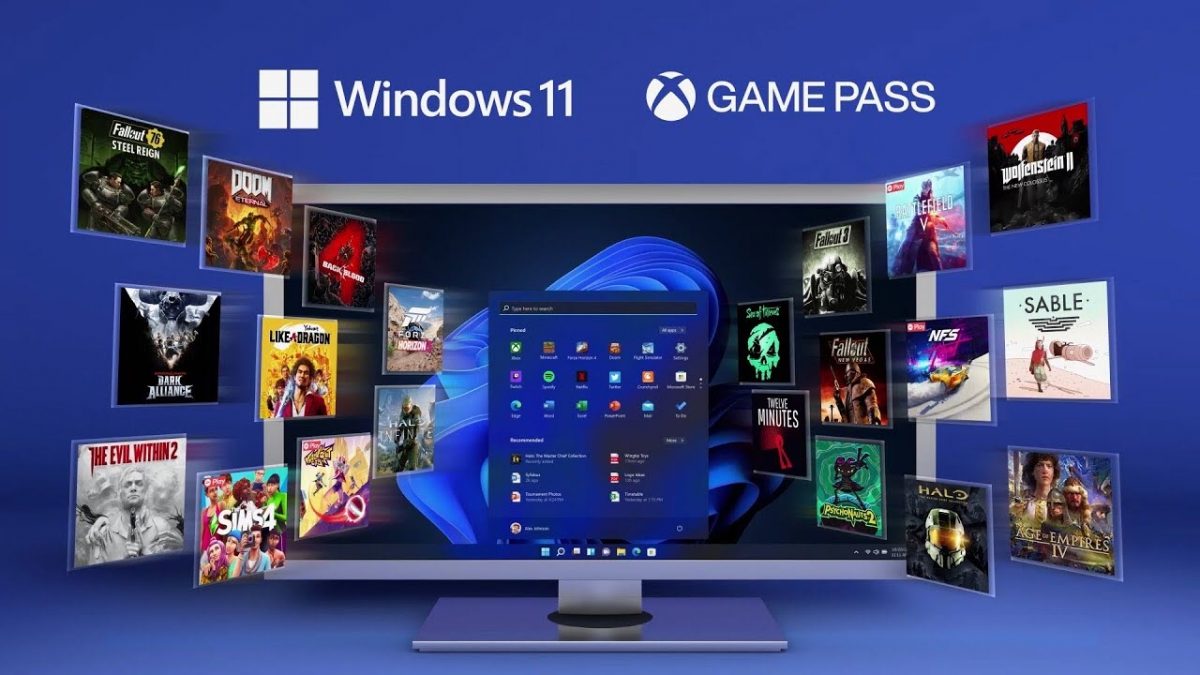
When it comes to performance, Windows 11 holds an edge over Windows 10 in overall benchmarks, but it can sometimes show a drop in frame rates (FPS) during real-world gaming for specific titles.
You should not expect to see significant improvements in gaming performance on Windows 11 unless your system is using high-end CPUs and GPUs. If you are satisfied with how games run on Windows 10, you might not have enough motivation to make the switch, even though the upgrade process is very simple. On the other hand, if you are planning to buy a new PC or reinstall Windows, Windows 11 is the obvious choice.
New gaming features in Windows 11
Windows 11 brings new features that can enhance your gaming experience - but only if you have the right hardware.
1. DirectStorage
DirectStorage is a new graphics API introduced in Windows 11 that promises to optimize GPU performance for gaming. It can significantly reduce loading times and improve frame rates for games that support it.
This feature - which originally appeared on Xbox consoles - is designed to optimize the transfer and decompression of game content from storage to the CPU. As a result, games can load much faster and run more smoothly.
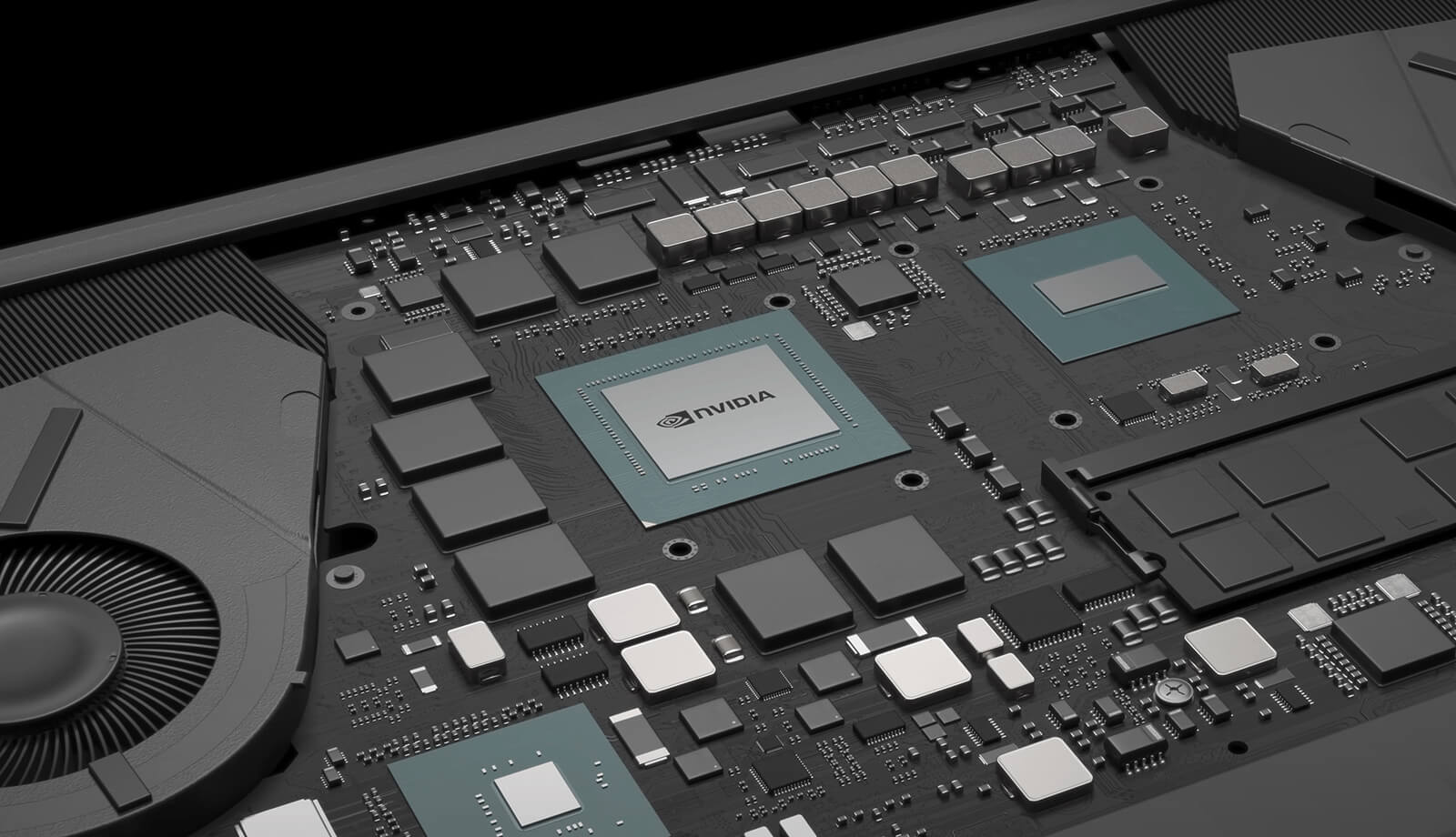
However, it is important to note that currently only a limited number of games support DirectStorage. While widespread adoption of this technology may take a few more years, Windows 11 is the path forward in this regard.
In any case, you should note that DirectStorage currently requires a high-speed NVMe SSD and a compatible GPU to function, so if you are working with older drives, you may not see any performance improvements in Windows 11.
2. HDR (High Dynamic Range)
HDR (or High Dynamic Range) in Windows 11 aims to enhance the visual experience by expanding the color gamut and contrast that can be displayed on an HDR-compatible monitor or screen. This technology allows for more vivid images, with a wider color spectrum as well as higher levels of brightness and darkness.
The best part is that even when it comes to older games that do not natively support HDR, Windows 11 can still optimize colors and brightness to enhance the visual experience on your HDR monitor.
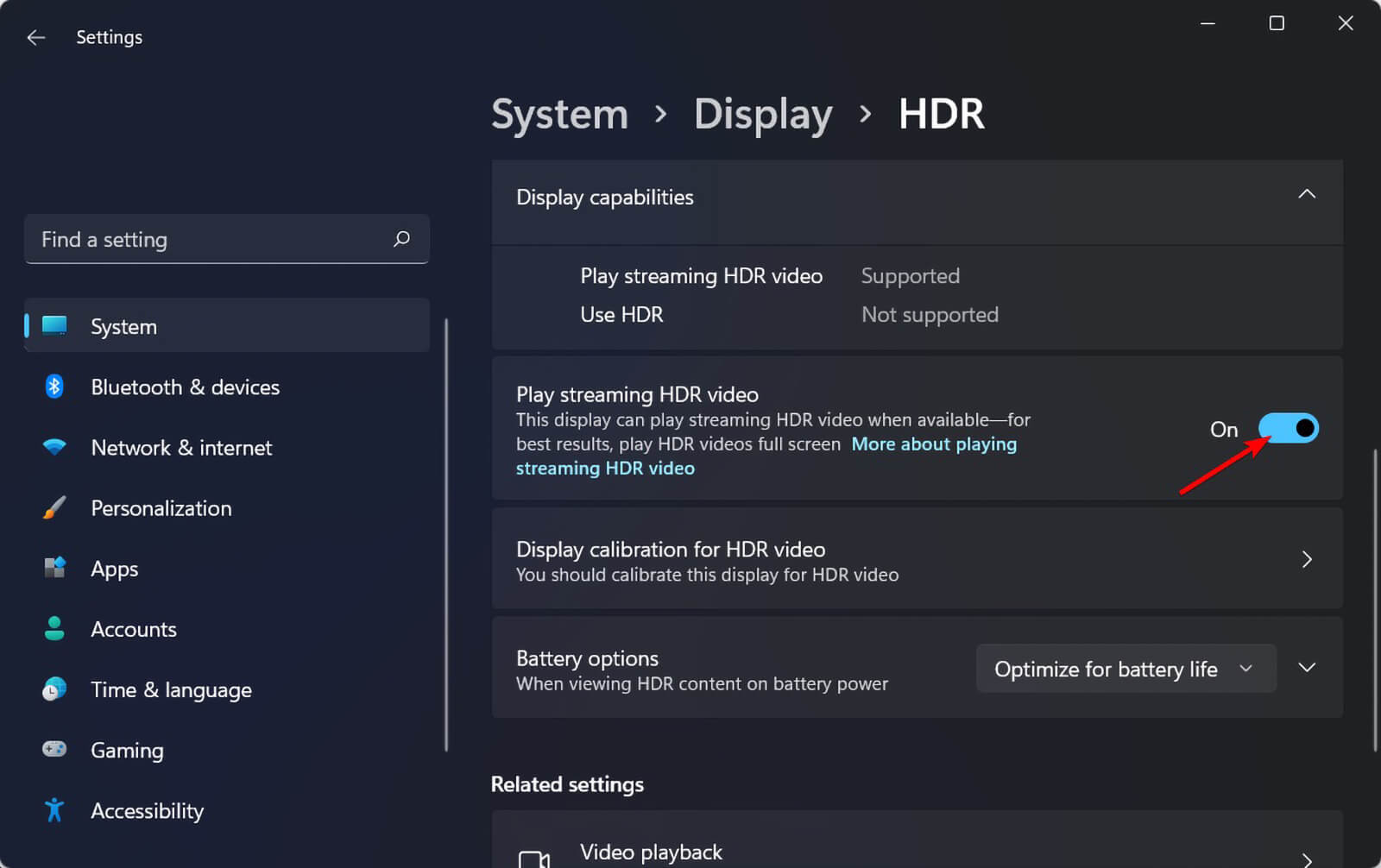
You will need an HDR-supported monitor to see these improvements. Unfortunately, many monitors today tend to omit this feature to cut costs.
To enable HDR on a PC running Windows 11, you must go to Settings -> System -> Display -> HDR -> Display capabilities, then turn on Use HDR and/or Auto HDR.
3. Integrated Xbox App
Depending on your version of Windows 10, you may still have the old Xbox Companion app that is about to be phased out. This changes with Windows 11, which includes a redesigned Xbox app by default. This app provides access to the Xbox Store, where you can browse and purchase games directly from your PC.
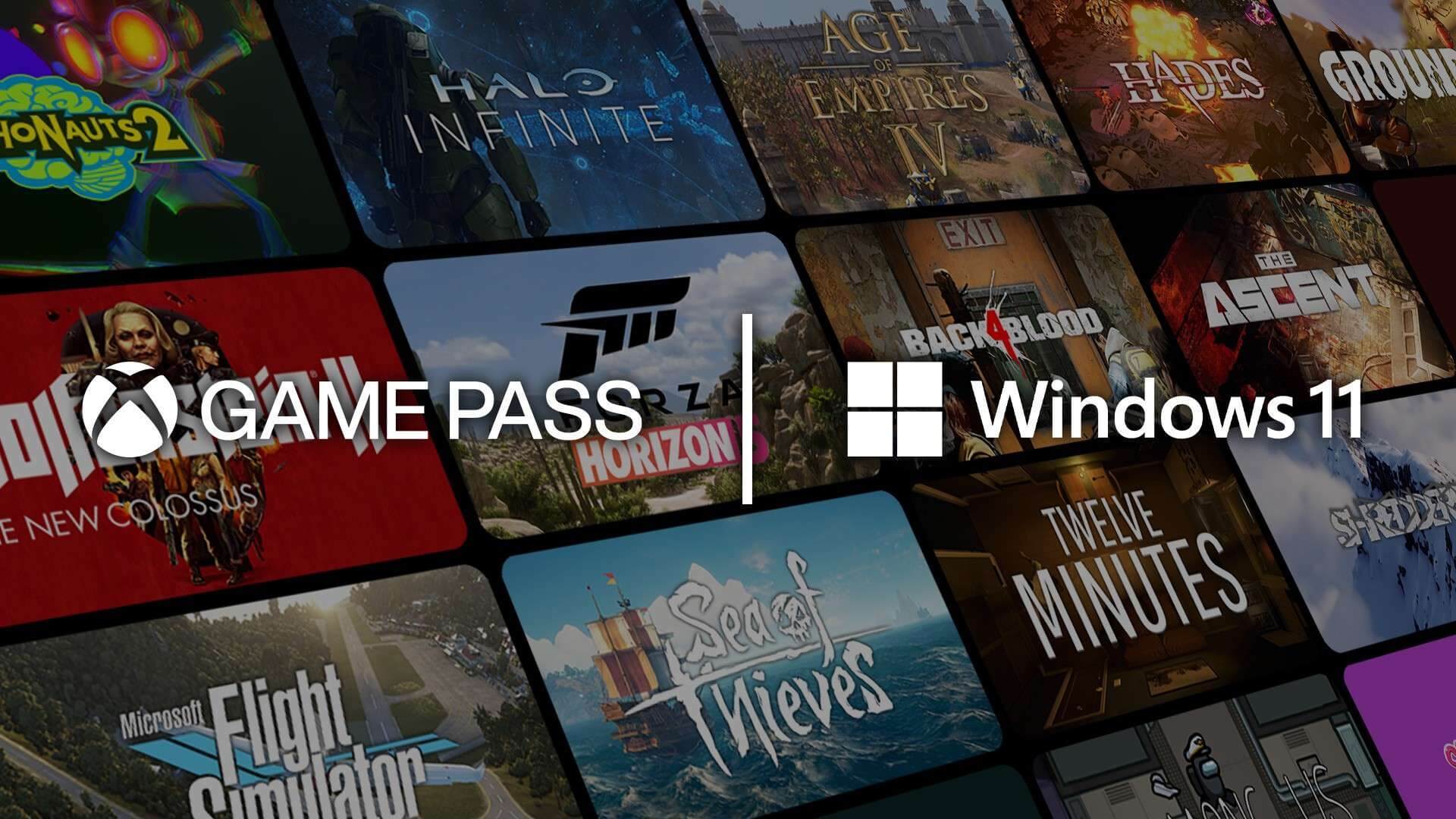
Furthermore, it boasts integrated Game Pass. Microsoft's subscription service opens up a massive library of games for subscribers to play. In some regions, you may also have the option to use Xbox Cloud Gaming, allowing you to stream and play games directly from the cloud. The app does not skip the social component, giving users the opportunity to connect with friends, view gaming activity, and communicate with them.
Which Windows 11 version is best for gaming?
For standard users, Windows 11 offers a choice between the Home and Pro versions. It is no surprise that you might be curious whether the version you choose affects gaming performance.
Certainly, Windows 11 Pro has some advantages in this regard. With support for two CPUs and 128 cores, along with the ability to handle up to 2TB of RAM, this may be a more suitable choice for users with high-end gaming setups. In contrast, the Home version only supports one CPU, 64 cores, and 128GB of RAM.
However, as an average gamer, you are unlikely to need such an advanced setup. Upgrading to Windows 11 Pro is not strictly necessary unless you are a professional gamer.
Should you upgrade to Windows 11?
For most users, the transition from Windows 10 to Windows 11 should be a seamless process. However, if your PC is relatively old, you will need to verify a few things before proceeding with the update. First, ensure that your device meets the recommended technical specifications. Specifically, ensure that it has a TPM 2.0 chip. While it is possible to install Windows 11 without it, doing so is not a good idea.
The second thing to consider should be drivers. For older PCs, there is a possibility that a component or accessory may not function as expected with Windows 11 due to incompatible drivers. You should take the time to perform a compatibility check before starting the update process. If many issues arise, you should wait until better support for your hardware is available.
For users with newer PCs equipped with fast SSDs, compatible GPUs, and compatible HDR monitors, upgrading to Windows 11 is very likely to enhance your gaming experience.











