


Is your phone number or address appearing on unknown websites? Or perhaps it's old photos or social media posts?
Regardless, your personal data falling into the wrong hands could be a nightmare for your privacy or reputation, which is why cleaning up your online personal profile is essential.
However, this is not always easy because many different websites hold your personal data and there are no easy ways to delete your personal information from public profiles. At least, it's not easy.
What types of websites collect your personal data?
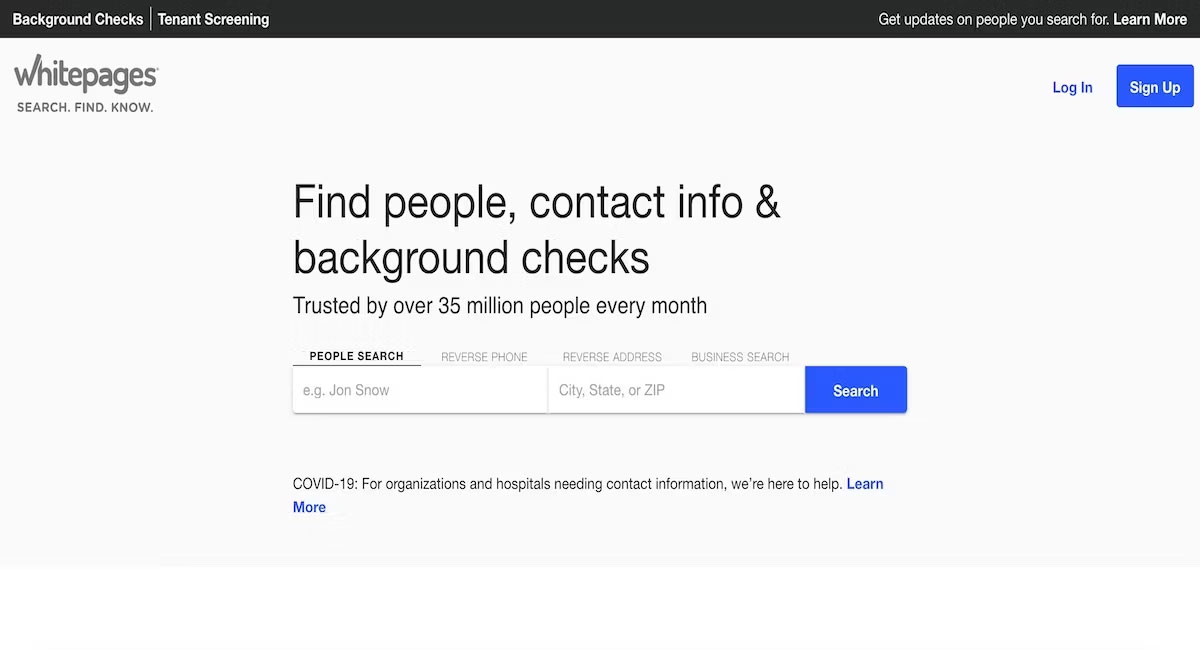
Websites such as online directories, address listing sites, and background check sites are very common. You will find sites like Whitepages.com, which lists personal information for many people in the United States (in the UK, 192.com does the same).
Typically, these websites provide some public information for free. Then, they charge people to access full information, such as full addresses, phone numbers, etc.
In addition to public listing sites, search engines and social media companies also hold a lot of information about you that can be misused.
What information about you is available online?
These websites can collect a lot of information about you, including but not limited to things like:
- Your name.
- Your current home address.
- Assets, such as whether you own a house or not.
Some websites may even have access to more sensitive personal data, such as your Social Security number.
What happens when personal information is available on the Internet?
If hackers get hold of this information, you are at risk of identity theft, online scams, SIM swapping, and other cyberattacks. The more people who can access your personal information, the easier it is for bad actors to impersonate you or target you.
If you are concerned about privacy, you should remove this information. This is particularly important if you want to avoid being tracked or harassed.
Where do these websites get personal data from?
While these websites can be annoying and intrusive, they are not illegal. Even though you do not provide your information to these websites personally, they still collect information that is already publicly available.
Typically, these websites get personal data from public government databases. These include voter lists, census records, criminal conviction databases, marriage certificate records, land records, etc.
Another source of information used by many websites is your social media profiles. If you have personal information that is publicly accessible on your Facebook, LinkedIn, or X accounts, that information will likely appear on a directory site. You should consider whether you are sharing too much information online.
How to delete personal information from public profiles on the Internet
In the past, information listing websites made it very difficult to delete your personal data. Typically, they would take additional steps to prevent you, such as requiring you to print and mail paper forms or even requesting a fax.
But now, partly thanks to the EU's GDPR, websites must provide you with a reasonable way to delete your detailed information. Even if you live outside the EU, a website must allow you to delete information if it operates in Europe. Furthermore, deleting your personal data from these websites is free. Third-party websites may offer to remove your public information from the Internet for a fee, but most major websites will have a formal request method that costs you nothing.
Here are 3 ways to remove your information from online public profiles.
1. Erase your social media footprint

Facebook and X might be what you focus on most here. Fortunately, Facebook has a feature that allows you to even bulk delete your old posts. You can do this from any computer.
- Log in to your Facebook account and click on your name to go to your profile.
- Click on Manage posts located just below where you create a new post.
- Use Filter to sort posts according to your preference.
- Select the checkbox on each post to mark that post for bulk deletion.
- Click Next.
- On the next page, select the Delete posts box and press Done.
All your selected posts will be deleted after a few seconds.
In contrast to Facebook, X does not provide any feature to bulk delete old tweets. You can use third-party tools like TweetDelete and Tweet Deleter; these tools offer free packages (with limitations, of course).
Now, follow a similar approach for Instagram. Go to your account settings and bulk delete old or unwanted posts. Here is how to do it:
- Log in to your account and click More (three lines) from the bottom left.
- From there, select Your Activity.
- Click on Photos and videos.
- Depending on the content you want to delete, select Posts, Reels, or Highlights.
- Press Select to select posts, then select all the posts you want to delete.
- Finally, click Delete.
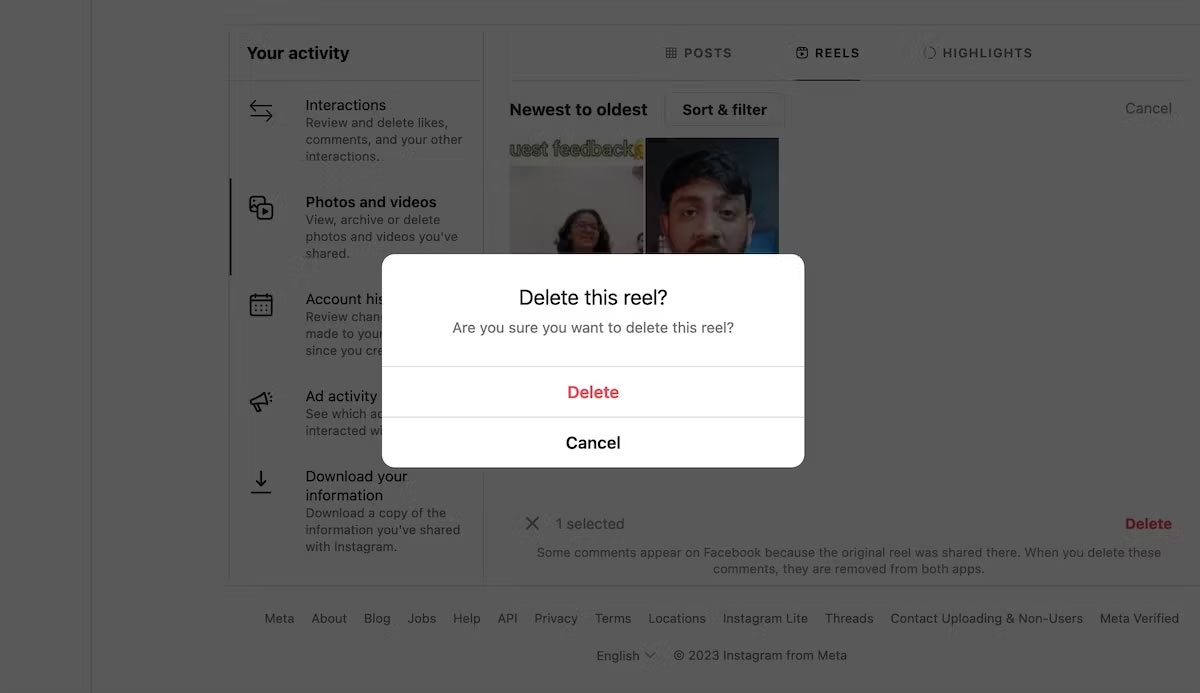
You will be asked to confirm after the final step. Click Delete and that's it-the posts will be immediately removed from Instagram.
2. Delete old emails and email accounts
Old emails in your account that are no longer useful contain much sensitive information that can be used against you. To protect yourself, you should delete old emails that you haven't interacted with in many years.
But what if you suddenly need them again in the future? If you are concerned about that, simply download the emails to your hard drive. Either way, that will be much safer than cloud servers.
If you can afford an encrypted email service, consider doing so. ProtonMail and Tutanota are great options to start with.
3. Request Data Brokers to delete your profile
Online Data Brokers are companies that collect your personal information, including where you live, your gender, and your date of birth. Sometimes, they also have more private details, such as information about your spouse, the number of children you have, etc.
This database about you helps them build a more realistic profile of you for marketing and advertising purposes, which they eventually sell to other companies.
Fortunately, you can delete your data from such websites. All you have to do is send them an email. Here are some of the most common websites that collect personal data:
- WhitePages
- 411.info
- PeopleFinders
- BeenVerified
- 192.com
- PeekYou
- Intelius
- Radaris
Most popular brokers will delete all or part of your information if you request it. But a warning: sometimes, online Data Brokers will ask for more of your details in the deletion form. You should only provide the details the website already has; never provide any new information.
You can also hire online content or personal data removal services if you don't have much time. For a service fee, they will clean it up for you.
4. Remove your personal data from Google Search
Another important step in removing your personal data from public profiles is managing Google search results about you. While Google provides a fast search experience, it is no surprise that it also carries many privacy issues. Displaying your unauthorized personal information on its products-especially Google Search-is one of them.
Fortunately, you can remove it relatively easily. For example, if old photos or other content appear when you search for yourself in Google Search, you can easily remove that content through Google's Support Department.
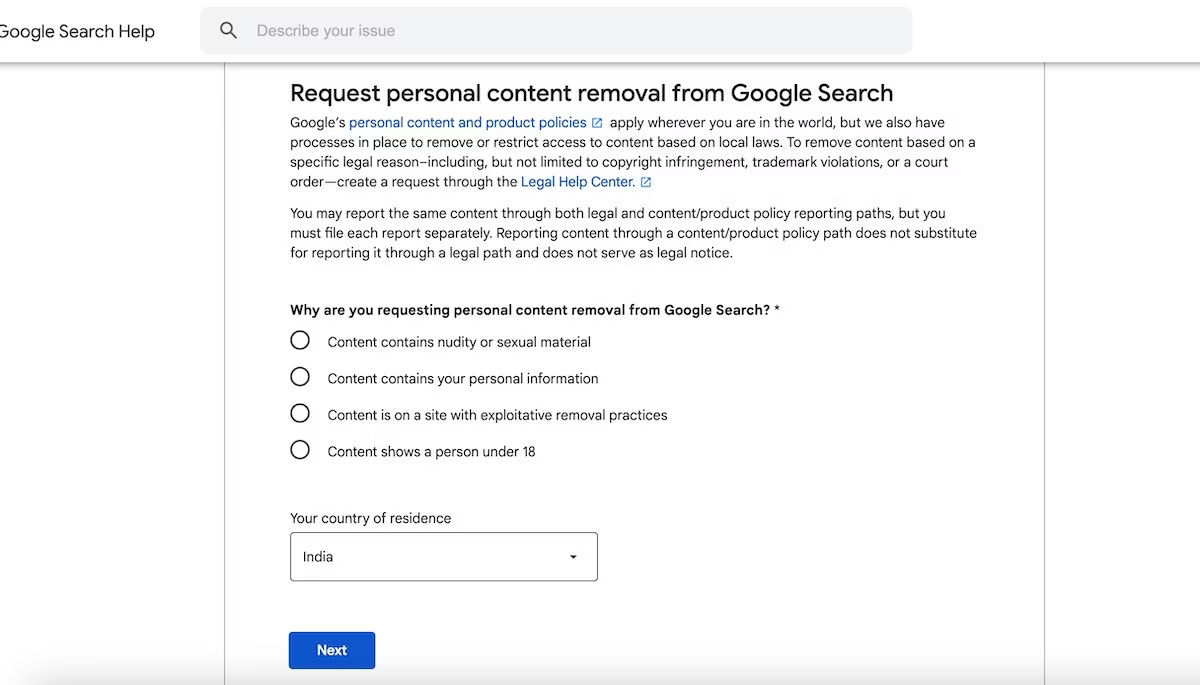
You can also request Google to remove personal data (bank account numbers, government IDs, signatures, etc.) if that data appears in searches about you. Again, just visit the Google Help page and click Start removal request. From the new page, follow the steps below:
- Select the reason for removing the content, enter your country of residence, and click Next.
- Select the type of personal information you want to remove (address, government ID, signature image, etc.), fill in any other relevant information if requested, and click Next.
- Enter a few more details such as email address, image/content URL, screenshots, etc.
- Select the confirmation checkbox and click Next.
And that's it! Your request will be sent, and you will immediately receive confirmation via your Google email. Google will conduct an investigation and remove any harmful content on URLs that violate its policies. Otherwise, you will receive a brief explanation in an email along with the reason.
Google has simplified the process of removing outdated or unwanted content. But that is not enough. In the long run, switching to more privacy-oriented alternatives to Google will best serve your personal data privacy interests.











