Running into an error or two while using Windows is no big deal, but if you regularly have trouble with Windows, something may be wrong with your operating system.
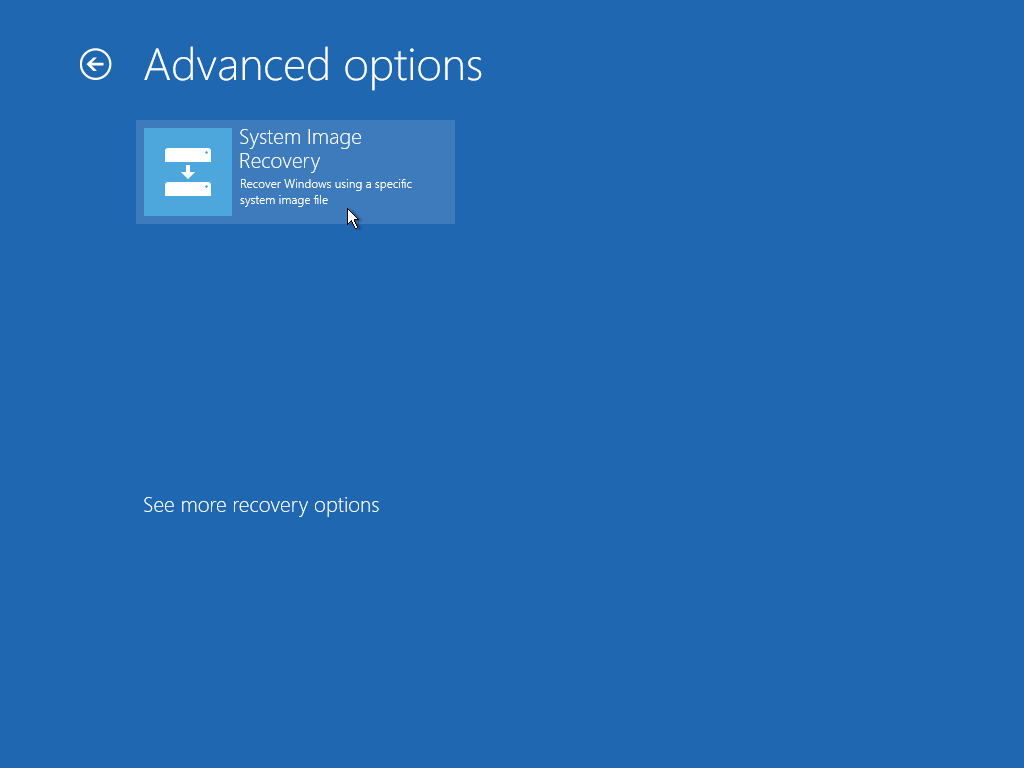
In cases like this, your best bet is to perform a factory reset and start fresh. But it's important not to reset your PC over minor things. So if you're thinking about a factory reset, make sure you really need to do it.
1. You frequently run into software errors
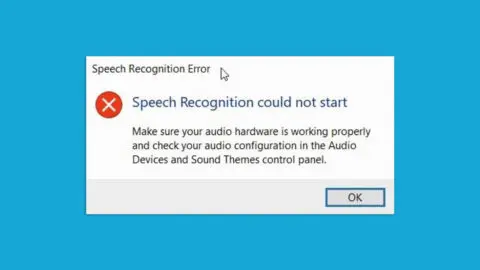
As noted above, an occasional software glitch is no big deal. Part of using any kind of operating system, whether it's Windows, Apple, Android, and so on, is accepting that you may sometimes hit a bug or problem that takes a little time to sort out.
If the problem keeps coming back, though, your PC may be completely cluttered with old software programs that have piled up over the years and are now making it hard for your system to run.
In cases like this, a factory reset is your best option, and it will return your system to a healthy working state.
2. You have privacy concerns

If you plan to buy a new PC or laptop, chances are you'll part with your old computer. Whether you sell it at a store, trade it in for a new machine, or even give it to someone, it's important to factory reset Windows first.
Why? The simple answer is security. A factory reset wipes your personal and sensitive information from the computer. Whether it's photos, passwords, or confidential work, a factory reset clears everything out in one go.
3. Important Windows system files are corrupted
Although Windows errors can be fixed in a number of simpler ways and rarely call for a full factory reset, corrupted Windows system files are a different matter entirely.
In short, Windows system files are the foundation of the Windows operating system. Working together through a combination of processes, they make sure you can run other applications on your PC smoothly and use the system in any meaningful way.
For example, the Windows Registry files hold a database of settings, as well as your Windows software and hardware configuration. Once things go wrong, Registry files are very hard to repair unless you've backed them up.
So a factory reset is an option worth trying in situations like this. Likewise, System Libraries, System Configuration Libraries (.sys), Dynamic Link Libraries (DLLs), and so on are another set of system files that are handled the same way.
4. You notice a drop in overall performance

After a period of use, it's normal for a computer's performance to decline. Years of wear and tear, fragmented drives, and conflicts between different installed programs are some of the causes of this slowdown. But the decline is a long, gradual process that usually takes years to happen.
If you start seeing these problems after only a few years of use, though, something else may be going on.
Changes made to system settings or similar configurations, resource conflicts between hardware and software, compatibility problems between programs, and clutter left behind by installed software are some of the reasons you might see this drop in performance.
By factory resetting your PC, you can fix this overall drop in performance.