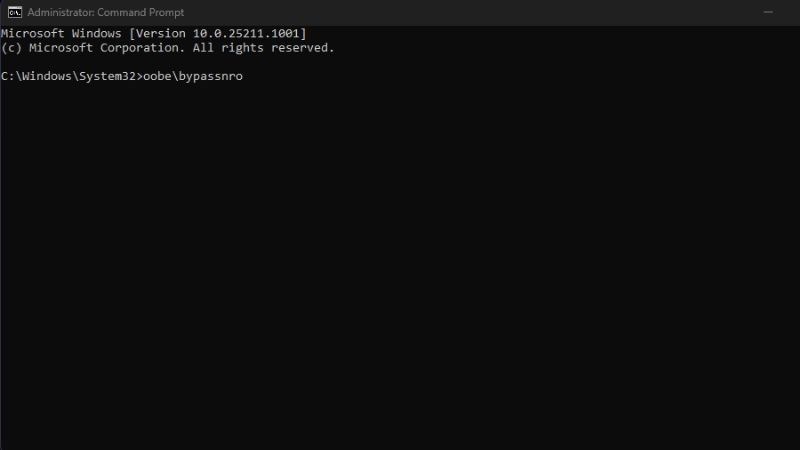
Overview of Windows 11
Windows 11 is the most user-friendly version of Windows ever, featuring numerous accessibility improvements designed by and for people with disabilities. Windows 11 delivers optimal speed and performance, as well as enhanced touch, digital pen, and voice command experiences.
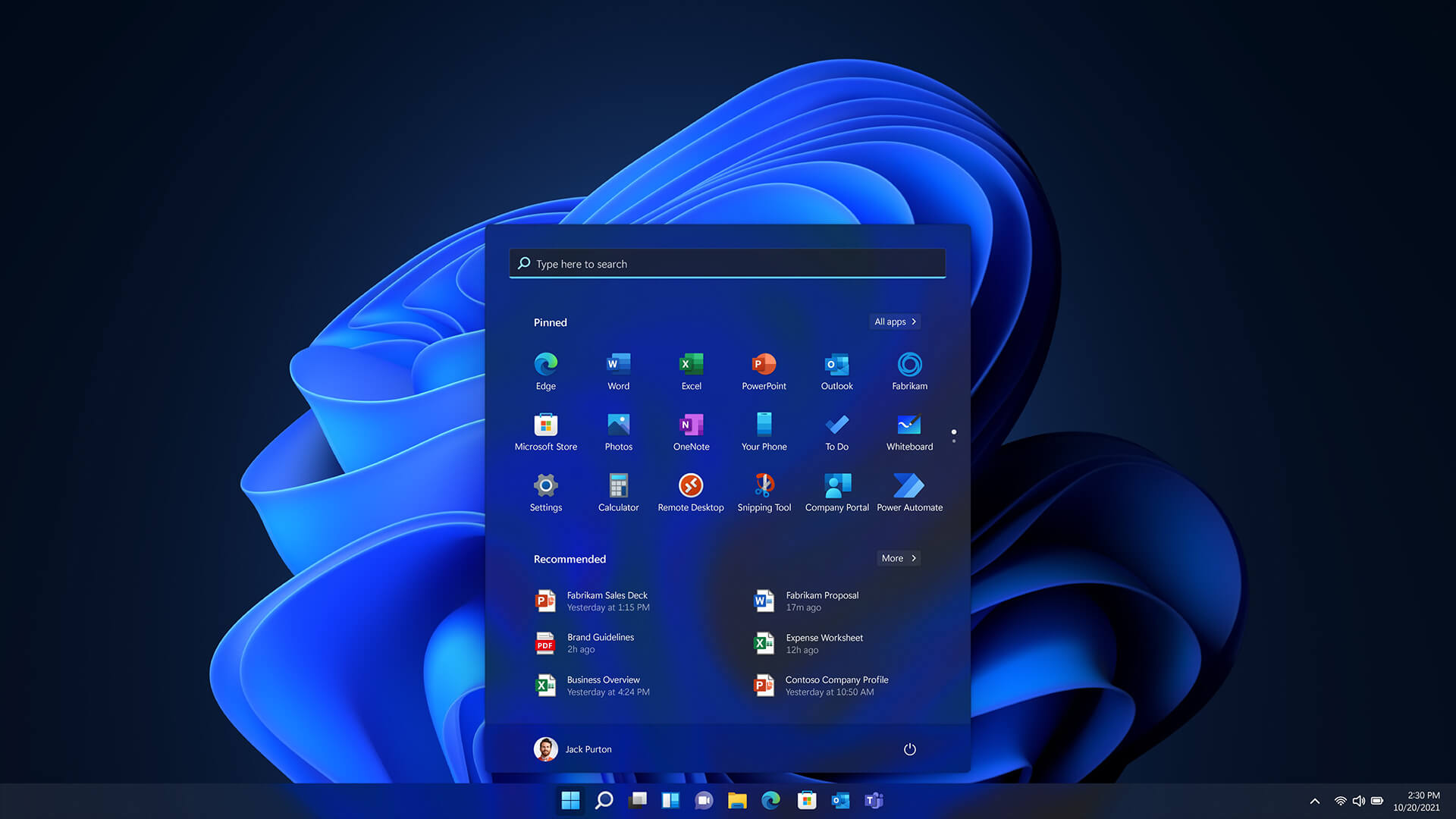
Additionally, Windows 11 is the perfect operating system for integrated workflows, offering new experiences suited to modern work trends while ensuring security and maintaining familiar deployment and management tools for IT teams.
How to skip Wi-Fi during Windows 11 setup
Case: No internet connection
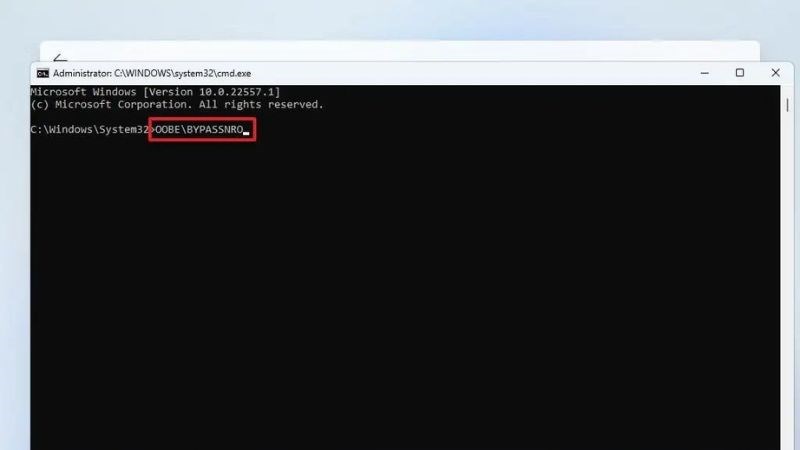
Step 1: Press Shift + F10 (or Shift + Fn + F10) to open the CMD window. Type the command: oobebypassnro > press Enter.
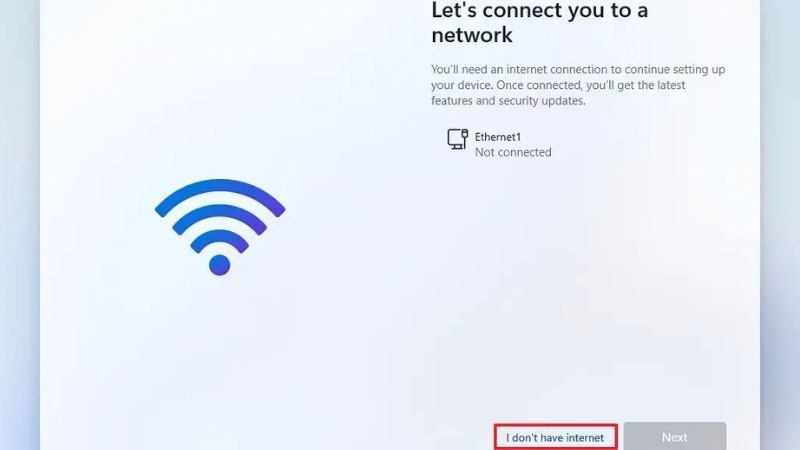
Step 2: On the Wi-Fi connection interface => click the "I don't have internet" option.
Case: Already connected to the internet
Step 1: Press Shift + F10 or Shift + Fn + F10 and enter the command: netsh wlan delete profile name=* i=* => Enter.
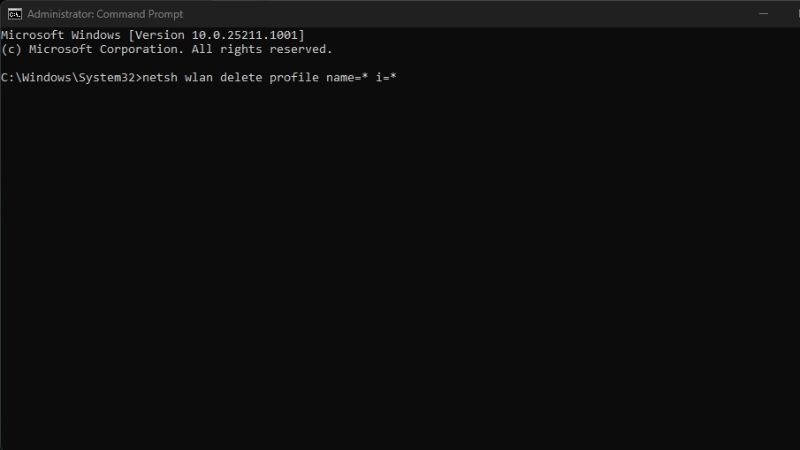
Step 2: Type the command: oobebypassnro => press Enter.