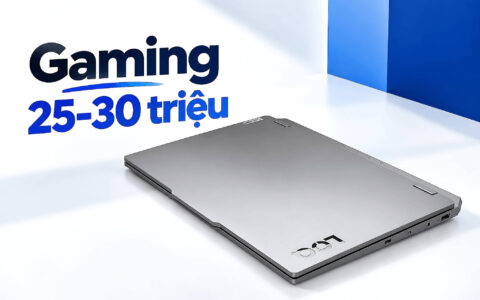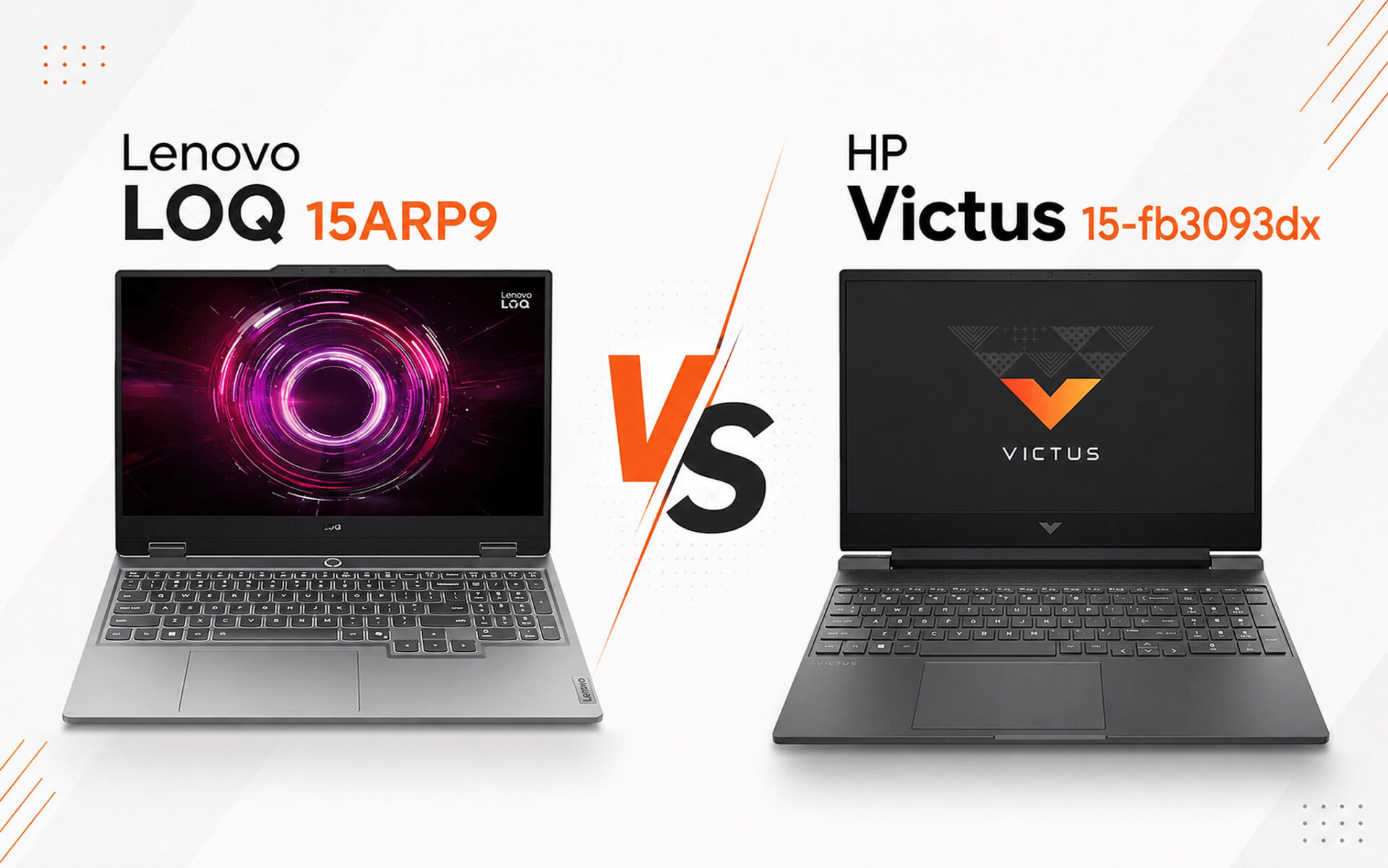
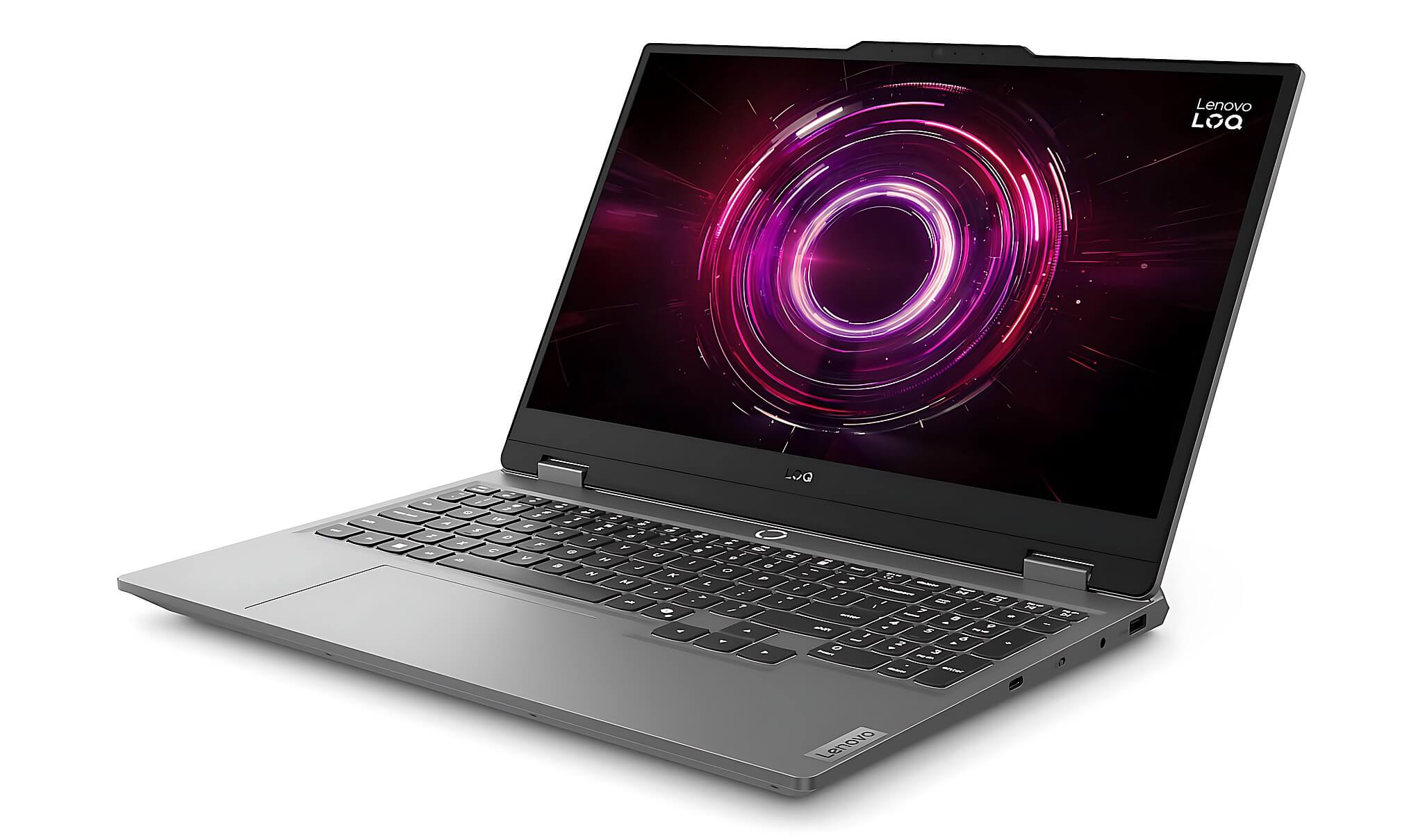
Both the Lenovo LOQ 15ARP9 and HP Victus 15-fb3093dx AMD feature the RTX 4050 6GB, but a TGP difference of up to 30W means real-world gaming performance is much further apart than you might think. The Lenovo LOQ 15ARP9 comes with a 1TB SSD option and 2 M.2 slots, while the Victus has a 10Wh larger battery and an iGPU, making it last much longer during classes. If you are torn between raw gaming/rendering power and a battery that lasts all day, this article will help you make the right choice the first time.
Quick Overview: Comparing specs - Lenovo LOQ 15ARP9 with 1TB SSD advantage vs. HP Victus 15-fb3093dx AMD with budget advantage
Both laptops are in the 15-25 million VND range, featuring 15.6" FHD 144Hz IPS displays and RTX 4050 6GB GPUs, making them look like twins at first glance. However, looking closely at the specs below, you will see clear differences in CPU, default SSD capacity, battery, and future upgradeability.
| Specifications | Lenovo LOQ 15ARP9 | HP Victus 15-fb3093dx |
|---|---|---|
| List Price | 15-25 million | 15-25 million |
| CPU | Ryzen 5 7235HS (4C/8T) or Ryzen 7 7435HS (8C/16T), Zen 3+ | Ryzen 7 7445HS (6C/12T, up to 4.7GHz), Zen 4 |
| GPU | RTX 3050 6GB or RTX 4050 6GB | TGP approx. 105W | RTX 4050 6GB | TGP approx. 75W + Radeon 610M iGPU |
| RAM | 16GB or 24GB DDR5-4800 | 16GB DDR5-5600 |
| SSD | 512GB or 1TB PCIe Gen4 | 2x M.2 slots | 512GB PCIe Gen4 | 2nd M.2 slot unconfirmed |
| Display | 15.6" FHD IPS 144Hz, 300 nits, 100% sRGB (WC version), G-Sync | 15.6" FHD IPS 144Hz, 300 nits, FreeSync (color gamut TBC) |
| Battery | 60Wh | approx. 2.5-4 hours office use | 70Wh | approx. 5-7 hours light office use |
| Weight | approx. 2.11-2.5 kg | approx. 2.29 kg |
| Key Connectivity | 3x USB-A 3.2 Gen1, USB-C 3.2 Gen2 (DP 1.4 + PD 140W), HDMI 2.1, RJ45 | USB-C 5Gbps (DP 1.4a), 2x USB-A 5Gbps, HDMI, RJ45 |
The LOQ 15ARP9 offers a 1TB SSD option out of the box, which the Victus lacks. In return, the Victus features a newer Zen 4 architecture Ryzen 7 7445HS, faster DDR5-5600 RAM, and a 70Wh battery with a Radeon 610M iGPU to help you stay unplugged longer.
The table makes it clear: Lenovo LOQ 15ARP9} focuses on configuration and upgradeability, while the HP Victus 15-fb3093dx AMD focuses on battery life and portability. Your choice depends on your daily usage habits.
CPU and GPU Performance: RTX 4050 105W TGP on LOQ 15ARP9 vs. 75W TGP on Victus
This is where Hung Phat notices most customers get confused: even with the same RTX 4050 6GB name, a 30W TGP difference represents an entire class of performance. The RTX 4050 with ~105W TGP on the LOQ 15ARP9 delivers significantly higher 1080p benchmark results compared to the ~75W TGP RTX 4050 on the Victus 15. The real-world gap in heavy AAA titles can reach 15-20% FPS, which is a significant number if you are a gamer.
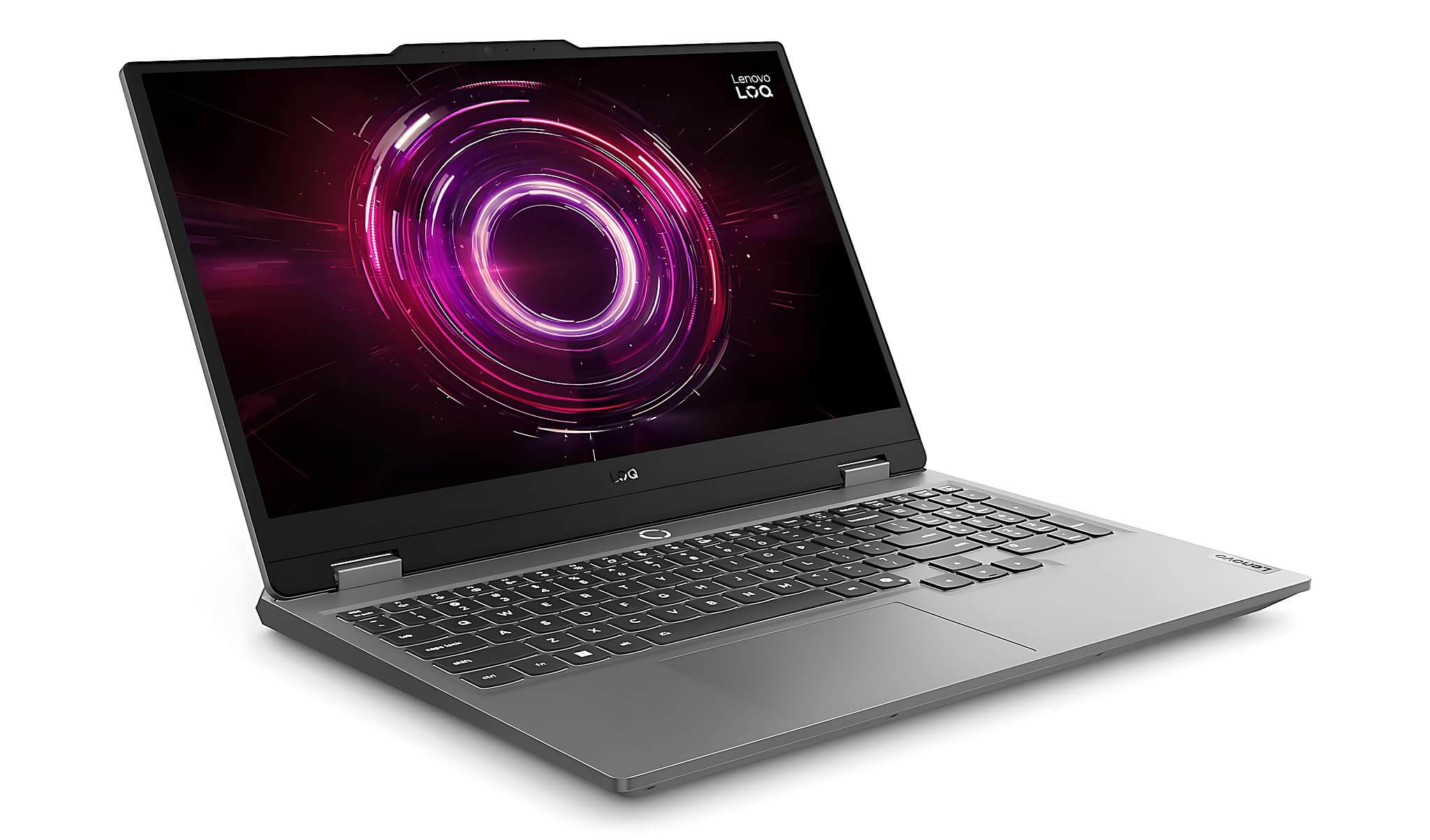
Regarding the CPU, the Ryzen 7 7445HS on the Victus uses the newer Zen 4 architecture with boost clocks up to 4.7GHz across 6 cores and 12 threads. The Ryzen 7 7435HS on the LOQ is Zen 3+, with 8 cores and 16 threads at a max of 4.5GHz. These are two different design philosophies: the 7445HS has faster single-core performance, which is better for gaming and single-threaded tasks. The 7435HS has more cores, which might edge out in video rendering or code compilation in certain edge cases. For most users, the CPU difference between these two machines isn't the deciding factor; the GPU TGP is what truly matters.
The Victus's DDR5-5600 RAM is theoretically faster than the LOQ's DDR5-4800, but in real-world gaming, this bandwidth difference has minimal impact on FPS. The LOQ, however, offers a 24GB factory option, which is convenient if you multitask heavily while gaming. Both feature 2x SODIMM slots, making RAM upgrades straightforward.
Display, Battery, and Upgrades: Detailed comparison of Lenovo LOQ 15ARP9 and HP Victus 15-fb3093dx AMD
Regarding the display, the LOQ 15ARP9 WC version boasts 100% sRGB, making it ideal for those needing accurate colors for light photo editing or basic graphic design. Official color gamut info for this specific Victus 15 SKU is not yet confirmed; many Victus 15 models actually only cover about 45% NTSC (roughly 62% sRGB), which is significantly lower. Both feature 144Hz FHD IPS 300 nits panels, sufficient for daily gaming. The LOQ supports G-Sync while the Victus has FreeSync; the real-world impact is minimal as both handle tearing effectively.
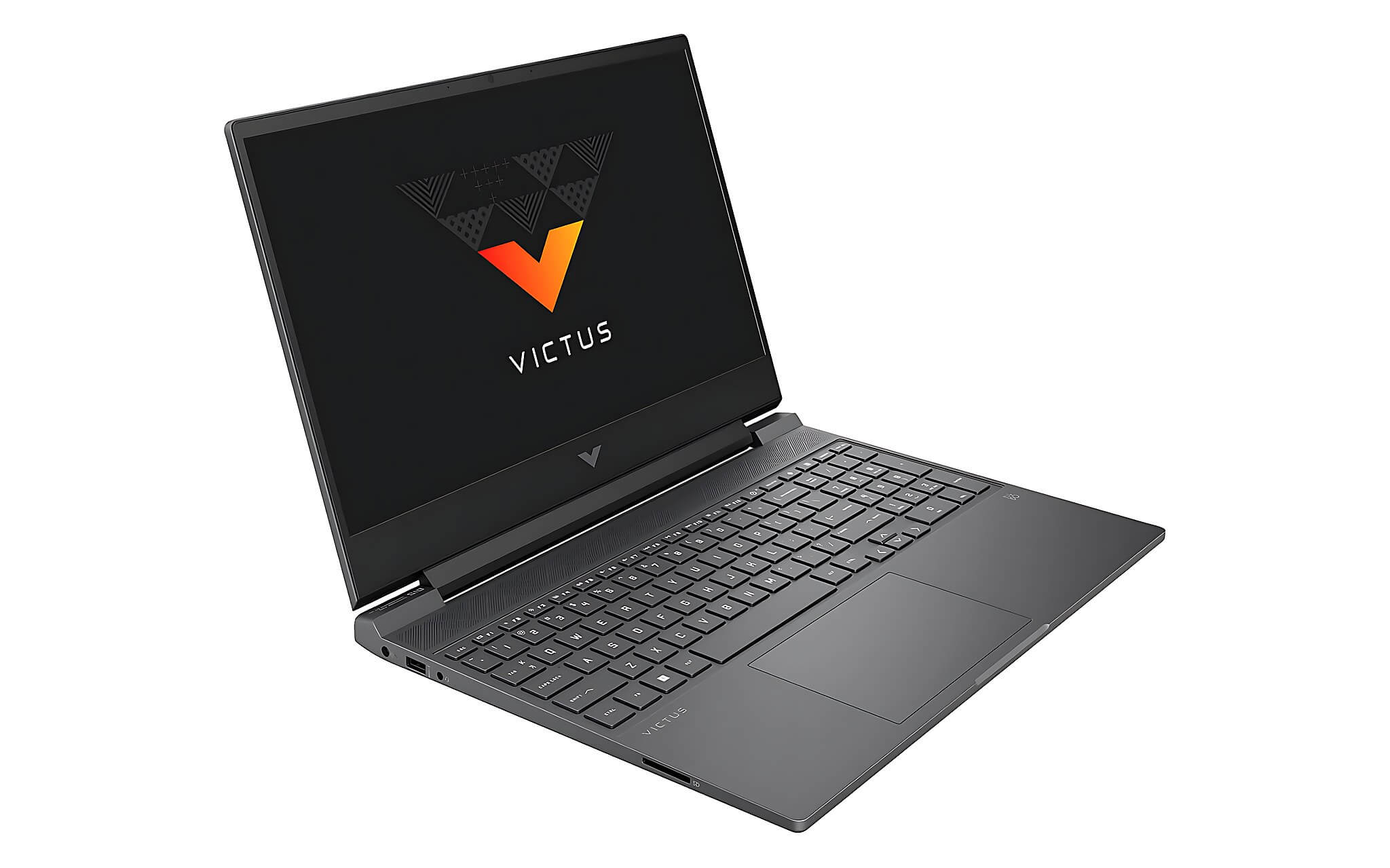
Battery life is where the Victus clearly wins. The 70Wh capacity combined with the Radeon 610M iGPU allows the machine to switch to integrated graphics for light tasks, achieving roughly 5-7 hours of office work in real-world tests on the Victus 15 line. The LOQ 15ARP9 only has a 60Wh battery and lacks an iGPU for the Ryzen 7235HS/7435HS, meaning the dGPU must run for all tasks, resulting in only 2.5-4 hours of real-world battery life. If you frequently work in coffee shops without power outlets, this is enough reason to cross the LOQ off your list.
For SSD upgrades, the LOQ 15ARP9 has two confirmed M.2 2242 slots, so you can easily add a drive without removing the original one. Hung Phat often hears customers ask, "If I buy a 512GB model, can I add an SSD later?"-with the LOQ, the answer is yes and it's easy. Many Victus 15 models only have one M.2 slot, meaning you'd have to replace the original drive to increase capacity. This makes the LOQ's 1TB factory option very valuable: you buy it once and don't have to worry about upgrading later. The LOQ also features USB-C with 140W Power Delivery and HDMI 2.1, offering a slightly more complete port selection than the Victus if you frequently connect high-resolution external monitors. Check out our top 4 office laptops 2026 under 40 million VND if you need a machine that prioritizes portability over gaming.
Which one should you choose in HCMC: LOQ 15ARP9 or Victus 15-fb3093dx based on actual needs?
Choose the Lenovo LOQ 15ARP9 if you prioritize high gaming performance for the price, want a pre-installed 1TB SSD to avoid upgrading, or if you mostly use your laptop plugged in at home or in a dorm. The RTX 4050 with 105W TGP is the main reason to choose the LOQ; this figure provides clearly better gaming results than the same-named chip with lower TGP on the Victus. The LOQ is also suitable as a light mobile workstation for short video editing or basic 3D rendering thanks to the stronger GPU and up to 24GB of RAM.
Choose the HP Victus 15-fb3093dx AMD if you frequently carry your laptop to school or work and need a battery that lasts through a whole session without a charger. 5-7 hours of light office use is a realistic figure, not marketing fluff. The Victus is also ideal for light to medium gamers who don't need maximum FPS but want a cooler and quieter machine, as the lower TGP means less thermal pressure. The high-clock Zen 4 CPU also ensures smooth performance for daily tasks and single-threaded games.
Hung Phat carries both lines at our HCMC store; you can visit us to see the actual machines and compare them before deciding. If you need more perspectives on the new Intel chip series, you can read our Core Ultra X9 378H review on Yoga Air 14 to understand the direction of the 2026 laptop platform.
Frequently Asked Questions (FAQ)
How is the RTX 4050 on the LOQ 15ARP9 different from the Victus 15 in real-world gaming?
Despite having the same RTX 4050 6GB name, the ~30W TGP difference (approx. 105W on LOQ vs. 75W on Victus) creates a real performance gap. In heavy AAA titles at 1080p, the LOQ can outperform the Victus by about 15-20% FPS because the GPU receives more power. For example, if the Victus hits 60 FPS in a certain game at Medium presets, the LOQ's RTX 4050 could reach 70-72 FPS under the same conditions. For light or esports games (CS2, Valorant, DOTA 2), this gap narrows significantly as both are more than capable of hitting 144 FPS.
How weak is the LOQ 15ARP9 battery, and can the Victus 15 really last all day?
The LOQ 15ARP9 uses the Ryzen 7235HS or 7435HS, which lacks an efficient iGPU, meaning the dGPU must power all tasks, draining the battery very quickly. Real-world tests on the LOQ 15 with a 60Wh battery show only about 2.5-4 hours for light office work. The Victus 15-fb3093dx with a 70Wh battery and Radeon 610M iGPU can manage light loads, lasting about 5-7 hours in real-world tests on similar configurations. If you study from 8 AM to 4 PM without a power outlet, the Victus can last most of the day, while the LOQ will need a mid-day charge.
What is the price difference between the two, and is it worth upgrading from a Victus to a LOQ?
Both are in the 15-25 million VND range depending on configuration, so the actual price gap depends on the specific variant you choose. If comparing a LOQ 15ARP9 with a 1TB SSD to a Victus with a 512GB SSD at a similar price, the LOQ is clearly superior in storage capacity and GPU TGP, making it worth the upgrade if you play heavy games or need lots of storage. Conversely, if you only play light games and need long battery life, the price difference might not be worth the inconvenience of frequent charging. You should contact Hung Phat for current listed prices on specific configurations before deciding.
Who should choose the LOQ 15ARP9, and who should choose the Victus 15-fb3093dx?
The LOQ 15ARP9 is best for those who primarily game at home, need high FPS, and don't want to worry about upgrading the SSD later (the 1TB version is ready to go). It is also suitable as a light mobile workstation for short video editing or basic 3D graphics due to the higher TGP GPU. The Victus 15-fb3093dx is better for people on the move-students or workers in coffee shops-who need a battery that truly lasts a whole morning or afternoon. The Zen 4 CPU architecture also helps with smooth single-threaded task handling and generally lower temperatures during light gaming due to less thermal pressure on the GPU.