

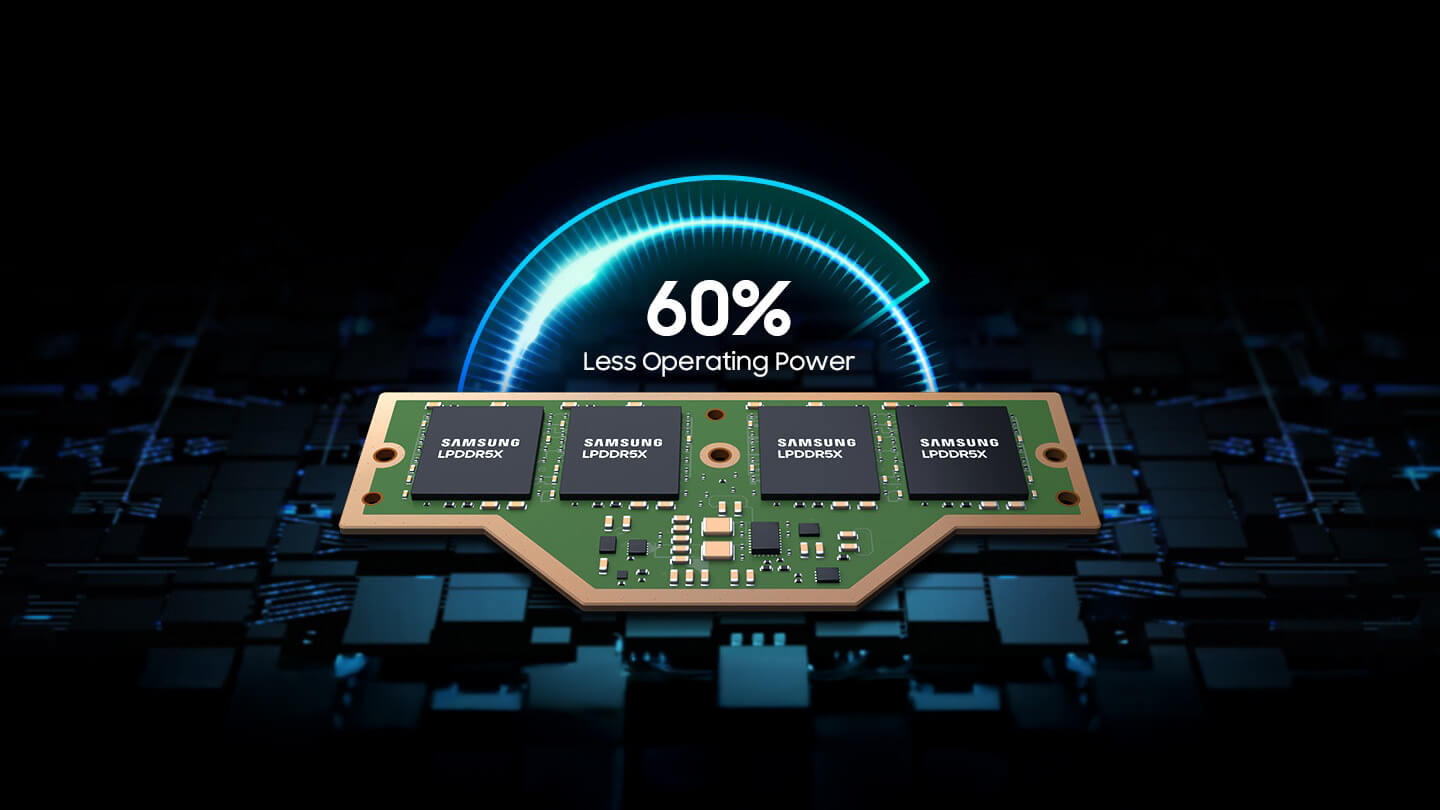
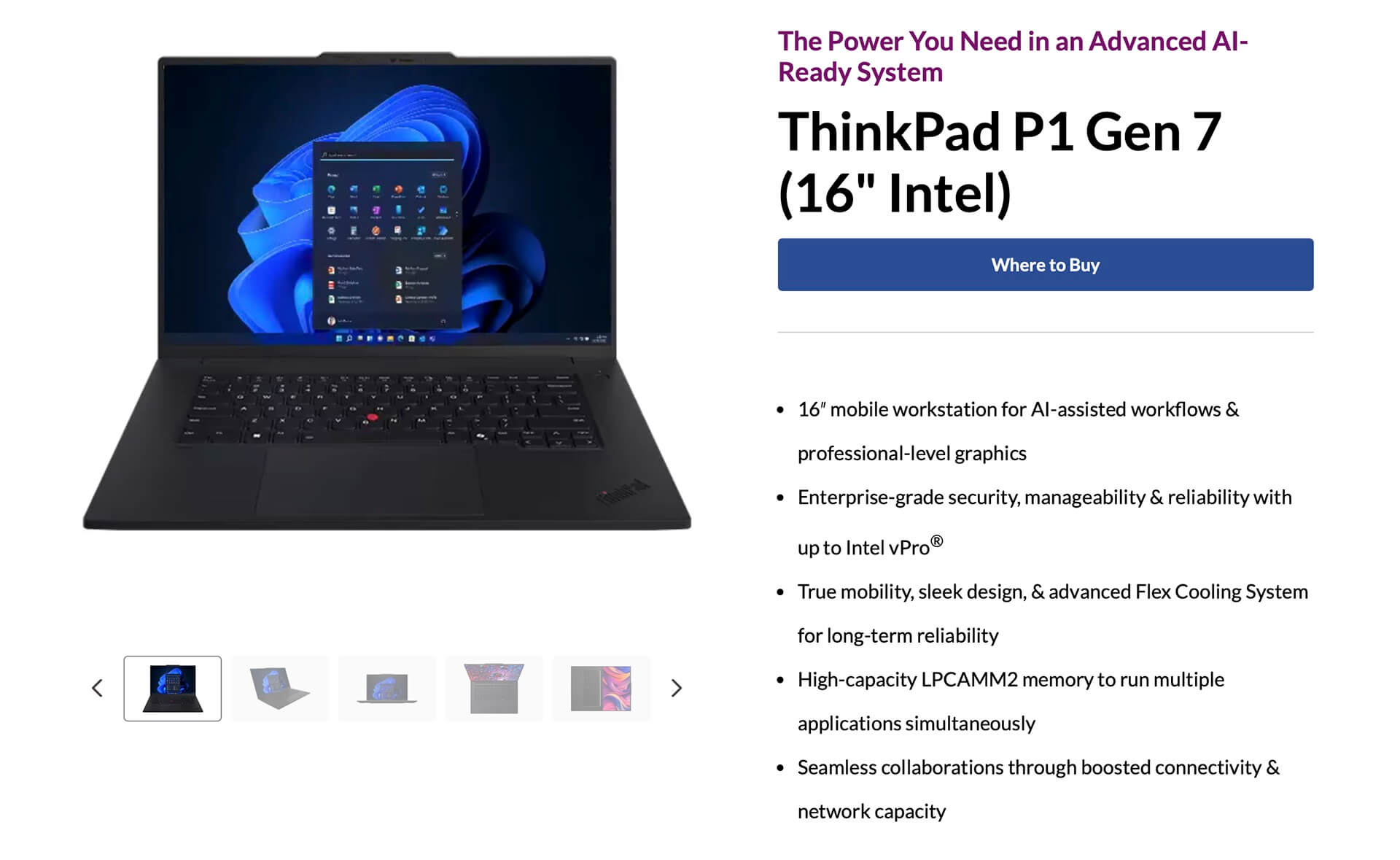
LPCAMM2 improves RAM speed for mobile platforms while consuming less power. The ThinkPad P1 Gen 7 is equipped with faster memory that can be easily removed from the motherboard.
ThinkPad P1 Gen 7 features upgradeable LPDDR5X memory in LPCAMM2 form factor, allowing users to easily remove it with a single screwdriver.
Upgradeable memory is a standout feature of most desktop computers. The simple process of installing and removing DIMMs makes desktops a better choice for upgradability compared to laptops. Although many laptops can do something similar with SODIMM modules, LPDDR5 and LPDDR5X remain non-upgradeable on modern systems.
Fortunately, with the introduction of the LPCAMM2 memory design, laptops can now enjoy performance equivalent to faster LPDDR5X without being soldered fixed to the motherboard. A recent video on Bilibili demonstrated this. A user compared the Lenovo ThinkPad P1 Gen 6 with the Gen 7 laptop and pointed out the ease of removing the memory module.
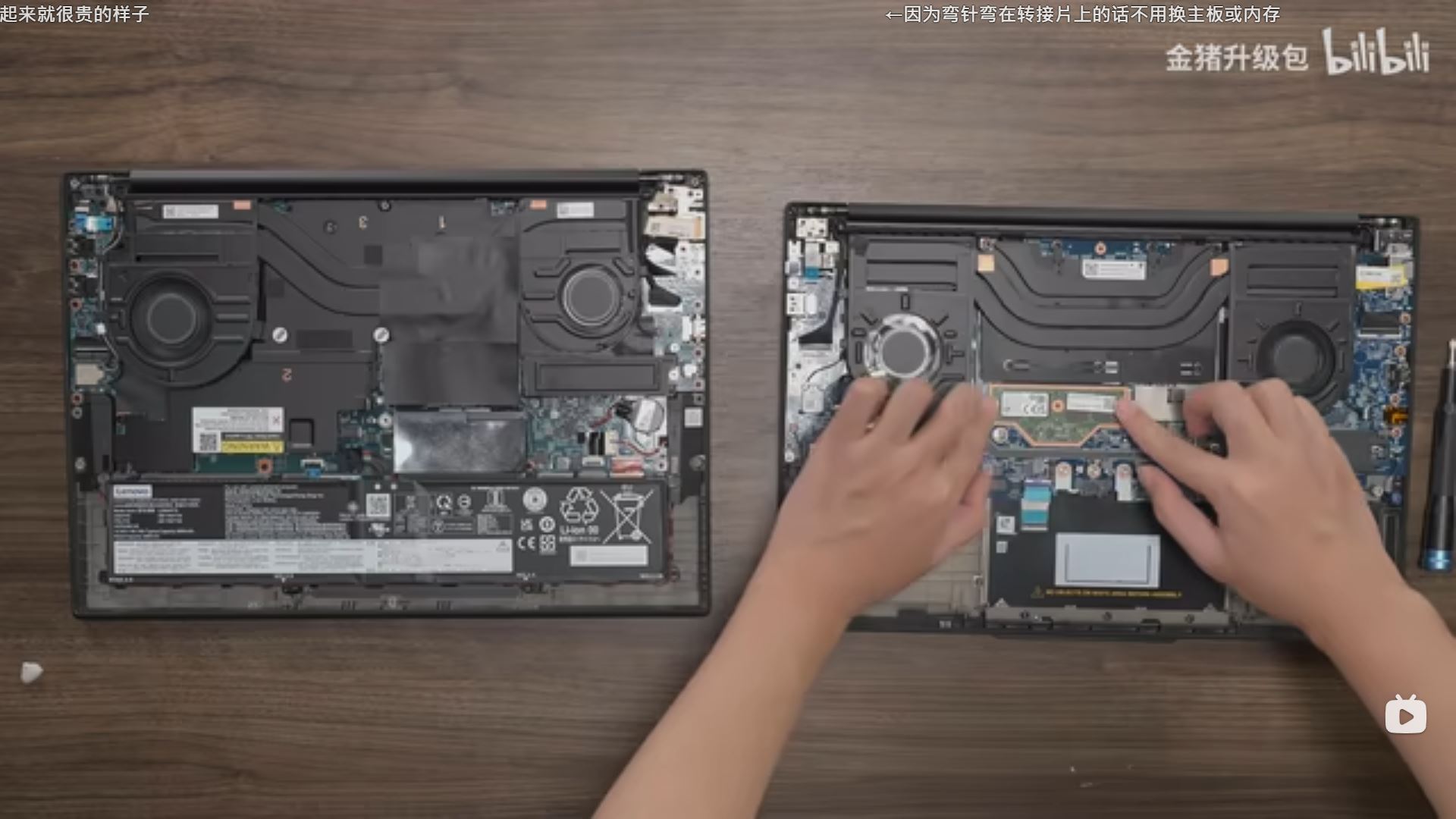
The ThinkPad P1 Gen 6 uses SODIMM DDR5 memory with a speed of 5600 MT/s, but in practice, it only reaches 5200 MT/s due to technical limitations. In contrast, the ThinkPad P1 Gen 7 can achieve speeds of 7500 MT/s thanks to LPDDR5X-based LPCAMM2 memory. Installing the memory is similar to a standard M.2 drive with three screws.
The memory is similar in size to SODIMM DDR5, but offers much higher performance and capability. However, one major issue is the cost. The price to add LPCAMM2 memory is nearly double that of having LPDDR5X memory soldered to the motherboard. A 16 GB LPCAMM2 module costs as much as a 32 GB LPDDR5X module, making the former seem less practical. However, when considering the total price of the laptop, this might not be as bad as it seems.
LPCAMM2 is smaller in size yet can achieve memory speeds up to 8533 MT/s. Major manufacturers like Samsung, Micron, and GEIL released their LPCAMM2 solutions several months ago, and before long, we will see LPCAMM2 become the new standard for high-end laptops. The CAMM2 standard is also expected to be adopted for desktops, but only in certain segments, as this standard is still relatively new, promising many benefits such as:
- Higher speeds
- Shorter PCB traces
- Lower latency
- Cooler operation
- And more...
LPCAMM2 meets JEDEC standards and can bring significant benefits to PCs, laptops, and high-performance workstations. The memory consumes approximately 60% less power than SODIMM, helping to reduce heat generation.
According to Techspot and Bilibili











