You're studying data science, AI, or data analytics on a budget of 22-55 million VND, and you've run into a familiar paradox: a machine strong enough to run notebooks isn't necessarily strong enough to train models. A data science laptop has to handle Python, SQL, and large notebooks, keep multitasking stable, and still be light enough to carry to campus. The four options below feature Core Ultra, Ryzen AI, up to 64GB of RAM, and 14-16 inch displays. Three of them use integrated GPUs, so heavy CUDA workloads call for Colab or a server, while one model has a discrete NVIDIA RTX GPU that runs CUDA locally but is capped at 8GB of VRAM.
What to Prioritize When Choosing a Machine for Data Science
The CPU determines how fast you can analyze data, run multiple notebooks, and execute code. The Core Ultra 7 165H has 16 cores, 22 threads, and a 28W TDP; the Ryzen AI 5 340 has 6 cores, 12 threads, a 28W TDP, and a 50 TOPS NPU; the Core Ultra 7 255HX goes up to 20 cores with a 55W TDP for heavy computing. For a data science laptop, Hung Phat recommends prioritizing a CPU with more cores if you regularly run Python, data visualization, and many applications at once.
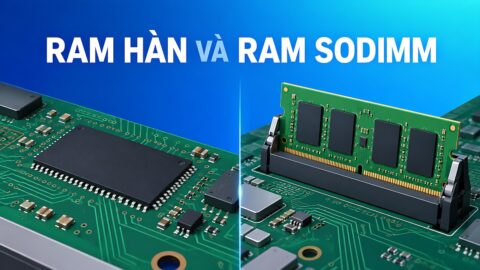
16GB of RAM is enough for data science coursework, SQL, Power BI, and mid-sized datasets. 32GB is a better fit when you run virtual machines or analyze data across many tables at once, while 64GB gives you an edge with large notebooks. Note that the LPDDR5x RAM on the Surface and OmniBook is soldered in place, whereas the Legion 5 uses upgradeable DDR5 SO-DIMM. A 512GB SSD is a reasonable starting point, and 1TB is more convenient if you store a lot of data locally.
The integrated GPUs on the three Surface and OmniBook models handle chart rendering and light AI tasks well, but they don't support CUDA. Only the Legion 5 has a discrete NVIDIA RTX GPU and can run CUDA on the machine itself, though its 8GB of VRAM still limits model size. You should also consider screen aspect ratio, weight, and memory upgradability; the article How Much RAM Is Enough for a Laptop: 16GB Is Still Fine if the Machine Has an Upgrade Slot explains why an empty RAM slot is valuable for anyone doing data analysis.
How the Four Models for Data Science Students Differ
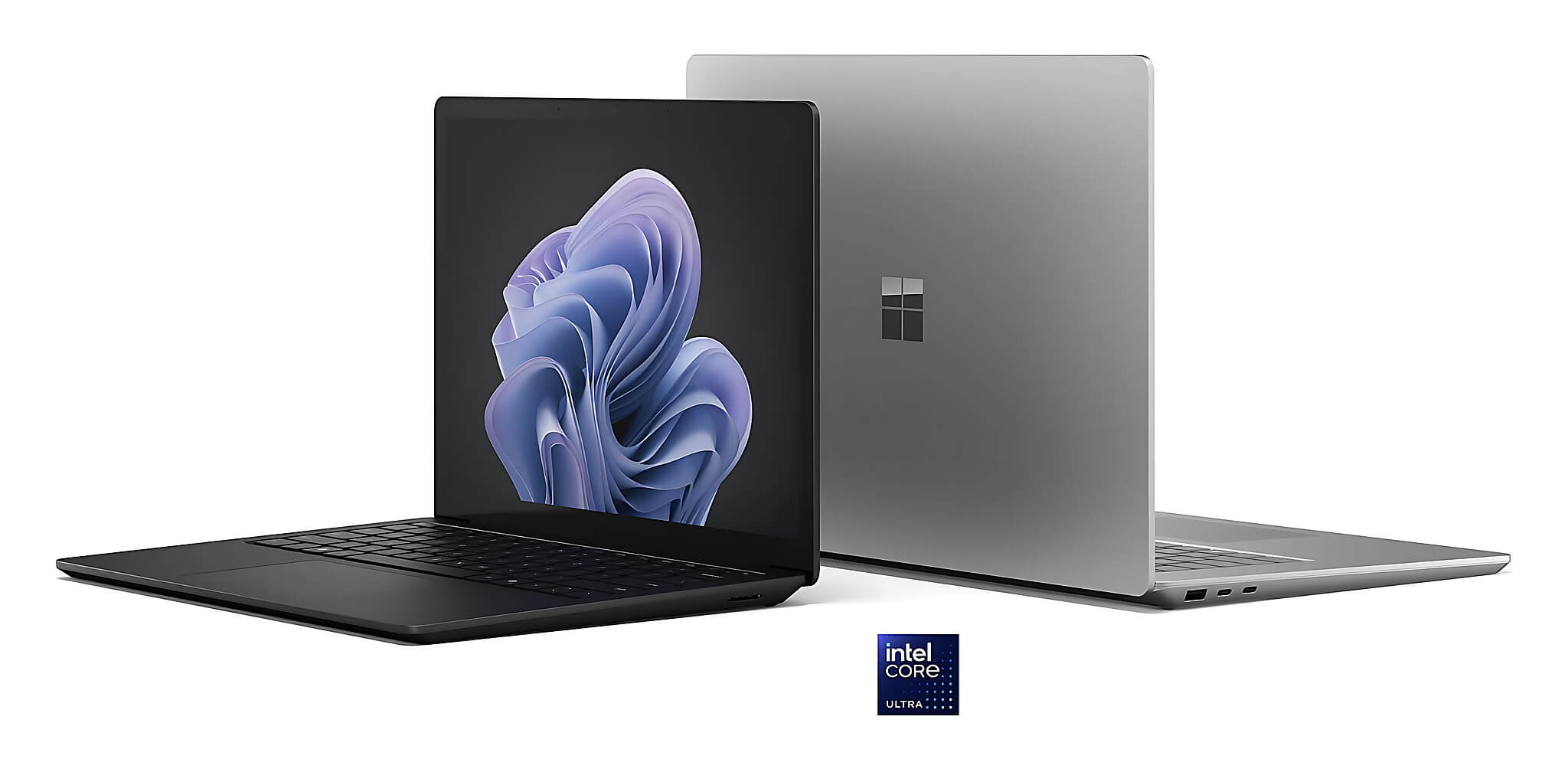
The Microsoft Surface Laptop 6 15 inch (2024) suits data scientists who need a lot of RAM and a display that shows many rows of data. It comes with a Core Ultra 7 165H, 64GB of LPDDR5x RAM, a removable 1TB PCIe 4.0 SSD, and a 15 inch touchscreen at 2496 × 1664 resolution. The 3:2 aspect ratio is handy for viewing notebooks, spreadsheets, and code. The reference price is around 49 million VND. The downsides are a 60Hz screen, soldered RAM, and no RTX/CUDA.
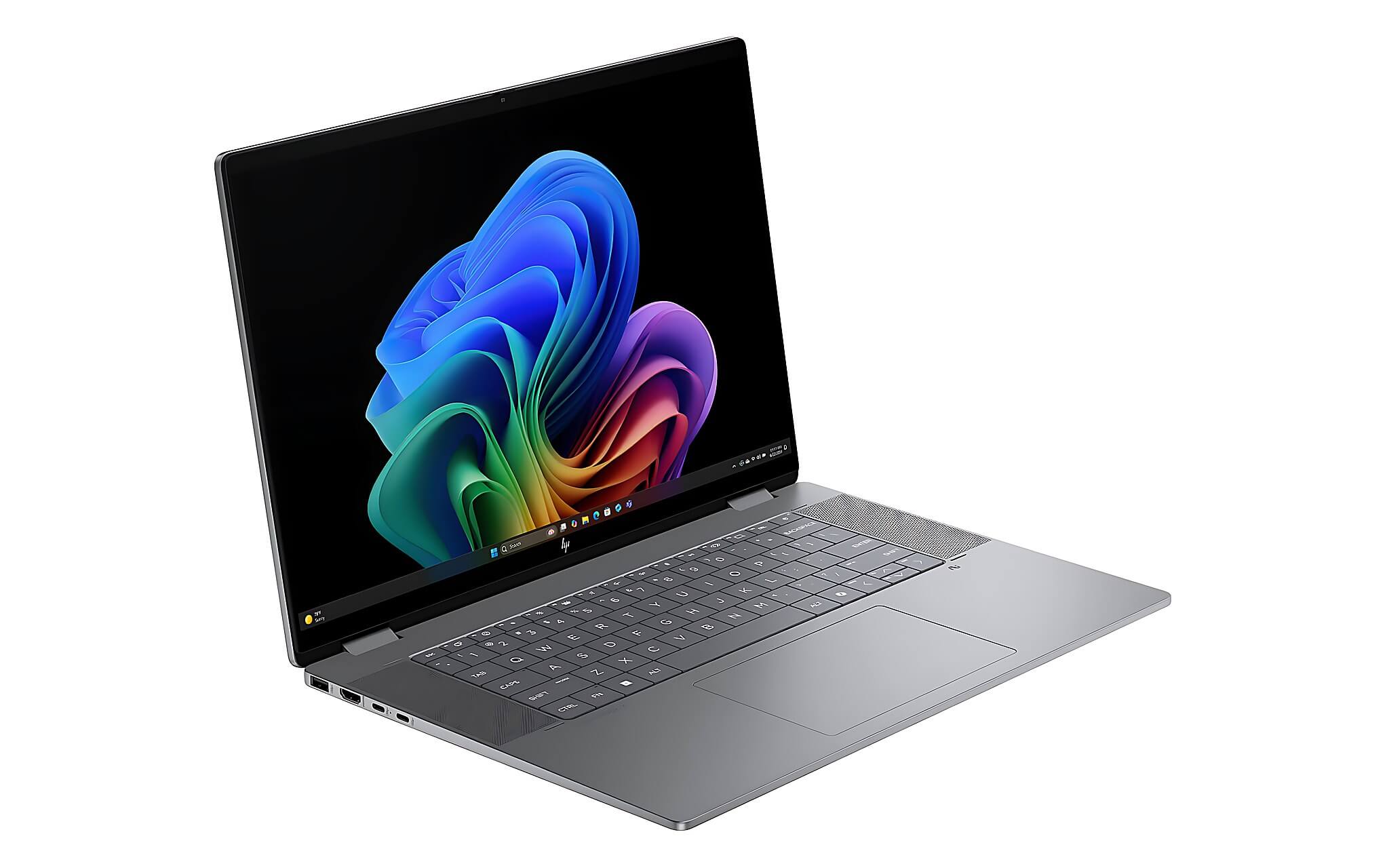
The HP OmniBook X Flip Next Gen AI 16 (2025) suits data science students who want a large screen for studying at a desk, at around 25.5-28.5 million VND. It comes with a Ryzen AI 5 340, 16GB of soldered LPDDR5x-7500 RAM, a 512GB PCIe 4.0 SSD, and Radeon 840M graphics. The 16 inch display is either 1920 × 1200 IPS or 2880 × 1800 120Hz OLED depending on the version, giving you plenty of room to open multiple data tables and source files at once.
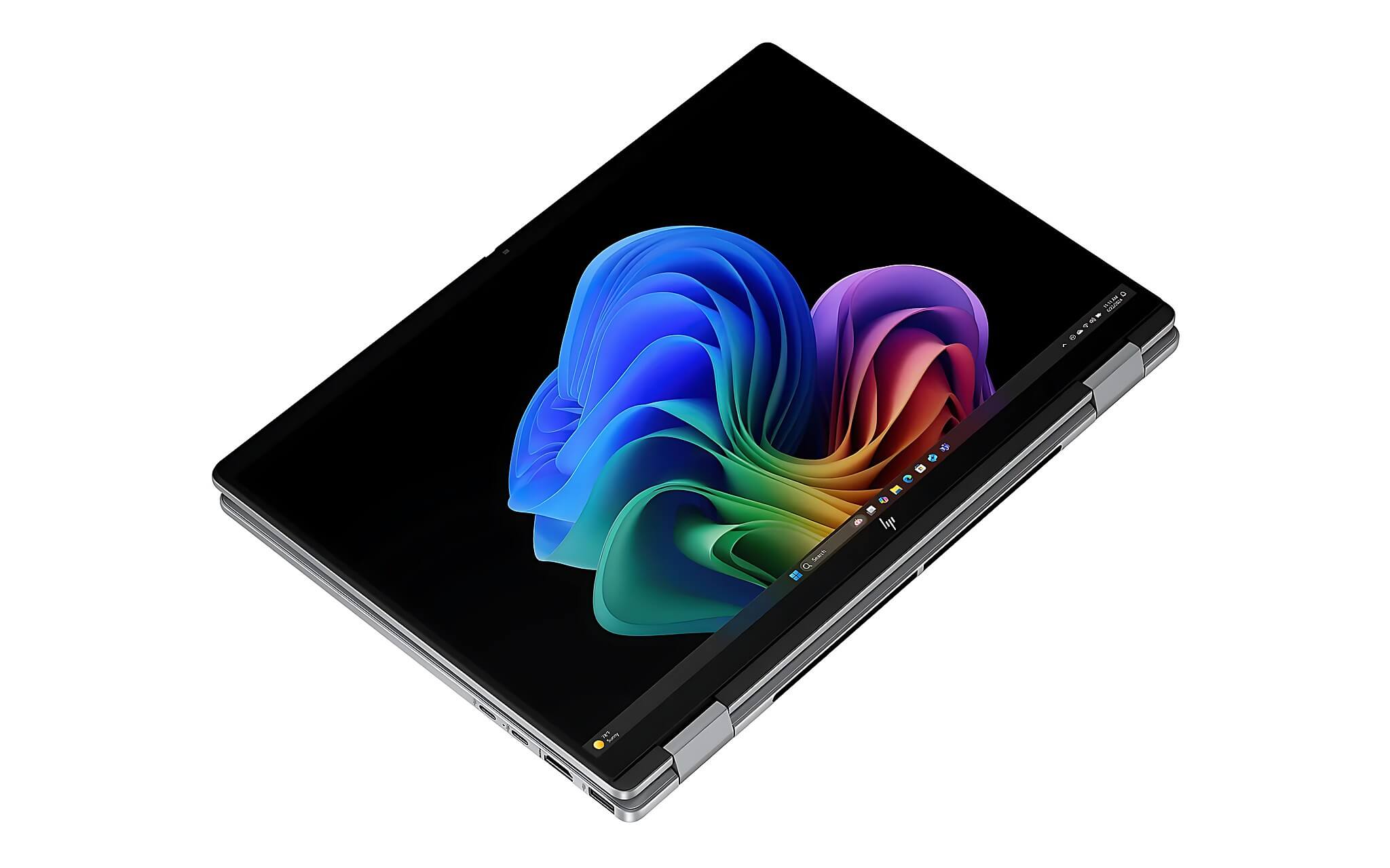
The HP OmniBook X Flip Next Gen AI 14 (2025) has the same configuration and Radeon 840M graphics as the 16 inch version, but differs with a 59Wh battery, a weight starting at 1.4kg, and a price of around 22.5-28.5 million VND, making it a good fit for data science students who are on the move often. It's the lightest model in the group, easy to carry to class and handy for taking notes directly on the foldable touchscreen.
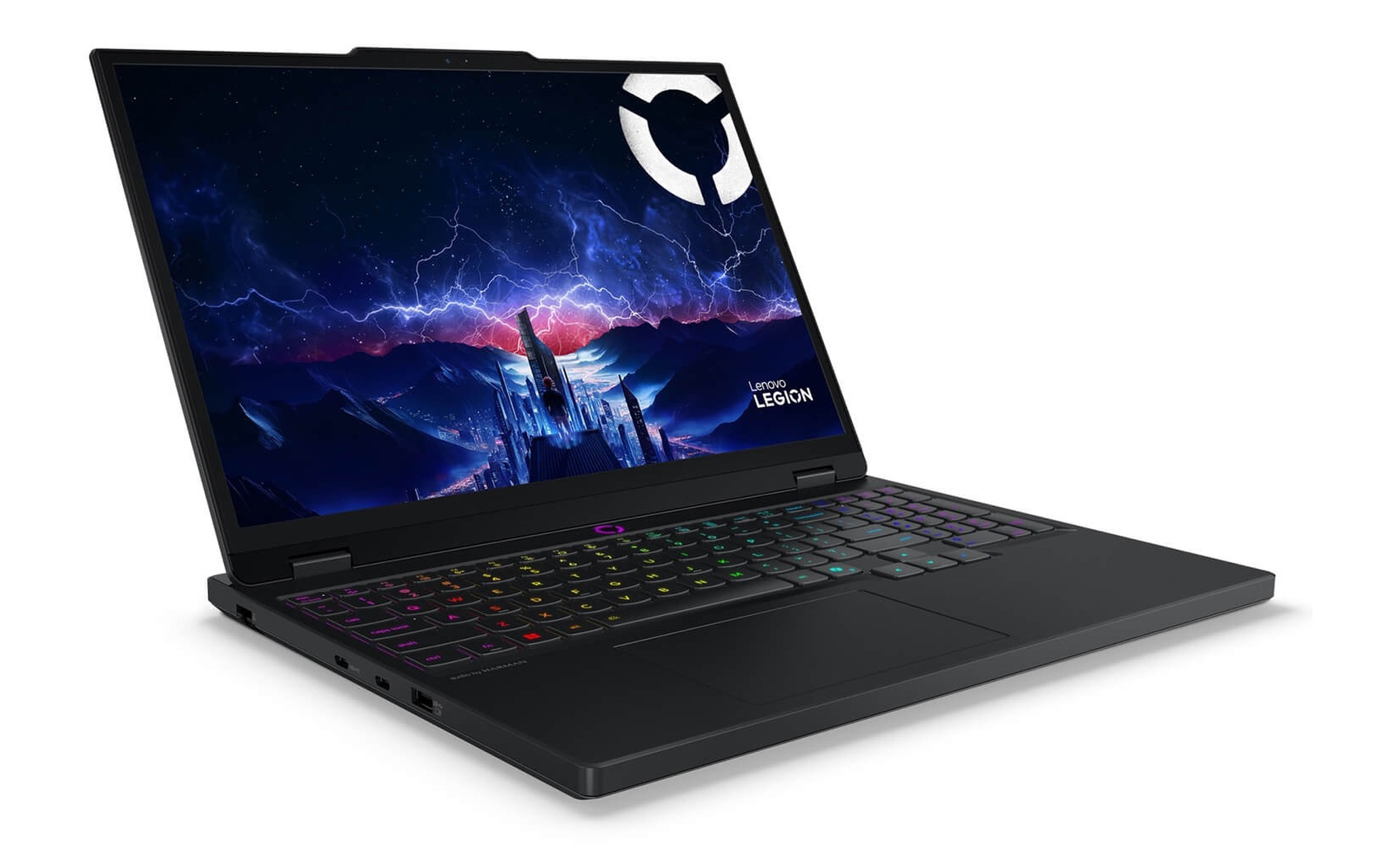
The Lenovo Legion 5 15IAX10 (2025) is the only choice with a discrete NVIDIA GPU for anyone who needs CUDA locally, at around 50.3-54.8 million VND. It uses a 20-core Core Ultra 7 255HX, 32GB of upgradeable DDR5-5600 RAM, a 1TB PCIe Gen4 SSD, an RTX 5060 or RTX 5070 with 8GB of GDDR7 depending on the version, and a 15.1 inch 2560 × 1600 165Hz OLED display. At 1.9kg it's heavier than the other three, but in exchange you get the ability to train small-scale data science models right on the device.
How Well CPU and GPU Performance Handles Data Analysis
The Core Ultra 7 165H scores 1,759 single-core and 14,551 multi-core points in Cinebench R23. Geekbench 6 records 2,421.5 single-core and 12,230.5 multi-core points. The Intel Core Ultra 7 165H processor is built on the Meteor Lake-H platform, with an 11 TOPS NPU and Arc graphics with 8 Xe-cores. It suits data science workflows that use Python, SQL, Power BI, and many simultaneous tasks, especially when paired with the 64GB of RAM on the Surface Laptop 6.
The Ryzen AI 5 340 scores 1,915.5 single-core and 12,532 multi-core points in Cinebench R23, 2,781.5 and 10,765 points respectively in Geekbench 6, 19,584 points in PassMark, and a 50 TOPS NPU on the AMD Ryzen AI 5 340 platform. One tier up, the Core Ultra 7 255HX reaches 32,612 multi-core points in R23 and 48,542 points in PassMark, giving clearly ample headroom for analyzing large datasets and running many parallel processes.
On the GPU side, both OmniBook models use the Radeon 840M integrated into the Ryzen AI 5 340, which has 256 shaders and scores 4,854 points in Fire Strike, enough for charts and small data science models. Neither the Radeon 840M nor the Arc graphics on the Surface supports CUDA; the article RTX 5050 vs 5060 vs 5070 Ti: Laptop Performance by Workload compares discrete NVIDIA cards in detail. By contrast, the Legion 5's RTX 5060 has 3,328 CUDA cores and the RTX 5070 has 4,608 CUDA cores, both paired with 8GB of GDDR7, enough for preprocessing and training small models, though the 8GB of VRAM is still a limit when running LLMs or large CNNs.
Which Configuration to Prioritize for Each Study Need
Students who need a light machine should prioritize the HP OmniBook X Flip 14. Its weight, starting at 1.4kg, makes it about 0.49kg easier to carry to class than the 16 inch version. The foldable design and touchscreen help with reading materials, taking notes, and presenting projects. 16GB of RAM suits the foundational stage of learning data science, but large datasets should be moved to the cloud to avoid running out of memory.

People doing in-depth data analysis should consider the 15 inch Surface Laptop 6. 64GB of RAM provides a buffer for many notebooks, virtual machines, and heavy data tables. The 3:2 display also shows more content vertically than a 16:9 screen. It's the model most worth prioritizing among data science study laptops if your budget is close to 55 million VND and you don't need CUDA.
If you must train data science models with CUDA on the machine itself, the Legion 5 15IAX10 is a sensible option thanks to its RTX 5060 or RTX 5070 and 20-core CPU, although the 8GB of VRAM means you'll need to tune your batch size. If you need a spacious display while keeping your budget under 30 million VND, the OmniBook X Flip 16 with its 16 inch screen is the more balanced choice, even though its Radeon 840M graphics are identical to the 14 inch version.
Which Hardware Limits to Identify Before You Buy
The most important limit is VRAM. The integrated Arc on the Surface and the Radeon 840M on the two OmniBook models are enough for everyday data science work but lack CUDA; the RTX 5060 and RTX 5070 on the Legion 5 have CUDA but only 8GB of VRAM, not enough for very large models. If your course requires heavy training, you'll still need to budget for Colab, cloud services, or your school's servers. Don't choose based only on the AI PC label or NPU figures.
Soldered RAM is a downside on the Surface Laptop 6 and the two OmniBook models, and the 16GB version can become limiting when you have many tabs, IDEs, Docker, and notebooks open at once. The Legion 5 avoids this thanks to upgradeable DDR5 RAM, but trades it for added weight and shorter battery life. You should pick a capacity that will last at least three years of data science study from the start, and check the software in your curriculum before ordering a machine.
The IPS and OLED versions of the OmniBook differ in both resolution and refresh rate, so you need to ask exactly which display version you're getting before paying a deposit. The Legion 5 comes with two battery options, 60Wh and 80Wh, according to the Lenovo datasheet, and the 60Wh version will shorten your time away from an outlet in class. When you receive the machine, you should check its appearance and battery wear and compare the system configuration against your order, especially the RAM and GPU, since these two factors determine how fast you can analyze data.
How to Check Prices and Warranty in Ho Chi Minh City
The prices in the list are reference ranges, not daily in-stock quotes. The Surface Laptop 6 is around 49 million VND, the OmniBook X Flip 16 around 25.5-28.5 million VND, the OmniBook X Flip 14 around 22.5-28.5 million VND, and the Legion 5 15IAX10 around 50.3-54.8 million VND depending on the GPU version. You should confirm the exact GPU version and a configuration that fits your data science needs before finalizing.
| Model | Reference price | CPU | RAM | GPU / Display | Why choose it |
|---|---|---|---|---|---|
| Microsoft Surface Laptop 6 15 inch | About 49 million VND | Core Ultra 7 165H | 64GB LPDDR5x soldered | Arc 8 Xe-core, 15 inch 2496 × 1664 touch 60Hz | Large RAM, 3:2 display, suits large datasets |
| HP OmniBook X Flip 16 | 25.5-28.5 million VND | Ryzen AI 5 340 | 16GB LPDDR5x-7500 soldered | Radeon 840M, 16 inch IPS or OLED | Wide screen, 50 TOPS NPU, suits cloud use |
| HP OmniBook X Flip 14 | 22.5-28.5 million VND | Ryzen AI 5 340 | 16GB LPDDR5x-7500 soldered | Radeon 840M, 14 inch IPS or OLED | From 1.4kg, foldable touchscreen, easy to carry |
| Lenovo Legion 5 15IAX10 | 50.3-54.8 million VND | Core Ultra 7 255HX (20 cores) | 32GB DDR5-5600 upgradeable | RTX 5060/5070 8GB, 15.1 inch OLED 165Hz | CUDA support, 20-core CPU, upgradeable RAM |
When buying in Ho Chi Minh City, you should ask for confirmation of whether the machine is new or used, along with the RAM capacity, SSD, display type, and warranty period. For the OmniBook, check whether the screen is IPS or OLED; for the Surface, verify the exact RAM capacity and configuration, since the memory can't be upgraded; for the Legion 5, confirm whether the card is an RTX 5060 or RTX 5070. Hung Phat will provide stock status, warranty policy, and current promotions through the purchase links above when you choose a product.
Frequently Asked Questions (FAQ)
How much should I budget for a data science laptop?
Around 22-29 million VND suits students who use Colab, SQL, and mid-sized notebooks, which corresponds to the two OmniBook X Flip models. If you need 64GB of RAM and a 3:2 display, the budget rises to nearly 49 million VND for the Surface Laptop 6. If you need an NVIDIA GPU with CUDA, the Legion 5 15IAX10 runs around 50-55 million VND.
Should I choose Windows or macOS for AI and data programs?
Windows suits all four products on the list and is convenient for data analysis tools such as Python, SQL, and Power BI. macOS can handle coursework, but it isn't among the products reviewed. If your program requires CUDA, the deciding factor is still a compatible NVIDIA GPU or access to a server.
Which model balances portability and performance in this segment?
The HP OmniBook X Flip 14 weighs from 1.4kg and has a Ryzen AI 5 340 and a 50 TOPS NPU, making it a good fit for data science students who often carry their device to class. The trade-offs to accept are soldered 16GB of RAM and a Radeon 840M that doesn't support CUDA, so heavy training should still go to the cloud.
Which model is right if I need to run CUDA on the machine itself?
The Lenovo Legion 5 15IAX10 is the only choice on the list with a discrete NVIDIA GPU, with an RTX 5060 or RTX 5070 and 8GB of GDDR7 plus a 20-core Core Ultra 7 255HX CPU, a rare configuration in the mobile data science segment. It can run CUDA for preprocessing and small models, but the 8GB of VRAM is still a limit for large models, in which case you should pair it with a GPU server.