With a budget of around 41 million VND, Lenovo offers two opposite answers for a 14-inch work laptop. The P14s Gen 6 with the Ryzen AI 7 PRO 350 is a mobile workstation: 8 cores and 16 threads, two RAM slots that expand up to 96GB, and an RJ-45 port. The ThinkPad X1 Carbon Gen 13 with the Core Ultra 7 258V goes the other way: a 986 g carbon fiber chassis, soldered RAM, and a 57Wh battery powering a 17W processor. This article compares exactly the two configurations on sale at Hung Phat, using figures from Notebookcheck and Lenovo's PSREF. The question is whether you're willing to give up 400 g for nearly 40% more multi-core performance.
Weight and chassis material shape how it feels to carry
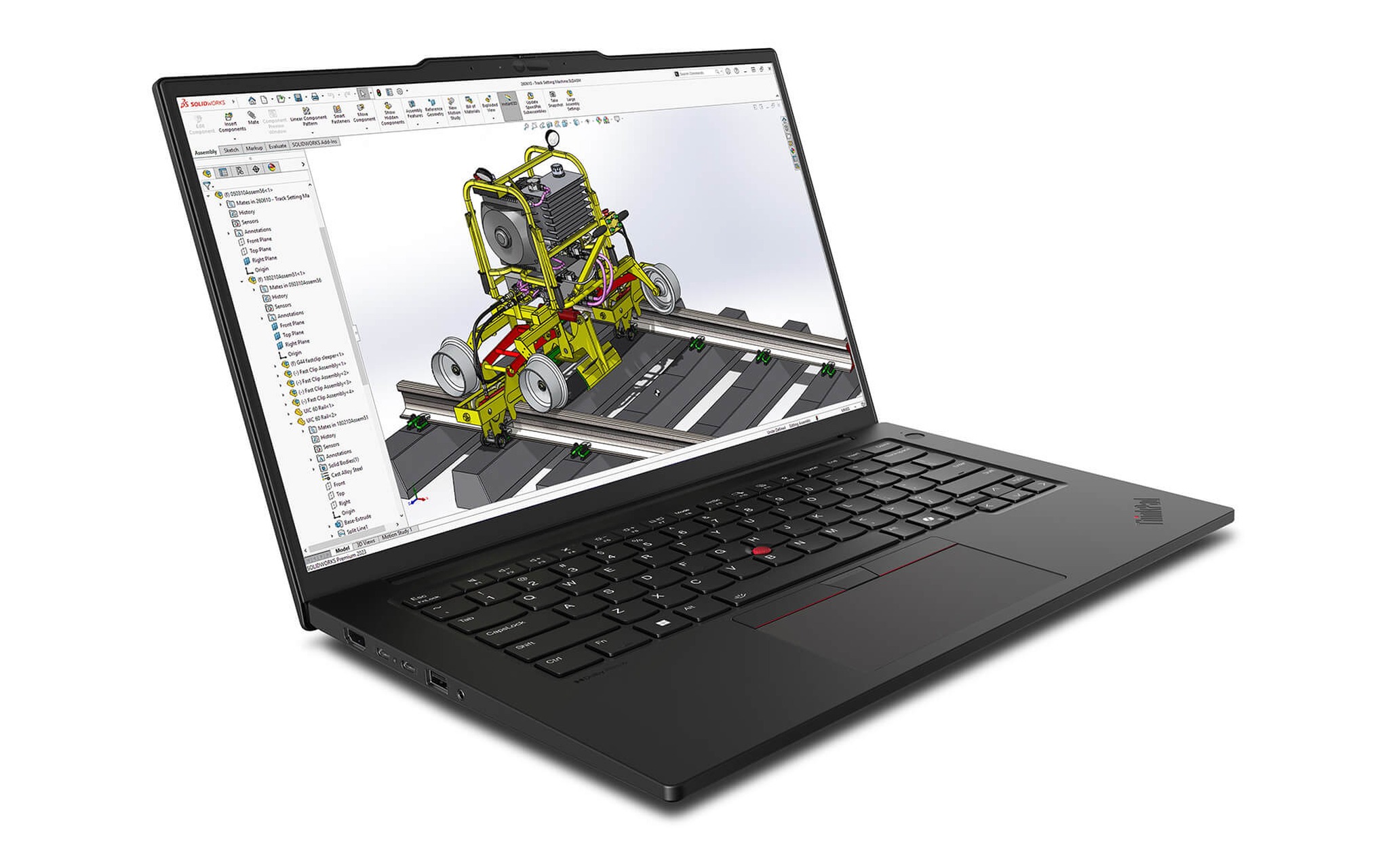
The ThinkPad X1 Carbon Gen 13 uses a carbon fiber lid and a magnesium or aluminum bottom, with a starting weight of 986 g according to Lenovo's figures for the Lunar Lake version. The P14s Gen 6 uses a PC plastic shell reinforced with carbon fiber and glass fiber, starting at 1.39 kg. A gap of more than 400 g doesn't sound like much, but once you add a charger and a backpack, you feel it on every workday.
Thickness differs too: the ThinkPad X1 Carbon is 8.4 mm thick at the front edge and 14.7 mm at the rear, while the P14s measures 10.9 mm and 16.1 mm at the same two points. Both pass MIL-STD-810H testing, so durability isn't the deciding factor. What decides it is whether you carry the laptop in one hand or leave it parked on a desk.
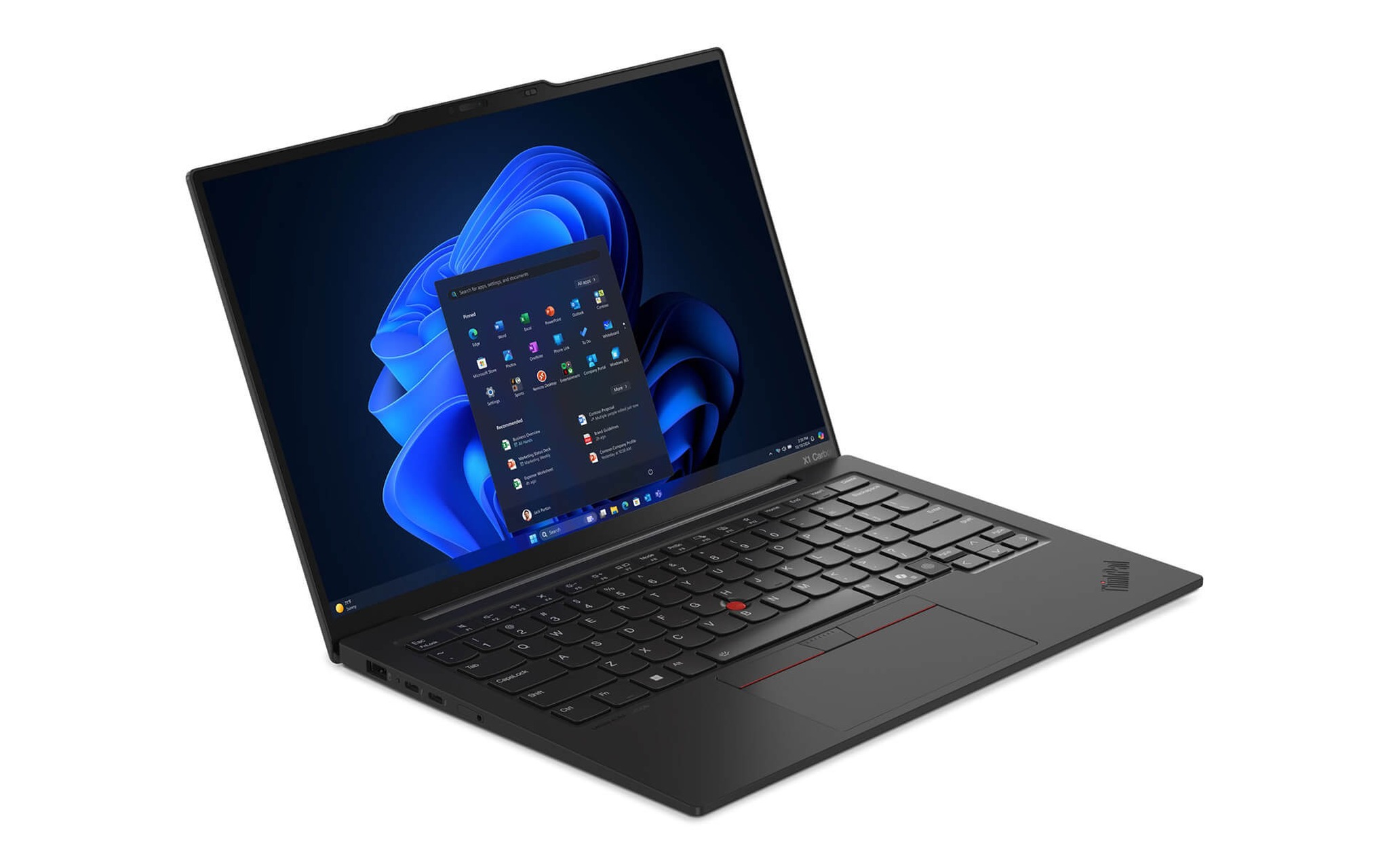
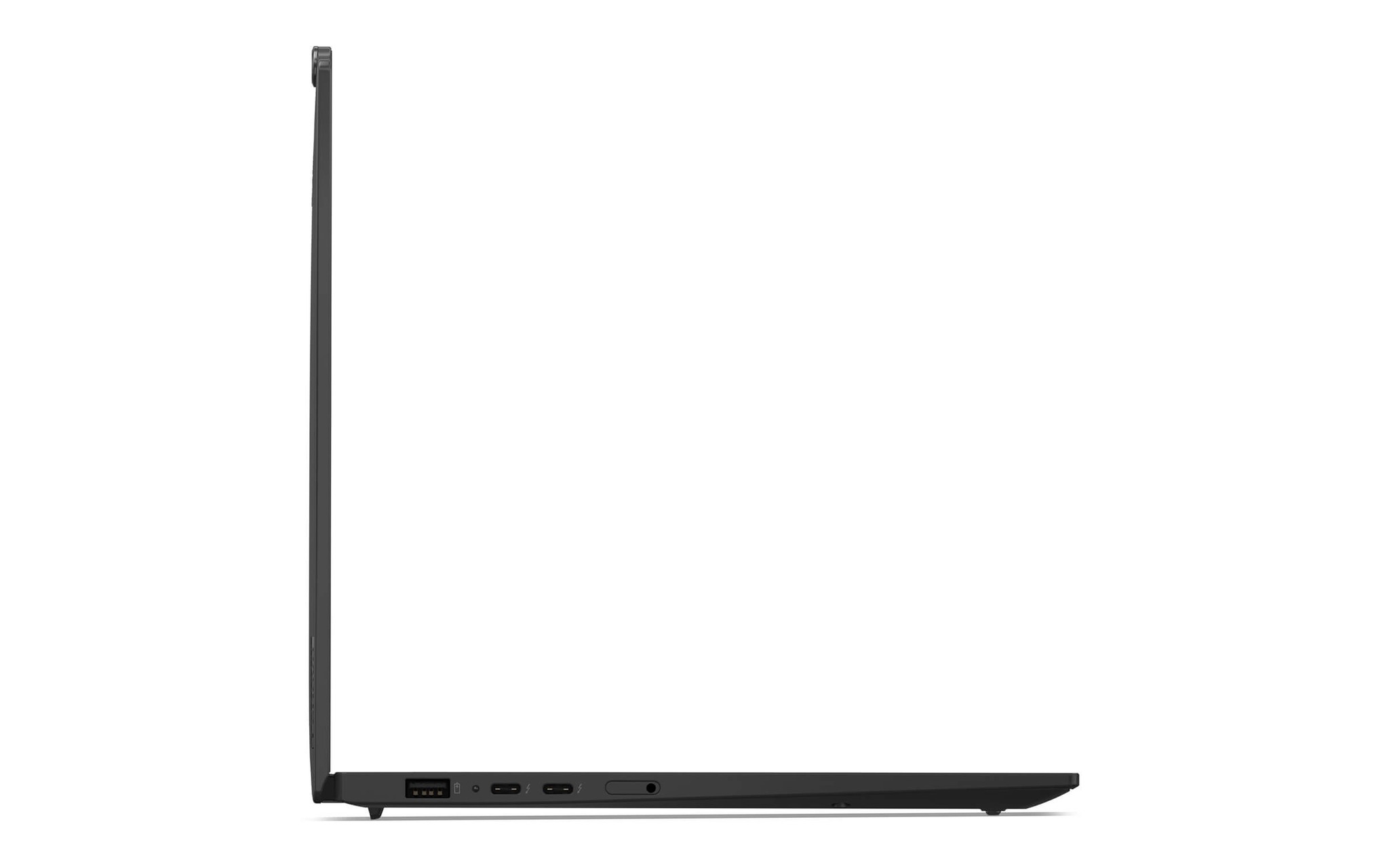
The two laptops share the same basic set of ports: two Thunderbolt 4, two USB-A 5Gbps, HDMI, and a 3.5 mm jack. The P14s Gen 6 adds an RJ-45 port and a smart card slot, two things many companies and agencies still require. The X1 Carbon drops RJ-45 to stay thin, so if you want a wired network connection, you'll need a USB-C adapter.
One point worth stating plainly: the Carbon model is not a "weak machine" in this segment. The 258V processor is still enough for programming, moderate data analysis, and all-day video meetings. The gap only shows when the work needs many cores at once.
How far the P14s Gen 6 pulls ahead of the X1 Carbon in multi-core performance
The Core Ultra 7 258V has 8 cores and 8 threads, made up of 4 performance cores and 4 efficiency cores, with no Hyper-Threading and a 17W base power. The Ryzen AI 7 PRO 350 has 8 Zen 5 and Zen 5c cores with 16 threads and a 28W base power. This architectural difference explains why the two chips are nearly equal in single-core work but far apart in multi-core work.
According to Notebookcheck data, the 258V scores 1,872 single-core and 10,301 multi-core points in Cinebench R23, while the Ryzen AI 7 PRO 350 scores 1,954 and 14,278. Geekbench 6 repeats the trend: 2,754 versus 2,830 single-core points, and 10,965 versus 13,181 multi-core points. In other words, the P14s Gen 6 is about 38% faster when rendering, compiling, or running virtual machines, while for single-threaded tasks the two machines are almost level.
| Specification | ThinkPad X1 Carbon Gen 13 | ThinkPad P14s Gen 6 |
|---|---|---|
| Reference price | Around 40.5 million (WUXGA touch version) | Around 41 million (Ryzen AI 7 PRO 350 version) |
| CPU | Core Ultra 7 258V, 8 cores 8 threads, 17W, up to 4.8 GHz | Ryzen AI 7 PRO 350, 8 cores 16 threads, 28W, up to 5.0 GHz |
| Cinebench R23 single / multi | 1,872 / 10,301 | 1,954 / 14,278 |
| Integrated GPU | Arc 140V (Fire Strike 9,819) | Radeon 860M (Fire Strike 6,908) |
| NPU | 47 TOPS | 50 TOPS |
| RAM | 32GB LPDDR5X-8533, soldered | 32GB DDR5-5600, 2 SODIMM slots, up to 96GB |
| SSD | 512GB, 1 M.2 2280 slot | 1TB, 1 M.2 2280 slot |
| Display | 14-inch WUXGA IPS touch, 500 nits, 100% sRGB | 14-inch WUXGA IPS, 16:10 |
| Battery / Weight | 57Wh / from 986 g | 52.5 or 57Wh / from 1.39 kg |
Integrated graphics flip the result. The Arc 140V scores 9,819 in Fire Strike and 4,047 in Time Spy, while the Radeon 860M scores 6,908 and 2,552. For light rendering, photo editing, or video previews, the X1 Carbon feels smoother. For CAD or Revit, the CPU and RAM still decide the outcome, so the P14s keeps its advantage.
If you want to dig into these two chips from an architecture angle, the article Core Ultra 7 258V vs. Ryzen AI 7 350 in 2026 covers them separately. Note that the PRO 350 in the P14s has the same cores and the same clocks as the regular 350, and differs in its enterprise management features.
Which needs the display and battery of each ThinkPad serve
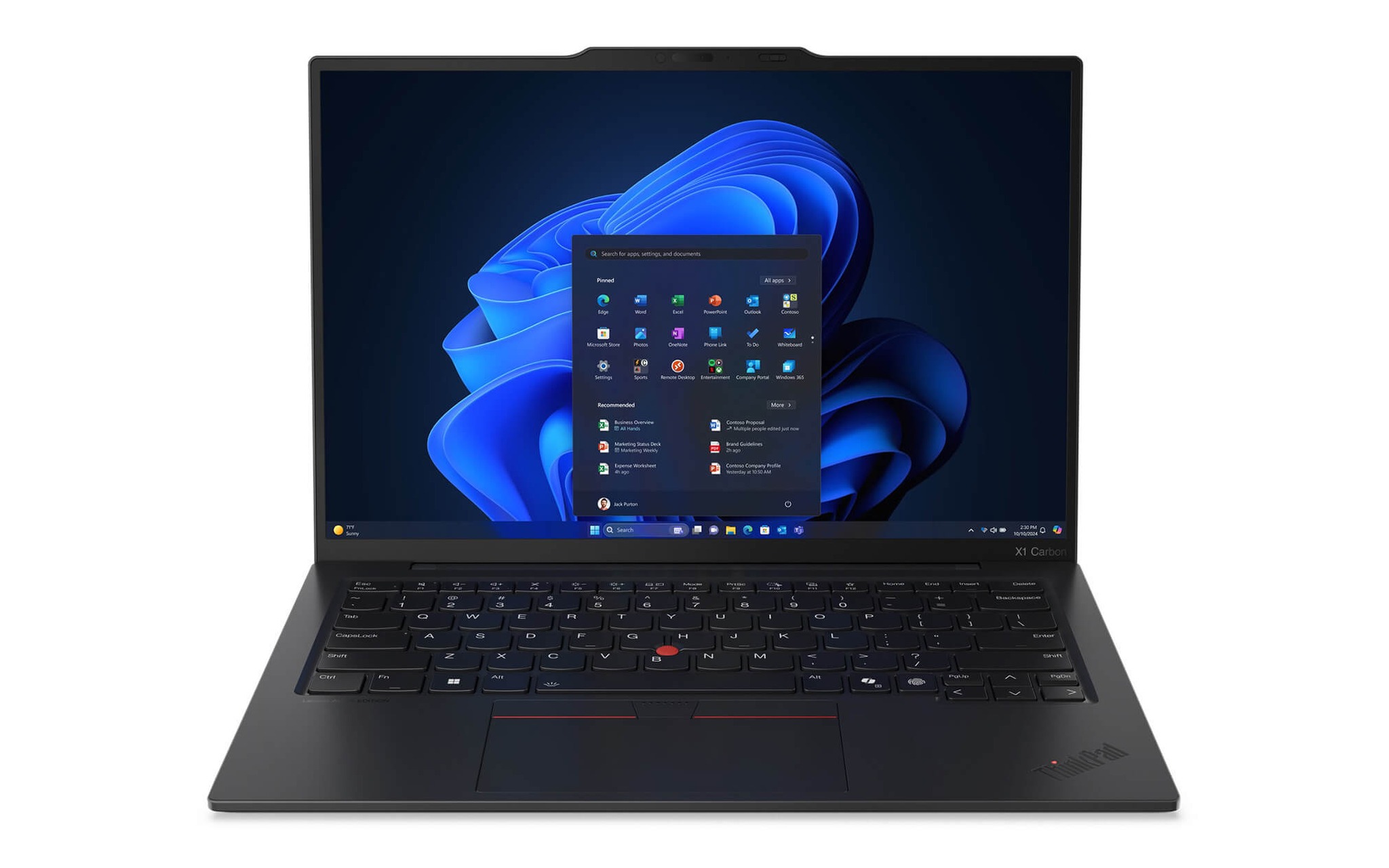
The X1 Carbon on sale uses a WUXGA IPS touch panel with 500 nits, 100% sRGB, and 60Hz. The 41 million VND P14s Gen 6 uses a non-touch WUXGA IPS 16:10 panel; PSREF lists two variants, 400 nits with 45% NTSC and 500 nits with 100% sRGB, so you should verify the specific panel when you receive the laptop. Both offer a 2.8K OLED option on higher-end configurations.
On battery, the ThinkPad X1 Carbon has a 57Wh pack powering a 17W processor; the P14s Gen 6 has a 52.5Wh or 57Wh pack, depending on the configuration, powering a 28W processor. Lenovo quotes up to 17 hours of MobileMark 25 for the non-touch WUXGA X1 Carbon, though that was measured with the Core Ultra 5 225U rather than the 258V. The P14s has no equivalent published figure, but with 11W more power draw, real-world battery life is certain to be shorter.
Both fast-charge to 80% in an hour with a 65W USB-C adapter, so the difference lies in how often you have to hunt for an outlet during the day. People who spend the day in meetings away from the office will value the 17W chip. If you sit at one desk, the 28W chip won't bother you, and in return you get steadier sustained performance under long heavy loads.
One detail that often gets overlooked: the X1 Carbon with the 258V has a PCIe 5.0 SSD slot, while the P14s Gen 6 uses PCIe 4.0. For office work you won't feel the difference, but if you regularly copy tens of GB of data, the higher bandwidth helps.
RAM upgradability and ports affect the machine's lifespan
This is the clearest dividing line between the two machines. The ThinkPad X1 Carbon Gen 13 has 32GB of LPDDR5X-8533 soldered right onto the chip package, with no slots, so you get what you buy. The P14s Gen 6 has two DDR5-5600 SODIMM slots and supports up to 96GB with two 48GB modules. If a project next year needs 64GB, the P14s only costs you the price of RAM; the X1 Carbon means replacing the laptop.
In exchange, the X1 Carbon's soldered RAM runs at 8,533 MT/s versus 5,600 MT/s on the P14s, roughly 50% more bandwidth. That is part of the reason the Arc 140V scores better in graphics than the Radeon 860M even though both are integrated chips. You trade expandability for memory access speed.
For storage, both have only one M.2 2280 slot, up to 2TB. The ThinkPad X1 Carbon on sale comes with 512GB, and the P14s Gen 6 comes with 1TB. If you need plenty of capacity from day one, the P14s already has it, while the X1 Carbon needs a drive swap and the work of reinstalling the operating system.
The RJ-45 port on the P14s Gen 6 seems minor, but it matters to people working in closed internal networks, labs, or factories. The smart card slot also supports authentication to the standards of some large corporations. The X1 Carbon drops both in exchange for a body that is 2.5 mm thinner and more than 400 g lighter, a deliberate trade-off by Lenovo.
Who should choose the workstation and who should choose the ultralight
Choose the P14s Gen 6 if you are a structural engineer, architect, virtual machine user, a programmer compiling large projects, or a data analyst working with datasets of several dozen GB. Over 38% more multi-core performance, RAM expandable to 96GB, and a ready-made 1TB SSD are three concrete reasons. What you have to accept is 1.39 kg and shorter battery life.
Choose the ThinkPad X1 Carbon if you travel daily, spend more time in meetings than rendering, and your work stays within Office, a browser, video calls, web development, or basic photo editing. 986 g, a 500 nit touch display, and an Arc 140V that's slightly ahead in light graphics are what you get back. The 32GB RAM limit deserves thought before you decide.
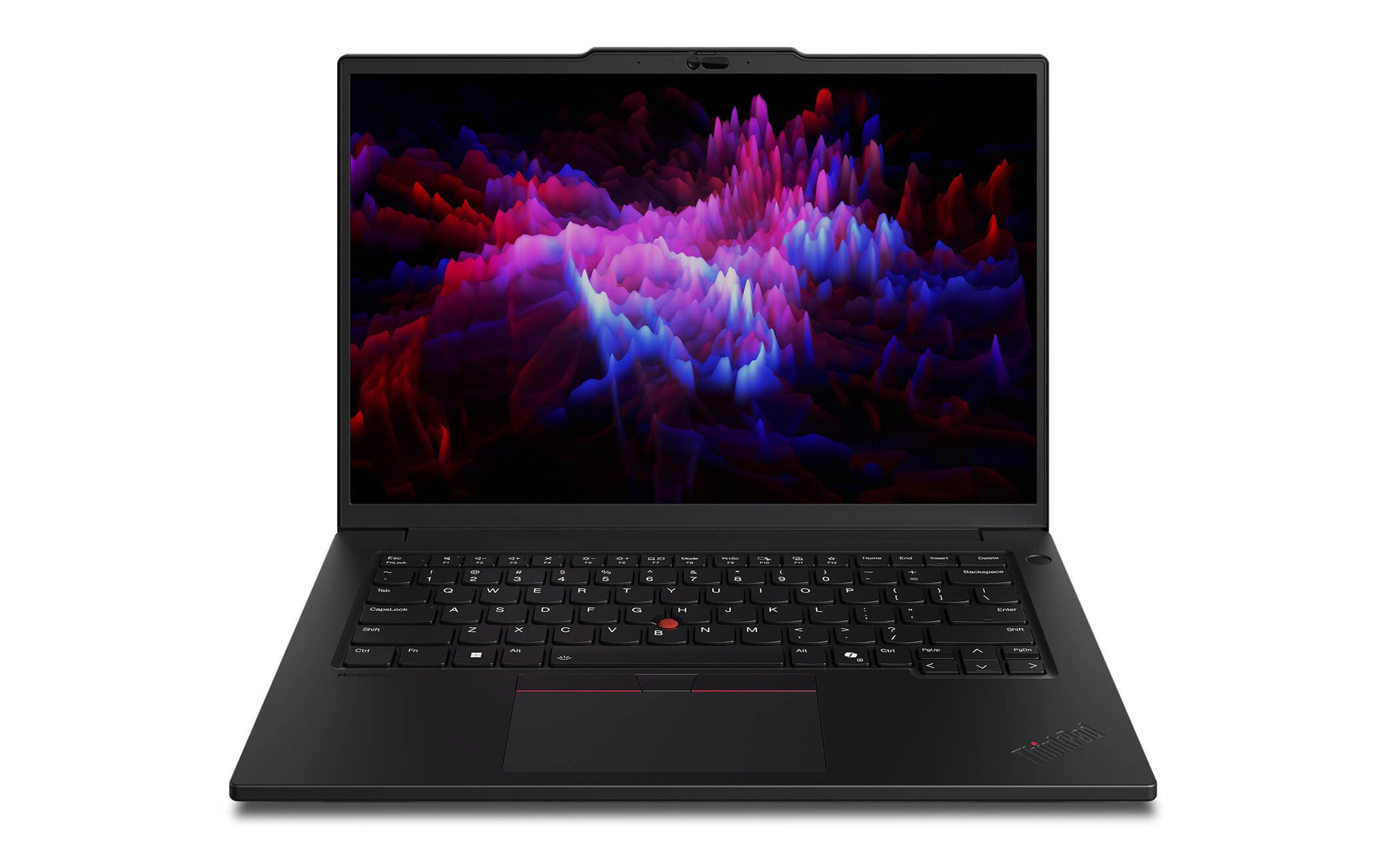
If your budget stretches to around 52 - 53 million, the P14s Gen 6 also comes in a Ryzen AI 9 HX PRO 370 version with 12 cores and 24 threads, 64GB of RAM, and a Radeon 890M. That chip scores 18,520 multi-core points in Cinebench R23, nearly double the 258V, and the Radeon 890M scores 9,145 in Fire Strike, close to the Arc 140V. At that point the argument that "the Carbon is stronger in graphics" no longer holds.
Conversely, the X1 Carbon with a 2.8K 120Hz OLED display costs around 64 - 68 million depending on whether it has a 512GB or 1TB SSD. That difference mostly pays for the display, not performance, so it only makes sense for content creators who need accurate DCI-P3 color and a high refresh rate.
Pricing and available configurations of the ThinkPad X1 Carbon and P14s
Hung Phat currently sells the Lenovo ThinkPad X1 Carbon Gen 13 (2025) in three configurations: a WUXGA touch version at around 40.5 million, a 512GB OLED version at around 64 million, and a 1TB OLED version at around 68 million, all using the Core Ultra 7 258V and 32GB of RAM. Prices change with promotions from time to time, so check the product page for the current figure.
The Lenovo ThinkPad P14s Gen 6 comes in three configurations: Ryzen AI 7 PRO 350 with 32GB, a 1TB SSD, and a WUXGA display at around 41 million; Ryzen AI 9 HX PRO 370 with 64GB and WUXGA at around 52.8 million; and the HX PRO 370 version with a touch OLED display at around 56.5 million. All three were in stock at the time of writing.
When you receive the laptop, check the actual panel and RAM capacity against your order, because the P14s has several display variants that share the WUXGA name. Full specifications for each variant are published by Lenovo in the ThinkPad P14s Gen 6 (AMD) documentation, which you can look up before ordering.
At the same price of around 41 million, the ThinkPad X1 Carbon Gen 13 is the machine to carry around, and the P14s Gen 6 is the machine for heavy work. Hung Phat advises based on your actual workload, not on generation numbers or the "workstation" label.
Frequently asked questions
Is the P14s Gen 6 with the Ryzen AI 7 PRO 350 enough for SolidWorks and AutoCAD?
It's enough for mid-size models and ordinary 2D and 3D drawings, thanks to 8 cores and 16 threads and 32GB of RAM that can be raised to 96GB. The Radeon 860M is not a professional GPU, so for assemblies with thousands of parts or photorealistic rendering, consider the HX PRO 370 version or the P14s Gen 5 with an RTX 500 Ada.
Is the soldered 32GB RAM on the ThinkPad X1 Carbon Gen 13 a long-term risk?
For office work, programming, and moderate data analysis, 32GB is enough for 4 - 5 years. The risk only appears if you expect to run many virtual machines or local AI models, in which case choose the P14s Gen 6 from the start instead of replacing the laptop midway.
Both are 14 inches, so why is there a 400 g difference?
The ThinkPad X1 Carbon uses a carbon fiber lid and a magnesium or aluminum bottom, while the P14s Gen 6 uses reinforced PC plastic and is thicker to fit two RAM slots, an RJ-45 port, and a cooling system for a 28W chip. The weight is a result of architectural choices, not of build quality.
Should I wait for the ThinkPad X1 Carbon Gen 14 or buy the Gen 13 now?
The Gen 14 uses Core Ultra Series 3 and starts at around 57.5 million, about 17 million higher than the Gen 13 WUXGA version. If your needs fall within office work and travel, the Gen 13 with the 258V is still the balance point between price and weight right now.