
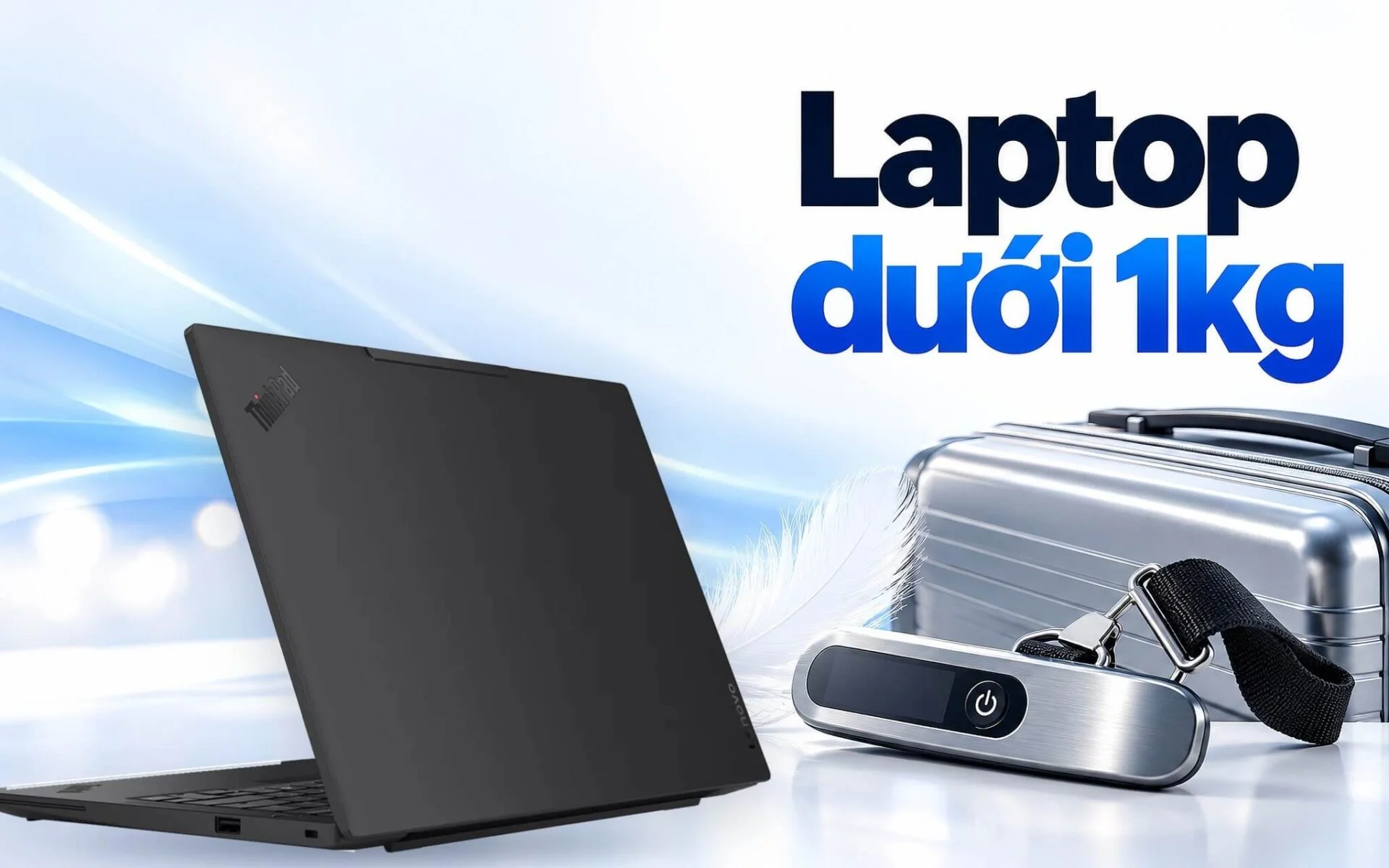
For frequent business travelers, every hundred grams in a bag makes a noticeable difference after a long day of moving from the airport to meeting rooms and back to the hotel. A sub-1kg laptop lightens your luggage, but hitting that mark forces manufacturers to make cuts in several areas: battery capacity, port selection, fan clearance, and RAM upgradeability. Here, the 1kg threshold refers to the bare machine weight published by the manufacturer, excluding the charger. Drawing on Lenovo's PSREF spec sheets, this article breaks down each trade-off and looks at three ThinkPad models from 2025 and 2026.
What a Sub-1kg Laptop Means for Business Travelers
There is no universal standard defining a sub-1kg laptop, so the figure to look for is the manufacturer's published laptop weight for the exact model and specs. On the ThinkPad X1 Carbon Gen 14 Aura Edition PSREF page, Lenovo lists a starting weight of 977 g for the physical touchpad version and 998 g for the Haptic Touchpad version. An accompanying note clarifies that these are approximate lab-measured values that vary with component sourcing and manufacturing processes, meaning individual units may deviate slightly.
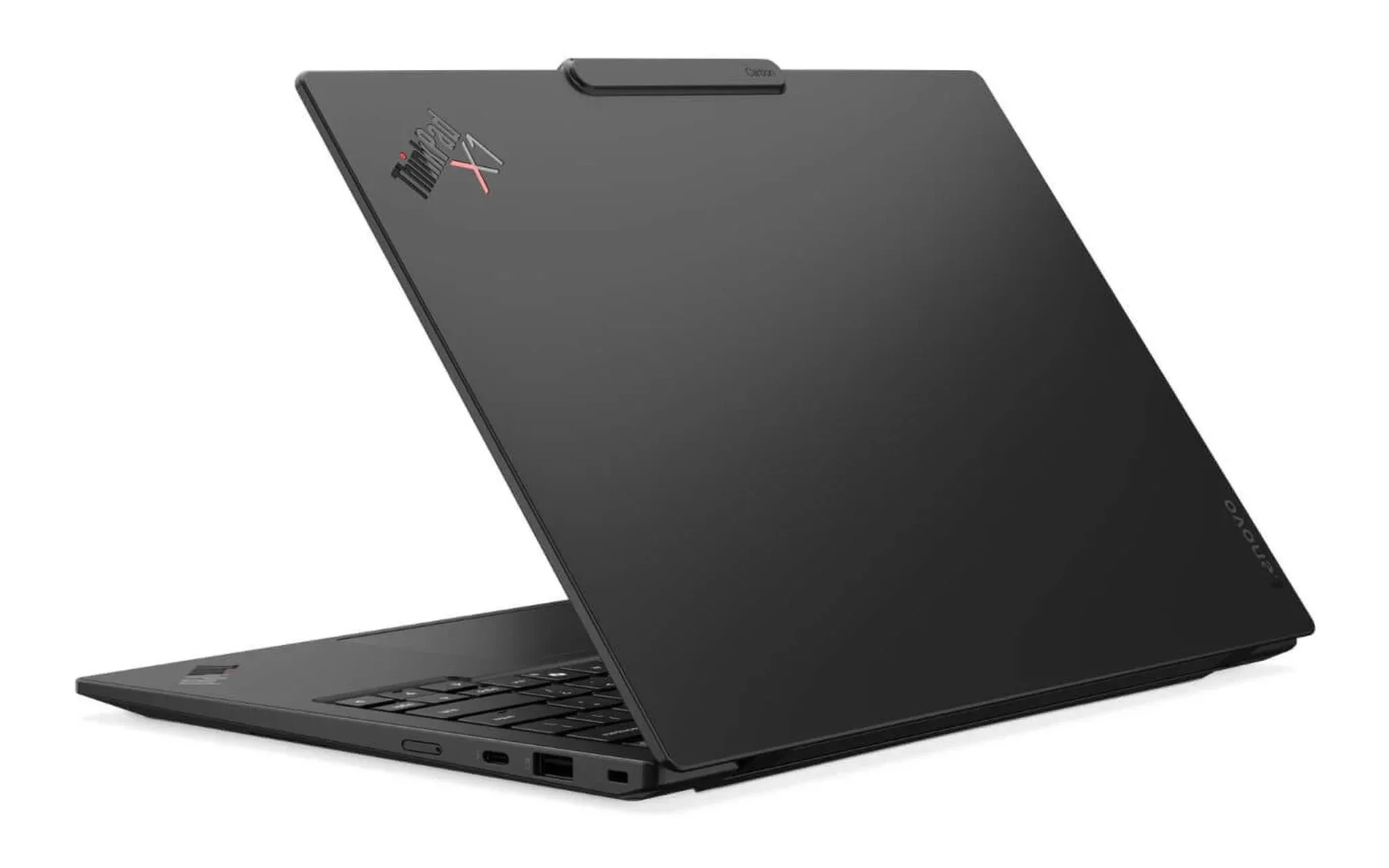
For business travelers carrying a laptop, a difference of a few hundred grams is felt not during a quick hands-on test, but across an entire day of hauling carry-on luggage. To see how materials affect heft, look at the ThinkPad X9 14 Aura Edition: while it shares the same 14-inch screen size, it uses an aluminum chassis for both top and bottom covers, weighing from 1.21 kg with a non-touch panel and 1.27 kg with a touch display according to PSREF. From the same brand and with the same display size, laptop weight can still vary by more than 200 grams based purely on chassis material.
The 1kg mark serves as a practical baseline when filtering sub-1kg laptops, but it guarantees nothing about the actual experience. A lighter chassis leaves less interior space, triggering five trade-offs analyzed in the sections below: weight shifting by specs, smaller batteries, fewer ports, shallower keyboards, and soldered RAM. Anyone shopping for a business travel laptop should weigh all five factors rather than focusing on the headline weight alone.
Spec-Sheet Weight Varies by Display, Processor, and Battery
The ThinkPad X1 Carbon Gen 13 clearly illustrates how laptop weight fluctuates with hardware choices. PSREF splits the lineup into two groups: models powered by Intel Core Ultra Series 2 V-series processors start at 986 g, while U-series or H-series versions start at 1006 g. That means the Core Ultra 7 258V configuration with a 2.8K OLED display sits under 1kg, whereas the Core Ultra 7 255U model with a WUXGA touch screen crosses the 1kg mark. Thickness differs as well: the OLED version measures up to 16.95 mm, compared to 17.95 mm for the WUXGA variant.
| Laptop Model | PSREF Configuration Group | Starting Weight (g) |
|---|---|---|
| ThinkPad X13 Gen 6 (Intel) | 41Wh battery | 927 |
| ThinkPad X13 Gen 6 (Intel) | 54.7Wh battery | 962 |
| ThinkPad X1 Carbon Gen 14 Aura Edition | 3-button physical touchpad | 977 |
| ThinkPad X1 Carbon Gen 13 | Intel V-series processor | 986 |
| ThinkPad X1 Carbon Gen 14 Aura Edition | Haptic Touchpad | 998 |
| ThinkPad X1 Carbon Gen 13 | Intel U-series or H-series processor | 1006 |
| ThinkPad X9 14 Aura Edition | Non-touch display | 1210 |
On the X1 Carbon Gen 14 Aura Edition, the dividing line is the touchpad: the 3-button physical touchpad shaves 21 g off the laptop's weight compared to the Haptic Touchpad. The display panel also impacts chassis thickness, reaching a maximum of 16.85 mm on non-touch variants versus 17.6 mm on touch models. Chassis materials follow the screen choice as well: 2.8K OLED configurations feature a carbon fiber top cover and a magnesium bottom cover, while WUXGA versions pair a carbon fiber top cover with an aluminum bottom. All three retail versions currently sold use the 2.8K OLED panel.
The ThinkPad X13 Gen 6 (Intel) highlights the cost of battery capacity: the 41Wh version starts at 927 g, while the 54.7Wh edition starts at 962 g - an extra 13.7Wh adds roughly 35 g. When spec sheets quote a weight "from X kg," you should verify which battery, display panel, and touchpad type that specific build includes. A few dozen grams may sound minor, but that small margin dictates whether a model qualifies as a sub-1kg laptop.
With Smaller Batteries, How Long Can You Last Away From Outlets?
Batteries account for a substantial share of internal weight, which is why sub-1kg laptops typically settle for modest capacities. According to PSREF, the X1 Carbon Gen 14 Aura Edition houses a 58Wh battery, the X1 Carbon Gen 13 uses a 57Wh unit, and the X13 Gen 6 (Intel) offers 41Wh and 54.7Wh options. All three support Rapid Charge to reach an 80% charge in about an hour, though Lenovo notes this rate is guaranteed only while the laptop is powered off, in sleep, or in hibernation.
| Laptop Model | Battery (Wh) | Lenovo Claimed Runtime | Test Configuration |
|---|---|---|---|
| ThinkPad X1 Carbon Gen 14 Aura Edition | 58 | Up to 19.2 hours MobileMark 30 | WUXGA touch, Core Ultra 5 325 |
| ThinkPad X1 Carbon Gen 13 | 57 | Up to 17.11 hours MobileMark 25 | WUXGA non-touch, Core Ultra 5 225U |
| ThinkPad X13 Gen 6 (Intel) | 54.7 | Up to 14.41 hours MobileMark 25 | WUXGA low power, Core Ultra 5 225U |
| ThinkPad X13 Gen 6 (Intel) | 41 | Not published separately | Not published |
The table above comes with two caveats. MobileMark 25 and MobileMark 30 are distinct benchmark suites, meaning the 19.2-hour and 17.11-hour ratings cannot be compared directly. More importantly, Lenovo conducted these tests on low-power WUXGA panels paired with Core Ultra 5 chips, whereas retail configurations of the X1 Carbon Gen 14 run on 2.8K OLED screens with Core Ultra 7 or X7 processors, and the X13 Gen 6 uses a Core Ultra 7 255H. Under those specs, real-world battery life on business trips will likely fall short of the maximum figures shown in the table.
A sensible baseline for travel schedules is to count on the battery handling morning meetings and transit, then top up during lunch breaks or at airport lounges. The trade-off between a 120Hz 2.8K OLED display and battery longevity on the X1 Carbon Gen 13 is examined in our guide on the ThinkPad X1 Carbon Gen 13 and Dell Pro 13 Premium PA13250 for frequent travelers, a helpful read if you are torn between screen quality and endurance.
A Single 65W USB-C Charger for Both Flights and Hotels
All three sub-1kg laptops featured here use a 65W USB-C adapter supporting the USB Power Delivery 3.0 standard, accepting 100 to 240V at 50 to 60Hz according to the PSREF. When taking your laptop on business trips abroad, you only need a plug adapter if wall outlets use a different standard. Lenovo also offers a wall-mount GaN nano charger that is more compact than the brick-and-cord style, though the included adapter varies by market. On the X1 Carbon Gen 14 Aura Edition and X13 Gen 6, the Thunderbolt 4 ports accept USB PD charging from 15 to 65W.
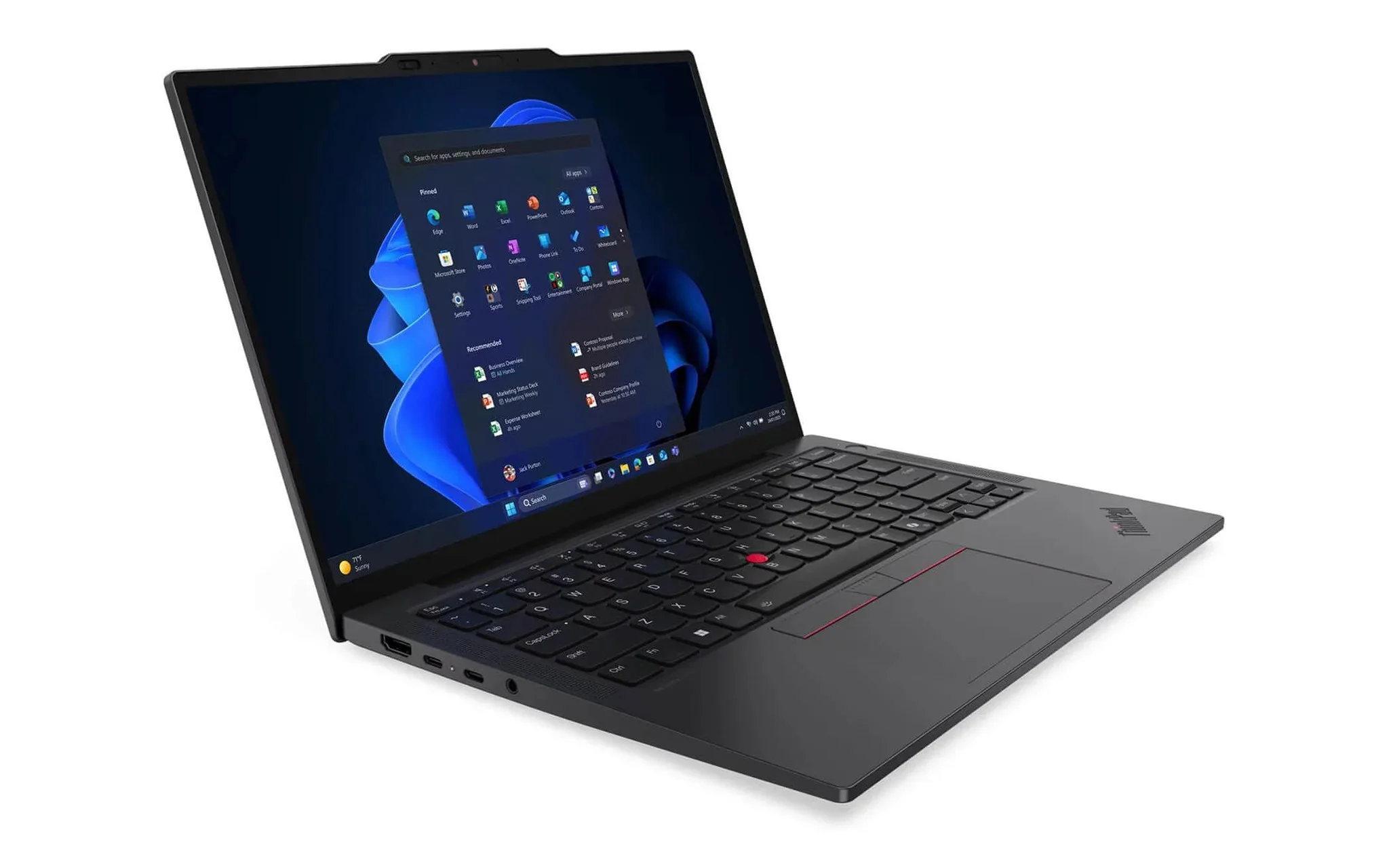
Because sub-1kg laptops have thin profiles, manufacturers have to be selective with ports. The X1 Carbon Gen 13 includes 2 Thunderbolt 4 ports, 2 USB-A 5Gbps ports, and HDMI 2.1. Moving to the X1 Carbon Gen 14 Aura Edition, Lenovo added a third Thunderbolt 4 port but dropped down to a single USB-A 5Gbps port. The X13 Gen 6 (Intel) retains 2 Thunderbolt 4 ports, 1 USB-A port, and HDMI 2.1, along with an optional smart card reader. The HDMI 2.1 port outputs up to 4K at 60Hz, sufficient for connecting to projectors or meeting-room displays at client sites.
It is also important to know what was cut before your trip. According to the PSREF, none of the three models include a memory card reader or an Ethernet port; wired network connections require Lenovo's USB-C to Ethernet adapter, sold separately. Certain configurations feature a nano-SIM slot for 4G or 5G cellular connectivity, but this remains optional depending on the model. A sensible travel kit for your laptop includes the 65W charger, a USB-C to Ethernet adapter for hotels with wired connections, and a USB-C hub if you need additional USB-A ports.
Keyboards, Carbon Fiber Chassis, and Cooling in a Compact Frame
Thin chassis typically come with shallow keyboards, but this is where ThinkPads hold their ground, even on sub-1kg laptops. The PSREF notes that the X1 Carbon Gen 14 Aura Edition and X13 Gen 6 (Intel) both feature a spill-resistant 6-row keyboard with 1.5 mm of key travel, while the Fn row and the G, H, and B keys measure 1.35 mm. The X1 Carbon Gen 13 also uses a spill-resistant 6-row keyboard, complete with the TrackPoint like the other two models. For anyone drafting reports on a flight, key travel around 1.5 mm helps reduce fatigue during long typing sessions.
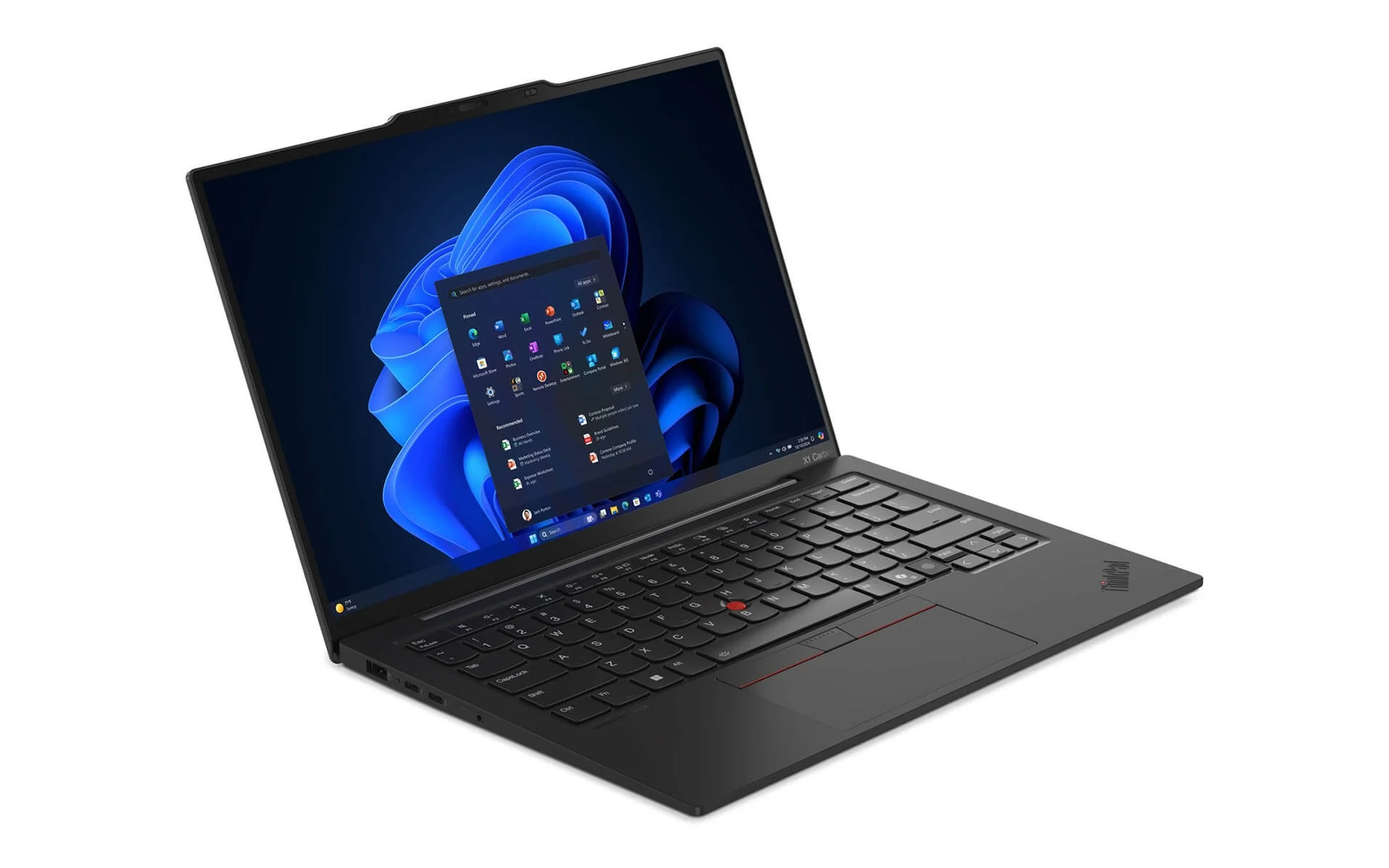
To keep laptop weight low without sacrificing rigidity, Lenovo uses carbon fiber for the top cover. The X1 Carbon Gen 13 features a magnesium or aluminum base, while the X13 Gen 6 uses a CFRP or hybrid carbon top cover with an aluminum or magnesium base, depending on the configuration. The PSREF notes that all three models passed MIL-STD-810H durability tests. These tests confirm the laptops can withstand specific environmental conditions, but they do not make them drop-proof, so a protective sleeve remains a necessary accessory when traveling on business.
Limited internal space sets boundaries for cooling. Lenovo notes that the keyboards on the X1 Carbon Gen 13 and Gen 14 feature an air-intake design, drawing in cool air across the keyboard surface when the slim chassis leaves no room for large vents. Thermal constraints in thin bodies under sustained high performance are a universal issue, as analyzed in the article MacBook Pro Makes Thin and Light Laptops Pay the Price in Temperatures. Another trade-off: RAM on all three models is soldered to the motherboard and cannot be upgraded.
Which ThinkPad to Choose Based on Your Travel Schedule and Budget
If you fly frequently and prioritize traveling light, the Lenovo Thinkpad X13 Gen 6 (Intel) (2025) features a 13.3-inch display and weighs from 927 g with the 41Wh battery or 962 g with the 54.7Wh battery according to the PSREF, making it lighter than both X1 Carbon models. The configuration with Core Ultra 7 255H, 32GB RAM, 512GB SSD, WUXGA display, and Windows 11 Pro is priced at 50.8 million VND; the 1TB SSD model is 54.5 million VND, and the 1TB SSD touchscreen version is 55.7 million VND. This business laptop suits travelers who need a compact chassis that easily opens on an airplane tray table.
| Laptop Model | Configuration | Starting Weight per PSREF | Price (Million VND) |
|---|---|---|---|
| ThinkPad X13 Gen 6 (Intel) (2025) | Core Ultra 7 255H, 32GB, 512GB, WUXGA | 927 g or 962 g depending on battery | 50.8 |
| ThinkPad X1 Carbon Gen 14 Aura Edition (2026) | Core Ultra 7 365, 32GB, 512GB, 2.8K OLED | 977 g or 998 g depending on touchpad | 64.9 |
| ThinkPad X1 Carbon Gen 13 (2025) | Core Ultra 7 258V, 32GB, 1TB, 2.8K OLED | 986 g, V-series processor tier | 69.99 |
| ThinkPad X1 Carbon Gen 13 (2025) | Core Ultra 7 255U, 32GB, 1TB, WUXGA touch | 1006 g, slightly over 1kg | 46.8 |
If you prioritize a premium display for client presentations and need multiple USB-C connections, the Lenovo ThinkPad X1 Carbon Gen 14 | Aura Edition (2026) offers a more balanced setup: 3 Thunderbolt 4 ports, a 58Wh battery, and a 14-inch 2.8K 120Hz OLED display certified for DisplayHDR True Black 500 according to the PSREF. The model with Core Ultra 7 365, 32GB RAM, and 512GB SSD is priced at 64.9 million VND; the Core Ultra X7 368H version is 78.5 million VND, and the Core Ultra 7 356H configuration with a 1TB SSD runs 89 million VND. A starting weight of 977 g keeps this model in the sub-1kg class despite having a larger screen than the X13.
With the Lenovo ThinkPad X1 Carbon Gen 13 (2025), you need to choose the right configuration. The Core Ultra 7 258V version with 32GB RAM, 1TB SSD, and 2.8K OLED display costs 69.99 million VND and belongs to the V-series processor tier starting at 986 g, keeping it in the sub-1kg category. The Core Ultra 7 255U model with 32GB RAM, 1TB SSD, and WUXGA touchscreen is priced at 46.8 million VND and falls into the tier starting at 1006 g. This model retains 2 USB-A ports, making it ideal for business travelers who still rely on legacy mice, flash drives, and presentation equipment.
Frequently Asked Questions
Does the stated weight include the charger?
No. The PSREF lists only the weight of the laptop chassis and specifies that this is an approximate laboratory measurement. When calculating baggage weight for a sub-1kg laptop, you will need to add the 65W charger and USB-C cable.
How many grams heavier is the touchscreen version?
Lenovo does not publish separate laptop weights for the touchscreen versions of the models covered here. The PSREF only details differences in thickness; for example, the X1 Carbon Gen 14 Aura Edition measures up to 16.85 mm thick with a non-touch panel and 17.6 mm with a touchscreen.
Can the RAM be upgraded after purchase?
No. All three models have their RAM soldered to the motherboard with no expansion slots. The configurations currently on sale come with 32GB of RAM, which provides ample headroom for office tasks, video conferencing, and heavy browser multitasking on a business laptop.
How do you connect if a hotel only has wired internet?
None of the three models feature an Ethernet port. Lenovo supports wired connections through a separately sold USB-C to Ethernet adapter, so when traveling for business, it is best to pack a compact adapter and plug it into an available Thunderbolt 4 port.