

Taking a laptop abroad for school is quite different from using one at home: you plug into wall outlets in another country, may need repairs far from where you bought the machine, and carry it across lecture halls and libraries every day. Choosing a study abroad laptop therefore requires looking at weight, battery capacity, the charger's voltage range (the mains voltage the power adapter accepts), international warranty policies, and software licensing. This article compares five 2025 and 2026 models priced from 23.69 to 45.99 million VND, based on published specifications from Lenovo, Dell, and ASUS.
What International Students Need in a Laptop
An international student's schedule revolves around the school's learning management system, online seminars, essays submitted through plagiarism-check portals, and PDF documents hundreds of pages long. These tasks do not require discrete graphics, but they do require a study abroad laptop that runs reliably for years, since repairs abroad are typically expensive. For business, languages, or the social sciences, a study abroad laptop with a recent Core 5 or Core Ultra 5 processor alongside 16GB of RAM is already plenty.
The criteria for choosing a study abroad laptop fall into five categories. First is weight, since the machine accompanies you from your dorm or rented room to the lecture hall. Second is battery capacity measured in Wh, which determines how many study hours you get away from a wall outlet. Third is a charger rated for 100 to 240V, capable of accepting mains power in multiple countries so you only need a plug adapter to fit local outlets. Fourth is an international warranty, or at least manufacturer support channels in your host country. Fifth is genuine licensing for Windows and Office.
In terms of specs, 16GB of RAM is the baseline to maintain stable performance over a multi-year academic program, especially since RAM on many thin and light models is soldered to the motherboard and cannot be upgraded after purchase. Majors like engineering, data science, or architecture should prioritize 32GB along with plenty of ports. A 13- to 14-inch display strikes a practical balance between document workspace and backpack size, while a backlit keyboard helps with taking notes in darkened lecture halls during slide presentations.
Weight, Battery Life, and 100-240V Chargers When Living Far From Home
The five models in this guide weigh between 1 and 1.43 kg according to manufacturer figures, keeping them easily portable when carrying a study abroad laptop in a backpack all day. Battery capacities range from 48 to 77Wh. That Wh rating reflects total stored energy, while actual battery life depends on display brightness and the workload. The table below compiles specifications from Lenovo PSREF documentation, Dell's configuration pages, and ASUS spec sheets.
| Laptop (Configuration in This Article) | Starting Weight (kg) | Battery (Wh) | Included Charger | USB-C Charging Port |
|---|---|---|---|---|
| Lenovo IdeaPad Slim 3 14IWC11 (Core 5 320) | 1.43 | 60 | 65W barrel plug, 100-240V | 1 USB-C port, Power Delivery 45-65W |
| Dell XPS 13 DX13260 (Core 5 320) | 1.00 | 52 | 65W USB-C GaN | 2 USB-C 10Gbps ports with Power Delivery |
| ThinkPad E14 Gen 8 (Core 7 350) | 1.40 | 48 | 65W USB-C, 100-240V | 2 Thunderbolt 4 ports, Power Delivery 15-65W |
| ThinkPad T14s Gen 6 (Core Ultra 7 258V) | 1.28 | 58 | 65W USB-C, 100-240V | 2 Thunderbolt 4 ports, Power Delivery 15-65W |
| Asus Zenbook S 14 UX5406AA (Core Ultra 9 386H) | 1.20 | 77 | 68W USB-C, 100-240V | 2 Thunderbolt 4 ports with Power Delivery |
One key detail to watch for is the connector type. Lenovo PSREF notes that the IdeaPad Slim 3 14IWC11 comes with a 65W barrel-plug adapter, yet the USB-C port on the chassis still supports Power Delivery charging from 45 to 65W. The other four models charge entirely via USB-C, meaning you can carry a single USB-C PD charger with wattage equal to or higher than the bundled adapter to power both your laptop and phone. How to interpret manufacturer ratings for wattage, charging times, and fast-charging conditions is explained in the article Fast-Charging Laptops: Reading Manufacturer Specs Accurately and 5 Models From 23.69 Million VND.
Regarding voltage ranges, Lenovo PSREF states that adapters for the IdeaPad Slim 3, ThinkPad E14 Gen 8, and T14s Gen 6 accept 100 to 240V at 50 to 60Hz, while ASUS lists the 68W adapter for the Zenbook S 14 as accepting 100 to 240V. Dell's XPS 13 configuration page mentions only a 65W USB-C GaN adapter without specifying input voltage, so make sure to check the label printed on your study abroad laptop's charger before flying out. Lenovo also notes that Wi-Fi 6, 6E, and 7 operate according to local frequency regulations, so certain frequency bands may be restricted in other countries.
How International Warranties Work for Lenovo and ASUS
An international warranty is a manufacturer's commitment to repair a laptop when it breaks down in a country outside where it was purchased, and it is not an automatic entitlement. The Lenovo Limited Warranty terms (version 06/2023) state that coverage applies only to products within the country or region of purchase. For service in another country, Lenovo offers an International Warranty Upgrade package that extends coverage beyond the purchaser's country, delivering service levels comparable to the home country or whatever is available in the destination country.
| Brand | Default Warranty Coverage | When the Laptop Fails in Another Country | What to Do Before Leaving |
|---|---|---|---|
| Lenovo (IdeaPad, ThinkPad) | Country or region of purchase | Requires the International Warranty Upgrade package | Check with Lenovo using the serial number |
| ASUS (consumer laptops such as Zenbook) | Based on the policy of the purchase country | 1 year, with free labor and parts | Register on ASUS One Portal |
| Dell (XPS 13) | Based on the policy of the place of purchase | No policy page found for this line yet | Inquire with Dell or the retailer |
The ASUS International Warranty page states that consumer laptops and gaming laptops bought from authorized dealers carry a 1-year international warranty covering free labor and parts, provided the laptop is purchased and serviced within eligible countries on the list. That list includes Vietnam, the US, Canada, Australia, Japan, South Korea, the UK, Germany, and France, alongside numerous other European and Asian nations. This coverage does not include replacement with a new laptop and does not apply to accessories.
For the Dell XPS 13, since an official international warranty policy page specifically for this model line has not been found, the safest route is to verify with Dell or the retailer using the serial number before departing. Domestic warranties at the place of purchase also need to be distinguished: product listings indicate that the IdeaPad Slim 3 14 comes with a 24-month genuine warranty from Lenovo Vietnam, the XPS 13 includes a 12-month warranty for new units, and the Zenbook S 14 is an authorized ASUS Vietnam product. International students should save electronic invoices to present whenever required.
IdeaPad Slim 3 14 and XPS 13 for Budgets Under 31 Million VND
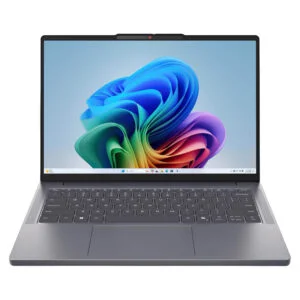
In the roughly 24 million VND segment, the Lenovo IdeaPad Slim 3 14 inch (2026) configured with a Core 5 320, 16GB RAM, a 512GB SSD, a WUXGA display, and pre-installed Windows 11 costs 23.69 million VND. The laptop uses a 60Wh battery, with Lenovo's PSREF stating up to 21 hours of 1080p video playback at 150 nits of brightness, alongside Rapid Charge Boost delivering about 2 hours of use from a 15-minute charge. The chassis includes two USB-A ports, an HDMI 1.4 port, and an SD card slot, making it convenient to plug in flash drives, classroom projectors, or memory cards without needing a hub.
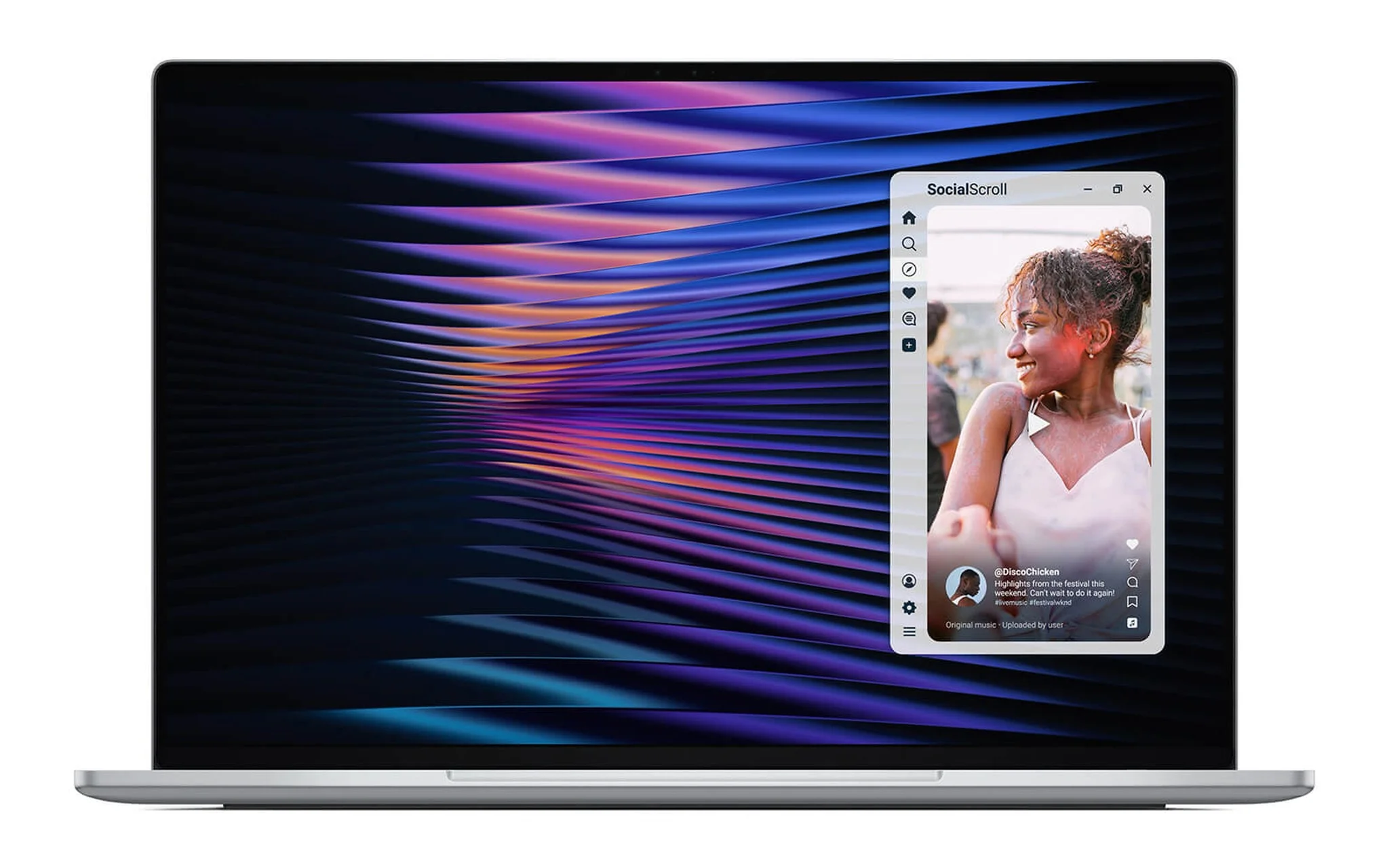
The downside of the IdeaPad Slim 3 14 is a starting weight of 1.43 kg for the 60Wh battery configuration with an IPS display, plus a barrel-plug power adapter, meaning you will need to purchase a separate USB-C charger if you want a single brick for all your devices. The 24-month genuine Lenovo Vietnam warranty is an advantage if you bring the laptop back home for repairs during breaks. This study-abroad laptop suits students majoring in business, languages, or communications, where daily work mostly involves documents and online meetings. Wi-Fi on this lineup is either Wi-Fi 6 or Wi-Fi 7 depending on the SKU.
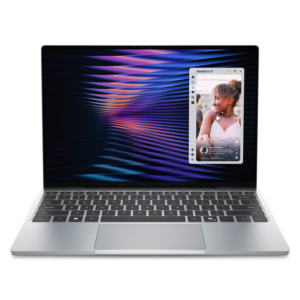
Stepping up to 30.5 million VND, the DELL XPS 13 DX13260 (2026) with a Core 5 320, 16GB RAM, a 512GB SSD, and a 2.5K touchscreen suits those who prioritize portability over port selection. Dell lists a minimum weight of 1 kg, a 3-cell 52Wh battery, a slim 65W GaN USB-C power adapter, and Intel BE213 Wi-Fi 7 with Bluetooth 6.0. The Core 5 320 model offers only two 10Gbps USB-C ports supporting display output and charging, with no USB-A ports, so this study-abroad laptop requires a small USB-C hub to plug in a mouse or an external hard drive.
ThinkPad E14 Gen 8 and T14s Gen 6 for Engineering Students
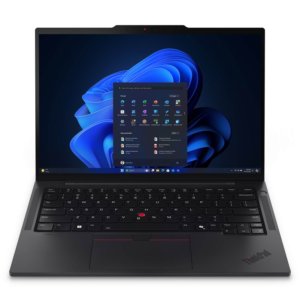
International students majoring in engineering, information technology, or data science often need plenty of ports and a durable keyboard. The Lenovo ThinkPad E14 Gen 8 (2026) with a Core 7 350, 16GB RAM, a 512GB SSD, a WUXGA display, and pre-installed Windows 11 is priced at 38.89 million VND. According to Lenovo's PSREF, this Wildcat Lake configuration starts at 1.40 kg and features two Thunderbolt 4 ports supporting 15 to 65W charging input, HDMI 2.1, two USB-A ports, and an RJ-45 network port - useful when dorms offer only a wired connection. It also includes a spill-resistant keyboard with 1.5mm key travel.
| Specs | ThinkPad E14 Gen 8 (Core 7 350) | ThinkPad T14s Gen 6 (Core Ultra 7 258V) |
|---|---|---|
| Price for the featured configuration | 38.89 million VND | 44.6 million VND |
| RAM / SSD | 16GB / 512GB | 32GB / 512GB |
| Weight | Starting at 1.40 kg | Starting at 1.28 kg |
| Battery | 48Wh, Rapid Charge Pro 50% in 30 minutes | 58Wh, Rapid Charge 80% in 1 hour |
| Wired network port | Built-in RJ-45 | None, requires a USB-C to Ethernet adapter |
| Wi-Fi | Wi-Fi 6E or Wi-Fi 7 depending on SKU | Wi-Fi 7 Intel BE201 |
| Operating system | Windows 11 | Not included (NO-OS) |
Rapid Charge Pro on the 48Wh battery version of the E14 Gen 8 charges up to 50% in 30 minutes with a 65W adapter, though Lenovo notes this speed is only guaranteed when the laptop is turned off, in standby, or in hibernation. The 48Wh battery is a noticeable difference compared to the other four models, making it best suited for international students who typically work in libraries with accessible power outlets. The product page lists a 12-month warranty and 30-day returns for the ThinkPad E14 Gen 8, while international warranty coverage requires purchasing Lenovo's upgrade package, as noted earlier.
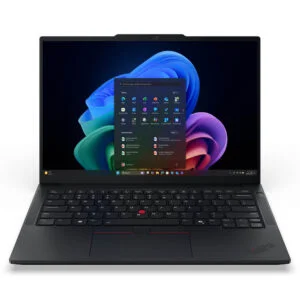
The Lenovo ThinkPad T14s Gen 6 (2025) configured with a Core Ultra 7 258V, 32GB RAM, and a 512GB SSD is priced at 44.6 million VND, offering a lighter starting weight of 1.28 kg and a 58Wh battery. Lenovo PSREF notes two Thunderbolt 4 ports supporting 15 to 65W charging input, HDMI 2.1, and BE201 Wi-Fi 7 on this Lunar Lake configuration. The version currently on sale is NO-OS, coming without Windows, so the operating system license cost should be added to your study-abroad laptop budget. Having 32GB of RAM makes running virtual machines or demanding development environments much more comfortable in upper-level semesters.
Zenbook S 14 and How to Choose a Study-Abroad Laptop by Budget
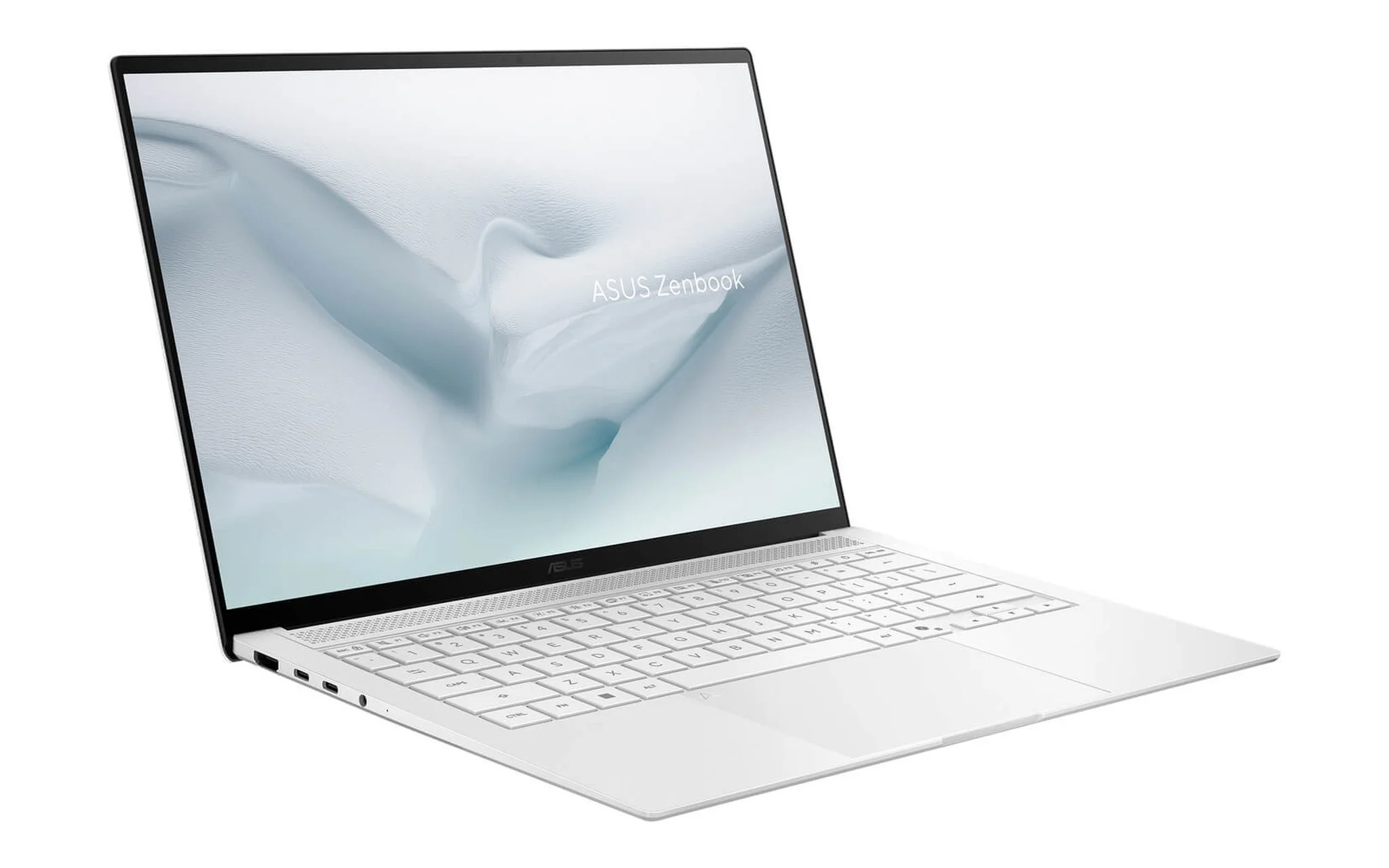
At 45.99 million VND, the Asus Zenbook S 14 UX5406AA (2026) featuring a Core Ultra 9 386H, 16GB RAM, a 512GB SSD, and a 3K OLED display strikes a solid balance between portability and battery life. ASUS lists a weight of 1.20 kg, a 77Wh battery, a 68W USB-C adapter supporting 100 to 240V, along with two Thunderbolt 4 ports, one USB-A port, HDMI 2.1, Wi-Fi 7, and Bluetooth 6.0. As a genuine ASUS Vietnam consumer laptop, this study-abroad machine is eligible for a one-year international warranty under ASUS's policy outlined above, once registered on the ASUS One Portal.
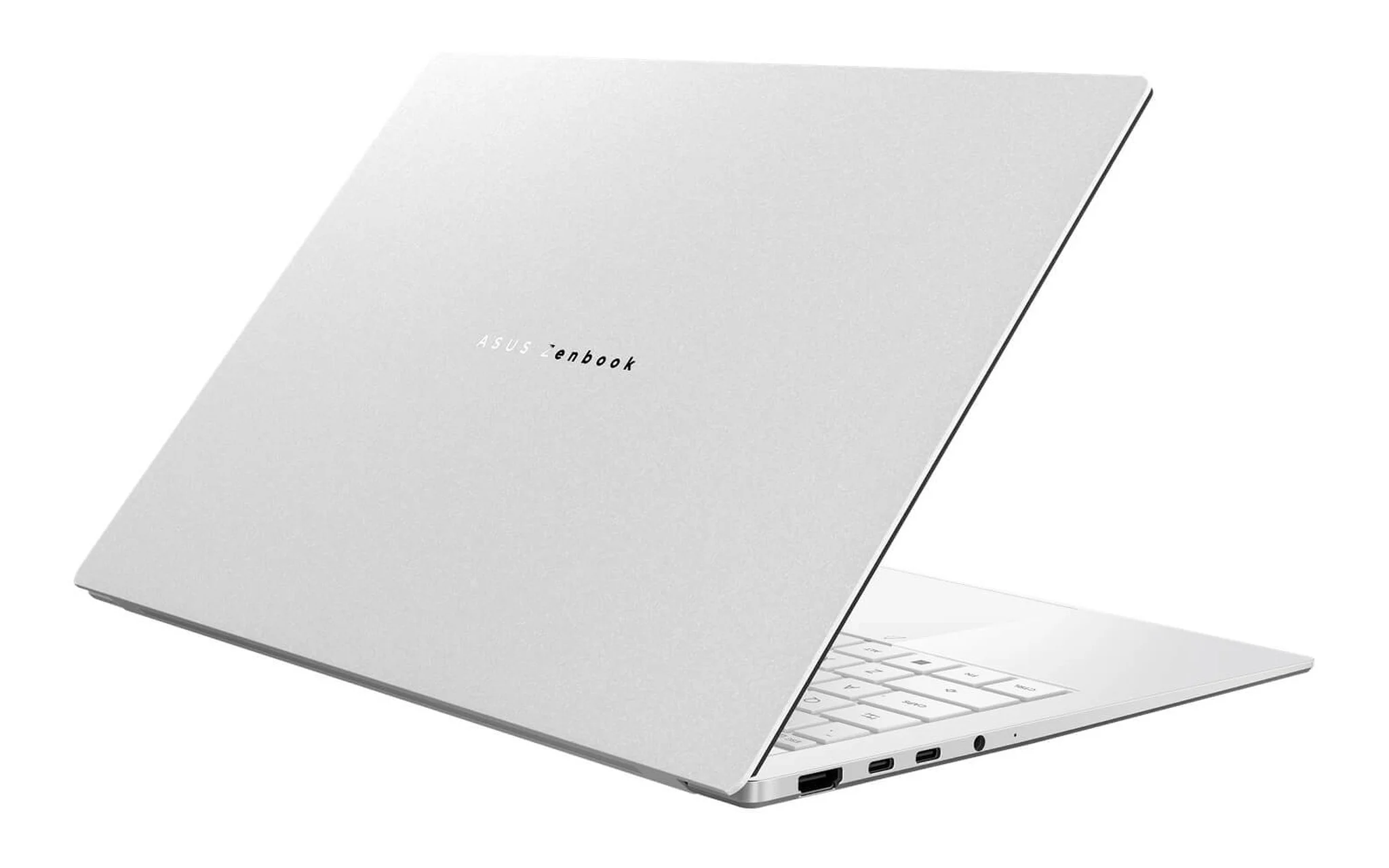
To break it down by budget: under 25 million VND, the IdeaPad Slim 3 14 includes licensed Windows 11, a 24-month warranty, and a generous port selection. At around 30 million VND, the 1 kg XPS 13 is well suited for students who do a lot of walking or take transit frequently. From 38 to 45 million VND, the two ThinkPad models fit technical majors that require a wired network port or 32GB of RAM, while the Zenbook S 14 is ideal for those who need a 77Wh battery and clear international warranty coverage. Prices in this article reflect configurations available on November 24, 2026.
Before departing, international students should activate Windows, update drivers, back up data to the cloud, and record their study-abroad laptop's serial number. Regarding Office, Microsoft allows students with a valid school email address to access Office 365 A1 for free, which includes web versions of Outlook, Word, Excel, PowerPoint, and OneNote, so make sure to check your school-issued email before paying for a standalone Office license.
Frequently Asked Questions
Should you choose a 13-, 14-, or 16-inch screen for studying abroad? The 13- to 14-inch models in this article weigh between 1 and 1.43 kg, fitting easily on narrow desks in lecture halls and libraries. If you need a larger display, you can add an external monitor at your housing rather than carrying a heavier 16-inch laptop every day.
Can international students charge a laptop brought from Vietnam overseas? Yes, as long as the charger label reads 100-240V. Lenovo and ASUS list this input range for the adapters included with the IdeaPad Slim 3, ThinkPad E14 Gen 8, T14s Gen 6, and Zenbook S 14. You will only need a plug adapter matching the destination country's outlet standard, not a voltage converter.
Can you install licensed Windows on a NO-OS laptop after purchasing it? Yes. You can buy a Windows key and activate it after installation. Be sure to understand the differences between OEM, Retail, and Volume keys to avoid having your product key blocked - details are covered in the article on genuine Windows and activation risks - distinguishing OEM, Retail, and Volume.
Does an international warranty require registration before departure? For ASUS, the policy page recommends registering the product on the ASUS One Portal to track international warranty status. For Lenovo, international students must purchase the International Warranty Upgrade package before leaving the country.