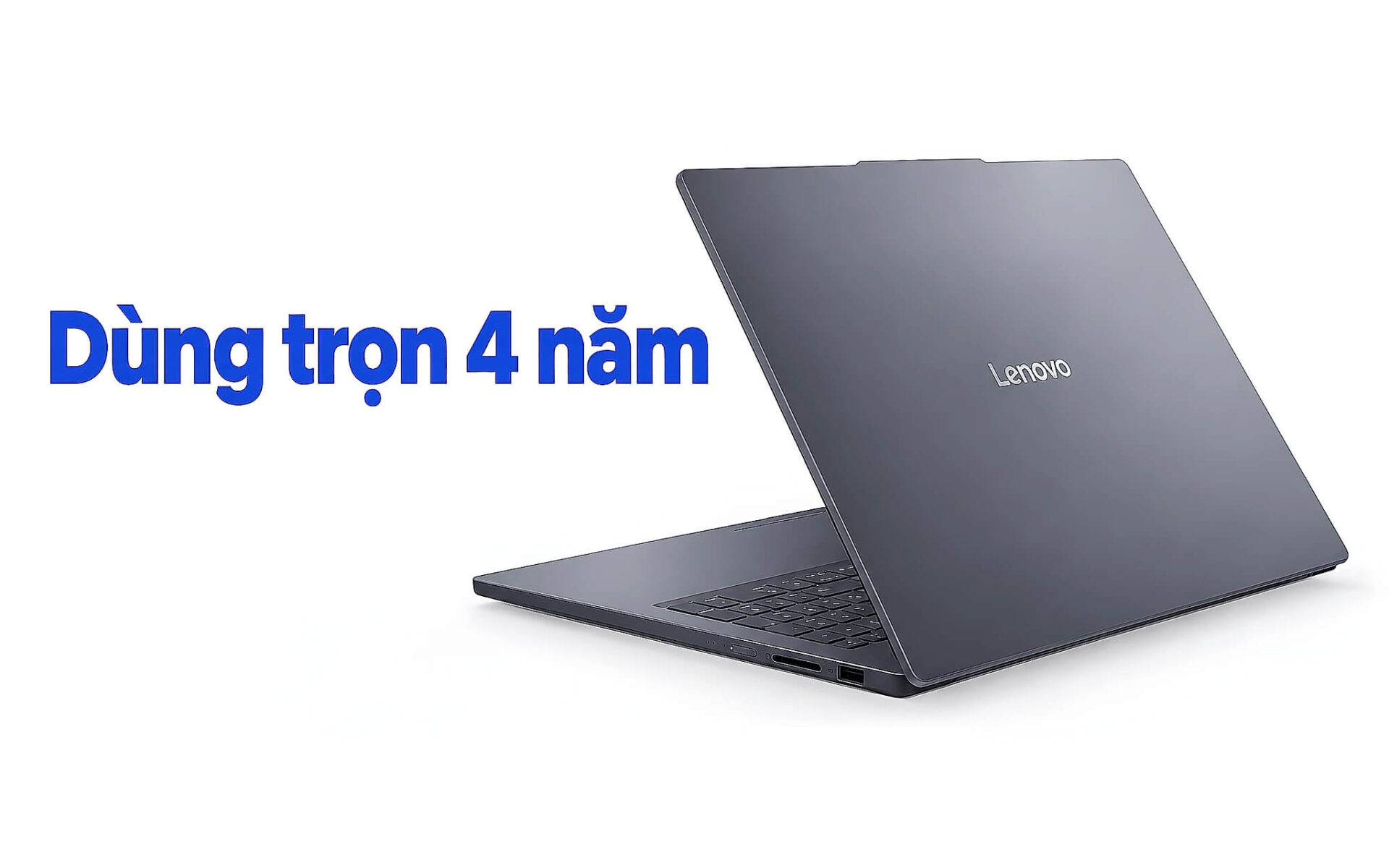
Choosing a student laptop for an entire college degree is very different from buying a laptop that just needs to run fine during your first semester. Over four years, your documents multiply, browser tabs pile up, and major-specific software becomes heavier, all while the battery degrades and the hinges endure thousands of open-and-close cycles. Geared toward students in economics, languages, education, and law, this article covers six key factors: soldered RAM vs. upgradeable slots, available SSD slots, battery life, weight, warranty, and tiered budgets, alongside four currently available models with specs verified against official manufacturer documentation.
What Four Years of College Require From a Laptop
A four-year college laptop has to keep pace from freshman year through graduation. Freshman year mainly involves word processing, remote classes on Zoom or Teams, and reading PDF textbooks. By junior and senior year, economics majors are running Excel with large datasets, SPSS, or Stata; language students run computer-assisted translation tools alongside dictionaries; and education majors build PowerPoint presentations with embedded videos. That workload places heavy demands on RAM and storage, two components where you should leave room to grow right from day one.
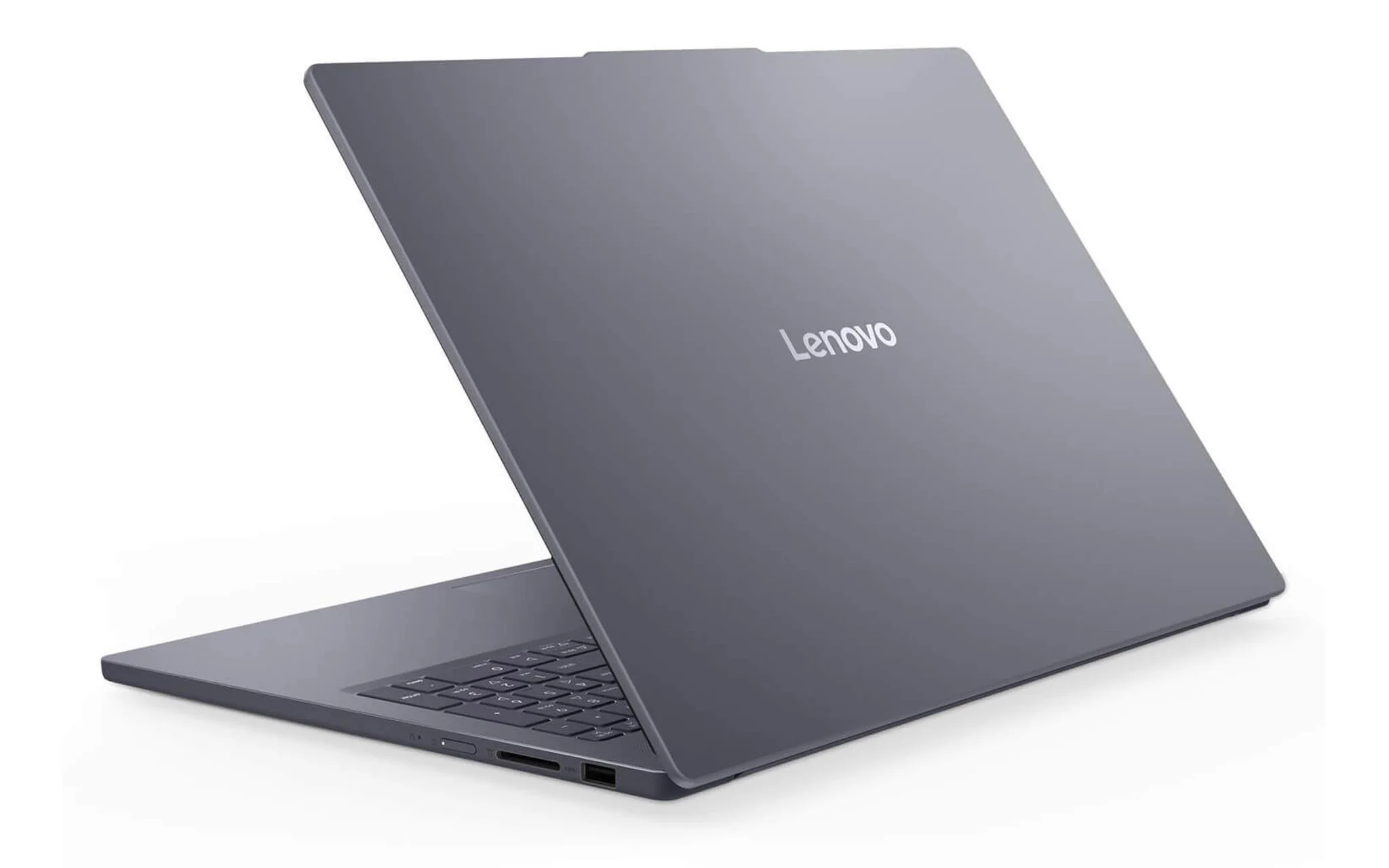
That is why, when choosing a student laptop, you should ask yourself a question upfront: if you run out of RAM or storage in two years, can you add more? A college laptop with RAM soldered onto the motherboard is locked to its original capacity for its entire lifespan. In contrast, models with SODIMM slots let you swap in larger modules at a fraction of the cost of buying a new machine. The same applies to SSD slots: if there is an empty slot, you can easily install a second drive, but with only one slot, you have to replace the existing drive and migrate all your data.
The next section examines each of these factors across four specific models: the DELL Pro 16 PC16250 (2025), Lenovo V14 Gen 4 (2025), Lenovo IdeaPad Slim 3 16 inch (2026), and Lenovo ThinkBook 14 G8 IRL (2025). All four are 100% brand-new, configured with 16GB of RAM and a 512GB SSD, with prices ranging from 21.5 to 26.99 million VND (October 5, 2026). Specs for RAM slots, SSD slots, battery, and weight are sourced from Lenovo's PSREF and Dell's documentation. Because requirements for a mainstream college laptop differ from those for graphic design laptops, this article does not cover discrete graphics.
Soldered RAM vs. SODIMM Slots: The Deciding Factor for Future Upgrades
Soldered onboard RAM is integrated directly onto the motherboard, saving space and allowing for a thinner chassis, but it cannot be upgraded. SODIMM RAM plugs into slots, making it removable and replaceable. For a laptop intended to last four years, this distinction determines whether your machine will still have enough headroom in your senior year. The article Choosing Between Soldered Onboard RAM and Upgradeable SODIMM: How to Accurately Gauge Your Needs breaks down the pros and cons of each memory type based on usage patterns, which comes in handy if you are not sure how many gigabytes you need.
| Model | RAM Slots | Max RAM (GB) | SSD Slots | Source |
|---|---|---|---|---|
| DELL Pro 16 PC16250 (2025) | Two DDR5 SODIMM slots | 64 | One M.2 2230 slot | Dell Owner's Manual |
| Lenovo V14 Gen 4 (2025) | One DDR4 SODIMM slot, some models also have soldered RAM | 16 | One M.2 2280 slot | Lenovo PSREF |
| Lenovo IdeaPad Slim 3 16 inch (2026) | One DDR5 SODIMM slot | 32 | One M.2 2242 slot | Lenovo PSREF |
| Lenovo ThinkBook 14 G8 IRL (2025) | Two DDR5 SODIMM slots | 64 | Two M.2 2280 slots | Lenovo PSREF |
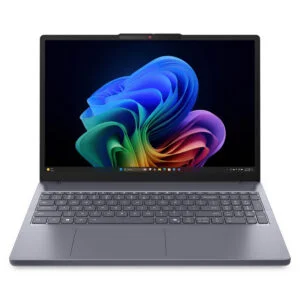
The DELL Pro 16 PC16250 (2025) offers the most generous RAM upgrade path among student laptops at the 21.5 million VND price point. According to Dell's documentation, this model features two DDR5 SODIMM slots supporting up to 64GB, with the 16GB configuration coming pre-installed with two 8GB sticks running in dual-channel mode. If you want to step up to 32GB, you can replace both modules with a pair of 16GB sticks rather than replacing the entire laptop. It comes equipped with a Core 7 150U processor, a 512GB SSD, and a 16-inch FHD+ touchscreen display, making it well-suited for economics students who frequently open large spreadsheets alongside reference documents.
The Lenovo V14 Gen 4 (2025) takes the opposite approach. Lenovo's PSREF lists the maximum RAM for this line at 16GB DDR4, meaning the 16GB configuration currently on sale is already maxed out with no room for future expansion. The IdeaPad Slim 3 16 inch (2026) falls in the middle: it has only one DDR5 SODIMM slot, but it supports up to 32GB, so if needed, you can swap out the 16GB module for a 32GB one. For a student laptop handling mainstream majors, 16GB is sufficient most of the time, yet the ability to upgrade to 32GB provides a valuable safety margin for your senior year.
An Empty SSD Slot Helps Expand Storage as Files Accumulate
A 512GB SSD might sound spacious, but over a few years, recorded lecture videos, photos of slides, thesis data, and software installers will gradually fill it up. A four-year college laptop with an available M.2 slot allows you to install a second drive without touching your operating system drive, avoiding the hassle of reinstalling Windows or copying data back and forth. With only one slot, expanding storage requires swapping in a larger drive and cloning your data, which takes more effort and calls for an external drive enclosure.
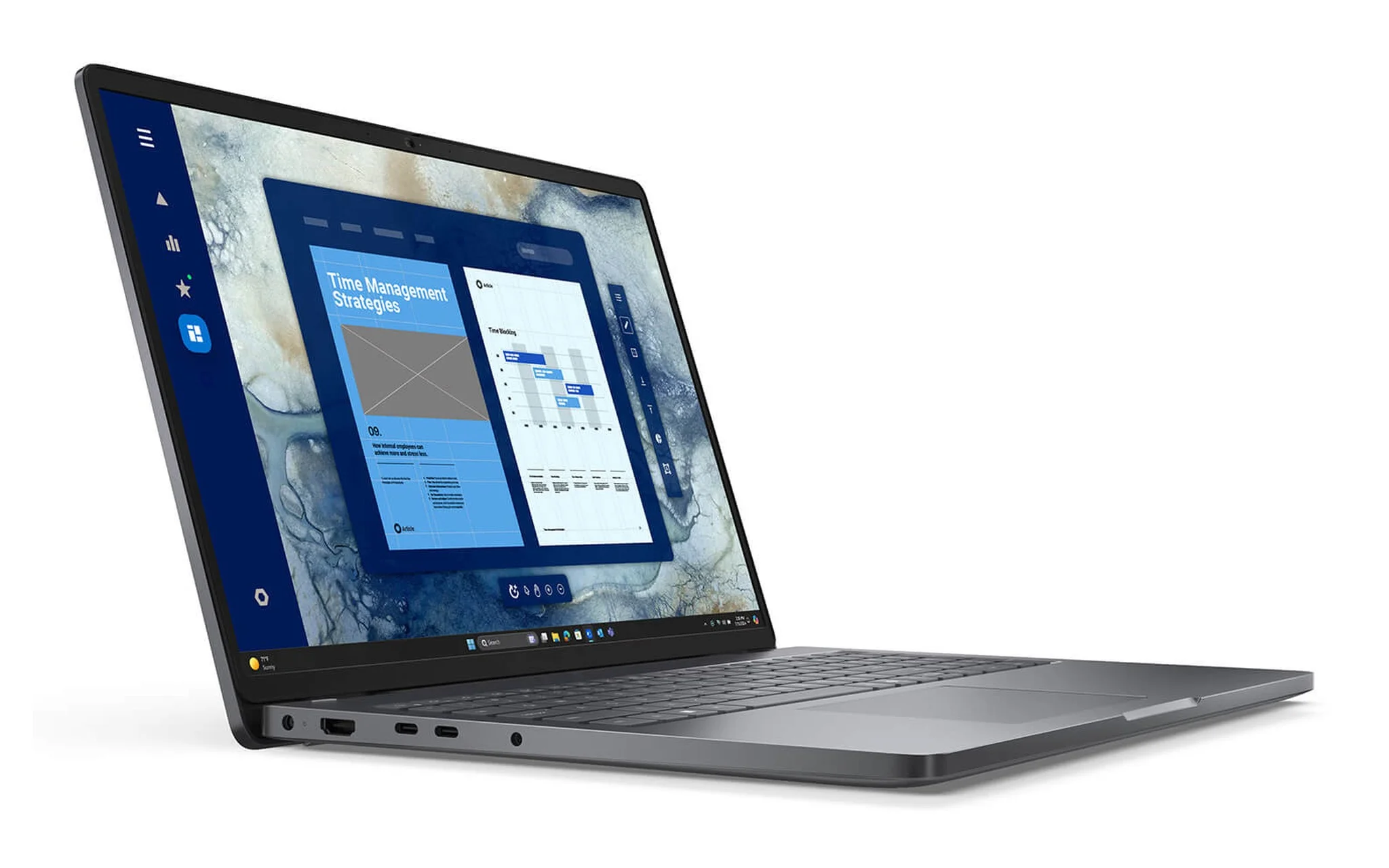
Three of the four models featured here have only a single SSD slot. Dell's documentation states that the DELL Pro 16 PC16250 uses one M.2 2230 slot, a shorter drive form factor that is less common on the retail parts market. The IdeaPad Slim 3 16 inch (2026) features one M.2 2242 PCIe 4.0 slot; Lenovo's PSREF for this version lists support up to 1TB. The Lenovo V14 Gen 4 uses one M.2 2280 PCIe 4.0 slot, though configurations with the 38Wh battery also include a 2.5-inch drive bay for an HDD. With these three student laptops, it is best to calculate the storage capacity you will need over all four years right when you buy.
Lenovo ThinkBook 14 G8 IRL (2025) is the only model in the group equipped with two M.2 2280 PCIe 4.0 slots. Lenovo's PSREF clearly notes that the laptop comes with only one drive preinstalled, leaving the remaining slot empty for self-expansion, with each slot supporting up to 2TB. The laptop also features two DDR5 SODIMM slots supporting up to 64GB, a starting weight of 1.36 kg, and an aluminum lid. Priced at 26.99 million VND for the configuration with a Core 5 210H, 16GB, a 512GB SSD, and a 14-inch WUXGA display, it comes without an operating system preinstalled, so you will need to factor in the cost of a Windows license. This is a student laptop worth considering if you want a machine that will last well into your working career.
Battery Life and Weight When Carrying a Laptop to Class Every Day
College schedules often run from morning to late afternoon, moving between classrooms and studying in the library between lectures, where outlets are not always readily available. Battery capacity measured in Wh indicates the stored energy reserve, while weight determines whether carrying a college laptop in your backpack all day remains comfortable. The article Long-Battery Laptops for All-Day Study and Work - Choosing by Wh, Processor, and Weight explains how to balance these three factors when you need enough battery life for a long school day.
| Model | Starting Weight (kg) | Battery (Wh) | Display |
|---|---|---|---|
| DELL Pro 16 PC16250 (2025) | 1.92 | 55 | 16-inch FHD+ touch |
| Lenovo V14 Gen 4 (2025) | 1.43 | 38 | 14-inch FHD |
| Lenovo IdeaPad Slim 3 16 inch (2026) | 1.73 | 60 | 16-inch WUXGA |
| Lenovo ThinkBook 14 G8 IRL (2025) | 1.36 | 45 | 14-inch WUXGA |
Lenovo IdeaPad Slim 3 16 inch (2026) has the largest battery in the group at 60Wh. Lenovo's PSREF lists up to 27 hours of 1080p video playback at 150 nits of brightness, and Rapid Charge Boost provides about 2 hours of use after a 15-minute charge, which is helpful during short breaks. In exchange, the 16-inch chassis has a starting weight of 1.73 kg. The Core 5 320 configuration with 16GB of RAM, a 512GB SSD, a WUXGA display, and Windows 11 costs 23.69 million VND, making it well-suited for language students who frequently split their screen between source texts and translations.
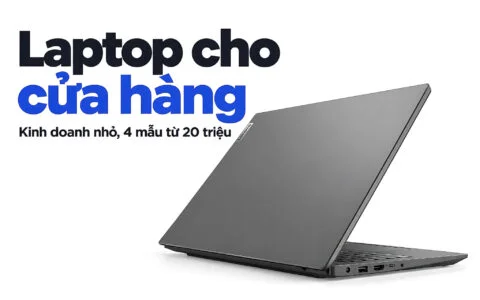
If portability is your priority, the Lenovo V14 Gen 4 (2025) starts at 1.43 kg and the ThinkBook 14 G8 IRL starts at 1.36 kg, both being 14-inch college laptops that slip easily into a backpack. The battery on the V14 Gen 4 is only 38Wh, with PSREF rating it at about 6 hours on MobileMark 2018, so you should pack your charger on days packed with classes. The DELL Pro 16 PC16250 starts at 1.92 kg, making it a better match for students living in dorms near campus. When choosing a student laptop, do not just look at the Wh rating and overlook the weight, because a four-year machine that is too heavy often ends up being left behind at home.
Warranty and Chassis Durability for the Long Haul
Four years is longer than the initial warranty period for most laptops, so the number of warranty months tells you how long you are covered before having to cover repair costs out of pocket. According to product pages, the Lenovo V14 Gen 4 (2025) and IdeaPad Slim 3 16 inch (2026) come with a 24-month genuine warranty, while the DELL Pro 16 PC16250 carries 12 months. As for the ThinkBook 14 G8 IRL, the product page does not yet list the warranty period, so you should confirm before placing an order. On a laptop meant to last four years, a 12-month difference in warranty coverage equals a full quarter of its usable lifespan.
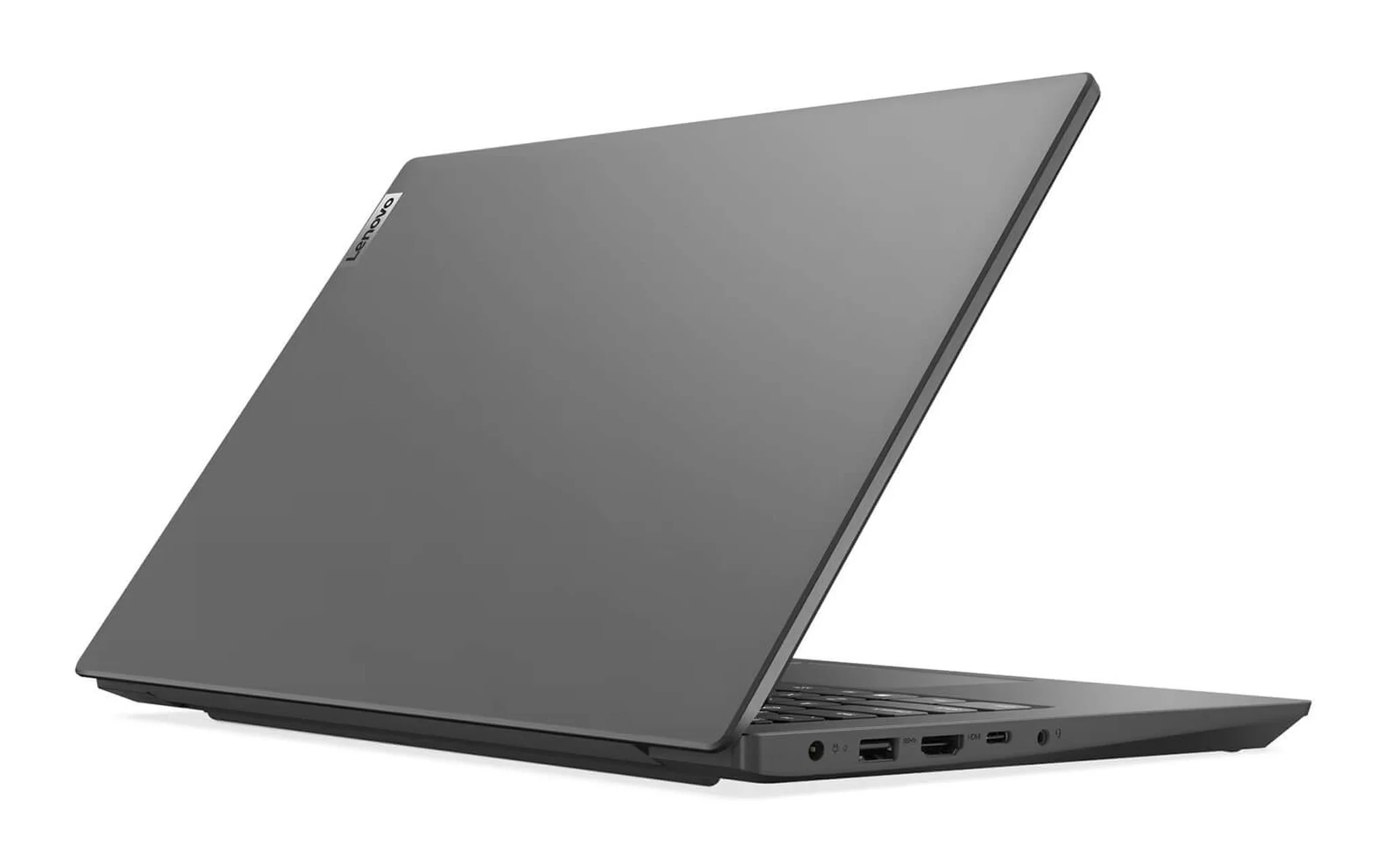
Lenovo V14 Gen 4 (2025) is a student laptop that fits those looking for a longer warranty at a price of 22.59 million VND. Lenovo's PSREF confirms that this lineup passes MIL-STD-810H testing, a suite of environmental tests based on US military standards, with a PC-ABS chassis featuring an IMR finish to resist scratches. The configuration includes a Core i5 13420H processor, 16GB, a 512GB SSD, and a 14-inch FHD display. The trade-off is that RAM is already maxed out at 16GB and the battery is just 38Wh, making the V14 Gen 4 best suited for education and language majors who primarily use Office applications, web browsers, and online learning tools.
The hinges and chassis endure the most wear and tear after four years of daily opening and closing. Lenovo's PSREF also lists MIL-STD-810H compliance for the IdeaPad Slim 3 16 inch (2026) and ThinkBook 14 G8 IRL, with the IdeaPad Slim 3 specifically listing 21 test items. Dell's user documentation for the DELL Pro 16 PC16250 does not mention this certification. Whichever model you choose, habits like opening the lid from the center of the top edge, avoiding lifting the laptop by a corner of the screen, and using a padded sleeve will help keep a college laptop's hinges sturdy for longer.
Divide Your Budget into Tiers to Choose the Right Student Laptop
Student budgets often have to be split between tuition, living expenses, and textbooks, so a student laptop should be evaluated based on the cost per year of use rather than just the initial price. Among the four university laptop models above, the difference between the cheapest and most expensive model is 5.49 million VND, which amounts to only about 1.37 million VND per year over a four-year degree. That price difference can buy a second SSD slot, up to 64GB of RAM, or a larger battery, depending on the model.
| Budget Tier | Model | Starting Price (million VND) | Strengths for Four Years |
|---|---|---|---|
| Under 22 million | DELL Pro 16 PC16250 (2025) | 21.5 | 2 RAM slots, up to 64GB |
| 22 to 24 million | Lenovo V14 Gen 4 (2025) | 22.59 | 24-month warranty, starting weight from 1.43 kg |
| 22 to 24 million | Lenovo IdeaPad Slim 3 16 inch (2026) | 23.69 | 60Wh battery, up to 32GB RAM |
| About 27 million | Lenovo ThinkBook 14 G8 IRL (2025) | 26.99 | 2 SSD slots, 2 RAM slots, starting weight from 1.36 kg |
In the tier under 22 million, the DELL Pro 16 PC16250 offers the widest RAM upgrade path and a 16-inch touchscreen, though it weighs nearly 2 kg and comes with a 12-month warranty. The 22 to 24 million tier offers two directions: the V14 Gen 4 is compact and light with a longer warranty but hits its maximum RAM limit, while the IdeaPad Slim 3 16 inch has a larger battery and headroom to reach 32GB. Most economics, linguistics, and education students will find that a student laptop in this tier meets their needs for all four years.
The tier around 27 million is for the ThinkBook 14 G8 IRL, the most comprehensively expandable model in the group with two RAM slots, two SSD slots, and the lightest weight. If you plan to pursue graduate studies and need a laptop to use for four years and then carry with you to work, the price difference is a reasonable investment. Conversely, if you only need Office, a browser, and online learning, a student laptop in the middle tier is sufficient; the money saved should be put toward a sleeve or a RAM stick for when you need an upgrade.
Frequently Asked Questions When Choosing a University Laptop
Is 16GB of RAM enough for four years of studying economics? With Excel, SPSS, browsers, and Office, a 16GB university laptop meets most needs. If you choose a student laptop with SODIMM slots, you retain the option to upgrade to 32GB as your thesis data grows.
Should I buy the 8GB version and upgrade it myself later? You should only do this if the university laptop has an empty SODIMM slot and the manufacturer's documentation clearly states the maximum capacity. For a laptop intended to last four years, buying 16GB upfront is usually more convenient since you do not have to buy extra components and open the chassis yourself.
Are 14-inch or 16-inch screens better for students? A 14-inch student laptop is lighter and easier to carry to lecture halls; a 16-inch screen is wider when splitting the screen to read documents. The 16-inch university laptop models in this article weigh from 1.73 to 1.92 kg, while the 14-inch versions weigh from 1.36 to 1.43 kg.