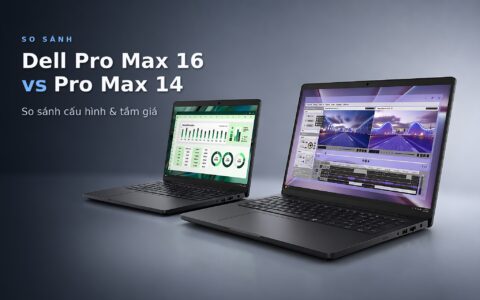
Choosing an RTX PRO laptop for engineering work is not about picking the most powerful option within your budget, but about selecting the right graphics card tier for the software you open every day. The RTX PRO Blackwell series features six tiers, which differ primarily in CUDA core counts, VRAM (the dedicated graphics memory that determines how large a model can be loaded), and TGP (the maximum power delivered to the card). This article matches each tier with the official requirements for AutoCAD, Revit, SolidWorks, Blender, and local AI, alongside five 2025 Dell and Lenovo models priced from 46 to 98 million VND.
Six RTX PRO Blackwell Laptop Tiers Differ by Cores and VRAM
NVIDIA divides the RTX PRO Blackwell generation for laptops into six tiers, numbered 500, 1000, 2000, 3000, 4000, and 5000. The higher the number, the greater the processing cores, VRAM capacity, and memory bandwidth, which in turn increases the laptop's price and thickness. Every tier includes 4th generation RT cores, 5th generation Tensor cores, GDDR7 memory, and PCIe 5.0, so the differences between RTX PRO laptops lie in hardware scale rather than features.
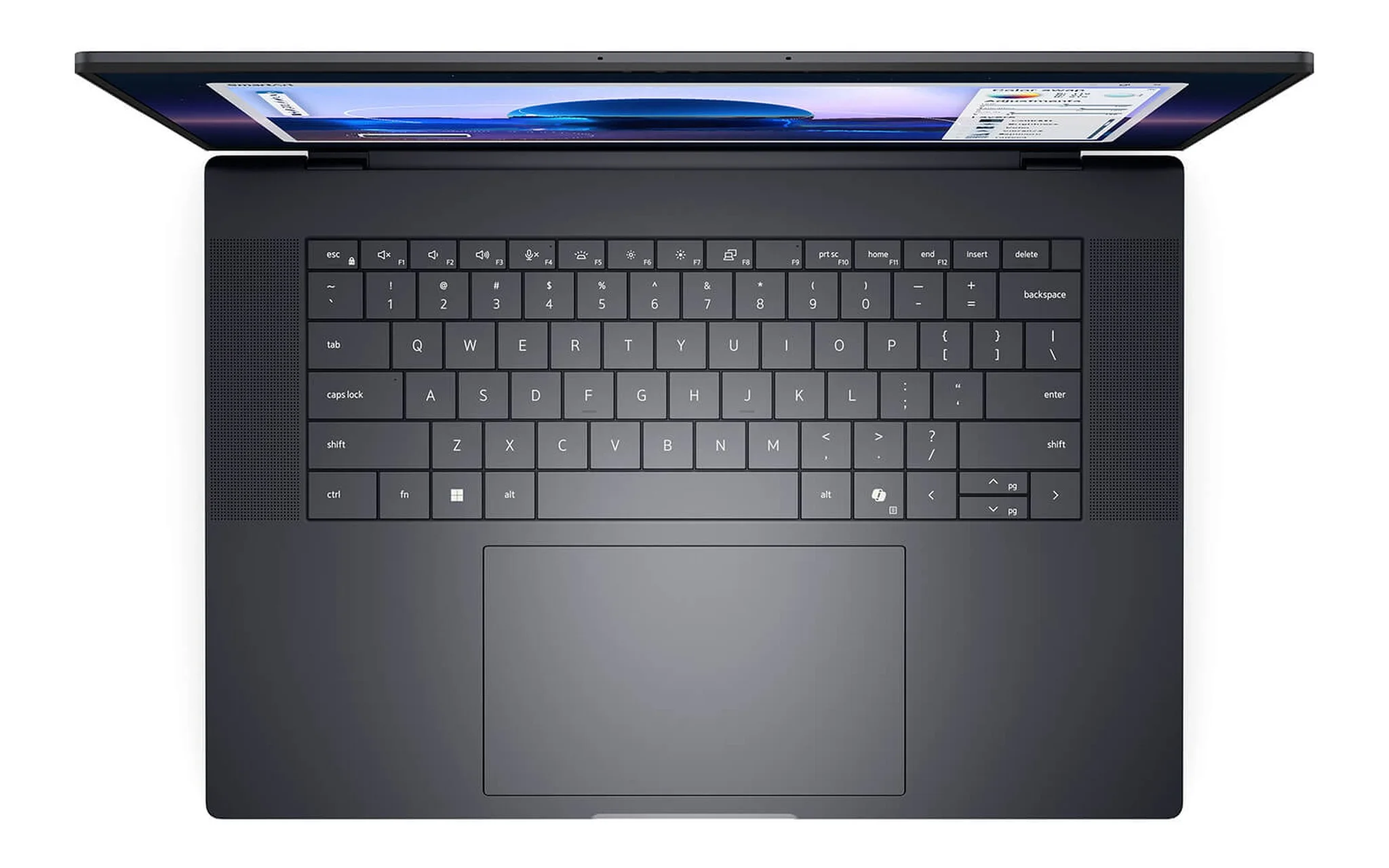
The clearest point of stratification is VRAM. The RTX PRO 500 has 6 GB, the RTX PRO 1000 and RTX PRO 2000 both have 8 GB, the RTX PRO 3000 goes up to 12 GB, the RTX PRO 4000 has 16 GB, and the RTX PRO 5000 reaches 24 GB. Three tiers from the RTX PRO 3000 upward also support ECC for graphics memory, a mechanism that detects and corrects soft bit errors, which is useful when rendering or running models for many hours. For an RTX PRO laptop, VRAM is a fixed hardware limit; projects exceeding this capacity will slow down significantly.
The third factor is TGP, the maximum power level that a laptop manufacturer provides to the graphics card. NVIDIA only publishes a range for each tier - for example, the RTX PRO 3000 ranges from 60 to 140 W - while the specific figure is chosen by Dell, Lenovo, or HP based on the chassis and cooling system. Consequently, the same chip placed in a thin 14-inch chassis versus a thicker 16-inch chassis can result in significantly different sustained performance. When comparing two models of the same tier, you should ask about the actual TGP of each specific model.
Official NVIDIA Specifications for Each RTX PRO GPU Tier
The table below compiles specifications from NVIDIA's RTX PRO laptop GPU comparison page. CUDA core counts should only be compared within the Blackwell generation itself, as NVIDIA notes these figures cannot be directly compared with prior generations. The AI TOPS metric is measured using sparse FP4 calculations, so it reflects theoretical AI inference performance rather than viewport display speeds in CAD software. The TGP column lists the total graphics power range allowed by NVIDIA; each laptop model operates at a single designated wattage within that span.
| GPU Tier | CUDA Cores | VRAM (GB) | Memory Bus | Bandwidth (GB/s) | TGP (W) | AI TOPS |
|---|---|---|---|---|---|---|
| RTX PRO 500 | 1,792 | 6 | 96-bit | 288 | 35 to 75 | 294 |
| RTX PRO 1000 | 2,560 | 8 | 128-bit | 384 | 35 to 115 | 440 |
| RTX PRO 2000 | 3,328 | 8 | 128-bit | 384 | 45 to 115 | 572 |
| RTX PRO 3000 | 5,888 | 12 (ECC) | 192-bit | 672 | 60 to 140 | 992 |
| RTX PRO 4000 | 7,680 | 16 (ECC) | 256-bit | 896 | 80 to 175 | 1,334 |
| RTX PRO 5000 | 10,496 | 24 (ECC) | 256-bit | 896 | 95 to 175 | 1,824 |
Looking at the breakdown, the largest performance jump sits between the RTX PRO 2000 and RTX PRO 3000. CUDA cores jump from 3,328 to 5,888, VRAM increases from 8 GB to 12 GB, and bandwidth climbs from 384 to 672 GB/s thanks to a wider 192-bit bus replacing the 128-bit interface. In contrast, the RTX PRO 1000 and RTX PRO 2000 share the same 8 GB capacity and 384 GB/s bandwidth, differing only in CUDA core counts and minimum TGP limits. That parity is why these two tiers are often weighed side by side when choosing a mid-range RTX PRO laptop.
At the outer tiers, the RTX PRO 500 features 1,792 CUDA cores, a 96-bit bus, and a maximum TGP of 75 W, making it well-suited for compact 14-inch laptops. The RTX PRO 4000 and RTX PRO 5000 step up to a 256-bit bus, 896 GB/s of bandwidth, and a TGP reaching 175 W, requiring larger 16-inch or 18-inch chassis with heavy-duty cooling systems like the Dell Pro Max 16 Plus or ThinkPad P16 Gen 3. Among the five models covered later in this guide, the top-tier option is the RTX PRO 4000 16 GB.
Choosing Between the RTX PRO 500 and RTX PRO 1000 for AutoCAD and Revit
For AutoCAD 2027, Autodesk specifies an entry-level target of a 2 GB GPU with 29 GB/s bandwidth, while recommending an 8 GB GPU with 106 GB/s bandwidth, alongside a minimum of 8 GB RAM and 32 GB recommended. Revit 2027 sets a higher bar: a balanced configuration requires 32 GB of RAM and a 6 GB VRAM card, while handling large models calls for 64 GB of RAM and an 8 GB GPU. When hardware acceleration is enabled, Autodesk recommends at least 8 GB of VRAM, establishing the baseline for pairing an RTX PRO laptop with engineering and design workflows.
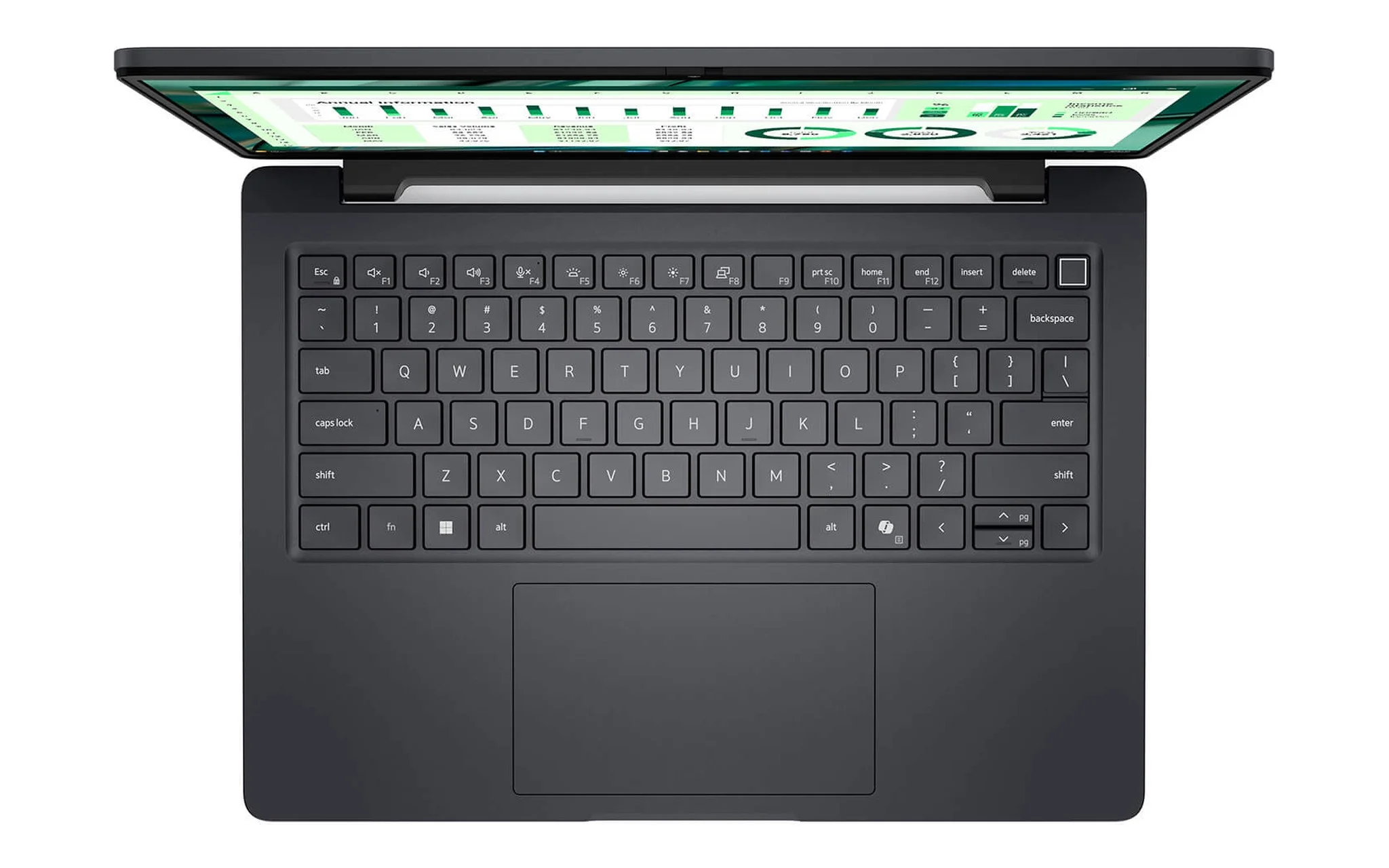
For 2D AutoCAD drafting and modest 3D models, the RTX PRO 500 delivers 6 GB of VRAM and 288 GB/s bandwidth, easily topping the baseline spec and coming up just 2 GB shy of the recommended VRAM tier. The DELL Pro Max 14 MC14250 - Mobile Workstation (2025) is available in a configuration with a Core Ultra 7 265H, 32 GB RAM, a 1 TB SSD, an RTX PRO 500 6 GB, and an FHD+ display for 46 million VND. With an official starting weight of 1.79 kg, it stands as the most compact RTX PRO laptop on this list for architects and engineers who frequently take their work to job sites.
For multi-story Revit models, the 8 GB RTX PRO 1000 lands right on Autodesk's recommended VRAM mark when hardware acceleration is turned on. The Dell Pro Max 16 Premium MA16250 - Mobile Workstation (2025) offers a build with a Core Ultra 7 265H, 32 GB RAM, a 512 GB SSD, an RTX PRO 1000 8 GB, and a UHD+ OLED touchscreen for 56.9 million VND. The 32 GB of RAM fulfills the balanced tier for Revit 2027; for larger-scale projects requiring 64 GB, you will want to look at the RTX PRO 2000 configurations detailed below.
SolidWorks and Large Assemblies Suit the RTX PRO 2000
SolidWorks' system requirements page lists 16 GB of RAM, recommends 32 GB, and requires a graphics card and driver from its certified list. ISV certification means the software vendor has tested that specific card and driver combination; a deeper breakdown of the differences between the PRO and gaming lineups is beyond the scope of this article. Before ordering an RTX PRO laptop, you should look up the GPU name and laptop model in SolidWorks' hardware certification list.
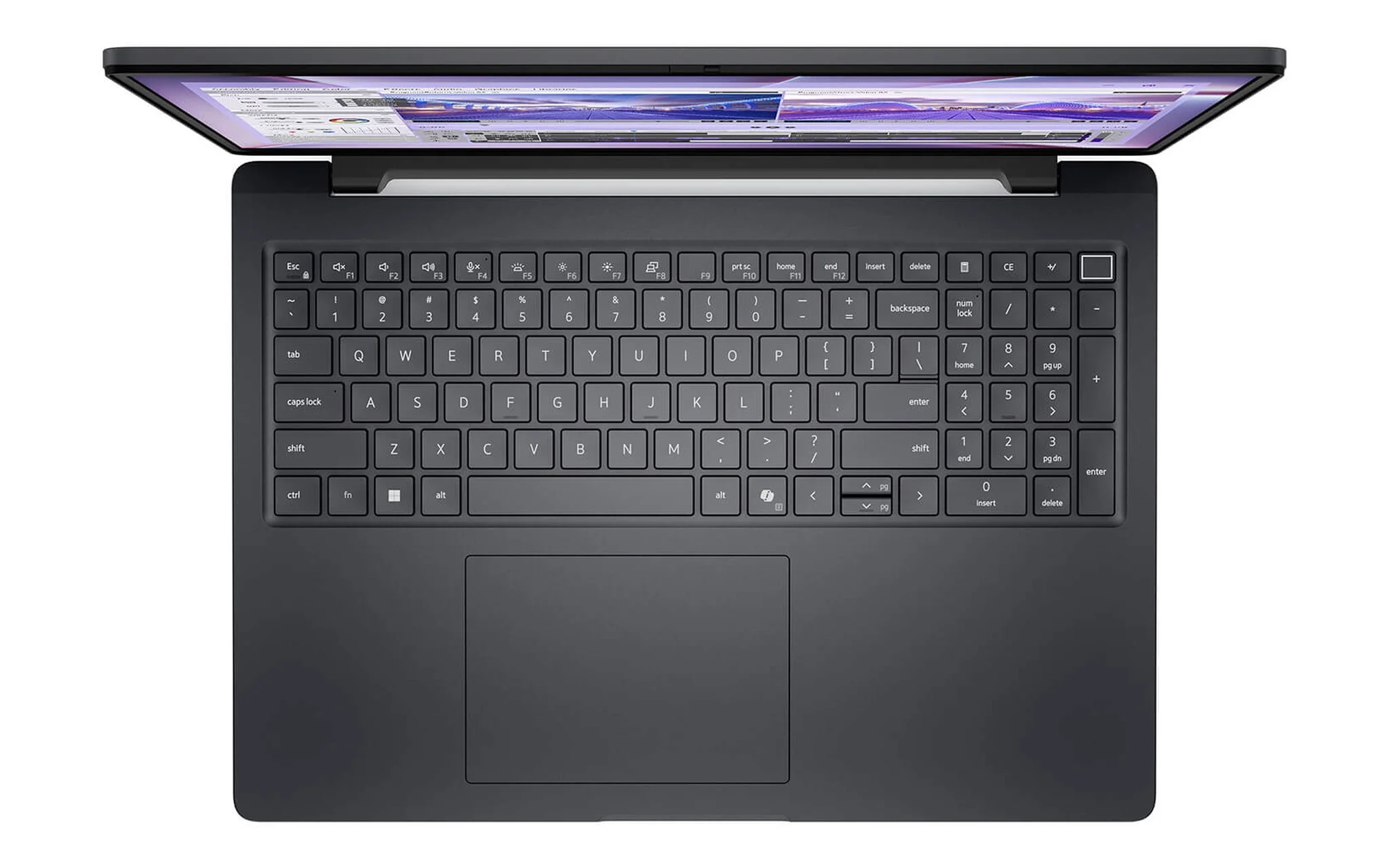
Assemblies with thousands of parts demand both VRAM and system RAM, which is where the RTX PRO 2000 paired with 64 GB of RAM shines. The DELL Pro Max 16 MC16250 - Mobile Workstation (2025) comes in a configuration with a Core Ultra 7 265H, 64 GB of RAM, a 2 TB SSD, an RTX PRO 2000 8 GB, and an FHD+ display for 58.5 million VND. Dell lists the memory for this line as DDR5 SoDIMM, meaning removable, upgradeable RAM modules, with a minimum weight of 2.11 kg. It is a well-balanced RTX PRO laptop for mechanical engineers who need to open multiple assembly files at the same time.
Compared to the RTX PRO 1000, the RTX PRO 2000 tier adds 768 CUDA cores, roughly 30% more, with single-precision compute reaching 17.7 TFLOPS versus 13.6 TFLOPS, while VRAM and bandwidth remain identical. That means the 2000 is faster when rotating shaded models or generating render previews, but it will not help if your project exceeds 8 GB of VRAM. If your files already hit that limit, jumping straight to the RTX PRO 3000 makes more sense than upgrading from the 1000 to the 2000.
Blender Rendering and Local AI Require an RTX PRO 3000 or Higher
According to Blender's hardware requirements page, the minimum is 2 GB of VRAM and the recommendation is 8 GB of VRAM, with 8 GB of RAM minimum and 32 GB recommended. Those figures cover general workloads, but architectural scenes with numerous materials, high-resolution textures, or smoke and fluid simulations typically consume much more VRAM. For local AI, the Ollama model library lists qwen3:8b at 5.2 GB, qwen3:14b at 9.3 GB, and gpt-oss:20b at 14 GB.
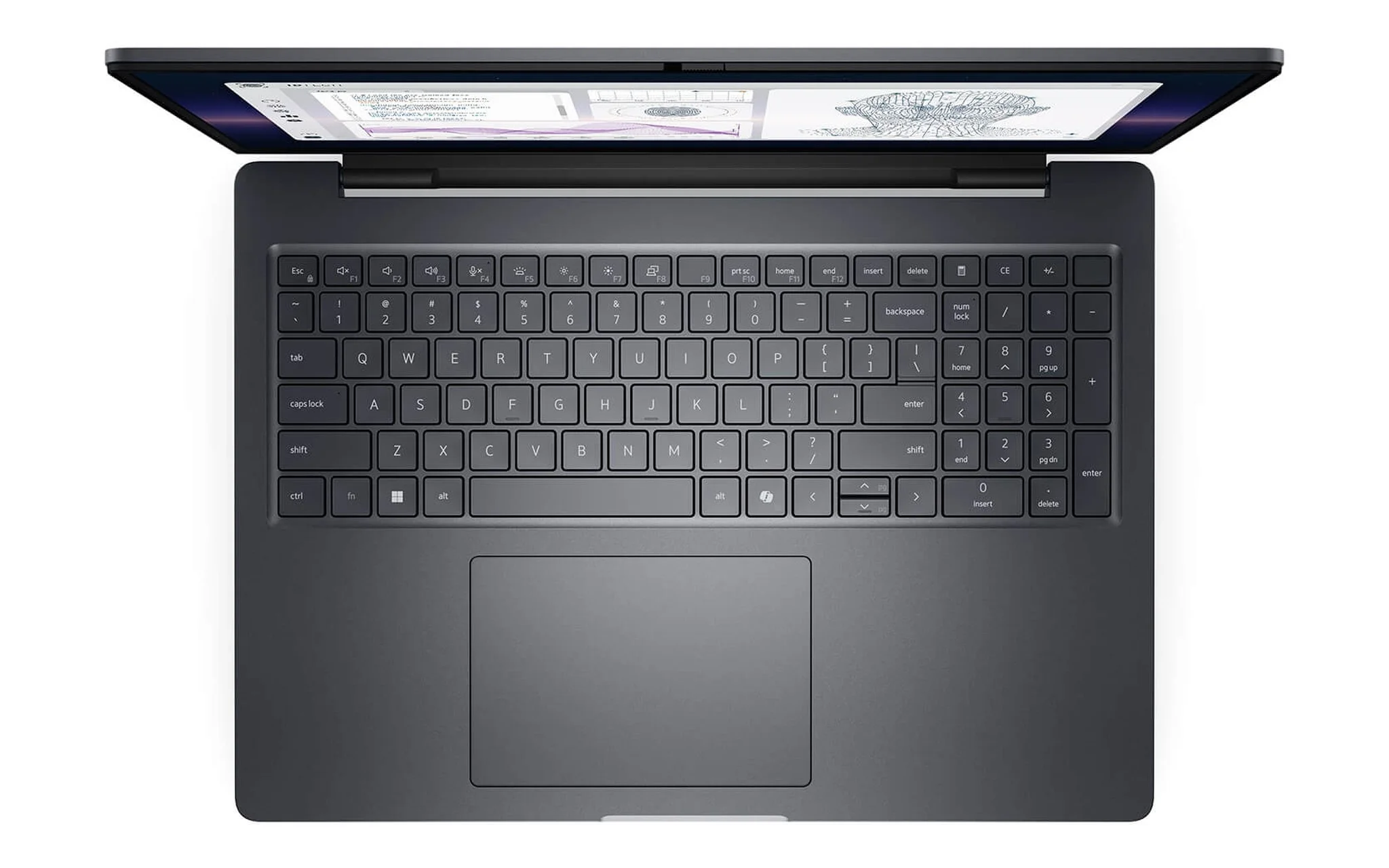
The numbers above show that 8 GB suits models around 8 billion parameters, while the 12 GB on the RTX PRO 3000 loads qwen3:14b completely and still leaves room for conversation context. The DELL Pro Max 16 Plus MB16250 - Mobile Workstation (2025) features an option with a Core Ultra 7 265HX, 32 GB of RAM, a 512 GB SSD, an RTX PRO 3000 12 GB, and an FHD+ display for 68 million VND. A 16-inch chassis starting at 2.55 kg according to Dell's specs houses the HX chip and the 12 GB card, making this an RTX PRO laptop well suited for daily Blender rendering.
When you need to run models around 20 billion parameters like gpt-oss:20b directly on a laptop, the 16 GB of VRAM on the RTX PRO 4000 is a safer bet. The Lenovo ThinkPad P16 Gen 3 - Mobile WorkStation (2025) offers a configuration with a Core Ultra 9 285HX, 64 GB of RAM, a 512 GB SSD, an RTX PRO 4000 16 GB, and a WUXGA screen for 98 million VND. According to Lenovo's PSREF documentation, this lineup features four SODIMM slots supporting up to 192 GB of non-ECC RAM, starts at 2.54 kg, and scales up to configurations with an RTX PRO 5000 24 GB.
Quick GPU Tier Selection Guide by Software and Actual Budget
The table below brings together the official requirements for each application alongside recommended GPU tiers and the corresponding RTX PRO laptop models featured in this article. The requirements column is drawn directly from Autodesk, Dassault Systèmes, Blender, or the model sizes published on Ollama, rather than rough estimates. Prices reflect the stated configurations, and all models are 100% brand new.
| Primary Workload | Software Vendor Requirements | Recommended GPU Tier | Laptop Model and Price |
|---|---|---|---|
| AutoCAD 2D, small 3D models | 2 GB GPU basic, 8 GB recommended | RTX PRO 500 6 GB | Dell Pro Max 14 MC14250, 46 million VND |
| Revit, medium-scale BIM | 32 GB RAM, 6 GB VRAM, 8 GB recommended | RTX PRO 1000 8 GB | Dell Pro Max 16 Premium MA16250, 56.9 million VND |
| SolidWorks, large assemblies, large Revit projects | Certified card, 32 to 64 GB RAM | RTX PRO 2000 8 GB | Dell Pro Max 16 MC16250, 58.5 million VND |
| Blender rendering, AI models with 14 billion parameters | 8 GB VRAM recommended, qwen3:14b 9.3 GB | RTX PRO 3000 12 GB | Dell Pro Max 16 Plus MB16250, 68 million VND |
| AI models with 20 billion parameters | gpt-oss:20b 14 GB | RTX PRO 4000 16 GB | ThinkPad P16 Gen 3, 98 million VND |
The rule of thumb when choosing an RTX PRO laptop is to evaluate VRAM first and CUDA cores second. If your software rarely exceeds 8 GB, the difference between the 1000 and 2000 tiers comes down mostly to speed, whereas jumping from 8 GB to 12 GB determines whether a project fits entirely into graphics memory. At current pricing, the spread between the RTX PRO 2000 with 64 GB of RAM (58.5 million VND) and the RTX PRO 3000 with 32 GB of RAM (68 million VND) is 9.5 million VND.
Display and weight are the final two factors. The RTX PRO 1000 version of the Dell Pro Max 16 Premium features a UHD+ OLED touchscreen, making it a great fit for visualizers who need high contrast, whereas the FHD+ panels on the MC16250 and MB16250 suit engineers prioritizing performance per dollar. If you travel frequently, the gap between the 1.79 kg Pro Max 14 and the 2.55 kg Pro Max 16 Plus is significant. The Hung Phat Laptop team can provide further advice on configurations tailored to the software you use.
RTX PRO Laptop FAQ
Is the RTX PRO 500 enough for Revit? It is sufficient for small projects, as 6 GB of VRAM meets the 6 GB balanced configuration announced by Autodesk for Revit 2027. For large projects with graphics acceleration enabled, Autodesk recommends 8 GB of VRAM or more, meaning you should look at the RTX PRO 1000 level and up.
Is there a big difference between the 1000 and 2000 levels? Both levels feature 8 GB of VRAM and 384 GB/s of bandwidth, but the 2000 version has about 30% more CUDA cores. If you are on a budget, you should prioritize having enough system RAM for your software first before considering a GPU upgrade within the same 8 GB VRAM tier.
How much VRAM is needed to run AI locally? Based on model sizes on Ollama, qwen3:8b requires about 5.2 GB, qwen3:14b requires about 9.3 GB, and gpt-oss:20b requires about 14 GB. Therefore, on an RTX PRO laptop, 8 GB is suitable for 8 billion parameter models, 12 GB is suitable for 14 billion parameter models, and 20 billion parameter models should use a 16 GB card.
How does TGP affect the purchase of a mobile workstation? For the same GPU tier, a higher TGP typically maintains stable performance for longer but requires a thicker chassis and a larger cooling system. NVIDIA only publishes TGP ranges, such as the RTX PRO 500 ranging from 35 to 75 W, so you should ask for the specific wattage of each model before choosing.
Which models in this article can be upgraded with more RAM? According to Dell, the Pro Max 16 MC16250 uses DDR5 SoDIMM RAM, while according to PSREF, the ThinkPad P16 Gen 3 has four SODIMM slots, supporting up to 192 GB. The Pro Max 16 Premium uses LPDDR5x RAM, which is typically soldered to the motherboard, so you should select sufficient capacity at the time of purchase.