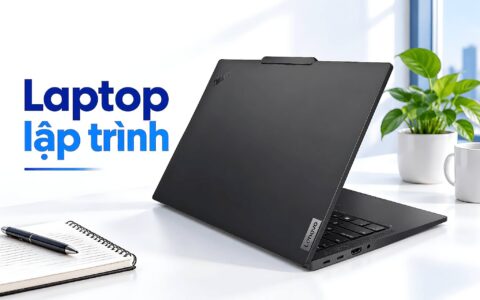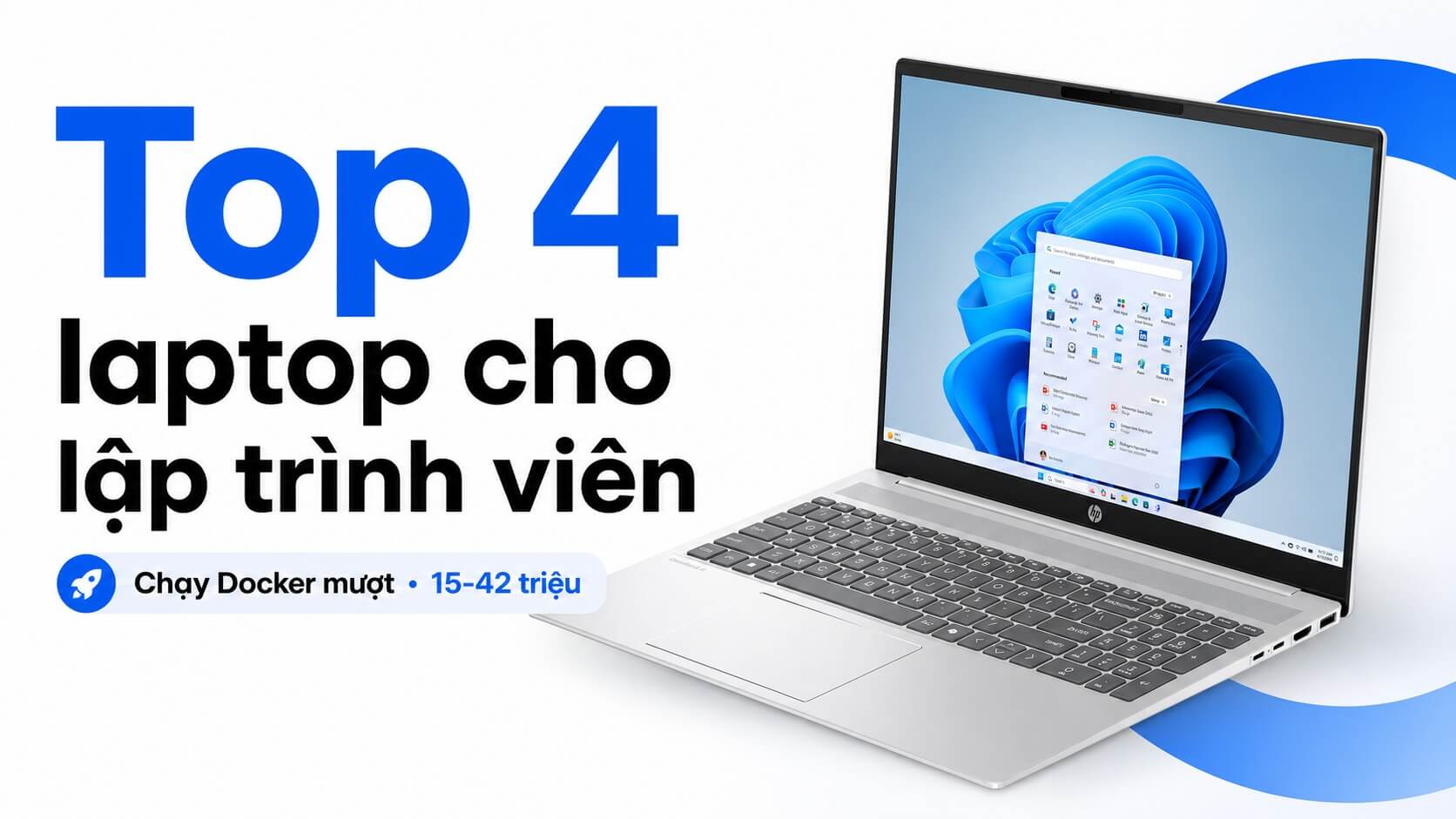
Backend devs, full-stack devs, or any professional coder know: running Docker Compose with 3-5 containers simultaneously on 8GB of RAM causes IDE lag, slow builds, and an overheating machine. The real requirement is a multi-core CPU, 16GB of RAM or more (expandable), and enough battery life to last all day without being tethered to a charger. In the 20-42 million VND range, the 2026 market offers at least 4 laptops for programmers worth considering, each differing in key aspects: soldered vs. upgradable RAM, P-series vs. H-series CPU, and 14-inch vs. 16-inch displays. Hung Phat has summarized them so you can make the right choice the first time.
Criteria for choosing a laptop for programmers running Docker in the 15-42 million VND range in 2026
Running Docker isn't as simple as just picking a laptop for programmers with high specs. Hung Phat has consulted many devs, from IT students to senior engineers, and the most common disappointment after purchase is insufficient RAM, not a weak CPU. Running Docker Compose with a database, API server, Redis, and a message queue in parallel can easily consume 12-14GB of RAM. 8GB of RAM is only sufficient if you are running 1-2 simple containers.
| Model | 2026 Price | CPU | RAM | Display | Why choose it |
|---|---|---|---|---|---|
| HP EliteBook 840 G10 | around 15-20 million | Core i7-1360P, 12C/16T | 16GB DDR5, 2 upgradeable slots | 14 inch WUXGA IPS 60Hz | Compact, many ports, Thunderbolt 4, under 20 million |
| Lenovo V15 Gen 4 | around 15-18 million | Core i5-13420H or i7-13620H | 8/16GB DDR4, upgradable slot | 15.6 inch FHD IPS 60Hz | Powerful H-series for builds, large screen, good price |
| HP OmniBook 5 | around 25-35 million | Core Ultra 5 225U, 12C/14T | 16/32GB LPDDR5x, onboard | 16 inch 1920x1200 IPS 60Hz | 16:10 screen, long battery, 32GB version for serious Docker use |
| LG Gram Pro 16 | around 40-42 million | Core Ultra 7 255H, 16C/16T | 16/32GB LPDDR5x | 16 inch IPS, 2-in-1 | Lightweight, powerful H-series, flexible 2-in-1 |
CPUs are clearly divided into two groups: P-series and U-series are power-efficient with good battery life, suitable for light dev work; H-series is more powerful for long builds and compilation but has shorter battery life. Whether you work fixed at a desk or need to travel will completely change the answer. Gen4 SSD has become the minimum standard, helping Docker pull images and build layers without excessive waiting time.
The screen is also very important: devs sit coding 8-10 hours a day; a 14-inch FHD screen is sufficient, but a 15.6-inch or 16-inch 16:10 ratio allows for more terminal windows, reducing the need for alt-tabbing. A 38Wh battery is a practical weakness as you'll often need to charge after 3-4 hours of work. Finally, connectivity: Thunderbolt 4 is useful for docking stations, external monitors, and peripherals, whereas many mainstream laptops cut this feature to reduce costs.
Quick comparison of the top 4 laptops for programmers running Docker from 15-42 million VND
The four laptop models below cover everything from student budgets to premium lightweight machines for senior devs. Each choice has a clear reason to buy, but also some drawbacks if they don't match your workflow. Below, Hung Phat will speak candidly about both the pros and cons of each machine, because honest advice is what prevents buyer's remorse.
1. HP EliteBook 840 G10 2023, the choice for devs needing a compact, durable machine on a budget under 20 million
The HP EliteBook 840 G10 runs a Core i7-1360P with 12 cores and 16 threads, enough to handle 2-4 light Docker Compose containers, build Java or Node.js backends, and run IntelliJ or VS Code stably. A major plus is the 2 SODIMM DDR5 slots: you can buy the 16GB version and upgrade to 32GB later when needed, without replacing the whole machine. The two Thunderbolt 4 ports are also very useful for docking and 4K external monitors.
The actual weight is about 1.36kg, much lighter than some incorrect information circulating online. This is a business line, so the chassis meets MIL-SPEC standards, features a good backlit keyboard, and a precise touchpad. A 512GB PCIe Gen4 SSD is sufficient for typical dev environments.
A downside that must be stated honestly: the 250 nits screen is quite dim if working outdoors or in brightly lit rooms. The P-series CPU also tends to downclock during continuous long builds; if you frequently compile large C++ or Rust projects, the experience will differ from the H-series. The 51Wh battery lasts about 6-8 hours depending on the task, but it is not suitable for devs needing to run many VMs or local AI models.
2. Lenovo V15 Gen 4, a mobile workstation for devs needing a powerful CPU for builds on a budget-priority
The Lenovo V15 Gen 4 i7-13620H version with 10 cores and 16 threads is a model Hung Phat often recommends for backend devs working with Java, .NET, or Golang who need fast compilation. The H-series is more powerful than the i7-1360P during long builds-it's not just a feeling, it's clearly shown in benchmarks. The 15.6-inch screen provides more display space, making it easier to open terminals, IDEs, and logs simultaneously. Depending on the configuration, RAM can be upgraded to 24-40GB, which is useful for Docker stacks with many services.
The 15-18 million VND price range is reasonable for an H-series configuration. This is a mainstream machine, so the design is simple and lacks Thunderbolt 4 like the EliteBook; keep this in mind if you use high-end docks. The keyboard includes a numpad, which is convenient for devs who frequently input data or work with datasets.
The biggest weakness is the 38Wh battery, which typically only lasts 3-5 hours in real-world use. If you often code in cafes without nearby power outlets, this machine will be frustrating. The 45% NTSC screen is fine for coding and office work, but not recommended for UI/UX design or color checking. Buy the 16GB RAM version if you need to run Docker seriously.
3. HP OmniBook 5 AI 16 inch 2025, suitable for full-stack devs needing a large screen and long battery life
HP OmniBook 5 LaptopAI 16 inch is a unique choice in the 25-35 million VND segment. The 16-inch 1920x1200 16:10 screen provides much more vertical space than standard FHD; terminals can display more lines, and IDEs can have sidebars open without shrinking the code. For full-stack or mobile devs who often open many windows simultaneously, this is a real differentiator.
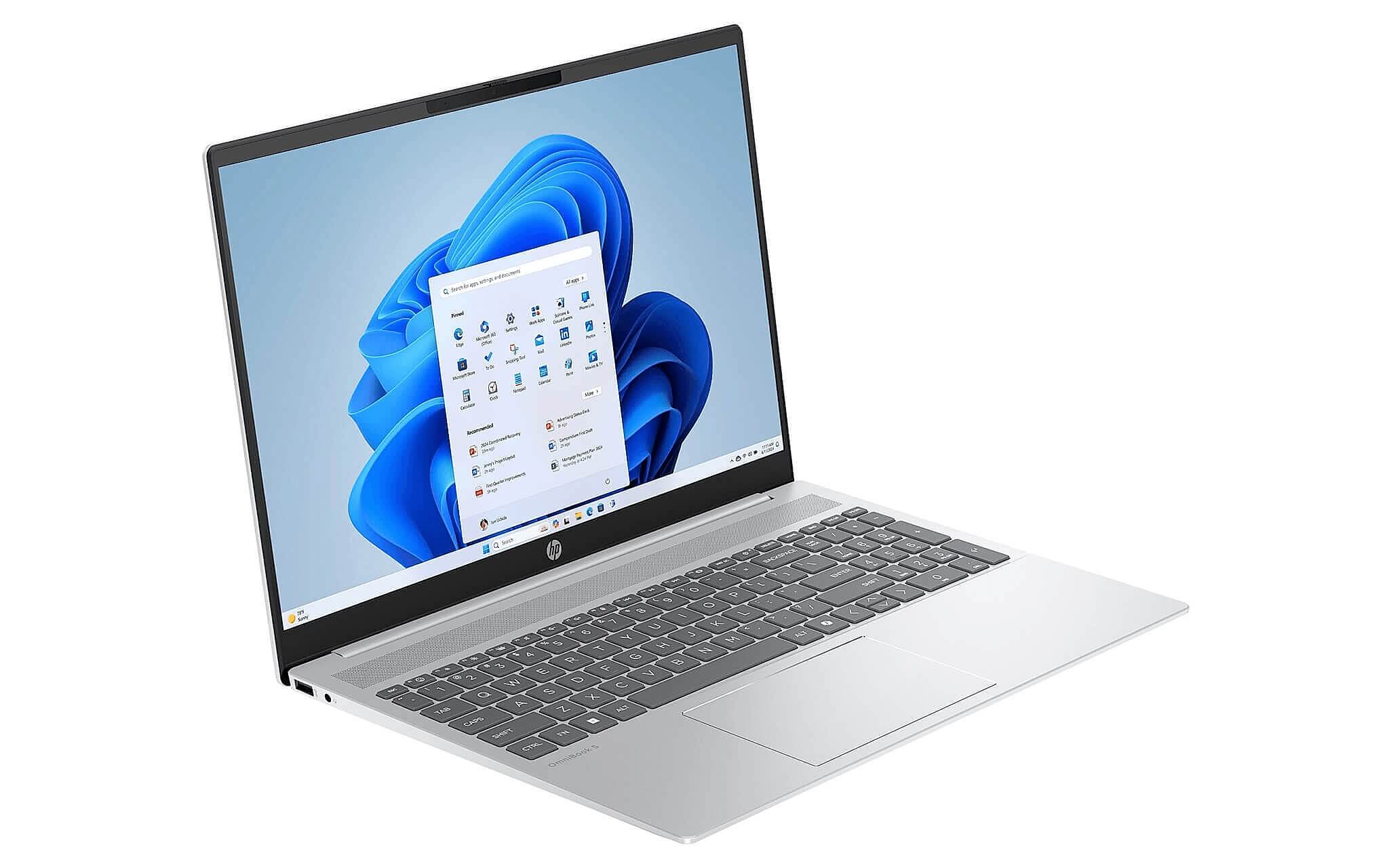
LPDDR5x 7467MHz RAM is faster than the DDR4-3200 in the V15 for many continuous read/write tasks like Docker pulls or database queries. The 32GB version is enough for 5-8 medium containers, a local database, and heavy IDEs running at once. The 59Wh battery combined with the U-series CPU offers a good balance, providing about 7-10 hours of real-world work with less fan noise than the H-series.
A major downside is the fully soldered RAM; what you buy is what you get. If you are running Docker seriously, don't try to save money with the 16GB version; you should go straight for 32GB. The Ultra 5 225U CPU is not as powerful as the H-series when compiling large projects continuously; if you build C++ or Rust all day, the V15 Gen 4 i7 will be faster at those tasks. To learn more about the role of the NPU in new AI chips, see the article NPU TOPS 45 or 32GB RAM: which should you prioritize.
4. LG Gram Pro 16 2-in-1 16T90TP 2025, a lightweight mobile workstation for senior devs with a 40-42 million VND budget
LG Gram Pro 16 2-in-1 is in a different league: the Core Ultra 7 255H with 16 cores brings H-series performance into the signature lightweight Gram chassis. Devs who need fast compilation but still travel frequently will find this rare, as H-series laptops usually weigh over 1.8kg. The 2-in-1 form factor is also convenient for reviewing designs or presenting to a team.
At the 40-42 million VND level, this is a long-term investment. If you plan to keep your machine for 4-5 years and need a device that is powerful enough to build and compile, light enough to carry on business trips, and has stable battery life, the Gram Pro 16 meets all three. Compared to the OmniBook 5 with the same 16-inch screen, the clear advantage is that the H-series CPU is significantly faster during heavy builds. For more comparisons on new-generation chip architectures, refer to the article compare Core Ultra 5 226V and Ryzen AI 5 340.
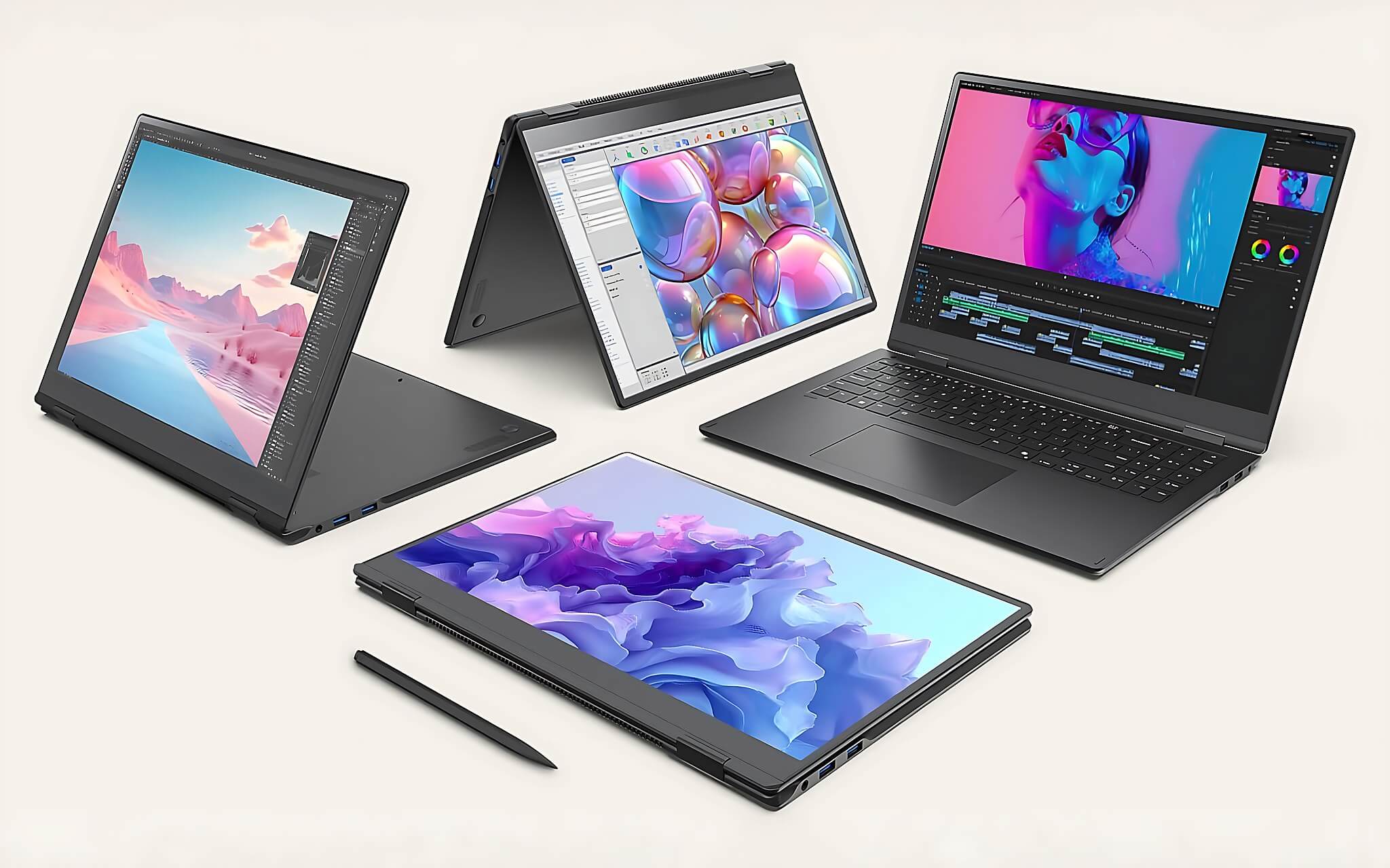
The point to consider is that the 40-42 million VND budget is quite significant. If you only run 3-4 simple Docker Compose services and don't need much mobility, the V15 Gen 4 or OmniBook 5 will be sufficient, saving you 20-25 million VND. The Gram Pro 16 is best suited for senior devs or tech leads who need a comprehensive machine for long-term use and don't want to upgrade in the next 4-5 years.
Where to buy reliable laptops for programmers in Ho Chi Minh City?
All 4 machines above are available at Hung Phat with genuine products and full warranties. Hung Phat serves customers in Ho Chi Minh City and ships nationwide; you can view detailed information and updated prices for each machine on our site before deciding. If you are still torn between two models, inbox or call us so Hung Phat can provide further advice based on your specific workflow.
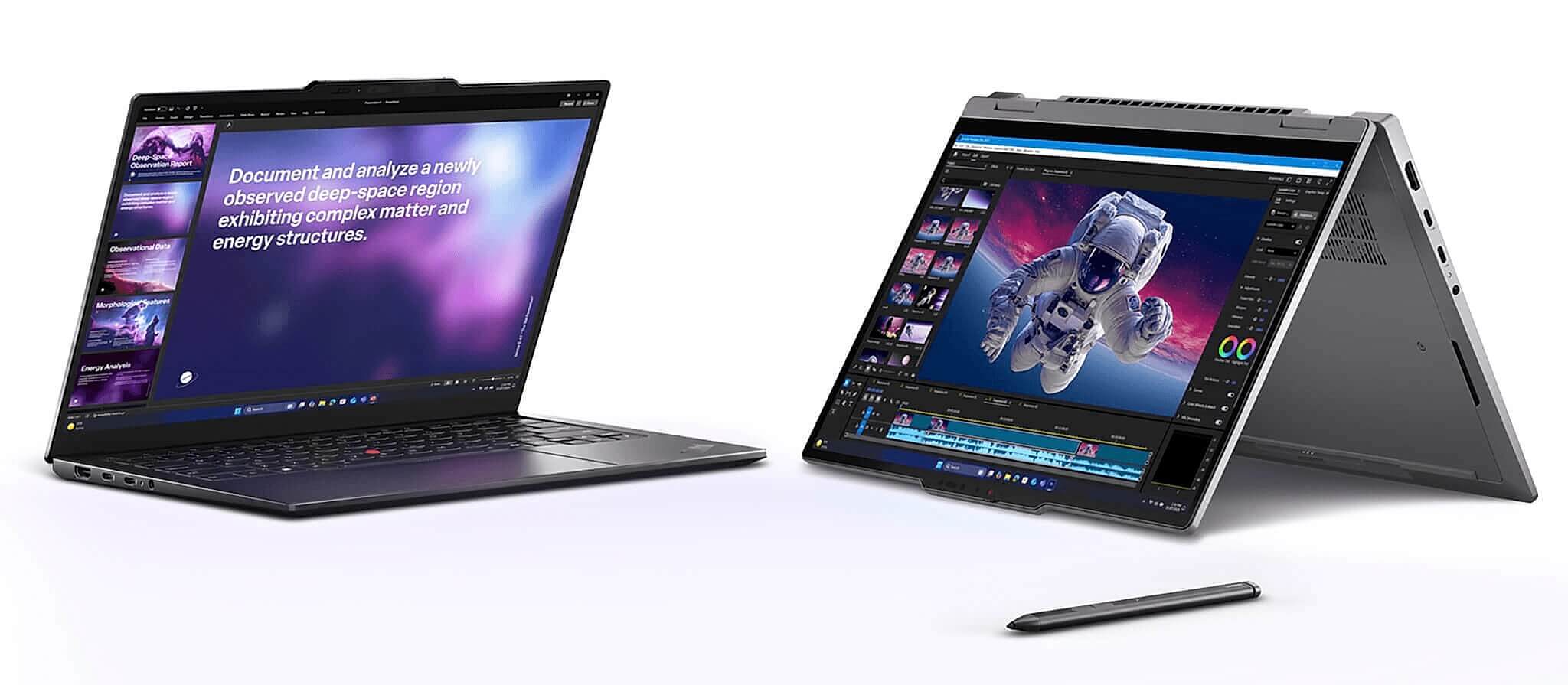
In summary: under 20 million, if you need a compact, durable machine with many ports, choose the EliteBook 840 G10. In the same price range, if you prioritize a powerful CPU for builds and a larger screen, the V15 Gen 4 i7 is a reasonable choice. From 25-35 million, if you need a 16:10 screen and long battery life for full-stack dev, the OmniBook 5 AI 32GB is worth considering. For a 40-42 million VND budget, if you need H-series performance in a lightweight machine for long-term use, the Gram Pro 16 is the ideal choice.
Frequently Asked Questions (FAQ)
What is the minimum budget for a dev running Docker to work comfortably?
From 15-18 million VND, you can run moderate Docker Compose workloads if you choose the right machine, such as the V15 Gen 4 i7-13620H 16GB or EliteBook 840 G10 16GB. If running 5 or more containers along with heavy IDEs, the true comfort threshold is 32GB of RAM.
Should devs choose Windows or macOS for a Docker environment?
Both run Docker well in 2026. Windows with WSL2 is currently very stable for Linux containers, making it suitable for Java, .NET, and general backend developers. macOS M-series is powerful in terms of performance per watt, but prices are usually higher and sometimes require extra handling for Linux-native libraries.
In the 25-35 million VND range, which machine is both lightweight and powerful enough for devs?
The HP OmniBook 5 AI 16-inch 32GB version is a reasonable choice. The Core Ultra 5 225U CPU is sufficient for full-stack devs, mobile devs, and running 4-6 medium Docker containers, while the 16-inch 16:10 screen and 59Wh battery allow for more comfortable working.
Which machine from this list should fresh graduates choose?
The EliteBook 840 G10 16GB in the 15-20 million VND range is a great starting point because it is durable, lightweight, has Thunderbolt 4, and upgradable RAM. If you primarily work at a desk and need faster builds, the V15 Gen 4 i7-13620H 16GB is a highly recommended alternative.