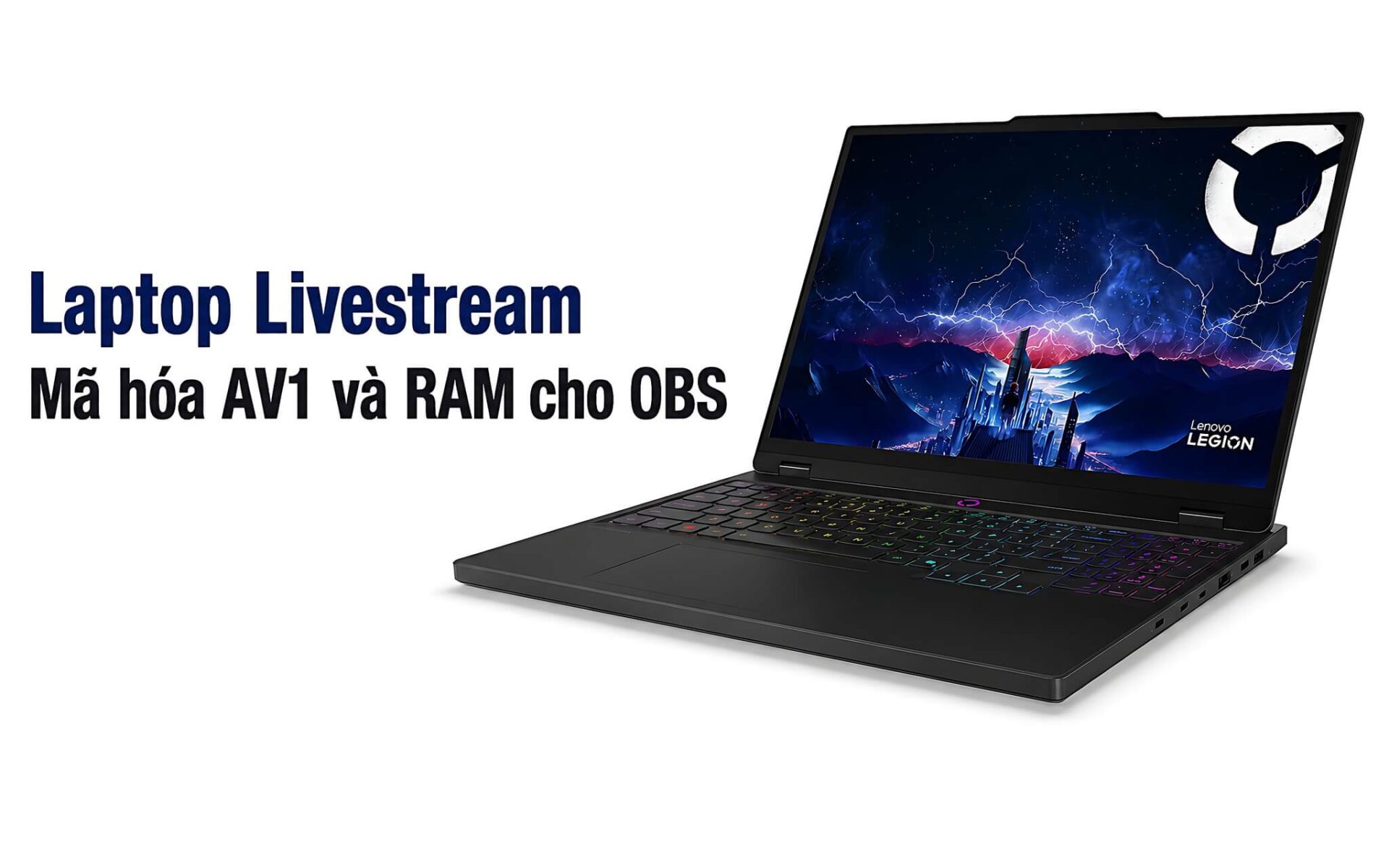
If you stream games, sell products live, or broadcast to several platforms with OBS, three things matter most: the hardware encoder on the GPU, enough CPU threads, and RAM you can upgrade. For hardware AV1 encoding, the machine needs a recent GPU: an NVIDIA RTX 40 or RTX 50 series, an Intel Arc, or an AMD RDNA3 or newer. RTX 30 series cards only encode H.264 and HEVC. In the roughly 25-57 million VND range, Hung Phat has picked out a few livestreaming laptops that are in stock, plus one desktop for anyone building a fixed OBS station, and breaks down the specs, prices, and limits so you can decide quickly.
What to look for in a machine that runs OBS reliably
For a livestreaming laptop, the GPU's hardware encoder is the top priority, because it handles video compression and frees up the CPU for everything else. If you want AV1 encoding to save bandwidth, the GPU must be an RTX 40 series (8th-generation NVENC) or an RTX 50 series (9th-generation NVENC). RTX 30 series cards such as the RTX 3050 only have 7th-generation NVENC, which encodes H.264 and HEVC but not AV1. You can check NVIDIA's NVENC encoding support matrix for each card family. Intel Arc and AMD RDNA3 or newer GPUs also include a comparable AV1 encoder.
| Model | Reference price | CPU | RAM | GPU (AV1 encoding) | Notes |
|---|---|---|---|---|---|
| Lenovo LOQ 15ARP9 (2025) | 24.99 million | Ryzen 5 7235HS | 16GB DDR5 | RTX 3050 6GB, no AV1 | Cheapest, H.264/HEVC encoding only, suited to basic streaming |
| Alienware 15 Gaming Laptop (2026) | 36.59 million | Core 7 240H or Ryzen 7 260 | 16GB DDR5-5600 | RTX 5050 8GB, has AV1 | Cheapest laptop entry to AV1, plenty of ports |
| Lenovo Legion 5 15IPH11 (2026) | 56.99 million | Core Ultra 7 356H | 16GB DDR5-5600 | RTX 5060 8GB, has AV1 | Most powerful laptop of the group, WQXGA OLED display |
| Asus ROG G700 (2026, desktop) | 49.9 million | Core Ultra 7 265KF | 32GB DDR5 | RTX 5070 desktop 12GB, has AV1 | Desktop, suited to a fixed OBS station |
The CPU in a livestreaming laptop has to run the game, OBS, a browser, comment-monitoring software, and background tasks all at once. The Ryzen 5 7235HS in the LOQ has only 4 cores and 8 threads, so it is just enough for a light stream. If you want headroom when running multiple sources, aim for the Core 7 240H (10 cores, 16 threads), the Ryzen 7 260 (8 cores, 16 threads), or the Core Ultra 7 356H (16 cores, 16 threads). Multi-core scores are only a rough guide; real-world temperatures and power draw determine how long a machine can hold its performance.
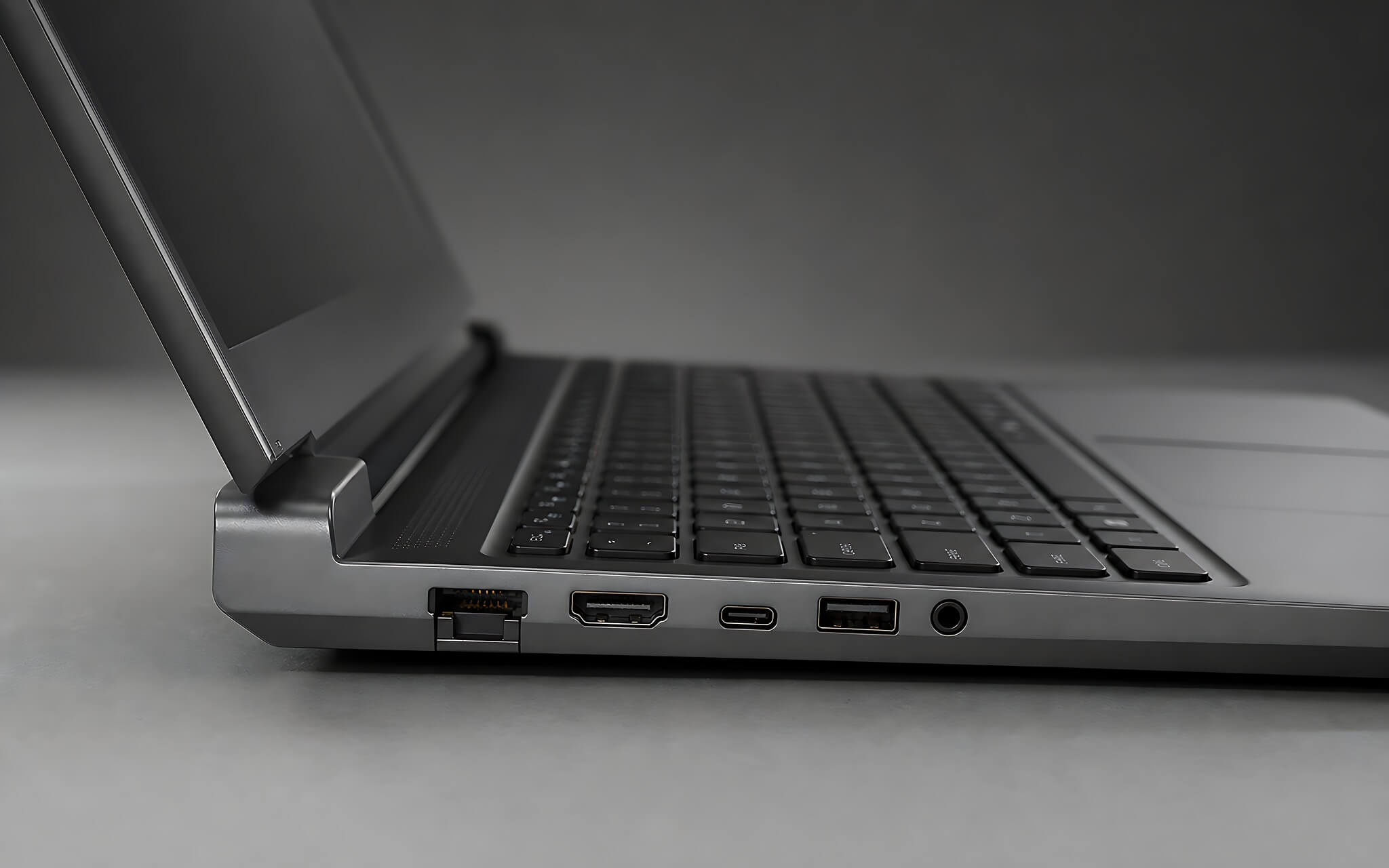
As for RAM, 16GB is a starting point for OBS plus a few browser tabs, but scenes, filters, and embedded browser sources can easily push demand to 24-32GB, so pick a machine with a free slot for upgrades. Aim for at least a 512GB SSD, and ideally 1TB, since locally recorded video eats up space fast. For a fixed streaming setup, also check the LAN port, HDMI, USB-C video output, and the number of ports available for a capture card, microphone, and camera before you buy.
Four livestreaming laptops to sort out before you buy
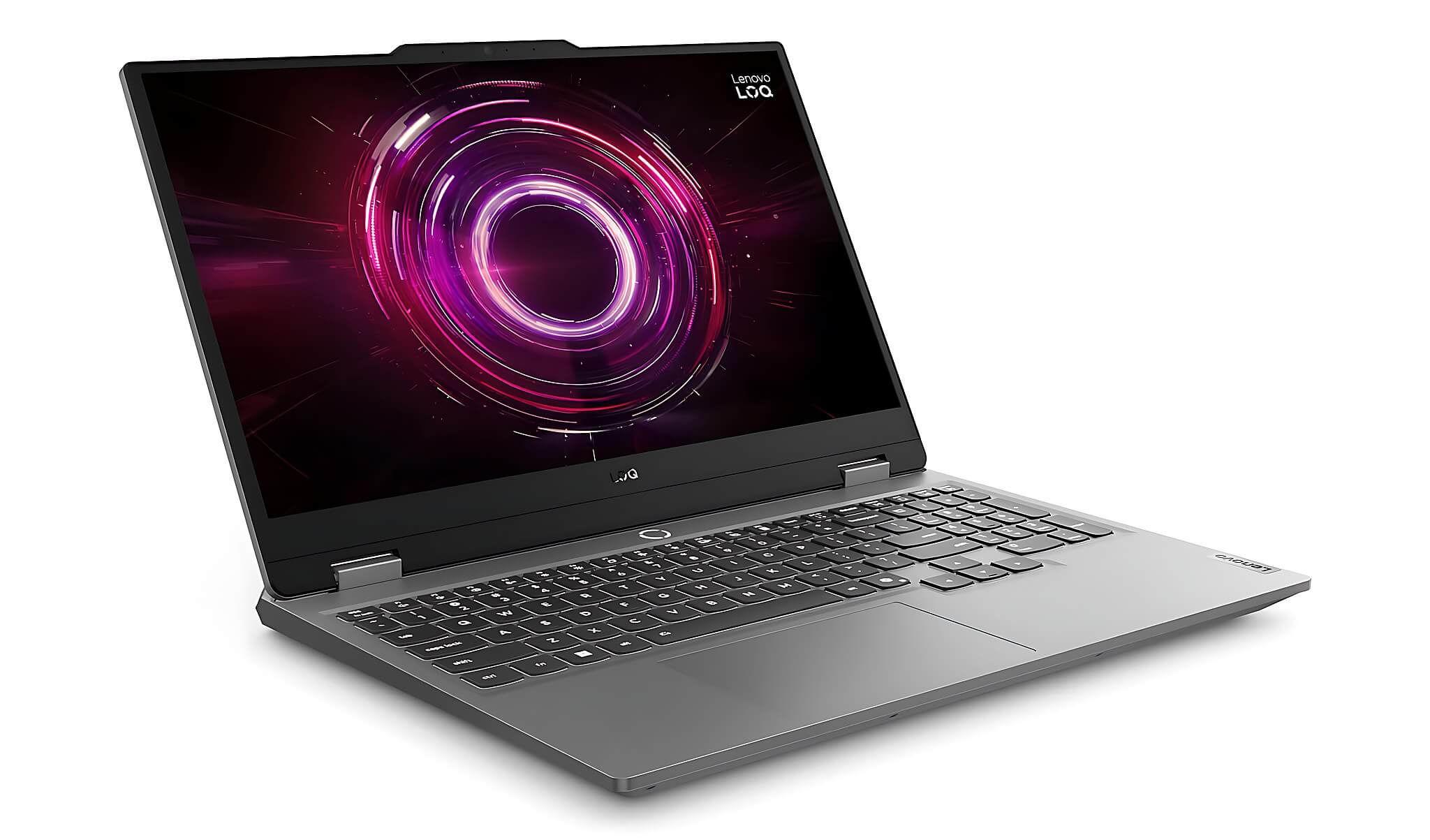
Lenovo LOQ 15ARP9 is the most economical option, with a reference price of 24.99 million. It runs a Ryzen 5 7235HS (4 cores, 8 threads), 16GB RAM, a 512GB SSD, and an RTX 3050 6GB, with a 15.6-inch FHD IPS 144Hz display. Because the RTX 3050 uses the Ampere architecture, the machine only does hardware encoding for H.264 and HEVC, with no AV1. If you must broadcast in AV1, this is not the right pick. On the plus side, two RAM slots and two M.2 slots make upgrades easy, which suits new streamers on a tight budget who mainly broadcast in H.264.
Alienware 15 Gaming Laptop costs 36.59 million and is in stock at Hung Phat. You can choose a Core 7 240H or a Ryzen 7 260, with 16GB DDR5-5600 RAM as a single module, a 1TB SSD, and an RTX 5050 8GB GDDR7. The RTX 5050 uses 9th-generation NVENC and can encode AV1, making it the cheapest entry point to AV1 on the list. One thing to note is that the RAM runs in single-channel, so you should add a second module to get dual-channel. The 15-inch FHD+ 165Hz display is fine for streaming and gaming, but for professional color work you would still want a calibrated external monitor.
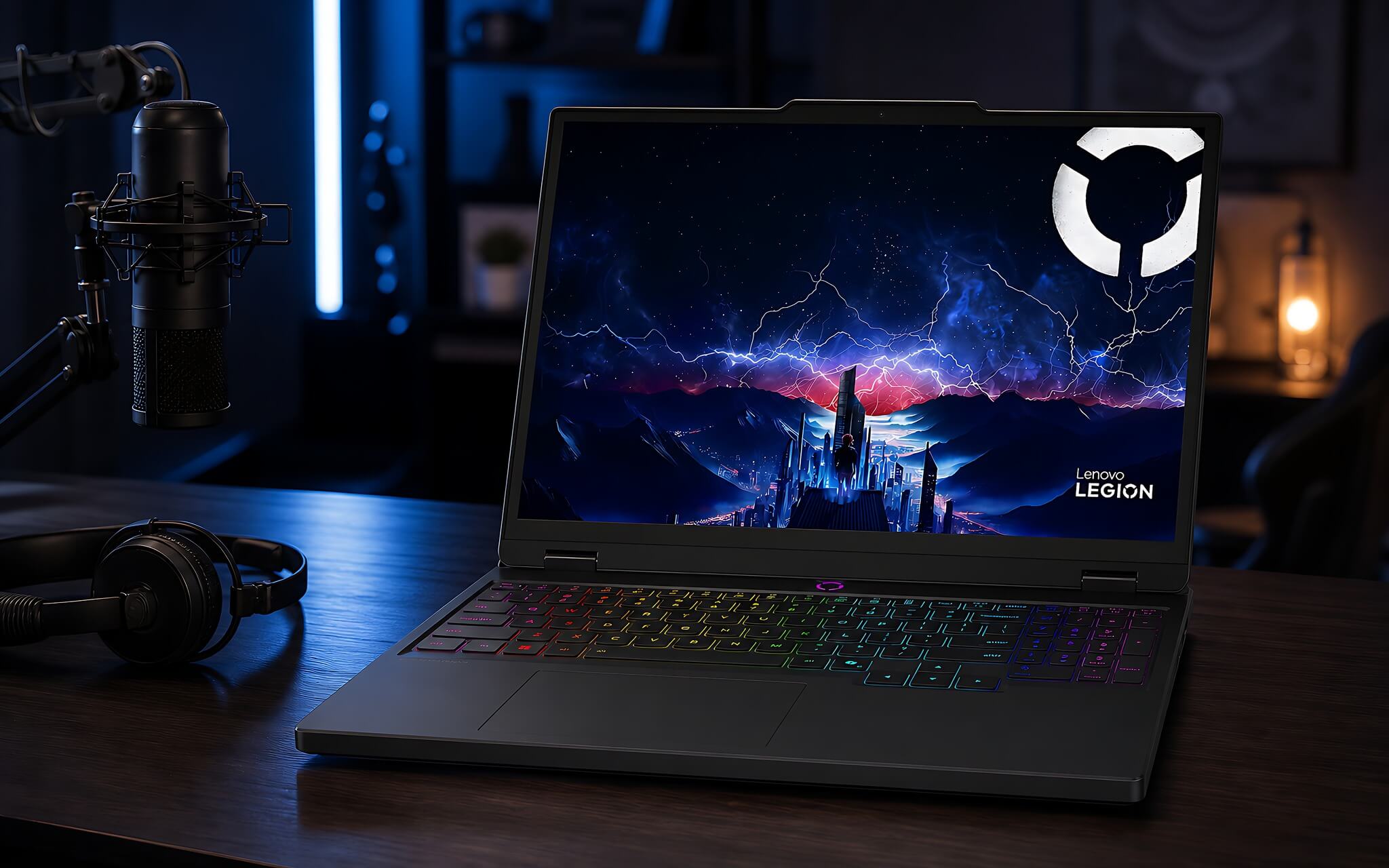
The Asus ROG G700 is a desktop with a Core Ultra 7 265KF, 32GB RAM, a 1TB SSD, and an RTX 5070 desktop 12GB. This configuration handles AV1 encoding very well, but as a desktop it only suits a fixed OBS station and doesn't belong in the same group as the laptops. The Lenovo Legion 5 15IPH11 uses a Core Ultra 7 356H and an RTX 5060 8GB and costs 56.99 million, close to the top of the budget. So if portability matters at a moderate price, the livestreaming laptops most worth considering are the LOQ and the Alienware 15.
Encoders and performance: what decides multitasking ability
The RTX 3050 6GB in the LOQ uses GDDR6 VRAM and scores 11,973 in Fire Strike and 4,571 in Time Spy. That is enough for a main OBS session, local recording, and a few admin tabs, but its encoder stops at H.264 and HEVC. The 4-core, 8-thread Ryzen 5 7235HS also limits how many sources can run in parallel, so the LOQ suits a single stream better than building multiple complex scenes.
The Core 7 240H has 10 cores and 16 threads and scores 1,719 single-core and 15,764 multi-core in Cinebench R23; the Ryzen 7 260 variant, with 8 cores and 16 threads, scores 1,764 single-core and 17,277 multi-core. Paired with an RTX 5050 8GB (24,926.5 in Fire Strike, 9,122 in Time Spy, 384 GB/s of bandwidth), the Alienware 15 leaves more headroom than the LOQ for background effects, virtual cameras, and multiple video sources, while also encoding AV1 directly on the GPU.
The Core Ultra 7 356H in the Legion has 16 cores and 16 threads and scores 19,522.5 in multi-core Cinebench R23. The accompanying RTX 5060 8GB scores 31,189 in Fire Strike and 11,755 in Time Spy, about 29% higher than the RTX 5050. This laptop configuration suits multiple OBS sessions, or playing games while rendering content, though its 56.99 million price is close to the original budget ceiling.
Which configuration fits which kind of livestreaming
If you are an IT student, a new content creator, or a game streamer with a budget around 25 million who mainly broadcasts in H.264, the LOQ 15ARP9 is a sensible starter livestreaming laptop thanks to its easily upgradable SSD and low price. It works well parked on a desk and plugged in continuously. Just remember that the RTX 3050 does not encode AV1, so if your channel later needs the newer compression standard, you will have to upgrade the machine.
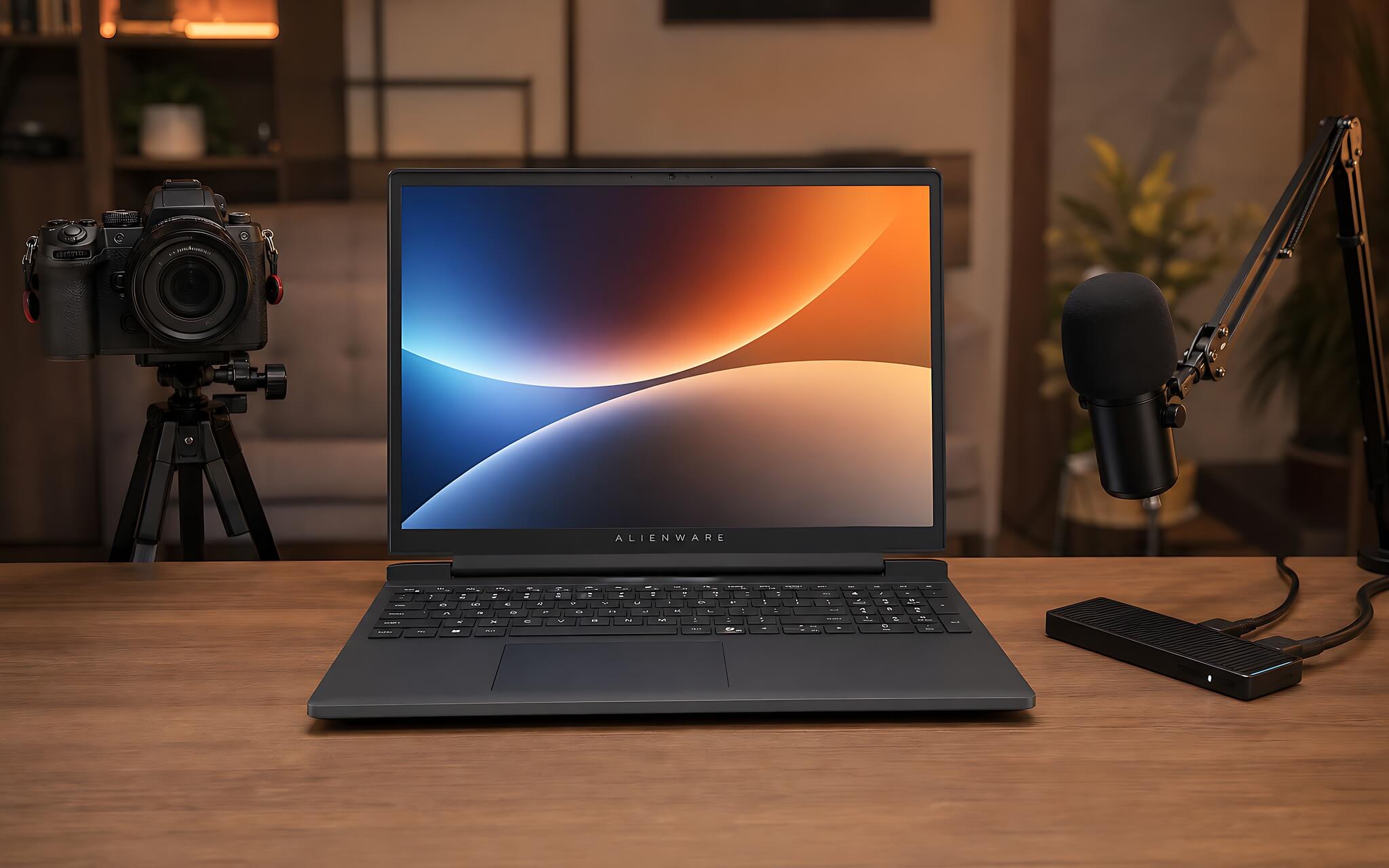
For live selling, or running a separate camera, a second display, and a capture card, the Alienware 15 is a balanced choice: the RJ45, HDMI, and USB-C video output make it convenient to build a multi-device setup, and the RTX 5050 8GB both encodes AV1 and has plenty of power for background removal or VRAM-hungry games. You should budget for an extra RAM module so it runs in dual-channel from the start, avoiding bottlenecks when several video sources are open at once.
If you need a laptop for a larger channel or for broadcasting several sources at once, consider the Legion 5 15IPH11 with an RTX 5060 and a WQXGA OLED display, even though its 56.99 million price hits the budget ceiling. The ROG G700 suits a fixed studio that needs an RTX 5070 desktop 12GB, 32GB RAM, and a 1TB SSD, but a desktop has no battery or built-in display, so it can't replace a laptop when you need to travel.
Limits to check before you decide
Before paying, confirm the exact CPU version, the number of RAM modules, the SSD capacity, and the warranty policy. The Alienware 15 offers two processor options, so performance differs noticeably between versions. With the LOQ, make sure you know it is the RTX 3050 version and not an RTX 4050, so you don't wrongly expect AV1 encoding.
Display specs directly affect your content production workflow. The LOQ uses an FHD 144Hz panel suited to gaming and managing OBS; the Alienware reaches 165Hz but its color gamut is only basic; the Legion has a WQXGA OLED 165Hz panel that is far easier on the eyes. If you do design or video editing, add a calibrated external monitor, since the ROG G700 does not come with a display.
If you control your streaming machine remotely, set up a backup access method and test the connection before every important broadcast. Powerful hardware is only half the story: your network connection, the bitrate settings in OBS, and each platform's policies decide whether a stream runs smoothly.
Picking a streaming machine for each budget
In the roughly 25-37 million range, the LOQ 15ARP9 wins on price and upgradability if you accept H.264-only encoding, while the Alienware 15 is a reasonable step up when you need AV1, thanks to its RTX 5050 8GB and full set of ports. The cost of extra RAM for the Alienware should be factored in from the start so the machine runs in dual-channel.
If your budget stretches to about 57 million, the Legion 5 15IPH11 offers far higher CPU and GPU performance, suited to channels broadcasting multiple sources; you should ask for confirmation of the configuration and warranty before ordering. The ROG G700 only suits a fixed studio thanks to its RTX 5070 desktop 12GB, and it can't replace a laptop for a mobile broadcast schedule.
Hung Phat gives advice based on the software you use, the number of OBS sessions, the game genres, and the peripherals that go with them. You can open each product link to see current pricing, specs, and stock status. For each livestreaming laptop, choose the LOQ for a tight budget and H.264 streaming, the Alienware 15 when you need to step into AV1, and the Legion 5 if you accept hitting the cost ceiling for the highest performance.
Frequently asked questions (FAQ)
What budget suits a machine for OBS and livestreaming?
For about 24.99 million you can get the LOQ 15ARP9 with an RTX 3050, 16GB RAM, and a 512GB SSD, but it only encodes H.264 and HEVC. For AV1 encoding, you need about 36.59 million for the Alienware 15 with an RTX 5050 8GB. If you want an RTX 5060 and a Core Ultra 7 356H, budget about 56.99 million for the Legion 5.
Should I choose Windows or macOS for multi-stream broadcasting?
All four products on the list are Windows machines or gaming desktops, and there is no macOS model for a direct comparison. Windows is convenient when you need NVENC, AV1 encoding on the RTX 50 series, and connections to many peripherals. You should still check compatibility with your capture card, OBS plugins, and management software.
Which model balances portability and performance on the list?
Among the laptops, the Alienware 15 offers the best balance of performance and portability, with its RTX 5050 scoring 9,122 in Time Spy, far above the 4,571 of the LOQ's RTX 3050. Even so, it is still a 15-inch gaming machine, not a thin and light ultrabook for constant travel.
Which machine is right to buy right now for a beginning streamer?
The LOQ 15ARP9 is easy to get into thanks to its low price and upgradable RAM and SSD, and it suits one main OBS session along with gaming and comment moderation in H.264. When you need AV1 encoding, 8GB of VRAM, and more ports, you can move up to the Alienware 15 and then upgrade the RAM to a dual-channel configuration.