Many workstation and gaming laptops list a 99.9Wh battery capacity in their spec sheets, right up against the 100Wh ceiling aviation regulations use to classify lithium-ion batteries. Watt-hours (Wh) measure the total energy stored in a battery, much like the capacity of a gas tank, rather than the number of hours it will run. This article explains why a 99Wh battery simplifies airport procedures, how to calculate Wh from a battery label yourself, the rules set by IATA, the FAA, and the Civil Aviation Authority of Vietnam, and the real-world battery life manufacturers claim.
Why Many Laptops Use a 99Wh Battery Instead of Crossing 100Wh
The 100Wh threshold comes from the lithium-ion battery classification table in IATA's 2026 passenger guidance on lithium batteries, which is based on the 2025-2026 edition of the ICAO Technical Instructions and the 67th edition of the IATA Dangerous Goods Regulations. Devices with batteries within the 100Wh limit can be carried in carry-on baggage, checked in when completely turned off, and do not require airline approval. Cross that threshold, and passengers must obtain operator approval, even when the battery is permanently built into the laptop.

For hardware manufacturers, targeting a capacity just under 100Wh without exceeding it keeps laptops in the easiest transport category. According to Lenovo's PSREF, the ThinkPad P16 Gen 3 uses a 99.9Wh battery, while the Legion Pro 7 16IAX10H offers two options, 80Wh and 99.9Wh, depending on the configuration. Both model lines belong to the workstation and gaming segments, where brands need to squeeze out every watt-hour because the components draw considerable power. As a result, owners of laptops with a 99Wh battery get extra energy reserves without needing special permission to take their machines on a plane.
A laptop with a 99.9Wh battery and one with a 101Wh battery differ by only about 1% in energy, yet the regulatory requirements are entirely different. The 101Wh model falls into the over-100Wh-to-160Wh category, requiring advance airline approval, and the carrier retains the right to deny it if the information provided is incomplete. Whenever you see a 99Wh or 99.9Wh battery spec, it is a deliberate engineering choice shaped by transport thresholds. Building a higher capacity is technically feasible, but passengers would lose travel convenience.
How to Calculate Wh from the Voltage and Ah on a Battery Label
IATA defines watt-hours as the rated capacity in ampere-hours multiplied by the nominal voltage: Wh = Ah × V. The PackSafe page from the FAA, the US federal aviation authority, provides the same formula. If the label lists only mAh, divide by 1,000 to convert to Ah before multiplying. For example, a battery labeled 15.4V and 6,480mAh corresponds to 6.48Ah; multiplying the two yields roughly 99.8Wh, safely under the 100Wh limit.
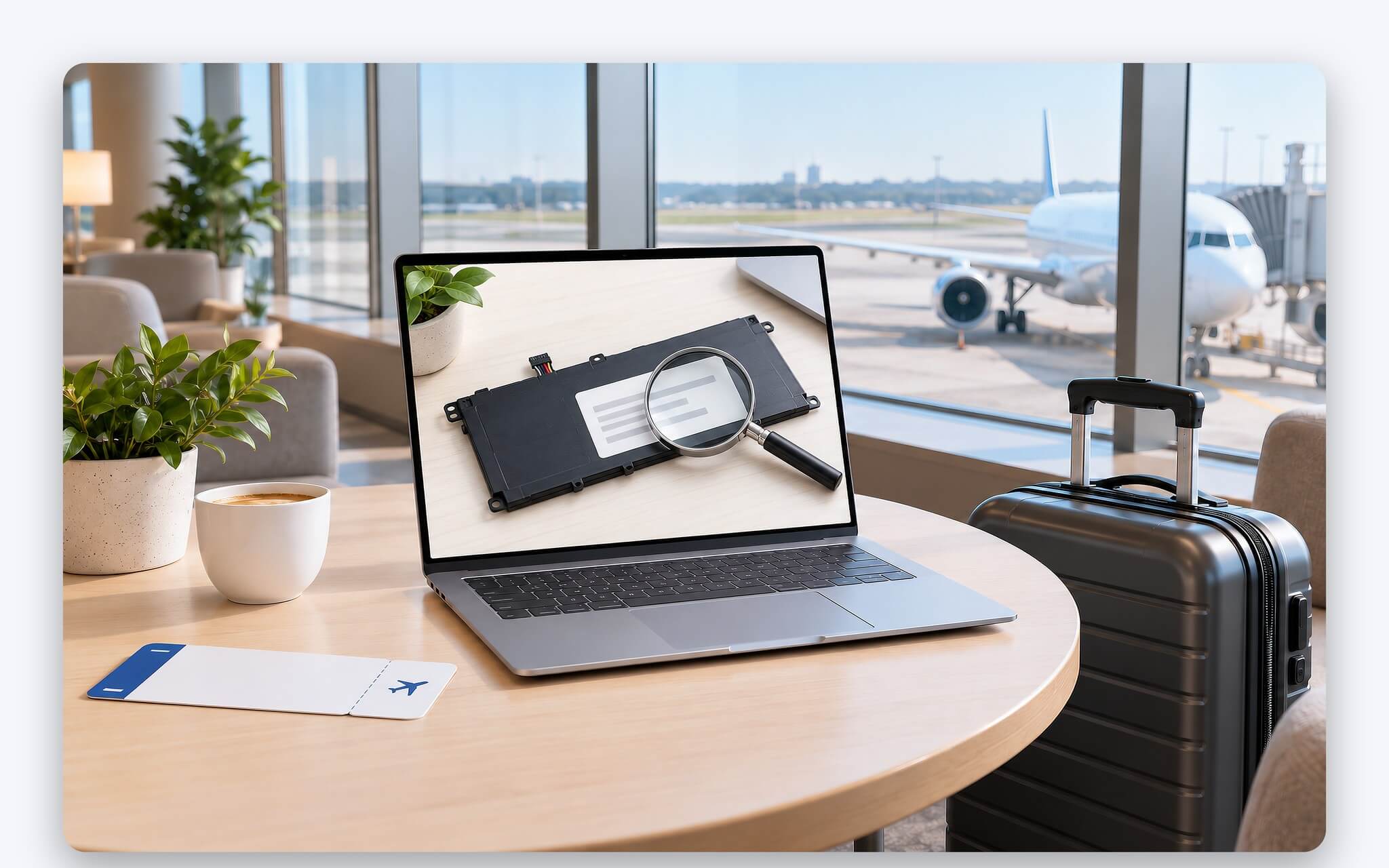
Even a slight increase in capacity shifts the battery into a different category. At the same 15.4V, a label reading 6,600mAh calculates out to 101.64Wh, crossing the 100Wh mark and requiring airline approval. This is why you should never compare batteries solely by mAh. Two batteries rated at 6,500mAh, one at 11.55V and the other at 15.4V, deliver drastically different energy: roughly 75.1Wh and 100.1Wh, respectively, meaning the second one exceeds the threshold. The Wh rating is the figure aviation regulations actually care about.
According to IATA, all lithium-ion batteries must have their Wh rating marked on the outside of the casing. If passenger service agents cannot verify the Wh rating from the battery label or accompanying documentation, the airline may refuse carriage of the battery or the device. On laptops with internal batteries, the label may be on the bottom cover or printed directly on the battery pack inside the chassis, so take a photo or save the manufacturer's official spec sheet before bringing your laptop on a flight.
IATA and FAA Regulations for Bringing Laptops on Planes
Table 1 in the 2026 edition of the IATA document distinguishes among three categories: batteries installed in personal electronic devices, loose spare batteries, and power banks. Laptops with a 99Wh battery fall under batteries installed in devices; they are permitted in the passenger cabin, permitted in checked baggage, and do not require approval. Each passenger may carry up to 15 personal electronic devices, though operators can approve more. IATA still recommends keeping laptops, phones, and cameras in carry-on baggage rather than checking them.
| Energy Rating | Battery Installed in Laptop | Spare Loose Battery | Power Bank |
|---|---|---|---|
| Not exceeding 100Wh | Carry-on or checked (completely turned off), no approval required | Carry-on only, no approval required | Carry-on only, maximum 2 units |
| Over 100Wh to 160Wh | Carry-on or checked, airline approval required | Carry-on only, approval required, maximum 2 spares per device | Prohibited |
| Over 160Wh | Not permitted as passenger baggage, must be shipped as cargo | Not permitted as passenger baggage | Not permitted as passenger baggage |
When you must check a laptop instead of bringing it into the cabin, IATA requires that the device be protected from damage, prevented from unintentional activation, and completely turned off rather than left in sleep or hibernation mode. If your carry-on bag is gate-checked to go into the cargo hold, remove your laptop and any lithium batteries to carry them with you. All passenger-carried batteries must also meet the testing requirements in Section 38.3 of the UN Manual of Tests and Criteria.
Under FAA rules, loose lithium-ion batteries and power banks are restricted to carry-on baggage, each limited to 100Wh. With airline approval, passengers may carry up to two spare batteries rated between 100Wh and 160Wh, with the FAA citing aftermarket extended-life laptop batteries as an example. Battery terminals must be protected against short circuits, and damaged or recalled batteries are barred from aircraft. Batteries exceeding 160Wh must be transported as dangerous goods according to IATA.
Regulations From the Civil Aviation Authority of Vietnam and Vietnam Airlines
The Vietnam Airlines lithium battery regulations page outlines three tiers similar to IATA. Devices such as laptops with batteries not exceeding 100Wh, including 99Wh laptops, are permitted in carry-on baggage up to 15 devices per passenger, and may be checked in if the device is powered off completely. Spare batteries in this category are restricted to carry-on baggage only, up to a maximum of 10 units. Power banks not exceeding 100Wh are likewise restricted to carry-on bags only, with a maximum of 2 units.
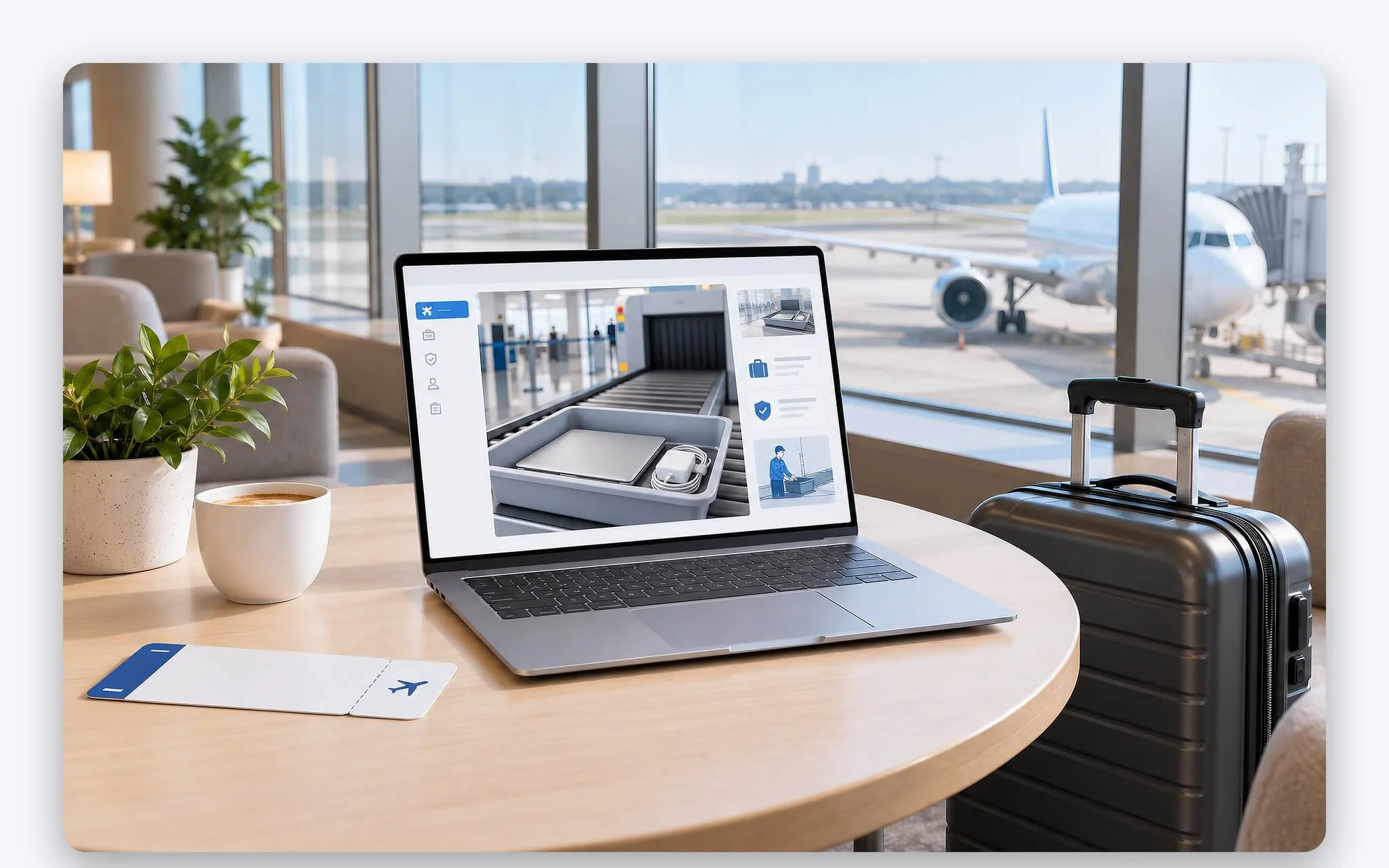
In the tier spanning over 100Wh to 160Wh, Vietnam Airlines permits a maximum of 2 devices across both carry-on and checked luggage combined, while spare batteries are capped at 2 units and may only power that specific device. Batteries exceeding 160Wh are not accepted in either carry-on or checked baggage. For a 99Wh laptop, the process of bringing it on a flight is therefore identical to that of a typical office laptop with a 50Wh or 60Wh battery, provided the capacity label is legible and the battery shows no signs of swelling or physical damage.
On the regulatory front, the Civil Aviation Authority of Vietnam issued Directive 3557/CT-CHK on June 24, 2026, effective July 1, 2026, which specifically regulates power banks, while the 100Wh threshold for laptops remains governed by general aviation rules. Each passenger may bring no more than 2 power banks in carry-on baggage; they must be kept in plain sight, cannot be recharged on board, and must not be used to charge other devices throughout the flight. If you routinely plug a power bank into your laptop in flight, you will need to break that habit when flying with a laptop in Vietnam.
How Many Hours of Real-World Use a 99Wh Battery Delivers on a Laptop
Battery capacity is only half the story; the other half is the power draw of the CPU, GPU, and display panel. Lenovo's PSREF lists runtimes based on MobileMark 30 testing at 250 nits and 1080p video playback at 150 nits. The Legion Pro 7 16IAX10H with a 99.9Wh battery delivers 2.85 hours in MobileMark 30 and 6.25 hours of video playback, while the 80Wh version records 2.9 hours and 4.25 hours, respectively.
| Laptop (Lenovo PSREF) | Battery Capacity (Wh) | MobileMark 30, 250 Nits (Hours) | 1080p Video, 150 Nits (Hours) |
|---|---|---|---|
| Legion Pro 7 16IAX10H, large battery configuration | 99.9 | 2.85 | 6.25 |
| Legion Pro 7 16IAX10H, small battery configuration | 80 | 2.9 | 4.25 |
| Legion 7 16IAX10 | 84 | 3.98 | 7.18 |
| Legion 5 15IAX11 | 80 | 9.6 | 12.5 |
| ThinkPad P16 Gen 3 | 99.9 | Not published | Not published |
| ThinkPad P1 Gen 8 | 90 | Not published | Not published |
These figures show that a 99Wh battery does not automatically translate to longer office productivity if the underlying platform is power-hungry. Within Lenovo's gaming laptop lineup, the Legion 5 15IAX11 houses only an 80Wh battery yet manages 9.6 hours in MobileMark 30 - more than three times the runtime of the 99.9Wh Legion Pro 7. The Legion 7 16IAX10 with an 84Wh battery hits 3.98 hours. If you are balancing graphics performance with endurance, the article Thin and Light Gaming Laptops Under 2 kg: What Are the Trade-Offs in Graphics Cards and Battery Life? explores the compromises between graphics card wattage and battery runtime.
For workstations, Lenovo's PSREF for the ThinkPad P16 Gen 3 (99.9Wh battery) and ThinkPad P1 Gen 8 (90Wh battery) omits MobileMark ratings, leaving no official figures for direct comparison. The practical way to think about a 99Wh battery is like a fuel tank: the total runtime hinges entirely on your actual workload. On a flight lasting several hours, a high-capacity laptop handling light tasks at moderate brightness provides a wider operating cushion, especially since functional in-seat power outlets are never guaranteed. If finishing work en route is a priority, charge the laptop beforehand, let the battery cool down completely before boarding, and lower the display brightness once in the air.
Checking Battery Labels and Prepping Power Banks Before Flight
Before your flight day, flip your laptop over or check the official technical documentation to find the Wh rating - such as a 99Wh or 99.9Wh battery - then snap a clear photo for quick verification with airport staff. If the label only lists V and mAh, calculate it beforehand using the formula Wh = Ah × V. On Windows, the powercfg /batteryreport command generates an HTML report on battery usage characteristics over the system's life cycle, according to Microsoft Learn documentation, helping assess battery health before bringing the laptop on a plane.

A swollen battery, a cracked casing, or abnormal heat are signs you should not bring the laptop on a plane, as the FAA prohibits damaged batteries that pose a thermal runaway hazard from being taken aboard aircraft. If your laptop gets noticeably hot whenever plugged in, the article Laptop Getting Hot While Charging: Normal Levels and Signs to Watch For helps tell typical operating temperatures from red flags that need checking before a trip. IATA also recommends avoiding last-minute charging, and letting the device cool down before packing it into your bag if it was just charged.
For accompanying power banks, IATA 2026 regulations allow bringing at most two units within the 100Wh limit, with restrictions prohibiting recharging them from onboard power outlets, storing them in overhead bins, and using them to power other devices during taxi, takeoff, or landing. IATA classifies power banks between over 100Wh and 160Wh as prohibited, whereas Directive 3557/CT-CHK allows this range with airline approval, so you should check with your airline beforehand. Carrying a 99Wh laptop alongside two compliant power banks remains acceptable, provided each device has a clearly legible Wh rating label and protected terminals.
Frequently Asked Questions (FAQ)
Does a 99.9Wh battery count as exceeding the 100Wh mark?
No. A 99Wh or 99.9Wh battery is still below 100Wh, placing it in the category that requires no airline approval under IATA classification tables. Prior approval procedures apply only when a battery exceeds 100Wh. Keeping a clear photo of the battery label handy helps airport staff check it quickly if questioned.
Can you check in a laptop with a large battery near 100Wh?
IATA and Vietnam Airlines permit check-in if the laptop is turned completely off and protected against damage. IATA still recommends carrying laptops aboard in carry-on baggage so the flight crew can respond promptly if a battery overheats abnormally.
Can laptops with batteries over 100Wh be taken on a flight?
Yes, if the battery exceeds 100Wh but does not top 160Wh and the airline approves it in advance. IATA requires passengers to declare the Wh rating, the quantity of batteries, and whether the battery is removable. Batteries exceeding 160Wh are not permitted for passenger transport.
Is a high-capacity battery enough for a long flight?
That depends on the specs. According to Lenovo PSREF, the Legion Pro 7 16IAX10H with a 99.9Wh battery delivers 6.25 hours of 1080p video playback, while the Legion 5 15IAX11 with an 80Wh battery lasts 12.5 hours. Lighter workloads and lower screen brightness help extend battery life.