

A thin and light gaming laptop under 2 kg lets you carry it to school or work every day while still gaming at night, but a slim chassis always forces manufacturers to make cuts somewhere: GPU power, cooling system capacity, battery capacity, or charger size. GPU power, typically listed as TGP, is simply the maximum wattage a laptop supplies to the graphics card, and this figure determines how fast an RTX 50 series card can run. This article breaks down each of those trade-offs and highlights five 2025 and 2026 models with RTX 5050, RTX 5060, and RTX 5070 graphics weighing between 1.79 and 1.95 kg.
What Thin and Light Gaming Laptops Trade Off Compared to Thicker Machines
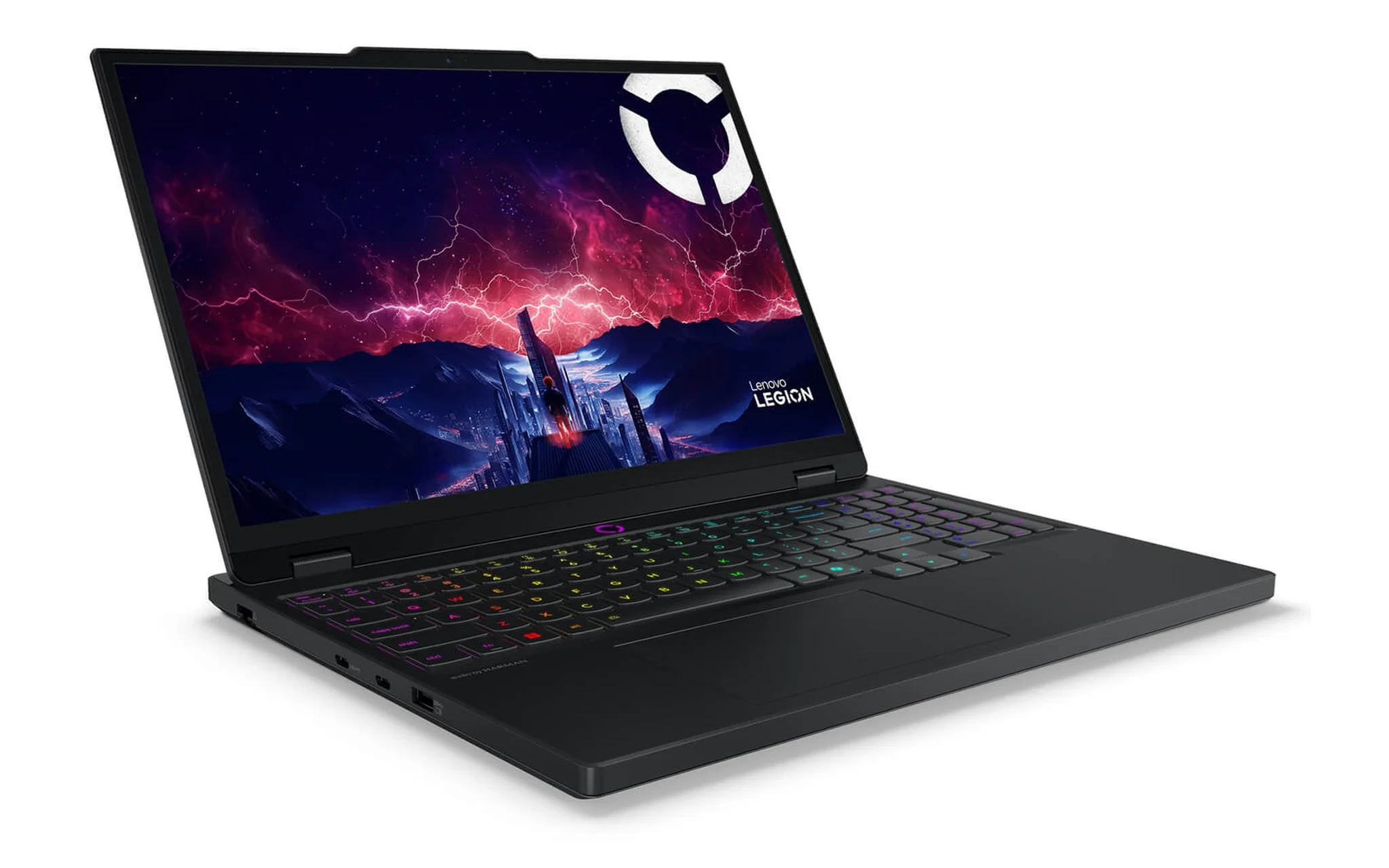
There is no official standard defining thin and light gaming laptops, but in the market, the term typically refers to laptops with discrete graphics that weigh under about 2 kg and measure roughly 15 to 22 mm thick. The clearest example comes right from within a single product lineup: according to Lenovo's Legion 5 15AHP10 PSREF, the IPS display model starts at 2.1 kg and measures 22.50 to 23.99 mm thick, whereas the OLED version with an aluminum lid starts at just 1.9 kg and measures 19.95 to 21.54 mm. With the same processor and graphics card, simply changing materials and the display panel results in a 200-gram difference.
When a chassis gets thinner, the cooling system is the first thing affected: smaller fans, shorter copper heat pipes, and narrower vents. To maintain safe temperatures, manufacturers must choose between two approaches: lowering the power fed to the graphics card so it generates less heat, or keeping power high and accepting faster, louder fans. A slim chassis heating up quickly under heavy loads is not unique to gaming laptops, as analyzed in the article on how the MacBook Pro makes thin and light laptops pay the price in thermals, making this a universal physical limitation of any compact design.
The second trade-off lies in the battery and charger. High-capacity batteries are heavy, while high-wattage power adapters are bulky, so a thin and light gaming laptop must balance both to keep total carry weight reasonable. That is why, when reading a spec sheet, you should look at four numbers simultaneously: weight in kg, thickness in mm, GPU power in W, and charger wattage alongside battery capacity. A single attractive figure, such as a low weight, does not tell the full story about that laptop's gaming performance.
Reading GPU Power on Spec Sheets to Gauge Real Performance
Under the same GPU name, such as RTX 5060 Laptop, each manufacturer is allowed to allocate different power levels depending on the chassis, making GPU power the true indicator of real-world performance. Lenovo clearly lists this figure in its PSREF: the IdeaPad Pro 5 16AKP10 runs the RTX 5050 at 105W, while the Legion 5 15AHP10 supplies 115W to both the RTX 5050 and RTX 5060. Acer advertises a maximum graphics power of 115W for the RTX 5070 on the Predator Helios Neo 14 AI. Samsung and Asus do not disclose this number on the spec pages for the Galaxy Book6 Ultra and Asus V16 V3607.
| Laptop Model | Graphics Card | GPU Power | Weight (kg) | Thickness (mm) | Battery | Charger |
|---|---|---|---|---|---|---|
| Lenovo IdeaPad Pro 5 16AKP10 (2025) | RTX 5050 8GB | 105W | 1.79 | 15.95 | 84Wh | 100W USB-C or 170W |
| Samsung Galaxy Book6 Ultra 16-inch (2026) | RTX 5060 8GB | Undisclosed | 1.89 | 15.4 | 80.2Wh | 140W USB-C |
| Acer Predator Helios Neo 14 AI (2025) | RTX 5070 8GB | Up to 115W | 1.90 | 20.80 | 76Wh | 230W |
| Lenovo Legion 5 15AHP10 (AMD) (2025), OLED version | RTX 5060 8GB | 115W | 1.9 | 19.95 to 21.54 | 60Wh or 80Wh | 170W or 245W |
| Asus Gaming V16 V3607 (2025) | RTX 5050 or RTX 5060 8GB | Undisclosed | 1.95 | 18 to 22 | 63Wh | 150W |
To put the performance gap between these GPUs in perspective, Notebookcheck's compiled benchmarks show an average 3DMark Time Spy score of around 9,122 for the RTX 5050 Laptop, 11,755 for the RTX 5060 Laptop, and 13,536 for the RTX 5070 Laptop. These are averages across multiple laptops running at varying TGP levels, so a slim model operating on lower wattage may fall below these marks. Why a powerful GPU can still suffer frame drops when constrained by thermals and power is explained in detail in 2026 Gaming Laptops: Why Does a Powerful GPU Still Drop FPS During Gaming?.
When a manufacturer does not publish GPU power figures, the charger serves as a helpful indirect clue. The power adapter dictates total wattage drawn from the wall for the CPU, graphics card, display, and battery charging combined, meaning the Galaxy Book6 Ultra with its 140W USB-C charger can hardly sustain the same sustained load as the Acer Predator Helios Neo 14 AI with its 230W adapter. On the other hand, a larger charger means a heavier backpack, so for those choosing a thin and light gaming laptop for daily mobility, a moderate power level is often a more sensible choice than chasing the absolute maximum.
Two Sub-16 mm Models with USB-C Charging for Daily Commuters
The lightest model in the group is the Lenovo IdeaPad Pro 5 16AKP10 (2025), configured with a Ryzen AI 7 350, 16GB of RAM, a 1TB SSD, an RTX 5050 8GB, and a 16-inch 2.8K OLED display, priced at 33.5 million VND. According to the PSREF, the discrete graphics variant starts at 1.79 kg, measures 15.95 mm thick, features an aluminum chassis on both top and bottom covers, and houses an 84Wh battery rated for up to 21 hours of 1080p video playback at 150 nits of brightness. Dual USB4 ports support 65W to 100W charging, meaning a small USB-C charger is all you need for class, leaving the 170W adapter for gaming at home.
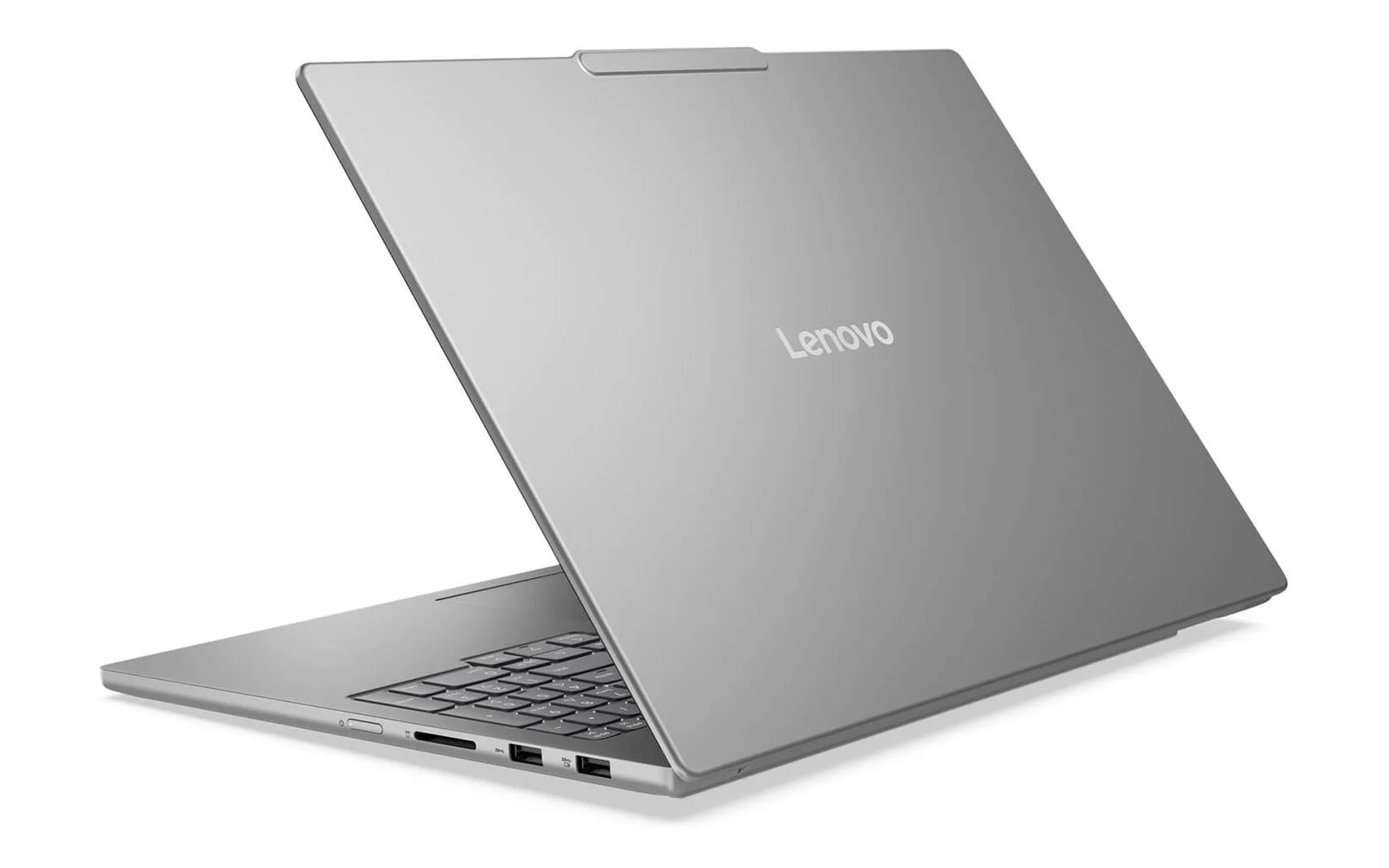
If you want a sharper display and stronger graphics in an equally slender chassis, the Samsung Galaxy Book6 Ultra 16-inch (2026) comes in a configuration with a Core Ultra 7 356H, 32GB of RAM, a 1TB SSD, an RTX 5060 8GB, and a 2880 x 1800 touch AMOLED display, priced at 62 million VND. In its Galaxy Book6 launch announcement, Samsung stated that the discrete GPU variant weighs 1.89 kg, measures 15.4 mm thick, packs an 80.2Wh battery, and comes with a 140W USB-C charger. This laptop suits users editing video and photos by day and playing casual games in the evening.
What these two thin and light gaming laptops have in common is a sub-16 mm profile and USB-C charging, giving them noticeably better portability than traditional gaming laptops. The trade-off is more modest power delivered to the graphics card: the IdeaPad Pro 5 tops out at 105W, while the Galaxy Book6 Ultra relies on a 140W adapter for the entire system. For lighter esports titles, both machines hold up well; for graphically demanding AAA games, lowering settings or enabling DLSS is recommended to maintain stable frame rates.
Two Models Around 1.9 kg Keep a 115W GPU for Demanding Gaming
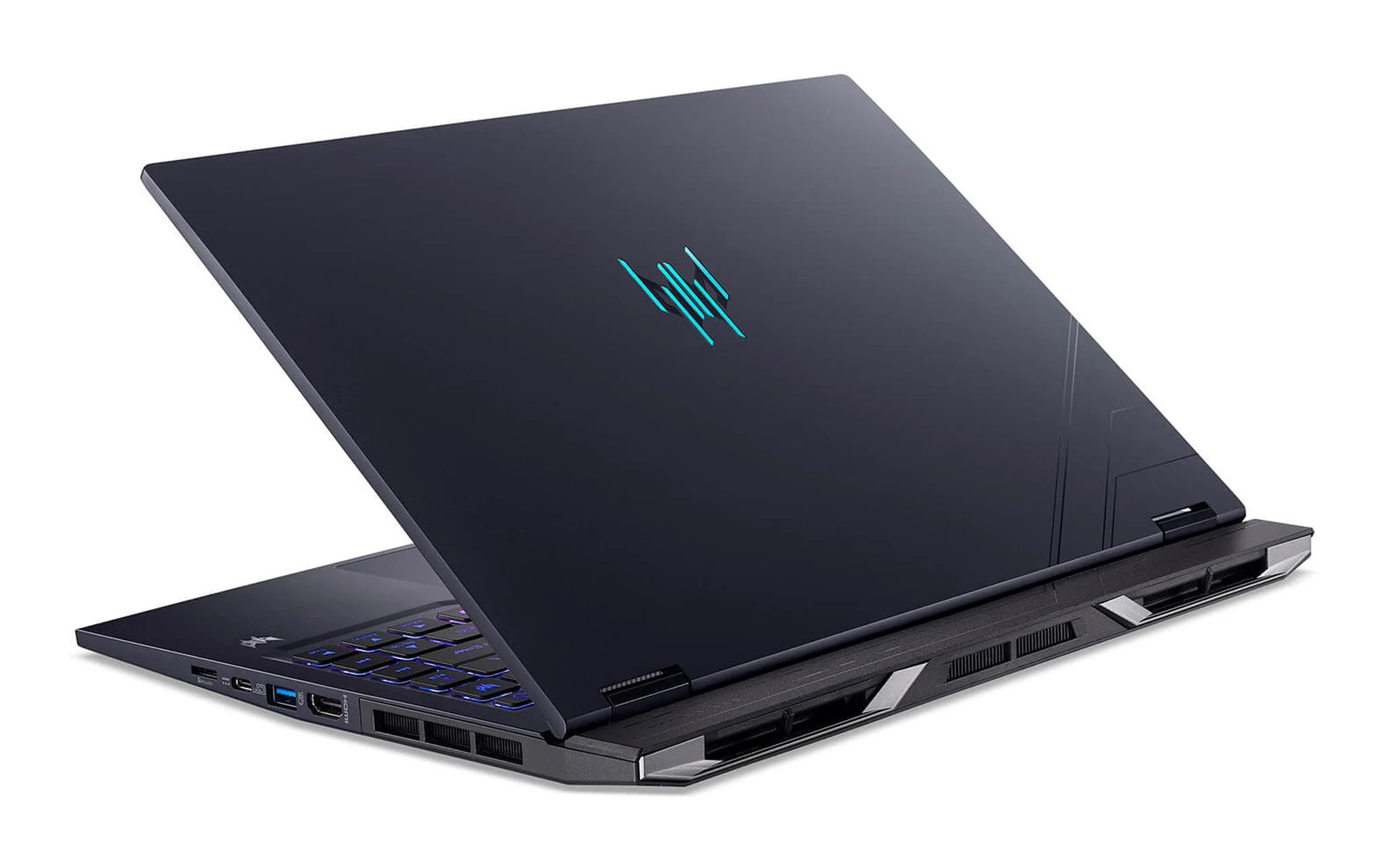
If you prioritize gaming performance over thinness, the Acer Predator Helios Neo 14 AI (2025) is the most compact laptop with an RTX 5070 in the group. The configuration featuring a Core Ultra 9 285H, 32GB RAM, a 1TB SSD, an 8GB RTX 5070, and a 14.5-inch 2560 x 1600 display with a 165Hz refresh rate retails for 52 million VND. The Acer Store lists the laptop at 1.90 kg and 20.80 mm thick, with a maximum graphics power of 115W, a 230W power adapter, and up to 13 hours of battery life. It comes with a 12-month warranty.
In the 15-inch category, the Lenovo Legion 5 15AHP10 (AMD) (2025) configured with a Ryzen 7 260, 24GB RAM, a 1TB SSD, an 8GB RTX 5060, and a 165Hz OLED display is priced at 42.99 million VND. According to PSREF, the OLED version has a starting weight of 1.9 kg, runs its RTX 5060 at a 115W TGP, and comes with either a 60Wh or 80Wh battery depending on the configuration, achieving 5.6 hours in MobileMark 30 with the 80Wh pack. Its USB-C port supports 95W to 100W charging for light work. The laptop is backed by a 36-month genuine Lenovo Vietnam warranty.
Compared to thin and light gaming laptops under 16 mm, these two models are about 4 to 6 mm thicker and include bulkier power adapters, but in return they maintain a 115W TGP for the graphics card. That thicker chassis provides room for fans and rear exhaust vents, helping the GPU sustain its clock speeds during extended sessions. The advantage of this tier is clearest if you play AAA titles for multiple hours each week while still wanting a weight around 1.9 kg.
Asus Gaming V16 Weighs 1.95 kg for Budget-Conscious Buyers
At the most accessible price point, the Asus Gaming V16 V3607 (2025) offers a Core 7 240H version with 16GB RAM, a 512GB SSD, and an 8GB RTX 5050 for 31.69 million VND, alongside an 8GB RTX 5060 version with a 1TB SSD for 34.79 million VND. According to the Asus spec sheet, the laptop weighs 1.95 kg, measures 18 to 22 mm thick, features a 63Wh battery, and uses a 150W power adapter. Its 16-inch display runs at 1920 x 1200 with a 144Hz refresh rate. It includes a 24-month genuine warranty.
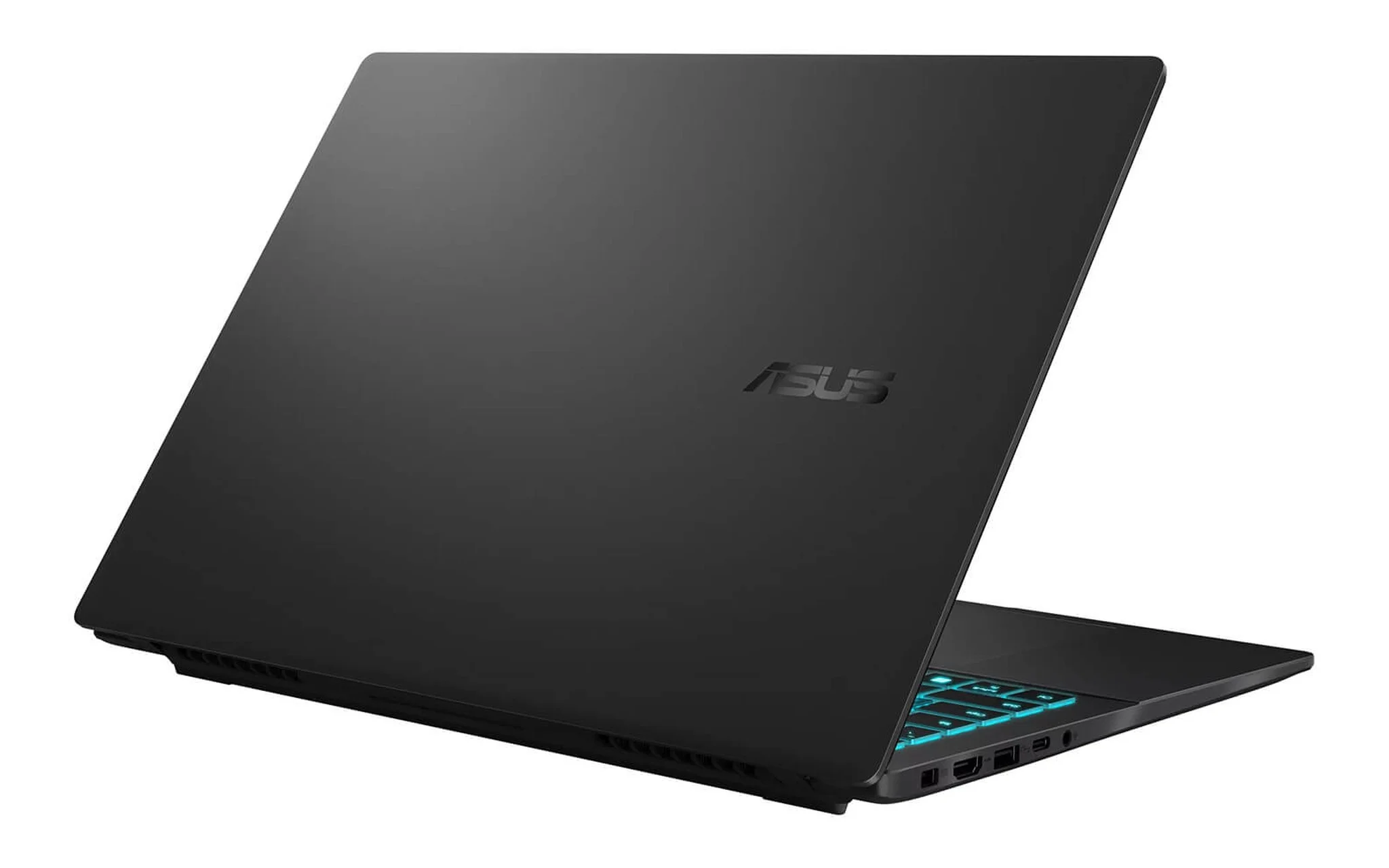
The trade-offs on the Asus V16 center on its battery and display. The 63Wh battery is the smallest among the five thin and light gaming models covered here, its 1920 x 1200 resolution falls short of the OLED panels, and Asus does not disclose GPU wattage on the Asus V16 V3607 spec page. On the other hand, the laptop uses SO-DIMM RAM slots, which Asus lists as supporting up to 32GB, allowing you to upgrade memory down the road rather than buying a higher-tier configuration upfront.
The Asus V16 suits students who want a thin and light gaming machine with a 16-inch screen to play esports and casual titles at native resolution while handling daily schoolwork and office tasks. If you frequently run demanding games, the RTX 5060 version is well worth considering over the RTX 5050 build, given the modest price difference of about 3.1 million VND and double the SSD storage.
Managing Chargers and Power Modes for Gaming
The most critical rule with thin and light gaming laptops is to plug in the power adapter during demanding gaming sessions. On battery power, gaming laptops typically reduce power delivered to both the GPU and CPU to extend battery runtimes, leading to significantly lower frame rates. While the Legion 5 15AHP10 is rated at 5.6 hours in MobileMark 30 with an 80Wh battery, that figure reflects basic office workloads; real-world runtimes during battery-powered gaming are much shorter.
| Primary Need | Recommended Model | Key Reason |
|---|---|---|
| All-day school use, light gaming | IdeaPad Pro 5 16AKP10 | 1.79 kg, 84Wh battery, 65W to 100W USB-C charging |
| Video editing, photo editing, casual gaming | Galaxy Book6 Ultra 16 inch | 1.89 kg, 15.4 mm thick, 2880 x 1800 AMOLED display |
| Extended AAA gaming, 14.5-inch chassis | Predator Helios Neo 14 AI | Up to 115W RTX 5070, weighs 1.90 kg |
| Demanding gaming, 15-inch OLED display | Legion 5 15AHP10 OLED edition | 115W RTX 5060, starting weight of 1.9 kg |
| Budget-conscious, needs a 16-inch screen | Asus Gaming V16 V3607 | Starting at 31.69 million VND, weighs 1.95 kg |
On days with classes or light work, you can leave the bulky charger at home and carry an appropriately rated USB-C charger instead. The IdeaPad Pro 5 16AKP10 accepts 65W to 100W USB-C charging, the Legion 5 15AHP10 takes 95W to 100W over USB-C, and the Galaxy Book6 Ultra ships with a 140W USB-C adapter. A compact USB-C charger is only sufficient for office tasks and topping up the battery; during gaming, you need the original adapter to feed adequate power to the graphics card.
When gaming at home, switch to high-performance mode in the manufacturer's control software, elevate the back of the laptop to keep the underside air intake vents clear, and clean the fans periodically, as dust reduces cooling efficiency more quickly in a slim chassis. If fan noise becomes distracting during study groups or focused work, balanced mode keeps the laptop quieter while providing plenty of headroom for most everyday tasks.
Frequently Asked Questions About Thin and Light Gaming Laptops
Is a thin laptop with an RTX 5070 always faster than a thicker laptop with an RTX 5060? Not necessarily. A GPU might be higher-tier on paper, but if the chassis limits it to a low TGP, that performance gap can narrow considerably. That is why you should compare both the GPU model name and its power rating; among the five options above, the Acer Predator Helios Neo 14 AI and Legion 5 15AHP10 both run at 115W, so their differences come down directly to the chip itself.
Should you buy a gaming laptop under 1.8 kg for demanding titles? Among the five models, only the IdeaPad Pro 5 16AKP10 has a starting weight of 1.79 kg, paired with an RTX 5050 at 105W. This thin and light gaming machine is best for users who prioritize portability and play games at medium settings. If you want to run AAA titles at high settings, the roughly 1.9 kg group with 115W GPUs will deliver a more stable experience.
Is a 14.5-inch laptop as comfortable for gaming as a 16-inch model? The Predator Helios Neo 14 AI features a 14.5-inch 2560 x 1600 panel with a 165Hz refresh rate, which is sharp enough for gaming while remaining easier to slip into a backpack. A 16-inch screen like those on the IdeaPad Pro 5, Galaxy Book6 Ultra, or Asus V16 offers more visual real estate when multitasking across multiple windows.