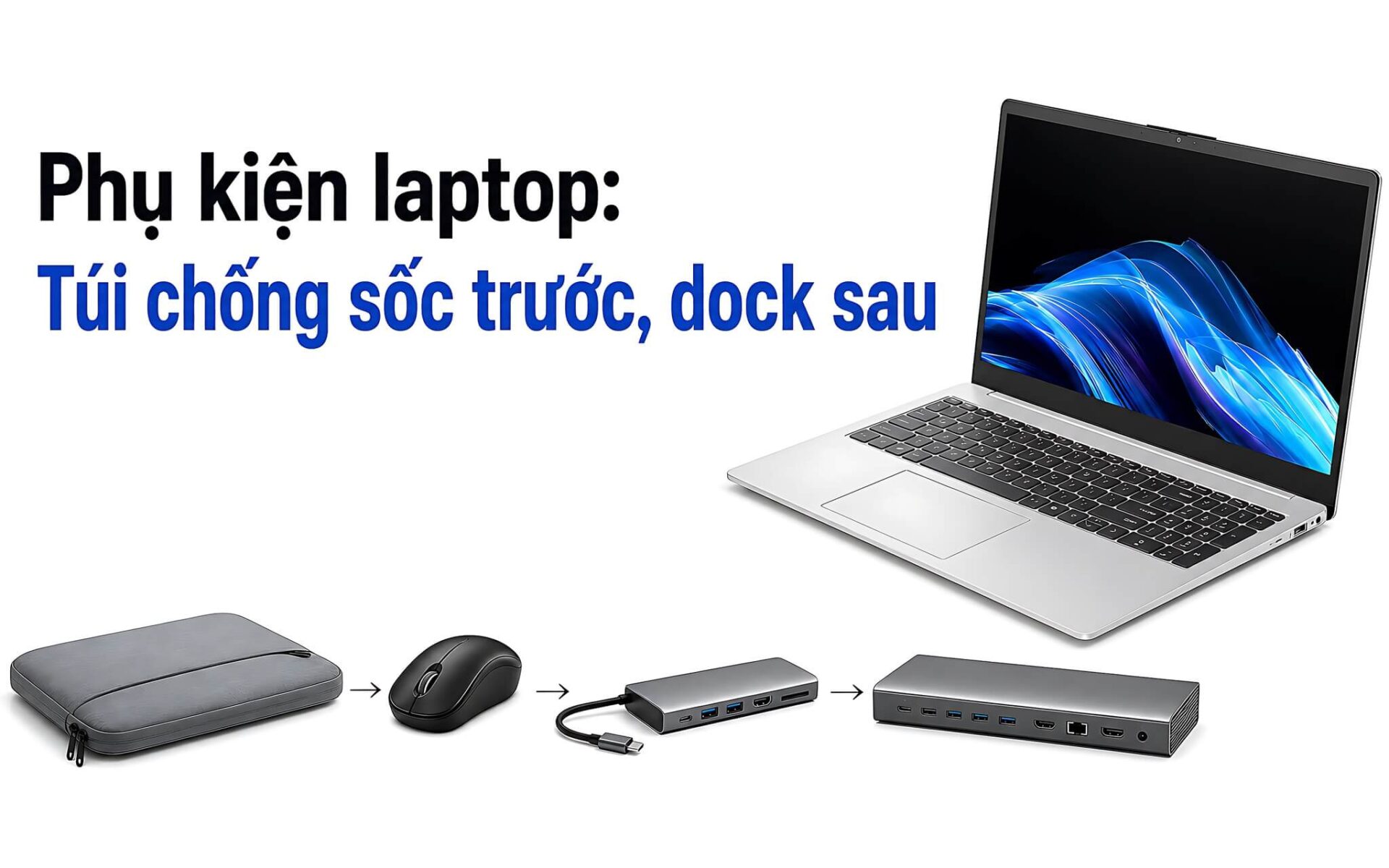
Thin laptops tend to have few ports, and even a light knock can scratch the chassis. Buying the right laptop accessories from the start protects your device, makes connecting things easier, and keeps unexpected costs down. A sensible order is a shockproof bag, then a mouse, then a hub, and only after that a dock. For hubs and docks in particular, check the connection standards carefully before you pay.
The right order for buying laptop accessories
Among laptop accessories, a shockproof bag should come first if you regularly carry your machine to school, to work, or between locations. Choose the bag size based on the actual length, width, and thickness of the laptop body. Labels such as 13 inch, 14 inch, or 15,6 inch are only a rough guide. A bag that is too roomy lets the laptop shift on impact. A bag that is too tight puts pressure on the edges of the machine and on the zipper.
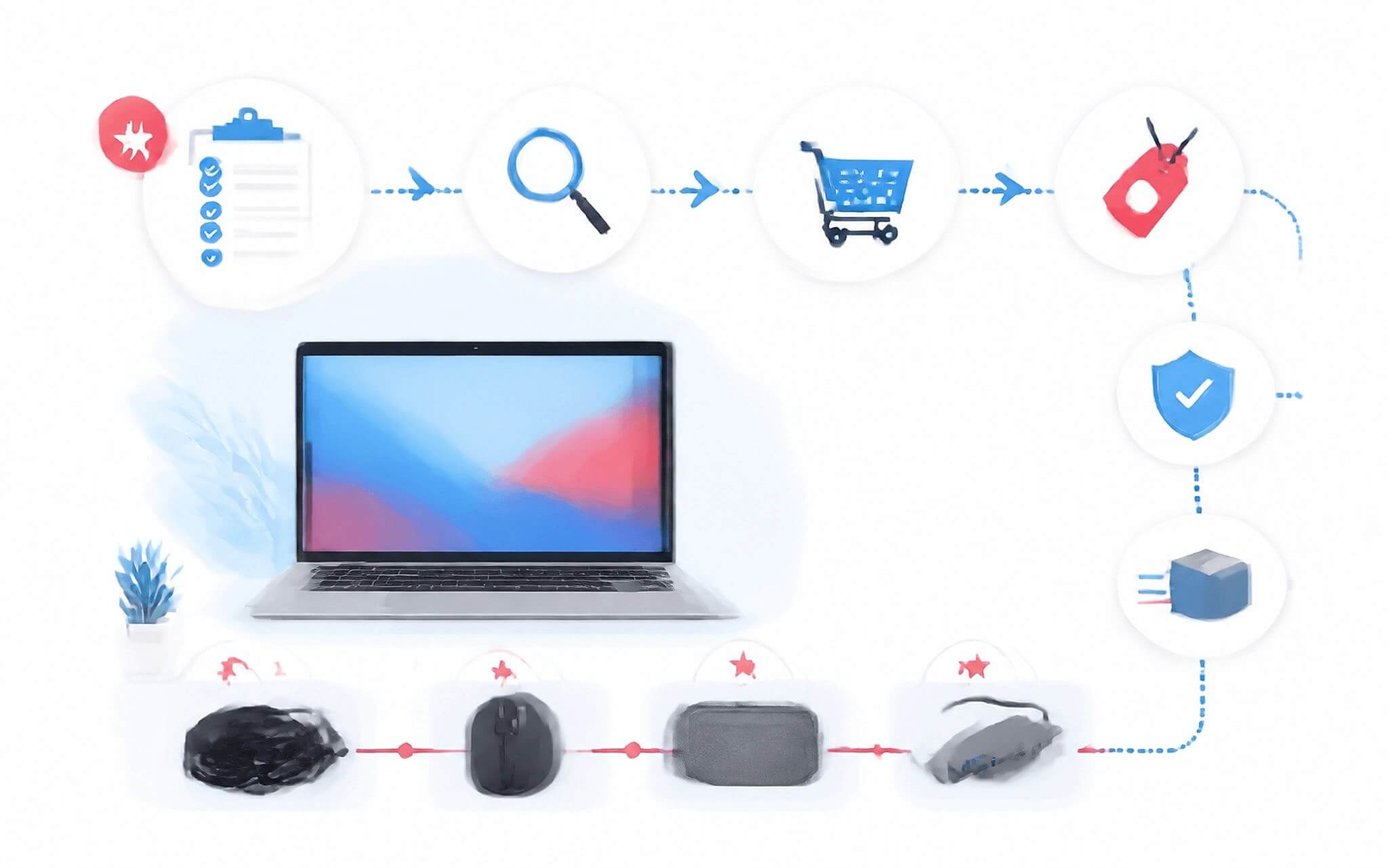
The mouse is the next laptop accessory to prioritize, since a touchpad is not comfortable for long stretches of work. Laptops often have few USB-A ports, so a Bluetooth mouse is the better choice because it does not take up a port. A mouse with a 2,4 GHz receiver suits people who want a simple, stable connection. The drawback is that the receiver is small, easy to lose, and always occupies a USB-A port.
A hub is a laptop accessory you only need when your machine lacks HDMI, Ethernet, a memory card slot, or USB-A. A dock is better suited to a fixed desk with multiple monitors and a wired LAN. Buy in order of need rather than purchasing the full set at once. That keeps your budget in check and stops rarely used gear from sitting in a desk drawer.
How to choose laptop accessories based on your connection needs
When choosing laptop accessories such as a mouse, work out how many USB-A ports your machine has left and how often you travel. Bluetooth is more compact when the laptop only has USB-C. A 2,4 GHz receiver works well if you want plug-and-play use without re-pairing often. Standard receiver mice are affordably priced, while ergonomic or multi-button models usually cost more. There is currently no specific product data to confirm prices.
| Criteria | Portable hub | Desktop dock |
|---|---|---|
| Purpose | Quickly add a few ports | Build a fixed connection setup |
| Portability | Compact, easy to carry | Best left in place on a desk |
| External monitors | Depends on the ports and video output standard | An advantage when connecting multiple monitors |
| Best for | Study, office work, travel | Mobile workstations and fixed desks |
A portable hub focuses on small size and the essential ports, such as USB-A, HDMI, Ethernet, SD, or microSD. If you need to connect and charge at the same time, look for PD passthrough. Prices for multiport hubs vary with the number of ports and the supported standards, so ask for a quote at the time of purchase to keep costs down. The downside is that power and video output depend on the laptop, the hub, the cable, and the charger all at once.
A desktop dock offers more ports, which suits external monitors, a keyboard, a mouse, and a wired network. Thunderbolt 4 provides 40Gbps of bandwidth, with minimum support for two 4K monitors or one 8K monitor. This advantage fits mobile workstations and multi-device workspaces. In return, a dock takes up desk space, needs its own power supply in many configurations, and is poor value if all you need is one extra HDMI port.
When to consider used laptop accessories
With used laptop accessories, a mouse or a bag only makes sense when it is in good condition, the savings are clear, and you can inspect it in person. For a mouse, test the left button, right button, scroll wheel, sensor, and wireless connection. For a bag, check the corner padding, the seams, the zipper, and any damp smell. A bag that has soaked up water or whose padding has gone flat no longer protects like it once did.
| Order | Device | Best for | Downside to know |
|---|---|---|---|
| 1 | Shockproof bag | You often carry your laptop out of the house | The wrong size reduces protection |
| 2 | Mouse | Study, office work, design, and programming | Bluetooth needs pairing, and a receiver takes up a USB-A port |
| 3 | Hub | Thin laptops short on ports | Not every USB-C port supports video output |
| 4 | Dock | Fixed desks with multiple monitors | High cost, and it depends on the laptop's connection standards |
An older hub should be tested port by port with the matching device. A USB port that reads data does not mean HDMI, Ethernet, or PD passthrough works properly. Test while transferring data, outputting video, and supplying power all at once if you will actually use it that way. A device may run slightly warm, but constant disconnections are a sign to walk away.
An older dock carries more risk because its design is more complex and it usually needs a matching power supply. Without an adapter of the correct wattage, ports may behave unreliably or fail to deliver enough power to the laptop. Only consider one if you have time to test it, a clear return policy, and a specific warranty period. If the seller cannot confirm the connection standard, the power rating, or the condition of each port, buying new is the safer option.
Check the port standards before buying laptop accessories
When choosing laptop accessories, the first thing to check is the port specification on your machine. A USB-C shape does not guarantee that the port supports video output, USB4, or Power Delivery. Read the technical documentation for your exact model, and look for the DisplayPort or Thunderbolt symbol next to the port. There is currently no specific laptop model in the data, so Hung Phat cannot confirm that any particular hub or dock is fully compatible with your machine.
If you need to charge through a hub or dock, check the laptop, the power supply, and the cable. The USB Power Delivery standard can reach up to 240W, but every device in the chain has to support it. The input wattage listed on a dock also does not accurately reflect how much power actually reaches the laptop. Part of the power is used by the dock itself and its peripherals.
A 4K/120Hz setup requires checking the laptop, dock, cable, and monitor as one complete system. HDMI 2.1b supports 4K120 and 8K60, but a single link that falls short of the standard will cap the resolution or refresh rate. The number of external displays on a Mac also depends on the specific model. Don't buy a dock based only on marketing images showing lots of display ports.
Setting a sensible budget for laptop accessories
If your budget is tight, spend on a shockproof bag and a mouse first. Shockproof bags come at many price levels depending on materials and protective construction. Prioritize corner padding, a soft lining, a zipper that does not touch the laptop body, and water-resistant fabric. A bag with many compartments but thin padding is not necessarily right for frequent travel.

People who use a laptop in class, at the office, or in a cafe usually only need a bag, a mouse, and a compact hub. Consider a dock only if you work at a fixed desk with Ethernet and an external monitor. Programmers who run multiple environments can look at how to prioritize RAM, then work out how many monitors and devices they need to connect. This approach avoids spending a large part of the budget on a dock while the laptop's configuration still can't handle the workload.
Reference prices can change with the brand, the port standard, the timing, and the warranty policy. The current data has no list of products on sale, so specific models, stock status, and promotions cannot be confirmed. Ask for a quote at the time of purchase, real product photos, and a written return period. This is a necessary step when ordering remotely.
What to have ready when buying laptop accessories
Where you buy does not change the compatibility requirements. You still need to provide your laptop's exact model code, photos of its ports, and a list of the devices you plan to use. For a shockproof bag, send the dimensions of the laptop body rather than just the screen size. For a hub or dock, state clearly whether you need HDMI, Ethernet, a card reader, multiple monitors, and USB-C charging. Before sending your request, you can browse the models available in Hung Phat's Laptop Accessories category.

If you work on the go, choose a bag with corner padding, a Bluetooth mouse, and a hub with enough ports. If you use a fixed desk, consider a dock, a LAN connection, and a compatible power supply. Software developers can check the criteria in the guide to choosing a laptop for programmers to balance the machine's configuration against its peripheral setup. A dock cannot make up for too little RAM or insufficient processing power.
Before you pay, settle four things: the price at the time of purchase, whether the item is new or used, the warranty period, and the return conditions. Since there is currently no specific product data, Hung Phat does not list any unverified stock, selling prices, or gifts. You can send your laptop model and connection needs to have them checked in advance. If you don't need multiple monitors, a just-right hub will save money and be easier to carry. The Dell monitors article goes deeper into this with specific figures.
Frequently asked questions (FAQ)
Which laptop accessory should I buy first?
Buy a shockproof bag first if you often take your laptop out of the house, then add a mouse. A hub makes sense when your machine lacks USB-A, HDMI, Ethernet, or a memory card slot. Only buy a dock if you work at a fixed desk, use a wired network, and connect multiple monitors for long periods.
How much should I budget for laptop accessories?
Split your budget by priority: the shockproof bag and mouse first, then the hub, and the dock last. Prices for each category of laptop accessories vary widely with the brand, connection standard, materials, and warranty. Ask for a quote at the time of purchase instead of relying on fixed reference figures.
Are there any laptop accessories currently on sale with real prices?
The data provided has no product list, so we cannot confirm which models are on sale, what is in stock, or real prices. Don't rely on reference prices to conclude that an item is available. Send your laptop model code, the ports you need, and your intended budget so Hung Phat can check compatibility, stock status, warranty, and promotions before you decide to buy.