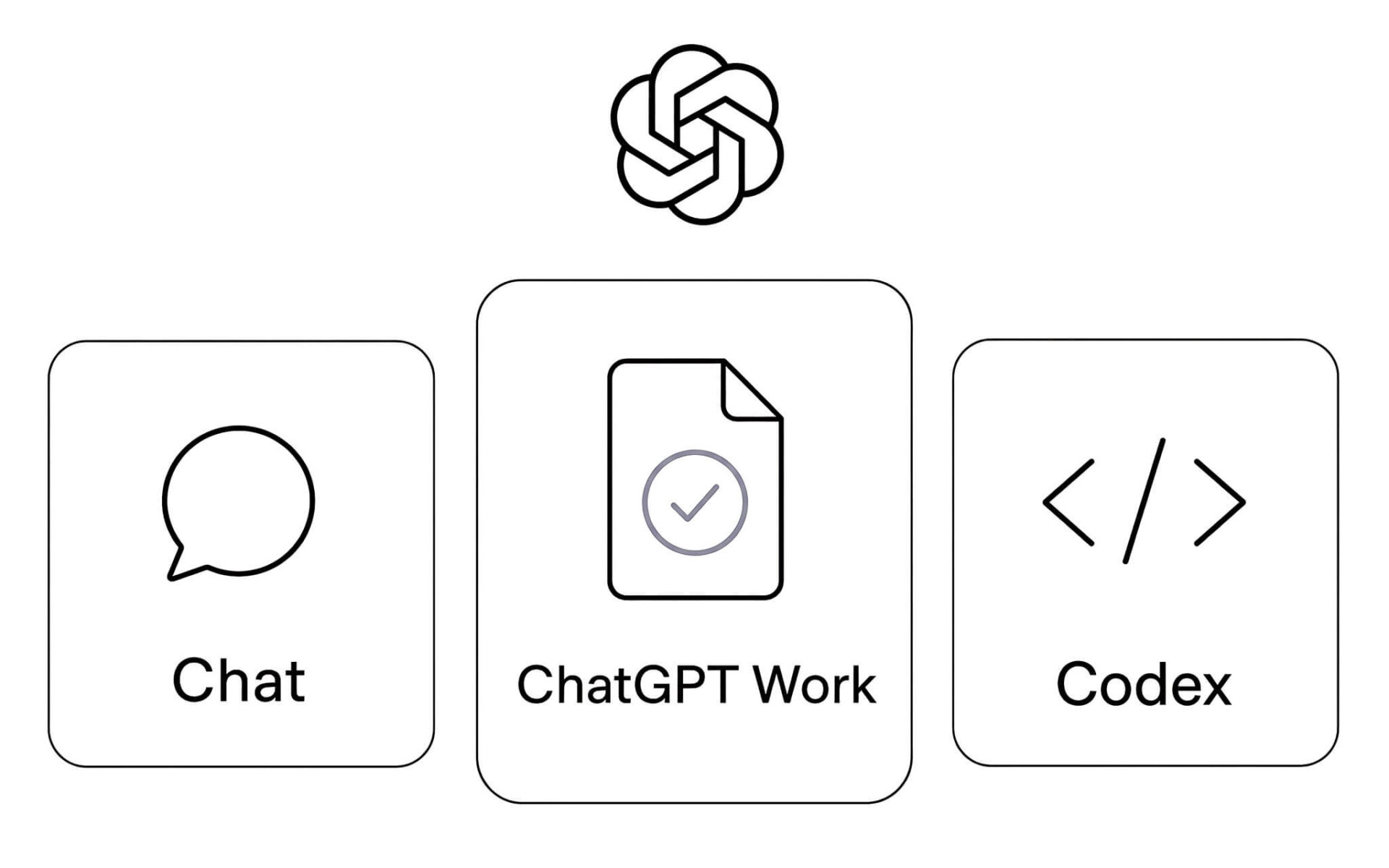
The most useful line to draw in ChatGPT right now is between asking a question and handing off an entire project. Starting July 9, 2026, OpenAI splits the product into three modes: Chat answers right in the conversation window, ChatGPT Work takes on multi-step tasks and delivers finished files, and Codex handles building and fixing software. Hung Phat breaks down what each mode covers, the GPT-5.6 models behind them, and what to verify before you delegate anything.
The three ChatGPT modes divide work by how much you step in
OpenAI's breakdown has exactly three branches. The first is Chat, where you ask a question and get a reply right in the conversation window. The second is ChatGPT Work, an agent that handles multi-step jobs and returns a finished product. The third is ChatGPT Codex, the branch built specifically for programming. These three names correspond to three different levels of involvement, not three versions of the same feature. In practice they are three separate kinds of work, and each branch serves a different type of request.
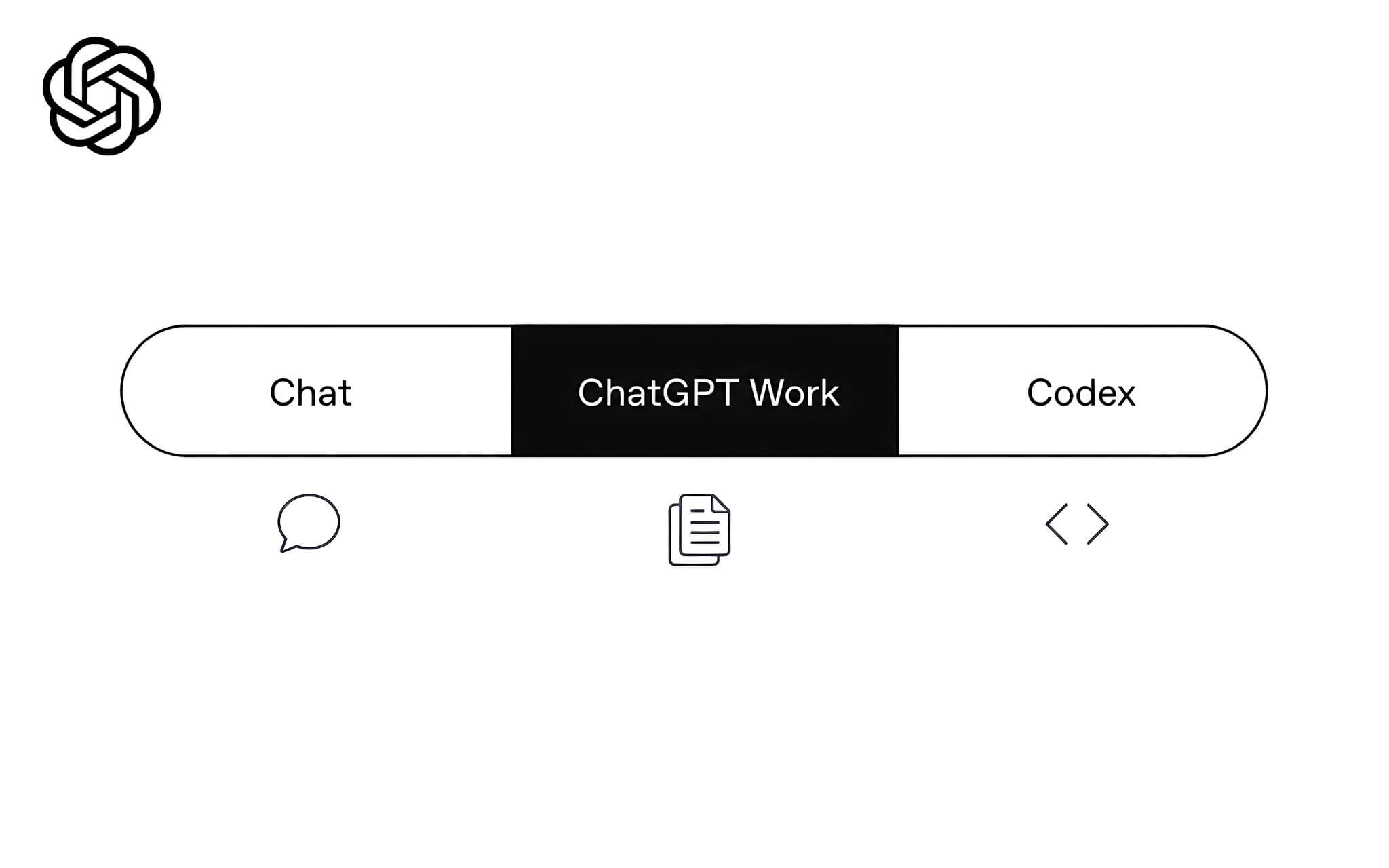
OpenAI announced the three-mode structure on July 9, 2026, the same day it launched the GPT-5.6 model family: Sol, Terra and Luna. GPT-5.6 Sol is the flagship model, Terra leans toward low cost for everyday work, and Luna is tuned for speed and cost. The difference among the three models lies in reasoning performance, not in what each mode is for. See also GPT-5.6 Sol: OpenAI previews its new model.
Availability varies by platform. The ChatGPT desktop app on macOS and Windows supports all three modes on every plan. On web and mobile, OpenAI confirms the three modes are available to Plus, Pro, Business, Enterprise and Edu. Enterprise and Edu also require an administrator to enable Enterprise Key Management for the workspace. The key factor in checking access is your subscription plan, not your machine's configuration.
Chat handles questions and replies in the conversation window
Chat keeps the same familiar principle as before. You ask a question, bounce around ideas or request a piece of text, and get a reply on the spot. It fits when the goal is simply to understand a concept, sketch an outline or quickly check a line of wording. Your level of involvement is low here, so the experience stays light and fast.
The distinction to note is in the output. Chat returns content in the conversation window, and assembling that content into a file is still up to you. Chat's strength is response speed. On Plus, Pro, Business and Enterprise plans, Chat runs on GPT-5.6 Sol at medium reasoning or higher, and the highest-quality Sol Pro setting is reserved for Pro and Enterprise.
ChatGPT Work takes the whole project and hands back finished files
OpenAI describes ChatGPT Work as an agent designed for long, multi-step jobs that end in a deliverable. It researches, analyzes and then produces documents, spreadsheets, presentations, reports or Sites. What sets it apart from Chat is that the result is a file you can use immediately, not a block of content waiting for you to process further. That is the key point separating the two modes.
This mode draws on context from the tools you already use, with more than 1,400 plugins available to connect. You can also create one-time tasks or ones that repeat on a schedule, track progress and check results from your phone when you step away from your desk. The people who benefit most are those who have to keep many tasks running in parallel.
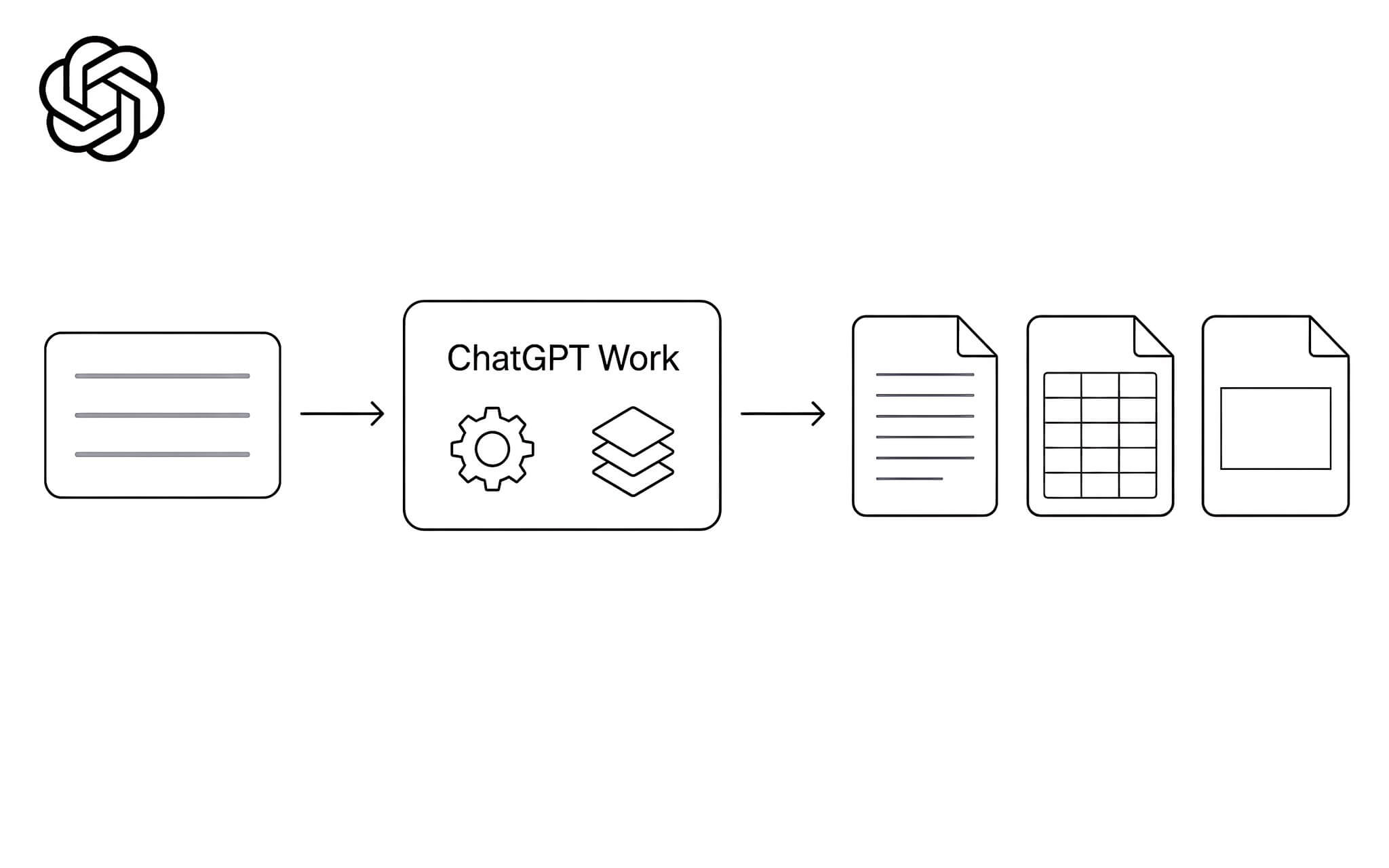
Sites is the branch currently in public preview, and it turns ideas and data into interactive web pages or web apps. OpenAI lists output types such as dashboards, project trackers, launch calendars, prototypes and reports, and these update as the data changes. The practical value of this branch shows up when data changes constantly. See also 10 ChatGPT prompts for creating slides.
As for models, Free and Go accounts run ChatGPT Work on GPT-5.6 Terra. Plus, Pro, Business and Enterprise plans can choose among Sol, Terra or Luna with a matching reasoning level. The max setting is open to every account using GPT-5.6, while the ultra level in ChatGPT Work is for Pro and Enterprise. Which model to favor depends on the quality bar you need for each task.
Plan mode and what to weigh before delegating
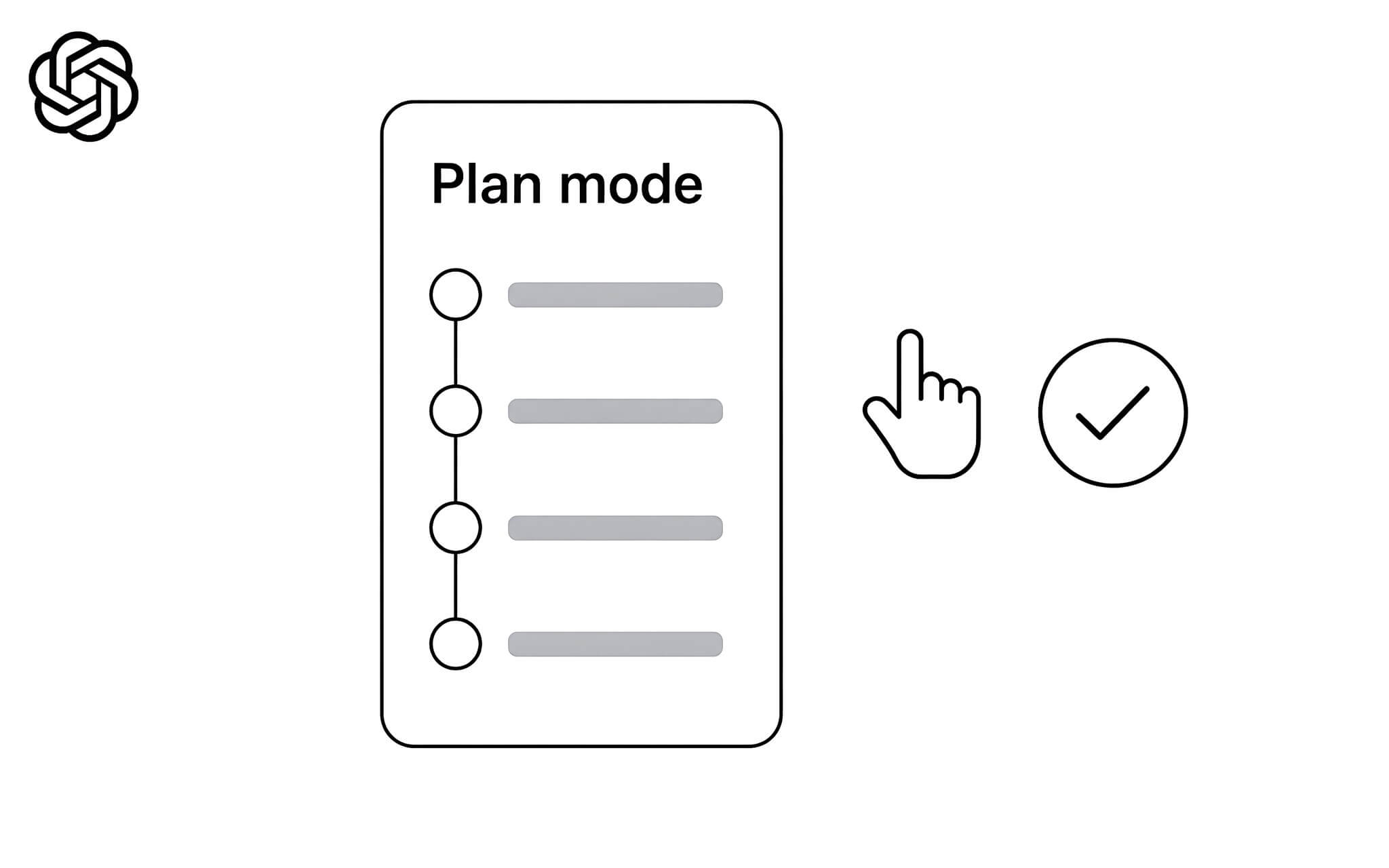
Plan mode is a noteworthy middle step. ChatGPT gathers context, asks clarifying questions and then builds a step-by-step plan. You can ask for changes or approve the plan so the work begins, and you can pick an output format such as a document, a presentation or a Markdown draft. This approval mechanism keeps the decision in your hands instead of leaving the whole process unattended. In essence, Plan mode is a step that confirms the scope before ChatGPT Work gets started.
Deployment requirements are also worth checking up front. On web and mobile, the task mode runs only in the cloud, so it cannot reach files on your computer. The desktop version can access local files when you grant permission, with a Work locally or Cloud choice right in the composer bar. Administrators can also enable Work Cloud or Work Local separately for each workspace. The guide Get started with ChatGPT Work spells out these two options.
On usage limits, OpenAI says this mode follows the same usage structure as Codex and that consumption varies by task, with no fixed figure published. So you should treat the results as drafts that need checking, especially for reports or spreadsheets that feed into real decisions. Your review makes up for the places where the model misreads context, and no tool replaces that part.
Codex is a separate branch for building apps and fixing source code
ChatGPT Codex is the branch for technical work, the one to choose when you want an interface geared toward software development or a higher level of technical detail. The update announced on the same day, July 9, 2026, adds direct editing in the code diff view, pull request review right in the side panel and faster computer-control actions. The segment that suits ChatGPT Codex is therefore narrower than the other two branches.
In the ChatGPT desktop app, you pick Codex in the product selector. Inside Codex there is still a Quick chat section for short exchanges without leaving the technical branch. And to switch from Chat to the task mode, you turn on Work right in the mode switcher.
The boundaries among the three branches are fairly clear. A short question should stay in Chat, a request to produce a file should move to the task mode, and work on source code belongs to Codex. OpenAI's official documentation Use ChatGPT describes how to switch among these three branches.
Frequently Asked Questions (FAQ)
Is ChatGPT Work available on the free plan?
On the ChatGPT desktop app for macOS and Windows, all three modes are available on every plan. On web and mobile, OpenAI limits them to Plus, Pro, Business, Enterprise and Edu.
Which model does the task mode use?
Free and Go accounts run on GPT-5.6 Terra. Plus, Pro, Business and Enterprise plans can choose among GPT-5.6 Sol, Terra or Luna with a reasoning level that fits each task.
How many tasks can I run per month?
OpenAI does not publish a fixed figure. The official documentation only says that this mode follows the same usage structure as Codex and that consumption varies by task.