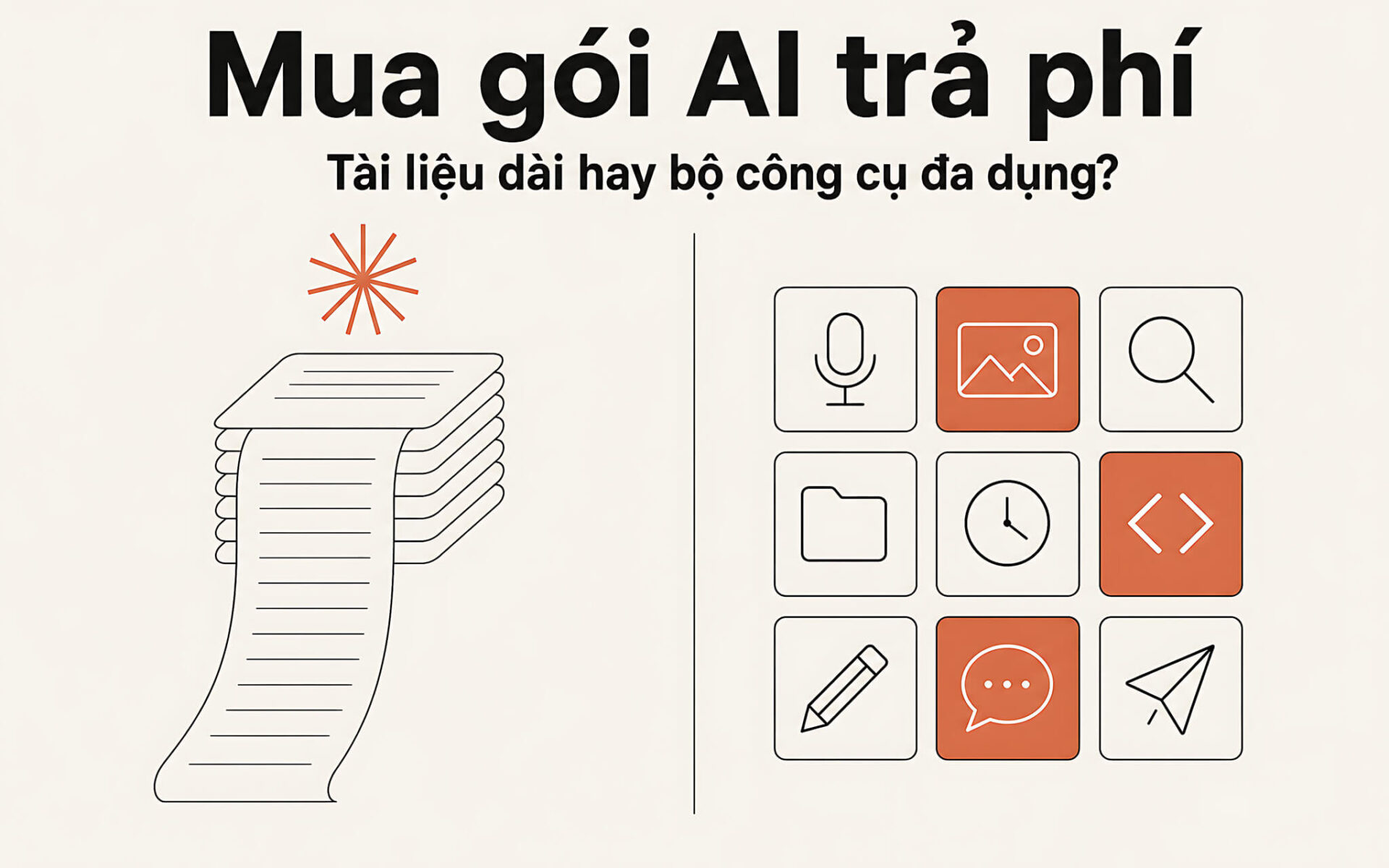
The three most popular AI subscriptions list three different prices and three very different strengths, so the decision to buy a paid AI plan usually comes down to a single question: do you put long-document work first, or an all-purpose toolkit for many kinds of tasks? Claude Pro keeps a consistent context window along with a projects library for gathering documents, ChatGPT Plus packs many kinds of tools into one interface, and Google AI Pro trades on storage capacity and Workspace perks. Hung Phat checked every figure against each company's own pricing page, read on 17/08/2026.
Buying a paid AI plan: long documents or an all-purpose toolkit
Before you buy an AI plan, split the decision into two separate questions. The first belongs to the long-document branch: how much text do you need to load into a single conversation, and where do you store your files? The second belongs to the all-purpose toolkit branch: how many different kinds of tasks do you need inside the same interface? These two questions lead to two very different spending options, and most wrong choices come from mixing them up. The table below lists only the specs the three companies publish on their pricing pages.
| Subscription | List price | Published context window | Verified strengths |
|---|---|---|---|
| Claude Pro | 20 USD/month, or 17 USD/month when paying 200 USD upfront for the year | 200K, the same as the Free and Max plans | Unlimited Projects, Research, Claude Code, Claude Cowork |
| ChatGPT Plus | 20 USD/month when billed monthly | 54K on the fast-response track, 256K on the reasoning track | Voice, image generation, Deep Research, Projects, Tasks, Custom GPTs, Codex |
| Google AI Pro | 19,99 USD/month | Google does not publish one for the consumer plan | 5TB of storage, Gemini limits 4 times those of Free, 1.000 Flow Credits |
List prices do not include tax, so the amount charged to your card in Vietnam always comes out slightly higher than the figure on the pricing page. Anthropic lists the Pro plan at 17 USD per month when you prepay 200 USD for a year, and 20 USD when you pay month by month. OpenAI lists ChatGPT Plus at 20 USD per month, and Google lists AI Pro at 19,99 USD. When you buy an AI plan, it is best to budget by the amount actually charged on your card statement, since exchange rates and foreign currency fees both affect the total.
You also need to read each tier's name correctly before buying an AI plan in 2026. Anthropic offers Free, Pro, Max, Team, and Enterprise, with Max starting at 100 USD per month in two levels, 5x and 20x relative to Pro. OpenAI splits its individual tiers into Free, Go, Plus, and Pro, with Business and Enterprise for organizations. Google offers Free, AI Plus at 4,99 USD, the AI Pro plan at 19,99 USD, and AI Ultra starting at 99,99 USD. The name Google AI Premium has been changed to Google AI Plus, and no tier is called Gemini Advanced anymore.
Context windows and how each AI Pro plan holds your documents
The pricing and features page for Claude plans lists a 200K context window for Free, Pro, Max 5x, Max 20x, and Team, and only the Enterprise tier raises it to 500K on the default model. This figure stays the same when you switch models, so a long file does not shrink just because you moved to the fast-response track. The four available models are Fable, Opus, Sonnet, and Haiku, and on the Pro tier Fable can only be used through usage credits.
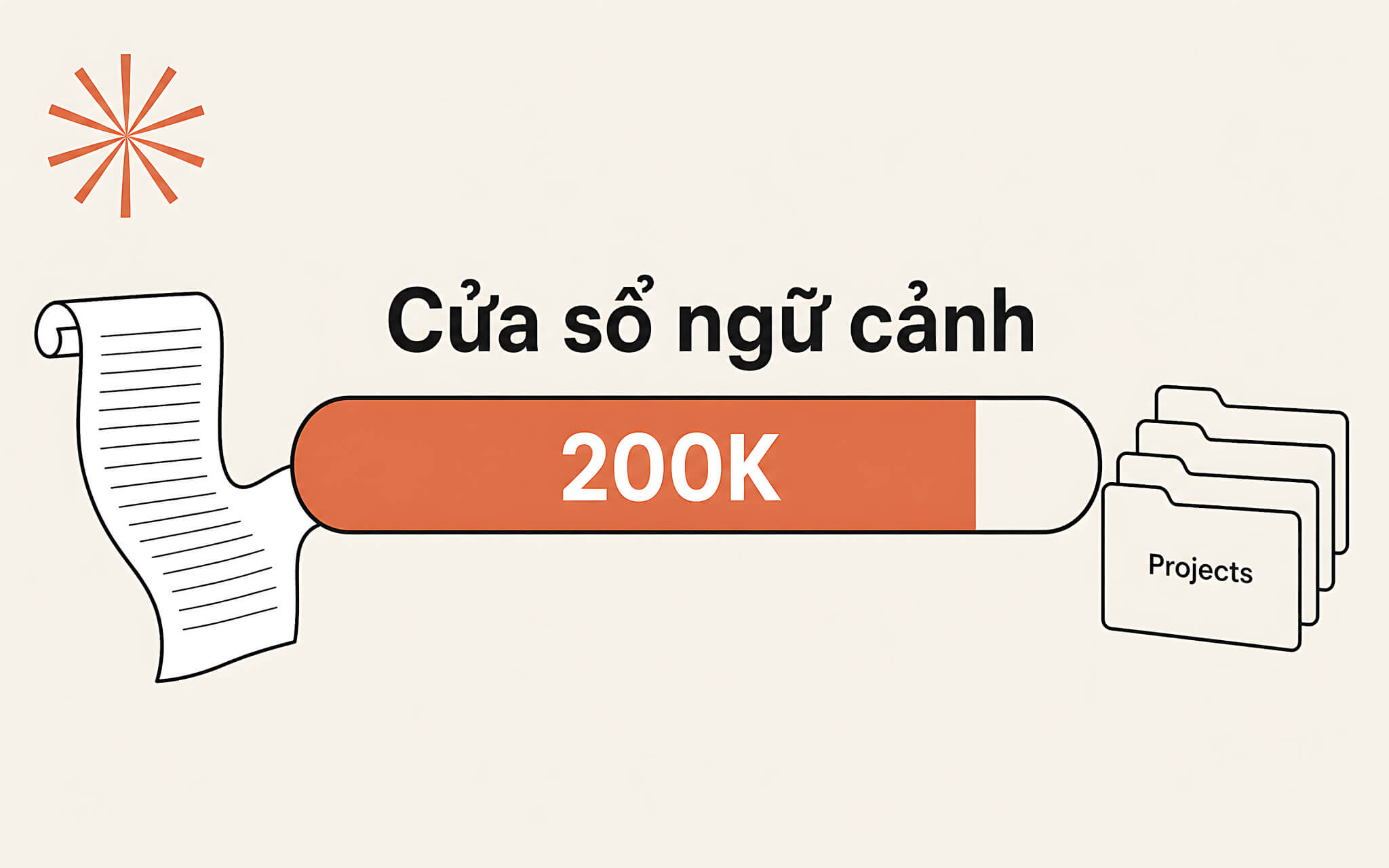
The 200K figure is not the largest among the three subscriptions. ChatGPT Plus publishes 54K on the fast-response track and 256K on the reasoning track, which means it beats Claude Pro when you deliberately choose the right track and falls well short when you leave it on the default. Claude's advantage therefore lies in the consistency of its capacity rather than in a peak number. Google does not publish a context window for the consumer plan, so this article cites no figure for Gemini in this category.
The rest of the long-document branch is where files are stored, and this is where the AI Pro plans differ the most. Claude's Pro tier opens unlimited projects for organizing conversations and documents, along with Research, Claude Code, Claude Cowork, Claude Design, and Claude for Microsoft 365. This setup helps you avoid re-uploading the same file across multiple sessions, which is the fastest way to burn through your usage limit. The file-gathering workflow is already covered in the article on gathering PDF documents into Claude AI.
The all-purpose toolkit when you buy a paid ChatGPT plan
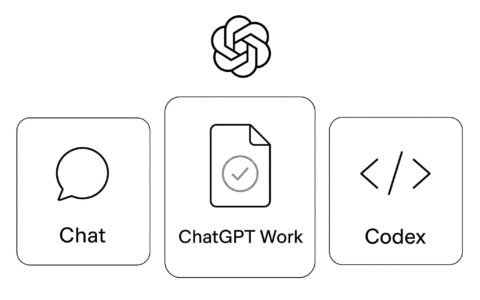
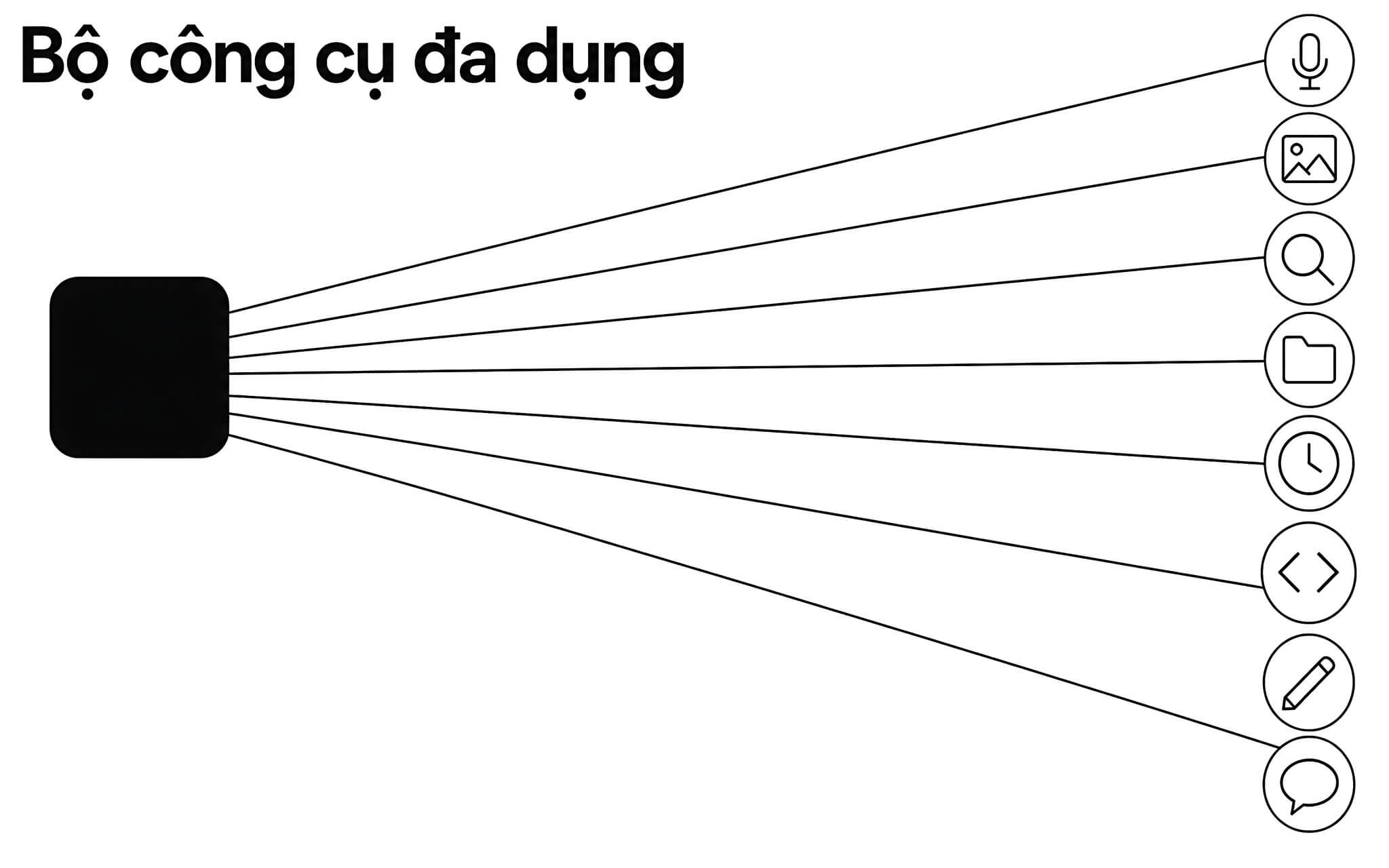
The comparison table on the ChatGPT plans pricing page shows that the Plus tier unlocks almost the entire set of tools: expanded Voice, image generation, Deep Research, Projects, Scheduled Tasks, Custom GPTs, and Codex. That is exactly what an all-purpose toolkit means: many kinds of tasks living in one interface. When your daily work mixes writing, images, data, and source code, buying the ChatGPT Plus tier saves you the time spent switching contexts.
The Plus tier's model list includes GPT-5.6 Sol, GPT-5.6 Terra, GPT-5.6 Luna, and GPT-5 Thinking Mini. GPT-5.6 Sol Pro is only available on the Pro tier, so if you need the highest reasoning track, Plus does not cover it. Below Plus there is also a cheaper Go tier with the same 54K and 256K limits but restrictions on Deep Research and Codex. Anyone who only asks short questions and occasionally generates images should buy the ChatGPT Go tier rather than paying the full Plus fee from the first month.
Breadth has a downside too. The more tools there are, the easier it is to hit a limit, and OpenAI's pricing page states that how much of each tool you get changes by subscription tier. Output quality still depends on how you write your prompts rather than on your subscription tier, so even after you buy an AI plan you still need to practice prompting. You can look at the 4-step process for optimizing Claude prompts and then apply the same principles to ChatGPT to cut down on revision rounds.
Google's AI Pro plan trades on storage and Workspace perks
According to the Google AI subscription plans page, the company's AI Pro plan costs 19,99 USD per month and includes 5TB of storage shared across Gmail, Drive, and Photos, plus Gemini limits 4 times those of the Free plan. The AI Pro plan also expands access to Gemini 3.1 Pro and Deep Research, grants 1.000 Flow Credits, adds Gemini in Gmail, Docs, and Sheets, higher-limit Gemini Notebook, Google Home Premium Standard, YouTube Premium Lite, and 10 USD of Google Cloud credit each month.
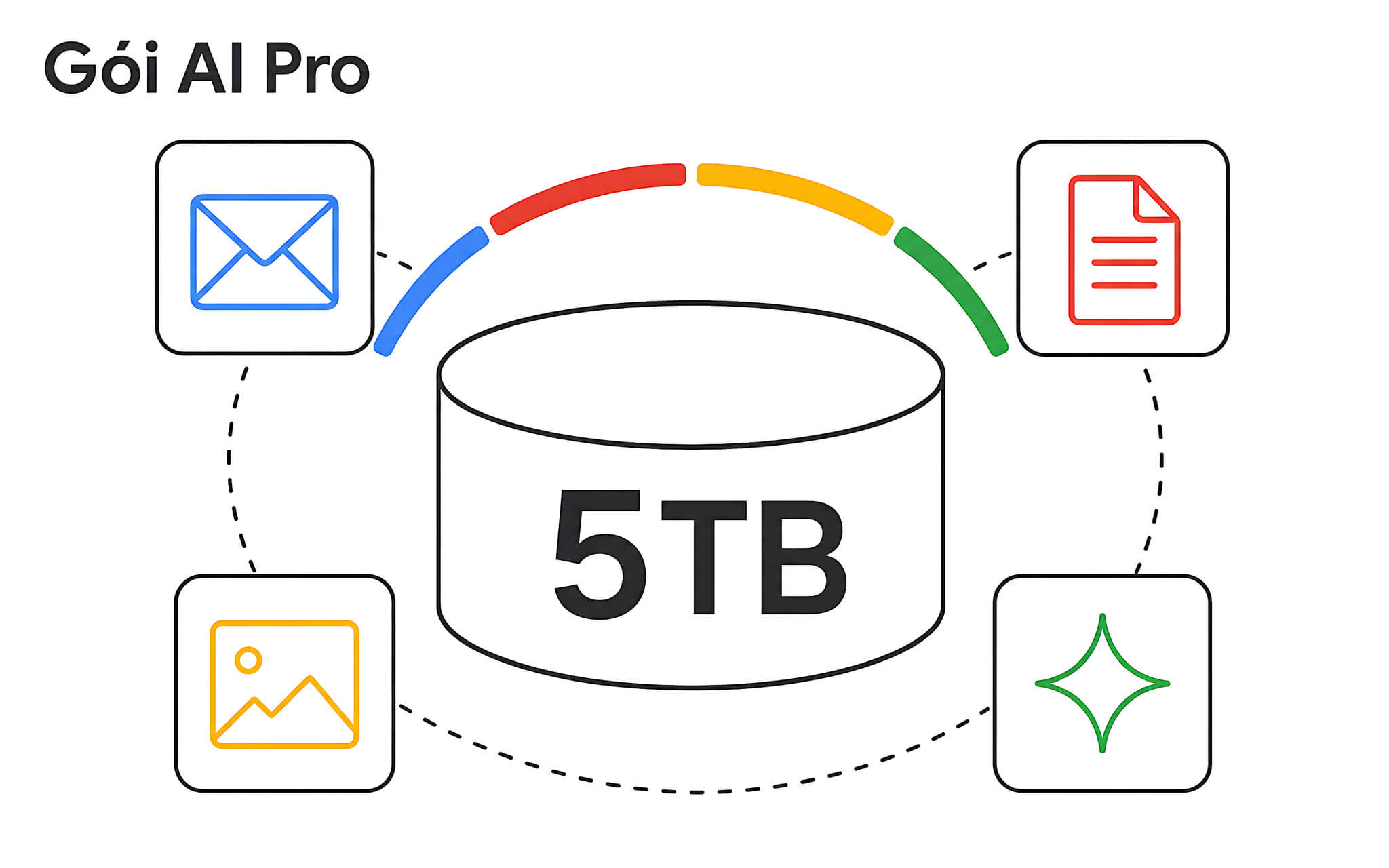
Google also lets you share with up to five other family members, something Claude Pro and ChatGPT Plus lack because both are individual subscriptions. If your family already pays separately for Drive storage, the 5TB covers a significant part of that cost before you even count the AI benefits. The plan page says AI Pro is available in more than 150 countries and territories, so you should still verify on your own account before paying.
The downside appears when you rarely touch Gmail, Docs, or Drive. In that case, the 5TB and the Workspace integration become surplus benefits, and the pure AI portion is hard to compare because Google does not publish a context window for the consumer plan. The AI Plus tier at 4,99 USD with 400GB and limits 2 times those of Free is a lighter option than the AI Pro plan, while AI Ultra, starting at 99,99 USD, is aimed at people who do heavy video work and demanding tasks.
AI subscription limits are not a fixed number
Anthropic states plainly on its pricing page that there is no fixed message count, because consumption depends on conversation length, the model, and the features you turn on. In practice the mechanism is a rolling 5-hour session, paid plans add a weekly limit, and activity on web, desktop, mobile, and Claude Code all draws from the same pool. The article on Claude Pro limits and how sessions open analyzes this in detail.
The other two companies do not give hard numbers either. OpenAI only says limits apply to the Plus tier and that some tools have their own thresholds, without publishing an hourly message cap. Google expresses it as multiples of the Free plan: specifically 2 times for AI Plus, 4 times for AI Pro, and up to 20 times for AI Ultra. So any ad promising an exact daily message count is the seller's inference, not something the company published, and you should ignore that detail when you buy an AI plan.
The risks of buying a cheap AI plan through a shared account
A shared account costs less than the official price but trades away control over your data. The account owner can change the password, revoke your access, or read the synced conversation history. Sellers also like to use outdated names such as Gemini Advanced to create the impression that they are selling a special perk. Hung Phat recommends buying an AI plan on an account you own and paying through each company's official channel.
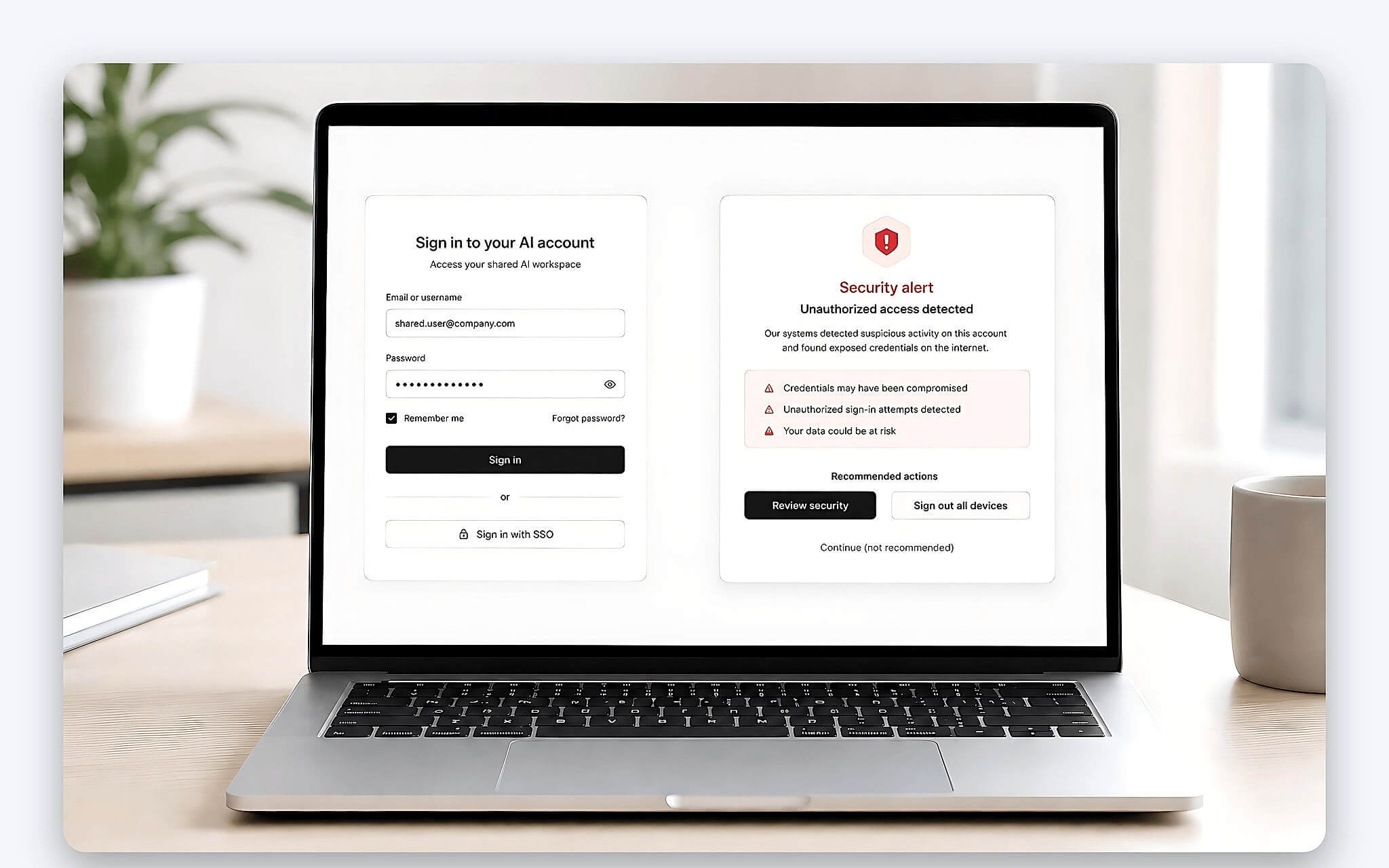
Only Google offers a legitimate sharing mechanism, in the form of a family group, and it is still subject to the company's own conditions. Claude Pro and ChatGPT Plus are individual subscriptions, so if you want multiple seats you have to move up to the Team or Business tier. Do not buy pre-made accounts, login cookies, or activation keys of unknown origin, and absolutely avoid any service that asks you to install remote-control software so it can activate things for you.
The cheapest way to test is to run the free version for 7 to 14 days, noting how many questions you ask each day and which type of task takes up the most time. After that, buy an AI plan for just one month to confirm your assumptions, and only then consider the annual cycle, which requires payment upfront. Hung Phat has seen quite a few cases of people paying for a whole year and then abandoning the plan because their real tasks turned out very different from what they had planned.
Frequently asked questions (FAQ)
Which AI plan should I buy if my work is mostly long documents?
Claude Pro is the more sensible choice thanks to its 200K context window that stays the same across every model and its unlimited projects for organizing documents by project. If you are used to deliberately choosing the reasoning track, ChatGPT Plus with 256K still does the job well, just remember that the fast-response track has only 54K. No subscription can replace your own rereading and fact-checking.
Does Google's AI Pro plan still go by the name Gemini Advanced?
No. The plan page now lists four tiers: Free, AI Plus, AI Pro, and AI Ultra, and Google AI Premium has been renamed Google AI Plus. The AI Pro tier is listed at 19,99 USD per month, with 5TB of storage and expanded access to Gemini 3.1 Pro. When you come across an ad using the old name, open the subscription management page on your own account to verify the benefits directly.
Is Veo 3 a separate subscription I need to buy on top?
No. The Google AI plan page does not list any subscription called Veo. Video generation and the Flow studio come built into the paid tiers, allocated by credits, with 200 Flow Credits for AI Plus and 1.000 Flow Credits for the AI Pro plan, while AI Ultra gets a higher amount. Because limits and availability change by region and over time, you should pay only when the plan page shows the exact benefits you need.