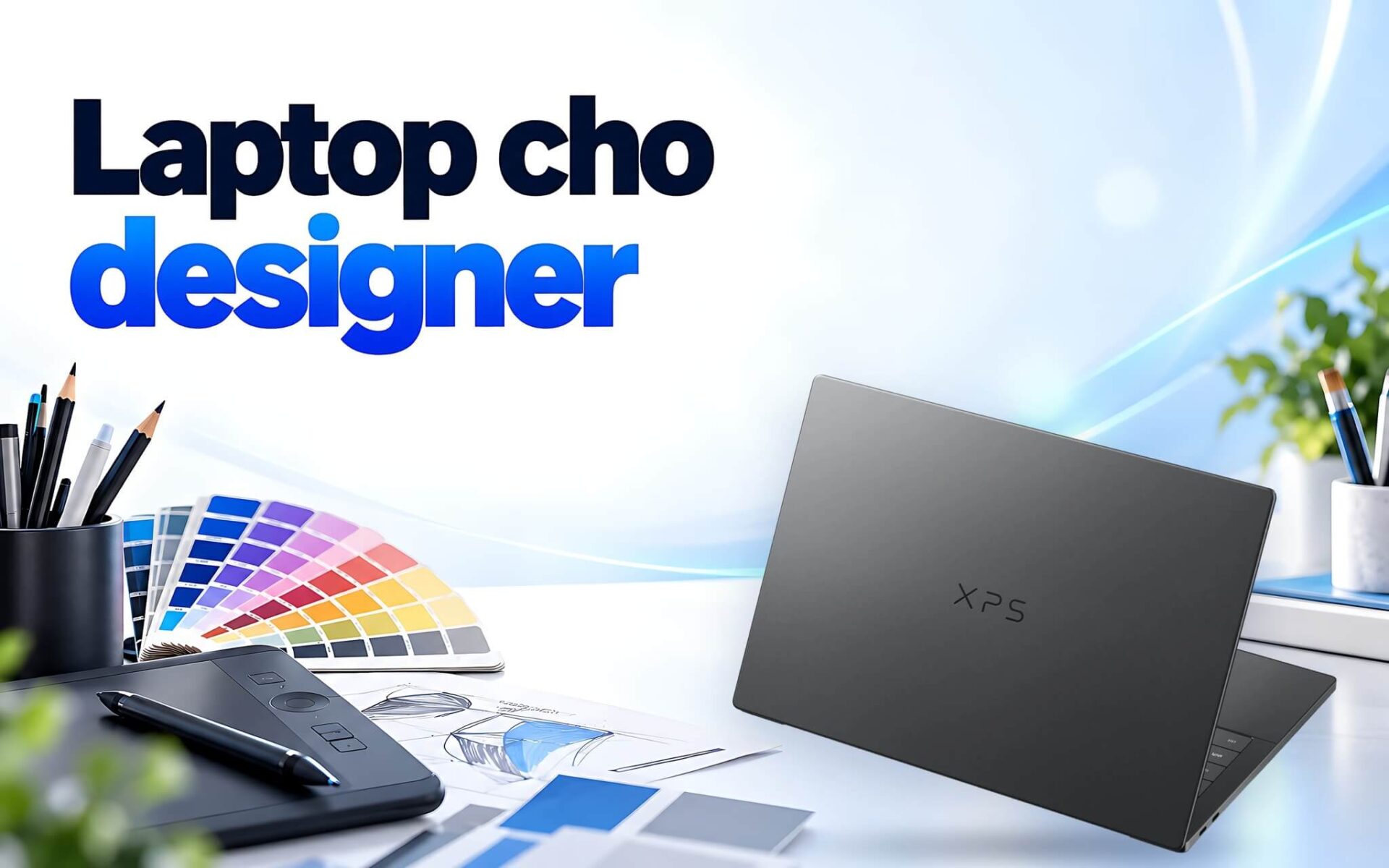
A laptop for designers does not need to be as powerful as a video editing workstation, but it must be able to run Photoshop, Illustrator, Figma, and Canva simultaneously without lag, display colors accurately, and provide enough ports to connect external monitors. Many buyers make emotional decisions, choosing massive graphics cards while neglecting RAM or settling for displays with narrow color gamuts. This article summarizes the hardware requirements published by Adobe and Figma, explains DCI-P3 color gamut (which is essentially a wider color range than the sRGB standard used for the web), and suggests five 2025 and 2026 laptop models for 2D design across various price points.
What to Look for in a Laptop for 2D Design
2D design work revolves around photo editing in Photoshop and Lightroom, creating vector art in Illustrator, and designing interfaces or layouts in Figma, Canva, or InDesign. Unlike 3D modeling or video rendering, these tasks rarely push a graphics card to its full capacity for many consecutive hours. What typically slows down a laptop for designers is running out of RAM when opening multiple artboards, an SSD running out of space causing Photoshop to trigger scratch disk errors, or inaccurate screen colors that cause printed materials to deviate from the approved version.
Therefore, when choosing a laptop for 2D design, you should establish a clear priority list. At the top are RAM capacity and display quality, followed by multi-core CPUs for fast file exporting, and finally, discrete graphics cards. The 14-inch models discussed in this article weigh between 1.24 and 1.39 kg, making them ideal for freelance designers on the move. Those working in a fixed office setting might prefer a 16-inch model and connect an external monitor via HDMI or Thunderbolt.
Design file sizes also dictate the necessary configuration. Large-format posters containing dozens of high-resolution image layers consume significantly more memory than a vector-based brand identity kit. If your primary work involves banners, slides, and app interfaces, a designer laptop with 16GB of RAM is sufficient for basic 2D design. However, when frequently compositing high-resolution images or running multiple Adobe applications side-by-side, you should aim for 32GB or more.
RAM and GPU Requirements for Photoshop, Illustrator, and Figma
According to the Adobe technical requirements for Photoshop version 27.x on Windows, the minimum RAM is 8GB, while 16GB or more is recommended. The graphics card must support DirectX 12 with at least 1.5GB of video memory, with 2GB recommended and 4GB required when working on a 4K monitor or higher. Adobe also requires a CPU that supports the AVX2 instruction set, recommends installing applications on an internal SSD with 100GB of free space, and suggests a dedicated drive for a scratch disk - a temporary buffer Photoshop uses when RAM is insufficient.
| Specs | Photoshop 27.x (Windows) | Illustrator 30.0 (Windows) |
|---|---|---|
| Minimum RAM | 8GB | 8GB |
| Recommended RAM | 16GB or more | 16GB |
| Minimum video memory | 1.5GB | 1GB |
| Recommended video memory | 2GB, 4GB required for 4K | 4GB |
| Graphics standard | DirectX 12 | DirectX 12 or OpenGL 4.0 |
| Storage | Minimum 10GB, 100GB recommended on SSD | 2GB for installation, SSD recommended |
| Recommended display | 1920 x 1080 or higher | 1920 x 1080 |
For Illustrator version 30.0, Adobe specifies 8GB of RAM with 16GB recommended, and a minimum of 1GB of video memory, though 4GB is recommended to enable GPU Performance features, and 1.5GB is required for the smoothest zooming and panning. While a 1920 x 1080 resolution is recommended, Outline mode requires a display with at least 2000 pixels in one dimension. This is why 2.8K or 3K screens on designer laptops provide practical benefits beyond just looking sharper.
Figma operates on web technology and uses WebGL for rendering, so its graphics requirements are low. The bottleneck is memory: according to Figma's guide to reducing file memory usage, each browser tab typically has a working memory limit of about 2GB, which also applies to the desktop app. An excessively heavy Figma file can still crash even if the laptop has 64GB of RAM, whereas having plenty of RAM allows you to run Figma alongside Photoshop, a browser, and video conferencing software.
Displays, Styluses, and Connectivity for Designers
The display is the most critical component of a laptop for designers and cannot be upgraded. For 2D design, 100% sRGB coverage is the bare minimum since it is the standard for the web; DCI-P3 is wider, which is beneficial for photo editing and short video production. All three Lenovo models in this article use OLED panels with 100% DCI-P3 coverage according to PSREF, featuring a 16:10 aspect ratio to provide extra vertical space for Layers panels. If you need a detailed comparison between OLED, AMOLED, and IPS, the article Laptops with Great Displays for Designers - Choosing a Color-Accurate OLED Machine in 2026 analyzes the display panels separately.
Connectivity ports are often overlooked. Designers working on product photography or receiving files from photographers need card readers: the IdeaPad Pro 5 features a full-size SD slot, the Yoga 7 2-in-1 has a microSD slot, while the ThinkPad P14s Gen 6 and XPS 14 lack card readers entirely. The HDMI 2.1 port on the IdeaPad Pro 5, Galaxy Book6 Pro, and ThinkPad P14s allows for a direct connection to external monitors. Thunderbolt 4 or USB4 40Gbps ports allow for high-speed external SSDs to store large design files or photo libraries.
A stylus is an optional extra, not a requirement. If you do illustration, logo sketching, or masking in Photoshop, a 360-degree convertible touchscreen with a stylus allows for more natural movements than a mouse. The Yoga 7 2-in-1 14IPH11 supports the Lenovo Yoga Pen, while Illustrator features a Touch workspace for touchscreen displays. Even if a screen is color-accurate out of the box, it should still be periodically calibrated with a colorimeter; specific steps can be found in the article Laptop Screen Calibration - The Standard Color Calibration Process for Graphics.
Yoga 7 2-in-1 and Galaxy Book6 Pro 14 for Designers on the Move
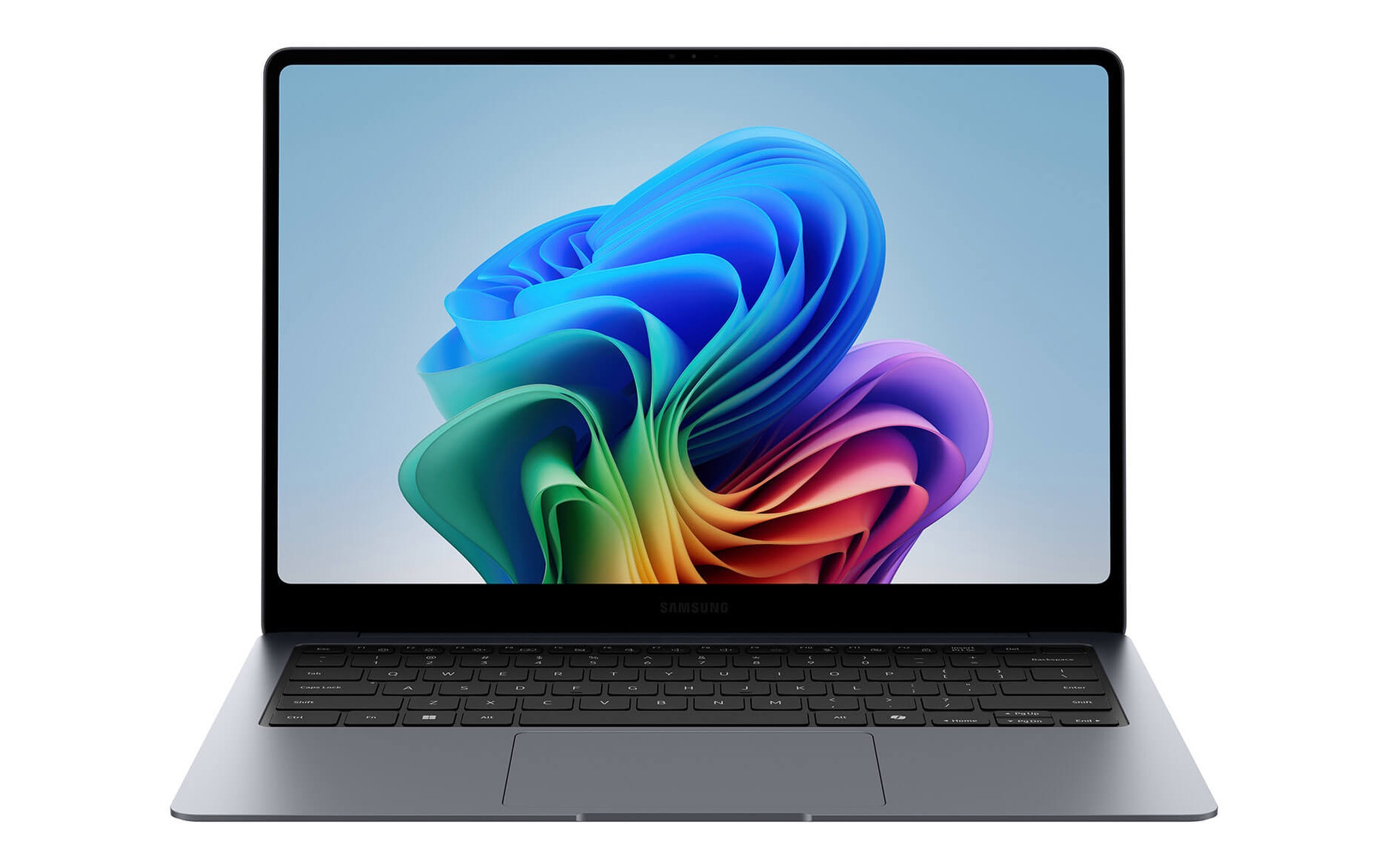
For designers who prioritize portability, meet clients frequently, or work from cafes, the Samsung Galaxy Book6 Pro 14 inch (2026) weighs 1.24 kg, making it the lightest designer laptop in this lineup. It starts at 45 million VND for the Core Ultra 7 356H, 32GB RAM, 1TB SSD configuration. According to Samsung, the 14-inch Dynamic AMOLED 2X display has a resolution of 2880 x 1800, a variable refresh rate from 30 to 120Hz, 500 nits of brightness in SDR mode, and up to 1000 nits for HDR content. The laptop includes HDMI 2.1, two Thunderbolt 4 ports, and a 67.18Wh battery.
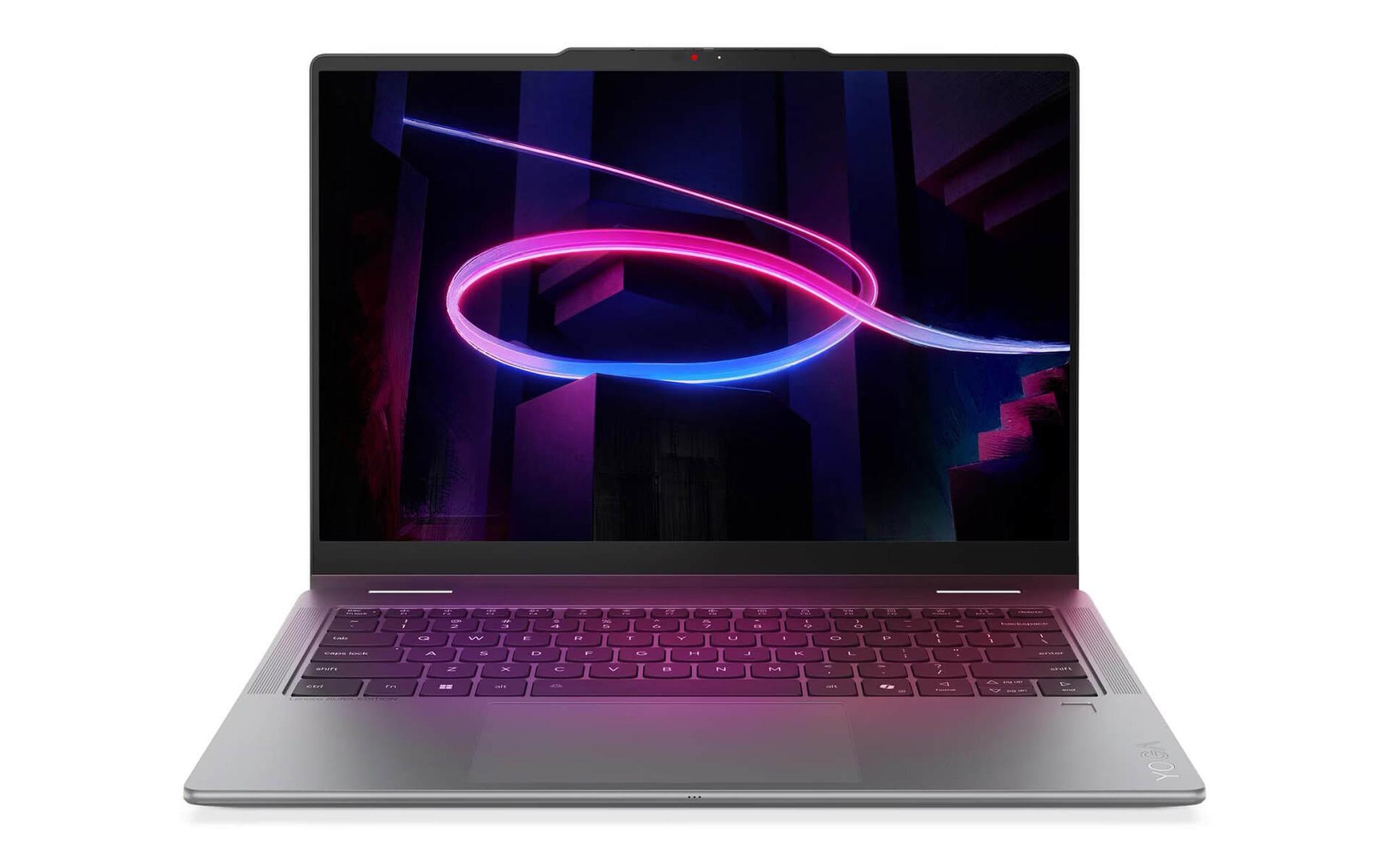
If you need a laptop that allows you to type on a keyboard and draw directly on the screen, the Lenovo Yoga 7 (2 in 1) 14IPH11 (2026) Core Ultra 5 322 version with 16GB RAM and a 512GB SSD starts at 37.99 million VND. According to PSREF, the 14-inch WUXGA 1920 x 1200 screen uses an OLED touchscreen with 100% DCI-P3 and 100% sRGB coverage and 400 nits of brightness, featuring a 360-degree hinge to be used as a drawing tablet. The Core Ultra 5 322 chip has 6 cores and a maximum clock speed of 4.4GHz. The laptop starts at 1.38 kg and includes a microSD slot, HDMI, two Thunderbolt 4 ports, and comes with a 36-month genuine warranty.
One consideration for the Yoga 7 configuration is the soldered RAM, which cannot be upgraded; therefore, the 16GB version is suitable for designers working on digital assets, banners, or slides on Canva or Figma. If you frequently work with multi-layered Photoshop files, the Core Ultra 7 355 version with 32GB RAM and a 1TB SSD, starting at 53.99 million VND, is a safer option. The WUXGA screen runs at 60Hz and has a lower resolution than the 2880 x 1800 found on the other models, but in exchange, it achieves a MobileMark 30 battery life of 16.5 hours according to Lenovo.
IdeaPad Pro 5 and ThinkPad P14s for Heavy Design Files
If you want discrete graphics for 2D design and video editing at a reasonable price, the Lenovo IdeaPad Pro 5 16AKP10 (2025) Ryzen AI 7 350 version with 16GB RAM, 1TB SSD, and an RTX 5050 8GB starts at 33.5 million VND, the lowest among the five models. PSREF notes that the RTX 5050 uses 8GB of GDDR7 with a 105W power draw, which is double the 4GB of video memory recommended by Adobe for Illustrator. The 16-inch 2.8K OLED 120Hz display covers 100% DCI-P3, reaches 500 nits of brightness, and is DisplayHDR True Black 1000 certified.
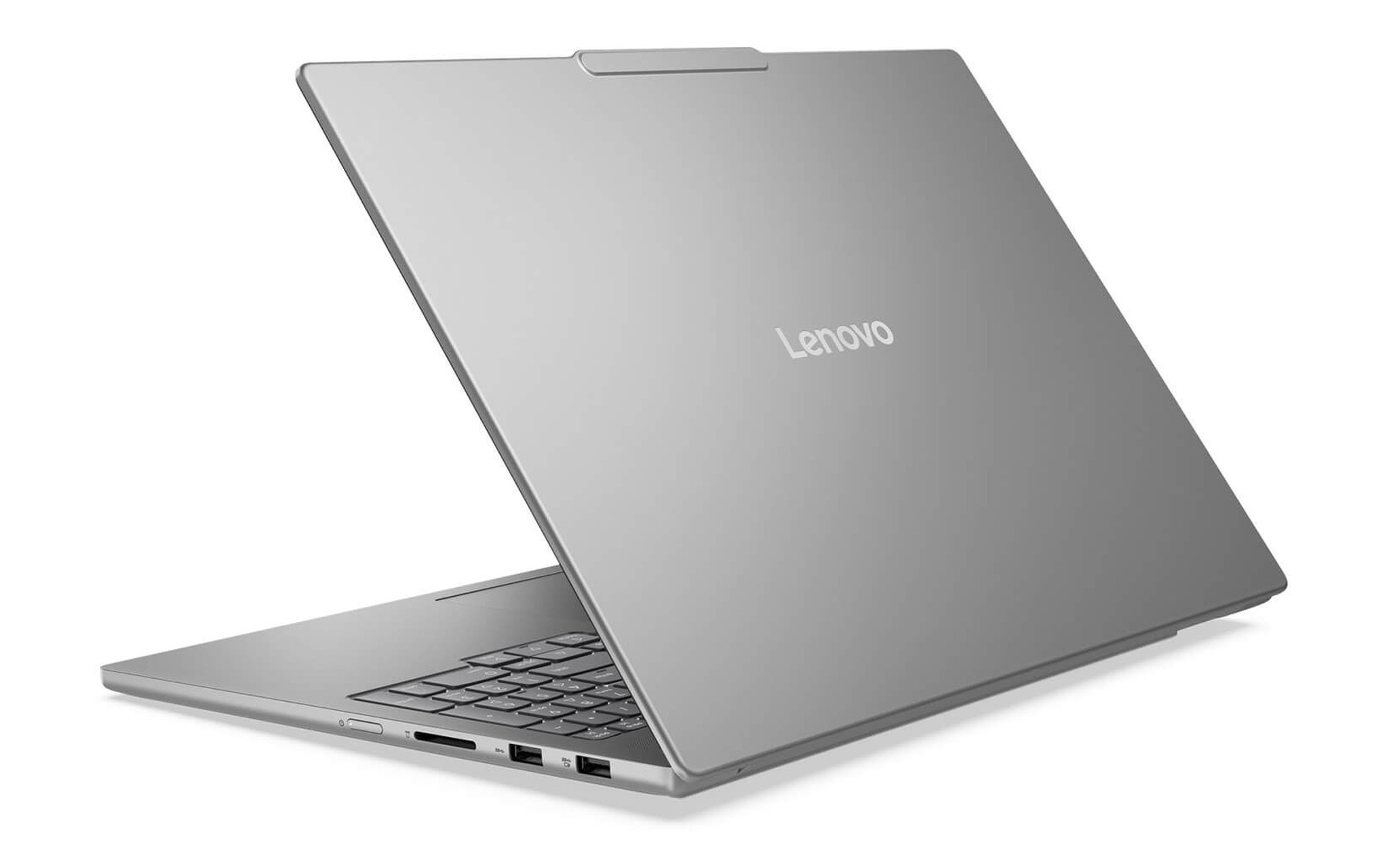
The Ryzen AI 7 350 features 8 cores and 16 threads with a maximum clock speed of 5.0GHz, significantly reducing file rendering and filter application times. A drawback is the 16GB of soldered RAM, which cannot be upgraded, and a weight of 1.79 kg for the discrete graphics version. To compensate, the full-size SD card reader, HDMI 2.1, and two USB4 40Gbps ports are very convenient for transferring photos from a camera and outputting video to an external monitor. This is a designer laptop suited for those doing both 2D design and short video editing at a desk.
On the other end of the spectrum, the Lenovo ThinkPad P14s Gen 6 - Mobile Workstation (2025) Ryzen AI 9 HX PRO 370 version with 64GB RAM, 1TB SSD, and a 2.8K OLED touchscreen starts at 56.5 million VND, designed for designers handling very large files. According to Lenovo's PSREF, the chip has 12 cores and 24 threads, uses two DDR5-5600 slots that can be upgraded to a maximum of 96GB, and the Radeon 890M graphics can be allocated up to 48GB of memory when 96GB of RAM is installed. The 500 nits OLED screen covers 100% DCI-P3 and is factory-calibrated by X-Rite; the laptop starts at 1.39 kg.
Dell XPS 14 and How to Choose a Laptop for Designers by Budget
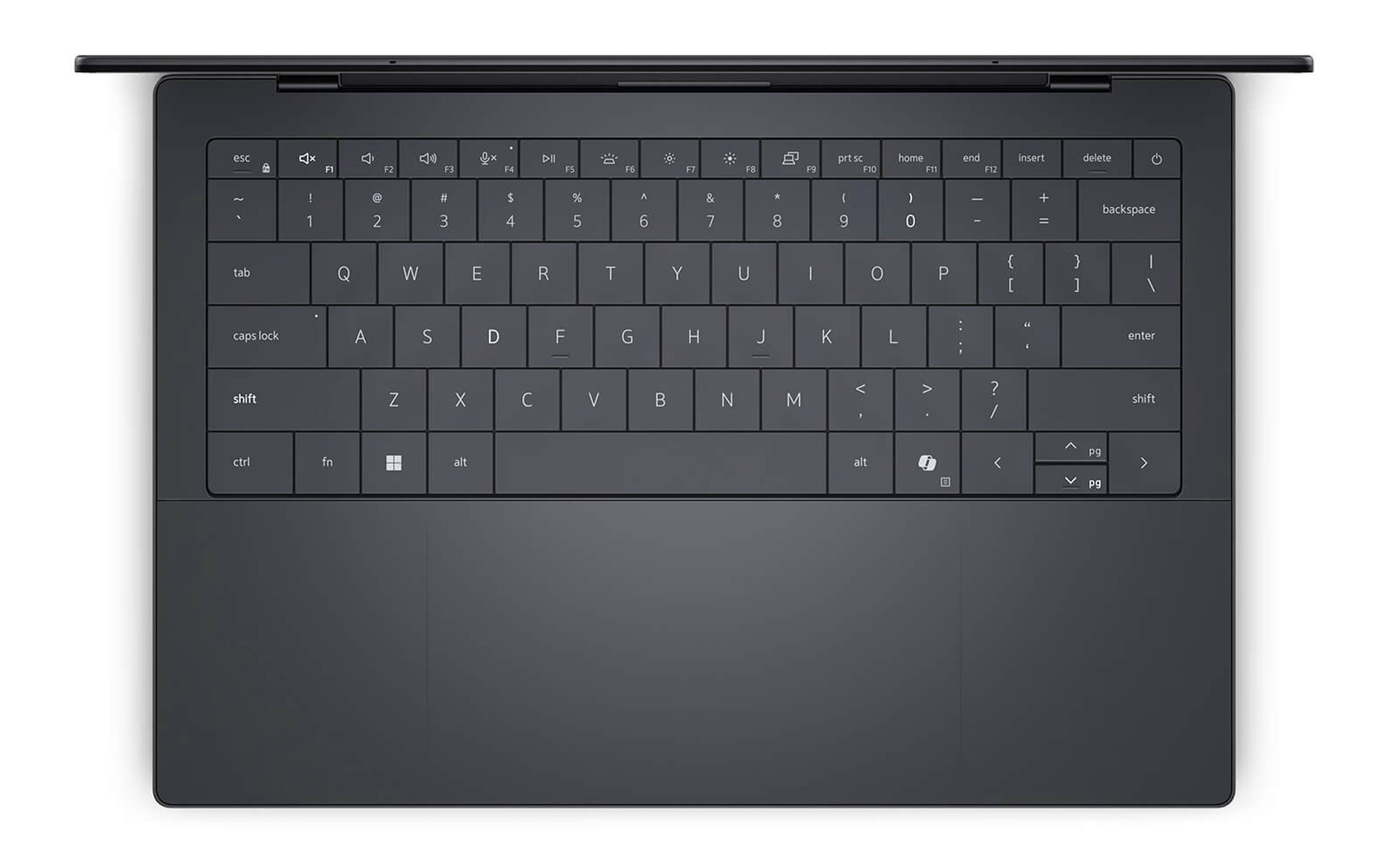
In the high-end segment, the DELL XPS 14 DA14260 (2026) configured with a Core Ultra X7 358H, 32GB of RAM, a 1TB SSD, and a 2.8K OLED touchscreen starts at 69.9 million VND. According to Dell, the processor features 16 cores with a maximum clock speed of 4.8GHz; the 2880 x 1800 OLED panel offers a refresh rate ranging from 20 to 120Hz alongside 400 nits of brightness. The laptop has a starting weight of 1.36 kg, packs a 70Wh battery, and includes three Thunderbolt 4 ports supporting DisplayPort 2.1, but lacks an HDMI port and a memory card slot, meaning you will need an external hub when hooking up an external monitor.
| Laptop Model | Specs | Display | Weight | Starting Price |
|---|---|---|---|---|
| Lenovo IdeaPad Pro 5 16AKP10 (2025) | Ryzen AI 7 350, 16GB, SSD 1TB, RTX 5050 8GB | 16-inch 2.8K OLED 120Hz, 100% DCI-P3 | 1.79 kg | 33.5 million VND |
| Lenovo Yoga 7 2-in-1 14IPH11 (2026) | Core Ultra 5 322, 16GB, SSD 512GB | 14-inch WUXGA OLED touchscreen, 100% DCI-P3 | 1.38 kg | 37.99 million VND |
| Samsung Galaxy Book6 Pro 14 inch (2026) | Core Ultra 7 356H, 32GB, SSD 1TB | 14-inch 2880 x 1800 AMOLED, 30 to 120Hz | 1.24 kg | 45 million VND |
| Lenovo ThinkPad P14s Gen 6 (2025) | Ryzen AI 9 HX PRO 370, 64GB, SSD 1TB | 14-inch 2.8K OLED touchscreen, 100% DCI-P3 | 1.39 kg | 56.5 million VND |
| DELL XPS 14 DA14260 (2026) | Core Ultra X7 358H, 32GB, SSD 1TB | 14-inch 2.8K OLED touchscreen, 20 to 120Hz | 1.36 kg | 69.9 million VND |
Looking at the table above, choosing a laptop for design work based on budget is straightforward. Under 40 million VND, the IdeaPad Pro 5 delivers the strongest graphics performance, while the Yoga 7 2-in-1 suits digital artists using a stylus. Between 45 and 57 million VND, the Galaxy Book6 Pro 14 is the lightest option, whereas the ThinkPad P14s Gen 6 comes pre-equipped with 64GB of RAM and supports upgrades up to 96GB. Above 60 million VND, the XPS 14 balances 16-core CPU power with a 120Hz OLED screen inside a compact 14-inch chassis.
Before settling on a laptop for design work, list the software you use most often and your typical project file sizes. If your workflow revolves around Figma and Canva, prioritize a high-quality display and low carry weight; if you work with multi-layer Photoshop files or large-format print layouts, aim for at least 32GB of RAM; and if you sketch by hand, pick a touchscreen with stylus input. At Hung Phat Laptop, all five models covered here are 100% brand new, and you can test their screens in person before making your decision.
Frequently Asked Questions
Do 2D designers need a discrete graphics card?
Not necessarily. Photoshop version 27.x requires only a GPU with DirectX 12 support and 1.5GB of video memory, while Figma runs via WebGL with modest graphical demands. A discrete card like the RTX 5050 on the IdeaPad Pro 5 proves useful if you also edit short-form videos or output to a 4K display. For pure 2D design, prioritizing RAM and screen quality delivers better returns first.
Should designers choose 16GB or 32GB of RAM?
16GB is Adobe's recommended baseline for both Photoshop and Illustrator. If you regularly handle complex multi-layer Photoshop files or run several Adobe apps simultaneously, 32GB helps prevent spillover onto the scratch disk. Because four of the five laptops listed here have soldered memory - with only the ThinkPad P14s Gen 6 offering upgrade slots - buying extra capacity from the start is wise.
Is a 100% sRGB or 100% DCI-P3 display better for 2D design?
sRGB remains the standard color space for web content, making 100% sRGB coverage the bare minimum. DCI-P3 covers a wider spectrum, showing smoother color gradients during photo retouching and video work. When designing web assets on a DCI-P3 screen, switch to an sRGB color mode if your laptop provides one, so colors do not appear oversaturated compared to how viewers see them.
How much SSD storage is sufficient for design files?
Adobe recommends 100GB of free drive space for Photoshop alone, before accounting for your asset libraries and working files. A 1TB SSD, as found on the IdeaPad Pro 5, Galaxy Book6 Pro 14, ThinkPad P14s, and XPS 14, offers comfortable headroom. On a 512GB configuration, pairing the laptop with an external Thunderbolt or USB4 SSD is recommended for archiving completed project files.