Choosing a construction engineer laptop is harder than picking a typical graphics laptop, because each engineering application loads a different hardware component. ETABS and SAP2000 need high-core processors and large RAM capacities to solve models, while Civil 3D, Revit, and Tekla rely heavily on graphics cards and VRAM. This guide compares official software requirements from each vendor against four 2025 workstations currently on sale, broken down by budgets from 41 to 130 million VND.
Each Construction Application Loads a Different Hardware Component
The daily work of structural engineers, infrastructure engineers, and cost estimators revolves around three software groups with very different hardware demands. The structural analysis group, including ETABS, SAP2000, and SAFE from CSI, uses the multi-threaded SAPFire solver, meaning analysis times depend directly on CPU core counts and RAM capacity. In contrast, the modeling group, comprising Revit, Civil 3D, and Tekla Structures, consumes resources during rendering, viewport rotation, and drawing export, where the graphics card plays the primary role.
The third group includes cost estimation, quantity takeoff, and spreadsheet software, which are much lighter but run all day, even when engineers work out of jobsite trailers. These three groups rarely demand the same specs, so the optimal construction engineer laptop is the one that delivers maximum power in the specific component your primary software needs, rather than balancing power evenly across every part.
The difference between a construction engineer laptop and a video editing laptop lies in hardware priorities. CSI recommends 64 GB of RAM for its structural solver, whereas an engineer who only handles structural design without infrastructure modeling would overpay for a 16 GB graphics card. Therefore, before looking at spec sheets, you should list the software that consumes the most working hours in your week, then compare it against the official system requirements published by the vendor.
How Many CPU Cores and How Much RAM ETABS and SAP2000 Require
According to the system requirements published by CSI, ETABS and SAP2000 require a minimum of 16 GB of RAM and recommend 64 GB, while SAFE requires at least 8 GB and recommends 32 GB. The company explains that problem capacity, analysis speed, and result recovery speed all increase significantly when a laptop has more RAM. For processors, CSI recommends a 12th Gen Intel Core or AMD Ryzen with Zen 3 architecture or newer.
| Software | Minimum RAM (GB) | Recommended RAM (GB) | Vendor Notes |
|---|---|---|---|
| ETABS | 16 | 64 | Discrete NVIDIA card, 4 GB VRAM recommended |
| SAP2000 | 16 | 64 | Multi-threaded SAPFire solver |
| SAFE | 8 | 32 | Same SAPFire solver |
| Revit 2026 | 16 | 64 | 64 GB for models around 1 GB |
| Civil 3D 2026 | 8 | 32 | 8 GB graphics card recommended |
CSI also recommends a PCIe SSD of 500 GB or larger and advises against storing models on external or network drives, because model files and analysis results take up additional space depending on the project scale. For engineers working on high-rise buildings or multi-span bridges, a construction engineer laptop with 64 GB of RAM is a reasonable starting point, while low-rise civil structures typically do not require that much yet.
On the CPU side, average Geekbench 6 multi-core scores aggregated by Notebookcheck highlight the performance spread across workstation chip tiers: the Core Ultra 9 285HX scores around 19,479, the Core Ultra 7 265HX hits about 17,242, the Core Ultra 7 265H reaches roughly 15,670, and the Ryzen AI 9 HX PRO 370 comes in at about 14,429. HX-series processors carry a 55 W base power, roughly double the 28 W base of the H-series, allowing them to sustain multi-threaded clock speeds better during long solver runs.
Civil 3D, Revit, and Tekla Require Workstation-Class GPUs With Ample VRAM
In Autodesk's system requirements for Civil 3D 2026, the company specifies that the graphics card handles viewport rotation, line smoothing, and rendering text and linetypes. The basic tier calls for a 2 GB GPU with 29 GB/s bandwidth, while the recommended tier asks for an 8 GB GPU with 106 GB/s bandwidth and DirectX 12 support. For large datasets, point clouds, and 3D models, Autodesk additionally requires a workstation-class card with at least 12 GB of VRAM.
| Baseline | VRAM (GB) | Memory Bandwidth (GB/s) |
|---|---|---|
| Autodesk basic tier | 2 | 29 |
| Autodesk recommended tier | 8 | 106 |
| RTX PRO 500 (Dell Pro Max 14 MC14250) | 6 | 288 |
| RTX PRO 2000 (ThinkPad P16 Gen 3) | 8 | 384 |
| RTX PRO 3000 (Dell Pro Max 16 Plus MB16250) | 12 | 672 |
| RTX PRO 4000 (ThinkPad P16 Gen 3) | 16 | 896 |
Revit 2026 outlines three tiers: a 4 GB card for entry-level setups, 6 GB for balanced workloads, and 8 GB for large models, along with a recommendation to choose a CPU with the highest single-core clock speed possible. Tekla Structures 2026 recommends dual-monitor-capable cards such as the GeForce RTX 4060 or 4070 and at least 32 GB of RAM for optimal performance. This means Tekla does not strictly require a professional-grade GPU, whereas Autodesk infrastructure software working with large datasets explicitly demands workstation-class cards.
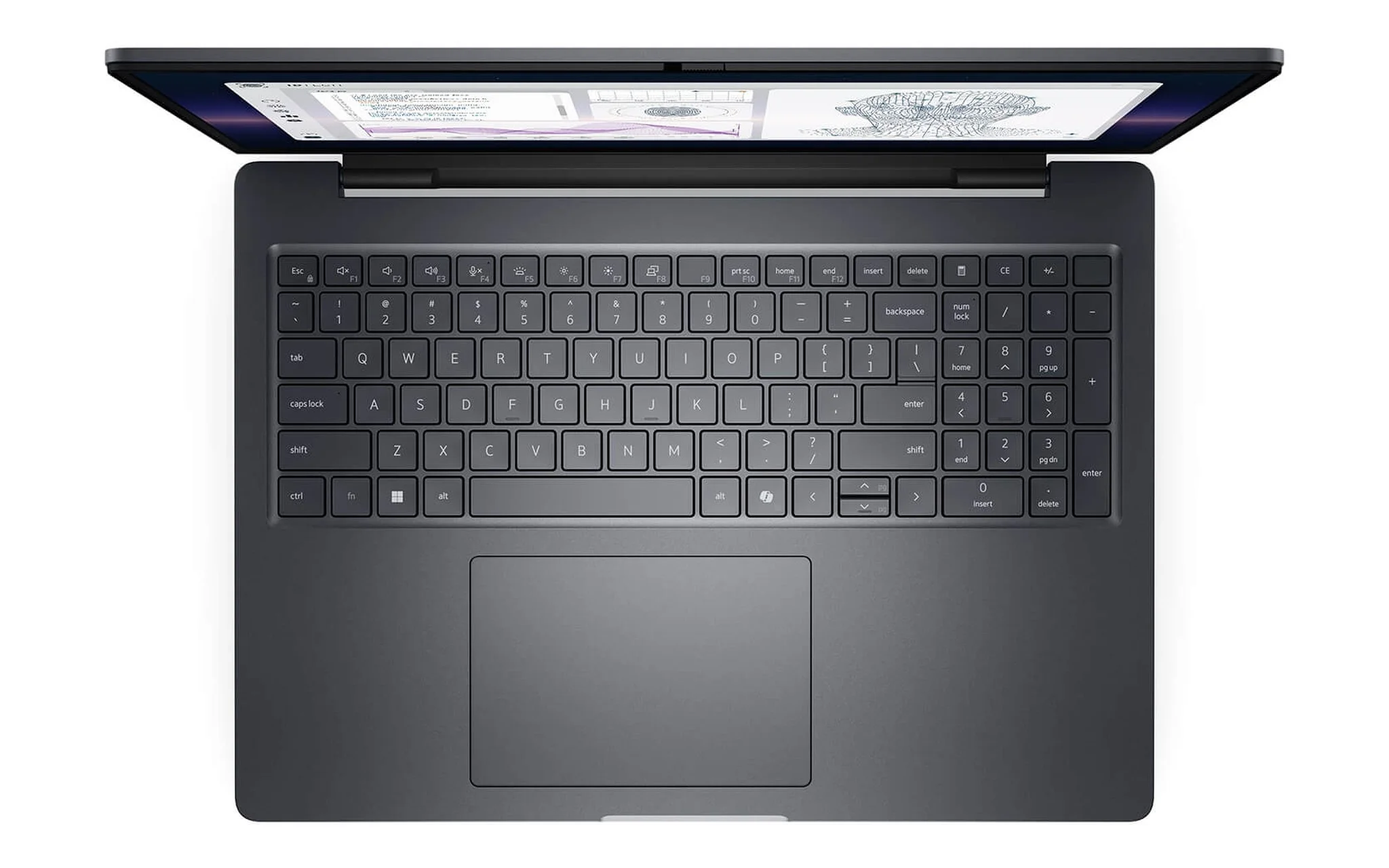
If Civil 3D and Revit Structure represent your daily workflow but your budget sits under 50 million VND, the DELL Pro Max 14 MC14250 configuration with a Core Ultra 7 265H, 32 GB of RAM, a 1 TB SSD, and an RTX PRO 500 6 GB sells for 46 million VND. The 6 GB card meets the balanced tier for Revit 2026 but falls short of the 8 GB threshold Autodesk recommends for infrastructure datasets, making it best suited for route alignments, longitudinal profiles, and medium-sized structural models. The laptop weighs about 1.79 kg, packs a 72 Wh battery, and features a 300-nit FHD+ display.
Laptops for Field Construction Engineers Need to Be Light with Long Battery Life
Site supervisors, quantity surveyors, and project managers spend more time on job sites than in the office, making portability, durability, and screen brightness just as important as computing performance. A 300-nit panel is hard to read near windows or under direct sunlight, while a 400 to 500-nit screen makes reading blueprints considerably clearer. A chassis tested against MIL-STD-810H standards also cuts down the risk of damage when the laptop is shaken during transit or placed on makeshift worktables.
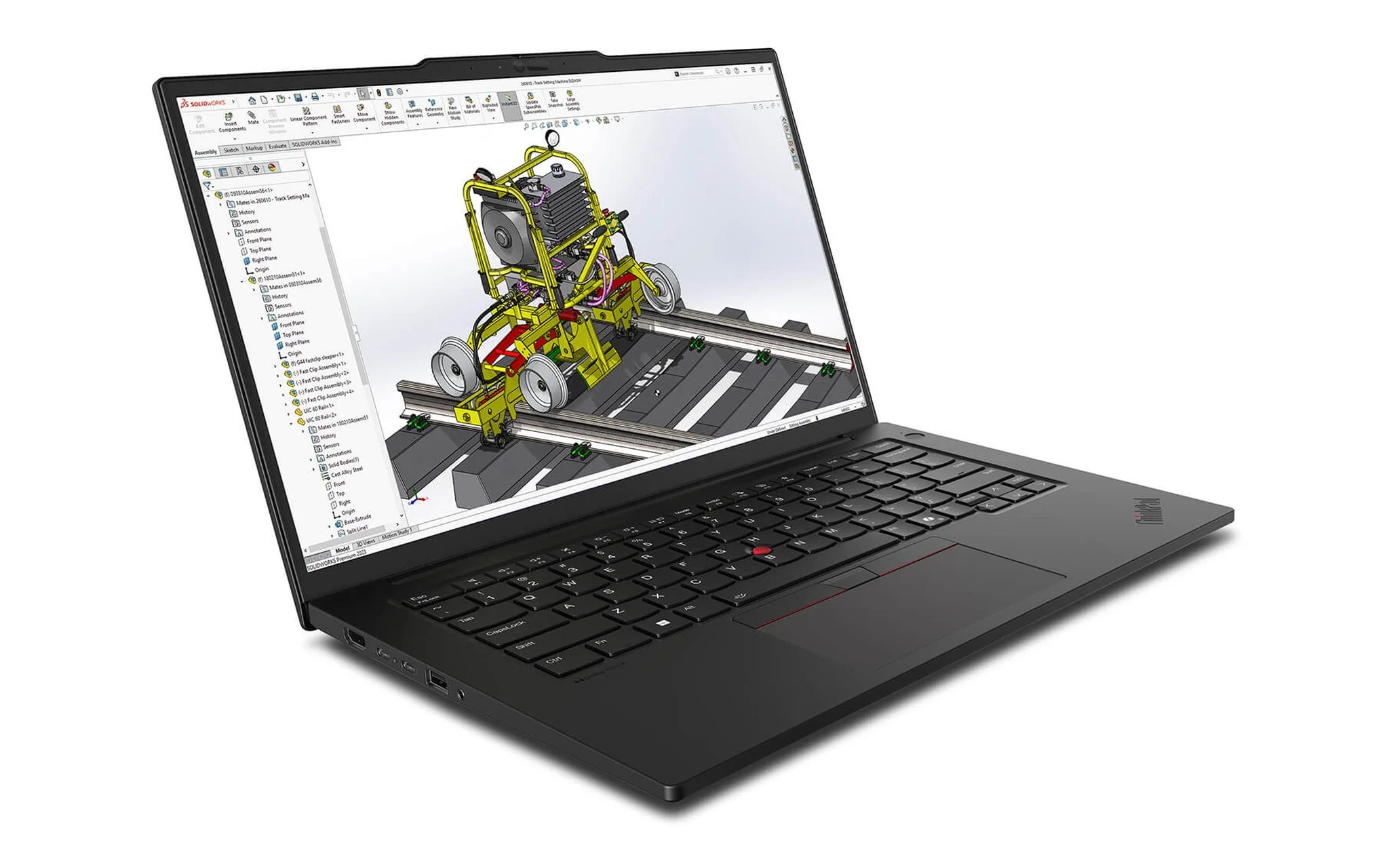
The Lenovo ThinkPad P14s Gen 6 configuration with a Ryzen AI 9 HX PRO 370, 64 GB of RAM, a 1 TB SSD, and a WUXGA display is priced at 52.8 million VND, meeting the exact memory threshold CSI recommends for ETABS. According to Lenovo's PSREF, the laptop has a starting weight of 1.39 kg, features a 12-core, 24-thread CPU, includes two SO-DIMM slots upgradable to 96 GB, and has passed MIL-STD-810H testing. A configuration with a 500-nit 2.8K OLED display costs 56.5 million VND, while the Ryzen AI 7 PRO 350 version with 32 GB of RAM runs 41 million VND, making it a viable fit for quantity surveyors.
One consideration is that the P14s Gen 6 relies on integrated Radeon 890M graphics sharing system memory, lacking dedicated VRAM as recommended for Civil 3D. This construction engineering laptop fits professionals running SAFE, 2D AutoCAD, and cost estimation spreadsheets; those building large surface terrains daily should opt for a model with discrete graphics. Battery capacity is either 52.5 Wh or 57 Wh depending on the configuration, and the 65 W power adapter charges the battery to 80% in one hour.
Large Infrastructure Models Demand HX CPUs and 12 GB GPUs
When projects scale up to multi-level interchanges, dense structural steel models in Tekla, or point-cloud surveys, a construction engineering laptop needs both an HX-series CPU and a graphics card with at least 12 GB of VRAM based on Autodesk's benchmarks. Two 2025 options priced between 73 and 98 million VND are the Dell Pro Max 16 Plus MB16250 and ThinkPad P16 Gen 3. Both are 16-inch laptops weighing over 2.5 kg, best suited for a fixed desk setup in a project management office.
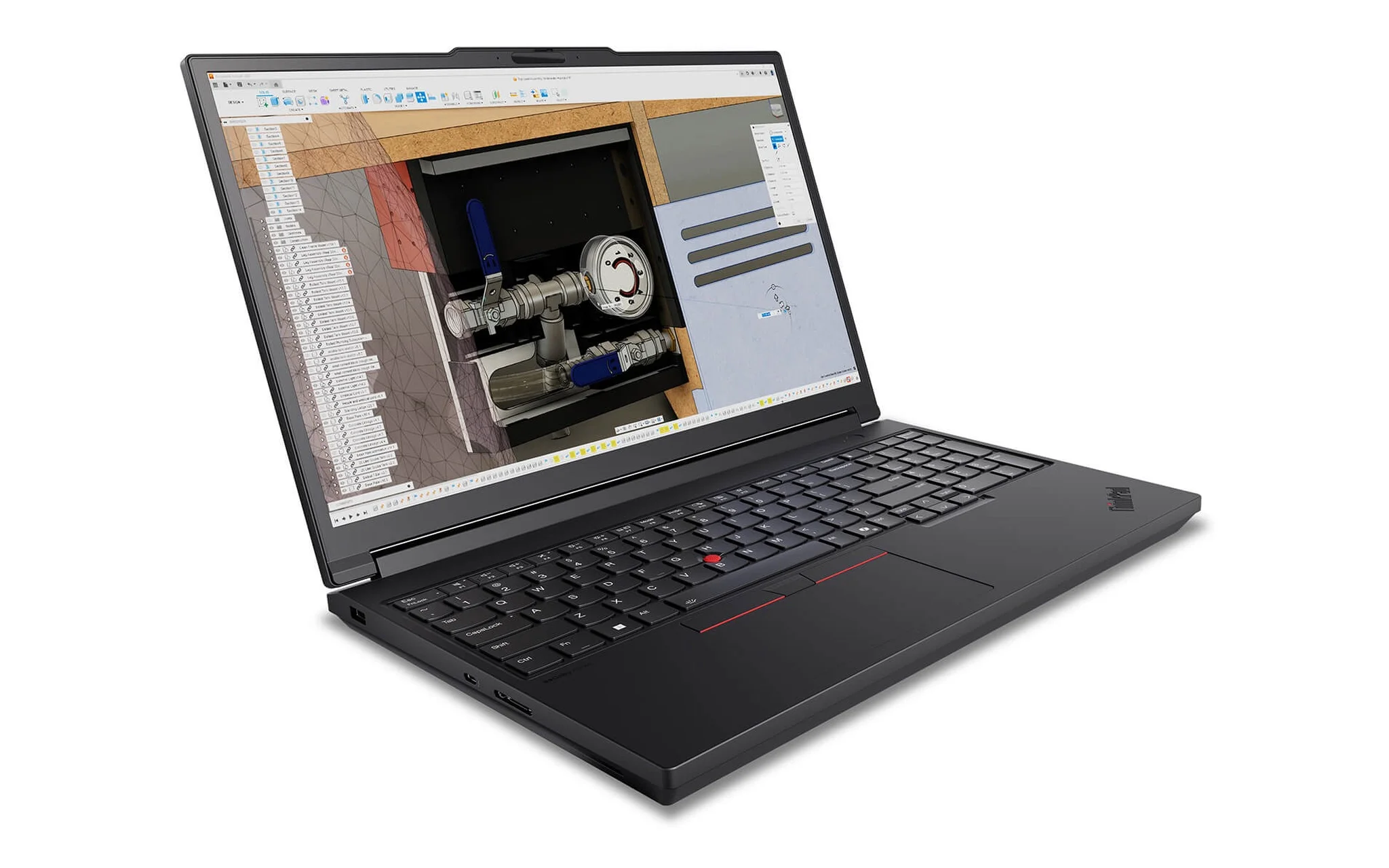
The DELL Pro Max 16 Plus MB16250 equipped with a Core Ultra 7 265HX, 32 GB of RAM, a 512 GB SSD, and a 12 GB RTX PRO 3000 retails for 73 million VND, the lowest entry price on this list reaching the 12 GB VRAM mark. Dell lists a starting weight of 2.55 kg, a 96 Wh battery, and DDR5 CSoDIMM memory running at 6,400 MT/s. If you need a 16 GB card to process dense point clouds, the configuration featuring a Core Ultra 9 285HX, 64 GB of RAM, and an RTX PRO 4000 is available for 129.99 million VND.
The Lenovo ThinkPad P16 Gen 3 is well worth considering when ETABS models exceed 64 GB of RAM, as Lenovo's PSREF notes four SO-DIMM slots supporting up to 192 GB of standard RAM or 128 GB of ECC RAM. The 24-core Core Ultra 9 285HX build with 64 GB of RAM and a 16 GB RTX PRO 4000 sells for 98 million VND, whereas the Core Ultra 7 255HX version with 32 GB of RAM, an 8 GB RTX PRO 2000, and a WQUXGA screen costs 87 million VND. It features a 99.9 Wh battery and has a starting weight of 2.54 kg.
Structuring Budgets Across Three Tiers of Structural Engineering Work
Guided by the requirements of CSI, Autodesk, and Trimble, you should allocate your construction engineering laptop budget based on primary software rather than brand preference. The first tier, ranging from 41 to 53 million VND, targets quantity surveyors, site supervisors, and mid-scale civil structural designers, prioritizing ample RAM over raw graphics horsepower. The table below summarizes four recommended configurations, prices, and weights for quick comparison.
| Laptop | Suggested Configuration | Price (Million VND) | Weight (kg) | Best For |
|---|---|---|---|---|
| Dell Pro Max 14 MC14250 | Core Ultra 7 265H, 32 GB, RTX PRO 500 6 GB | 46 | 1.79 | Revit Structure, medium-sized site layouts |
| ThinkPad P14s Gen 6 | Ryzen AI 9 HX PRO 370, 64 GB, Radeon 890M | 52.8 | 1.39 | Structural analysis, cost estimation, field work |
| Dell Pro Max 16 Plus MB16250 | Core Ultra 7 265HX, 32 GB, RTX PRO 3000 12 GB | 73 | 2.55 | Civil 3D large datasets, Tekla |
| ThinkPad P16 Gen 3 | Core Ultra 9 285HX, 64 GB, RTX PRO 4000 16 GB | 98 | 2.54 | Large structural models, point clouds |
In the first tier, deciding between the two 14-inch laptops comes down to whether you prioritize 64 GB of RAM or discrete graphics. Our guide Dell Pro Max 14 hay ThinkPad P14s Gen 6: Chọn workstation 14 inch nào cho kỹ sư / dựng hình? breaks down the limits of the P14s Gen 6's integrated graphics compared to the dedicated RTX PRO GPU in the Pro Max 14. The second tier, centered around 73 million VND, serves infrastructure engineers building Civil 3D and Tekla models on a daily basis.
The third tier, starting at 87 million VND, is tailored for design consulting firms running ETABS models on super-tall buildings or handling geographic point-cloud surveys. Whichever tier you choose, prioritize RAM capacity first, as both CSI and Autodesk list 32 to 64 GB in their recommended specs; graphics cards simply need to meet the VRAM baseline of your most demanding daily software.
Frequently Asked Questions About Choosing a Construction Engineering Laptop
Can gaming laptops replace workstations for ETABS and Civil 3D?
For CSI structural applications, the developer simply recommends a discrete NVIDIA card with at least 4 GB of VRAM, a mark gaming GPUs easily meet. Tekla Structures 2026 also lists the GeForce RTX 4060 and 4070 as recommended examples. However, for Civil 3D with large datasets and point clouds, Autodesk specifies workstation-class cards with 12 GB or more of VRAM, making an RTX PRO-equipped construction engineering laptop a safer bet for infrastructure workflows.
Is 32 GB of RAM enough to run ETABS for high-rise buildings?
CSI specifies 16 GB as the minimum and 64 GB as the recommended configuration for ETABS and SAP2000. While 32 GB handles mid-sized models well, high-rise projects with complex load combinations benefit from 64 GB. Opting for a laptop with open upgrade slots - such as the ThinkPad P14s Gen 6 supporting up to 96 GB or the ThinkPad P16 Gen 3 reaching 192 GB - provides that headroom.
Is integrated graphics sufficient for Revit Structure?
Revit 2026 recommends a graphics card with at least 4 GB of video memory even for basic configurations, and 8 GB for large models. Integrated graphics like the Radeon 890M share system memory rather than using dedicated VRAM. If Revit is your primary tool, choose a laptop with dedicated graphics of 6 GB or more, in line with Autodesk's balanced recommendations.
Should construction engineers choose an HX or an H-series processor?
HX processors such as the Core Ultra 9 285HX offer 24 cores and a 55 W base power rating, making them ideal for multi-hour structural analyses while plugged into the wall. H-series chips like the Core Ultra 7 265H draw 28 W of base power, allowing for lighter laptop designs and better battery life - well suited for engineers constantly moving between the office and the job site.