

Discontinued
Dell · Business
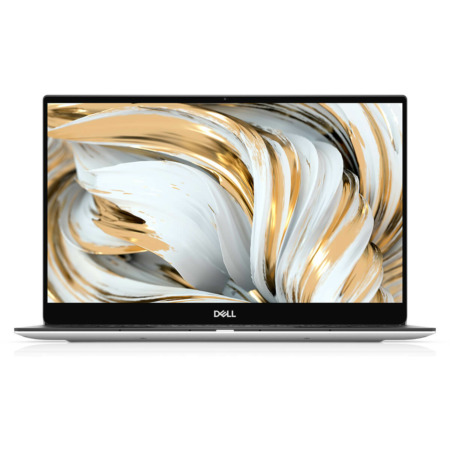
DELL XPS 13 9305 (2021)
CPUIntel® Core™ i5-1135G7
RAM8GB LPDDR4X 4267MHz
SSD512GB PCIe
VGAIntel® Iris® Xe Graphics
Contact
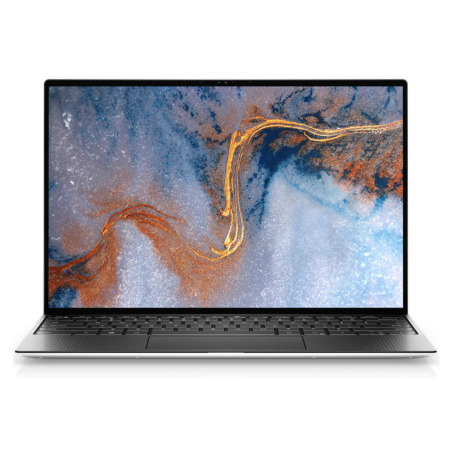

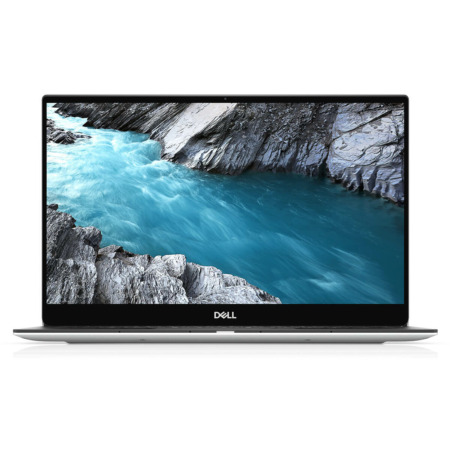
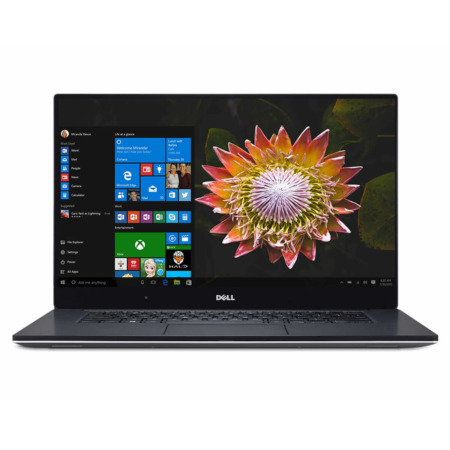
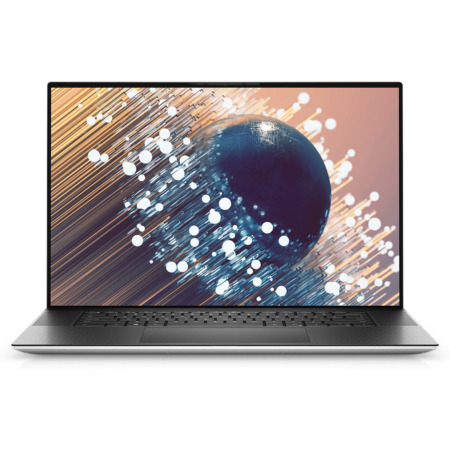
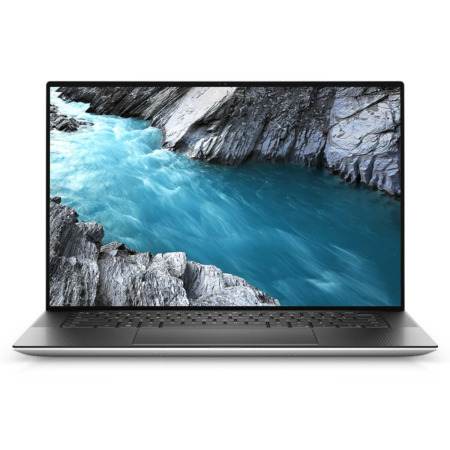
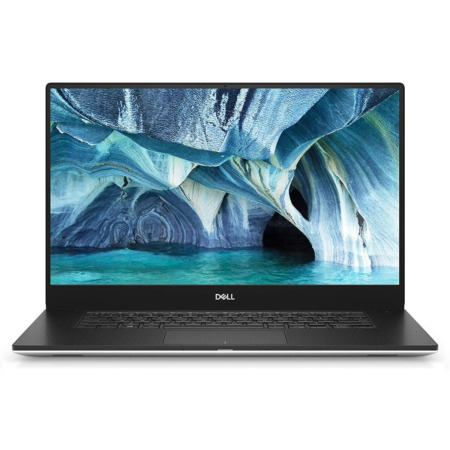
Dell XPS is Dell's premium laptop line, known for its CNC-machined aluminum frame, thin-bezel InfinityEdge display, and a typing and touchpad feel that is a pleasure to use. It is made for people who want a good-looking, compact laptop that lasts for years, with no need to choose between design and performance.
At Hung Phat Laptop, XPS comes in all 5 sizes from 13 to 17 inches, ranging from the 2019 and 2020 generations such as the XPS 13 7390, XPS 15 7590, and XPS 17 9700 to the new 2026 models. The newer generations are in stock, while the older discontinued ones keep their information pages so you can use them for reference and comparison. Each size suits a different type of user: the XPS 13 for people who travel a lot, the XPS 14 for those who want a balance, and the XPS 15, 16, and 17 for creative work that needs a large display and a powerful chip. The sections below take each line in turn, with photos of the actual laptops, the configurations in stock, and what is worth knowing before you buy, so you can picture which one fits you.
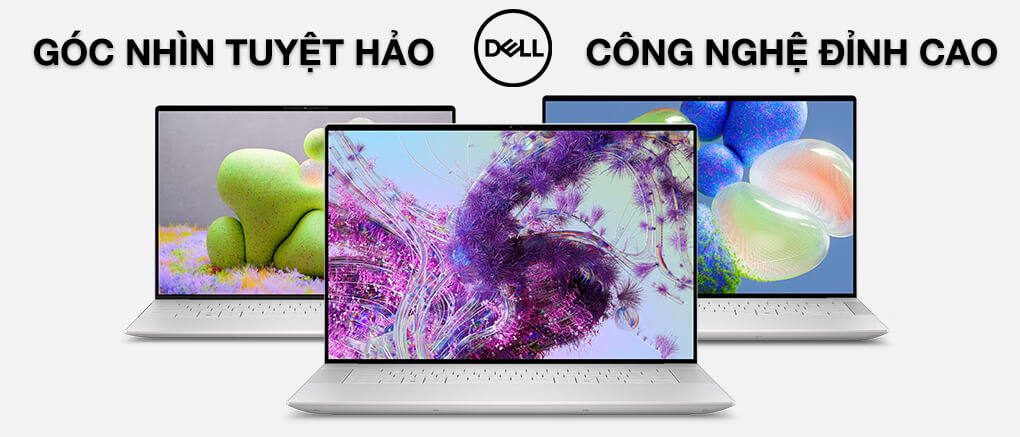
Every XPS generation shares the same strength: build quality. You get a unibody aluminum shell with little flex, a sturdy hinge, and thin bezels that make the laptop smaller than others with the same display size. The trade-off is that XPS laptops typically have fewer ports than business laptops, and the newer generations use soldered RAM, so choosing the right configuration from the start matters more with this line.
Dell XPS 13 is the compact member of the XPS family, weighing about 1.2kg and fitting easily in a handbag or small backpack. It suits business travelers, students, and managers who need to open their laptop in a coffee shop, an airport, or a meeting room without wanting to carry a charger.
The new DELL XPS 13 DX13260 (2026) is only 12.7mm thick, so it feels comfortable even in one hand. It pairs an Intel Core 5 320 chip with 16GB of RAM and a 512GB SSD, enough for a full day of office work, studying, and online meetings.
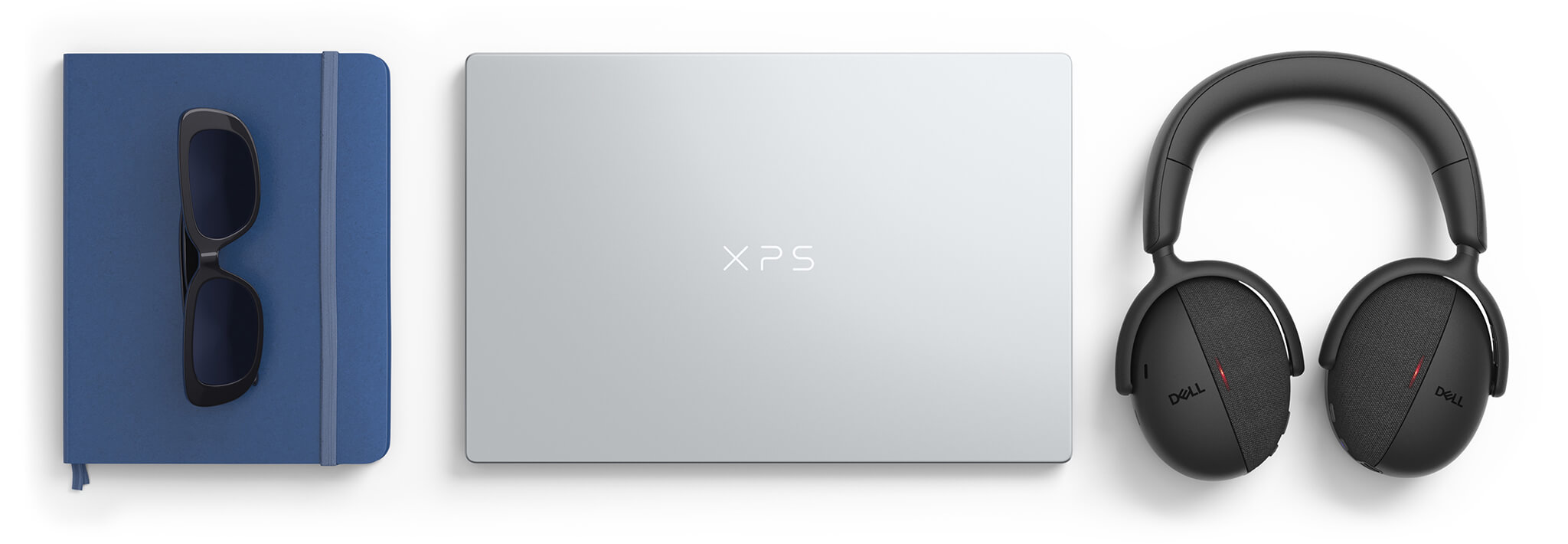
The 9320 to 9350 generations use an edge-to-edge keyboard design, a glass-surface touchpad with haptic feedback, and a touch-sensitive function key row. This design started with the DELL XPS 13 9320 (2023), the XPS 13 Plus, and it looks clean and modern. If you type a lot, try the shallow key feel of the XPS 13 first to make sure it suits your hands.
The big difference between generations is the chip. The DELL XPS 13 9350 (2025) uses Intel Core Ultra Series 2, which is good on power and runs Windows AI features well. The 13.4-inch 16:10 display gives plenty of vertical space, so you scroll less when reading documents and browsing the web.
If battery life is the priority, the DELL XPS 13 9345 (2024) runs a Snapdragon X Elite chip that lasts very long on a charge. It is built on ARM architecture, so check beforehand whether your specialized software runs on it.
Before the XPS 13 Plus line, Hung Phat Laptop sold many XPS 13 generations with a traditional keyboard, such as the DELL XPS 13 9315 (2022), which is thin and light with no cooling fan. The XPS 13 9310 OLED, 9310 2 in 1, 9305, and 7390 (2019) also have their own pages so you can review the specs; they are now discontinued.
The DELL XPS 13 9310 (2021) uses an 11th-generation Intel chip, and the DELL XPS 13 9300 (2020) was the first generation to switch to a 16:10 display. Both are currently out of stock and are useful for reference when comparing with newer models.
On a lower budget, the DELL XPS 13 9340 (2024) uses Intel Core Ultra Series 1 and keeps the line's thin and light design. One thing to know before you choose: the XPS 13 has few ports, mostly USB-C, so prepare a small hub if you often plug in an HDMI projector or USB-A devices. The RAM is soldered to the motherboard, so choose the capacity you need when you buy.
Dell XPS 14 is for people who find a 13-inch display a bit cramped but still need a laptop to carry every day. The 14-inch 16:10 display gives extra room for split windows, spreadsheets, and photo editing, while the body still fits comfortably in a backpack.
The DELL XPS 14 DA14260 (2026) weighs about 1.38kg and uses an Intel Core Ultra X7 358H chip, 32GB of RAM, a 1TB SSD, and a 120Hz display with an optional 2.8K OLED. The integrated Intel Arc graphics are far stronger than the previous generation's, so much photo editing and light video editing no longer needs a discrete card.
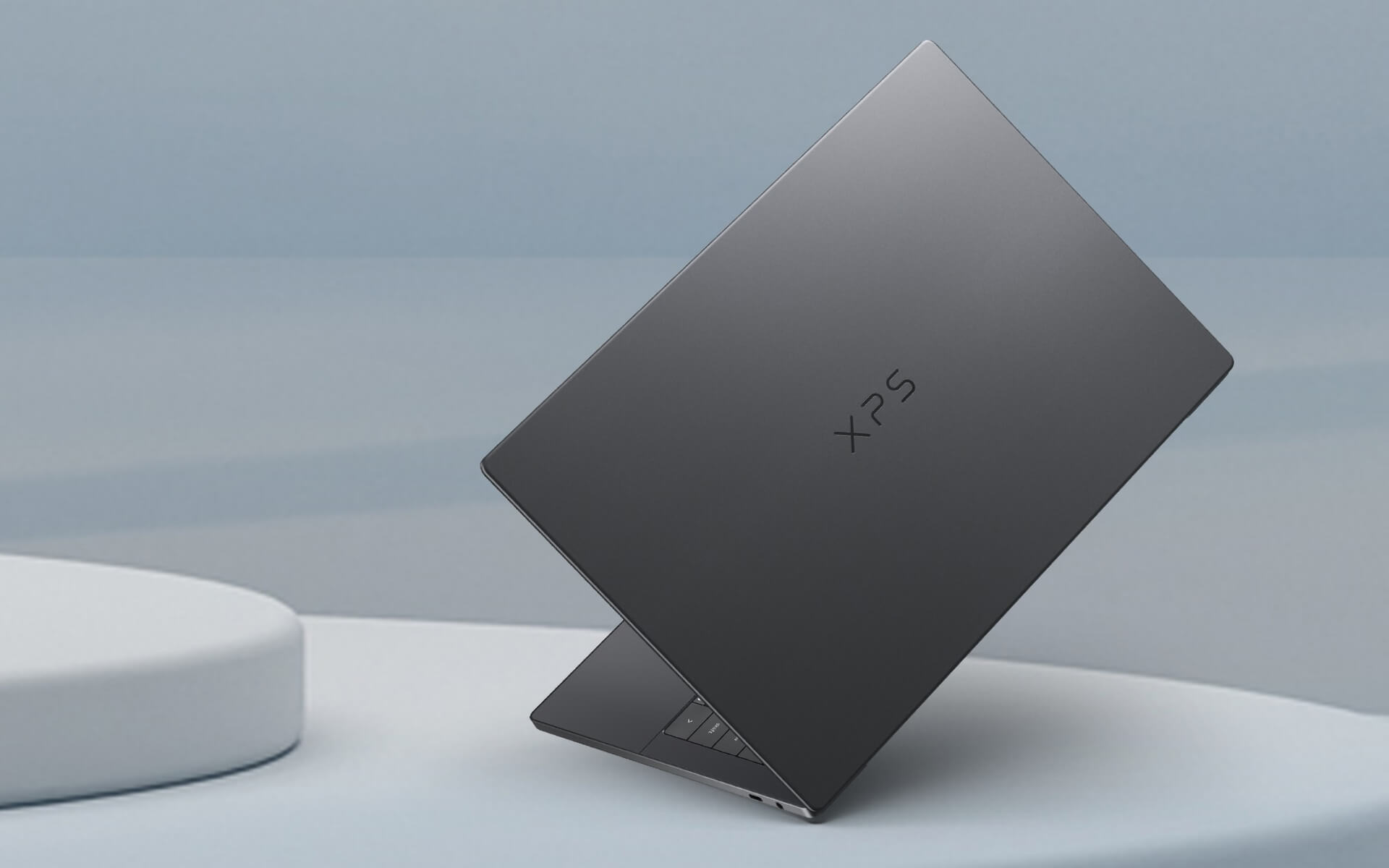
The previous generation, the Dell XPS 14 9440 (2024), was the first XPS 14. It weighs about 1.68kg and has an optional 3.2K touchscreen OLED display and a discrete NVIDIA RTX 4050 card. If you need CUDA for 3D or AI software, it is still a sensible choice.
If you mostly do office work, web development, and photo editing, the 2026 model is lighter and cooler. The RAM on the XPS 14 is also soldered, so for graphics work, or if you plan to keep the laptop for 4 to 5 years, the 32GB version is the safer choice. The version with a discrete card is stronger for rendering but runs hotter and uses more battery than the integrated graphics version.
Dell XPS 15 was a familiar choice for programmers, photographers, and video editors: a large display for comfortable work in a laptop that is not too heavy. A plus that few newer XPS models keep is slotted RAM that can be upgraded later, along with a 4-speaker system for rich sound.
The DELL XPS 15 9530 (2023) uses an Intel Core i7-13620H chip, 16GB of DDR5 RAM, a 1TB SSD, and a discrete Intel Arc A370M card. It weighs about 1.86kg, has an SD card reader that is handy for photographers and videographers, and has 2 Thunderbolt 4 ports.
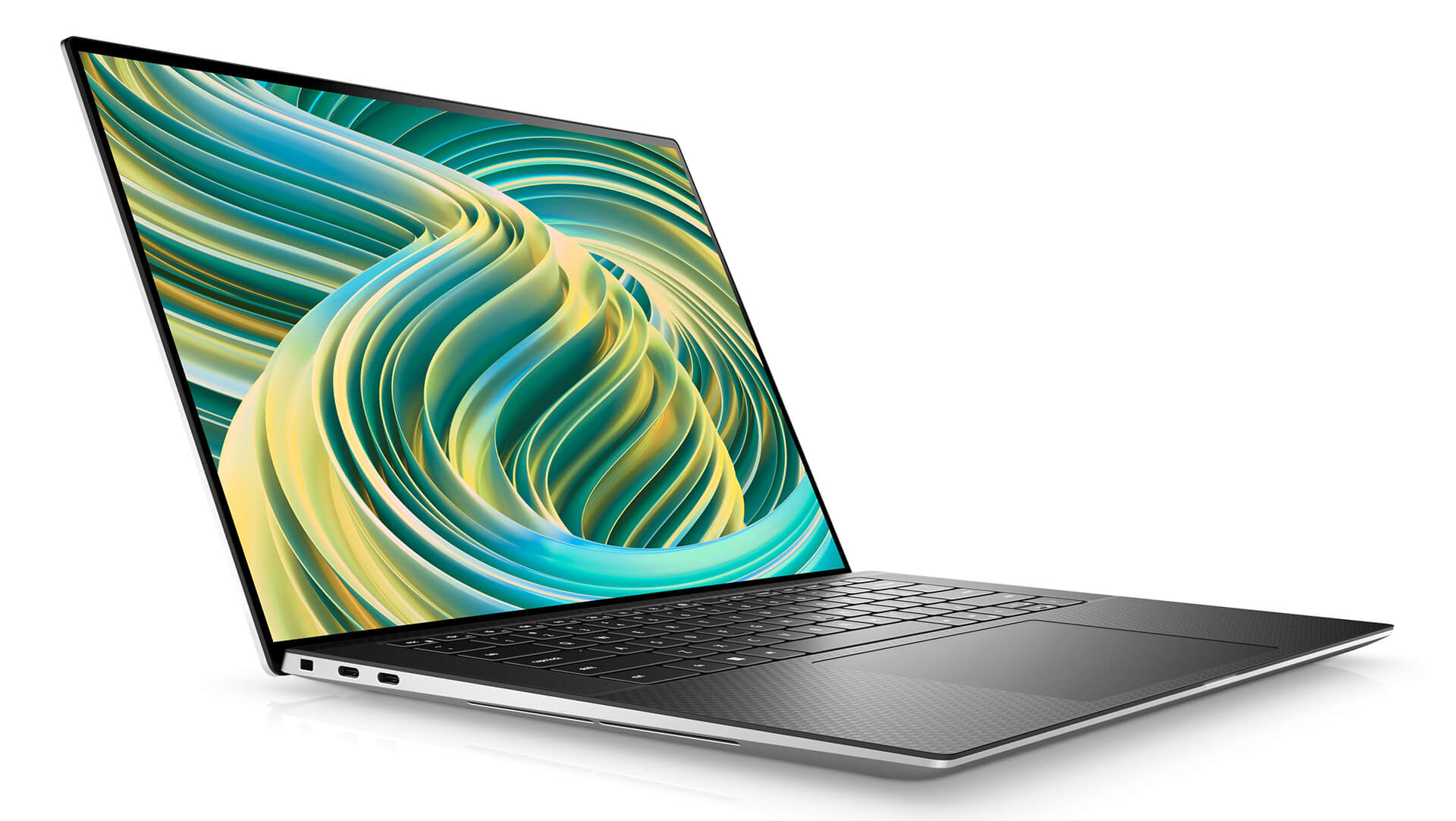
The 15.6-inch 16:10 display comes as an anti-glare FHD+ version that saves battery or a touchscreen OLED 3.5K version with a wide color gamut, suited to photo editing and color grading.
Before the 9530, the XPS 15 went through many generations. The DELL XPS 15 9520 (2022) uses a Core i7-12700H and an RTX 3050 Ti card, and the DELL XPS 15 9510 (2021) uses an 11th-generation Intel chip. The 9500 (2020), 7590, 9570, and 9560 also have their own information pages for reference.
The XPS 15 line has been replaced by the XPS 16, so few units are available. Please contact us first to check which configurations are in stock.
Dell XPS 16 is the choice for people who do graphics work, video editing, or work with many windows at once. The 16-inch display gives you a workspace close to a small external monitor, yet the body is still much thinner than many 16-inch laptops with the same specs.
The DELL XPS 16 DA16260 (2026) weighs about 1.65kg and uses an Intel Core Ultra X9 388H chip, 32GB of RAM, a 1TB SSD, and a 120Hz display with an optional 3.2K OLED. It prioritizes a compact, light body and battery life for creative professionals and people who travel.
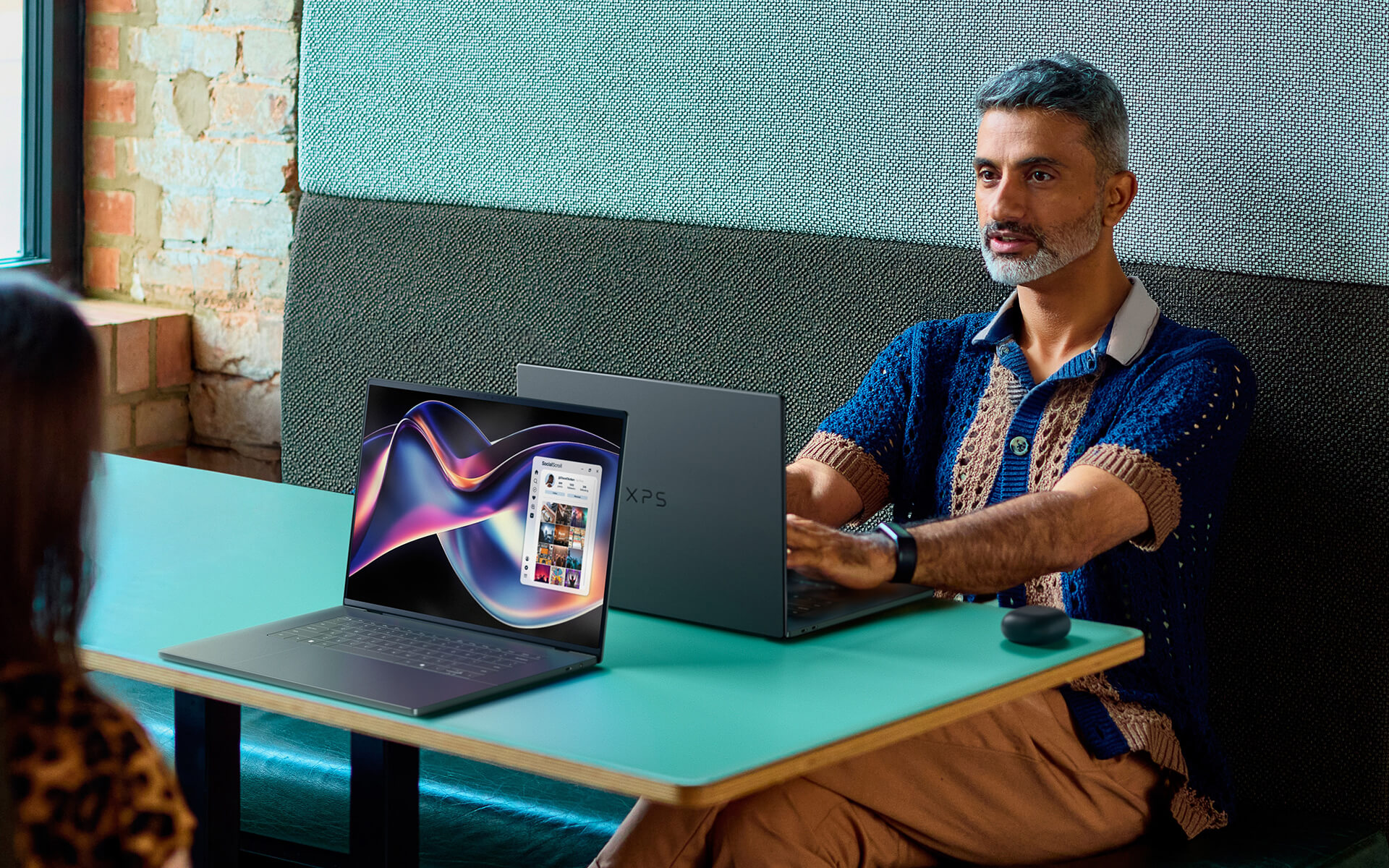
If your work needs a discrete card for 3D and AI, the DELL XPS 16 9640 (2024) offers NVIDIA RTX 4050 to RTX 4070 options and a 4K+ OLED display. It weighs about 2.13kg and suits video editors and 3D renderers who need a discrete GPU.
Because the laptop is larger, use a 16-inch backpack with a shock-absorbing compartment. The RAM is soldered, so choose a capacity that is enough for your graphics software from the start.
Dell XPS 17 is for people who need a large display area with its 17-inch screen, and who typically keep the laptop fixed on a desk for video editing, design, or programming with many windows. It has a discrete RTX card and slotted RAM that can be upgraded.
The DELL XPS 17 9730 (2023) uses an Intel Core i7-13700H chip, 32GB of DDR5 RAM, a 1TB SSD, and an RTX 4050 6GB card. It weighs about 2.44kg, with a 17-inch 16:10 display in an FHD+ or touchscreen UHD+ version, an SD card reader, and 4 Thunderbolt 4 ports.
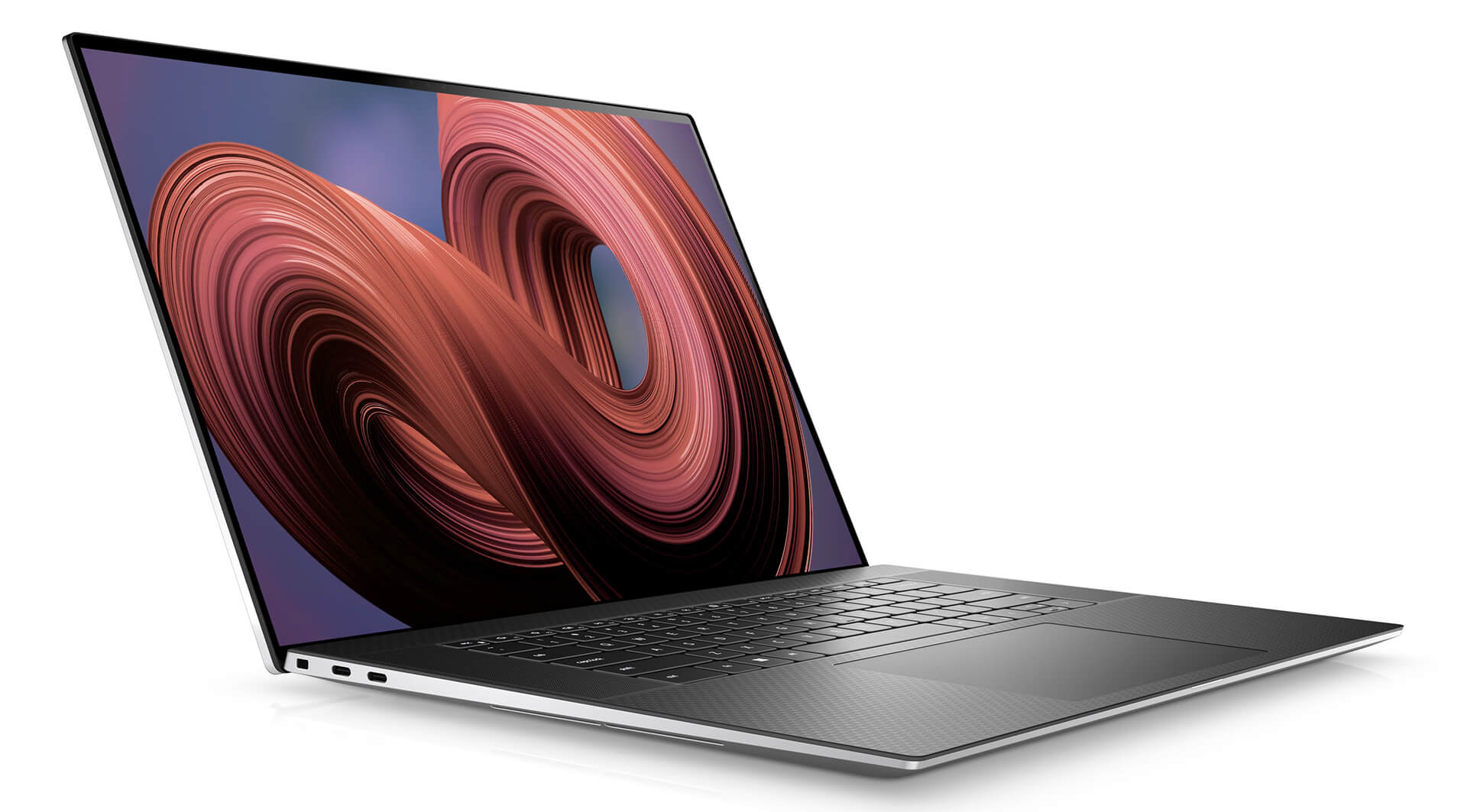
Before the 9730, the XPS 17 had the DELL XPS 17 9720 (2022) and the DELL XPS 17 9710 (2021), which used 12th and 11th-generation Intel chips with RTX 30 Series cards. The XPS 17 9700 (2020) was the first XPS 17, marking the return of the 17-inch size to the XPS line.
If you want a desktop replacement that still comes along to the occasional meeting, this size is well worth considering. The XPS 17 line has been discontinued, the 9700, 9710, and 9720 generations are no longer sold, and the 9730 has limited stock, so please contact us first to check availability.
The table below summarizes the main differences among the 5 XPS lines so you can see them at a glance before going into the details of each laptop.
| Line | Display | Weight | Chip | Graphics | RAM | Best For |
|---|---|---|---|---|---|---|
| Dell XPS 13 | 13.4 inches | about 1.2kg | Intel Core, Core Ultra, or Snapdragon X | Integrated | Soldered to the motherboard | Frequent travel, office work, studying |
| Dell XPS 14 | 14 inches | 1.38 to 1.68kg | Intel Core Ultra H-series | Intel Arc, optional RTX 4050 (2024 model) | Soldered to the motherboard | Advanced office work, short video editing |
| Dell XPS 15 | 15.6 inches | about 1.86kg | Intel Core 12th and 13th-generation H-series | Intel Arc A370M or RTX | Slotted, upgradable | Programming, photo editing, video editing |
| Dell XPS 16 | 16 inches | 1.65 to 2.13kg | Intel Core Ultra H-series | Intel Arc, optional RTX 40 (2024 model) | Soldered to the motherboard | Graphics work, video editing, heavy multitasking |
| Dell XPS 17 | 17 inches | about 2.44kg | Intel Core 12th and 13th-generation H-series | RTX 30, RTX 40 | Slotted, upgradable | Fixed desk work, large display |
Reference weights based on Dell and Notebookcheck specs; they vary with the display and graphics card configuration.
The simplest approach is to start with whether you carry your laptop a lot or sit in one place. If you travel often and do office work and online meetings, the light XPS 13 with its long battery life is enough. If you need a wider display for split windows but still carry the laptop every day, the XPS 14 is the balance point. For graphics work, video editing, or heavy programming, the XPS 16 with its large display and powerful chip will help you work faster.
The display type is also worth considering. OLED displays give vivid color and deep blacks, which suits color work and watching movies, while anti-glare IPS displays are easier to see near a window and save more battery. Most newer XPS generations use soldered RAM, so 16GB is a reasonable amount for office work and 32GB for graphics. Also think about the ports you use every day. Newer XPS generations mainly use USB-C and Thunderbolt, so if you often plug in a projector, a USB-A mouse, or memory cards, plan on a hub or dock. For desk work, a Thunderbolt dock lets you connect an external monitor, network, and charging with a single cable.
If you are still undecided, you can compare other lines in the Dell laptops category.
Every Dell XPS at Hung Phat Laptop is a genuine product that comes with an invoice and a clear warranty. Our advisors will ask which software you use and how you travel, so they can recommend the right size, chip, and display type. Not sure whether to choose the XPS 13 or XPS 14, OLED or IPS, 16GB or 32GB? Tell us about your daily work and our team will compare each configuration we have in detail. When you buy, you get:


Hung Phat Laptop uses Google cookies (Analytics, Ads) and Microsoft Clarity to measure website traffic and advertising performance. Information about your browsing activity is sensitive personal data. If you do not agree, click “Decline”: these tools will be turned off and you can still browse and shop as usual.
See Privacy Policy