

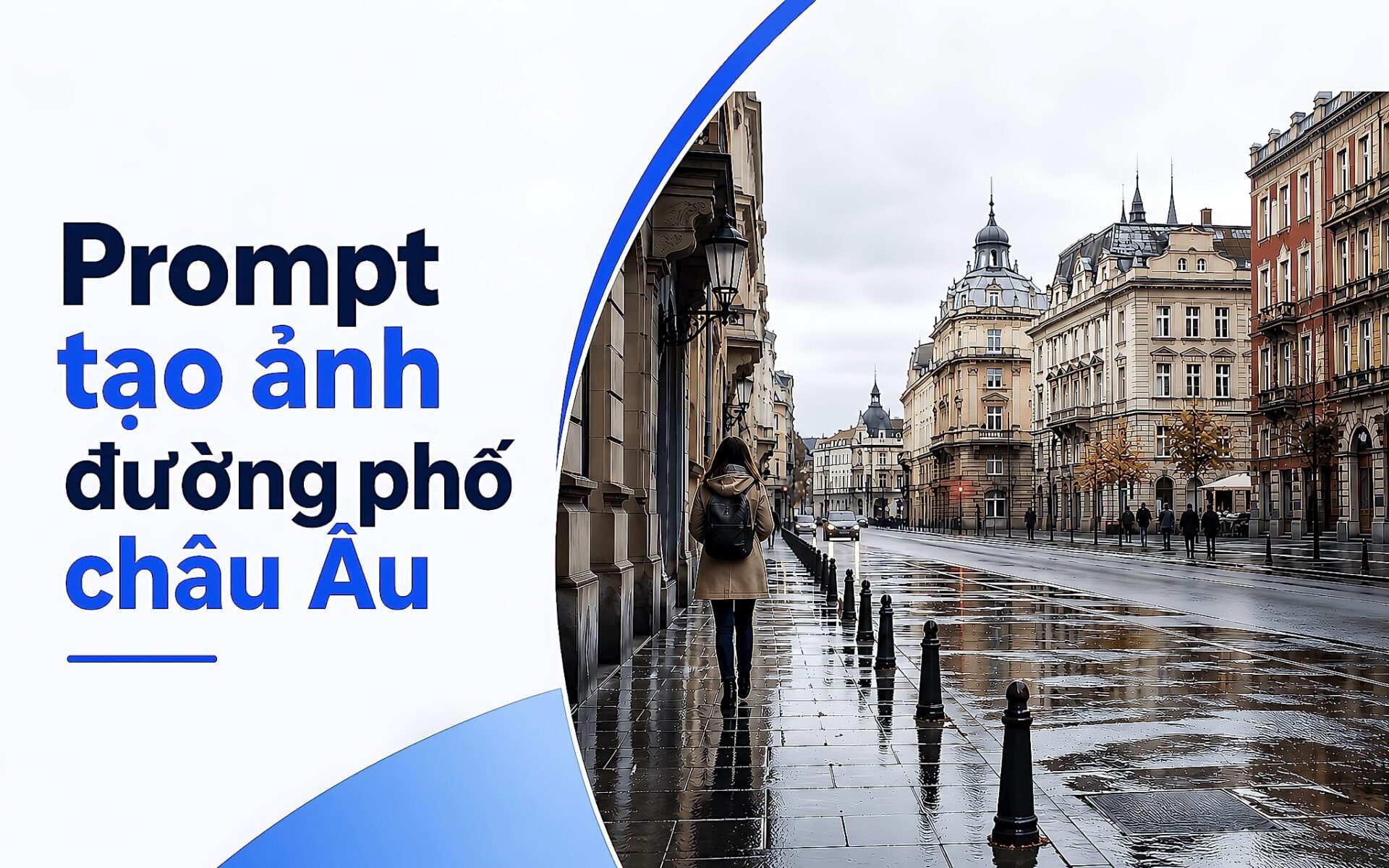
European boulevards after rain often feature reflective road surfaces, ancient trees, and soft light under cloudy skies. A well-crafted Image Generation Prompt can recreate this setting in a realistic travel photography style when the command focuses on architecture, lighting, and photographic parameters rather than vague descriptions. Using the same formula, you can change a few details to render wallpapers, illustrations, or design perspectives for various seasons and weather conditions. Hung Phat has compiled the best way to read and adjust prompts to ensure the images maintain a photographic feel.
How an AI Prompt describes a European boulevard after rain
This is an AI prompt for realistic urban street photography, set in a European-style boulevard immediately after rain. The viewpoint is positioned in the middle of a nearly empty road, with an eye-level composition. The scene features tall ancient trees with dense green foliage along both sides, forming a natural canopy over old buildings. The essence of this image generation prompt is layered description, providing the AI tool with enough data to reconstruct the space and meet the intended vision.
The buildings are described as being made of cream and light-colored stone, featuring balconies, shutters, high windows, and historical architectural details. The asphalt road remains wet, creating soft reflections and uneven dark patches. A pedestrian walks on the sidewalk to the left, with a few distant figures at the end of the boulevard. Having fewer characters helps the scene maintain a sense of tranquility without feeling empty, which is key to making an AI prompt produce a natural-looking image.
Descriptive layers in a prompt that create realistic images
The prompt utilizes cloudy skies, soft daylight, gentle shadows, moisture on the road surface, and muted colors. A slightly cool color palette, spatial depth, and the texture of trees are placed alongside old architectural surfaces. This group of details directs the image generation prompt toward a documentary photography style rather than overly vibrant illustrations. Each descriptive layer serves a specific role, and when combined, they complement each other to maintain realism.
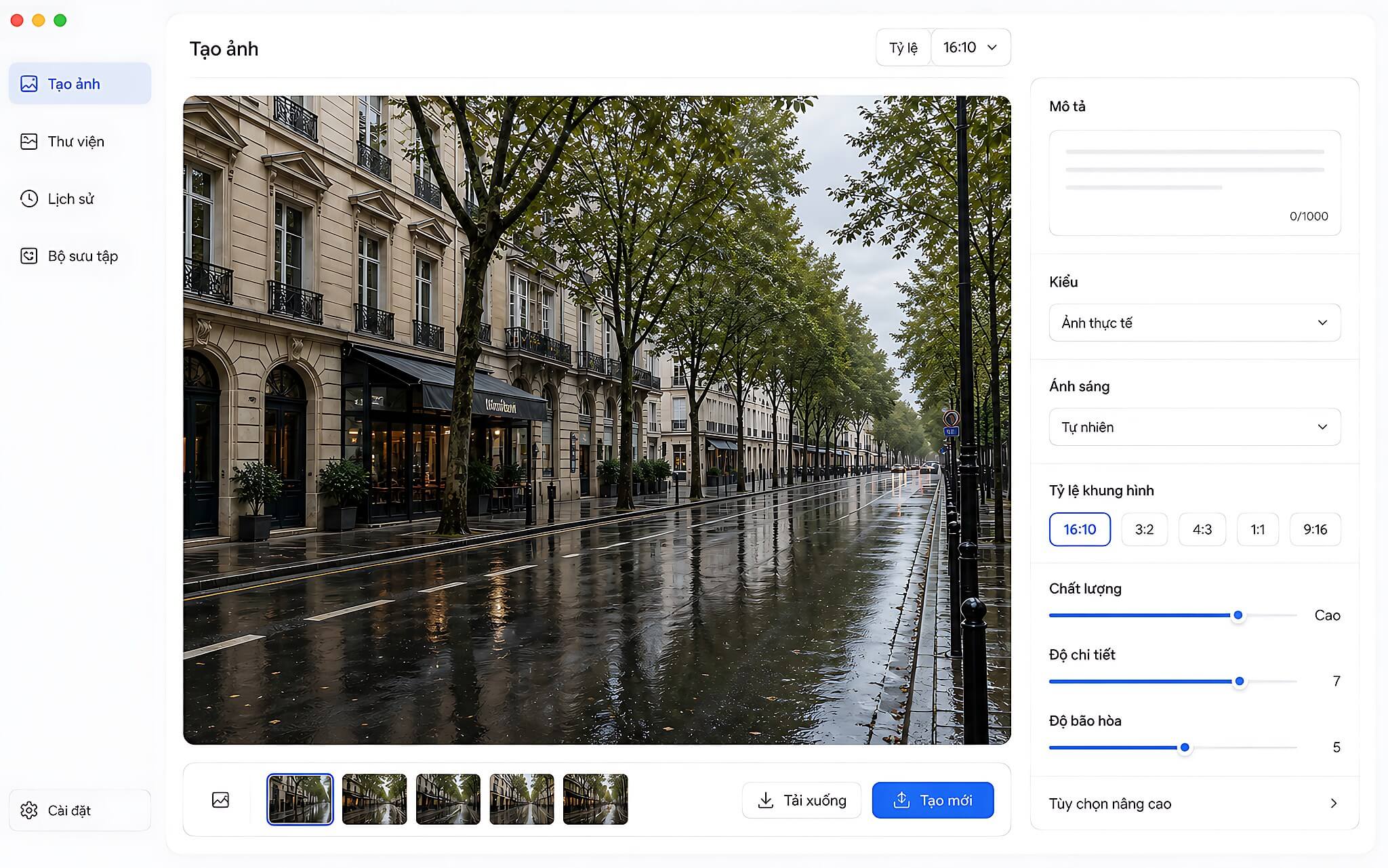
The technical photography section describes a full-frame camera, a 35mm lens, eye-level composition, large depth of field, and realistic perspective. The AI prompt also requests sharp architectural details, natural foliage textures, subtle film grain, and a moderate cinematic frame. The command avoids artificial lighting and excessive color grading, allowing the tool to prioritize recreating outdoor photographic tones.
Exclusion details are also clearly stated in the AI prompt: no logos, signs, legible text, watermarks, or brand markings on the road or buildings. This descriptive group makes the scene more universal, making the images suitable for various purposes such as wallpapers, article illustrations, or design projects. This is a safe approach to avoid future copyright issues. You can explore another image generation method in the article 3D Logo AI Prompt.
How to write a Prompt for European street scenes after rain
You can start by keeping the setting, lighting, and photographic parameters from the image generation prompt. Then, the AI tool uses these descriptive layers to construct the boulevard, buildings, trees, road surface, and characters within the same frame. The principle here is that the more clearly you describe each layer, the more closely the AI prompt's output will adhere to your vision.
The workflow is quite straightforward. First, open your AI image generation tool and select the text input box, then enter the AI prompt's setting: a quiet European boulevard immediately after rain, a viewpoint from the middle of the road, and an eye-level composition. Next, keep the details about the ancient trees, cream-colored stone buildings, balconies, shutters, high windows, and the wet asphalt road so the tool has sufficient data to reconstruct the scene.
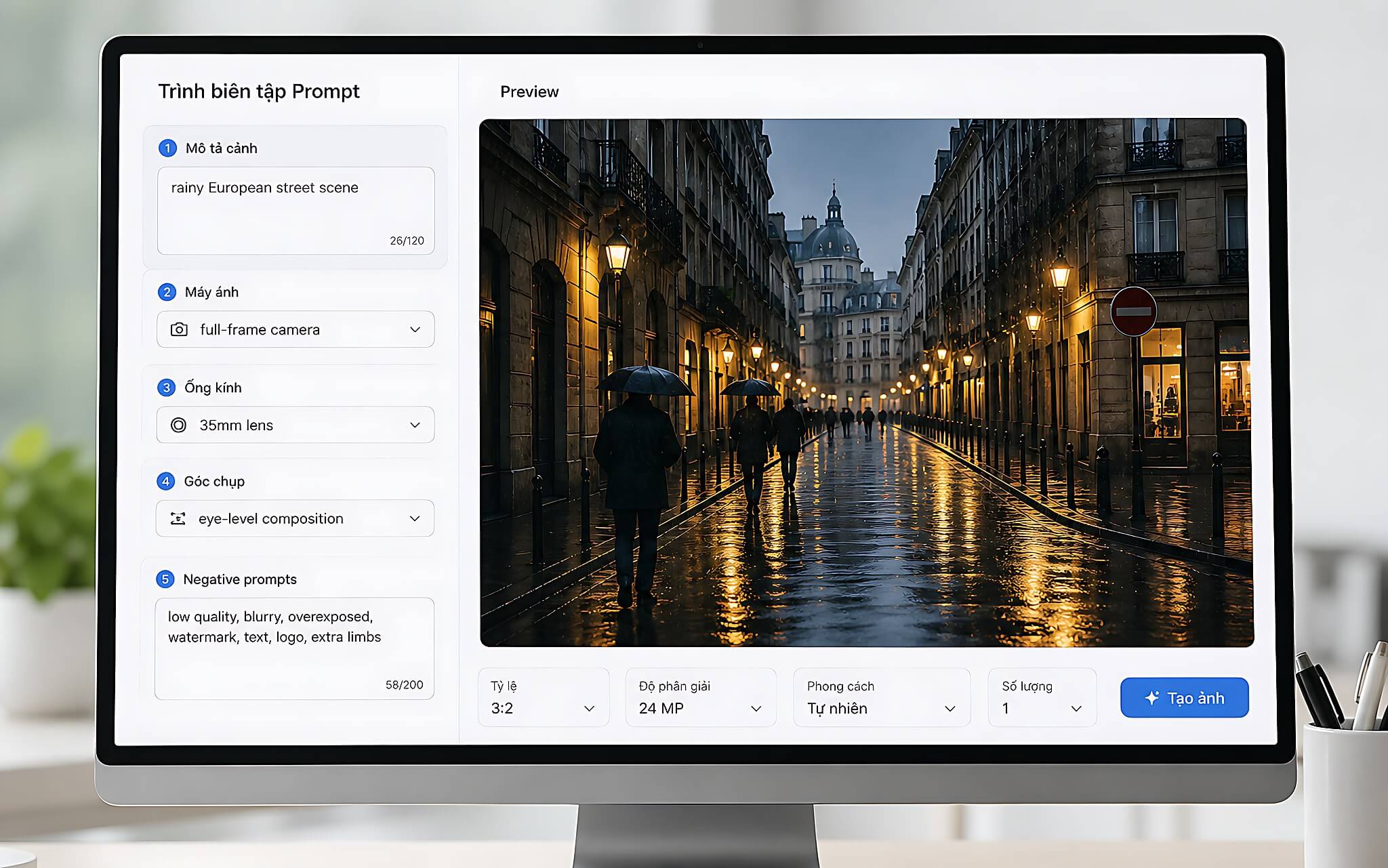
The lighting section should specify soft daylight under cloudy skies, soft reflections on the road surface, muted colors, and a slightly cool tone. This is followed by a block of photographic parameters including a full-frame camera, 35mm lens, large depth of field, realistic perspective, and sharp architectural details. Add characters according to the composition-one pedestrian on the left sidewalk and a few distant figures-then list the exclusions for logos, signs, legible text, watermarks, and brand markings. Organizing by blocks helps the AI prompt maintain a clear order.
To change the mood of the image, replace the weather section with drizzle, morning mist, or sunset, and you can even change the setting to autumn. When changing locations, simply adjust the description of the landmarks or architecture while keeping the lighting, road texture, and photographic parameters to maintain the same style. Hung Phat's tip is to change one group of details at a time instead of rewriting everything; this allows you to identify which descriptive groups make a difference while keeping the original version for comparison. Those who write prompts for slides can refer to the layout techniques in the article 10 ChatGPT Slide Prompts.
Limitations to know when creating images with AI Prompts
Since the prompt describes many details, results may vary depending on the AI tool and how each tool processes commands. The original command is not tied to a specific platform, so there is no basis to claim that every tool will render the exact same composition or level of detail. This is a limitation you should verify before expecting identical images across different AI versions.
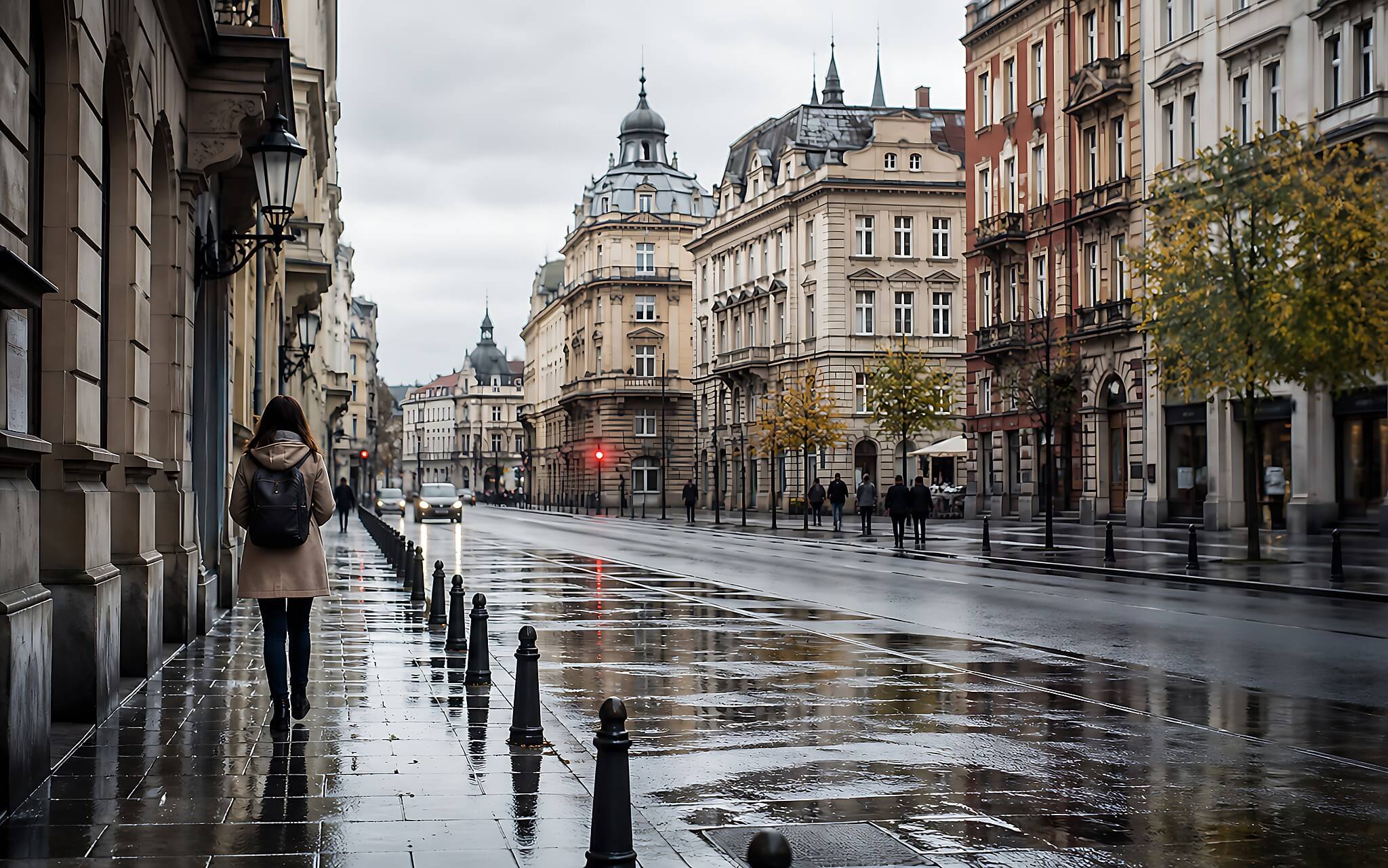
Requirements such as "no signs, logos, or legible text" are merely descriptive parts of the AI prompt, not absolute guarantees. You still need to check the images after generation, especially in areas like windows, buildings, the road surface, and distant characters, as these are where tools often make mistakes. The prompt also does not guarantee the recreation of a real location, as the description only refers to a "European-style boulevard."
Parameters like "full-frame camera" and "35mm lens" are intended to guide the viewpoint, perspective, and photographic feel. They do not turn an AI image into a real photograph, and terms like "subtle film grain" or "cinematic frame" are aesthetic instructions rather than measurable quality metrics. Understanding the actual purpose of each parameter helps you set realistic expectations for the images the AI prompt generates. This is also how to use the tool in a controlled manner.
Who should use this AI Prompt and for what purpose
This image generation prompt is suitable for those needing wallpapers, article illustrations, artistic images, or visuals for design projects with a European urban style. Content creators can utilize the "boulevard after rain" setting to create tranquil illustrations, while designers can change the location, season, or weather to produce multiple versions in the same style. Each group of users exploits the AI prompt in their own way.
For Vietnamese users, the practical value lies in the ability to construct European settings without traveling there to shoot. The AI prompt also eliminates logos, signs, and legible text, making the images suitable for compositions requiring neutrality. However, before using images in articles, designs, or social media, you should check the terms of use of the tool, such as Adobe Firefly, and your intended publication purpose.
This command can also replace the initial sketching phase when you need to visualize a boulevard, architectural materials, or weather atmosphere. To maintain consistency across multiple generations, change only specific parts like location, season, and weather, rather than deleting the entire description of lighting, road surface, and perspective. Once you master this principle, you will be able to proactively transform one AI prompt into many different images while maintaining a consistent overall style.











