


A typical workday often begins with three parallel windows open: Grammarly for proofreading, Adobe Acrobat for opening PDF contracts, and Notion for note-taking. Each software handles a small piece of the task, but combined, subscription costs and the effort of switching interfaces add up. Large Language Models (LLMs) offer a way to consolidate reading comprehension, summarization, and content drafting into one place. So, after moving PDF documents to Claude AI, what role does Adobe Acrobat still play? Hung Phat analyzes the actual boundaries between these two tools.
What roles do Adobe Acrobat and Grammarly play in the document workflow?
Office workers often install different software for each small daily task. Grammarly reviews text, Adobe Acrobat opens PDF documents, Perplexity searches for information, Obsidian or Notion stores notes, and Pocket saves articles for later. The increasing number of windows leads to a scattered screen, more time spent switching between applications, and a fragmented workflow experience.
In this group of software, some offer free versions while others require recurring payments. Maintaining multiple separate subscriptions both incurs costs and requires setup effort. As LLM-based tools become more popular, many people realize that a single chat session with Claude AI can handle much more than just simple summarization. If you are interested in how to choose a budget-friendly version, you can read more in the article Choosing a Claude Model: Balancing Budget with Real Performance.
Grammarly detects passive voice, flags redundant words, and suggests more coherent phrasing, proving most effective at the sentence level. Claude AI handles complex requests simultaneously: condensing introductory paragraphs, cutting wordy sentences, and adjusting writing for non-expert audiences. This tool can also explain why a sentence is ineffective and reorganize arguments while preserving the original information.

In the realm of PDF document processing, Adobe Acrobat Pro plays a completely different role. According to its official website, the Acrobat Pro package is listed at $19.99 per month when paid annually and $239.88 if paid upfront for the full year; in return, you get a full suite of file operations: editing text and images directly within a PDF, converting scans into searchable documents via OCR, collecting electronic signatures, exporting to Word, Excel, and PowerPoint, redacting sensitive data, and setting passwords. Detailed features can be found on the Adobe Acrobat Pro page.
Acrobat's AI assistant is a separate paid add-on, costing $1.99 per month or $19.99 per year. Adobe describes this package as being able to summarize documents, answer questions with citations pointing to the exact source location, and group up to 100 files and links for a single research topic. In other words, Acrobat has added its own reading comprehension capabilities, so a fair comparison must be based on cost and workflow habits, rather than assigning an unverified weakness to the software.
The key lies in contextual depth. Instead of reading individual, disconnected sentences, Claude AI can process an entire long article, annotate specific clauses in a contract, and synthesize research information before a meeting. Consequently, work habits are gradually shifting toward a single interface, reducing dependence on single-function software and optimizing repetitive tasks.
A practical document processing workflow on the Claude interface
Transitioning a workflow from multiple individual applications to a single AI tool requires a clear sequence. The four steps below describe how an editor or legal professional can utilize the Claude AI web interface for daily PDF document loads, in order of priority from preparation to verification.
Step 1: Prepare input data. Gather text segments that need editing or prepare PDF documents such as economic contracts, research reports, and instruction manuals. Anthropic's developer documentation specifies that the format must be standard PDF, without passwords or encryption.
Step 2: Upload data to the chat session. Paste content directly into the input box or upload files. The same documentation specifies the technical limits for a request: a maximum size of 32 MB, up to 100 pages when the context window is under 1 million tokens, and a cap of 600 pages for larger contexts.
Step 3: Issue specific prompts. Enter requests that clearly define your needs, such as finding repetitive words, checking spelling, explaining unusual legal terms, or shortening an introduction. The more clearly a prompt specifies the target audience and desired length, the closer the result will be to your original intent; this is the crucial factor in determining response quality.
Step 4: Verify the results. Re-read the suggested edits and analysis, verify with professional opinion from a lawyer if it is an important contract, and then copy the results back to your main working document. This verification step must not be skipped, as language models can still misread a convoluted clause.
Throughout the session, you can continue to query deeper into the previously uploaded document set. All content is maintained in the conversation memory, allowing the exchange to proceed seamlessly without needing to re-upload files or re-enter the original prompt.
Claude's limitations compared to Adobe Acrobat Pro
The most important boundary lies in file manipulation. Anthropic's developer documentation describes Claude's PDF capabilities as including text extraction, chart analysis, reading tables, answering questions, and converting information into structured formats. The list of capabilities stops at reading comprehension. Claude does not edit and then export back to a complete PDF file, does not provide digital signatures, and does not replace the specialized OCR step of Acrobat Pro.
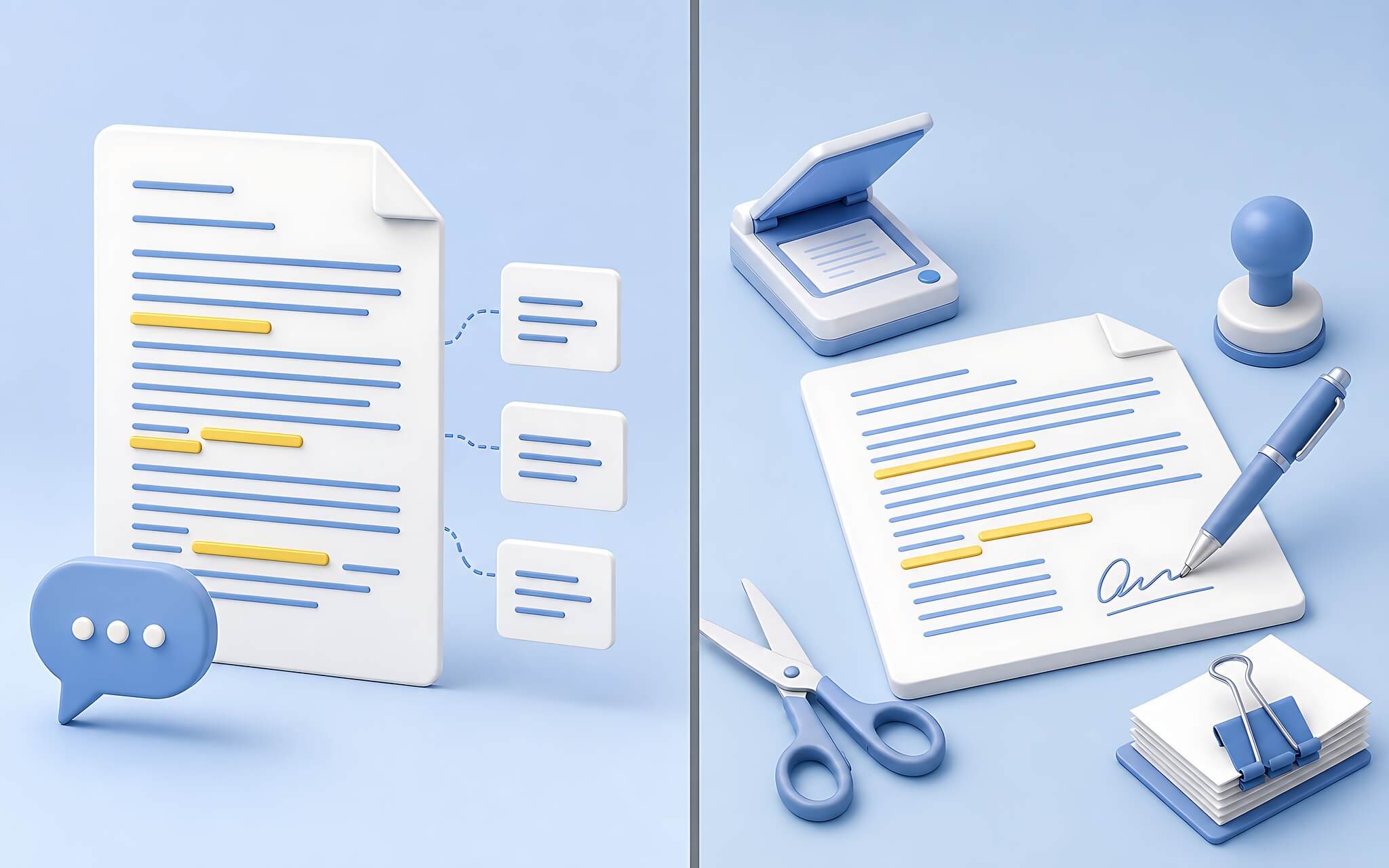
Therefore, the accurate way to describe it is consolidating reading comprehension, summarization, and drafting into Claude AI, while file manipulation still belongs to specialized PDF tools. If your needs are limited to signing, splitting pages, or editing a few lines, free options are sufficient; details can be found in the article Edit PDF without Acrobat: 3 useful free software options.
Grammarly also maintains an advantage that Claude cannot currently match: a browser and Google Docs extension that provides real-time feedback as you type. Claude cannot observe the cursor position on your computer, so the manual process of copying and pasting between two windows remains a mandatory step.
Another common misconception relates to context memory. Anthropic's official pricing page states a 200,000 token context window for both Free and Pro plans, meaning the difference between plans lies in usage limits rather than context size. The Pro plan is listed at $20 per month when paid monthly, $17 per month when paid annually, while Max starts at $100; see the Claude pricing page for details.
Who should transition their document workflow to Claude?
The groups that benefit most are content editors, office workers who frequently handle PDF contracts, and researchers of long documents. Consolidating tasks into one tool helps reduce the number of software programs installed on your machine and significantly decreases the number of monthly subscriptions to track. Conversely, for those who primarily need digital signatures, stamping, or publishing print-standard PDFs, Adobe Acrobat Pro remains an indispensable choice.
For personal note-taking, there is no need to build a complex storage system on Obsidian or Notion. A leaner option is to use existing quick note apps to keep raw information, then upload it to Claude when you need to analyze, summarize, or restructure it into a complete article. Those on the free plan should be aware of usage limit refreshes; refer to the article Claude Pro Limits: Misunderstanding the mechanism of timing your session refresh.
Claude performs well in both Vietnamese and English, supporting text error checking, annotating contract clauses, and quick lookups. Replacing a stack of single-function applications with one Large Language Model significantly streamlines the document processing workflow, as long as you maintain the correct boundary: Claude handles reading and writing, while Adobe Acrobat handles file manipulation.











