3ds Max stresses two different components depending on the stage of work: during 3D modeling, viewport operations rely primarily on a single CPU core, while rendering with V-Ray requires multiple cores or an NVIDIA graphics card. As a result, a laptop for 3ds Max does not just need generally high specs; it must strike the right balance between single-core clock speeds, VRAM, and RAM. VRAM is dedicated memory on the graphics card, determining how large a 3D scene the card can still render. This article summarizes the requirements from Autodesk, Chaos, and Puget Systems, then suggests five 2025 models priced from 46 to 98 million VND.
What Minimum Requirements Autodesk and Chaos Set for 3ds Max 2026
According to Autodesk's system requirements page, 3ds Max 2026 runs on 64-bit Windows 10 (version 1809 or higher) or Windows 11, requiring a multi-core 64-bit Intel or AMD processor with SSE4.2 instruction set support, at least 4 GB of RAM (8 GB or more recommended), and 9 GB of free disk space for installation. For graphics cards, Autodesk does not list a specific spec, pointing instead to its certified hardware list for 3ds Max. Because the requirements mention only Intel and AMD, laptops powered by Arm chips are not among the devices intended for 3ds Max scene creation.
Those minimums are only enough to launch the software. The V-Ray 7 plugin sets a higher threshold: the V-Ray for 3ds Max System Requirements documentation calls for an Intel 64 or AMD64 CPU with AVX2 support, a minimum of 8 GB of RAM with 64 GB recommended, running on Windows 10 or 11. V-Ray 7 supports 3ds Max from version 2021 through 2027, so a laptop running 3ds Max 2026 with V-Ray 7 will not run into version compatibility issues. That 64 GB recommendation is also why this article only selects configurations with at least 32 GB of RAM.
On the GPU side, V-Ray 7 requires a CUDA-enabled NVIDIA card with compute capability 5.2 or higher - spanning from the Maxwell to the Blackwell generation - and at least 2 GB of VRAM. Starting with V-Ray 7.3, the HIP platform also opened support for AMD Radeon cards with RDNA 2 architecture or newer. Many interior design firms block out models in SketchUp before importing them into 3ds Max; that software's specific GPU and RAM requirements are analyzed in the article Laptops for SketchUp 2026: Choosing GPU, RAM, and Displays for Interior Modeling.
Viewport Modeling Relies on Single-Core Clock Speed and the GPU
Puget Systems, a workstation builder with a graphics software testing lab, notes on its Hardware Recommendations for Autodesk 3ds Max page that most modeling, editing, and animation tasks utilize only a single CPU core. That means when you move vertices, stack modifiers, or rotate a scene, speed depends more on individual core clock speed than on total core count. A laptop for 3ds Max with a 16-core chip and one with a 24-core chip can feel very similar in this stage if their single-core scores are comparable.
| Laptop | CPU | Cores | Geekbench 6 Single-Core (Points) | Geekbench 6 Multi-Core (Points) |
|---|---|---|---|---|
| Dell Pro Max 14 MC14250 | Core Ultra 7 265H | 16 | 2,906 | 15,670 |
| Dell Pro Max 16 MC16250 | Core Ultra 7 265H | 16 | 2,906 | 15,670 |
| Dell Pro Max 16 Plus MB16250 | Core Ultra 7 265HX | 20 | 2,928 | 17,242 |
| Alienware 16 Area-51 | Core Ultra 9 275HX | 24 | 3,062 | 19,464 |
| ThinkPad P16 Gen 3 | Core Ultra 9 285HX | 24 | 3,026 | 19,479 |
The table above shows that the single-core difference among the five models is only about 5%, from 2,906 Geekbench 6 points on the Core Ultra 7 265H to 3,062 points on the Core Ultra 9 275HX. The multi-core difference is much larger, rising from 15,670 to 19,479 points, or roughly 24%. For a laptop for 3ds Max used primarily for modeling, a 16-core H-series chip still handles the viewport well, while a 20- to 24-core HX chip shines when rendering on the CPU. The benchmark figures in this article are taken from the Notebookcheck database.
The rest of the viewport experience comes down to the graphics card. Puget considers 30 frames per second acceptable when rotating, zooming, or panning scenes, while 60 frames per second is the smooth target to aim for. Puget also notes that Autodesk places the NVIDIA RTX PRO lineup (formerly Quadro) in the Certified category, whereas GeForce is only in the Tested group, meaning GeForce cards still run but do not receive official support. Puget also notes that laptops running 3ds Max should be plugged in so the CPU and GPU can operate at full power during work.
V-Ray CPU, V-Ray GPU, and Hybrid Utilize Hardware Differently
V-Ray for 3ds Max features two rendering engines. V-Ray CPU is the traditional engine, which Puget notes scales well with both core count and clock speed. The GPU engine was developed separately by Chaos; the V-Ray GPU Setup documentation explains that it performs ray tracing on the graphics card because GPUs are designed for large-scale parallel computing. CUDA mode is enabled by default; to switch to RTX, go to the Pref. tab and open V-Ray GPU Render Devices Select.
Hybrid is a mode that executes CUDA code on both the CPU and the NVIDIA GPU simultaneously. To enable it, check the C++/CPU device in the CUDA device list; Chaos explicitly states that this mode does not require separate drivers and supports the same feature set as CUDA on the GPU. Puget notes that because hybrid uses CUDA, it cannot take advantage of the dedicated ray-tracing RT cores on RTX cards. For a laptop for 3ds Max equipped with a high-core-count HX chip, hybrid offers a way to enlist the CPU cores in the same render pass.
The GPU engine is not a direct clone of the CPU version. According to the V-Ray GPU FAQ page, the GPU codebase is separate and supports only a subset of the CPU renderer's features, so before migrating older projects, you need to check whether materials and lights use unsupported parameters. If 3ds Max fails to detect any CUDA devices, V-Ray automatically falls back to CPU rendering without throwing an error, so you should check the log to verify that the render is running on the card. When a scene relies on features not yet supported on the GPU, V-Ray CPU remains the fallback option.
VRAM Limits in V-Ray GPU Rendering and Accompanying RAM Requirements
VRAM is a hard limit in GPU rendering, as geometry, textures, and Light Cache must all be loaded into this memory. According to the V-Ray GPU FAQ, when using multiple devices, available memory is constrained by the device with less memory, and that limit still applies when enabling the CPU as a CUDA device. That means a 3ds Max laptop with an 8 GB card running in hybrid mode can still use only up to 8 GB for the scene, even with 64 GB of system RAM. For 3ds Max scenes with heavy foliage or detailed interiors, VRAM is the spec you need to select first.
| Laptop | GPU | CUDA Cores | VRAM (GB) | Memory Bus (bit) | 3DMark Time Spy (Score) |
|---|---|---|---|---|---|
| Dell Pro Max 14 MC14250 | RTX PRO 500 Blackwell | 1,792 | 6 | 96 | 6,121 |
| Dell Pro Max 16 MC16250 | RTX PRO 2000 Blackwell | 3,328 | 8 | 128 | 9,120 |
| Dell Pro Max 16 Plus MB16250 | RTX PRO 3000 Blackwell | 5,888 | 12 | 192 | 14,875 |
| Alienware 16 Area-51 | GeForce RTX 5080 Laptop | 8.192 | 16 | 256 | 21,625 |
| ThinkPad P16 Gen 3 | RTX PRO 4000 Blackwell | 7,680 | 16 | 256 | 16,481 |
According to Notebookcheck data, VRAM increases from 6 GB on the RTX PRO 500 to 16 GB on the RTX PRO 4000 and RTX 5080 Laptop, with memory bus width scaling accordingly from 96 to 256 bits. Because Time Spy is a gaming-oriented graphics benchmark, it serves only to compare relative performance and cannot be translated into render times. The RTX 5080 Laptop scores 21,625 points, outperforming the RTX PRO 4000 at 16,481 points; in return, the RTX PRO 3000 and RTX PRO 4000 use GDDR7 memory with ECC, according to Lenovo's PSREF.
Regarding system RAM, Puget recommends twice the total VRAM capacity when rendering on the GPU - for instance, pairing a 16 GB card with 32 GB of RAM. For 3ds Max laptops, Puget suggests a minimum of 16 GB, 32 GB for complex scenes, and 64 GB or more if you regularly render on the CPU at high resolutions. The V-Ray GPU log tracks memory usage, giving you real data before deciding to upgrade your RAM. For laptops with an open slot, guidance on selecting the bus speed and capacity of an additional module is detailed in the article Installing a Second RAM Stick in a Laptop: Different Bus Speeds, Different Capacities, and How to Check.
Two Dell Pro Max Models for Mid-Sized 3ds Max Scenes
The DELL Pro Max 16 MC16250 - Mobile Workstation (2025) configured with a Core Ultra 7 265H, 64 GB of RAM, a 2 TB SSD, an 8 GB RTX PRO 2000, and an FHD+ display starts at 58.5 million VND. The highlight of this spec sheet is its 64 GB of RAM, matching Chaos's recommendation for V-Ray, making it a great fit for CPU rendering or hybrid rendering on scenes heavy on system memory. This 3ds Max laptop strikes a solid balance among price, RAM, and a Certified RTX PRO card.
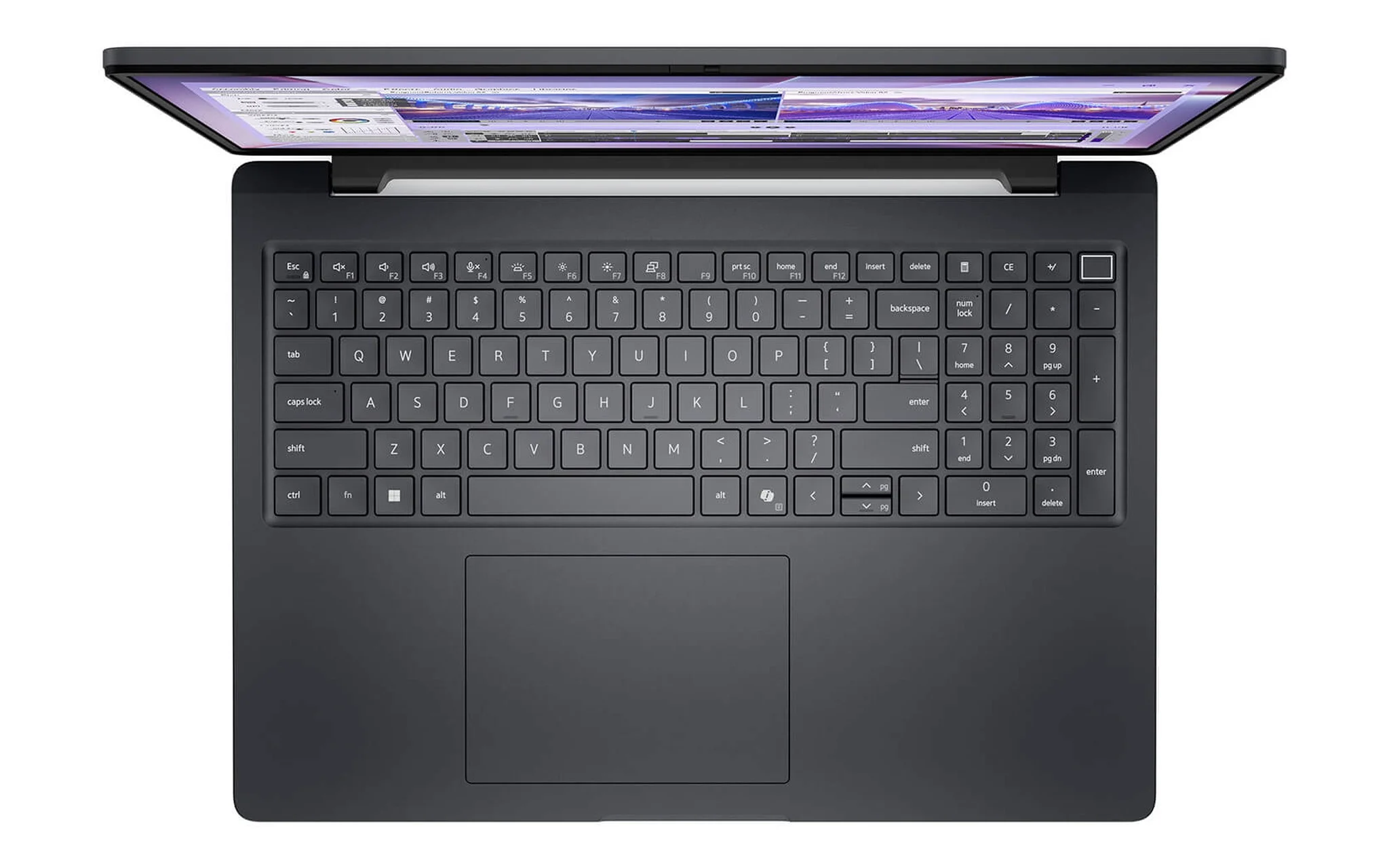
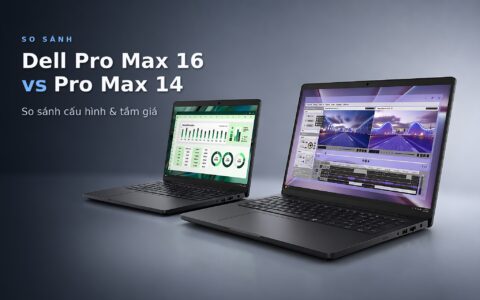
According to Dell's manual, the MC16250 features two DDR5 SoDIMM/CSoDIMM slots and supports up to 64 GB, meaning this configuration already maxes out the lineup's RAM capacity with no need for future upgrades. The laptop has a starting weight of 2.10 kg. The RTX PRO 2000 packs 3,328 CUDA cores - nearly 1.9 times that of the RTX PRO 500 - yet its VRAM remains at 8 GB. When working on apartment-scale 3ds Max scenes, you should monitor the V-Ray GPU log to see whether your scene exceeds that 8 GB threshold.
If portability is your priority, the DELL Pro Max 14 MC14250 - Mobile Workstation (2025) configured with a Core Ultra 7 265H, 32 GB of RAM, a 1 TB SSD, and a 6 GB RTX PRO 500 starts at 46 million VND. Dell's manual notes that the laptop has a starting weight of 1.79 kg and uses a single LPCAMM2 LPDDR5x 7467 MT/s slot supporting up to 64 GB. The 6 GB VRAM card handles viewports and test rendering on smaller scenes; when the log indicates memory usage is nearing 6 GB, that signals it is time to step up to an 8 GB or higher card. This 3ds Max laptop suits modelers who meet clients frequently and offload heavy rendering tasks to a desktop workstation.
Three 12 to 16 GB GPU Laptops for Heavy V-Ray GPU Scenes
The DELL Pro Max 16 Plus MB16250 - Mobile Workstation (2025) configured with a 20-core Core Ultra 7 265HX, 32 GB of RAM, a 512 GB SSD, and a 12 GB RTX PRO 3000 starts at 68 million VND. The 12 GB of VRAM expands the headroom for 3ds Max scenes compared to the 8 GB tier, while the HX processor delivers 17,242 multi-core points for CPU rendering whenever necessary. According to Dell's manual, memory is configured as either a single CAMM module up to 128 GB or two CSoDIMM slots up to 64 GB depending on the factory configuration, and the laptop weighs 2.55 kg in models without an NPU card.
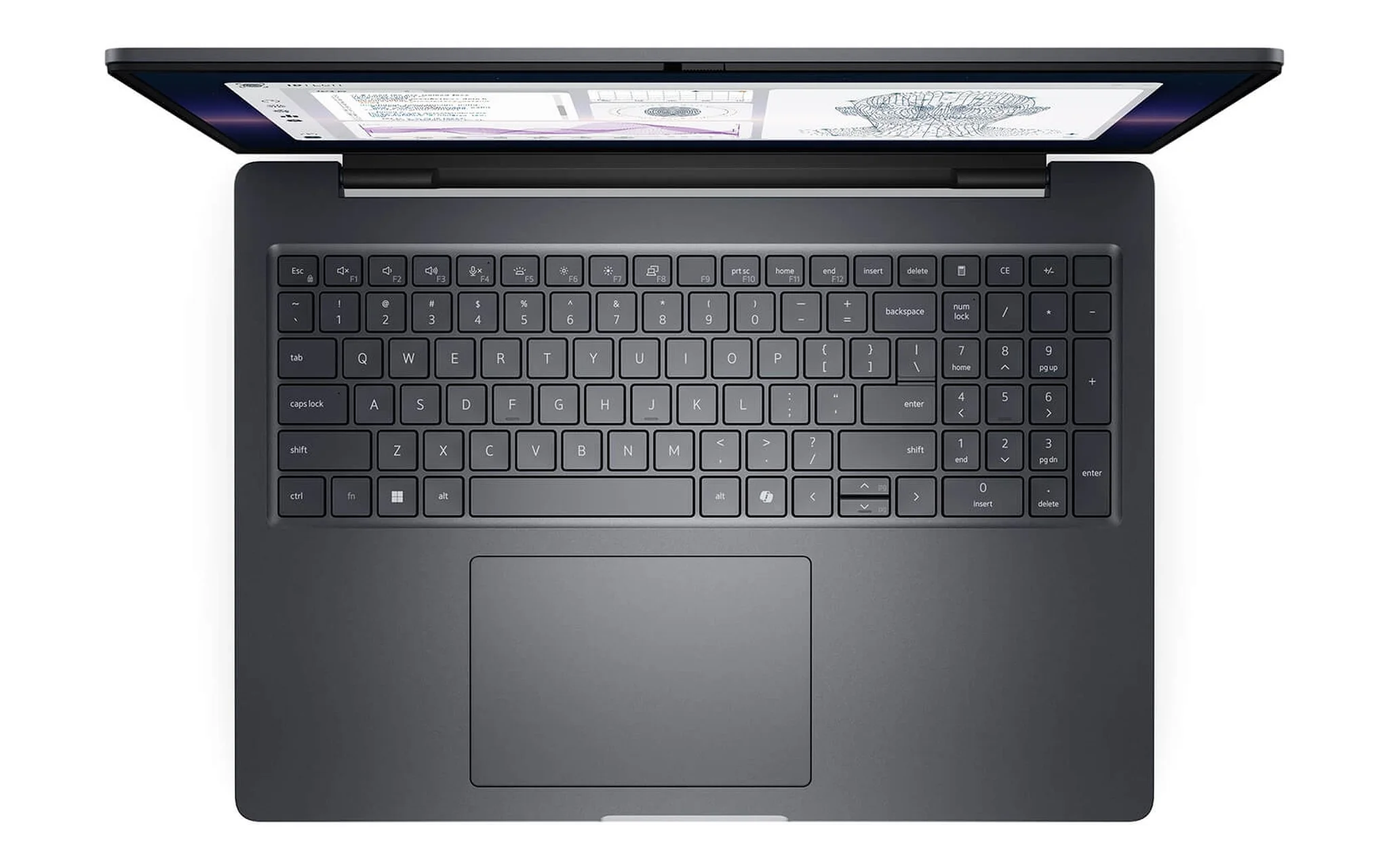
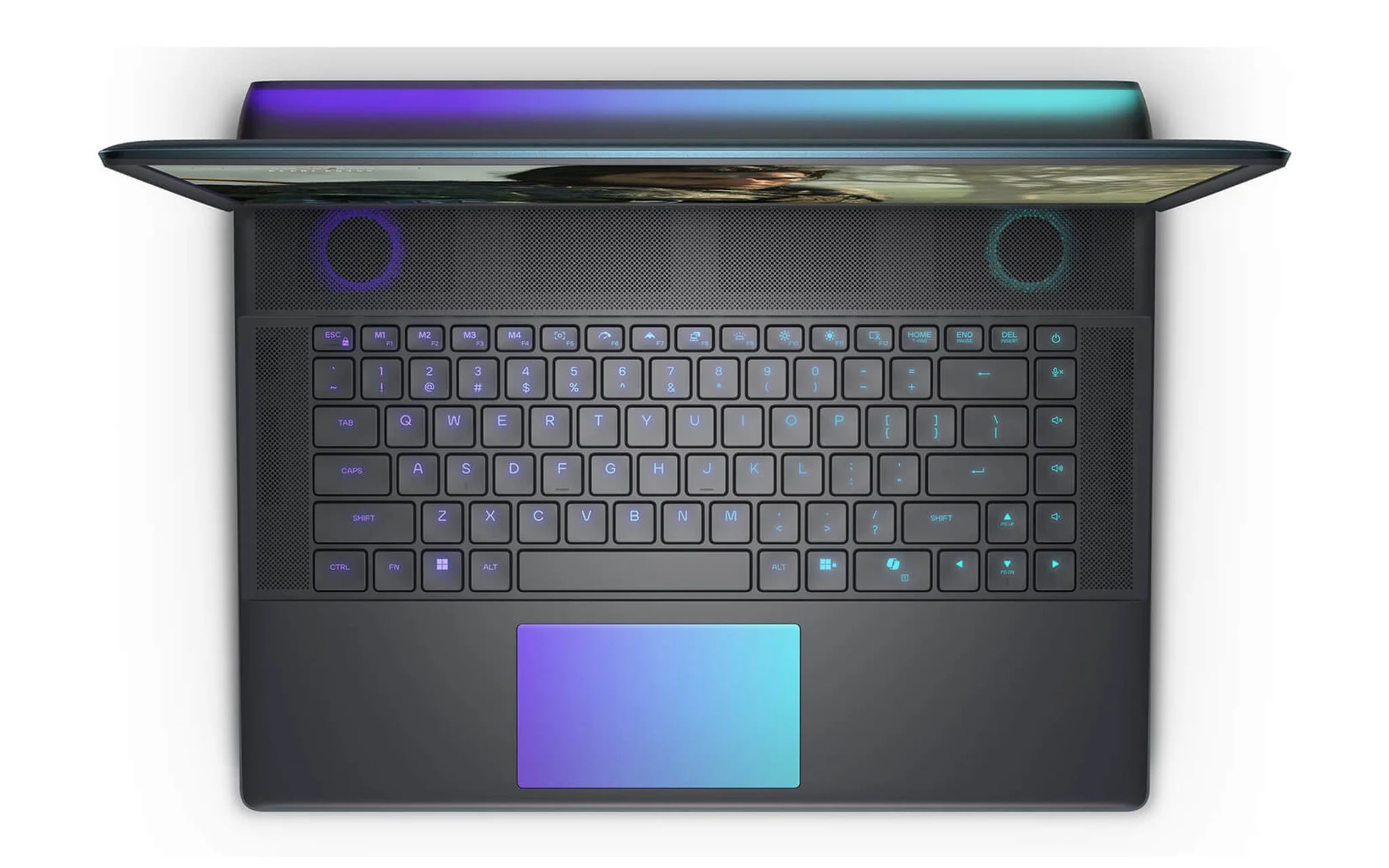
The Alienware 16 Area-51 (2025) configured with a Core Ultra 9 275HX, 32 GB of RAM, a 2 TB SSD, a 16 GB GeForce RTX 5080, and a 240Hz QHD+ display starts at 89.9 million VND. The RTX 5080 Laptop features 8,192 CUDA cores and 16 GB of VRAM, suiting 3ds Max scene artists who prioritize V-Ray GPU speed and are comfortable with the GeForce line being listed only under Autodesk's Tested tier. According to Dell's manual, the laptop features two SODIMM slots supporting up to 64 GB and weighs 3.15 to 3.40 kg, making it better suited for a permanent office desk setup than daily carrying.
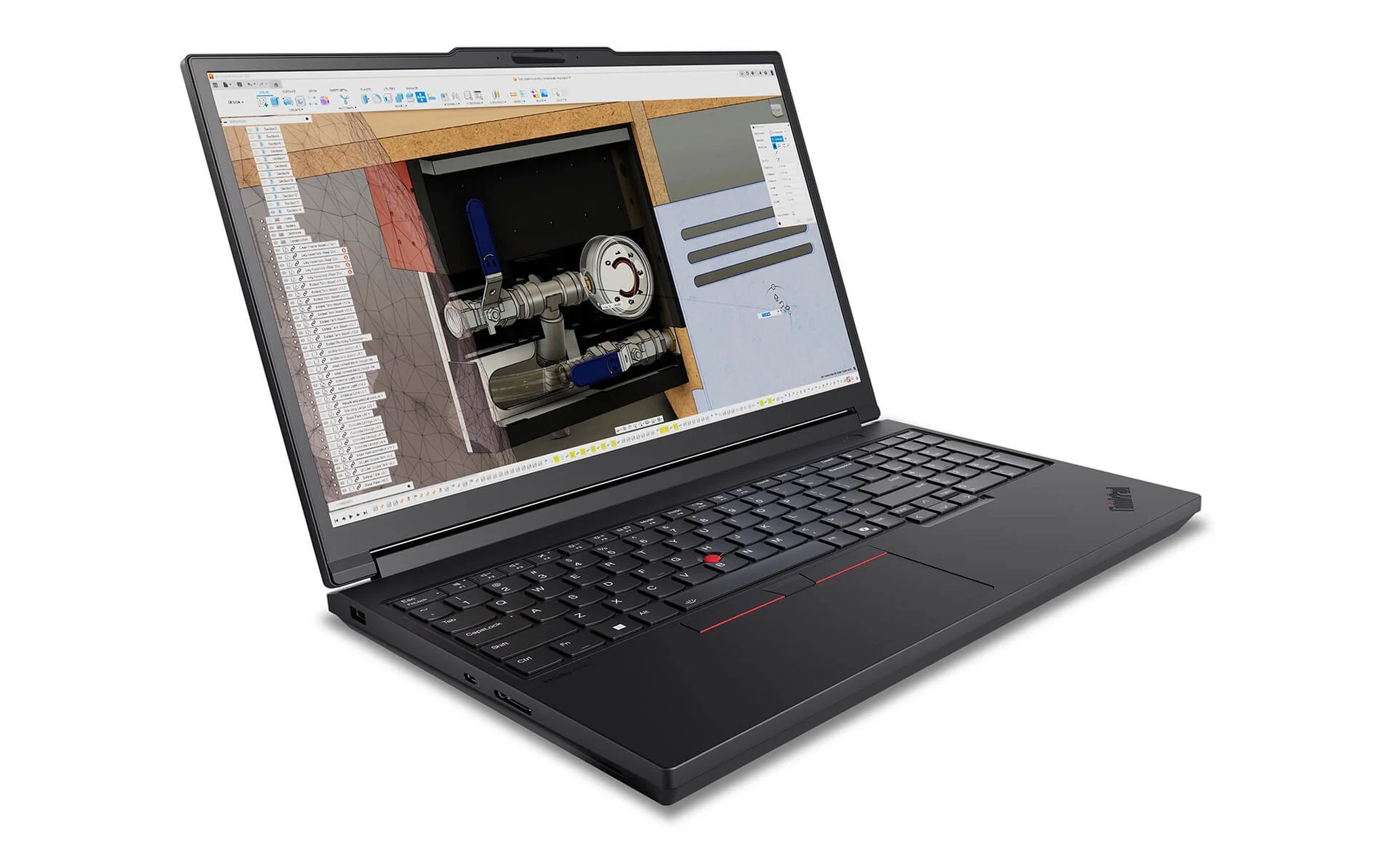
The Lenovo ThinkPad P16 Gen 3 - Mobile WorkStation (2025) configured with a Core Ultra 9 285HX, 64 GB of RAM, a 16 GB RTX PRO 4000, and a WUXGA display starts at 98 million VND. According to Lenovo's PSREF, the laptop includes four DDR5 slots supporting up to 192 GB of standard RAM, has a starting weight of 2.54 kg, and runs configurations with four 32 GB or 48 GB modules at 4000 MT/s. This model suits those who need both the 16 GB of VRAM on a Certified RTX PRO card and substantial RAM capacity for V-Ray CPU rendering.
Frequently Asked Questions About Laptops for 3ds Max
How much RAM does a 3ds Max laptop need? Autodesk lists a minimum of 4 GB and recommends 8 GB or more for 3ds Max 2026 alone. When adding V-Ray 7, Chaos sets a minimum of 8 GB and recommends 64 GB. Puget recommends 32 GB for complex scenes, so a 3ds Max laptop used for work should start at 32 GB.
Can GeForce cards run 3ds Max and V-Ray? Yes. V-Ray GPU runs on NVIDIA cards supporting CUDA with compute capability 5.2 or higher, including GeForce RTX. The difference lies on Autodesk's side: according to Puget, the RTX PRO lineup is classified as Certified, while GeForce is only in the Tested group.
Should you enable hybrid CPU and GPU rendering? Hybrid rendering brings CPU cores into the same CUDA render pass when working on 3ds Max scenes, which is advantageous for laptops with 20- to 24-core HX chips. Keep two limitations in mind: scene size is still locked to the card's VRAM, and CUDA mode does not utilize RT cores the way selecting RTX does.
Why does the 3ds Max interface lag during V-Ray GPU rendering? The laptop has only one GPU that must draw the interface while handling the render workload. Chaos suggests reducing Rays per pixel and Rays bundle size in the Performance tab, such as to 64/1 or 32/1, or enabling Low GPU thread priority, at the cost of a partial drop in rendering speed.